____________________________________________________________________________________| Important Information – Quick Reference | ||
|
We strongly urge that you read the information provided in pages referred hereunder which will help in road safety and prevent
inconvenience |
||
|
1
|
Warranty Coverage.............................................................................................
|
Refer WSIG* (P.g. 15)
|
|
2
|
Roadside Assistance ....................................................................................
|
Refer WSIG* (P.g. 11)
|
|
3
|
Schedule Service (Free/Paid).................................................................
|
Refer WSIG* (P.g. 25)
|
|
4
|
Maintenance Schedule Chart.................................................................................
|
Refer WSIG* (P.g. 27)
|
|
5
|
Lubricants And Capacities.............................................................................
|
Refer WSIG* (P.g. 29)
|
|
6
|
Location Of Vehicle Identification Number (VIN).................................................
|
Refer (P.g. 1-11)
|
|
7
|
Location Of Fuse Box And Fuse Details............................................................
|
Refer (P.g. 10-7)
|
|
8
|
Changing A Flat Tyre................................................................
|
Refer (P.g. 10-16)
|
|
9
|
Understanding The Warning Lamps..........................................................
|
Refer (P.g. 3-28)
|
|
10
|
Use Of Seat Belts And Child Restraint......................................
|
Refer (P.g. 2-9)
|
|
11
|
Understanding The Airbag Function.........................................................
|
Refer (P.g. 2-22)
|
|
12
|
If Your Vehicle Is Submerged.....................................................
|
Refer (P.g. 7-14)
|
|
13
|
Driving Through Water..................................................................................
|
Refer (P.g. 7-14)
|
|
14
|
Opening And Closing the Bonnet.........................................
|
Refer (P.g. 4-25)
|
|
15
|
Location Of Battery And Its Maintenance.....................................
|
Refer (P.g. 11-13)
|
|
16
|
Charging System .....................................
|
Refer (P.g. 9-1)
|
|
*Warranty and Service Information Guide
|
||
|
Note: In view of our policy of continuously improving our products, we reserve the right to alter specifications, designs or features
without prior notice and without liability. We recommend you to refer the Variant Matrix in the Brand official website or
contact the nearest Authorised Mahindra Dealer for the list of features applicable to your vehicle.
|
||
|
The vehicle's software and security measures are subject to ongoing development. Similar to computers and mobile device operating
systems, the software and security features of the car might also receive irregular updates.
|
||
|
A
|
Integrated Power Distribution Unit (IPDU)
|
E
|
HV Battery Pack
|
|
B
|
Cabin Heater
|
F
|
Battery Heater
|
|
C
|
Traction Motor & MCU
|
G
|
AC Compressor
|
|
D
|
High-Voltage Cables
|


| • | Never allow the HV battery to fully discharge. |
| • | Discharging the HV battery to 0% may cause damage to vehicle components. |
| • | Do not use the Battery as a stationary power source. This will void the warranty. |
| • | Do not expose the vehicle to very high temperatures for longer duration. |
| • | Do not use High-Voltage (HV) battery for any other purpose, consult your dealer or manufacturer for help. |


| • | Make sure to turn off ignition and take the key out of the vehicle before leaving. |
| • | Always engage the parking brake before getting out of the vehicle |
| • | Strictly do not allow untrained / non designated people to access EV system and appraise first responders that this vehicles is an Electric Vehicle, in case of any kind of unexpected incident/ events |
| • | Vehicle will not run with completely discharged battery. At low SOC avoid continuous & aggressive tip in and tip out, this will result in higher energy consumption. Try to maintain a steady speed with moderate acceleration for getting the maximum efficiency. |
| • | Driving in down gradient, when accelerator pedal is released, regenerative braking will provide some energy to recharge battery pack and simultaneously assists in deceleration. |
| • | You may hear some sound and feel vibration in drive that are normal;
|
| • | If the ambient temperature is between –10 °C to 0 °C, there will be considerable increase in charging time, also performance drop during drive |
| • | If the ambient temperature is less than –10 °C, plug in the charger and wait for minimum 30 minutes for the charging to initiate (verify using HV battery charging lamp ON in cluster). |
| • | Performance of battery will decrease with time and usage. This does not indicate any defect in battery pack. |
| • | Once the battery pack has reached its end of life, its charge holding capacity reaches below specific level, it may require an inspection from Mahindra authorised dealer and may require battery pack replacement. |
| • | It is recommended and mandatory that during process of battery or vehicle / components disposal, owner should contact Mahindra Authorised Dealer for guidance and information on recycling or proper disposal without causing any environmental pollution. |

| 1. | XUV400 does not move unless charge cable is unplugged from charge port. |
| 2. | It is recommended to apply park brake after switching off the ignition and before leaving the vehicle. |
| 3. | Vehicle should be driven < 20 kmph speed on speed breakers and rough roads to avoid damage to the battery pack under the vehicle. |
| 4. | Tyres used in vehicle are tubeless, designed for all weather conditions. They provide best driving range with improved road grip. |
| • | As batteries are made of lithium & other chemical composites with solvents as electrolyte which are harmful, make impact on environment are to be disposed as per local pollution board regulations. |
| • | Similarly ABS & other plastic panels, materials used are to be disposed to accredited agencies for recycling. |
| • | Most of other materials are reusable, hence components are to be segregated as per their composition as hazardous and non-hazardous, disposed to accredited recycling agencies. Hence it is advised to contact authorized service centre. |


|
If you see this symbol, it indicates “no,” “ do not,” “do not do this,” or “never”.
|
|

| 1. | Carefully read, understand and follow the warnings and instructions given in this manual. This manual is an essential part of the product. Keep it in the vehicles glove box for future reference |
| 2. | Never use mobile phone or Infotainment while driving. This may take your focus off the road and lead to accidents |
| 3. | Please be advised that many service and repair tasks require specialized knowledge, tools and experience. General mechanical skill set may not be sufficient to properly service or repair your vehicle with 350 DC volt. If you have any doubt whatsoever regarding the ability to properly service or repair your vehicle, please contact Authorized Mahindra Dealer |
| 4. | Inspect the seat belt system periodically, checking for cuts, frays or wear in the seat belt webbing, or loose buckles, retractors, anchors or other loose parts. Damaged parts must be replaced immediately |
| 5. | Examine tyres for excessive tread wear and uneven wear patterns. Check for stones, nails, glass, or other objects lodged in the tread and check sidewalls for any cuts, cracks, or other signs of wear. Replace as necessary |
| 6. | Always maintain the safety labels affixed to your vehicle in a good legible condition |
| 7. | All signal lamps, buzzers, shields, guards and other protective safety devices must always remain in place and in good, proper working condition |
| 8. | The life span of Mahindra products depend on many factors. Improper use, abuse or harsh use in general may compromise the integrity of the vehicle and significantly reduce its life span. The vehicle is also subject to wear over a period of time. Please have your vehicle regularly inspected by an Authorized Mahindra Dealer. If the inspection reveals any damage or excessive wear, immediately replace or have the component serviced |
| 9. | We recommend that you use only genuine parts supplied by Mahindra. The use of non-Mahindra parts will not be covered by warranty |
| 10. | Never crawl under or be in close proximity to the vehicle when it is lifted off the ground (by a jack), unless the vehicle is properly supported with jack stands, wheel chocks and other appropriate safety devices |
| 11. | Never attempt any repairs or adjustments to any component while the vehicle is in motion. Always stop the vehicle and wait for come to complete stop before performing any repairs or adjustments |
| 12. | The vehicle identification plates are the only legal identification reference, hence it is necessary to keep them in good condition. Never modify data on the plates or remove them. The customer is responsible for any possible tampering with the plates, which will immediately void the warranty |
| 13. | Do not attempt sharp turns, abrupt maneuvers, or other unsafe driving actions that can cause loss of vehicle control. When the vehicle is fully loaded, drive at a slow speed, especially when turning. Note that the centre of gravity of the vehicle changes when the vehicle is fully loaded , and also if luggage is mounted on the roof carrier |


| • | Take breaks at regular intervals |
| • | Lack of sleep or fatigue will impact your ability to drive safely |
| • | Exercise your eyes by shifting the focus of your eyes to different parts of the road |
| • | Use stimulating beverages such as coffee or tea |
| • | Relax and stay calm |


| • | The company shall not be liable / responsible for any damages / injuries, including consequential damages / injuries, resulting due to fitment of unauthorised aftermarket accessories and / or tapping / cutting wires in the wiring harness When adding accessories, equipment, passengers and luggage to your vehicle, do not exceed the total weight capacity of the vehicle or of the front and rear axle. Consult Mahindra Authorised Dealer for specific weight information |
| • | Bull bars and nudge guards are not recommended |
| • | Accessories causing any change in vehicle specifications like wheel rims, bull bars, etc., may affect the performance of safety systems |
| • | Mobile communication systems such as two-way radios, telephones and theft alarms that are equipped with radio transmitters and installed in your vehicle should comply with the local regulations and should be installed only by your Mahindra Authorised Dealer and can potentially affect the vehicle performance. |
| • | Always turn OFF the ignition when you park the vehicle |
| • | Do not leave any valuables in your vehicle. If you must leave something in your vehicle, hide them and securely lock all the doors |
| • | Close all the windows completely and lock all the doors |
| • | Please lock and take the key fob with you |
| 1. | Do not sleep in a parked car with closed windows. In particular, if you stay or sleep in the vehicle and the air conditioner or heater turned on, you can suffocate to death |
| 2. | While sleeping, you may accidentally touch the gear shift lever or accelerator and thereby cause an accident |
| • | The vehicle you bought is equipped with a large number of precision parts that have passed through countless experiments and tests. |
| • | These parts are deeply and systematically interwoven. Therefore, if any part is modified or altered without authorization, may under perform or cause critical damage to the vehicle and human life |
|
|
|

|
|
Follow the below steps for Registration & Sign In:
For Registration / Sign Up, select SIGN UP option available in the BLUE SENSE PLUS mobile app screen.
|
|
|
SIGN UP screen will display
|
|
|
Enter registered EMAIL ID and tap on SEND OTP button
|
|
|
OTP verification screen will display
|
|
|
Enter OTP received on registered mobile number and tap on VERIFY button
|
|
|
VERIFY YOUR VEHICLE screen is displayed, ensure the details and tap on NEXT
|
|
|
Set the required password and tap on FINISH button
|
|
|
REGISTRATION / SIGN UP is successful, now tap CONTINUE to SIGN IN
|
| • | Tap on the Forgot Password? link from SIGN IN screen |
| • | In forgot password screen, enter the REGISTERED EMAIL ID for connected services and tap on SEND OTP |
| • | Enter the OTP received on registered mobile number and click on VERIFY button |
| • | ENTER PASSWORD and CONFIRM PASSWORD and tap on FINISH button |
|
FEATURES |
DESCRIPTION |
|---|---|
|
Live Status Of Vehicle
|
Displays live status of vehicle like Battery State of Charge, Distance to Empty, Vehicle State etc.
|
|
Hand Brake Not Pulled Alert
|
Alerts user if vehicle is parked without hand brake in engaged condition
|
|
Door Not Locked Alert
|
Alerts user when vehicle user forgets to lock the vehicle door after parking
|
|
Speed Alert
|
User can set speed limit and get notified if vehicle is driven beyond the set speed limit. This feature can be disabled /
enabled based on user’s preference
|
|
Geo Fence Alert
|
User can fence vehicle movement by setting Geo Fence boundary and get notified when vehicle Enters/Exits the Geo Fence. This
feature can be disabled / enabled based on user’s preference
|
|
Time Fence Alert
|
User gets alert when vehicle is driven within the restricted hours. This feature can be disabled / enabled based on user’s
preference.
|
|
Valet Mode Alert
|
User can configure Geo Fence, vehicle speed and AC usage limits during Valet Mode and get notified through if set limits are
crossed by vehicle user. This feature can be disabled / enabled based on user’s preference.
|
|
Voice alerts
|
User gets audio alerts from smartphone app when vehicle is in driving condition based on notifications. This feature can be
disabled / enabled based on user’s preference
|
|
Charge In Progress / Charging Stopped alert
|
Alerts the user about the vehicle charging status, i.e., resumed / interrupted
|
|
Service Reminders
|
User receives the service reminder as alerts based on service schedule
|
|
Find My Vehicle
|
Helps user to locate / track the vehicle on map
|
|
Vehicle Search - Blink lights
|
User can blink lights to find the vehicle from parking bay
|
|
Navigate To Vehicle
|
Navigates the user to the vehicle
|
|
Share Live Vehicle Location
|
Option to share live vehicle location with friends / family
|
|
Trip Planner
|
Helps user to plan trips with the available battery charge and recommends to charge if required
|
|
Find Charging Hub
|
Displays list of charging hubs (map / list view) and attributes such as availability, connector type, pricing (if available)
etc.
|
|
Navigate To Charging Hub
|
This feature allows customer to find the charging station near to him and navigate to the charging station with in 10 km distance
|
|
Amenities & Points Of Interest Nearby Charging Hubs
|
Display point of interests near by charging hubs such as shopping, restaurants, cafes etc.
|
|
Stream Music From Phone To Infotainment
|
This feature allows the user to stream music on vehicle infotainment from phone while connected on Bluetooth
|
|
Play & Change Songs And Control Volume On Infotainment
|
This feature allows the user to change the songs and control the volume on vehicle infotainment from phone while connected
on Bluetooth
|
|
Tune And Play Your Preferred Radio Channels On Infotainment From App
|
This feature allows the user to play the preferred radio channels on vehicle infotainment from phone while connected on Bluetooth
|
|
Select Audio Source On Infotainment
|
This feature allows the user to select audio source based on user preference - USB, Radio, BT, iPod, AUX, on vehicle infotainment
from phone while connected on Bluetooth
|
|
Drive Score
|
Displays cumulative smart drive score based on vehicle usage with recommendations (based on trip insight)
|
|
Leaderboard
|
Displays user’s rank on driving to encourage efficient driving
|
|
Driver Badges
|
User is awarded with Badges on the app as user wins challenges
|
|
Trip Insights
|
Displays actionable insights on trips based on driving behavior to enhance driving experience
|
|
Charging Insights
|
Displays actionable insights based on charging behavior to optimize vehicle charging
|
|
ECO Insights
|
Displays your contribution to sustainable future
|
|
Share ECO Contribution
|
User can share ECO contribution like CO2 emissions saved, number of trees saved and savings on petrol fuel expenses with others
though 3rd party messaging and social media apps like what's app, Facebook, Instagram etc.
|
|
Remote Lock / Unlock Door
|
Remote control lock and unlock vehicle door
|
|
Remote operation of AC
|
User can start the AC remotely, to cool the vehicle just before reaching vehicle
|
|
Remote Charge Enable / Disable
|
User can remotely start or stop the vehicle charging
|
|
Schedule Vehicle Charging
|
User can schedule the charging start and charging stop time in advance
|
|
Control Of Headlamp - ON / OFF
|
User can remotely switch on or off headlamps
|
|
Control Of Parklamp - OFF
|
Helps the user through a notification received on smartphone when Park lamp is ON and allows user to turn it OFF
|
|
Alexa
|
Home Alexa assistant to remotely manage the vehicle
|
|
OTA
|
Notifies user and helps to upgrade the vehicle software and configurations Over The Air
|
|
EV Health
|
Helps user to understand health of the vehicle components like battery, motor etc.
|
|
User Profile
|
Update the latest profile information including profile picture
|
|
Social Login On The App (eg: Google Login)
|
Sign In to the app using your registered Google account
|
|
Manage Members
|
Invite family / friends to create account in BLUE SENSE PLUS and use the app as Secondary User
|
|
Manage Vehicles
|
Supports user to switch between vehicles if user owns more than one vehicle
|
|
Vehicle Scheduled Charging Alerts
|
Notifies status of scheduled charging
|
|
eCALL
|
Initiates automatic emergency call from smartphone connected to infotainment through Bluetooth during vehicle crash on airbag
deployment
|
|
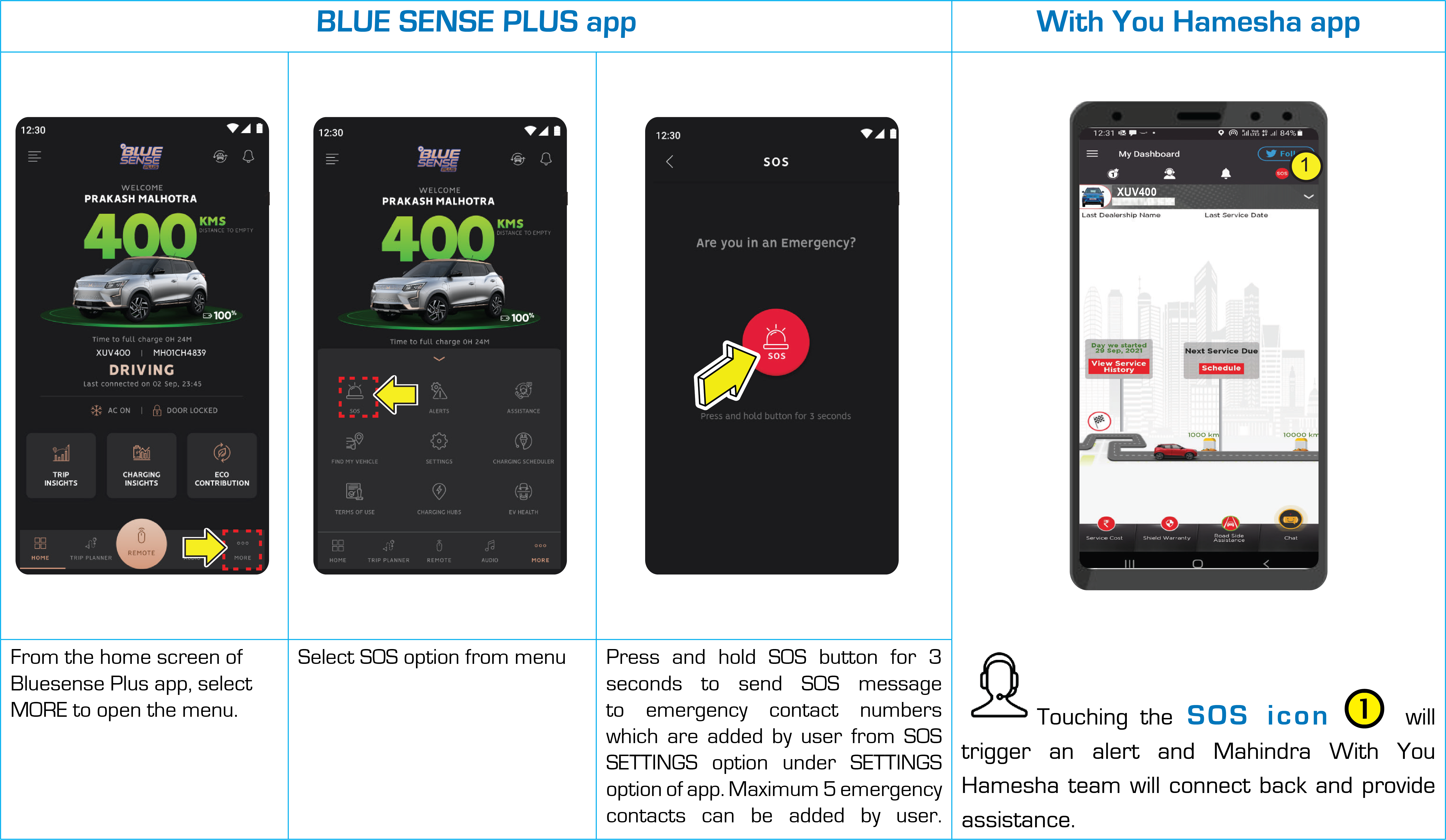
SOS
|
Trigger manual SOS alert message to your personal / emergency contacts
|
|
Road Side Assistance
|
User can call 24 X 7 Road side Assistance
|
|
Vehicle Service Booking
|
Seamless service booking of vehicle through integrated "With You Hamesha" app link
|
|
Feedback
|
User can provide Feedback / Queries / Suggestions / Concerns within the app along with images
|
|
Write To Us
|
User can reach out to Customer Care team using this option through email
|
|
Reference Guide
|
Customer can make use of this feature to understand the BLUE SENSE PLUS app features and make use of them effectively
|
|
Alerts in Wearable App
|
User can get vehicle status & alerts in wearable app
|

| • | Customer must produce valid mobile number, communication address & email ID for KYC registration. for registration purpose. |
| • | Preferred mobile number entered during the KYC process will be the login for Adrenox mobile app. |
| • | After successful KYC registration, customer must download the “ADRENOX connect” mobile application from Google Play store or iOS app store. |

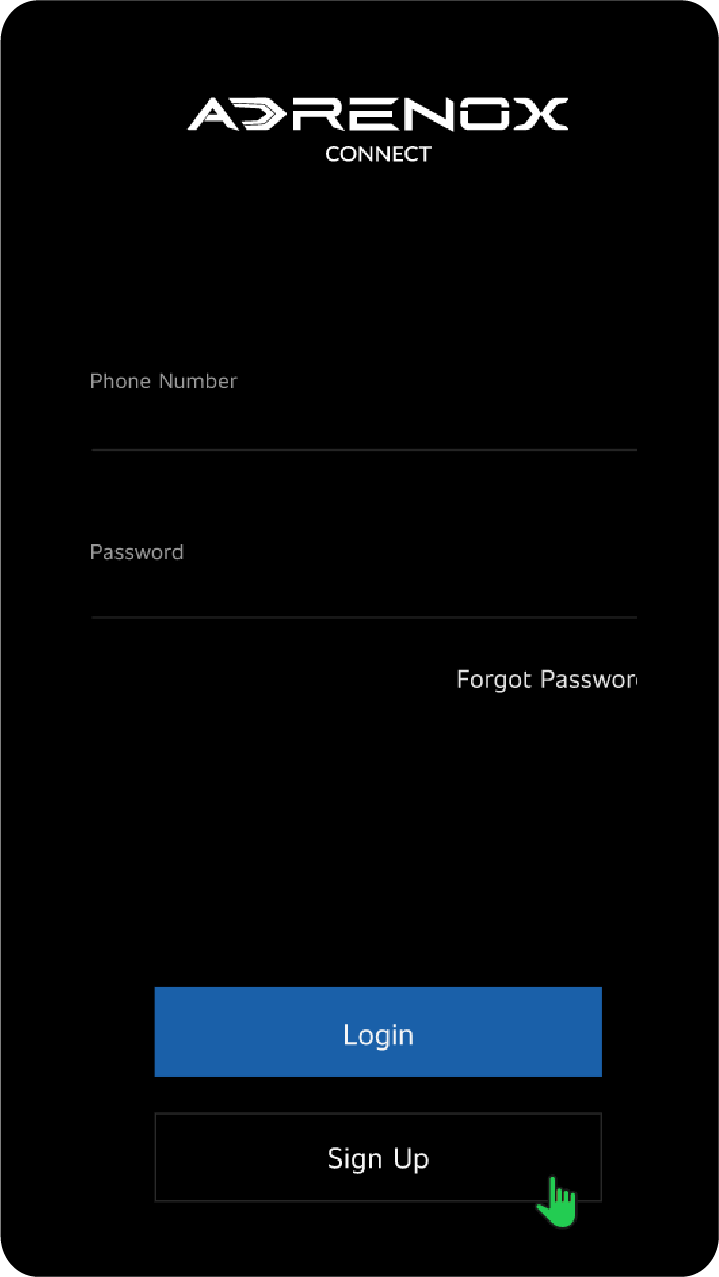
| • | You can select sign up option from login page which redirects to sign up page |
| • | Then enter registered Mobile number given in KYC form for connected services and click on Generate OTP |
| • | OTP with a validity will be sent to the same mobile number |
| • | If OTP is not received, you can request the OTP again by clicking on "Resend OTP" |
| • | After entering valid OTP, click on “Verify My account” |
| • | On successful verification you will be notified with a message " Account Verified" |
| • | You will be directed to "Terms and Condition" with "I Agree" option on successful authentication |
| • | Tap on the Forgot Password? link from login page |
| • | In forgot password page, enter the registered mobile number for connected services and click on Generate OTP |
| • | Enter the OTP and click on Next button |
| • | Enter New Password and Confirm Password and tap on Save button |
| • | Tap on the top Left corner from home screen |
| • | Click on My Account and select Change Password |
| • | Page will open with Old password, New password and Confirm password fields |
| • | Fill all the required field and tap on save button |
|
FEATURE |
DESCRIPTION |
|---|---|
|
Alerts |
|
|
Over speed Alert |
When your car exceeds the set speed limit. This speed limit value can be set under alert configuration in mobile application |
|
Lamp Status Alert |
Alerts when vehicle park lamp left in ON condition while locking the vehicle Notifies when the vehicle park lamp is left in
ON condition and helps to turn OFF remotely via mobile application
|
|
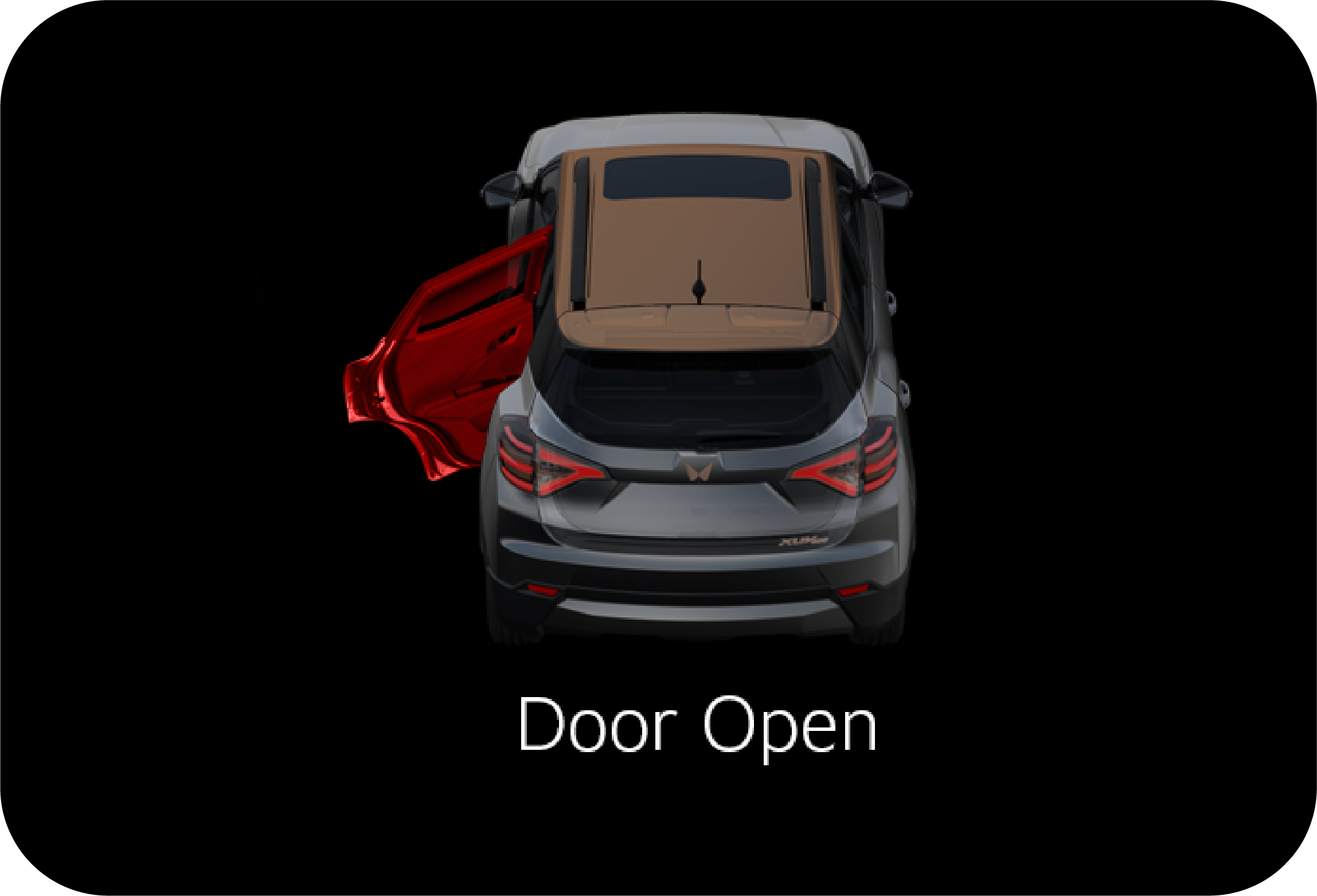
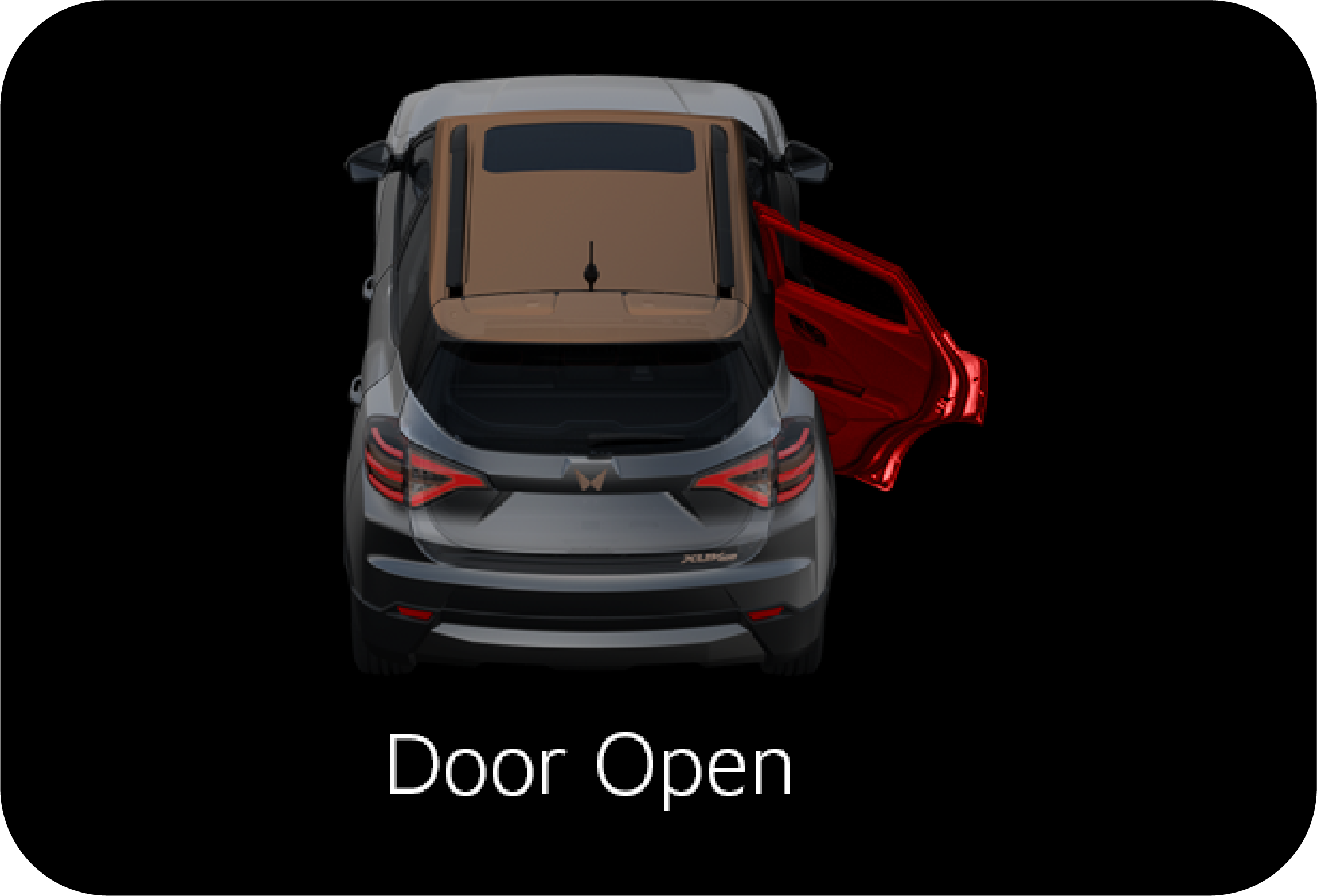
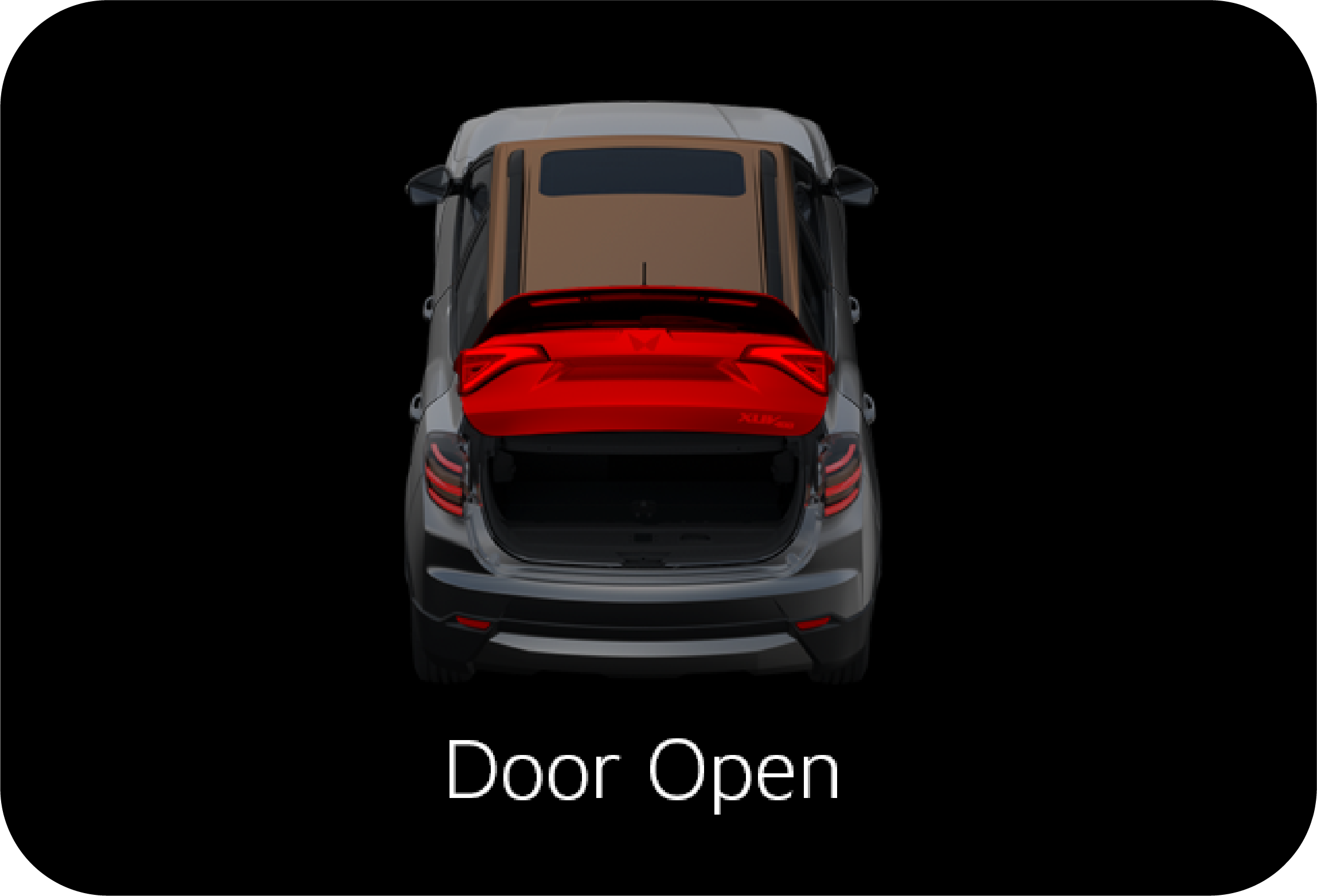
Door Open Alert |
Notifies when any of the doors open while vehicle is moving and also when you trigger for door lock and the door remains open
unintentionally
|
|
Geo-fence Alert
|
Alerts when your vehicle moves out of a set boundary area Helps you to create virtual boundary for any region and will be
notified whenever your vehicle moves in or out of that boundary
|
|
Time Fencing
|
Notifies you when any movement of vehicle is detected during set time period
|
|
Insurance expiry
|
Suggests in advance to renew the Insurance as expiry date of Insurance approaches Notifies you in advance when the insurance
is about to expire
|
|
Route Deviation Alert
|
Alerts the user when the vehicle deviates from the pre-defined path
|
|
Tyre Pressure Alert
|
Alerts on excessive/very low and high tyre pressure and navigate to nearby petrol station
|
|
Personalized Safety Alert
|
Alerts the user via a personalized beloved ones voice prompt when the vehicle crosses the speed limit
|
|
Pick-Up reminder
|
Allows the user to create an event that reminds the user at the specified time
|
|
Battery Charger Connect/Disconnect Alert
|
Alerts the user when the charger is connected and also when the charger is being disconnected from the vehicle.
|
|
Vehicle Start/Stop Alert
|
Notifies when normal vehicle start /stop event is detected
|
|
Low Charge Alert
|
Alerts the user when there is a Low Charge (SOC is minimum) situation in your mobile application. Helps you to nearby charging
station
|
|
Charge Complete Notification
|
Alerts the user when the charging has been stopped - fully charged, charger is plugged out or any other reason.
|
|
High Temperature Alert - HV Battery
|
Alerts the user when the High Temperature situation is identified and provides the option of roadside assistance to the user
on the mobile application.
|
|
High Motor Temperature Alert
|
Alerts the user when the motor temperature is higher than the predefined limit and provides the opriton of roadside assistance
to the user on the mobile application.
|
|
Charger Fault Alert (HV Battery Charger Malfunction Alert)
|
Alerts the user when there is a fault identified within the on-board charger and provide the option of roadside assistance
to the user on the mobile application.
|
|
EV Battery Warning (HV Battery Malfunction Alert)
|
Alerts the user there is a warning/fault is identified in the vehicle battery system
|
|
Driver Assistance |
|
|
Geo-fence Based Campaigner
|
Allows the user to send campaigns based on the location of the vehicle.
|
|
Service Booking
|
Enables the users to book their service, through the With You Hamesh app.
|
|
My Documents (or) Document Wallet
|
Storage and retrieval of documents such as Driving license, Insurance.
|
|
Create Enquiry
|
Any Query / Enquiry about the product, Get info on Mahindra. Send an Inquiry on any car model. Dealers will get back to the
customer on details
|
|
Toll Diary / Toll Charge Assist
|
Enables the users with their FASTag recharge history. Enable the users to view total possible toll charge while planning the
trip. Enables the users to recharge the FASTag.
|
|
Request App Access
|
Allows the user to share the vehicle access to two more users
|
|
In Car Application |
|
|
Just Dial
|
Allows the user to search for various services using the Just Dial app in the infotainment
|
|
India Today
|
Allows the user to browse through news using India Today app in the infotainment
|
|
Accuweather
|
Allows the user to view weather information using the Accuweather app in the infotainment
|
|
Thrillophilia
|
Allows the user to search for amusement places and more using the Travel Advisor app in the infotainment
|
|
Horoscope
|
Allows the user to view daily fortune as per his/her zodiac sign.
|
|
Tickertape
|
Allows the user to check the market movement of their favorite stocks and indices.
|
|
Location Based Services |
|
|
Share my Car Location
|
Share your car's location with friends and family
|
|
Save Route / Save Place
|
Provision to save a route /place
|
|
Pit Stops
|
Provides the users with the different pit stop option base don the location.
|
|
Push to Car
|
Allows the user to push routes/location from the mobile app to the vehicle
|
|
About the place
|
Provide the user with the details of the place, and the nearby attractions based on the journey plan.
|
|
Journey Planner
|
Allows the user to plan a journey by providing some basic information
|
|
Live tracking
|
GPS based vehicle tracking system for tracking vehicle’s location anywhere and at any point of time Helps to provide the real
time vehicle location when vehicle is in movement Helps in sharing the vehicle location for a set time to your family and
friends
|
|
Read Vehicle Status |
|
|
Check Door Status
|
Allows the user to view the current status of the vehicle door
|
|
Check Lamp Status / Check Light Status
|
Allows the user to view the current status of the lamp
|
|
Check ODO
|
Allows the customer to check the odometer of the vehicle
|
|
Check Ignition Status
|
Allows the user to view the current ignition status of the vehicle
|
|
Read Charging Status
|
Allows the user to view the current charging status of the vehicle
|
|
Check Tiretronics status
|
Allows the user to view the current status of tyre pressure
|
|
Remote Vehicle Function |
|
|
Remote car flashlight and honking
|
Allows the user to remotely turn ON/OFF lights.
|
|
Remote Door Lock/Unlock
|
Provide access to the vehicle by remotely locking and unlocking the doors when vehicle is stationary
|
|
Remote Lamp On/Off
|
Allows the user to remotely turn on or off the lamps using mobile app
|
|
Find my car / Locate My SUV
|
Allows the user to remotely locate the vehicle by turning on the lights
|
|
Safety |
|
|
SOS
|
In case of SOS is initiated, SOS call will be triggered from vehicle, SMS will be sent to With You Hamesha & Emergency contacts
along with the current vehicle location
|
|
E-Call
|
In case of accident, Emergency call will be triggered from vehicle, SMS will be sent to With You Hamesha & Emergency contacts
along with the current vehicle location.
|
|
Roadside Assistance
|
Allows the user to reach out for help in case of vehicle breakdown
|
|
Others |
|
|
Weather Info
|
Provide the user with weather details based on the location.
|
|
Trip Tagging
|
Allows the user to tag a trip as either personal or official on the mobile app.
|
|
DND
|
Avoids distraction while driving by not pushing any AdrenoX Connect app notification when mobile is detected in the vehicle
|
|
Contact us
|
Allows the user to connect with the OEM through the customer care number available in the mobile app.
|
|
Trip history & Summary
|
Provides detailed information about the trips
|
|
Over the air Surprises
|
OEM Feature
|
|
Service List Manager / Subscription Management
|
OEM Feature
|
|
Personalized Greetings
|
Allows the user to set personalized greeting messages, which shall be played based on the user requirement.
|
|
Calendar Reminder
|
Allows the user to create time based/location- based events that remind the user at the specified time
|
|
FOTA
|
OEM Feature
|
|
Charge Assist (OCPI)
|
Allows the user to search, navigate to the nearest charging station and enables the perform all the activities related to
the vehicle charging in a public charging station.
|
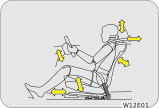
| • | Sit in an upright position with the base of your spine pressed against the seat back |
| • | The driver and front passenger seat head restraint has 6 positions. Adjust it as close as possible to the above specified position, with the top of the head restraint even with the top of your head |
| • | Maintain sufficient distance between yourself and the steering wheel. Maintain at least a Ten inch (10") distance from the centre of the steering wheel to your chest |
| • | The top curve of the steering wheel should align with your chin for ideal road visibility |
| • | Adjust your seat and seat back angle such that your wrists rest on the steering wheel |


|
|
To change the seat back angle, lean forward slightly and raise the lever. Then, lean back to the desired angle and release
the lever. After adjusting, make sure the lever is returned to its original position and the seat back is locked.
|


|
|
The driver seat height can be raised or lowered with the help of height adjust handle.
|

|
|
To change the seat back angle, lean forward slightly and raise the lever. Then, lean back to the desired angle and release
the lever. After adjusting, make sure the lever is returned to its original position and the seat back is locked.
|


|
|
To move the seat forward or backward, pull and hold the seat slide lever up and move the seat to the desired position. Then,
release the lever to lock.
|

![]() |
|
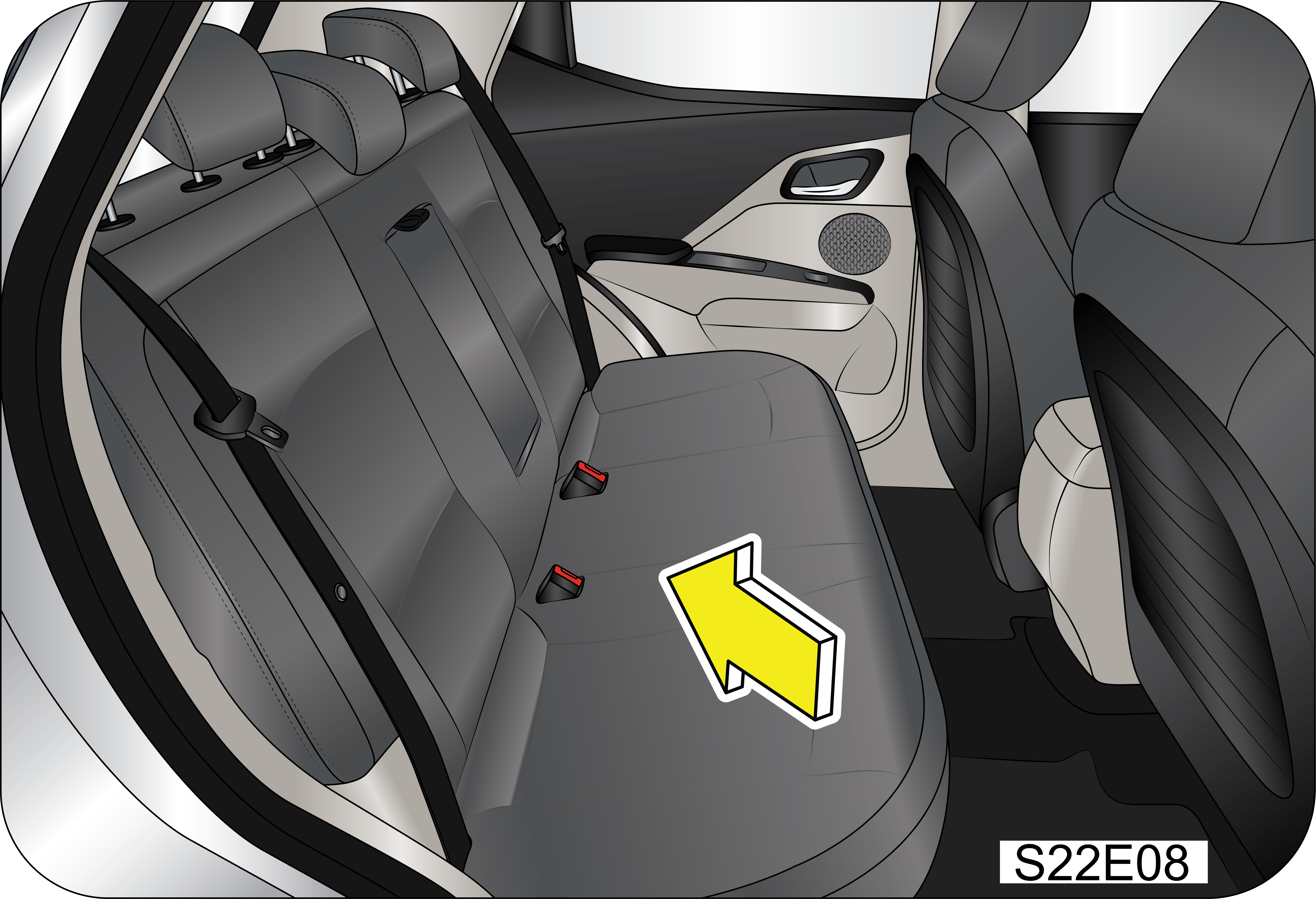
| • | Insert the rear seat belt buckle and belt webbing in the storage to prevent the seat belt from being damaged |
| • | Lower the rear head restraints to the lowest position |
| • | Release the seatback lock by pulling the release lever![]() When locking the rear seatback into upright position, make sure you hear “click” sound.
![]() When the seatback is released from its holding latch, the seatback can completely be folded. Ensure that none of your body
parts are trapped.
|
| • | Fold the seat toward the front of the vehicle |
| • | To use the rear seat, lift and pull the seatback backward. Pull the seatback firmly until it clicks into place. Make sure the seatback is locked in place |
|
|
|

| • | Do not fold or unfold the rear seat when the vehicle is moving |
| • | Make sure that there is nobody on the folded seatback and in cargo area |
| • | If you place sharp or heavy objects on the seatback, there might be some damage to the seatbacks or even to the seats |
| • | Without completely lowering the second row head restraints or with excessively reclined front seat back, there may be some damage to the head restraints or the centre console if the second row seats are folded |
| • | Take care that there are no objects placed on the rear seat cushion before folding the rear seat back down as any sharp features in the object may damage the seat cover |

| • | All necessary driver’s seat adjustments should be made before driving |
| • | Make sure that your seat is completely locked after adjusting |
| • | Any object that might damage the seat should not be placed on the seat |
| • | Removed or improperly adjusted head restraints can result in serious head and neck injuries in case of a collision. Make sure that the head restraints are in place and adjusted before driving |
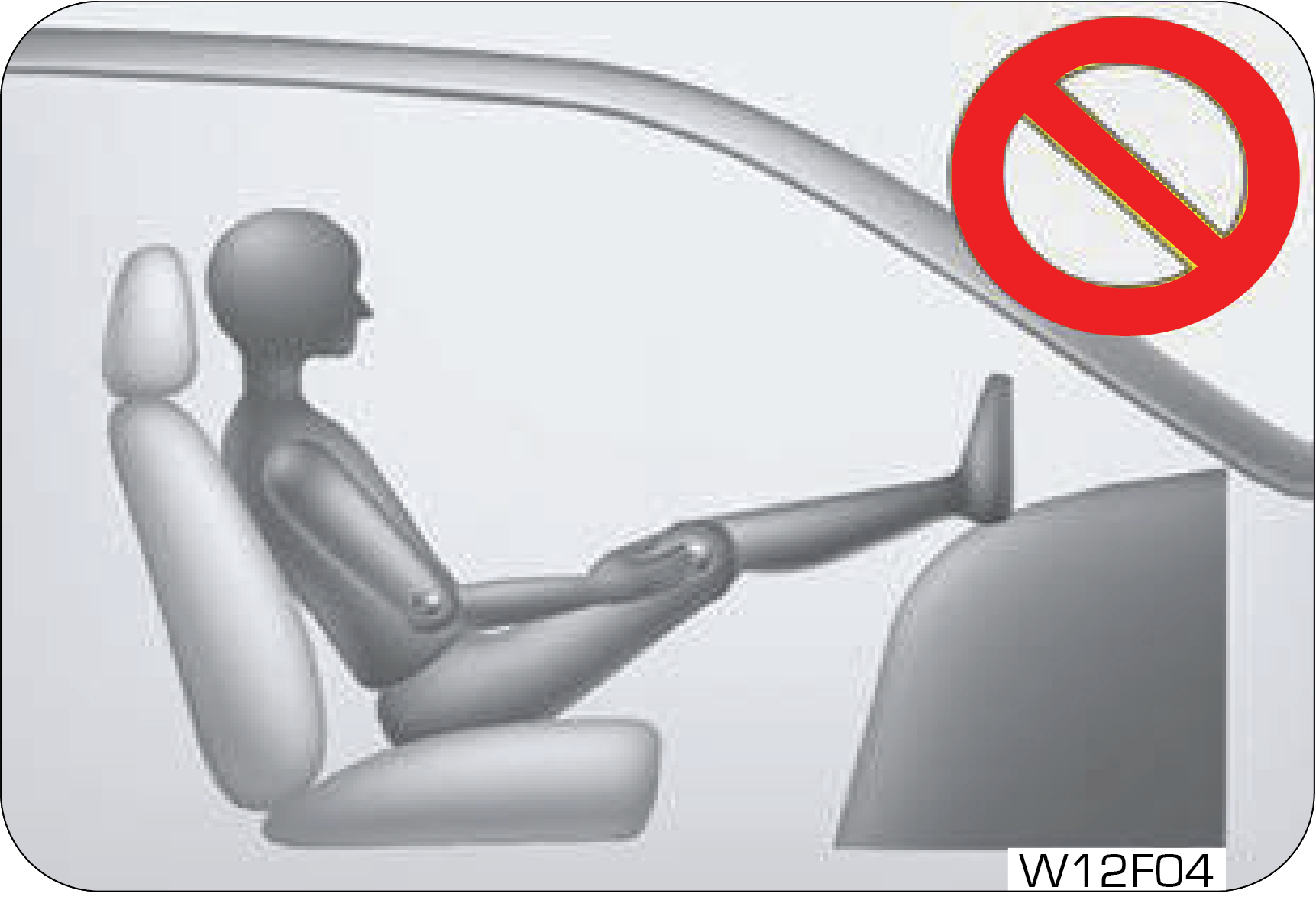
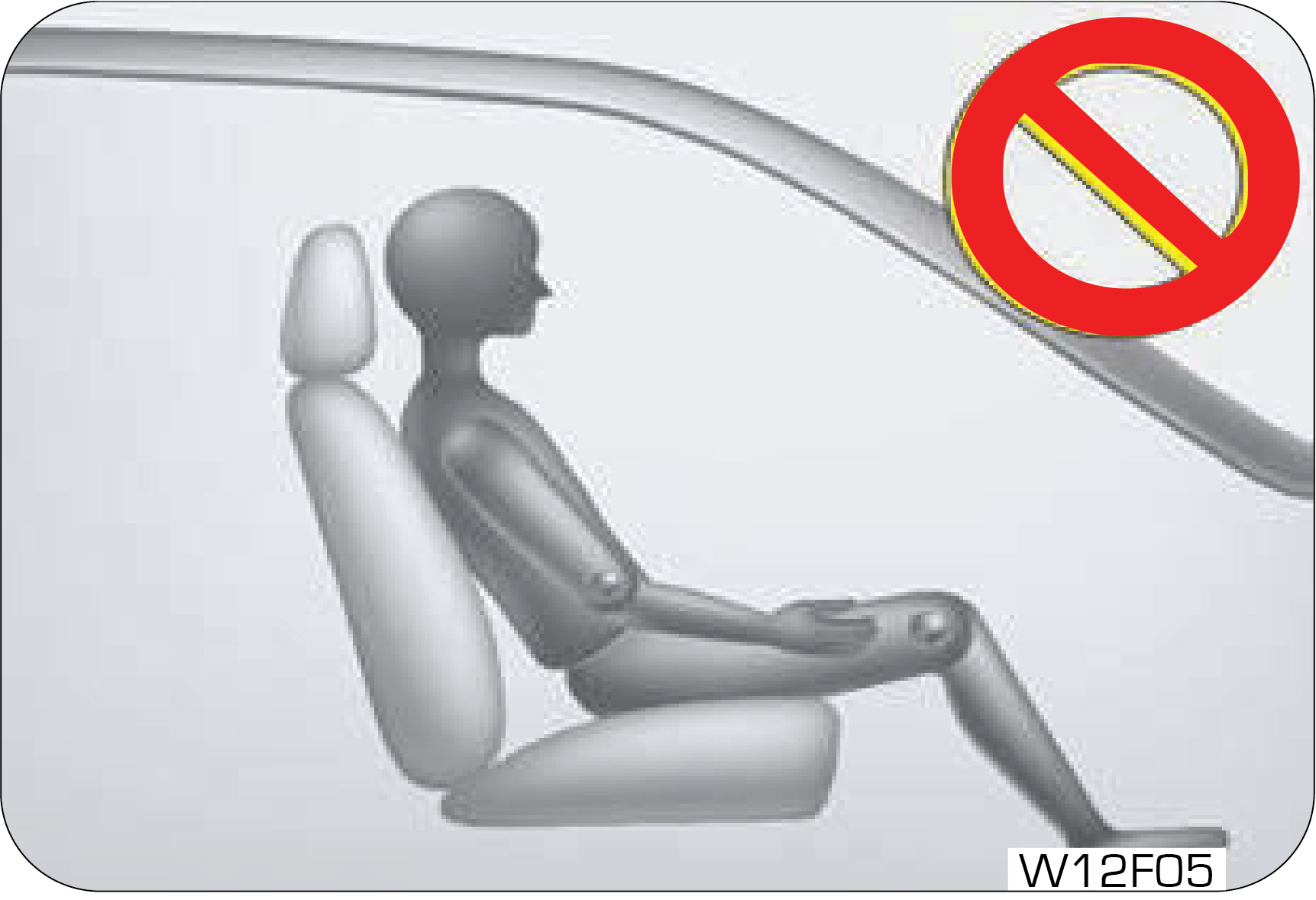
| • | Do not recline the seat back more than needed for comfort while vehicle is in motion. The seat belt is the most effective when the passenger sits back and straight up in the seat. If the seat back is reclined too much, then the risks of sliding under the lap belt and getting injured are increased |
| • | Do not leave children unattended in parked vehicles. This can cause unexpected accident |
| • | You can be hurt by the edges of the mechanism of the seat when trying to get the small objects (cigarette lighters, coins, credit cards) under the seat or caught between the seat and the centre console. Wear protective gloves to prevent injury |
| • | Unexpected movement of the seat or seat back can cause loss of control |
| • | Take care not to bother the passenger behind you when adjusting the seat position |
| • | Sit upright in the centre of the seat and wear the seat belt around your hip and pelvic bones |
| • | Do not place any objects in the path of seat back movement. Any obstruction in this path prevents the seat back from being locked, causing severe injuries or death during a collision |
| • | Always raise the seat back to the proper upright position before driving |
| • | Never drive the vehicle with the seat folded. In a collision, you will be seriously killed or injured as you lose the protection the seat belt can provide |
| • | To avoid severe injuries and death during unexpected accidents, sit in such a way that the distance between the steering wheel and your chest at least 10 inches, as long as you are comfortable with driving |
| • | Do not place a cigarette lighter on the floor or between the seats. The gas in the lighter container under the seat is potentially flammable when it is released from the container when the seat is moved |
| • | Additional cushion between you and the seat cushion reduces the frictional force and could make you slide under the seat belt. This could result in serious injury or death |
| • | Do not insert your hands under the seat or in the path of the seat movement when adjusting the seat. Your hands or fingers could get trapped between the seat and the frame |
| • | Do not ride with the seat back reclined too much. You could slide under the seat belt in a collision, which could result in severe injury or death. Also, you cannot be protected by the seat belt and the belt can strangle you or even cut into your stomach. Therefore, sit up straight in your seat by keeping your seat back upright while driving |
| • | When returning the seat back to the upright position, hold the seat back with your one hand and pull the release lever with the other hand. The more the seat back is reclined, the greater the restoring force of the seat back is. If you do not hold the seat back while adjusting the seat back, you could be injured by the restoring force |


| • | All occupants, including the driver, should always wear their seat belt no matter how short the trip in order to minimize the risk of severe injury in the event of a crash. In an accident, an un-belted passenger becomes a projectile, and can cause serious injury to himself or another passenger. |
| • | In a rollover crash, an un-belted person is significantly more likely prone to Injury than a person wearing a seat belt |
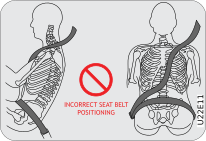
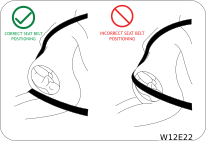
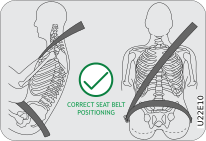
| • | In order to be properly buckled, you must always sit up straight and keep your feet on the floor in front of you. The lap part must be worn low and tight across your hips, just touching the top of your thighs. While fastening the seat belt, the shoulder strap of the seat belt must pass over your chest and top of your shoulder. It must never touch your neck, face, the side of your shoulder, arm, or pass under your arm. The belt must always be flat against your body and not twisted in any way. Nothing, such as an arm rest, a pocketbook, or any external objects should be between you and the seat belt. Improperly worn of a seat belt will reduce the protection in an accident. |
| • | Seat belts should be adjusted as tightly as possible, consistent with comfort to properly secure the wearer in the seat.
|
| • | The seat belts provided for your vehicle are designed for adults must be properly used and maintained. |
| • | For usage of adult seat belt to secure children, refer to section of manual for child seat positions and use a child restraint systems |
| • | Passengers should not move out of or change seats while the vehicle is moving. Passenger who does not wear the seat belts will be under a high risk of thrown against the vehicle inside hard parts, against other occupants or out of the vehicle during emergency stop or collision. |
| • | Do not use any accessories on seat belts or modify in any way the seat belt system. Devices claiming to improve occupant comfort or reposition the seat belt can reduce the protection provided by the seat belt and increase the chance of serious injury in a crash |
| • | An accident or emergency stop, can damage your seat belt system, even if the accident is “minor”. Please have your Mahindra Authorised Dealer inspect the seat belt system after an accident |
| • | Please be aware that any unsecured item in your vehicle, such as your pet, unsecured child restraint system, a laptop or mobile phones, can become a projectile in the event of an accident or sudden stop, causing injuries to occupants in the vehicle |

| • | Seat belt systems are prone to abuse. They are not indestructible. They must be handled with care to avoid damage |
| • | Keep the belts clean and dry. Belt retraction may become difficult if the belts and webbings are soiled. If they need cleaning, use a mild soap solution or lukewarm water. Never use bleach, dye, or abrasive cleaners. These chemicals will severely weaken the belts |
| • | Retractors in 3-point type seat belts retract the seat belts when not in use. The inertia lock and coil spring allow the belts to remain comfortable on users during normal driving. During accidents or abrupt stops, inertia locks restrict the sudden forward movement of the wearer |
| • | Check if there any twist on in-board or out-board side of safety belt. |
| • | Check if dust accumulated on outer parts such as Webbing , D-Loop, Tongue stopper and Tongue. |
| • | Remove the dust from D-Loop, Webbing, Tongue & Tongue stopper by compressed air or air blower. |
| • | Use clean and lint free cloth and hand gloves for cleaning safety belt parts D-Loop, Webbing, Tongue & Tongue stopper. Do not use any chemicals and cleaning fluids could damage the seat belt assembly. |
| • | Inspect the Webbing for retraction performance. Safety belt assembly cleaning required if seat belt retraction becomes very
slow due to dust and soil accumulation on safety belt assembly, then below cleaning procedure to be followed:
|
|
|
The lap belt should be worn snugly and as low as possible over the hips. The shoulder belt should be worn across your shoulder,
but never across the stomach area. When worn properly, the seat belt will protect both the mother and the foetus in an accident
or emergency stop.
|

| • | Reduce the possibility of being out from your vehicle during an accident. |
| • | Reduce the possibility of injuries to upper body, lower body and legs during an accident |
| • | Hold the driver in a position which allows better control of the vehicle |
![]() |
To protect you and your passengers in the event of an accident, it is highly recommended that the seat belts should be used
by all occupants inside of your vehicle.
|
|
Seat Location |
Seat Belt Type |
|
Driver Seat
|
Seat belt with Retractor Pretensioner & load limiter (RPLL)
|
|
Co-Driver Seat
|
Seat belt with Retractor Pretensioner & load limiter (RPLL)
|
|
2nd Row LH (40P)
|
Seat belt with Emergency Lock Retractor (ELR) for outboard occupant
|
|
2nd Row RH (60P)
|
Seat belt with Emergency Lock Retractor (ELR) for outboard and center occupant
|

|
Operation of pretensioner
|
|
|
|
When a severe frontal impact occurs, seat belt pretensioners pull back the seat belts immediately to restrain the occupants
to their seats.
|
|
Operation of load limiter
|
After frontal collision, the load limiter releases the seat belt to prevent the occupant from being injured due to belt force.
|

| • | Before driving, all occupants should fasten their seat belts. If not, the occupants can seriously be injured in a collision or sudden manoeuvring of the vehicle |
| • | Sometimes you may have to apply strong force to pull the webbing out of the retract |
| • | Each seat belt should be used by only one occupant at a time |
| • | Seat belts and airbag’s can significantly minimise possible injury to occupants. But they cannot perfectly protect occupants from fatal collisions or injury |
| • | Modifications and improper maintenance for the safety systems could cause serious injury. The safety systems including seat belts should be checked and repaired by only a Mahindra Dealer or Mahindra Authorised Service centre |
| • | An infant or small child should always be restrained in an infant or child restraint |
|
|
|

|
|
To release the belt, press the buckle release button and allow the belt to retract. If the belt does not retract smoothly,
pull it out and check for kinks or twists. Then make sure it remains untwisted as it retracts.
|

|
|
![]() |


|
|
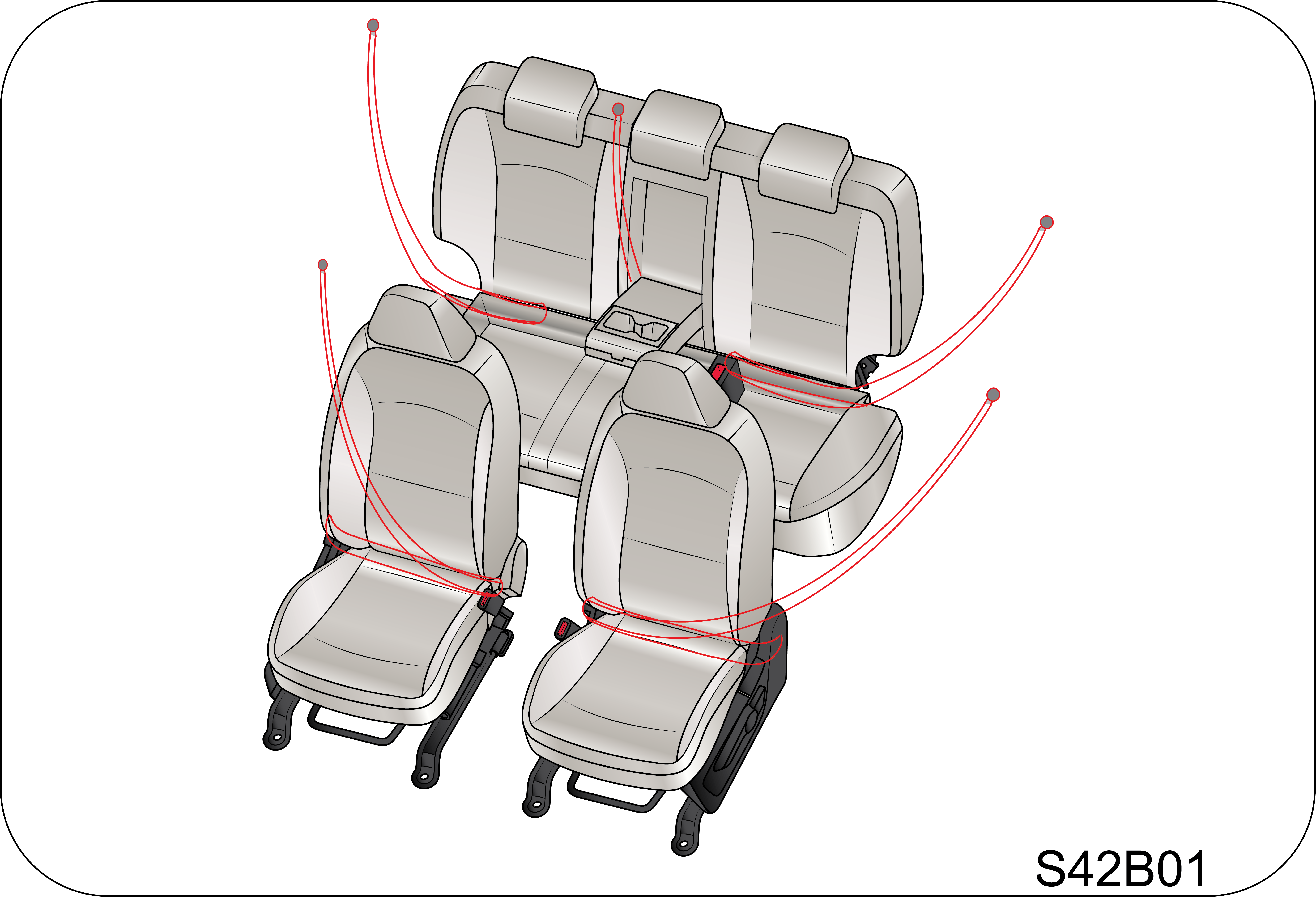
You can adjust the height of the shoulder belt anchor for maximum comfort and safety of both front seats. If the height of
the seat belt is too near your neck, you will not be getting the most effective protection.
|

|
|
|
|
|
|
|
Table of Vehicle Handbook Information on Child Restraint Systems Installation Suitability for Various Positions |
||||||
|
Mass group |
Restraint device figure |
Front Passenger (With ON/OFF Switch) |
Rear out board |
Rear Center |
Mounting method of Child seat in vehicle |
|
|
With Passenger Airbag ON |
With Passenger Airbag OFF |
|||||
|
Group 0: up to 10 kg (0 to 9 months) |
Rear facing child seat |
X |
U |
U |
U |
Rear facing seat using 3-point belt |
|
Group 0+: up to 13 kg (0 to 2 years) |
Rear facing child seat |
X |
U |
U |
U |
Rear facing seat using 3-point belt |
|
Group I: 9 to 18 kg (9 months to 4 years) |
Rear facing/Forward facing child seat |
X |
U |
U |
U |
Rear facing/Forward facing seat using 3-point belt |
|
Group II: 15 to 25 kg (4 years to 6 years) |
Booster seat |
UF |
U |
U |
U |
Forward facing seat using 3-point belt |
|
Group III: 22 to 36 kg (6 years to 12 years) |
Booster seat |
UF |
U |
U |
U |
Forward facing seat using 3-point belt |
|
U: Suitable for “universal” category restraints approved for use in the mass group.
UF: Suitable for forward-facing “universal” category restraints approved for use in the mass group.
L: Suitable for particular child restraints given on attached list. These restraints may be of the “semi-universal” categories.
X: Seat position not suitable for children in the mass group. |
||||||
|
Table of Vehicle Handbook Information on ISOFIX Child Restraint Systems Installation Suitability for Various ISOFIX Positions
|
|||||
|
Mass group |
Size Class |
Fixture |
Vehicle ISOFIX Positions |
||
|
Front Passenger |
Rear Outboard |
Rear Center |
|||
|
Carrycot |
F |
ISO/L1 |
X |
X |
X |
|
G |
ISO/L2 |
X |
X |
X |
|
|
Group 0 up to 10kg |
E |
ISO/R1 |
X |
IL |
X |
|
Group 0+ up to 13kg |
E |
ISO/R1 |
X |
IL |
X |
|
D |
ISO/R2 |
X |
IL |
X |
|
|
C |
ISO/R3 |
X |
IL |
X |
|
|
Group I (9 to 18kg) |
D |
ISO/R2 |
X |
IL |
X |
|
C |
ISO/R3 |
X |
IL |
X |
|
|
B |
ISO/F2 |
X |
IUF/IL |
X |
|
|
B1 |
ISO/F2X |
X |
IUF/IL |
X |
|
|
A |
ISO/F3 |
X |
IUF/IL |
X |
|

|
Table of Vehicle Handbook Information on i-Size Child Restraint Systems for Installation in Various seating Positions |
||||
|
Restraint device figure |
Front Passenger (With ON/OFF Switch) |
Rear out board |
Rear Center |
|
|
With Passenger Airbag ON |
With Passenger Airbag OFF |
|||
|
i-Size Child Restraint System |
X |
X |
i-U |
X |
![]() Key of letters be inserted in the above table
i-U: Suitable for i-Size “universal” Child Restraint System forward and rearward facing.
i-UF: Suitable for forward-facing i-Size “universal” Child Restraint System only.
X: Seating position not suitable for i-Size “universal” Child Restraint systems. |
||||

| • | Never transport them unless they are properly restrained |
| • | Use restrained system which meet safety standard |
| • | Follow directions provided by the manufacturer |
| • | Use only the approved Child Restraint System (CRS) for better safety of your child. |
| • | Mahindra is not responsible for the personal injury and property damage due to the defect of child restraint system. |
| • | Use the proper type of child restraint system suitable for the weight and size for your baby. |
| • | Use the child restraint system at recommended seating location only and follow the instructions. |
| • | Child restraint has 5 categories based on the weight as below: |
|
1 |
GROUP 0 : 0 ~ 10 KG |
4 |
GROUP II : 15 ~ 25 KG |
|
2 |
GROUP 0+ : 0 ~ 13 KG |
5 |
GROUP III : 22 ~ 36 KG |
|
3 |
GROUP I : 9 ~ 18 KG |
| • | Group 0 & 0+ : Rear-facing child restraint fitted on the rear seat (use of i–Size with Base & Support Leg is recommended). |
| • | Group I: Forward-facing child restraint fitted on the rear seat (use of i–Size & Top Tether is recommended). |
| • | Group II & III: Booster seat fitted on the rear seat with seat belt fastened. Always follow the installation procedure and use instructions provided by the manufacturer of the booster seat. |
|
Child Age |
CRS Make |
CRS Type |
Location |
|
3 months to 4 Year old child
|
Britax Romer Dual Fix Pro M
|
i-SIZE
|
Rear Outboard
|

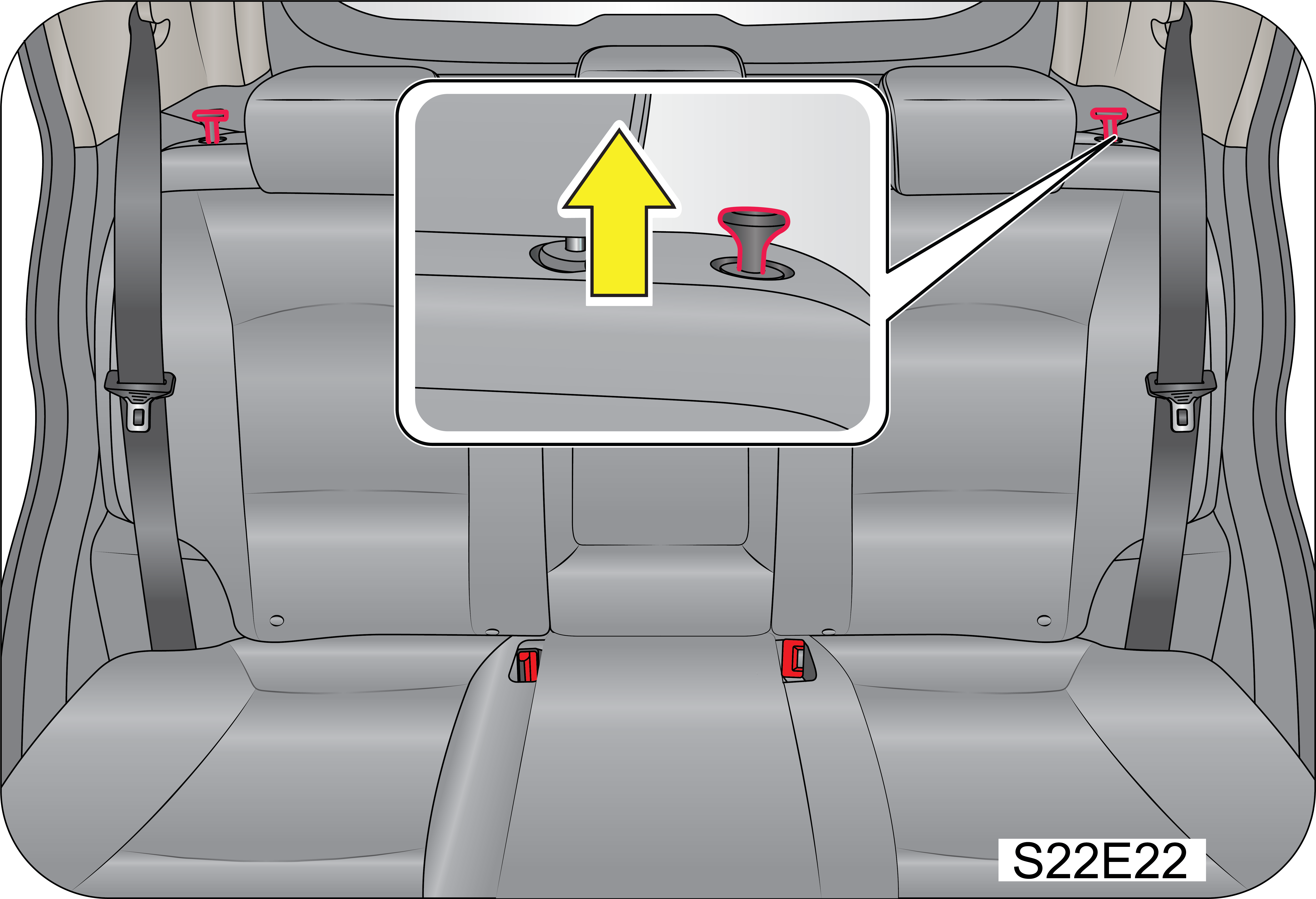
| • | The anchor provided on rear seat base back is the supplemental device to secure the child restraint system after engaging it by the lower latches. Therefore, do not secure the child restraint system only with the seat back anchors. The increased load may cause the hooks or anchors to break, causing serious injury or death. |
| • | If a child restraint is not properly secured to the vehicle and a child is not properly restrained in the child restraint, the child could be seriously injured or killed in a collision. Always follow the instructions provided by the manufacturer for installation. |
| • | Make sure the latches of the child restraint system are latched to the lower latches. In this case, you can hear the “click” sound and color indications. |
| • | The child restraint seat strap may not work properly if attached somewhere other than the correct seat back anchor provided on the rear seat base back side behind the seat carpet. Follow the instructions provided on the seat back for the details of anchor location. |
| • | Make sure that the child restraint system is firmly secured by rocking it in different directions. |
| • | Incorrectly installed child restraint system may cause an unexpected personal injury. |

|
|
A: Front Passenger Airbag
B: Driver Airbag
C:Two side (seat) impact airbags (if equipped)
D: Two curtain airbags (if equipped)
|
|
|
|
|
|
|

|
|
Your vehicle is equipped with side impact airbag in both the front seats. The purpose of the airbag is to provide the vehicle's
driver and/or the front passenger with additional protection during side impacts or collisions.
|
|
|
|

| • | In the case of a side collision, the curtain airbag may be deployed together with the relevant side airbag on the side the collision occurs |
| • | The side impact airbag is supplementary to the seat belt systems and is not a substitute for them. Therefore, your seat belts must be worn at all times while the vehicle is in motion. The airbags deploy only in certain side impact conditions severe enough to cause significant injury to the vehicle occupants |
| • | For best protection from the side impact airbag system and to avoid being injured by the deploying side impact airbag, all seat occupants should sit in an upright position with the seat belt properly fastened. The driver's hands should be placed on the steering wheel at the 9:00 and 3:00 positions. The passengers arms and hands should be placed on their laps |
| • | Do not use any accessory seat covers. Use of seat covers could reduce or prevent the effectiveness of the system |
| • | Do not install any accessories on the side or near the side impact airbag |
| • | Do not place any objects over the airbag or between the air bag and yourself |
| • | Do not place any objects (an umbrella, bag, etc.) between the door and the seat. Such objects may become dangerous projectiles and cause injury if the supplementary side impact airbag inflates |


|
|
|

| • | In the case of a side collision, the side airbag may be deployed together with the relevant curtain airbag on the side the collision occurs |
| • | In order for side and curtain airbag to provide the best protection, both front seat occupants and outboard rear occupants should sit in an upright position with the seat belts properly fastened. Importantly, children should sit in a proper child restraint system in the rear seat |
| • | When children are seated in the rear outboard seats, they must be seated in the proper child restraint system. Make sure to position the child restraint system as far away from the door side as possible, and secure the child restraint system in a locked position |
| • | Do not allow the passengers to lean their heads or bodies onto doors or place objects between the doors and passengers when they are seated on seats equipped with side and/or curtain airbag |
|
|
A: OFF/Deactivated
B: ON/Activated
|
|
|
This indicator comes on when turning the passenger airbag ON/OFF switch to “OFF” position to disable the passenger airbag.
|
| • | The lamp does not glow when the ignition is switched ON or glows beyond six (6) seconds after switching the ignition ON |
| • | The lamp comes ON at any other time, even briefly |
| • | The lamp comes ON intermittently |


| • | Do not modify, remove, strike or open the seat belt pre-tensioner assemblies, airbag sensor or surrounding area or wiring. Failure to follow these instructions may prevent them from activating correctly, cause sudden operation of the system or disable the system, which could result in serious injury |
| • | Parts of the airbag module (steering wheel hub, airbag cover and inflator) may be hot for several minutes after deployment. The airbags inflate only once |
| • | Do not cover the steering wheel, instrument panel, seats with any object (e.g. dash panel covers, seat covers) which may prevent the airbags from inflating properly |
| • | The airbags inflate with considerable force. While the system is designed to reduce serious injuries, primarily to the head and chest, it may also cause other, less severe injuries to the face, chest, arms and hands. These are usually in the nature of minor burns or abrasions and swelling, but the force of a deploying airbag can also cause more serious injuries, especially if an occupant's hands, arms, chest or head is in close proximity to the airbag module at the time of deployment. Sit straight and well back into the seat. Move your seat as far back as practical to allow room for airbag inflation, while still allowing you to properly operate/drive the vehicle |
![]() |
![]() |
|
|
|
| • | The front passenger must sit as far back as possible from the dashboard |
| • | Sitting improperly or out of position can cause occupants to be shifted too close to a deploying airbag, strike the interior structure or be thrown from the vehicle resulting in serious injury |
| • | Always sit upright with the seat back in an upright position, on the seat cushion centre with your seat belt on, legs comfortably extended and your feet on the floor |
| • | All vehicle occupants must be properly restrained using the seat belts |
| • | All infants and children must be placed in the rear seat of the vehicle in a child restraint seat and be properly restrained by seat belts |
| • | Front airbags can injure occupants who are improperly positioned in the front seats |
| • | Even with airbags, improperly belted and un-belted occupants can be severely injured when the airbag inflates. Always follow the precautions about seat belts, airbags and occupant safety contained in this manual |
| • | Do not modify the front seats. Modification of the front seats could interfere with the operation of the supplemental restraint system or side impact airbags |
| • | Do not place items under the front seats. Placing items under the front seats could interfere with the operation of the supplemental restraint system sensing components and wiring harnesses |
|
|
|


| Collision with Utility Poles or Trees : | |
|
|
Airbags may not inflate if the vehicle collides with objects such as utility poles or trees, where the point of impact is
concentrated to one area and the full force of the impact is not delivered to the sensors.
|
|
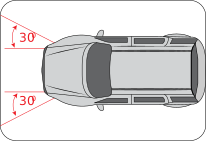
Frontal Impact :
|
|
|
|
Frontal impact beyond 30º range from head-on to the vehicle.
|
|
|
In an angled collision, the force of impact may direct the occupants in a direction where the airbags would not be able to
provide any additional benefit, and thus the sensors may not deploy any airbags.
|
|
|
Airbags will not inflate in this “under-ride” situation where deceleration forces that are detected by sensors are significantly
low.
|
|
|
Frontal airbags are not designed to inflate in rear collisions, where occupants are moved backward away from the airbags by
the force of the impact. In this case, inflated airbags would not be able to provide any additional benefit.
|
|
|
Driving into a big pothole, stepped surface or hitting the far side of a hole/incline will not inflate the airbag.
|
|
|
Airbags will not inflate in rollover accidents where airbag deployment would not provide protection to the occupants. However,
side impact and curtain airbags may inflate only when severe side impact causes rollover.
|
|
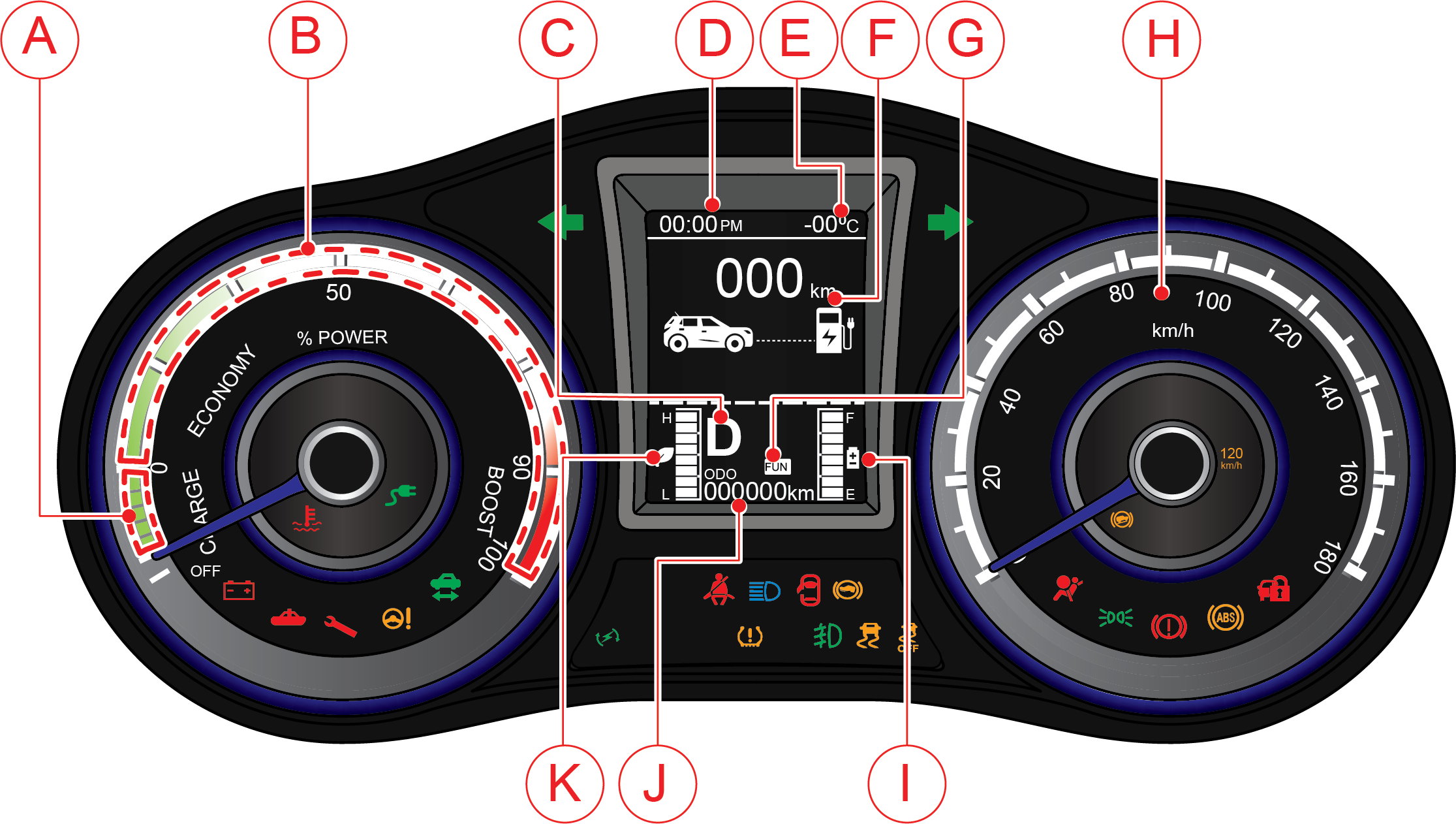
EC Variant
![]() |
|
A
|
Regen Meter
|
D
|
Time
|
G
|
Drive Modes (FUN, FAST)
|
J
|
ODO Meter
|
|
B
|
Power Meter
|
E
|
Outside Ambient Temperature
|
H
|
Speedo Meter
|
K
|
Efficiency Gauge
|
|
C
|
Gear Indicator
|
F
|
Range
|
I
|
State-of-Charge (SOC) Gauge
|
|
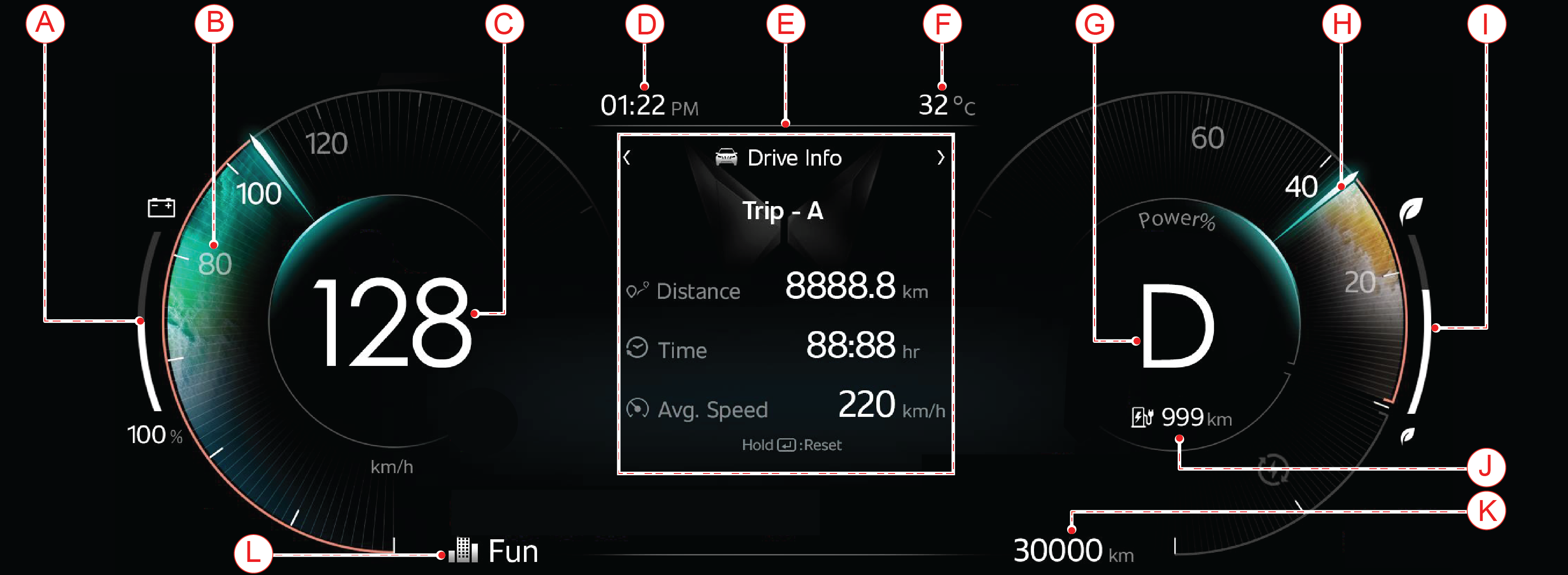
EL Variant
|
![]() |
|
A
|
State-of-Charge (SOC) Gauge
|
D
|
Time
|
G
|
Gear Indicator
|
J
|
Range
|
|
B
|
Speedo Meter
|
E
|
Driver Information
|
H
|
Regen Meter/Power Meter
|
K
|
ODO Meter
|
|
C
|
Digital Speedo Meter
|
F
|
Outside Ambient Temperature
|
I
|
Efficiency Gauge
|
L
|
Drive Modes (FUN, FAST, FEARLESS)
|
|
EC |
EL |
![]() |
![]() |

|
EC |
EL |
![]() |
![]() |

| • | Primary level: Buzzer will trigger single chime in every 2 minutes when the vehicle speed reaches 80 kmph. once primary level chime is triggered, it will continue playing until speed is reduced to 76 kmph or goes beyond 120 kmph. |
| • | Secondary level: Buzzer will trigger periodic chime when the vehicle speed reaches 120 kmph and chime will continue playing until vehicle speed is reduced to 114 kmph. Below this speed primary level chime will be triggered and will continue till 76 kmph. |
|
EC |
EL |
|
|
![]() |
|
Bar Status (EC Variant) |
During Charge (EC Variant) |
|---|---|
|
All bars OFF |
0 - 5% |
|
1st bar FLASH |
6 - 17% |
|
1st bar ON |
18 - 23% |
|
2 bars ON |
24 - 35% |
|
3 bars ON |
36 - 47% |
|
4 bars ON |
48 - 59% |
|
5 bars ON |
60 - 71% |
|
6 bars ON |
72 - 83% |
|
7 bars ON |
84 - 94% |
|
All bars ON |
95 - 100% |
|
Bar Status |
During Discharge |
|---|---|
|
All bar ON |
90 - 100% |
|
7 bars ON |
79 - 89% |
|
6 bars ON |
67 - 78% |
|
5 bars ON |
55 - 66% |
|
4 bars ON |
43 - 54% |
|
3 bars ON |
31 - 42% |
|
2 bars ON |
18 - 30% |
|
1st bar FLASH |
17 - 6% |
|
All bars OFF |
1- 5% |

|
EC |
EL |
|
|
![]() |
|
Efficiency % (EC) |
Bars (EC) |
|---|---|
|
> 85 % |
All Bars ON |
|
73–85 % |
7 bars ON |
|
61–72 % |
6 bars ON |
|
49–60 % |
5 bars ON |
|
37–48 % |
4 bars ON |
|
25–36 % |
3 bars ON |
|
13–24 % |
2 bars ON |
|
0–12 % |
1st bar ON |

|
For EC Variant
![]() |
|
For EL Variant
|
|
EC |
EL |
|
|
![]() |
|
EC |
EL |
|
|
![]() |

|
EC |
EL |
|
|
![]() |
|
Trip A |
Trip B |
||
|
Min |
Max |
Min |
Max |
|
0 |
9999.9 |
0 |
9999.9 |


|
EC |
EL |
|
|
![]() |

|
EC |
EL |
|
|
![]() |
| 1. | Long press set switch to entering time setting. First digit will be blinking. |
| 2. | Short pressing “SET” will change the value one at the time. Long press will change the value to zero. |
| 3. | Use trip switch to move to next digit. |

|
EC |
EL |
|
|
![]() |
|
EC |
EL |
|
|
![]() |
|
|
![]() |

|
|
It provides 6 level illumination control each for day and night conditions. |
| 1. | Use TRIP switch to adjust the brightness level. |
| 2. | Press SET switch once required brightness is selected. |
|
|
When vehicle speed is more than the threshold (Refer "Speedometer section for more details), the mood ring flashes. Flashing
of the mood ring can be turned OFF/ON using this setting.
|
| 1. | Select “Over speed Flash” option using SET Switch. |
| 2. | Use TRIP switch to browse the options. Select desired option using SET Switch. |
| 1. | Select “Passenger Airbag” option using SET Switch. |
| 2. | Using Trip switch to browse the ON/OFF option. To Select the desired option using SET Switch. |
| 3. | Once select the Passenger ON/OFF option, Press SET switch to confirm selection and following message will appear on the screen.
![]() |
| 4. | Confirm the option by selecting “OK or Cancel” using trip switch. |
|
|
|
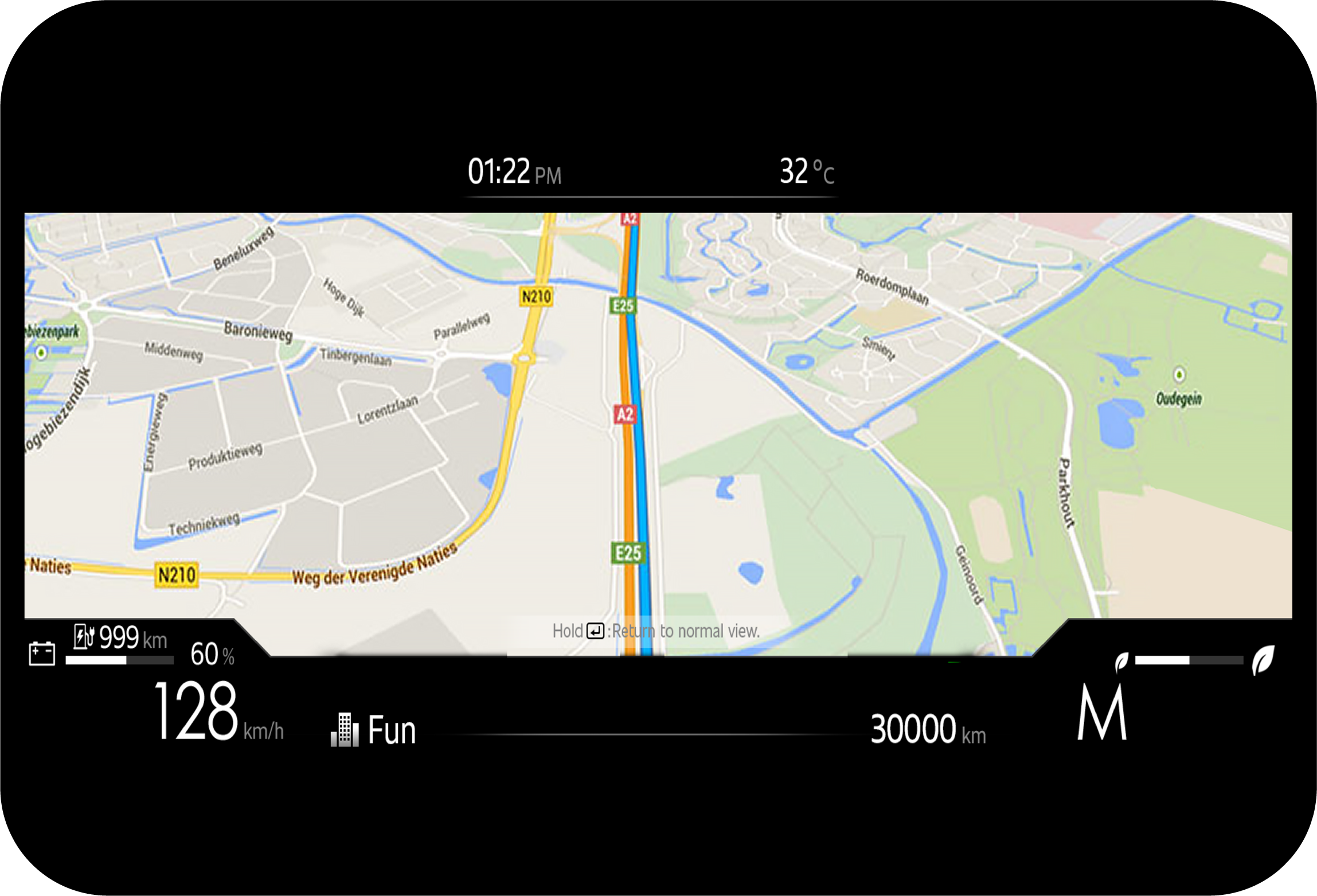
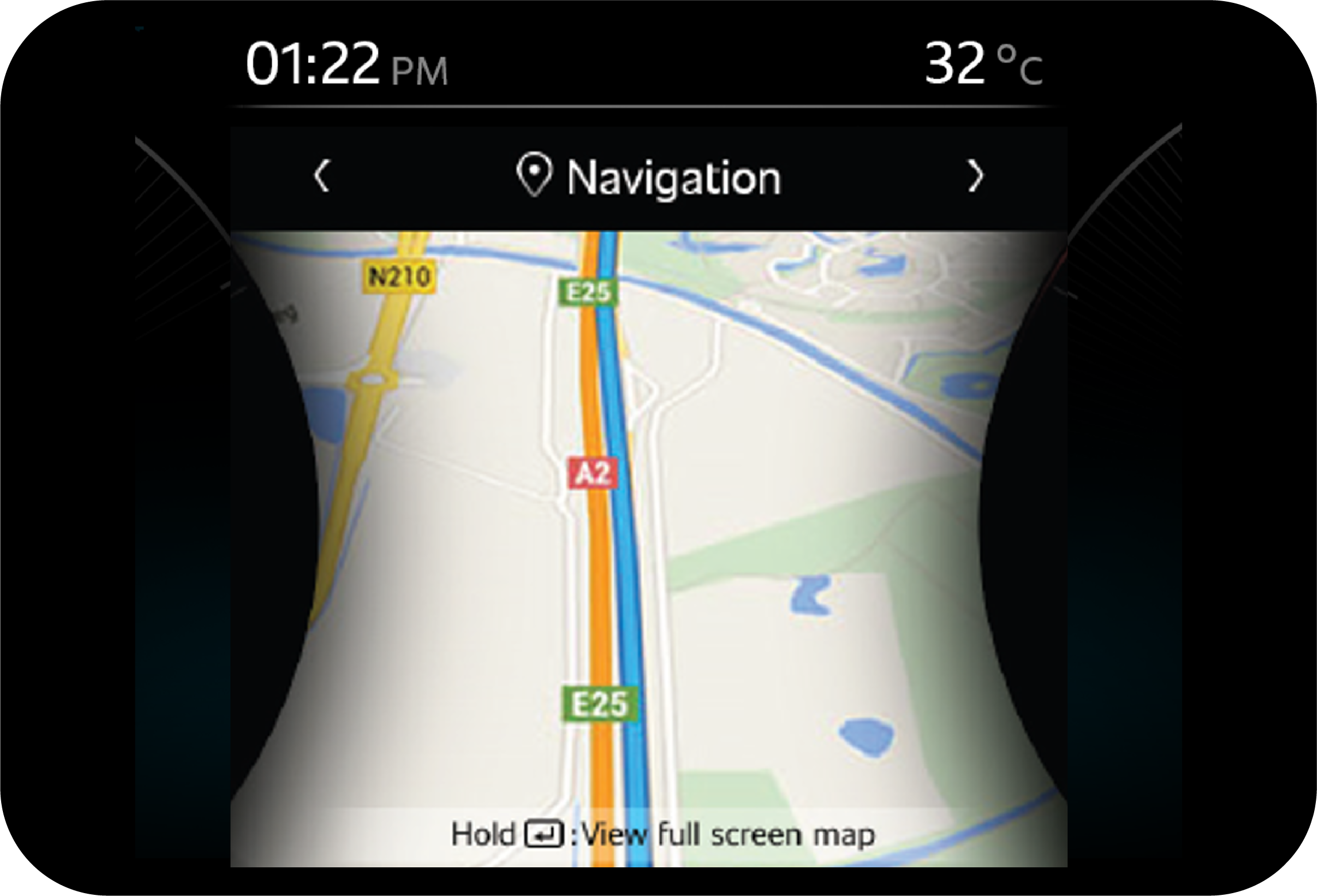
Full Screen Navigation |
Partial Screen Navigation |
![]() |
![]() |
|
Display |
Operating Conditions |
|
|---|---|---|
|
EC |
EL |
|
|
|
|
This message comes when brake fluid level is low while driving. |
|
|
NA |
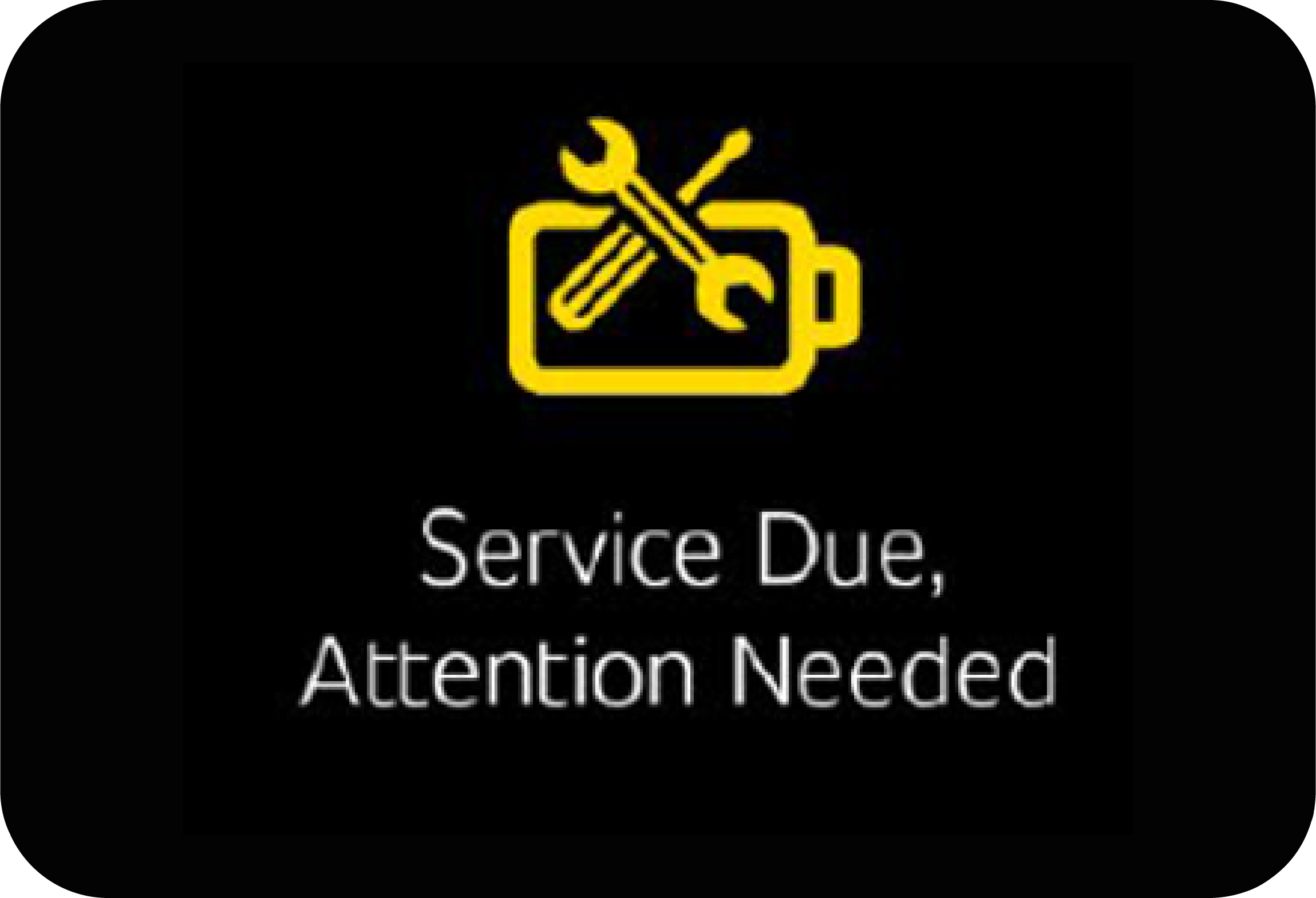
This message comes when scheduled service is due |
|
|
|
This message comes on when the park lamps are ON and ignition is turned OFF. |
|
|
|
This message comes when passenger airbag switch is turned OFF. |
|
|
|
This message comes on when the ESC system is faulty, and the vehicle has been running. |
|
|
![]() |
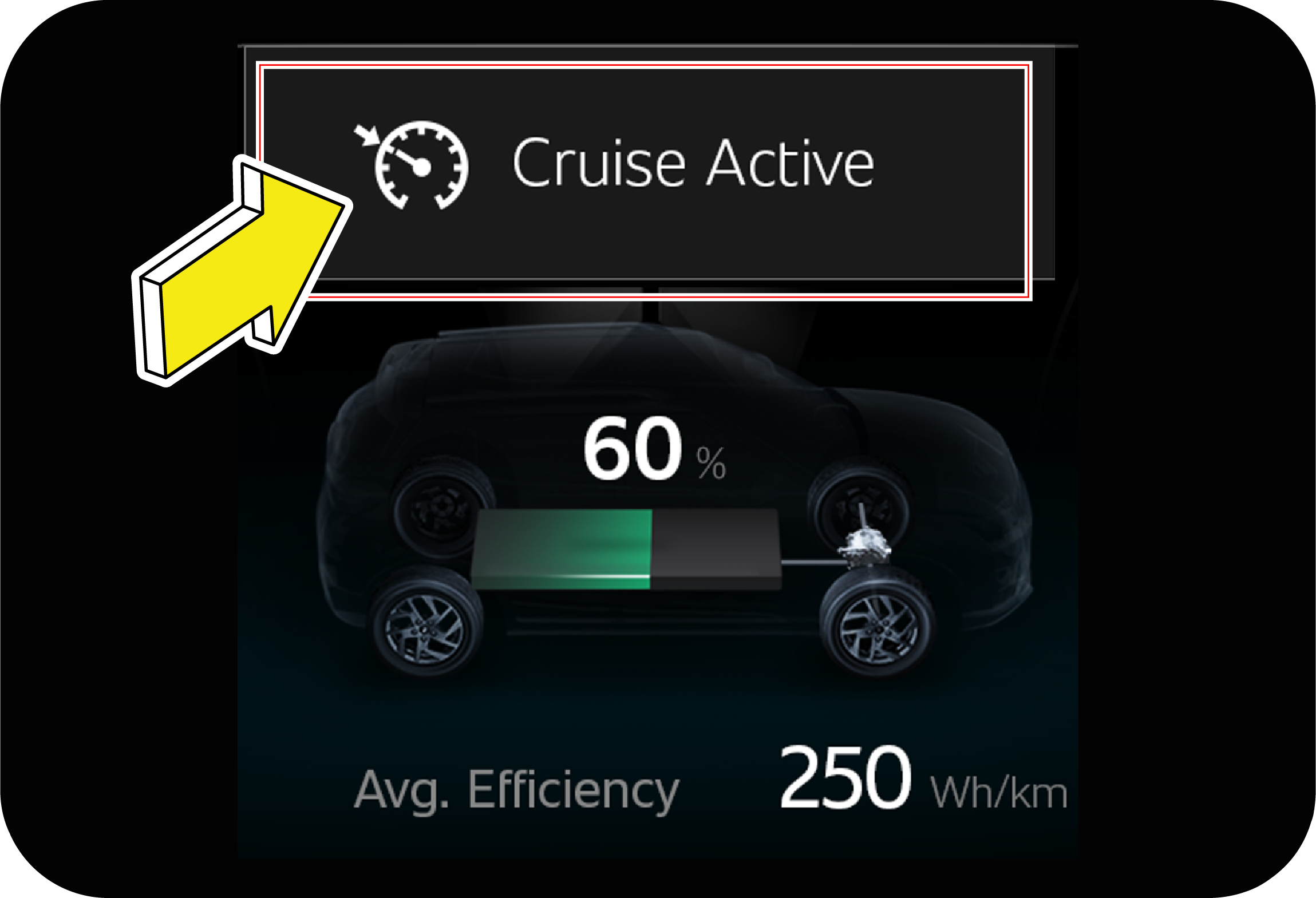
This message comes when cruise mode is turned ON manually using switch. |
|
|
![]() |
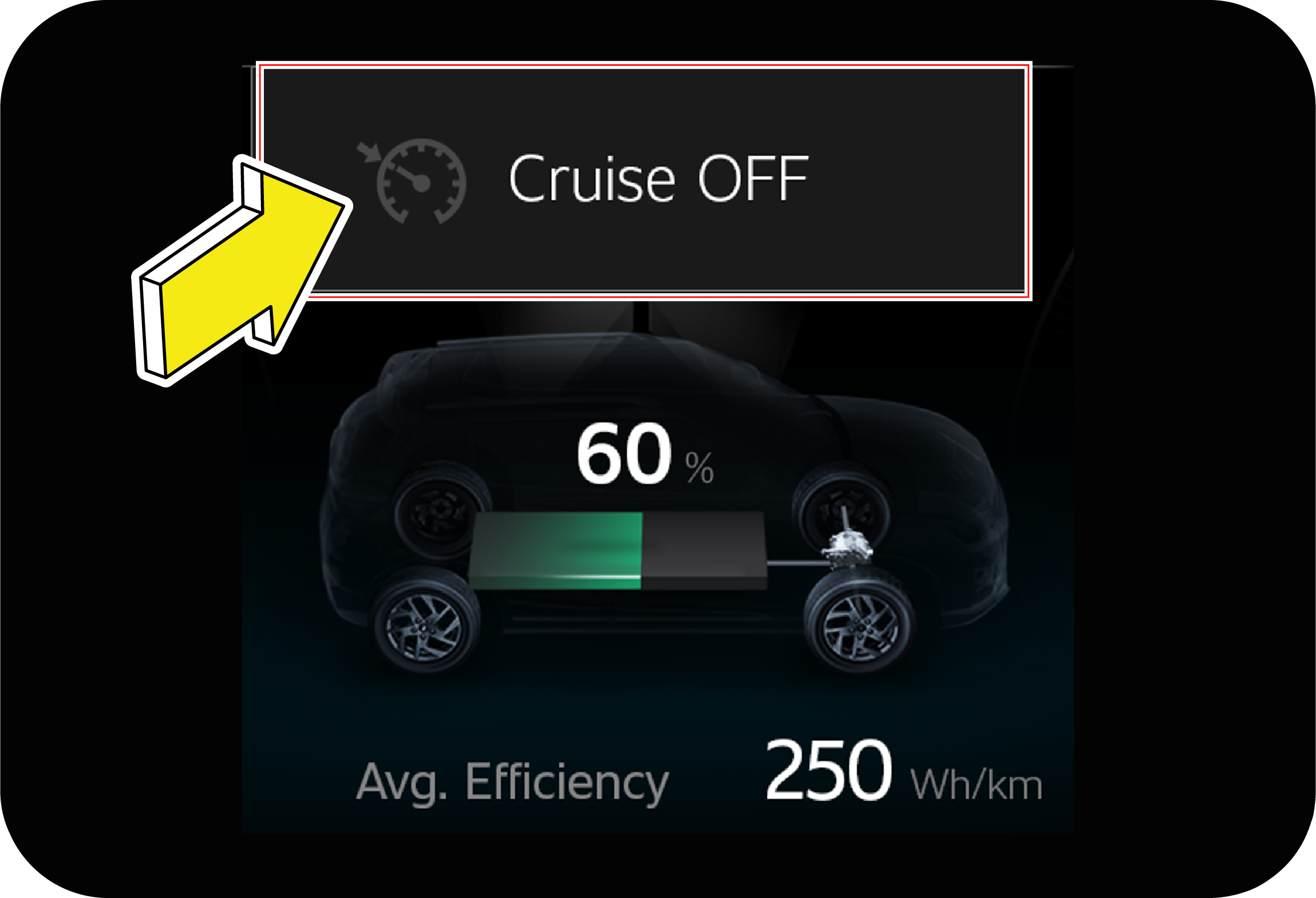
This message comes when cruise mode is turned OFF manually using switch. |
![]() |
![]() |
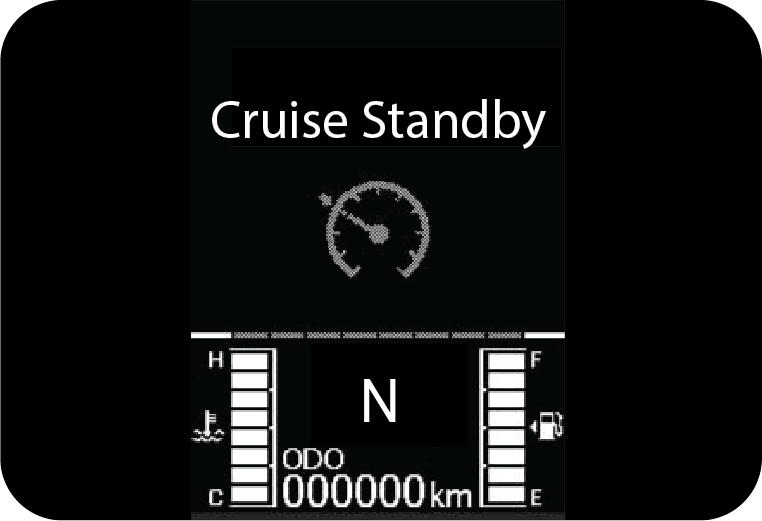
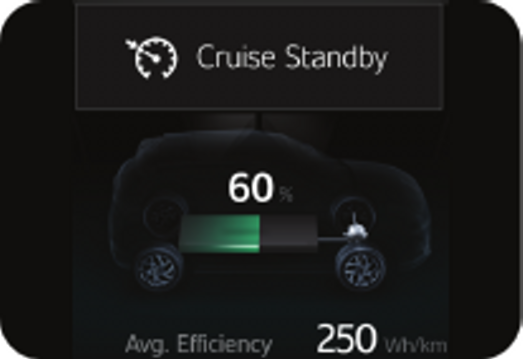
This message comes when Cruise Standby mode is enabled while driving |
|
|
NA |
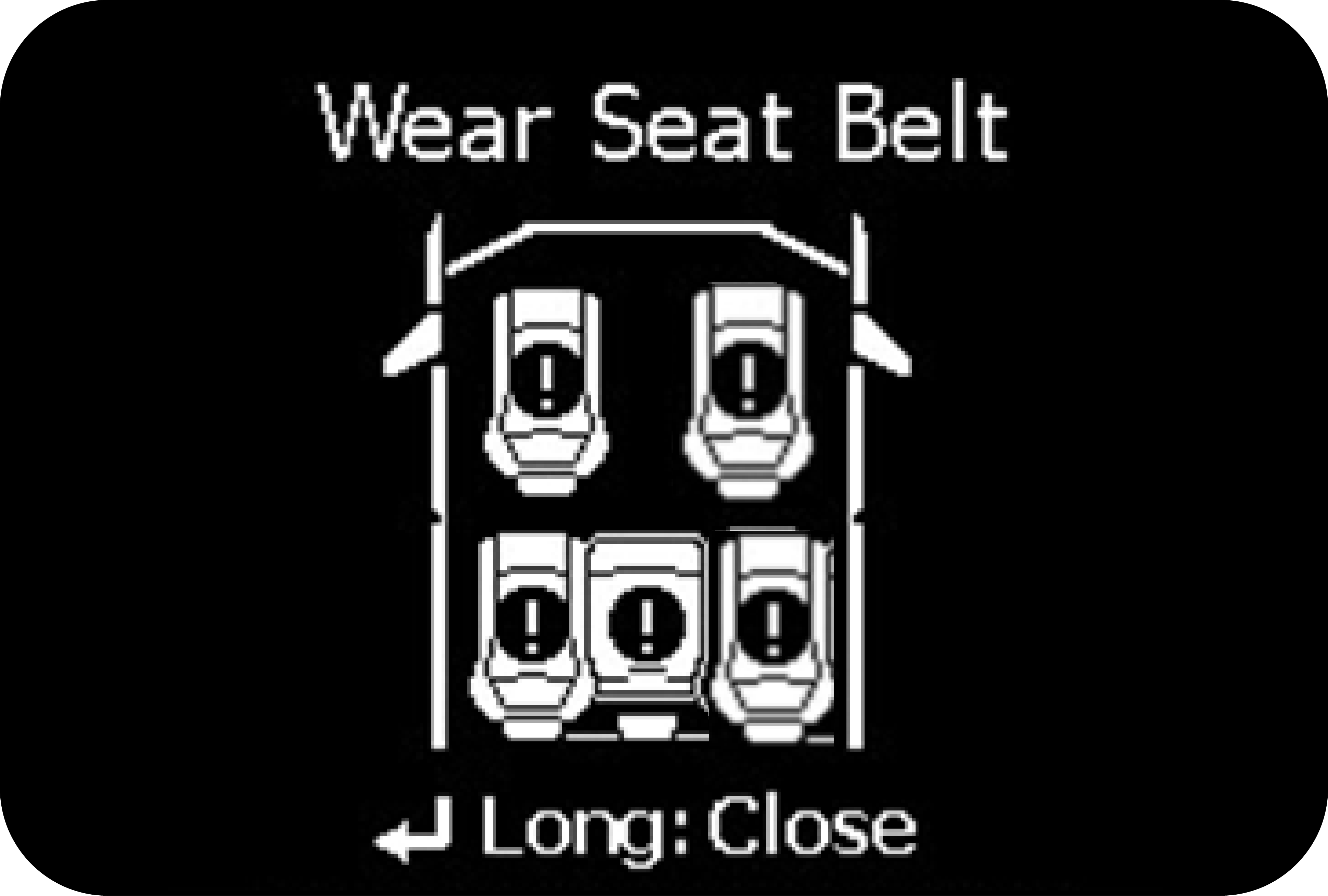
This message comes when either of driver or passenger (if occupied) seat belt is unbuckled.
|
|
|
|
This message comes when you are driving vehicle above 120 kmph. |
|
|
|
This message comes when you try to move the vehicle when park brake is still engaged. |
|
|
NA |
This message comes when you try to access settings menu while driving the vehicle.
|
|
|
![]() |
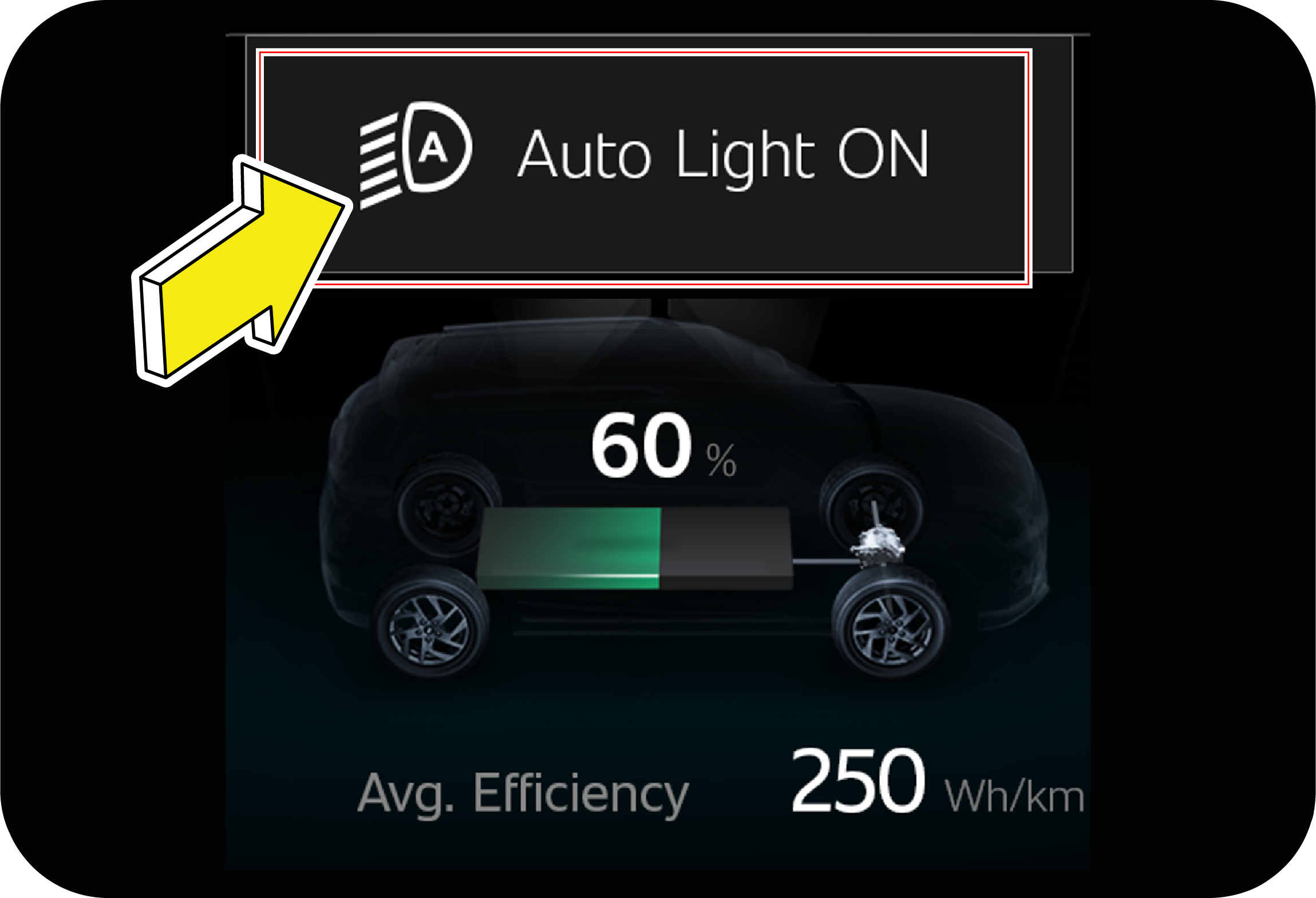
The message will be displayed if Auto Light function is turned ON. Refer “Head Lamp Auto Function” in Convenience System 1 chapter for further details |
|
|
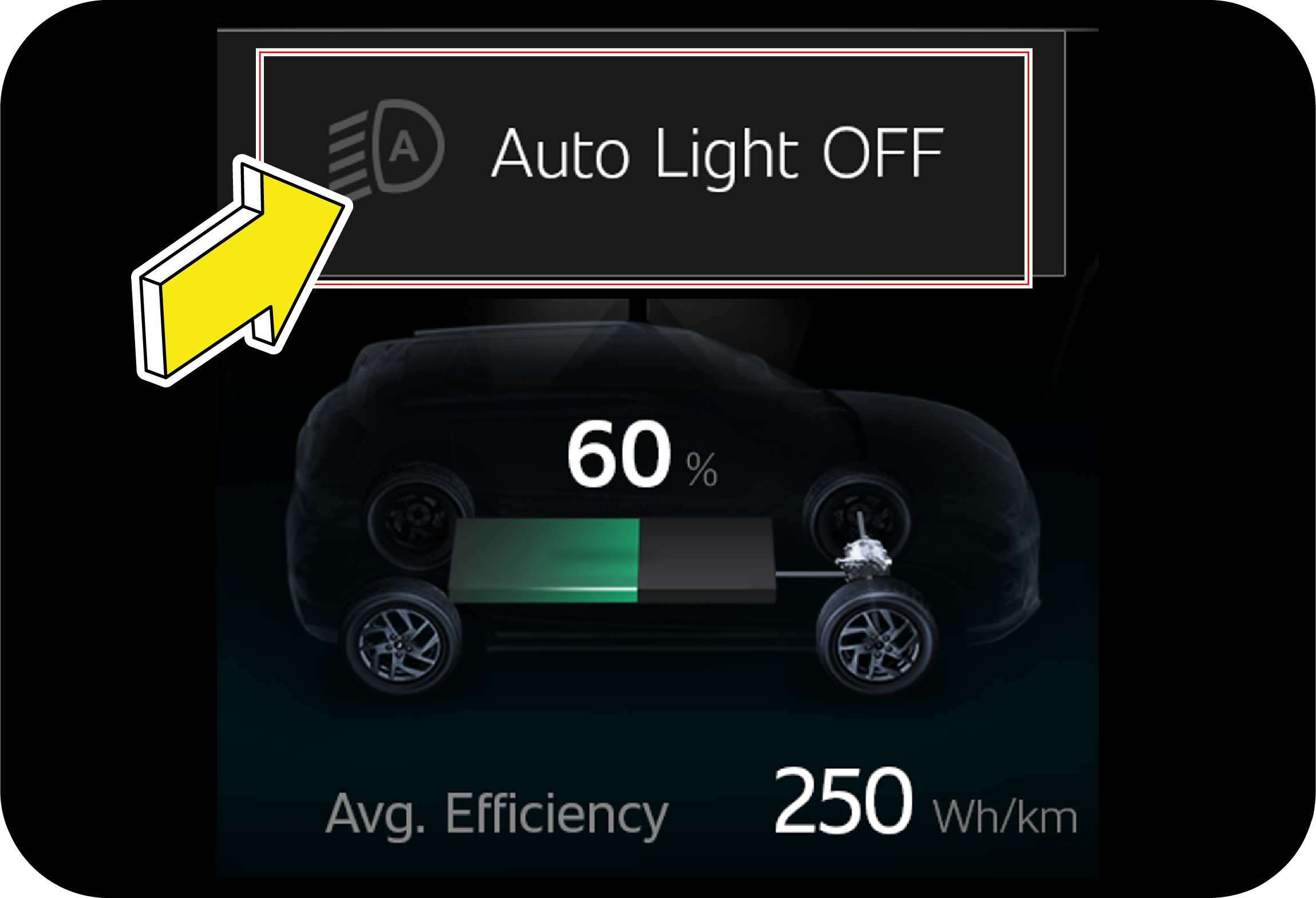
![]() |
The message will be displayed if Auto Light function is turned OFF.
Refer “Head Lamp Auto Function” in Convenience System 1 chapter for further details |
|
|
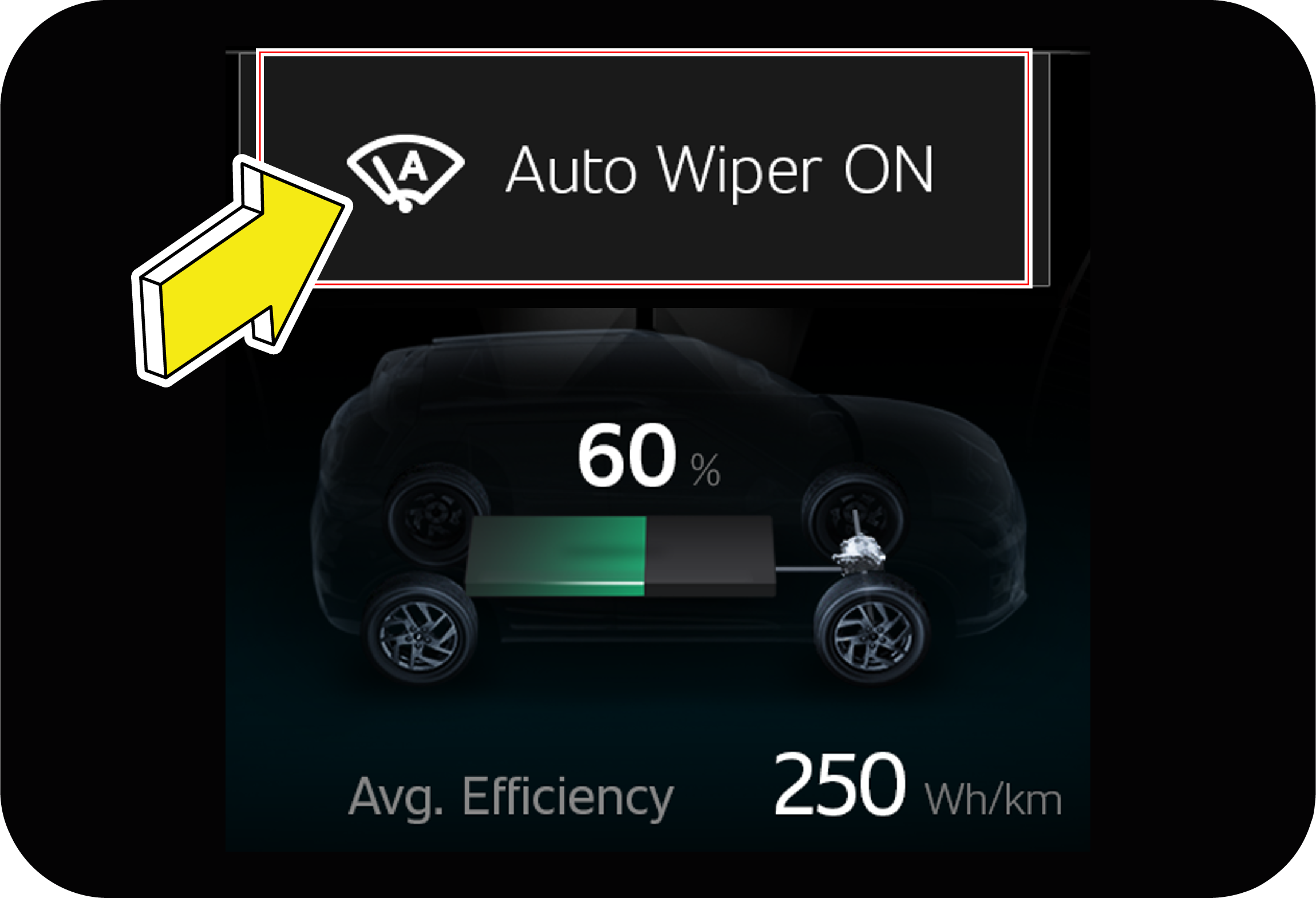
![]() |
The message will be displayed if Auto Wiper function is turned ON.
Refer “Auto Mode” in Convenience System 1 chapter for further details |
|
|
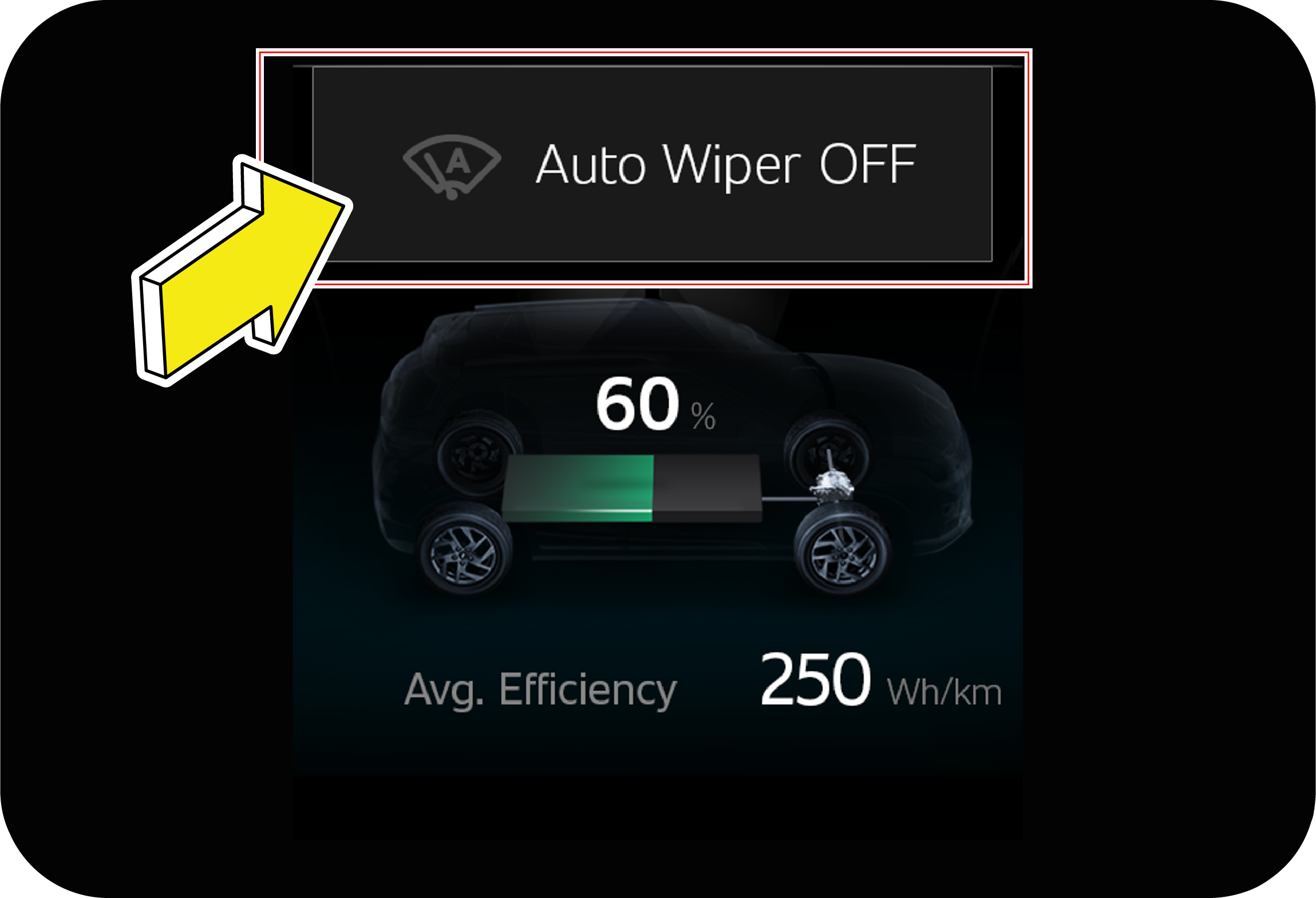
![]() |
The message will be displayed if Auto Wiper function is turned OFF.
Refer “Auto Mode” in Convenience System 1 chapter for further details |
|
NA |
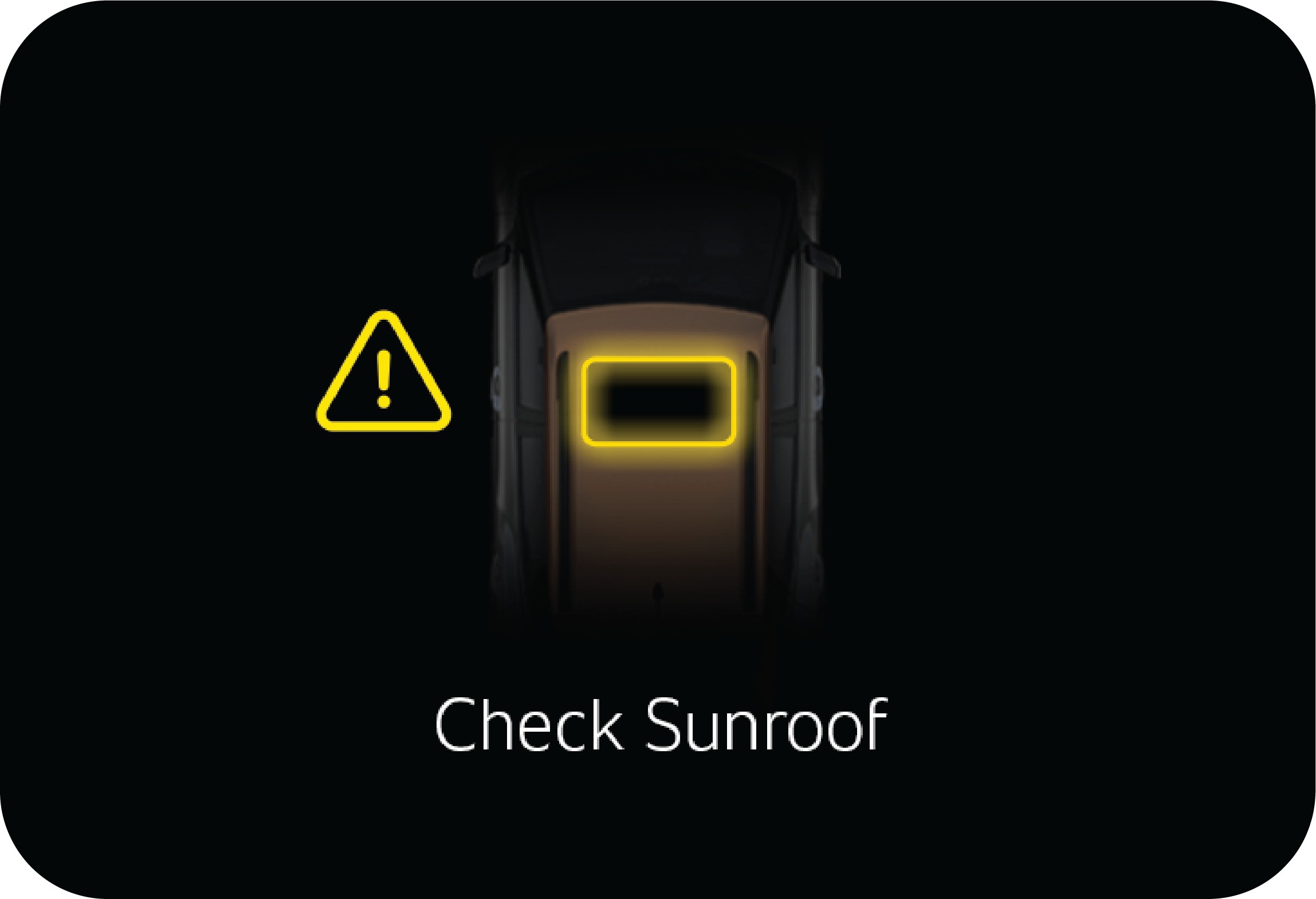
![]() |
This alert is displayed when Sunroof is left open at ignition off. |
|
NA |
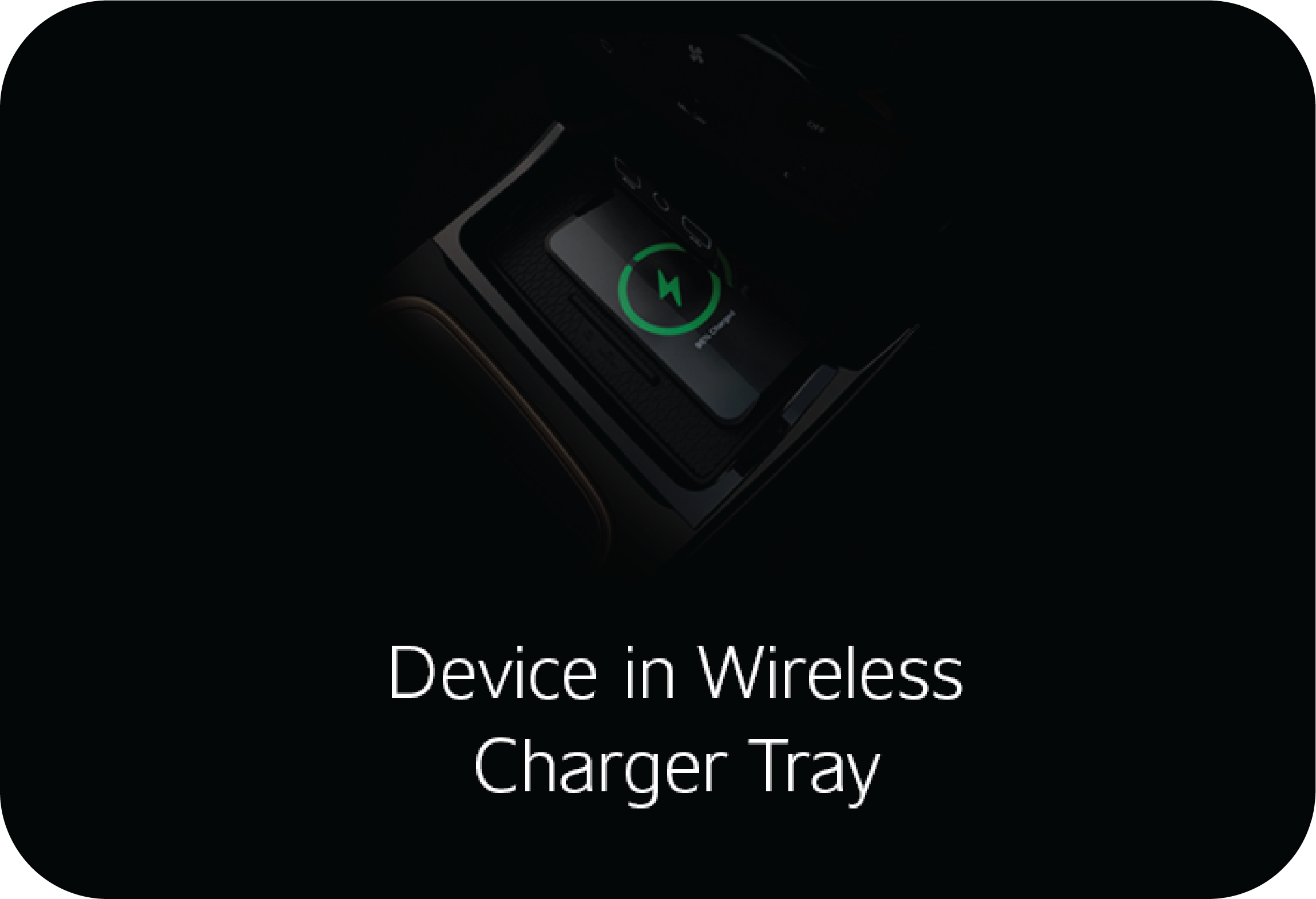
![]() |
The alert is displayed when ignition is off, driver door is open and the driver has forgotten their phone in the wireless
charging tray.
|
|
Display |
Conditions |
Alert Status |
Telltale Conditions |
||
|---|---|---|---|---|---|
|
EC |
EL |
||||
|
|
![]() |
This alert comes when there is a fault observed during the charging process that prevents charging.
|
Alert comes only for 5 seconds with chime
Applicable in both ignition ON/OFF state.
|
![]() |
Continuous ON (applicable if the fault de-rates performance)
|
|
|
![]() |
This alert comes when the vehicle charging is completed
|
Alert comes only for 5 seconds with chime
Applicable in both ignition ON/OFF state.
|
||
|
|
![]() |
This alert comes when the vehicle charging is interrupted because of user intervention or power supply is lost.
|
Alert comes only for 5 seconds with chime
Applicable in both ignition ON/OFF state.
|
||
|
|
![]() |
This alert comes when radiator fan or EPT cooling system malfunction.
|
Alert comes only for 5 seconds with chime
Applicable in ignition ON state only.
|
![]() |
Continuous ON
|
![]() |
Continuous ON/Blinking (if temperature goes beyond threshold)
|
||||
|
|
![]() |
This alert comes, when there is a battery related malfunction or EPT components malfunction, and the vehicle enters into de-rated
mode
|
Alert comes only for 5 seconds with chime
Applicable in ignition ON state only.
|
||
|
|
![]() |
This alert comes, when the vehicle is not drivable because of EPT Components or battery related malfunctions.
|
Alert comes only for 5 seconds with chime
Applicable in ignition ON state only.
|
![]() |
Continuous ON
|
|
|
![]() |
This alert comes, when vehicle speed is ≥ 10 kmph and SOC<10 %
|
Alert comes only for 5 seconds with chime
Applicable in ignition ON state only.
|
||
|
|
![]() |
This alert comes, when the user is trying to insert the charging gun, but the gun is not fully inserted into the vehicle.
|
Alert comes only for 5 seconds with chime
Applicable in both ignition ON/OFF state.
|
||
|
|
![]() |
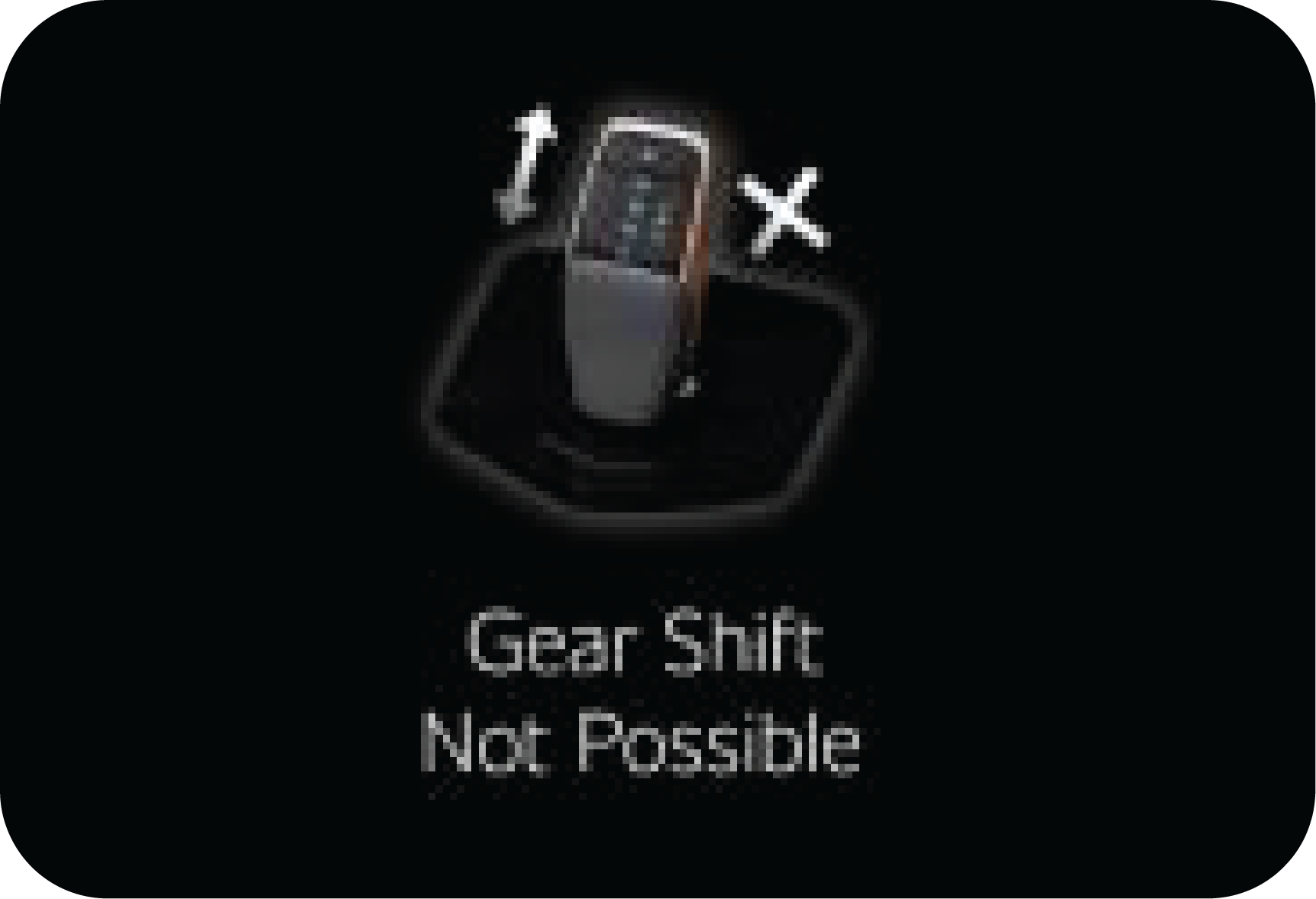
This Alert comes when both brake & accelerator pedals input are detected during drive enable request or gear shift request
(Refer “Shift Lever” section for more details)
|
Alert comes only for 5 seconds with chime
Applicable in ignition ON state only.
|
||
|
|
![]() |
This alert comes, when a charge gun is connected and the user triggers the drive enable request
|
Alert comes only for 5 seconds with chime
Applicable in ignition ON state only.
|
![]() |
Continuous ON
|
|
|
![]() |
This alert comes, when charging gun is connected to vehicle and the main power is not turned ON
|
Alert comes only for 5 seconds with chime
Applicable in ignition ON state only.
|
||
|
|
![]() |
This alert comes when HV battery SOC < 20%
|
Alert comes only for 5 seconds with chime
Applicable in both ignition ON/OFF state.
|
||
|
|
![]() |
This alert comes when SOC <10%, and vehicle goes in to de-rated mode
|
Alert comes only for 5 seconds with chime
Applicable in both ignition ON/OFF state.
|
||
|
|
NA
|
This alert comes when the vehicle is being charged
|
Alert comes only for 5 seconds with chime
Applicable in both ignition ON/OFF state.
|
![]() |
Continuous ON
|
|
|
![]() |
This alert comes when parking brake is not engaged during charging
|
Alert comes only for 5 seconds with chime
Applicable in both ignition ON/OFF state
|
||
|
|
![]() |
This alert comes in non-PKE variant--> when ignition is ON with gear is in Park/Neutral position and brake pedal is pressed
|
Alert comes only for 5 seconds with chime
Applicable in ignition ON state only
|
||
|
|
![]() |
This alert comes in PKE variant--> when ignition is ON with gear in Park/Neutral position and brake pedal is pressed
|
Alert comes only for 5 seconds with chime
Applicable in ignition ON state only
|
||
![]() |
![]() |
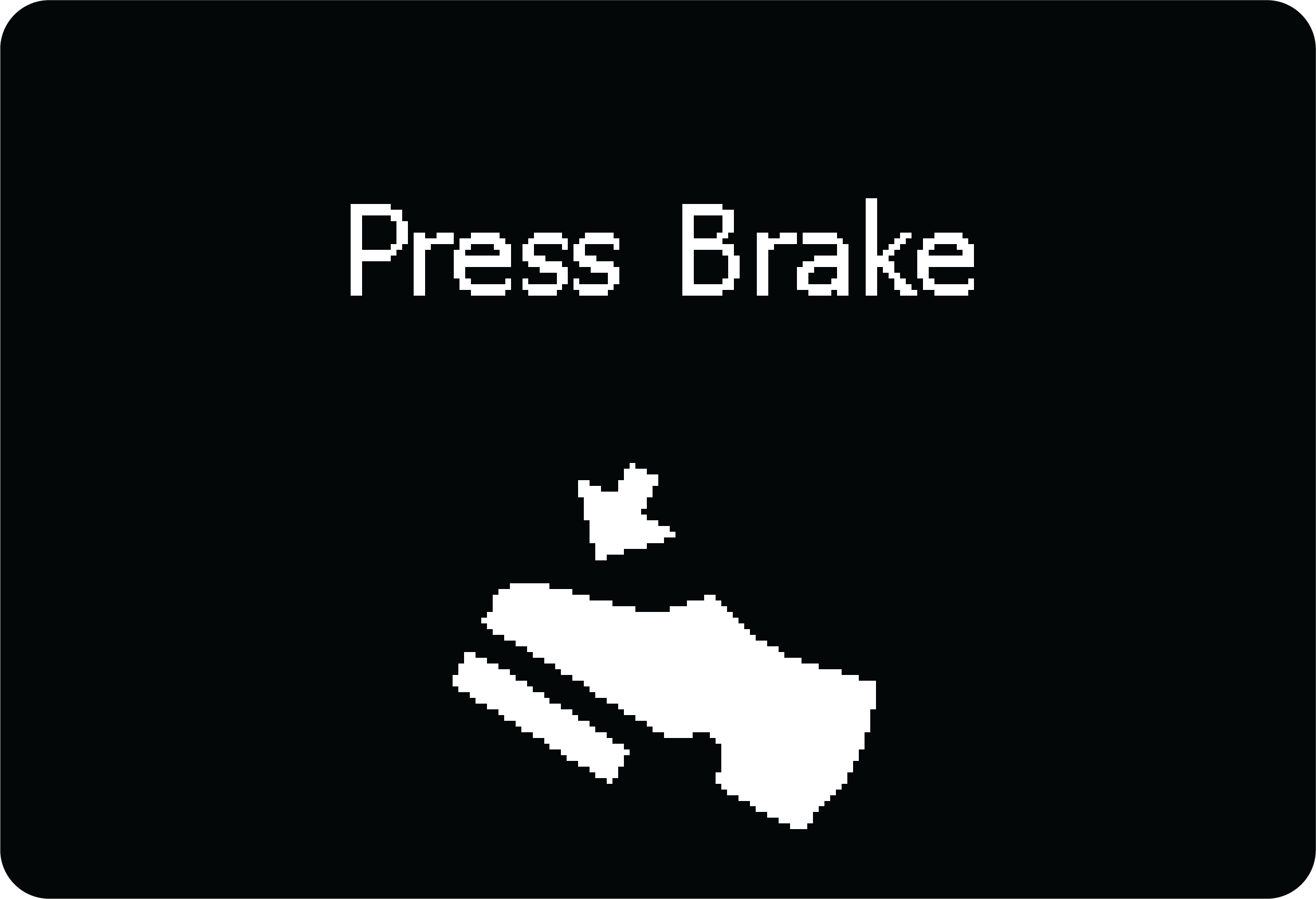
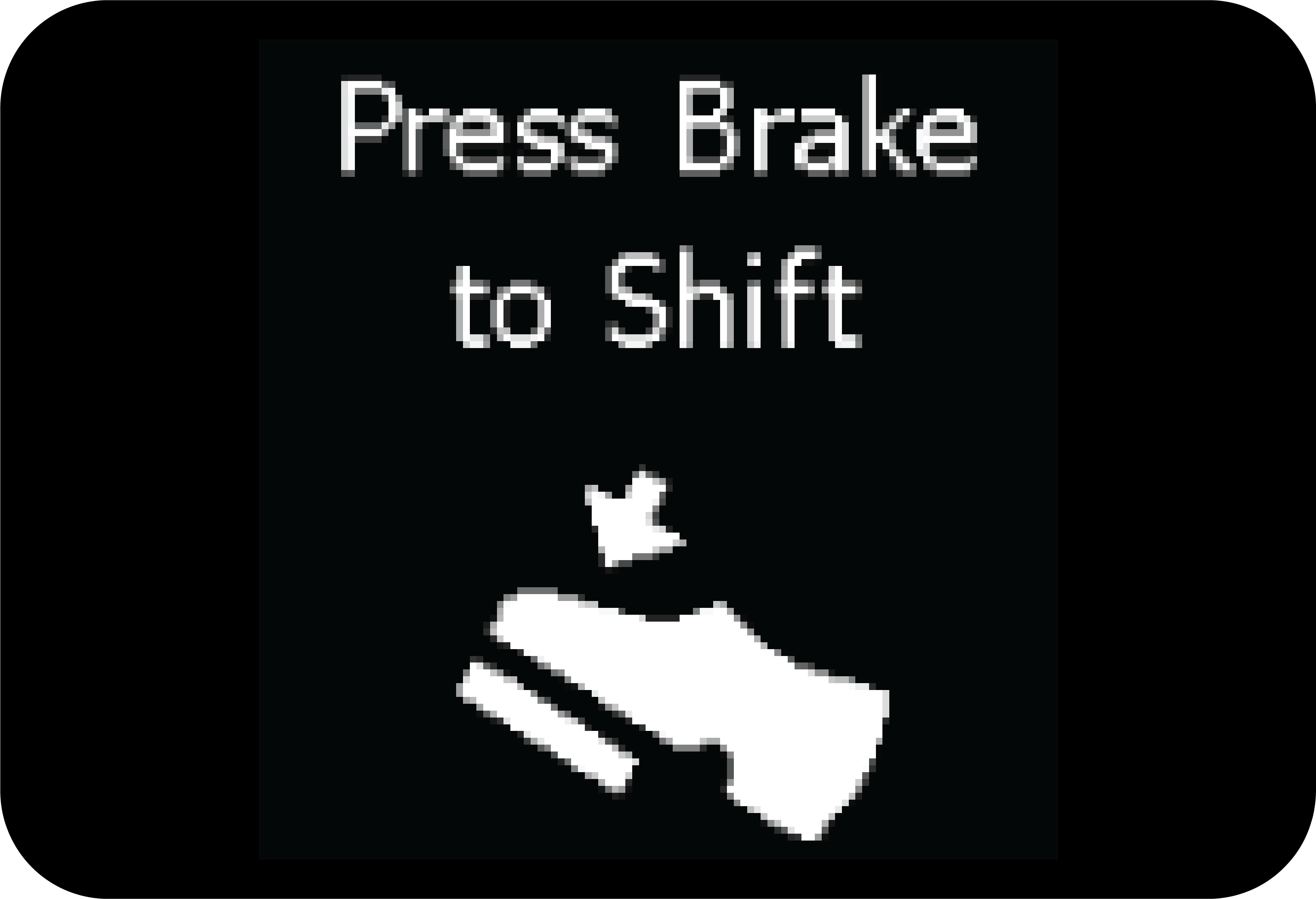
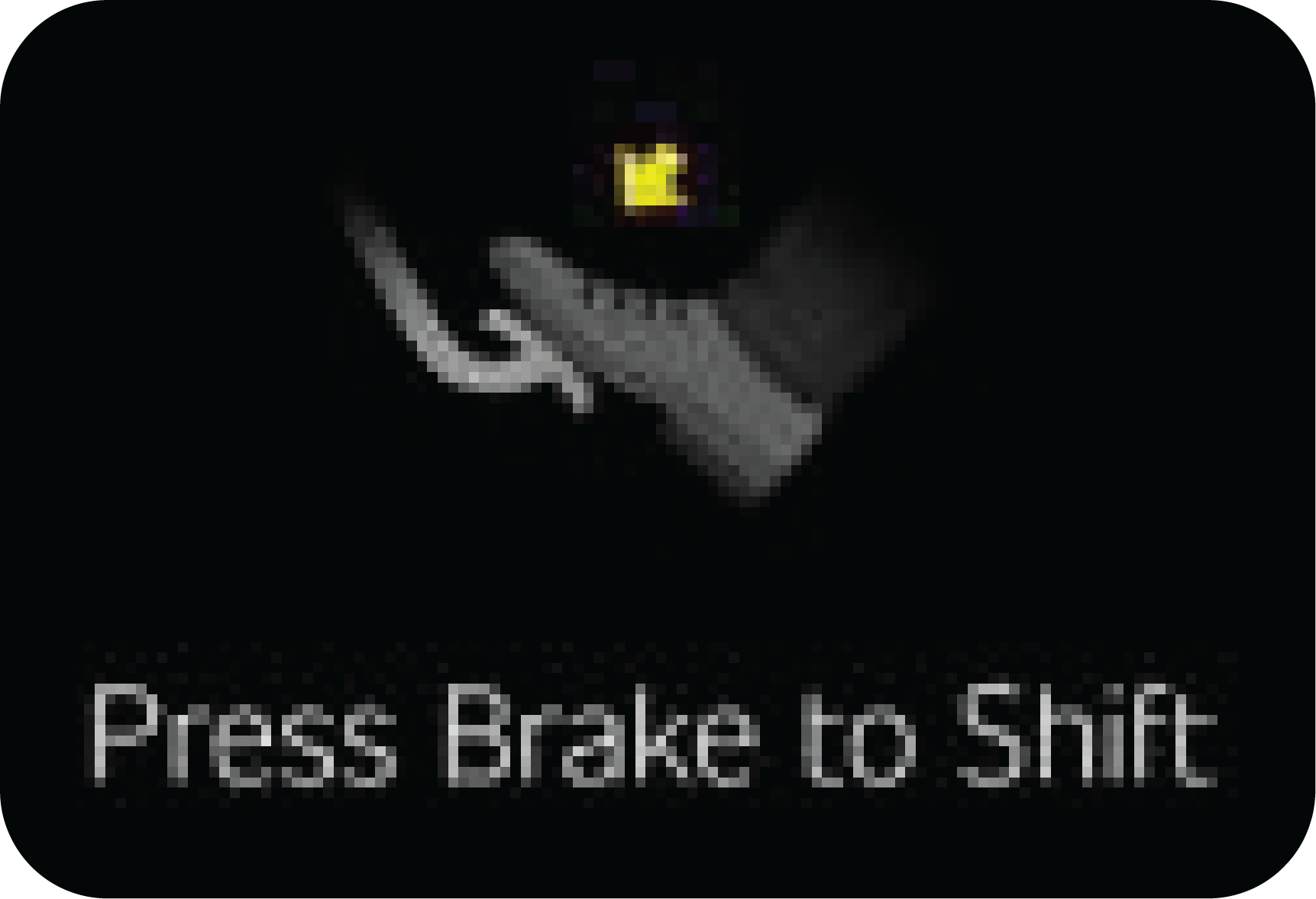
This alert comes, when user is trying to shift gear in ignition ON without pressing brake pedal or while driving, gear shift
is tried without brake press (Refer “Shift Lever” section for more details)
|
Alert comes only for 5 seconds with chime
Applicable in ignition ON state only
|
![]() |
Continuous ON
|
![]() |
![]() |
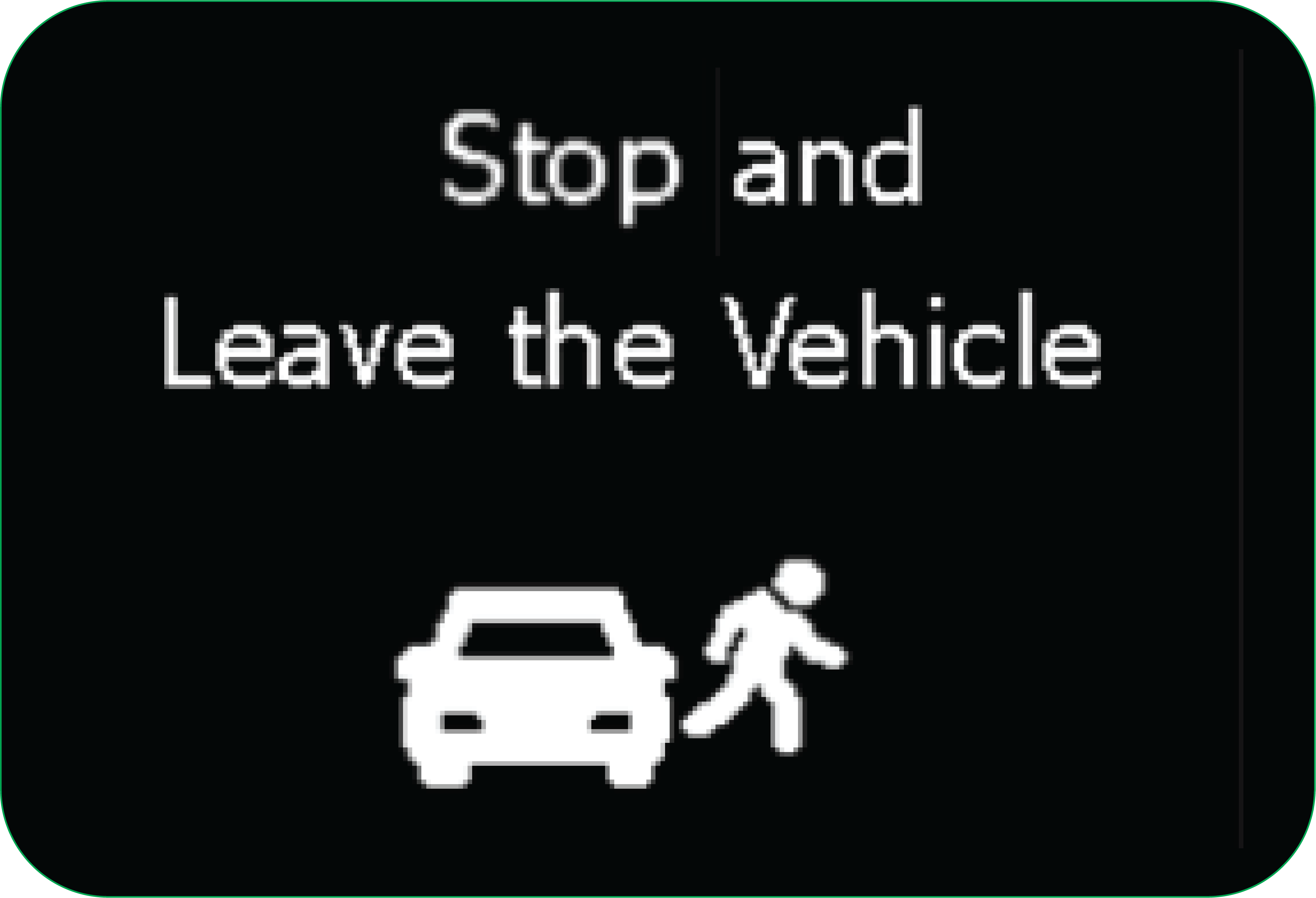
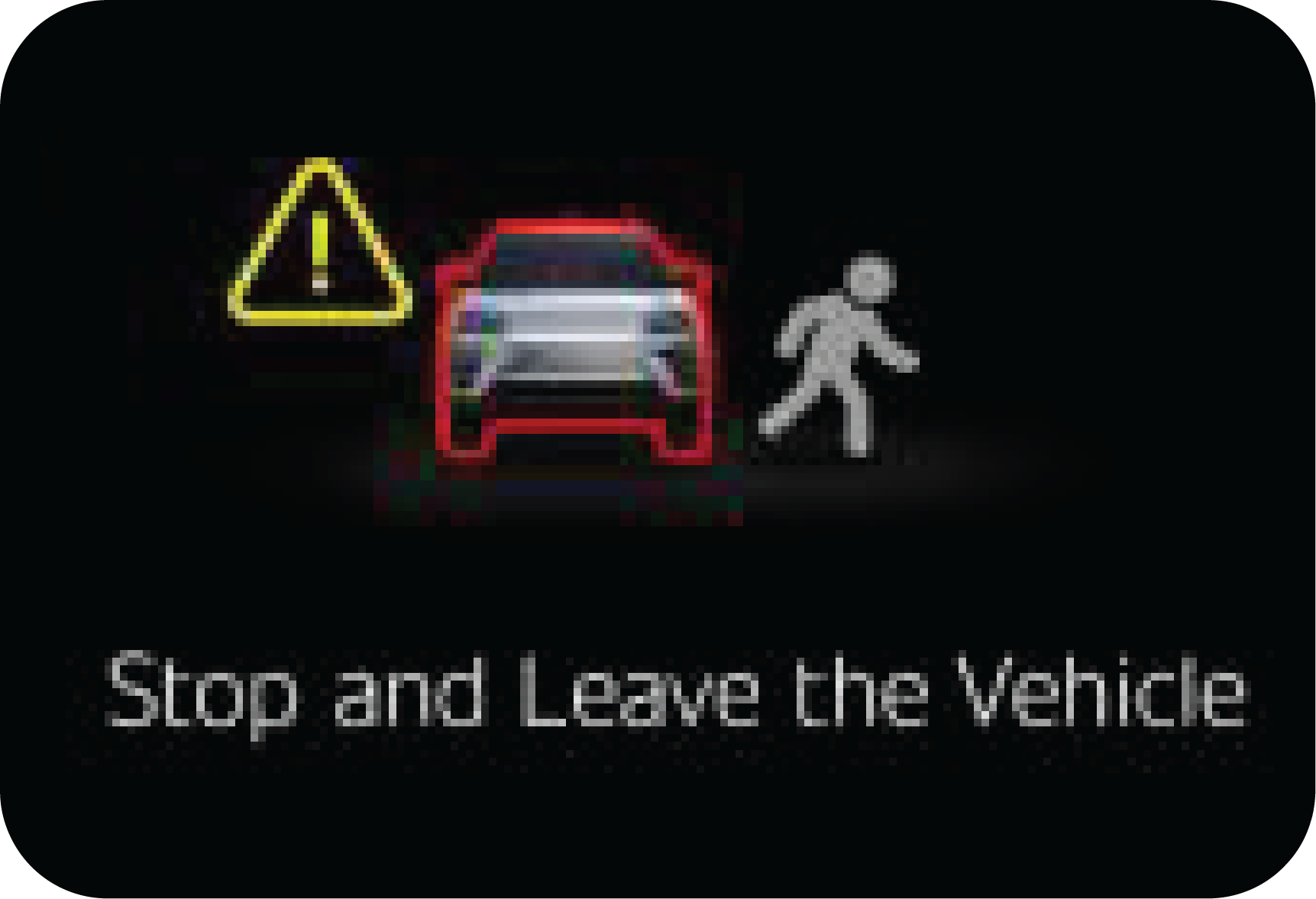
When this alert is being displayed, stop the vehicle and immediately get out and move away. Contact Mahindra Authorized Dealer
immediately.
|
Alert will be ON continuously with chime
Applicable in ignition ON state only.
|
![]() |
Continuous ON
|
![]() |
|||||
|
|
![]() |
This alert comes, once the drive enable process is successful and the vehicle is ready to drive.
|
![]() |
Continuous ON
|
|
|
NA
|
![]() |
This alert indicate that there is a fault related to Non-EPT components. Contact Authorised Mahindra Dealer for assistance
|
![]() |
Continuous ON
|
|
|
Display |
Operating conditions |
|---|---|
|
EC |
|
|
|
Performs system check once for 3 seconds when the ignition is turned on. |
|
|
When the ignition is turned off. Goodbye comes with animation. |
|
Display |
Operating conditions |
|
|---|---|---|
|
EC |
EL |
|
|
|
![]() |
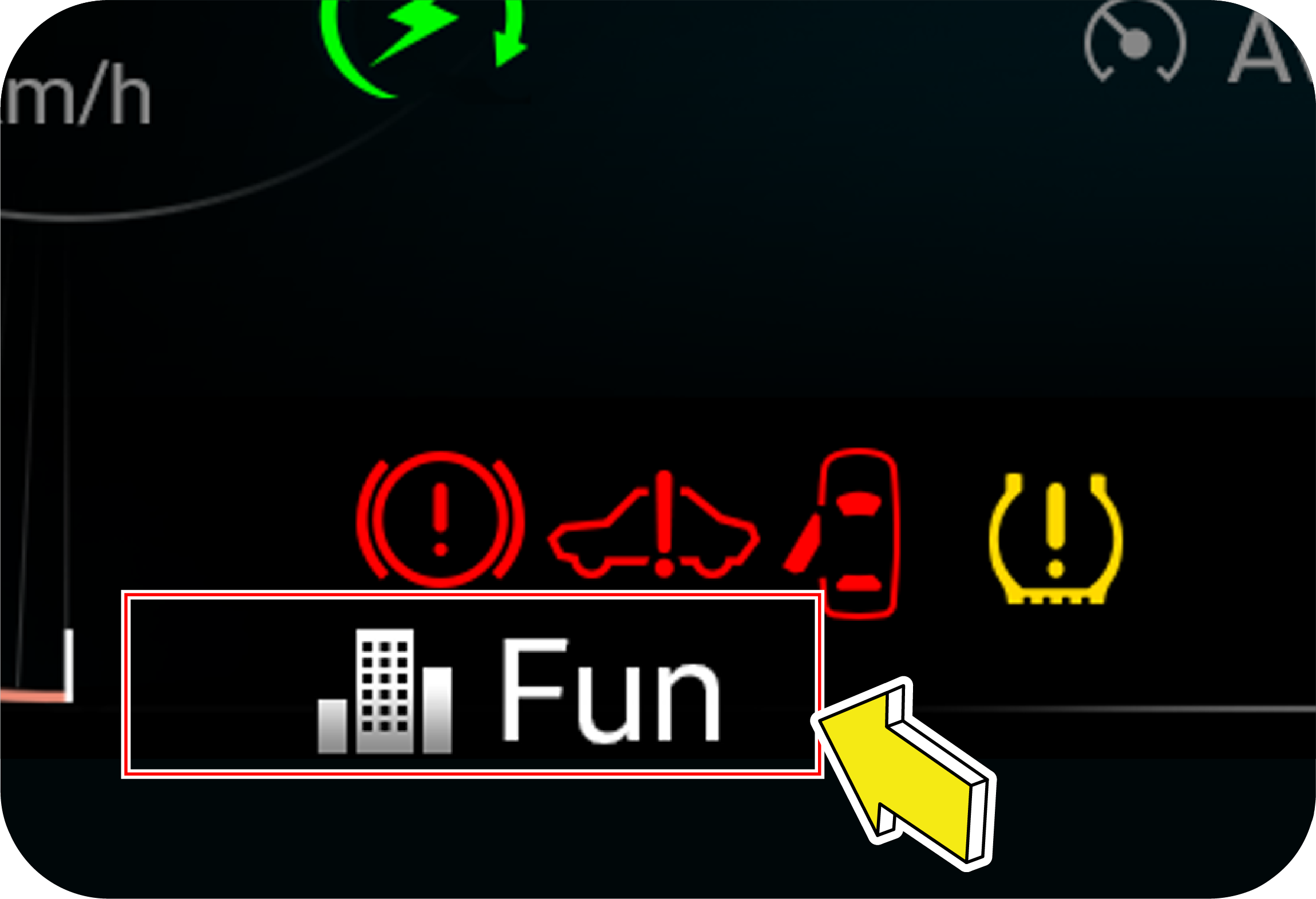
Fun Mode Activated: This message will come for few seconds when the user is selecting “Fun Mode” using center console switch. Refer “Drive Mode
Control” section for more details
|
|
|
![]() |
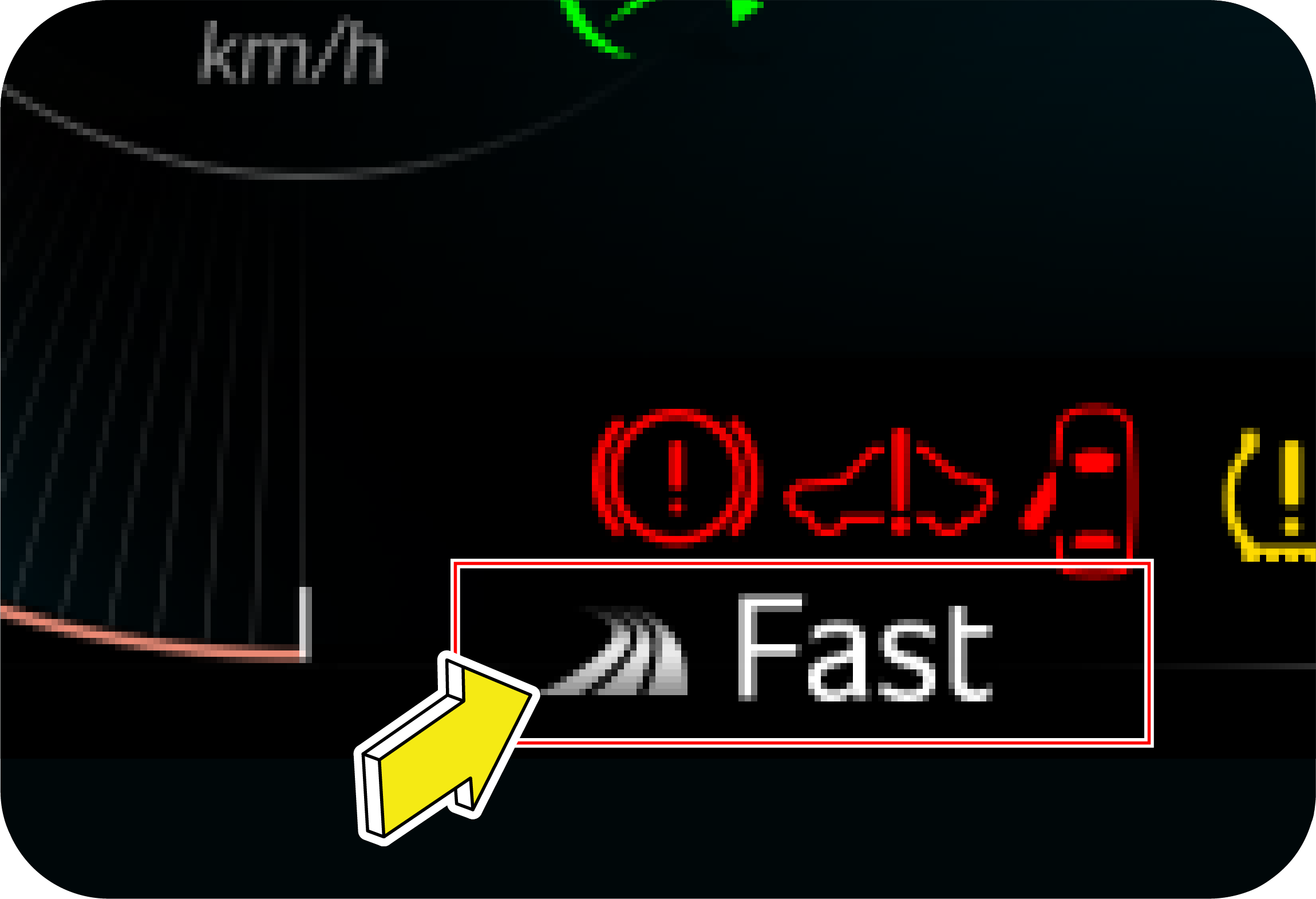
Fast Mode Activated: This message will come for few seconds when the user is selecting “Fast Mode” using center console switch. Refer “Drive Mode
Control” section for more details
|
|
|
![]() |
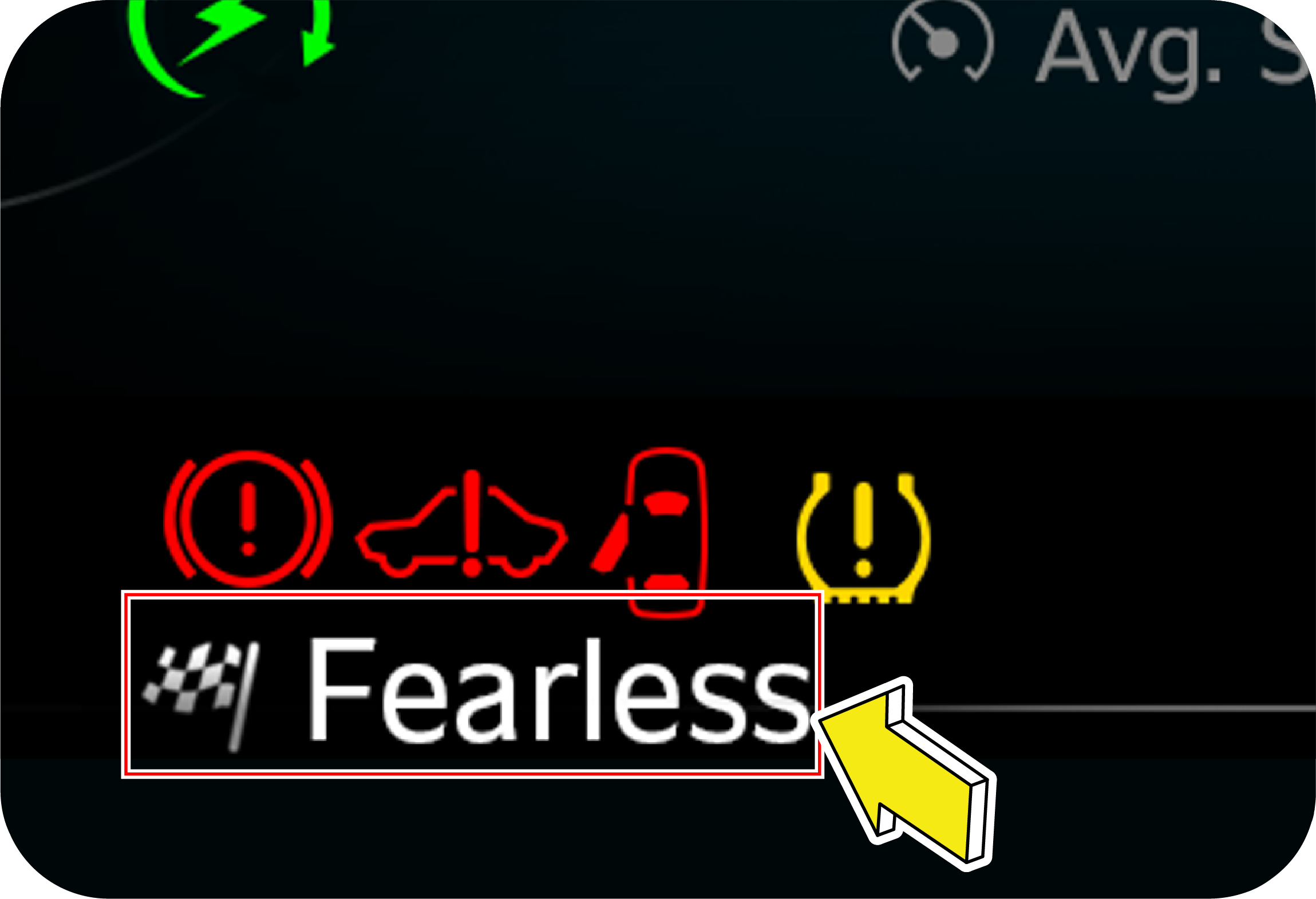
Fearless Mode Activated: This message will come for few seconds, when the user is selecting “Fearless Mode” using center console switch. Refer “Drive
Mode Control” section for more details
|

|
Display |
Operating Conditions |
|
|---|---|---|
|
EC |
EL |
|
|
|
![]() |
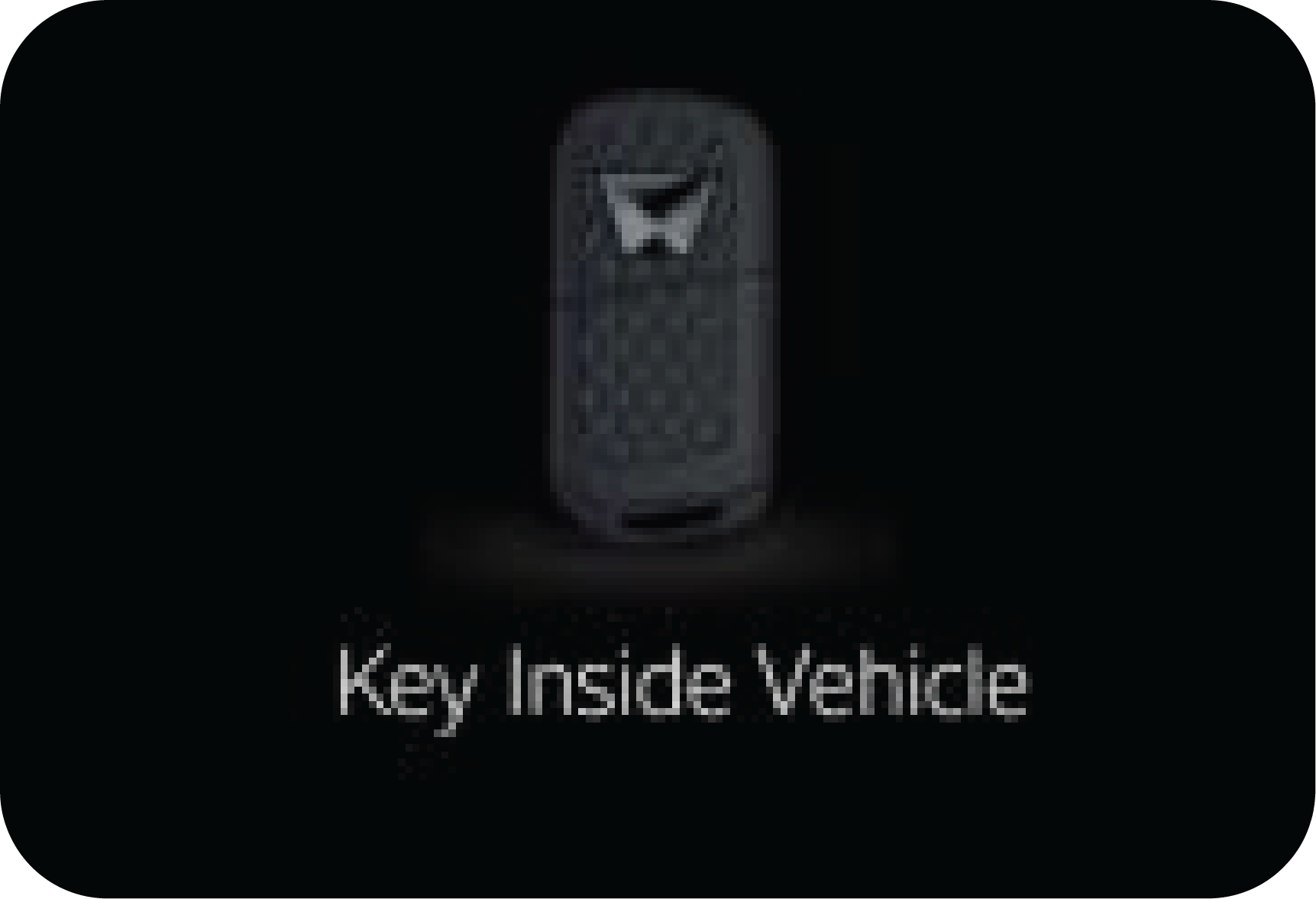
The warning will be triggered when key is inside the vehicle and you try to do passive lock operation |
|
|
![]() |
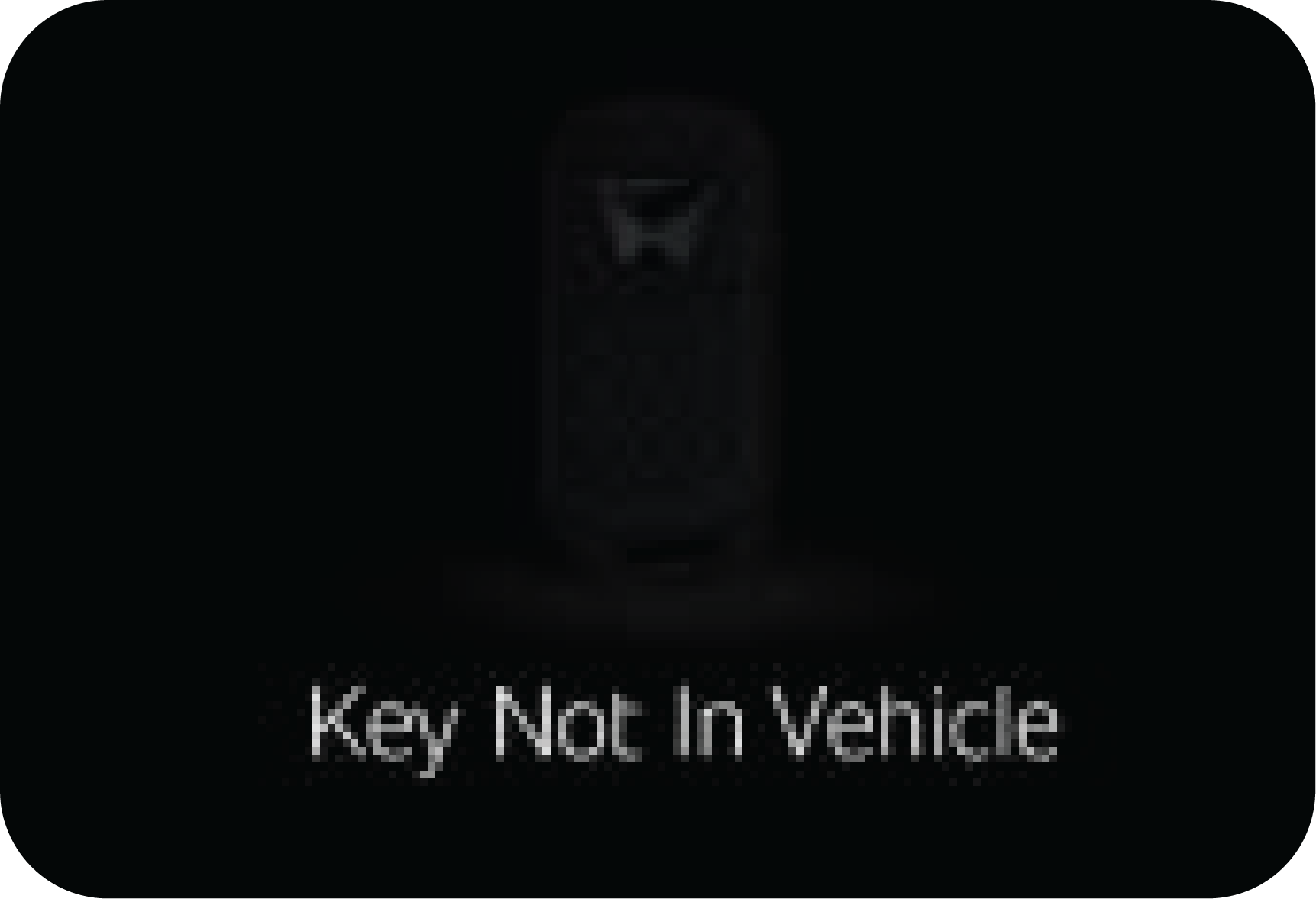
The warning will be triggered when vehicle is in ignition ON condition, door status is changed and key is not inside the vehicle.
|
|
|
![]() |
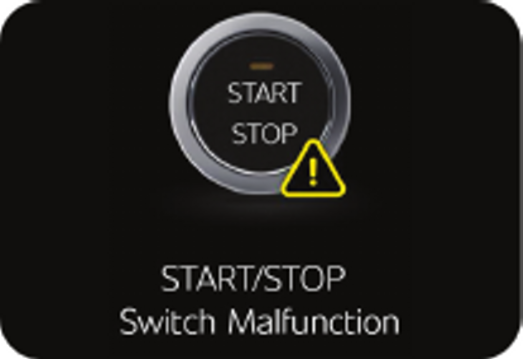
The warning will be triggered when start/stop switch is stuck for more than 60 seconds. |
|
|
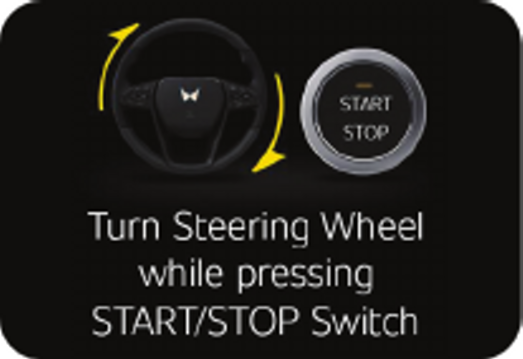
![]() |
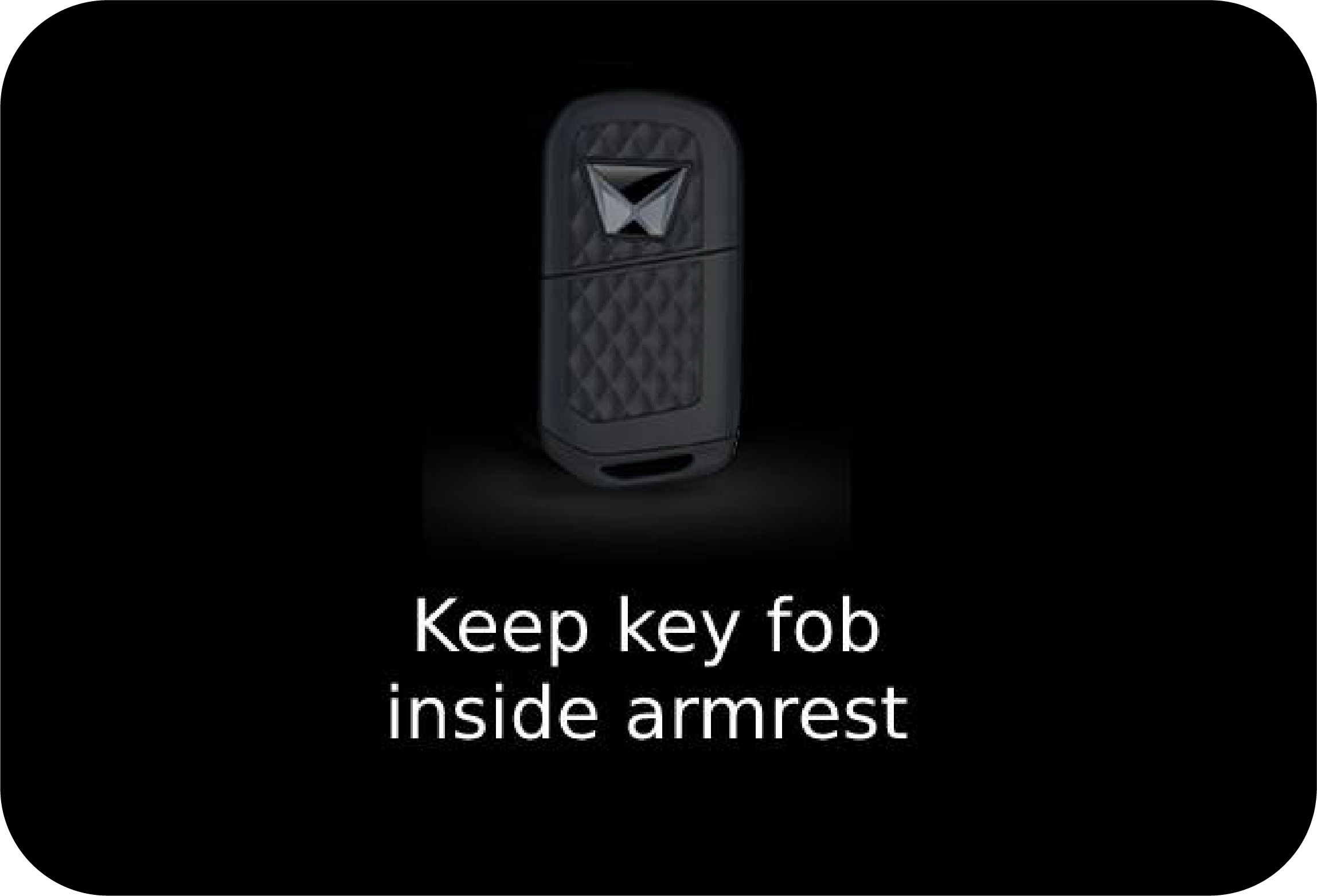
The warning will be triggered when key fob battery is low and user need to keep the key fob in the armrest pocket and then
press the start/stop switch to turn ON the vehicle.
|
|
|
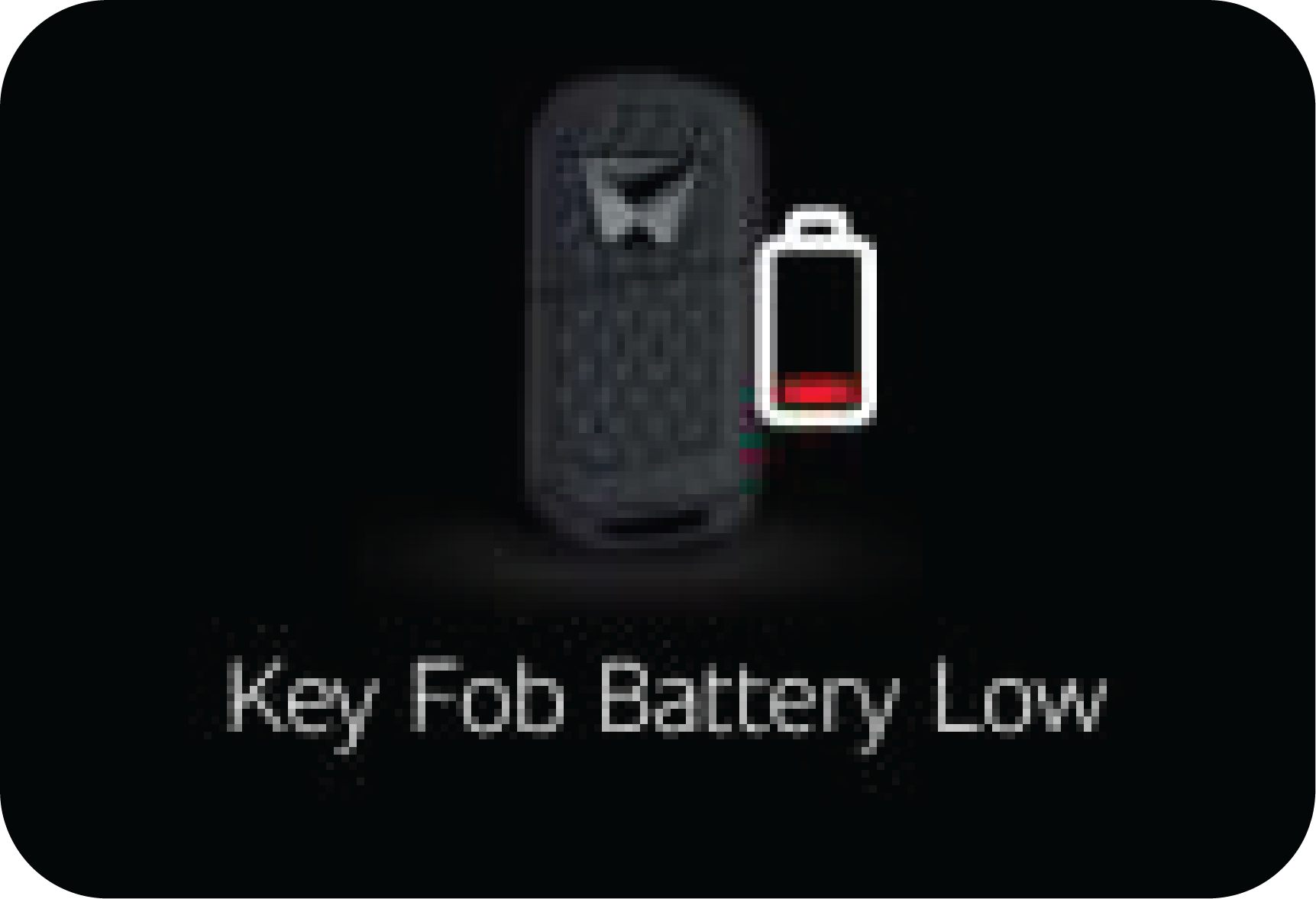
![]() |
The warning will be triggered when key fob battery is Low. |
|
Display |
Operating Conditions |
|
|---|---|---|---|
|
EC |
EL |
||
|
|
![]() |
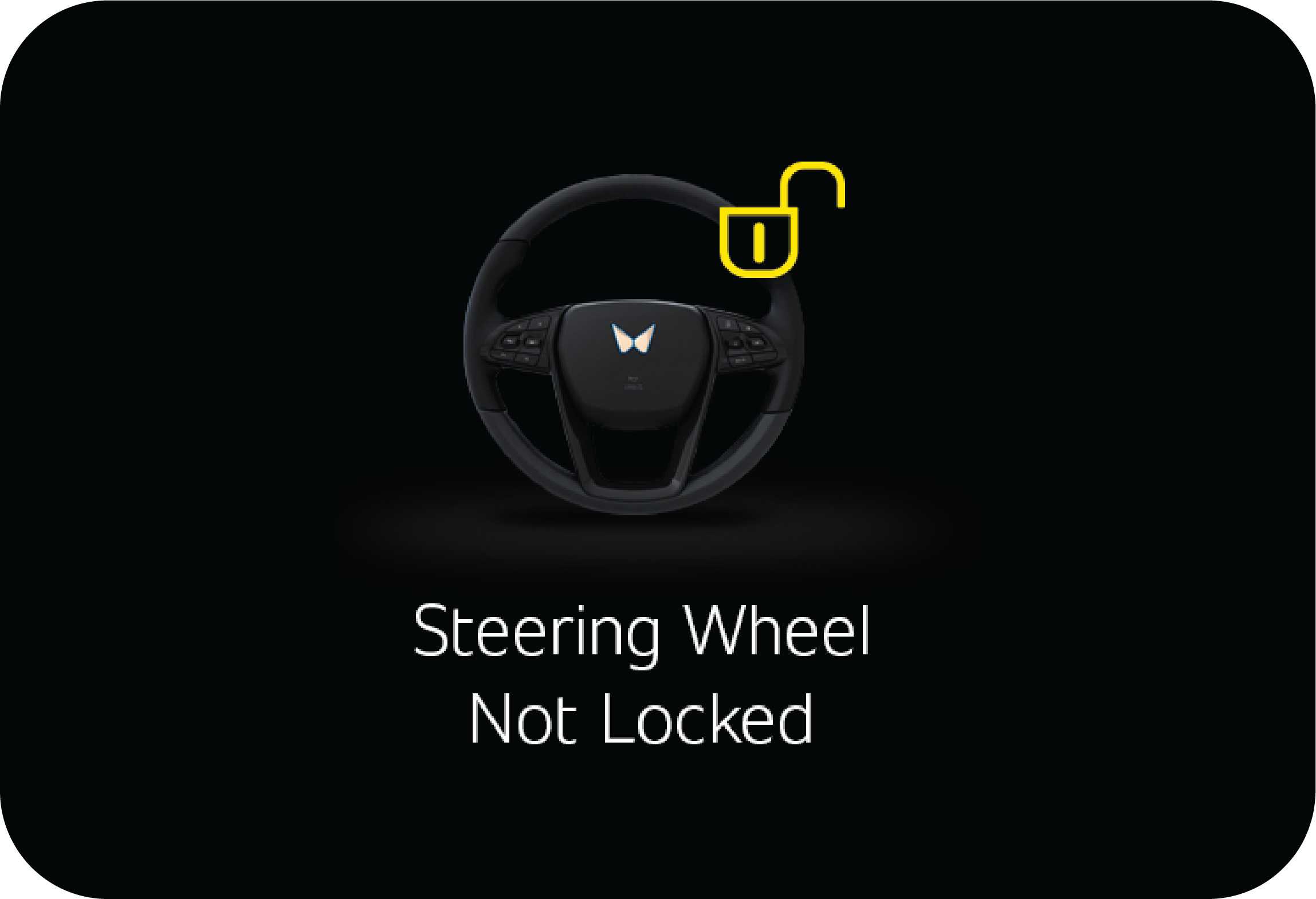
This is a temporary malfunction of ESCL and the message is displayed if steering wheel has to be rotated while ignition is
being turned ON.
|
Alert comes only for 5 seconds with chime
Application in both ignition ON/OFF state |
|
|
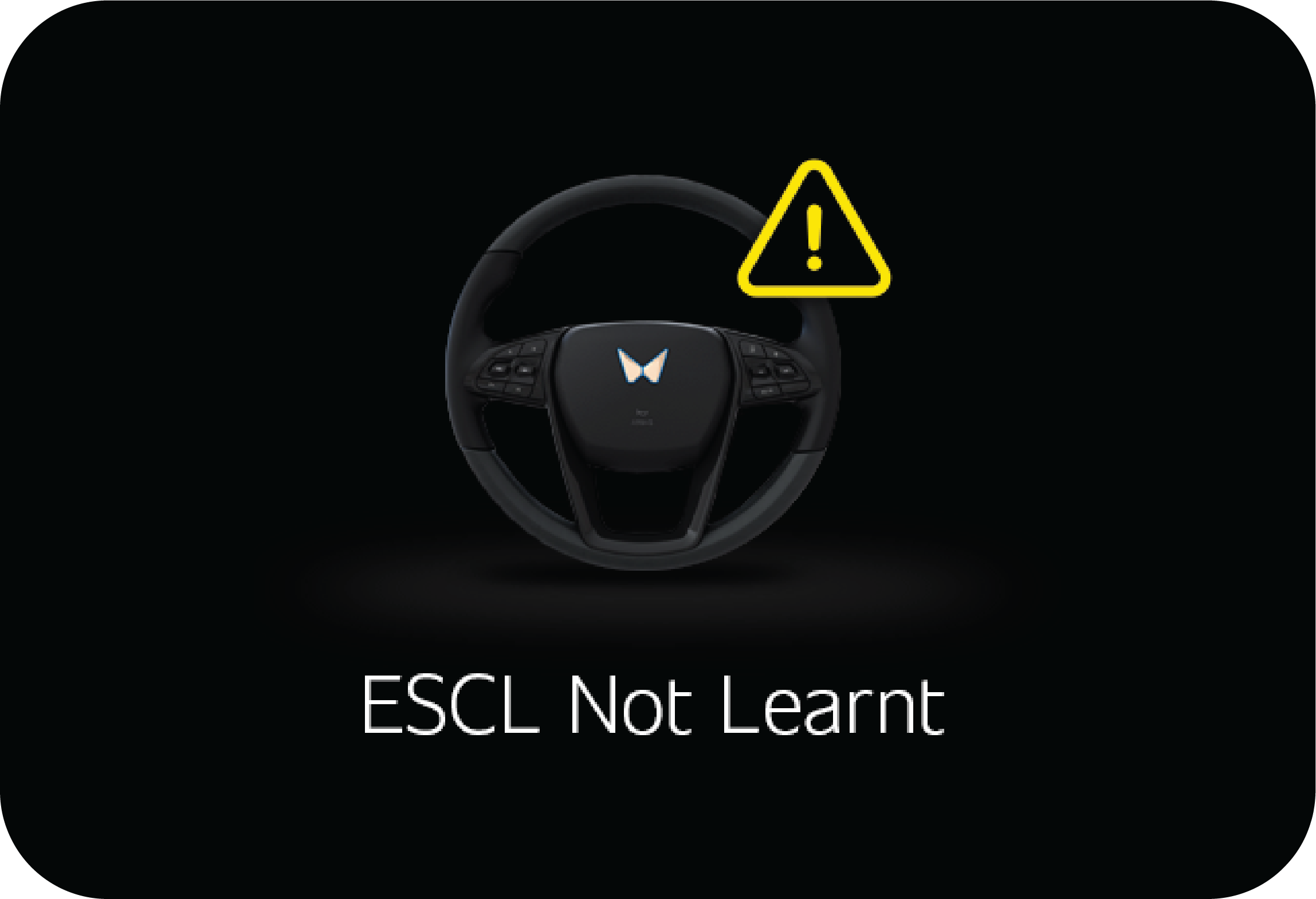
![]() |
This warning is displayed when ESCL is not learned. Contact authorized dealer for assistance |
Alert comes only for 5 seconds with chime
Application in both ignition ON/OFF state |
|
|
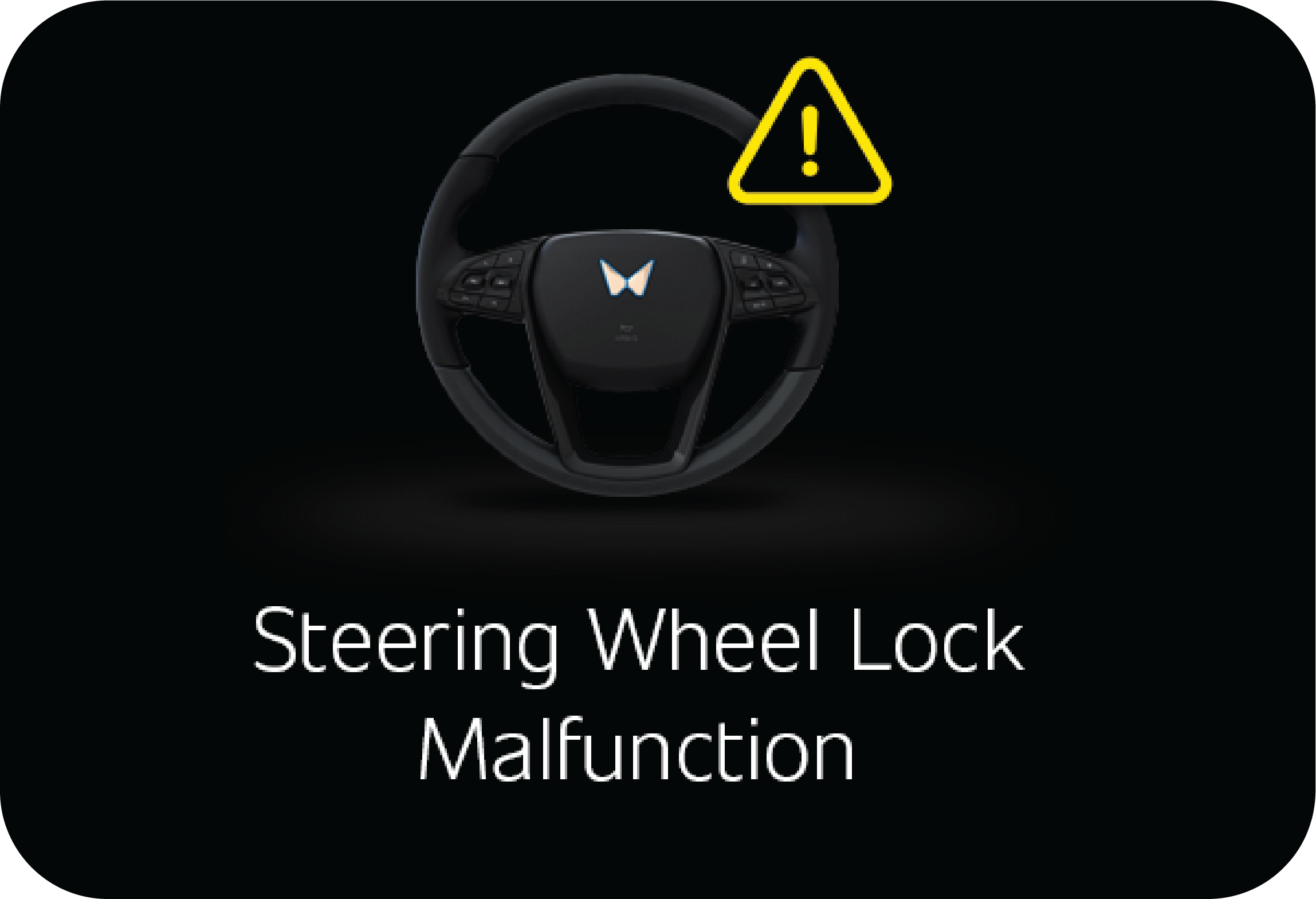
![]() |
The message is displayed if the system check-up is required since the ESCL system is malfunctioning. Contact authorized dealer
for assistance
|
Alert comes only for 5 seconds with chime
Application in both ignition ON/OFF state |
|
|
NA |
The message is displayed if ESCL coding checkup is required. Contact authorized dealer for assistance
|
Alert comes only for 5 seconds with chime
Application in both ignition ON/OFF state
|
|
|
![]() |
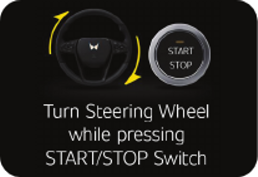
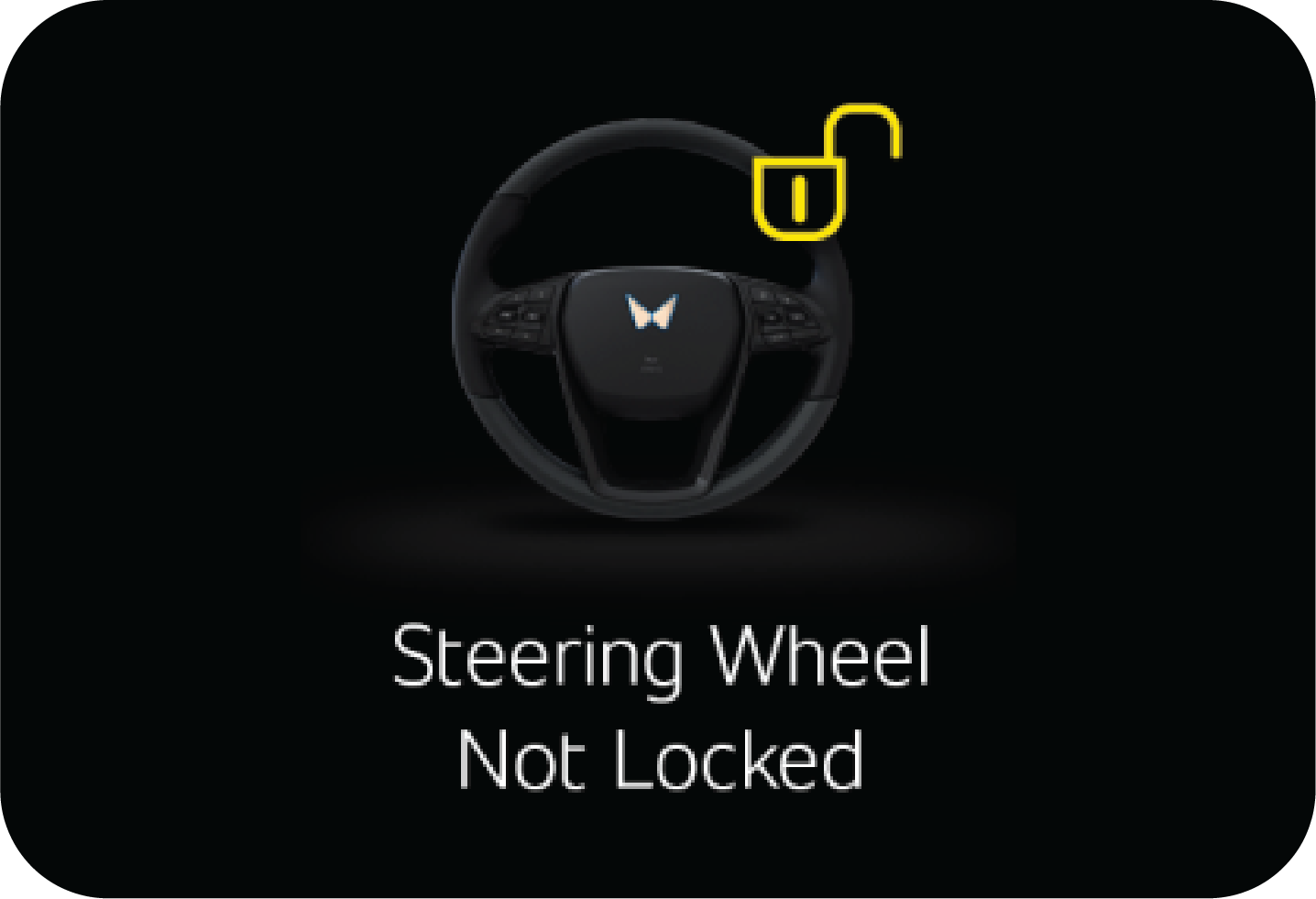
This is a temporary malfunction of ESCL and the message is displayed if the steering column is not locked. Rotate back & forth,
then release the steering wheel while trying to turn ignition OFF
|
Alert comes only for 5 seconds with chime
Application in both ignition ON/OFF state |
|
Display |
Operating Conditions |
|||||||
|---|---|---|---|---|---|---|---|---|
|
EC |
EL |
|||||||
![]() |
![]() |
This alert comes when the park switch, or shift unlock button is pressed for more than 60 seconds or when there is a gear
shifter malfunction. In such cases contact an authorised Mahindra dealer for assistance.
|
||||||
![]() |
![]() |
This alert comes when,
Note: In both the cases, neutral gear will be engaged.
|
||||||
![]() |
![]() |
This alert comes when,
|
||||||
![]() |
![]() |
This alert comes, when the gear shifting is not possible as brake pedal press precondition is not met. Refer “Shift Lever”
section for more details.
|
||||||
![]() |
![]() |
This alert comes, when the gear shifting is not possible as shift unlock button press precondition is not met. Refer “Shift
Lever” section for more details.
|
||||||
![]() |
![]() |
This alert comes when the park switch is depressed for more than 30 seconds. |
||||||
![]() |
![]() |
This alert comes when the shift unlock button is depressed for more than 30 seconds. |
||||||
|
Display |
Operating Conditions |
||
|
EC |
EL |
||
|
|
![]() |
Passenger door is open
Alert comes with animation |
|
|
|
![]() |
Driver door is open
Alert comes with animation |
|
|
|
![]() |
Hood is open
Alert comes with animation |
|
|
|
![]() |
Rear door (LH) is open
Alert comes with animation |
|
|
|
![]() |
Rear door (RH) is open
Alert comes with animation |
|
|
|
![]() |
Tailgate is open
Alert comes with animation |
|
|
High |
Operating Conditions |
|||
|---|---|---|---|---|
|
<Level 5> |
Tyre alignment is displayed in 6 levels (level 0 to level 5) depending on the alignment degree
Working conditions:
1. When vehicle speed is zero and vehicle is in neutral position.
or
2. When vehicle speed is zero and vehicle is in neutral and brake pedal is pressed. |
|||
|
EC |
EL |
EC |
EL |
|
|
|
![]() |
|
![]() |
|
|
<Level 0> |
||||
|
EC |
EL |
|||
|
|
![]() |
|||
|
Symbol |
Warning Lamp/Telltale |
Lamp Pre-check |
Lamp Status while Drive Enable |
Action/Remarks |
|---|---|---|---|---|
![]() |
Left Turn Indicator |
No |
Slow or Fast Blinking |
Indicates left turn lamp is blinking Slow Blinking: Normal operation Fast Blinking: One / more left turn lamps is faulty. Contact authorized center for assistance |
![]() |
Right Turn Indicator |
No |
Slow or Fast Blinking |
Indicates right turn lamp is blinking Slow Blinking: Normal operation Fast Blinking: One / more left turn lamps is faulty. Contact authorized center for assistance |
![]() |
Overspeed Alert |
No |
Blinking |
Telltale will blink when vehicle is running with speed more than 120 kmph |
![]() |
Temperature Warning Lamp |
No |
Blinking/Continuously ON |
The temperature warning lamp indicates the high & low temperature condition of EPT components which may lead to malfunction
of EPT components
Blinking indicates extreme temperature condition & continuous ON indicates very extreme temperature condition
![]() Do not continue driving the vehicle with this lamp ON. This may result in damage to the components and will not be covered
under warranty.
|
![]() |
Immobiliser |
No |
Blinking |
Slow Blinking: Vehicle is armed with the remote Fast Blinking/Continuously ON: Indicates a system malfunction Contact an Authorised Mahindra Dealer immediately |
![]() |
ABS Warning Lamp |
Yes |
Continuously ON |
Indicates malfunction of the ABS system. Contact an Authorised Mahindra Dealer immediately |
![]() |
Parking Brake ON/ Brake Fluid Low Warning Lamp/ EBD*/ Vacuum Pump related Warning |
Yes |
Continuously ON |
Either one of the below conditions: 1. Park Brake is engaged 2. Brake fluid level is low. Check & top up if required. If issue still persists, contact an authorised Mahindra Dealer 3. There is some concern in EBD. Please contact Mahindra Dealer. 4. Brake Vacuum Pump (Electric Vacuum Pump) Malfunction/Error |
![]() |
Parking Lamp |
No |
Continuously ON |
Indicates Parking Lamp is ON |
![]() |
Airbag Warning Lamp* |
Yes |
Continuously ON |
Indicates malfunction of the airbag system. Contact an Authorised Mahindra Dealer immediately |
![]() |
Door Ajar Warning Lamp |
No |
Continuously ON |
Indicates one or more doors and/or hood is open |
![]() |
Seat Belt Warning Lamp |
No |
Continuously ON |
Indicates driver or co-driver (if occupied)seat belt is not worn. If telltale is not turning OFF even after fastening the
seat belt, contact an Authorised Mahindra Dealer for assistance |
![]() |
Head Lamp High Beam Lamp |
No |
Continuously ON |
Indicates head lamp high beam is ON |
![]() |
EPS Warning Lamp |
Yes |
Continuously ON |
Indicates malfunction on Electronic Power steering system. Contact an Authorised Mahindra Dealer immediately |
![]() |
Battery Charge /LV Charge System Warning Lamp |
No |
Continuously ON |
Indicates malfunction in LV battery charging system that has led to low charge or non charging condition of LV battery. Contact
Authorised Mahindra Dealer for assistance |
![]() |
Brake Depress warning lamp |
No |
Continuously ON |
Indicates when brake is not pressed during ignition ON when gear shift is tried or when brake pedal is not pressed during
gear shift as per gear shift pattern. Refer “Shift Lever” section for more details |
![]() |
EV Warning Lamp |
No |
Continuously ON |
Indicates all system level/component level EPT faults. Contact your nearest Authorized Mahindra Dealer immediately. |
![]() |
HV Battery charge lamp |
No |
Continuously ON |
Indicates that HV battery charging is in progress. Refer “Charging” chapter for more details |
![]() |
Regeneration Lamp |
No |
Continuously ON |
Indicates that vehicle is in regeneration state due to braking regeneration/coasting regeneration. Refer “Regeneration” section
for more details |
![]() |
Ready to Drive |
No |
Continuously ON |
Indicates that vehicle ignition is turned ON, drive is successfully enabled and vehicle is in ready to drive state. |
![]() |
Service Lamp Telltale |
No |
Continuously ON |
Indicates that there is a fault related to Non-EPT components. Contact Authorised Mahindra Dealer for assistance |
![]() |
Cruise Control Indicator* |
Yes |
Continuously ON |
Indicates vehicle is in Cruise mode |
![]() |
ESC OFF Lamp |
Yes |
Continuously ON |
Indicates ESC OFF |
![]() |
ESC Malfunction Warning Lamp |
Yes |
Continuously ON or Blinking |
Blinking: Indicates ESC has taken control of the vehicle stability Continuously ON: Indicates a malfunction in the ESC system. Contact an Authorised Mahindra Dealer immediately |
![]() |
Tiretronics |
Yes |
Continuously ON or Blinking |
Indicates low/high tyre pressure or possible malfunction in Tiretronics. |
![]() |
HHC Malfunction* |
No |
Continuously ON |
Indicates malfunction of Hill Hold Control. Contact an Authorised Mahindra Dealer immediately |
![]() |
Front Fog Lamp Indicator* |
No |
Continuously Lamp ON |
Indicates front fog lamp is ON |
|
* if equipped / select models or variants only |
||||


| • | Check if the parking brake is engaged. If yes, disengage it |
| • | Check if brake fluid level is low. If yes, top-up brake fluid to the required level |


| • | Lamp fails to go OFF after drive enabled |
| • | Lamp does not illuminate at all |
| • | ON while driving |


|
|
Your key tag number is given on the tag attached to the key. It is recommended that you record the key tag number and store
in a safe place. The keys operate all locks in your vehicle including those of the doors and ignition with steering lock.
|

|
From Inside |
From Outside |
|
|
|
|
Pull the door lever away from the door and push the door outward to open.
|
Pull the door handle firmly outwards to unlock and swing the door open.
|
![]() |
![]() |
|
A : Lock
|
B : Unlock
|

![]() |
A : Lock
B : Unlock |

|
|
The tailgate is locked/unlocked when locking/unlocking the doors.
To open the tailgate, press the switch located on the inner side of the tailgate door handle.
|
|
With Remote
|
Press the tailgate release button to unlock only the tailgate when the vehicle is locked.
|

| • | Before closing the tailgate, ensure that none of your body parts are trapped. Also, because the tailgate is heavy, it might unexpectedly fall down and close. To prevent any injury, close the tailgate with caution |
| • | The tailgate swings upward. Make sure no objects or people are near the rear of the vehicle when opening the tailgate |
| • | Occupants should never ride in the rear cargo area where no restraints are available. To avoid injury in the event of an accident or sudden stops, occupants should always be properly restrained |
| • | If you drive with the tailgate open, you will draw dangerous exhaust fumes into your vehicle which can cause serious injury or death to vehicle occupants. If you must drive with the tailgate open, keep the air vents and all windows open so that additional outside air comes into the vehicle |

|
|
Your vehicle is equipped with the emergency tailgate safety release lever located on the bottom of the tailgate inside. In
an emergency condition the passenger can open the tailgate from inside the vehicle..
|
| 1. | Insert the mechanical key into the hole |
| 2. | Slide the mechanical key to the left side and hold the key in the same position to open the tail gate. |
| 3. | Push the tailgate to open. |

| • | Use the release lever for emergencies only. Use extreme caution, especially while the vehicle is in motion |
| • | For emergencies, be fully aware of the location of the emergency tailgate safety release lever in this vehicle and how to open the tailgate if you are accidentally locked in the luggage compartment |
| • | Do not allow children to play in cargo area. If they open the tailgate with the opening lever abruptly, it may cause a serious personal injury |
| • | No one should be allowed to occupy the luggage compartment of the vehicle at any time. The luggage compartment is a very dangerous location in the event of a crash |
|
|
|
| • | Press the driver door lock tab down (A) to lock or lift the lock tab up (B) to unlock all doors simultaneously. |
|
|
|
| • | Using RKE/PKE key fob |
|
|
Press the button in the door handle |
![]() |
To manually lock/unlock all the doors from outside using the conventional key, turn the key anti-clockwise /clockwise respectively
in the driver door keyhole.
|
|
A : Lock |
B : Unlock |

|
A : Lock
|
B : Unlock
|

| • | Do not cover the key grip with any material that cuts off RF waves |
| • | Do not leave the key exposed to high temperatures for a long period, such as on the dashboard or hood under direct sunlight |
| • | Do not put the key in any liquid or wash it in an ultrasonic washer |
|
A |
LED |
C |
Tailgate open / Search |
|
B |
Lock |
D |
Unlock |
|
|
Press the LOCK button on the RKE for locking and arming the vehicle.
|
|
|
Press the UNLOCK button on the RKE to unlock and disarm the vehicle.
|

|
|
A : LED
B : Lock
C : Tailgate open / Search
D : Unlock
E : Mechanical key release button
|

|
|
Press the mechanical key release button to open the key blade.
|

| • | When locking or unlocking with Smart Key, the distance between the Smart Key and the corresponding door handle must not be greater than 3ft (1m). |
| • | Do not cover the key grip with any material that cuts off RF waves |
| • | Do not leave the key exposed to high temperatures for a long period, such as on the dashboard or hood under direct sunlight |
| • | Do not put the key in any liquid or wash it in an ultrasonic washer |
| • | The Smart Key can malfunction if exposed to moisture or static electricity |
| 1. | Carry the Smart Key |
| 2. | Close all the doors |
| 3. | Press the button in the door handle
|
| 4. | The hazard warning lights will blink once to indicate the locking (5 blinks will be provided if hood or any of the doors is open while locking) |
| 5. | Make sure that the doors are locked by pulling at the outside door handles |

| • | Key should be in the proximity of less than 0.7m from the outside door handle |
| • | Vehicle can be locked centrally by pressing the button in the door handle nearer to the PKE (PKE should be nearer to the triggered side). E.g., locking/unlocking of the co-driver door is possible only if PKE is around the co-driver area |
| • | Even after pressing the outside door handle button, if the doors do not lock, a chime is heard for 5 times, then one of the
following situations are true:
|
| • | On attempting to lock by pressing the button in door handle, the chime will sound for 3 times if the steering is not locked |
| • | With the one Smart Key inside, on locking the vehicle using the remote lock button, the key which is kept inside would get deactivated completely for the security of the vehicle. In order to make the key to active again, the vehicle should be unlocked either using Smart Key or by pressing remote unlock |
| 1. | Carry the Smart Key |
| 2. | Press the button in the door handle |
| 3. | All doors would unlock and hazard warning lights will blink with alarm twice |

| • | Key should be in the proximity of less than 0.7m from the outside door handle |
| • | Vehicle can be unlocked centrally by pressing the button in the door handle only when the key is in same side of the door where the button is pressed |
|
|
To open the tailgate, touch the opening switch inner side of the tailgate door handle with the tailgate unlocked, and then
lift it up.
|

| • | Before closing the tailgate, ensure that none of your body parts are trapped. Also, because the tailgate is heavy, it might unexpectedly fall down and close. To prevent any injury, close the tailgate with caution |
| • | The tailgate swings upward. Make sure no objects or people are near the rear of the vehicle when opening the tailgate |
| • | Occupants should never ride in the rear cargo area where no restraints are available. To avoid injury in the event of an accident or sudden stops, occupants should always be properly restrained |
| • | If you drive with the tailgate open, you will draw dangerous exhaust fumes into your vehicle which can cause serious injury or death to vehicle occupants. If you must drive with the tailgate open, keep the air vents and all windows open so that additional outside air comes into the vehicle |

|
|
The drive can be enabled or disabled by the presence of the Smart Key inside the vehicle.
|


| • | If the electronic steering lock is not getting unlocked
|
| • | Steering wheel not lock warning
|
| • | Electronic Steering column lock module (ESCL) not learned warning.
|
| • | Steering wheel malfunction warning:
|
|
|
![]() |
|
|
![]() |
| • | If the key fob battery is low, the key may not be detected. In such a situation, press the start/stop button once while the status LED in the button is blinking red color , keep the key in the armrest pocket and then press the start/ stop switch to turn ON the Ignition & LED will changes to permanent Red . |
| • | When start/stop button is ON or drive enable condition with vehicle at standstill and if any door is opened, the system checks for the Smart Key. |
|
|
![]() |

|
|
keep the key in the armrest pocket and then press the start/stop switch to turn ON the IGN & LED will changes to permanent
Red .
|
|
|
![]() |

|
|
![]() |
|
|
![]() |
|
|
![]() |
|
|
![]() |
|
|
LCD display shows this message for 5 seconds when there is malfunction on the Start/Stop button . If the message appears constantly,
bring your vehicle to Authorised Mahindra Dealer for checkup.
|
| 1. | To remove the mechanical key, press and hold the release button in the side of the key fob and pull the mechanical key head. |
| 2. | Insert the key into the keyhole in the door nearer to the door handle. Turn the key towards the rear of the vehicle to unlock and turn it towards the front to lock. |
| 3. | To reinstall the mechanical key, put the key into the key fob and push it until a click is heard |

| • | The Smart Key is close to a radio station, airport or an area where there is a possibility of large radio transmissions which can interfere with the normal operation of the Smart Key |
| • | The Smart Key is near a mobile or a cellular phone or some electronic gadgets like Laptop/Tablets. The signal from the Smart Key could be blocked by normal operation of your cell phone or smartphone. Avoid placing the Smart Key and your electronic gadgets in the same trouser or jacket pocket or in the bag and maintain adequate distance between the two devices |
| • | Another vehicle Smart Key is being operated close to your vehicle |
| • | Smart Key kept inside the glove box or top bin in the instrument panel may not be detected sometimes. Keep the Smart Key in the visible zone or in your pocket for getting it detected |
| • | Keep the Smart Key away from the water or any liquid. If the keyless entry system is inoperative due to exposure to water or liquids, it will not be covered by your manufacturer’s vehicle warranty |

|
Battery Voltage |
3 V |
|
Battery Capacity |
225 mAh |
|
Battery Model Name |
2032 |


| • | All doors are closed properly |
| • | Vehicle speed is greater than 20 kmph |
| • | When Ignition is switched from ON to OFF, OR In the event of a crash |
| • | No door status change for 45 sec after unlocking the vehicle using RKE/PKE |
|
|
Press the Tailgate button on the RKE 2 times within 2 sec to locate the vehicle in a parking lot.
|
| • | Pressing any button on the RKE again switches OFF the alarm |
| • | Pressing the UNLOCK button switches OFF the alarm and disarms/unlocks all doors |

|
|
The chirps can be muted / un-muted. Press the LOCK & UNLOCK buttons together for 3 sec. to toggle between MUTE/UN-MUTE mode.
|

![]() |
Using Remote, you can lock/arm or unlock/disarm the vehicle from distances approx. 30ft. (9m).
|


|
|
This message is displayed only when the PKE system fails to detect the key fob which is inside the vehicle when the user is
trying to Switch ON the ignition.
|
|
|
![]() |
| • | Key fob battery is low |
| • | If vehicle is parked near to electric charging stations /Transformers /High-tension lines, key fob may malfunction like key not detecting warning even key is inside and user unable to start the vehicle due to Radio Frequency interface |
|
|
In the above scenario, please keep the key inside the armrest as shown below and press Start Stop switch 2-3 times .
|

| • | Prevents the vehicle being started by anyone not in possession of the correct vehicle key |
| • | The vehicle is automatically protected after the key is removed from the ignition. At every ignition ON, if the vehicle does not recognise the correct key code. |
| • | The vehicle will not be protected until the key has been taken out of the ignition |


|
|
1. Pull the lever below the driver side instrument panel to release the hood.
|
|
|
3. Lift the safety latch and lift the hood.
|
|
|
4. Hood is supported by a stay rod. Lift the safety latch and lift the hood.
|

| • | Always double check to be sure that the hood is firmly latched before driving away. If it is not latched properly, the hood could open while the vehicle is being driven, causing a total loss of visibility, resulting in an accident |
| • | Do not move the vehicle with the hood in the raised position, as vision is obstructed |
| 1. | Remove the stay rod supporting the hood by slightly lifting the hood |
| 2. | Bring the hood near to its self-opening/closing position |
| 3. | Now, push the hood to close and ensure the primary latch is engaged |
| 4. | Before driving off, check hood is locked properly with primary latch fully engaged |

| • | Hazard lamps flash continuously to alert the user that the bonnet is open |
| • | Hazard cluster telltale also flashes |
|
A
|
ORVM Folding/Unfolding Switch
|
|
B
|
Aiming Switch
|
|
C
|
Driver Door Window Switch
|
|
D
|
Rear RH Window Switch
|
|
E
|
Door Lock/Unlock Switch
|
|
F
|
Window Lock Switch
|
|
G
|
Rear LH Window Switch
|
|
H
|
Passenger’s Window Switch
|
|
I
|
Mirror Selection Switch
|
|
|
|


|
|
To disable the rear passenger power windows, press the window lock switch down.
To revert to normal operation, press the window lock switch again.
|
|
|
The Door lock/unlock switch is located on the driver door trim. Driver can simultaneously lock/unlock all the doors by pressing
this switch as shown in the image.
|
|
|
This feature consists of three functions:
|

|
|
|
|
|
Exterior Rear view mirror on both left and right sides provides the maximum side rear view information to the driver.
|

| • | The doors locked with the remote from outside the vehicle |

|
|
|
|
|
|
| • | Mirror is already in folded condition and ORVM switch is neutral condition and IGN is turned ON |
|
|
|
|
A |
IRVM |
D |
Indicator |
|
B |
Brightness |
E |
Front Sensor |
|
C |
Anti-glare auto adjustment ON/OFF switch |
||

| • | Under the following conditions, automatic anti-glare function may not operate properly |
| • | When the rear vehicle’s headlamp is not beamed directly to the inside rearview mirror’s sensor |
| • | When the rear window has a dark tinted glass |
| • | When the gear selector lever is in the R position, automatic antiglare function will be cancelled to obtain the best rearview |
| • | For your safety, never adjust the mirror while the vehicle is in motion |

| • | The electrolyte may come out when the mirror is broken. Do not allow it to contact your skin or eyes. If you accidentally get it in your eyes, flush with water and see your doctor |
| • | For your safety, adjust the mirror before driving off the vehicle |


|
|
|


|
|
|
|
|
The cup holder located in the floor console between the front seats, It can be used for small cups or cans that are closed
or have a lid.
|
|
|
The cup holders are located on both the left and right side trims.
|


| • | Adjusting the sun visor while driving may cause an accident by taking your attention away or blocking your view |
| • | Adjust and use the sun visor when the vehicle is not in move |
|
|
|
Sl. No. |
Switches |
|---|---|
|
A |
Rear Defogger |
|
B |
PAB OFF indicator |
|
C |
Hazard warning switch |
|
D |
Drive Mode Control switch |
| • | When PAB switch in ON position, then Passenger airbag De- activation status will be OFF |
|
|
The microphone is located on the roof above driver side.
The microphone is used when talking on the phone.
The person you are speaking to can be heard from the front speakers.
|

|
|
A: ‘C’ Type Port
B: Charging USB Port
|


| • | Close the power outlet cap when not in use |
| • | Do not allow children to use or play with the power outlet |
| • | When using electrical appliances, strictly follow the manufacturer's instruction manual |
| • | Never use the power outlet for electric heaters while sleeping |
| • | Never insert foreign objects into the power outlet |
| • | Never use malfunctioning electrical appliances |
| • | Never insert inappropriate or badly fitting plugs into the power outlet |

| • | Distract the driver while driving, or hamper safe driving |
| • | Result in a fire or burn injuries due to the appliance rolling, falling or overheating |
| • | Emit steam, while the windows of the passenger compartment are closed |

| • | Remove the plug from the power outlet after using the electric device. Leaving the electric device plugged in for more time may cause the battery to drain |
| • | Do not use the power outlet to connect electric accessories or equipment that are not designed to operate on 12V |
| • | Some electronic devices can cause electronic interference when plugged into the power outlet. These devices may cause excessive audio noise and may interfere with other electronic systems or devices in your vehicle |
|
|
A wireless mobile charging unit is located in front of the center console below the front USB ports.
|


|
|
A : Spot Lamp Switch (Passenger’s)
B : Main Room Lamp Switch (Auto Mode)
C : Spot Lamp Switch (Driver’s)
D: Sunroof Switch
|

| • | Push the lighting control stalk clockwise to indicate a right turn. The instrument cluster arrow lamp pointing towards the right flashes along with the right side turn signal lamps (front, rear & ORVM) with chime indicating your intention of turning towards right |
| • | Push the lighting control stalk anti-clockwise to indicate a left turn. The instrument cluster arrow lamp pointing towards the left flashes along with the left side turn signal lamps (front, rear & ORVM) with chime indicating your intention of turning towards left |
| • | After you have completed your left turn, the stalk will automatically return to the neutral position switching OFF turn indicator lamp. |


| • | Do not clean the sensor with detergent or wax |
| • | On a foggy, snowy, rainy, or cloudy day, be sure to use manual mode. The turning on or off time of the lamps varies depending on the weather, season, or circumstances |
| • | Any aftermarket sunfilm or spray may cause the lighting system to malfunction |
| • | When the switch is turned to the “AUTO” position, room, tail, and head lights might blink for a very short time. It is a normal phenomenon recognising the automatic setting |
| • | There may be a difference between ambient light intensity sensed by the RLS sensor and the human eye. Hence it is possible that during low light conditions, the head lamp is activated early as the RLS sensor senses it as low intensity. This is a normal behaviour. |
|
A
|
Low Beam
|
B
|
High Beam
|

|
|
To properly aim the head lamp beam, use the head lamp levelling switch. This switch is located on the right side of the steering
column shroud in the instrument panel. This switch has four positions marked as 0, 1, 2 & 3.
|
|
Switch Position |
Vehicle Loading Condition |
|---|---|
|
0 |
Driver/Driver with Front Passenger |
|
1 |
Driver + Front passenger + Second row occupied |
|
2 |
All seats occupied |
|
3 |
All seats occupied with luggage OR Driver with luggage at extreme rear side |


| • | Ignition transition from ON to OFF |
| • | Park lamp is OFF |
| • | Driver door open within 3 mins from Ignition OFF |
| • | Head lamp would turn ON only if the ambience light is found dark by the light sensor |
| • | The first RKE/PKE LOCK command will be used for locking all doors |
| • | Successive RKE/PKE LOCK commands will be used for toggling the current status of the head lamp low beam |
| • | Each time FMH is extended the head lamp low beam will be kept/turned on for the next 20 seconds |
| • | Park lamp transition from OFF to ON |
| • | Ignition off to any other state |
| • | FMH ON 20 seconds expires |
| • | FMH Max time is 3 minutes expires |
| • | Switch OFF the parking lamps |
| • | Remove the ignition key |
| • | Press the lock button on the key fob twice to activate the FMH. First press locks the vehicle & second press enables head lamp low beam for 20 seconds. |
| • | Pressing unlock button in key fob disables FMH feature & unlocks the vehicle. |
| • | Switch ON the parking lamps |
| • | Switch the ignition key to either ACC or ON in position |
| • | Press the RKE unlock/lock button once |
| • | Head lamp switches ON for 20 secs. and switched OFF automatically |
| • | Press and hold the unlock button on the RKE two times |
| • | Switch ON the parking lamps |
| • | Switch the ignition key to either ACC or ON in position |
| • | Press the RKE lock/unlock button once |
| • | Head lamp switches ON for 20 secs. and switched OFF automatically |
|
|
A: Flick- Wipe (MIST)
B: Off
C: Intermittent (INT)/AUTO
D: Low Speed (LO)
E: High Speed (HI)
F: Rotary Switch
|


| • | Do not operate the wipers when the windshield is dry. It may lead to scratches on the glass |
| • | It is recommended not to use the wiper when the windshield glass is covered with debris, snow or leaves. Clean the glass before using the wiper to avoid damage to the wiper blades and glass |
| • | Do not operate the windshield washer for more than 10 secs. or when the reservoir is empty |

| • | Operate the sunroof only when it is required. Operating repeatedly will run down the battery. |
| • | When a desired sunroof operation is completed, release the switch. If you keep pressing the switch, it could cause a malfunction. Especially in winter, never operate the sunroof if moving areas are iced. Wait until the areas are deiced |
| • | When leaving the vehicle unattended, be sure to completely close the sunroof. Otherwise, there is a great risk of vehicle theft. Or, the interior of the vehicle will be wet when it rains or snows |
| • | When the sunroof is slid to its complete open position, the wind buffet phenomenon can increase. If this happens, adjust by opening the sunroof or only open two-thirds of the sunroof by using only the first step of the opening system |
| • | When operating the sunroof, be aware of safety conditions before operation. Parts of the body can be trapped |
| • | Clean up the circumference of sunroof regularly. Otherwise, operating the sunroof may cause a noise due to foreign material and dirt |
| • | Opening the sunroof or driving with the sunroof open after the vehicle wash or rain may lead to water entering |
| • | Close the sunroof while driving in the dusty environment. The dusts or particles entered can cause operating problems |
| • | If a roof rack system is installed on the vehicle roof or any cargo is secured to the roof rack, do not operate the sunroof. If you are required to operate the sunroof, carefully check that the roof rack system does not interfere with the sunroof and it is safe to open the sunroof |

| • | Make sure that no passenger sticks out head, hand or any part of his/her body out of the sunroof opening while driving. There is a risk of personal injury when the vehicle is stopped suddenly |
| • | Before operating the sunroof, make sure that no head, hand, finger, or any object is capable of being trapped. There is a risk of personal injury or even death |

|
|
|
|
|
|
|
|
To prevent any body parts from being trapped by the sliding sunroof, an Anti-Pinch Function automatically opens the sunroof
when an object is trapped.
|

| • | This safety function is available for the auto sliding sunroof close |
| • | The anti-Pinch function is deactivated just before the sunroof closes |
| • | Sunroof safety function is supplemental and not always operable depending on circumstances (e.g. any electrical device in the vehicle, etc.), therefore, the driver should check safety at all times before operating the sunroof |

| • | Never leave children or disabled persons in the vehicle – particularly if they have access to the vehicle key. Unsupervised use of the remote control vehicle key makes it possible to lock the vehicle, turn on the ignition, start the vehicle and operate the sunroof. |
| • | Never stand or sit on sunroof glasses or roof. This can cause severe damage and would be treated as abuse of the sunroof which not covered by warranty. |
| • | Never keep the Luggages / weights on top of the roof/sunroof. |
| • | Any wet area found on the headliner shall be reported an Authorised Mahindra Dealer Immediately. |
| • | Never close the sunshade during the sunroof glass is in open condition. This can cause the sunshade damage and would be treated as abuse of the sunroof which not covered by warranty. |
| • | Without pinch protection, the power Sunroof will close with enough force to cause serious personal injury. |
| • | Always be careful when closing the power Sunroof |
| • | Pinch protection cannot prevent fingers or other parts of the body from being pressed against the edge of the roof; may result in injuries |
| • | If the power Sunroof malfunctions, pinch protection may not function properly. Visit a Mahindra Authorized Dealer or an authorized Mahindra Service Facility for assistance. |
| • | The sunroof does not completely close or open by operating the switch once |
| • | The sunroof slides back to close. But the operation does not stop even after a complete close and tilts up the sunroof |
| • | The opening gap remarkably decreases for the sliding open or tilt up |
| • | The sunroof does not work |
| • | Operation of the sunroof switch does not do anything or work properly. |
| • | The operating process is not same as before due to discharged or disconnected battery. |
|
|
|
|
| • | After the fitment of Sunroof onto the vehicle body ,it must be Re-initialized. |
| • | Whenever the sunroof motor is removed and refitted or replaced without sunroof removal from vehicle. |
| • | Whenever the sunroof glass assembly is removed and refitted or replaced without sunroof removal from vehicle. |
| • | Sunroof shall be in TILT position after initialization (Ignition on). |
| • | Pull down the ‘sunroof operating switch’ and hold it continuously. Do not release the switch till the sunroof completes the below actions automatically (Sunroof will start its cycle within 5 seconds). |
| • | Glass movement from Tilt - Close - Open - Close. (Cycle time 14- 20 seconds). |

| 1. | If the initialization procedure is not completely performed, then it must be run again from step 2. |
| 2. | Self-learning procedure can be done only after the Initialization procedure. |
| 3. | Self-learning procedure needs to start within 4 sec after Initialization, if not started within 4 seconds, then initialization procedure to be performed again. |
| 4. | If the switch is released in-between the self-learning procedure, then initialization procedure to be performed again. |
| 5. | Incase tilt function is not happening as per step 2, then sunroof needs resetting (Refer Reset & Initialization Procedure). |

| • | To help prevent damage, remove ice and snow from the sunroof before opening or tilting it in winter season |
| • | Always close the Sunroof before leaving the vehicle or if it begins to rain. If the Sunroof is open or tilted, rain could enter the vehicle interior and cause extensive damage to the electrical system. This could result in further vehicle damage. |
| • | Remove leaves and other objects from the Sunroof guide rails regularly either by hand or using a vacuum cleaner. |
| • | If the power Sunroof malfunctions, pinch protection may not function properly. See a Mahindra Authorized Dealer or an authorized Mahindra Service Facility |
| • | During sliding sunroof (auto /manual) open operation, the sunshade will also open in synchronization with sliding sunroof glass. |
| • | During sliding sunroof (auto /manual) close operation, the sunshade will not close in synchronization with sliding sunroof glass. |

| • | Open the Sunroof |
| • | Check all 4 Rail channel corners for mud or Dust/Leaf present in it |
| • | Move the leafs/Dust to centre of rain channel and then remove it by hand |

| • | After cleaning of all visible particles, blow air into drain hose channel area to clean hose for mud in this area |
| • | Now pour 1 litre of water in rain channel and check if water is draining or not |


|
|
|
A
|
Auto Switch
|
G
|
Dual Mode Switch
|
|
B
|
DATC Function Display
|
H
|
Memory Switch
|
|
C
|
AC Switch
|
I
|
Front Defogger Switch
|
|
D
|
Driver Temperature Control Knob
|
J
|
Recirculation Mode Switch
|
|
E
|
Blower Speed Control Switches
|
K
|
Mode Switch
|
|
F
|
OFF Switch
|
L
|
Co-Driver Temperature Control Knob
|
| 1. | Press the AUTO switch. |
| 2. | AUTO indicator is displayed on the display. |
| 3. | Set the desired cabin temperature with the temperature control knobs. |
| 4. | The temperature of the passenger compartment is automatically maintained according to the set temperature. |
| 5. | If the driver and co-driver require different temperatures in their respective zones, the same can be done by pressing the dual switch and subsequently, setting different temperatures using temperature control knobs. |
| 1. | Press A/C switch |
| 2. | Set the desired temperature by rotating the temperature control knobs. |
| 3. | Adjust the blower speed by pressing the blower speed control switches. |
| 4. | Select the air flow by pressing the air distribution/mode switch. |
| 5. | Select the air source mode by pressing recirculation mode switch. |

|
|
|

|
Examples of items that can be memorised are: |
|||||||
|
MEMORY |
Memory item |
||||||
|
Driver side Temp. |
Passenger side Temp. |
A/C |
Air Distribution |
Air Source Selection |
Blower Speed |
Dual |
|
|
1 |
22 deg C |
22 deg C |
OFF |
Face and foot mode |
Fresh Air |
Level 2 |
OFF |
|
2 |
25 deg C |
23 deg C |
OFF |
Face mode |
Recirculation |
Level 4 |
ON |
|
3 |
30 deg C |
28 deg C |
OFF |
Foot mode |
Fresh Air |
Level 8 |
ON |
|
MEMORY function will stop if you press any control switch other than MEMORY switch during its operation.
|
|||||||
| 1. | Select the desired memory (1M, 2M or 3M), which needs to be set. |
| 2. | Adjust the temp, Dual mode, mode, Auto etc what is desired. |
| 3. | Press and hold the MEMORY switch for 3-4 seconds. |
| 4. | 1M/2M OR 3M selected in display blinks for 5 times, stating the setting are getting saved. |
| 5. | Once settings are saved, the blinking STOPS. |
| 6. | Similarly set other 2 memory also. |
| 7. | User can select the desired Memory, all setting changes as stored in that memory. |


| • | If you press the DUAL switch , the indicator lamp lights up and DUAL mode indicator on the DATC display comes on |
| • | When the driver temperature control knob is rotated, the driver side temperature on the DATC display is adjusted as desired and when co-driver temperature control knob is rotated, co-driver side temperature on the DATC display is adjusted as desired |
| • | While the DUAL mode switch is operating, its indicator lamp lights up and the lamp turns off when the DUAL mode switch is not working |

|
|
Face Mode |
|
|
Face & Foot Mode
Note: Face and Foot mode is intended to provide cold air from face side air vents and warm air from foot vents. This mode can
be selected during cold sunny conditions. However by selecting the temperature control to either Full Cold or Full Hot, the
temperature in face and foot vents will be same.
|
|
|
Foot Mode
Note: When choosing this mode, some air flows out from windshield and side glass vents to prevent from fogging on the windshield.
|
|
|
Foot and front defogger mode |
| 1. | Adjust the blower speed by pressing the blower control switches |
| 2. | Press AC ON switch |
| 3. | Decrease the set temperature by rotating the temperature control knob in anti-clockwise direction |
| 4. | Adjust the air distribution with using the mode switch |
| 5. | Select the air intake mode by pressing air recirculation switch |
| 1. | Adjust the blower speed by pressing the blower speed control switches |
| 2. | Press AC ON switch |
| 3. | Increase the set temperature by rotating the temperature control knob in clockwise direction |
| 4. | Adjust the air distribution with using the mode switches |
| 5. | Select the air intake mode by pressing air recirculation switch |
| • | Press the front defogger switch. (The indicator lamp ON) |
| • | Increase the blower speed using blower speed control switches |
| • | Set the temperature as desired rotating the temperature control knob |
| • | To quickly remove the fog on the glass, set the blower speed to max |


| • | An extended air conditioner operation in the foot level, foot & front defogger or defogger modes may cause the outside of the windshield to fog due to the temperature difference between the inside and the outside of the vehicle. In this case, quickly remove the moisture using the windshield wipers and change the airflow to face mode to reduce fogging on the outside of the windshield |
| • | Make sure to remove any foreign matters such as snow and leaves on the air inlets to avoid window fogging, especially in winter and summer |

| • | Do not apply excessive force to the holders when removing the glove box. It may cause a deformation of holders and results in a loose installation |
| • | Replace air conditioner filter while paying attention to the installing direction |

| • | Replace the air conditioner filter at every 10000 km of driving. However, if the vehicle is operated under severe conditions, such as on dusty or unpaved roads, and excessive air conditioner or heater use, the replacement interval can be shortened |
| • | When the filter is contaminated, it will decrease the cooling or heating capacity of the system and creates unpleasant odors |
| 1. | Detach the locknut (10 MM, 1EA) and screws (2EA) from lower part of the glove box. |
| 2. | Open the glove box by pressing the open switch. |
| 3. | Remove the glove box by loosening 4 screws and 3 of IP setscrews from upper part of the glove box
|
| 4. | Disconnect the switch wirings (1) and lamp wirings (2) while pulling out the glove box
|
| 5. | After detaching the damper cable by pulling it up, remove the glove box completely. (When attaching, make sure that the damper
cable passes through the inside of the fixing bracket.)
|
| 6. | Pull out the A/C filter after removing the fixing cover by pulling it off using your hand
|
| 7. | Install in reverse order of removal. |

| • | For quickly defogging/de-misting outside of front windshield, it is advisable to operate the windshield wiper/washer for few times intermittently |
| • | If snow has deposited on windshield, use ice scraper to remove ice deposited before using wiper |
| • | In freezing weather, warm the front windshield with the defogger before using the windshield washer. Also use a washer fluid having anti-freezing properties. These will help prevent the washer fluid from freezing on your windshield |
| • | Dirty/contaminated windshield would make misting / fogging-up worse. Always keep the inside and outside of windshield clean |
| • | Reduced air flow because of clogged HVAC filter or any other obstructions in air flow path may lead to inadequate defogging/de-misting performance. If air flow seems to have considerably reduced, get the filter cleaned or replaced immediately. Air flow path should be kept free of obstructions |
| • | Reduced cooling performance from air conditioner may lead to inadequate defogging/de-misting. If cooling effect seems to have dropped considerably, get the air conditioning system checked by an Mahindra Authorised Dealer |


| • | Check the area under vehicle after an overnight parking for brake fluid or other fluid leaks. If leaks are observed, contact Mahindra Authorised Dealer. |
| • | Before starting the vehicle, inspect the inside and outside of the vehicle and look for any damages, leaks, loose parts, foreign objects/debris. Contact Mahindra Authorised Dealer if required. |
| • | Before starting your journey, check the working of all safety devices/components especially brakes, steering, lamps, signals and tires. In case you suspect any system/devices not working properly contact Mahindra Authorised Dealer. |
| • | Adjust the seat headrest, steering wheel and fasten the seat belt as described in this manual. Never perform any seat/ steering adjustments when the vehicle is in motion. |
| • | Start the vehicle (Drive enable) only when seated and belted in the driver's seat. |
| • | Ensure that the rear view - mirror and both the ORVM’s are adjusted for an unobstructed view of the road behind. |
| • | Have someone observe and confirm normal operation of all exterior lamps while you work on the controls from the driver seat. Also, check functioning of all lamps in the instrument panel. |
| • | Check for positive closing, latching, and locking of all doors, both from inside and outside. |
| 1. | Turn off power supply and remove plug from wall socket. |
| 2. | Unplug charge cable from vehicle. Roll it & keep inside vehicle. |
| 3. | For vehicles without start/stop button, turn the key to ignition ON position. Press the brake and move the key to drive enable / start position & release |
| 4. | For vehicles with start/stop button:
|
| 5. | Engage D/R mode. For more information refer “Shift Lever” section. |
| 6. | Release parking brake, press accelerator pedal. Use only your right leg for applying accelerator & brake pedal. |
| 7. | Without any actuation of the accelerator pedal, your vehicle will move slowly if the selector lever is in any position other than 'P', 'N', or 'L'. This is called the creep function. |
| 8. | To reverse, make sure that your vehicle is stationary. Then move gear lever to reverse [R] mode. Press accelerator gently and drive backward. |

|
Shift lever enables you to choose your desired drive direction. This shift pattern is imprinted on the gear lever knob.
A gear indicator is integrated in the gear shifter and selected gear is illuminated.
|
![]() Child lock protection is given in form of a shift unlock button.
|
|
Welcome Function
In ignition ON condition, all the backlight LEDs (P, R, N, D & L symbols) shall illuminate in white color slowly from 0% to
100% intensity, then the blue illumination sequence starts as shown in the below image
|
|
Current Gear |
Target Gear |
Pre-conditions |
Action |
|
|---|---|---|---|---|
|
Drive Enable Status |
Other Pre-conditions |
|||
|
P
|
R
|
Yes
|
Brake pedal pressed
Vehicle speed < 5 kmph
Unlock button pressed
|
Two Notch Forward
|
|
N
|
No/Yes
|
One Notch Forward
|
||
|
D
|
Yes
|
One / Two Notch Backward
|
||
|
L
|
NA
|
NA
|
NA
|
|
|
R
|
P
|
Yes
|
Brake pedal pressed
Vehicle speed < 2 kmph
|
Press Park Switch
|
|
N
|
Yes
|
Unlock button pressed
|
One Notch Backward
|
|
|
D
|
Yes
|
Brake pedal pressed
Vehicle speed < 5 kmph
Unlock button pressed
|
Two Notch Backward
|
|
|
L
|
NA
|
NA
|
NA
|
|
|
N
|
P
|
No/Yes
|
Brake pedal pressed
Vehicle speed < 2 kmph
|
Press Park Switch
|
|
R
|
Yes
|
Brake pedal pressed
Vehicle speed < 5 kmph
Unlock button pressed
|
One Notch Forward
|
|
|
D
|
Yes
|
If vehicle speed < 5 kmph , Press brake pedal. + shift unlock button pressed
If vehicle speed > 5 Kmph, shift unlock button pressed (brake pedal pressing not required)
|
One Notch Backward
|
|
|
L
|
NA
|
NA
|
NA
|
|
|
D
|
P
|
Yes/No
|
Brake pedal pressed
Vehicle speed < 2 kmph
|
Press Park Switch |
|
R
|
Yes
|
Brake pedal pressed
Vehicle speed < 5 kmph
Unlock button pressed
|
Two Notch Forward
|
|
|
N
|
Yes
|
Unlock button pressed
|
One Notch Forward
|
|
|
L
|
Yes
|
Unlock button pressed
|
One Notch Backward
|
|
|
L
|
P
|
Yes/No
|
Brake pedal pressed
Vehicle speed < 2 kmph
|
Press Park Switch
|
|
R
|
NA
|
NA
|
NA
|
|
|
N
|
NA
|
NA
|
NA
|
|
|
D
|
Yes
|
Unlock button pressed
|
One Notch Forward
|
|
![]() Shifting from D to R or R to D modes is not recommended when the vehicle is in motion.
If the gear lever is moved from D to R or R to D when the vehicle is in motion, Neutral mode will be enabled, which is normal.
|
||||


|
Do’s |
Don’ts |
|---|---|
|
Moving from Static to R or D mode |
|
|
When moving out of “N” position, press unlock button, press brake pedal and then gently move the shift forward or backward |
Do not put your body weight on the shifter lever |
|
Operating Shifter Lever |
|
|
The shifter lever should be operated gently with application of gentle force at lever for drive mode change |
The shifter lever should not be operated with more force application on lever like in any other conventional vehicle |
|
The shifter lever should only be pulled or pushed in forward or backward direction to change the drive modes |
Do not push or pull the shifter lever towards left or right |
|
Do not press the park button and shift to any other modes simultaneously |
|
|
Operating Park Switch |
|
|
Press the park button only when the vehicle is in complete stop & brake pedal pressed |
Do not press the park button when the vehicle is motion |
| 1. | After stopping the vehicle, select Park (P) position (confirm by checking the gear indicator in the instrument cluster) while depressing the brake pedal. |
| 2. | Apply the parking brake. |
| 3. | Turn the ignition OFF. |
| 4. | Check any warning message / chime while moving out of the vehicle. |

| 1. | Any doors are open |
| 2. | Bonnet open |
| 3. | Parking brake engaged |
| 4. | Lively mode enabled |
| 1. | Press and release brake pedal |
| 2. | Tap and release the accelerator pedal |
| 1. | Always make sure that you release parking brake completely before driving your vehicle |
| 2. | Always drive vehicle using right foot only |
| 3. | Select appropriate drive mode depending on the traffic condition |
| 4. | In bumper to bumper traffic we suggest to use Lively mode |
| 5. | Always drive in Fun mode to get optimum range out of your battery |
| 6. | Use Fast or Fearless mode only when you want to overtake or when you need additional boost |
| 7. | Pre-cool your vehicle cabin remotely (If equipped) by turning on air condition when still plugged in for charge. This will ensure that battery will be 100% charge with cabin temperature preconditioned |
| 8. | Use air-condition with desired level of cooling set during drive. This will help in consuming less energy for cooling |
| 9. | By anticipating and applying gradual braking you will ensure vehicle battery is recharged for extra range. Vehicle is assisted with electrical regenerative braking, also vacuum assisted hydraulic brake for complete stop |
| 10. | Always maintain the tyre pressure to the recommended value. A lower tyre pressure will increase the rolling resistance and impact the range |
| 11. | Do not add any additional accessories. This may lead to drop in the range |
| • | When “Stop and Leave the Vehicle” alert comes , leave the vehicle immediately
|
| • | Do not drive the vehicle below 5% SOC |
| • | Avoid driving the vehicle through stagnated water |
| • | Call the breakdown assistance |
| • | Only trained breakdown technician can work in the electric vehicle |
| • | Electric vehicle can be towed only in flat bed towing |
| • | In case of an accident, call RSA / Mahindra authorised dealer immediately |
| • | Do not allow any local electrician to work in the breakdown vehicle |
| • | Don’t switch ON the ignition, if the electric vehicle is stuck in floods |
| • | Don’t do any underbody treatments |

| • | Before you drive your vehicle, please read this manual carefully |
| • | Before you start driving, check proper operation of the brakes and steering system |
| • | If, while driving, you hear any strange noise or feel unusual vibration, or if you have any concerns whatsoever, or if any warning lamps illuminate or buzzers sound, park/stop the vehicle in a safe location as soon as possible. Identify the cause and take any necessary remedial action. If unable to identify the cause, vacate the vehicle premises & Contact Mahindra Authorised Dealer for assistance |
| • | Never overload or improperly load your vehicle |
| • | Always be attentive while driving and follow safe driving practices |
| • | Always maintain the recommended inflation pressure in tyres |
| • | Always drive at a safe speed appropriate for given driving conditions. You must follow the speed limits |
| • | While moving backwards, keep a constant lookout for people, particularly children, or other obstructions or hazardous material that might be present behind the vehicle |
| • | Avoid loading any items on the roof that will raise the vehicles center of gravity and make your vehicle more unstable |
| • | When driving in off-road or on rugged terrain, do not drive at excessive speeds, jump, make sharp turns, strike objects, etc. This may cause loss of control or vehicle rollover causing serious injury or cause expensive damage to battery pack & suspension. |
| • | Maintain steering wheel control at all times, especially on rough terrains. Sudden changes in terrain can result in abrupt steering wheel motion. Make sure you grip the steering wheel from the outside. Do not grip the spokes |
| • | If the vehicle goes from one type of surface to another (e.g. from concrete to gravel/sand/mud/snow) there will be a change in the way the vehicle responds, especially the way it responds to steering, braking and accelerating inputs |
| • | Be extremely careful when driving on pavements made slippery by loose sand, water, gravel, snow or ice |
| • | If your vehicle goes off the edge of the pavement, slow down, but avoid severe brake or steering application. Ease the vehicle back onto the pavement only after reducing your speed. Do not turn the steering wheel too sharply while returning to the road surface |
| • | It may be safer to stay on the apron or shoulder of the road and slow down gradually before returning to the pavement. You may lose control if you do not slow down or if you turn the steering wheel too sharply or abruptly |
| • | In an unavoidable emergency situation where a sudden sharp turn must be made, turn the steering wheel only as rapidly and as far as required to avoid the emergency. Excessive steering will result in less vehicle control. Additionally, smooth variations of the accelerator and/or brake pedal pressure should be utilized if changes in vehicle speed are called for. Avoid abrupt steering, acceleration or braking which could result in an increased risk of loss of vehicle control, vehicle rollover and/or personal injury. Use all available road surfaces to return the vehicle to a safe direction of travel |
|
|
Contact Mahindra Authorised Dealer immediately. Have the vehicle towed to nearest Mahindra Authorised Dealer to check any
entry of water into any electrical/electronics components
|

| • | Never drive through water when it flows above the bottom portion of the bumper or above the tyre center line |
| • | The water surface should not be higher than the lower edge of the underbody |
| • | If it is unavoidable to go through the water, first switch off the Air conditioner before the vehicle start entering the water zone, then shift gear to "L" Mode and gently press and hold the accelerator pedal to drive through the waterlogging zone at a steady slow speed. |
| • | High voltage battery and electrical/electronics components will get damaged internally if attempts are made to cross through deep water |
| • | Wet brake discs have a lower coefficient of friction resulting in reduced braking efficiency. Tap the brake pedal while driving to remove the moisture in brake disc surface |
| • | You must slow down while driving through shallow water. Speeding may cause water to splash onto the windshield, obstructing your vision. In extreme conditions, you may get a water wedge formation between the road and tyre causing loss of control in the vehicle. |
| • | The ground under the water might not be firm which could result the vehicle to move further down while driving the vehicle through it. |
| • | It may also enter the transaxle reducing the oil's lubricating qualities. If these are submerged in water, contact Mahindra authorised service center or RSA |
| • | Sand, mud/sludge that has accumulated in around brake drums/discs may affect braking efficiency. This may also damage brake system components. Wet brakes cannot stop the vehicle as effectively as dry brakes. Dryness of brakes can be improved by driving the vehicle slowly while applying light pressure on the brake pedal |
| • | When driving through water, traction or brake capability may be limited. Always perform a maintenance inspection after each day of off-road driving that has taken you through water |
| • | Do not stop the vehicle while in the water |
|
|
Horn will get activated when horn switch/pad is pressed
It will get deactivated when horn switch/pad is released or after 10 sec of continuously pressing.
|

|
|
An illuminator ring is provided on the face of the ignition switch to help in locating the ignition switch at night. The ring
will illuminate the moment the driver door is opened and will remain glowing till the driver door is closed.
|


|
|
When parking on an uphill, turn the front wheels away from the Kerb/Pavement
|
|
|
When parking on a downhill, turn the front wheels towards the Kerb/Pavement.
|

|
|
To apply the parking brake, pull the park brake lever up as firmly as possible. When the parking brake is applied with the
ignition ON, the parking brake warning lamp in the instrument cluster illuminates.
|


| • | Engaging the parking brake while the vehicle is in motion can cause the rear wheels to lock up. You could lose control of the vehicle and cause an accident |
| • | Always apply the parking brake when leaving the vehicle, and be certain to engage park mode. Failure to do so may allow the vehicle to roll and cause damage, hit a bystander resulting in personal injury |
| • | Leaving unattended children in a vehicle is dangerous for a number of reasons. Children should be warned not to touch the parking brake or the gear shift lever. Do not leave the key in the ignition. A child could move the vehicle leading to accidents |
| • | The parking brake should always be applied when the driver is not in the vehicle |
| • | Vehicle speed is greater than 50 kmph |
| • | Panic/sudden brake is applied, and high deceleration rate is sensed |

| • | Driving on rough, gravel or snow-covered roads |
| • | Driving with tyre chains installed |
| • | Driving over the steps such as the joints on the road |
| • | Driving on roads where the road surface is potholes or large differences in surface height |

|
|
Over-steer - When the vehicle is turning more than appropriate for the steering wheel position.
Under-steer - When the vehicle is turning less than appropriate for the steering wheel position.
|


|
|
In some driving conditions, to maximize traction, it may be beneficial to de-activate ESC.
|
| • | To start in deep snow or on a loose surface |
| • | Driving in deep sand |
| • | Driving through deep mud etc. |


| • | The HBA system cannot prevent collisions, the capabilities of an HBA equipped vehicle must never be exploited in a reckless or dangerous manner that could risk the user’s safety. |
| • | The Safety of the vehicles always lies in the hands of the driver, never rely on the HBA feature to prevent accidents. |
| 1. | The Vehicle must be equipped with HHC |
| 2. | The vehicle must be on sufficient gradient |
| 3. | The Parking brake must not be applied |
| 4. | Vehicle must be drive enable |

| • | Vehicle Facing Uphill in forward direction – Shift lever should be in drive mode |
| • | Vehicle Facing Downhill in reverse direction – Shift lever should be in reverse mode |

| • | In some situations, when the conditions are not met, the HHC may not get activated. In such cases slight rolling may occur. |
| • | The Safety of the vehicles always lies in the hands of the driver, never rely on the HHC system to prevent rolling. |

| • | Many factors, such as vehicle loading, road conditions and driving conditions, influence the chance that wheel lift or rollover may occur. |
| • | The ROM system cannot prevent all roll overs; thus ROM equipped vehicle must never be exploited in a reckless or dangerous manner which could jeopardize the user's safety or the safety of others. |
|
A |
RADIAL TYRES OR BIAS-PLY TYRE |
|
B |
“TUBELESS” OR “TUBE TYPE” |
|
C |
TYRE SIZE |
|
D |
MAX. LOAD LIMIT |
|
E |
TREAD WEAR |
| • | 205/65/R16 |
| • | Temporary Spare Tyre T135/90/R16 |
|
SPEED SYMBOL |
MAX. SPEED CAPABILITY |
SPEED SYMBOL |
MAX. SPEED CAPABILITY |
|---|---|---|---|
|
KM/HR |
KM/HR |
||
|
L
|
120
|
T
|
190
|
|
M
|
130
|
U
|
200
|
|
N
|
140
|
H
|
210
|
|
P
|
150
|
V
|
240
|
|
Q
|
160
|
W
|
270
|
|
R
|
170
|
Y
|
300
|
|
S
|
180
|
Z
|
240+
|
|
|
|
|
XUV400 VEHICLE COLD TYRE INFLATION PRESSURE bar/psi/kPa |
|
|---|---|
|
TYRE |
205/65/R16 |
|
R 16 |
2.2 / 32 / 220 (Front and Rear) |
|
R 16 (Temp Tyre) |
4.1/60/414 (If applicable) |

| • | Safety |
| • | Economy |
| • | Ride Comfort and Vehicle Stability |


|
New Tread (A) |
Worn Tread (B) |
|
|
|

| • | Driving style |
| • | Tyre pressure |
| • | Distance driven |


|
|
The suggested rotation method is the “forward-cross” shown in the diagram. The benefits of rotation are especially worthwhile
with aggressive tread designs such as those on On/Off-road type Tyres.
|
|
Regular Tyre
|
Temporary Tyre
|
|
|
|
| • | Temporary Spare Wheel provided specifically designed for your vehicle. |
| • | Drive the shortest possible distance with Temporary Spare Wheel. |
| • | While using Temporary spare wheel reduce speed, Avoid sharp cornering, Avoid sudden acceleration, abrupt steering, sudden braking and shifting operations that cause sudden braking. |

| • | The vehicle becomes lower when driving with the Temporary Spare tyre compared to when driving with standard tyres. Be careful when driving over uneven road surfaces. |
| • | Inflate the tyres as per manufacturers recommendation, refer Tyre pressure label on the door panel |
| • | Do not fit tyre chains to the Temporary spare tyre. Tyre chains may damage the vehicle body and adversely affect driving performance. |
| • | Tyre to be loaded within the max allowable load limit specified by the load rating index marked on the tyre. |
| • | Tyre to be operated with in the speed limit specified by the speed rating index marked on the tyre |
| • | The tread depth of temporary tyre is lesser compared to regular tyre. Hence do not use the temporary tyre for longer distance than recommended. Repair & refit the regular tyre as soon as possible. |
| • | Recommended to drive Max 50 km in a stretch or reach nearest Mahindra authorised dealer |


| • | Adequate braking |
| • | Road grip |
| • | Vehicle handling |
| • | Vehicle maneuvering |
| • | Reduced tyre wear and tear |
| • | Reduced tyre strain and safety |
| • | Good range of the vehicle |
|
|
![]() |


| 1. | Line the sensor up with the rim hole and attach the TTV insertion tool to the end of the valve ready for pull in |
| 2. | Ensure the TTV insertion tool is positioned to the correct notch and that the sensor is pulled through in a direction parallel to the valve whole axis and NOT at an angle to it |
| 3. | The picture below shows a correctly fitted sensor. Note the rubber bulb of the valve resting against the rim and the front
face of the enclosure is NOT touching the rim. Apply tyre soap solution to the rubber portion of the valve stem and the top
of the enclosure
|
| 4. | Place the inner tyre bead over the rim |
| 5. | Place the outer tyre bead over the rim |
| 6. | Inflate all four tyres to the prescribed pressure, check the valve area for leakage and re-balance the wheels prior to installing back on the vehicle |

| 1. | Remove the tyre from the rim |
| 2. | Remove the valve core to deflate the tire. |
| 3. | Remove the tread and ensure that the extractor forceps is inserted into the tire at the yellow position shown below and turn
the rim clockwise.
|
| 4. | To remove the sensor, firstly remove the screw using a T6 TORX screwdriver.
|
| 5. | Carefully and firmly pull the enclosure straight back off the valve |
| 6. | Cut the rubber bulb and attach the TTV tool to the valve. Remove the valve from the rim by pulling through the rim, or simply pull through without cutting the bulb |
| 7. | Lift the outer tyre bead over the rim using a tyre tool
![]() The valve must be positioned just left of the start position to avoid sensor damage. Do not touch the sensor with the tyre
tool.
|
| 8. | Lift the inner tyre bead over the rim using the tyre tool |
| 9. | Remove existing valve stem
![]() Starting to mount the tyre from the valve location is a wrong fitment. Fixing tool/stem may hit the sensor and damage it.
Start from the opposite direction.
|
| • | Low Pressure Alert |
| • | High Pressure Alert |
| • | Pressure Leakage Alert |
| • | Sensor Signal Missing (Communication error) |
| • | Tiretronics Sensor Faulty. |
|
EC |
EL |
![]() |
![]() |
| • | Low pressure alert will be set only when the tyre pressure value goes below threshold also low pressure will be set based on the temperature value (Refer “1.17.9 Recommended Placard Value” section for more details) |
| • | Low pressure alert in the main alert screen will pop up once for driver notification when the alert is set and the vehicle is in running condition. |
| • | If low pressure is observed, respective tyre should be rectified with cause of low pressure and then fill air |
| • | Once low pressure alert is set with tyre pressure below threshold the alert shall not be cleared until the pressure is filled to the placard value |
|
EC |
EL |
|
|
![]() |
| • | High pressure alert will be set only when the tyre pressure value goes to certain values (>44 PSI) |
| • | High pressure alert in the main alert screen will pop up once for driver notification when the alert is set and the vehicle is in running condition. Otherwise the alert will remain in the tiretronics screen |
| • | If high pressure value is observed, air has to be released from the respective tyre until the pressure reduces to the placard value |
| • | The vehicle should be driven above 40 kmph for the new pressure value to be updated and the alert to be cleared |
| • | Once the high pressure alert is triggered the alert shall not get cleared until the respective tyre pressure is reaches to the certain value |
|
EC |
EL |
![]() |
![]() |
| • | The pressure leakage alert will be set only when the tyre pressure is leaking at a high rate (>3 PSI per minute) |
| • | In the pressure leakage condition if the tyre pressure goes too low beyond the certain value then the low pressure alert will also be set |
| • | The pressure leakage alert in the main alert screen will pop up once when the alert is set for driver notification and will be shown in tiretronics screen when the vehicle is in running condition/ignition ON condition |
| • | Once pressure leakage is observed the respective tyre should be observed for air leakages and the puncture condition has to be rectified. Proper placard value should be filled after puncture rectification |
| • | If the vehicle is running in an extremely rocky and acute bumpy condition then fluctuating pressure leakage alert may get set which will get rectified when the vehicle runs back on a normal road. This happens due to sudden change in pressure levels due to rocky conditions |
|
EC |
EL |
|
|
![]() |
| • | On account of any issue in signal reception or Tiretronics sensor damage or tyres changed with out performing manual learning then the signal will not be received |
| • | Under such condition if the vehicle was driven for more than certain value without signal being received at least once, then ‘Signal missing’ will be set for respective tyre position on the cluster screen. The Tiretronics cluster telltale is also illuminated to indicate the same. |
| • | When the Tiretronics signal missing is set then perform manual learning once. If manual learning is not done successfully then the corresponding position tyres sensor needs to be checked by carefully opening the tyre |
| • | If the sensor is found to be damaged then it should be replaced with a new one and manual learning should be done |
| • | If the Tiretronics sensor low battery/faulty is set then the corresponding position tyres sensor needs to be removed by carefully opening the tyre and replacing it with a new sensor |
| • | Post replacing the new sensor, manual learning should be done |
| 1. | Manual learning should be compulsorily performed on any of the following conditions or operations done
|
| 2. | Once manual learning is initiated, the sensors inside the tyres need to be triggered by leaking the air from each tyre one at a time and should be completed within certain value post to each event for learning all 4 tyres |
| 3. | Do not perform Manual learning process at the same time on two vehicles with in the radius of 20 meters |
| 4. | It is mandatory that manual learning of tyres should follow the sequence of ‘front left tyre position, front right tyre, rear right tyre and rear left tyre. |
| 5. | It is required to ensure the tyres have pressure > 32psi and < 36psi before initiating the manual learning process |
| 6. | Post manual learning, all four tyres should be filled to the placard pressure value |


| 1. | Press the Trip button which is located in center fascia switch as shown in above fig. |
| 2. | Turn the ignition key on |
| 3. | Wait for the cluster’s powermeter and speedometer to rotate to highest position and then release the trip button. Then observe the cluster for the Tiretronics telltale to blink, vehicle hazard lamps turn on for 2 times and cluster screen shows ‘ TPMS Learning Mode’ |

| • | Try initiating the manual learning once again |
| • | Check if the shift lever is engaged in reverse mode, if it is engaged disengage it |
| • | Check if the trip button is working fine |
|
|
1. Press the Trip button and turn ignition ON along with the button pressed and release Trip button after 3 sec (IGN ON).
The cluster screen displays as above and tiretronics warning lamp in the cluster starts blinking and Turn lamps turn On for
two times.
|
|
|
2. Start removing air from front left tyre, once the tyre gets learnt, vehicle hazard lamps flash once. The cluster screen
display is as shown.
|
|
|
3. Repeat the above step for front right tyre, rear right tyre and rear left tyre (in the same order). Corresponding cluster
screen displays are as shown.
|
|
|
|
|
|
5. If learning is not successful at any point of time; or at any point of time during the learning process if the learning
takes more than 90 secs of time for each tyre position then the system shall exit the learning mode and show the ‘Learning
not successful’ screen.
|
|
|
1. Turn the ignition OFF. Press and hold the up button in steering wheel
2. Turn the ignition ON
|
| • | Try initiating the manual learning once again |
| • | Check if the reverse gear is engaged, if it is engaged disengage it |
| • | Check if the Enter button is working fine |
![]() |
Starting from Front Left Tyre: Start leaking the air from the front left for 30 to 40 sec and stop for 5 sec. Repeat until the tyre gets learnt
|
![]() |
Learning the Front Right Tyre: Start leaking the air from the front right for 30 to 40 sec and stop for 5 sec. Repeat until the tyre gets learnt.
|
![]() |
Learning the Rear Right Tyre: Start leaking the air from the rear right for 30 to 40 sec and stop for 5 sec. Repeat until the tyre gets learnt.
|
![]() |
Completing the Learning with Rear Left Tyre: Start leaking the air from the rear left tyre for 30 to 40 sec and stop for 5 sec. Repeat until the tyre gets learnt.
|
![]() |
If rear left tyre is also learned, vehicle hazard lamps turn on for 2 times and ALL tyres show learned at respective tyre
positions and ‘All four tyres Learned successfully’ in the cluster screen.
|
![]() |
If learning is not successful at any point of time, or at any point of time during the learning process if the learning takes
more than 90 secs of time for each tyre position then the system shall exit the learning mode and show the ‘TPMS Manual Learning
Not Successful’ screen.
|
| • | The Tiretronics monitors only tyre pressure and temperature. It does not monitor conditions such as tyre wear |
| • | The Tiretronics will not be able to detect an instant tyre burst and inform the driver in advance |
| • | There may be the possibility of getting all the tyre location indicators on the Tiretronics display blinking along with the Tiretronics telltale, on passing environment area prone to heavy power lines and RF signal. It will come back to normal condition whenever interference gets cleared |
| • | It is recommended to fill the pressure to 32 psi at a digital gauge station only |
| • | Every 15 days, inflate all the tyres up to 32 psi and inflation should be done at cold condition/ambient temperature |
| • | Pressure deviation between the Tiretronics display and gauge will depend upon the following factors:
|
| • | Tiretronics measures the absolute pressure of the tyre, not relative pressure (gauge pressure) |
| • | Pressure deviation is defined for 0.5 psi (min) and 3 psi (max) |
| • | If the vehicle battery/fuse is disconnected and reconnected, it will update the pressure after the vehicle is driven or sensor is activated |
| • | It is mandatory that manual learning should be performed if the vehicle tyres are rotated or any of the tyres sensors are replaced, else the system will give a false alert with respect to false location |
| • | If more than one tyre needs to be learned, learn all 4 tyres as per manual learning procedure |
| • | Tiretronics is only a warning or indicating device. Pressure and temperature values displayed by the system is for indication prior to alert purposes only. The Tiretronics system should not be used as a measuring device to correlate or calibrate against other systems |
| • | During winter or in cold conditions, there may be chances of getting a pressure alert with the corresponding tyre location indicator in the display, if the tyre pressure is near the thresholds level. i.e. between 28 psi to 24 psi. However, this alert will get cleared after driving a few kilometers depending upon the climatic condition |
|
Ambient Temp DEG C |
Recommended Prec Front & Rear |
|
<0
|
25
|
|
10
|
26
|
|
20
|
28
|
|
30
|
29
|
|
40
|
31
|
|
50
|
33
|
|
60
|
35
|

| • | The Vehicle should be in IGN ON state to activate the Parking assistance system |
| • | RPAS will be activated automatically when reverse gear is engaged |
| • | RPAS will be deactivated when reverse gear is disengaged |
| • | When the obstacles come in the sensing range, the system starts giving the indication based on the distance and direction of the obstacles as defined in the detecting zones. The closer the obstacles, more display bars illuminated & beeps alerts |
| • | Left zone indicates obstacle on left side |
| • | Right zone indicates obstacle on right side |
| • | If obstacle is in center, then right and left both zone will get highlight |
|
EC |
EL |
![]() |
![]() |
|
EC |
EL |
![]() |
![]() |
|
EC |
EL |
![]() |
![]() |
|
EC |
EL |
![]() |
![]() |
|
EC |
EL |
![]() |
![]() |
|
|
3. Obstacle in the blind zone cannot be sensed by the system. Applicable for all sensors.
|
|
|
4. Please check the condition of the obstacle behind and in front of your vehicle before moving. In some cases, the display
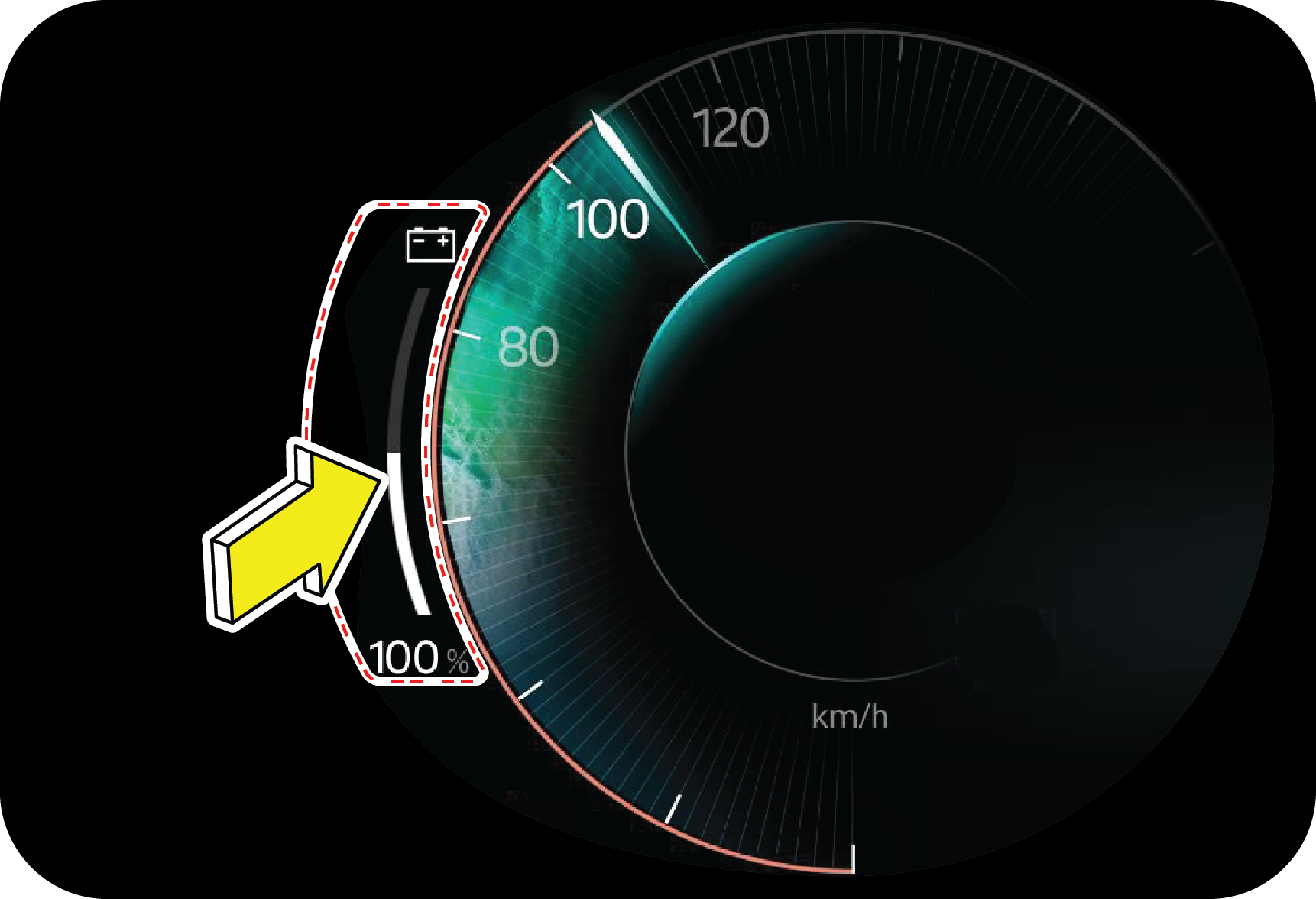
may be not as same as reality due to the installed sensor level, obstacle shape and reflection condition.
|
|
|
5. Point B will be detected sooner or later, but A may not be detected at all. Applicable for all sensors.
|
|
|
6. Not all obstacles are detected from 120 cm. For instance, a person is detected from 75 cm because of the weak reflection
or absorption of the waves of the clothes.
|
|
|
7. The distance indication may move up and down due to different sizes of the obstacle at different positions..
|
![]() |
8. Though the obstacle is in the sensing zone, obstacle may not be detected since the ultrasonic waves are not reflected back
to the sensor.
|
![]() |
9. The obstacle of a conical shape may not be detected, since the ultrasonic waves get reflected away
|
| • | System may not sense obstacles like wire mesh, handrail, small objects which are below the bumper level |
| • | System may not sense obstacles with cotton or spongy surface, which will absorb ultrasonic waves emitted by RPAS |
| • | System performance is dependent on the reflection angle of the obstacle |
| • | System may give false alert without obstacles while parking/reversing the vehicle on grasslands, gravels and bumpy roads considering it to be an obstacle |
| • | System may alert you by sensing the ground when the bumper is not fitted in its intended position or when the vehicle is overloaded |
| • | System may give false signal while the vehicle moves from plain ground to a slope terrain and vice versa |
| • | System may give false signal by sensing the ground when the bumper is tilted more from the normal position or when the vehicle is heavily overloaded |
| • | System may give false signal an alarm during heavy rain, snow and heavy wind conditions |
| • | The shape of the obstacle may prevent a sensor from detecting it. Some obstacles for example as follow:
|
| • | Depending upon the shape of the obstacle and other environmental factors, the detection distance may shorten, or detection may be impossible |
| • | Obstacles may not be detected if they are too close to the sensor |
| • | Thin posts or objects lower than the sensor may not be detected when approached, even if they have been detected once |
| • | Because of other ultrasonic sources, sensor may give false alarm for e.g., sweeping machines, high pressure steam cleaners and neon lights |
| • | Due to vehicle horns, motorcycle engines, air brakes of large vehicles, or other loud noises producing ultrasonic waves, the vicinity of the vehicle is noisy. It may cause sensor to give false alarm |
|
|
Rear View Camera is located under tail gate applique.
|


| • | In case of any RVC-related issues, the Infotainment shall display ‘Contact Service Centre’ and vehicle needs to be taken to the Service Centre. Avoid using the Rear-View Camera under these circumstances |
| • | If rear of your vehicle is damaged or if the Camera position is changed, please contact the nearest Mahindra Authorised Service Center, for recalibrating the Camera. |
| • | Reverse view camera may not operate normally, when you drive in the extremely high or low temperature area. |
| • | Under certain circumstances given below, the rear view camera system will work with limitation or will not function fully: |
| • | If there is a sudden change in temperature, from cold to hot areas |
| • | If the camera lens got dirty or obstructed |
| • | If the rear of your vehicle got damaged. And if the Camera position and the settings got changed. Please contact the nearest Mahindra Authorised Service Center |
| • | Camera image reproduced slightly delayed and not in real time due to processing. As the display is 2-dimensional, pointed and protruding obstacles are hard to depict and thus very difficult to recognise. Please avoid reverse view camera in the above situation. It could you otherwise injure others or damage objects and your vehicle |
| • | The performance gets affected sometimes due to deposition of ice, dust, heavy rain, heavy wind, heavy exhaust on the camera |

| • | Images shown on the display is a mirror-inverted manner, as like the rearview mirror. Make sure that no persons or animals and any objects/materials are in the manoeuvring area. Pay attention and ensure safety before manoeuvring the car. Driver is legally responsible for their car |
| • | The reverse view camera is only a supplementary function and may display obstacles from a distorted perspective & inaccurately |
| • | Avoid using of rear view camera, if you are having eye colour blindness or impaired colour vision |
| • | Objects above the ground or hanged may appear to be far away than they are. But in reality, objects shall be closer to your car. In such cases, avoid using guidelines to judge the distance. Since it leads to mis-adjustments and increase the risk of collision with your car |
| • | It is driver’s responsibility to identify the suitable parking area to park his car safely |
| • | Rear view video is shown, whenever reverse gear is applied, but it cannot be used as a rear view monitoring system, which cannot replace the driver for looking into exterior and interior view mirrors |


| • | Under inflated tyre(s) on any wheel(s) |
| • | Uneven vehicle loading |
| • | High crown in the centre of the road |
| • | High crosswinds |
| • | Wheels out of alignment |
| • | Wheels out of balance |
| • | Loose or worn suspension components |
|
|
The steering wheel can be adjusted for both rake and reach as required using the lever in the steering shroud under the steering
wheel.
|
|
|
1. Pull the tilt lever down to unlock.
2. Raise or lower the steering wheel to the desired position.
|

|
|
You can change the drive mode in sequence (FUN => FAST => FEARLESS) by pressing the drive Mode Control switch.
|
| • | Fun mode In Fun mode the vehicle speed is limited to 90 Kmph. This mode is ideal for city traffic and better driving. Fun Mode offers regular everyday city drive & is optimized for day-to-day use. We do not recommend overtaking maneuver at
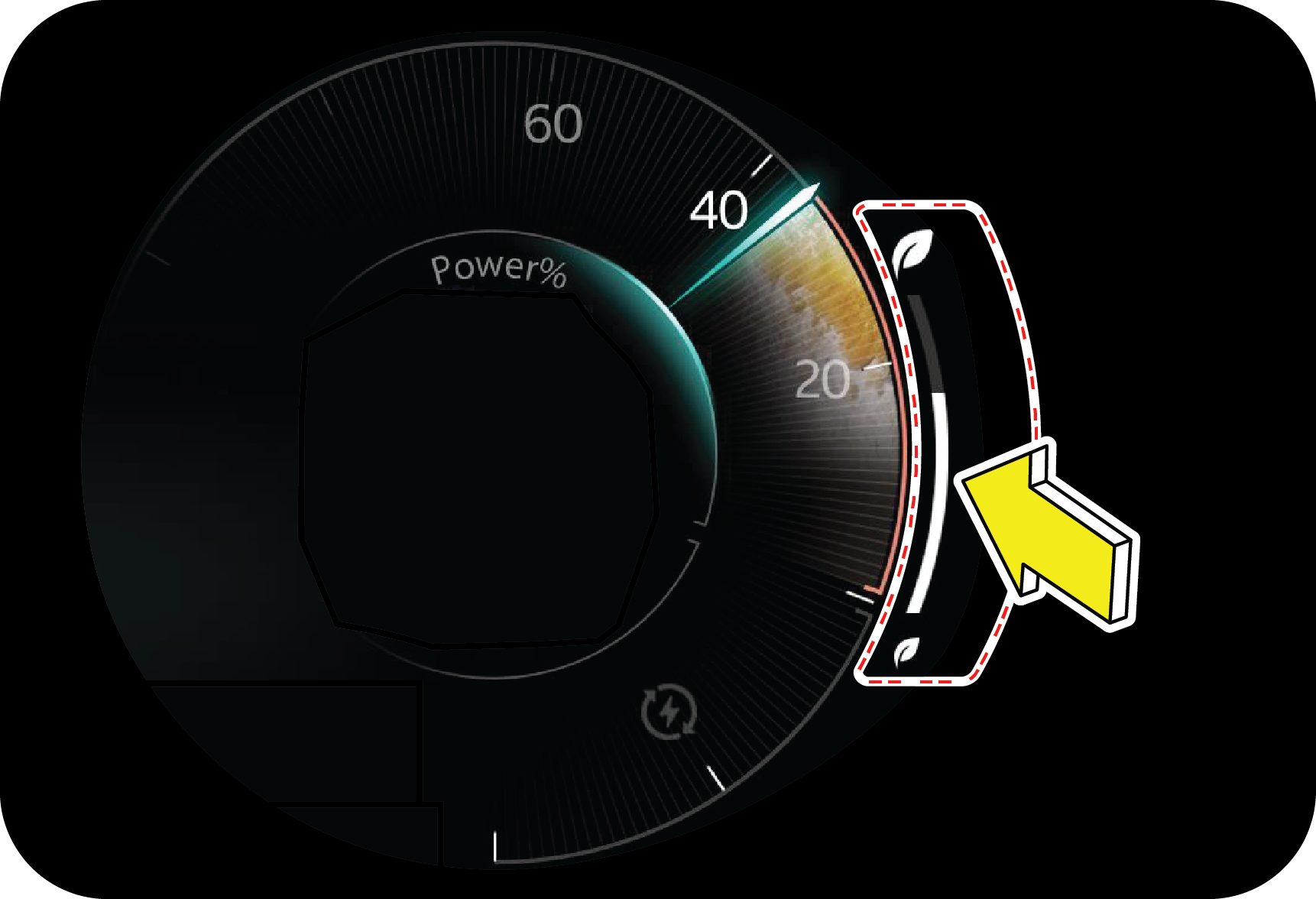
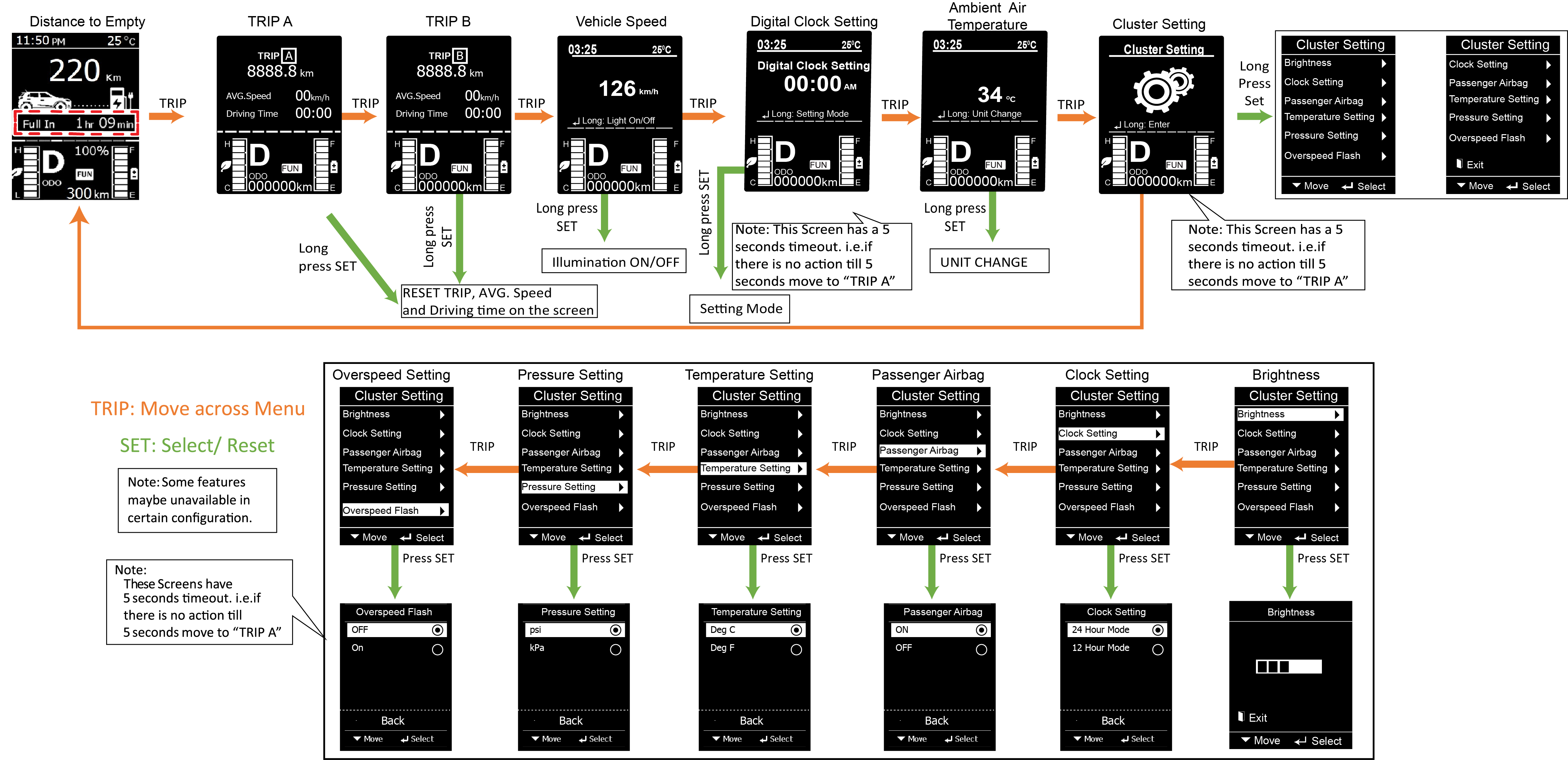
high speed in this mode (For that it is better to be in Fast or Fearless mode). The vehicle will be by default in Fun mode
every time the vehicle Ignition is turned ON.
|
| • | Fast mode In Fast mode the vehicle speed is limited to 130 Kmph. This is ideal for the normal city drives and normal highway. Accelerator pedal response is modified and regeneration is made passive so as to have comfortable and easy control in fast
moving traffic and highway condition.
|
| • | Fearless Mode (Applicable only for 39.35 kwh battery pack) The Fearless mode is when you want the adrenaline rush. We would urge this only in open roads and use it responsibly. This mode is for a more spirited driving and when you want the adrenaline rush. In this mode, accelerator will become more
responsive, i. e. the vehicle accelerates more readily. The steering efforts and response is tuned for better handling.
|
| 1. | Sensitivity of Accelerator pedal along with motor power delivery |
| 2. | The amount of the regenerative braking. Hence the braking will also change |
| 3. | It also changes the steering efforts. |
|
Once any of the modes is selected, we would have an ALERT message in cluster. Based on the mode selected the Alert message
would vary for
|
|||
|---|---|---|---|
|
EC |
EL |
EC |
EL |
|
Fun: FUN MODE ACTIVATED
|
Fast: FAST MODE ACTIVATED
|
||
|
|
![]() |
|
![]() |
|
Fearless: FEARLESS MODE ACTIVATED
|
|||
|
NA |
![]() |
||
|
Once selected we would have a permanent indication in the CLUSTER.
![]() ON every IGNITION Cycle, vehicle will always start in FUN MODE
|
|||
|
A: Voice
|
F: Source
|
|
B: Volume +
|
G: SEEK UP
|
|
C: Mute
|
H: SEEK DOWN
|
|
D: Volume -
|
I: Call Disconnect
|
|
E: Call Connect
|
| • | SOURCE - Press SOURCE button to toggle between TUNER, USB, BT AUDIO and MYDRIVE |
| • | VOLUME CONTROL - Press ‘+’ and ‘- button to increase or decrease the volume |
| • | MUTE - Press MUTE button to mute audio while in TUNER mode and pause the song while in USB mode |
| • | USB MODE - Press the seek button 'UP' / 'DOWN' moves to next / previous track of MP3 and video Playing |
| • | TUNER MODE - Press the seek 'UP' / 'DOWN' button briefly: Manual Search, moves to selected channel. Press and hold the seek button 'UP' / 'DOWN' for 2 seconds to AUTO Search |
| • | Call Connect - Press to accept incoming call to the paired BT phone. |
| • | Call Dis Connect - Press to reject or end active call to the paired BT phone. |
| • | Call Dis Connect - Press to activate Alexa or OK Google or Siri voice assistant. |
|
A
|
CRUISE ON/OFF
|
F
|
UP
|
|
B
|
SET +
|
G
|
ENTER
|
|
C
|
SET –
|
H
|
DOWN
|
|
D
|
CRUISE RESUME
|
I
|
FAVOURITE
|
|
E
|
CLUSTER MENU
|

| • | The vehicle speed is cruising above 30 kmph |
| • | Brake pedal released |
| • | Cruise is activated first time in an ignition cycle by SET + button |
| • | SOC >= 20% |
| • | Shift lever is in D or L |
| • | No EV warning tell tale |
| • | CRUISE OFF button is pressed |
| • | Brake pedal depressed |
| • | Hand brake is engaged |
| • | SOC < 20% |
| • | More than one cruise switch is pressed simultaneously at the same instance |
| • | Cruise switch is pressed for more than 12 sec |
| • | Drive mode changed |
| • | Vehicle speed is greater or lesser than the set speed by 10 kmph for more than 30 seconds |
| • | Vehicle speed is greater or lesser than the set speed by 30 kmph |
| • | Hand brake engaged |
| • | Shift lever changed from D or L to N/R/P |
| • | Safe mode is active |
| • | ESC is active |
| • | EV warning Tell Tale |
| • | Drive disabled |


| 1. | Assume, you have activated cruise mode and set the vehicle speed at 50 kmph. |
| 2. | Due to an obstacle or a sharp turn, you have deactivated the cruise mode by pressing the brake pedal. |
| 3. | Vehicle comes out of the cruise mode. |
| 4. | When the road condition is suitable to switch over back to cruise control mode, press RESUME button once. The system activates the cruise control mode to the previous cruising speed of 50 kmph. |
| 5. | The vehicle will accelerate / decelerate gradually to the set speed from the vehicle speed |
| 6. | To resume the previous cruise set speed, the vehicle speed should be above 30 kmph. |


|
Normal Charging Port |
Fast Charging Port |
|
|
|
|
Indication |
Condition |
|
Yellow (Blinking)
|
Charging Initialization is in progress
|
|
Blue (Blinking)
|
Charging in progress & SOC - 0 to 95%
|
|
Green (Blinking)
|
Charging in progress & SOC > 95 %
|
|
Green (Continuous ON)
|
Charging completed (SOC:100%)
|
|
Red (Continuous ON)
|
Charger fault or system malfunction
|

|
S.NO |
LED |
Indication |
Description |
|---|---|---|---|
|
1
|
Blue
|
Stable
|
Booting
|
|
Blinking
|
Charger Ready
|
||
|
2
|
Green
|
Stable
|
Charger Gun Plugged In / Charging Completed (100% SOC)
|
|
Blinking
|
Charging in Progress
|
||
|
3
|
Yellow
|
Stable
|
Preparing / Fault at the vehicle side
Yellow ON along with Red indicates fault at the vehicle side.
|
|
4
|
Red
|
Stable
|
All Fault (Power failure or Charger fault or Vehicle side fault or Emergency button pressed)
|
|
Blinking
|
Voltage Low/High/Very High when charging gun not connected to vehicle
|
|
|
2. Ensure parking brake is applied. It is recommended to turn the ignition OFF and take the key fob out of the vehicle
|
|
|
3. Turn ON the Main supply & Blue LED indication on charger will remains ON (Booting)
|
![]() |
|
|
|
4. Pull the lever located at the RH side of the driver seat as shown in the illustration, to open the charging lid.
|
![]() |
|

| • | Check for no dust or foreign particle present at the charging gun. |
|
|
6. Check and ensure that plug is pushed in completely
|
![]() |
7. Preparing for charge, Yellow LED on charger will remains ON for few seconds.
|
|
|
8. Tap valid unique RFID tag on the card reader to initiate charging
|
| • | After a beep sound (in charger), charging gets initiated and green colour LED will remains ON in charger for few seconds & Yellow LED on vehicle charging port starts blinking |
![]() |
|
![]() |
9. Charging in Progress, Green LED on the charger blinks once the charging initiates.
|
| • | Charging alert comes in the cluster for few seconds and charging indication telltale lamp will remains ON in cluster during the charging process. Refer "Instrument Cluster Features" chapter for more details |
|
|
|
| • | The LED indicator light present at the vehicle charging port will starts blinking in blue colour till 95% SOC and changes to green colour once the SOC > 95 %. |
|
SOC 0-95% |
SOC > 95% |
|
|
|
|
|
|
![]() |
|
|
|
|
|
|
1. Tap RFID tag on card reader to disconnect the charger from vehicle
|
![]() |
2. Charger gets disconnected with a beep sound and blue LED starts blinking
|


|
Specification |
3.3 KW 16A AC |
|
|
Power Input
|
Input voltage
|
230 V 50 HZ AC
|
|
Power Output
|
Output Voltage Rating
|
230 V
|
|
Max. Output Current
|
16A
|
|
|
Power Rating
|
3.3 kW
|
|
|
S.NO |
LED |
Indication |
Description |
|---|---|---|---|
|
1
|
Blue
|
Stable
|
Power ON
|
|
Blinking
|
Charger Ready
|
||
|
2
|
Green
|
Stable
|
Charger Gun Plugged In/Charging Completed (100% SOC)
|
|
Blinking
|
Charging in Progress (ie., SOC between 0% to 99%)
|
||
|
3
|
Orange
|
Stable
|
Preparing for charge / Fault at the vehicle side
|
|
Blinking
|
Main supply Low/High/Very High when in charging session
|
||
|
4
|
Red
|
Stable
|
All Fault (Power failure or Charger fault)
|
|
Blinking
|
Voltage Low/High/Very High when charging gun not connected to vehicle
|
|
|
1. Ensure parking brake is applied. It is recommended to turn the ignition OFF and take the key fob out of the vehicle
|
|
|
2. Pull the lever located at the RH side of the driver seat as shown in the illustration, to open the charging lid.
|
![]() |
4. Remove the dust cap from the vehicle charging port
|
|
|
6. Plug in one side of charge cable to vehicle charging port.
![]() Check and ensure that plug is pushed in completely
|
![]() |
7. Plug the other end of the charger into main supply power socket and turn the supply ON
|
|
|
|
| • | Blue LED indicator present at the EVSE will remain ON & Green LED indicator present in EVSE will start blinking. |
|
|
|
| • | Charging alert comes in the cluster for few seconds and charging indication telltale lamp will remains ON in cluster during the charging process. Refer "Instrument Cluster Features" chapter for more details |
|
|
|
| • | The LED indicator light present at the vehicle charging port will starts blinking in blue colour till 95% SOC and changes to green colour once the SOC > 95 %. |
|
|
|
|
|
|
|
|
|
|
|
|

| • | Your vehicle is not charging or |
| • | Your vehicle takes so long to charge. |
|
|
1. Connect the EVSE with power socket and turn on the power.
BLUE indication LED will blink first and then glows continuously indicating the charger is ready.
|
|
|
2. Connect EVSE to the Vehicle for charging and GREEN LED will blink if the vehicle is under charging.
|
|
|
3. To understand the existing current setting, long press the push button for 3- 4 seconds, the EVSE enters to current setting mode and ORANGE LED starts blinking
|
|
|
|
|
|
|
|
|
|
|
|
|
|
|
5. If the set current is not 16A, press the red push button one time and observe the number of blinks as stated above. Kindly
repeat the process unless you observe the 4-blinks in a row for desired 16A current.
|

|
Charger Specifications |
||
|
Specification |
3.3 KW 16A AC |
|
|
Power Input
|
Input voltage
|
230 V 50 HZ AC
|
|
Power Output
|
Output Voltage Rating
|
230 V
|
|
Max. Output Current
|
16A
|
|
|
Power Rating
|
3.3 kW
|
|
|
Mode Description |
Use Case |
Power(Blue) |
Charge(Green) |
Fault(Red) |
|---|---|---|---|---|
|
Turn Off Mode
|
|
OFF
|
OFF
|
OFF
|
|
Start-Up Mode (Self Test)
|
|
ON
|
ON
|
ON
|
|
State A, only connected to mains
|
|
ON
|
OFF
|
OFF
|
|
State B, connected to mains and to vehicle
|
|
ON
|
OFF
|
OFF
|
|
State C, charging
|
|
ON
|
BLINKING
|
OFF
|
|
State change C -> B, charging finish
|
|
ON
|
ON
|
OFF
|
|
Mains failures
|
Over current error
|
ON
|
ON
|
ON
|
|
RCD leakage detection
|
BLINKING
|
ON
|
BLINKING
|
|
|
Over temp in ICCB
|
BLINKING
|
OFF
|
BLINKING
|
|
|
Over-voltage
|
BLINKING
|
OFF
|
ON
|
|
|
Under-voltage
|
BLINKING
|
OFF
|
ON
|
|
|
PE of AC Supply is not connected with Earth
|
ON
|
OFF
|
BLINKING
|
|
|
Additional Faults
|
Relays welding failure
|
BLINKING
|
OFF
|
OFF
|
|
Vehicle Diode error
|
OFF
|
ON
|
ON
|
|
|
Communication error
|
ON
|
OFF
|
OFF
|
|
|
1. Ensure parking brake is applied. It is recommended to turn the ignition OFF and take the key fob out of the vehicle
|
|
|
2. Pull the lever located at the RH side of the driver seat as shown in the illustration, to open the charging lid.
|
![]() |
3. Remove the dust cap from the vehicle charging port
|
|
|
5. Plug in one side of charge cable to vehicle charging port.
![]() Check and ensure that plug is pushed in completely
|
![]() |
6. Plug the other end of the charger into main supply power socket and turn the supply ON
|
|
|
|
|
|
|
| • | Charging alert comes in the cluster for few seconds and charging indication telltale lamp will remains ON in cluster during the charging process. Refer "Instrument Cluster Features" chapter for more details |
|
|
|
| • | The LED indicator light present at the vehicle charging port will starts blinking in blue colour till 95% SOC and changes to green colour once the SOC > 95 %. |
|
|
|
|
|
|
|
|
|
|
|
|
|
Battery Pack |
Charger Capacity |
Charge Timing (Approximate) |
|
39.35 kwh
|
7.2 kw (32 A)
|
6.5 to 7 hrs
|
|
3.3 kw (16 A)
|
13 hrs
|
|
|
34.5 kwh
|
7.2 kw (32 A)
|
5 to 6 hrs
|
|
3.3 kw (16 A)
|
10 to 11 hrs
|

|
|
Fast Charging in a vehicle can be achieved using same charging port. Fast charging can be availed at places where ‘DC charging’ stations are available.
|

|
|
2. Turn-Off the ignition and engage the Parking brake.
|
|
|
4. Open the charging port lid.
|


| • | Wait for 60 secs if you want to start the charging again. |
| • | Charging time will vary based on environmental conditions. |
| • | In sub-zero condition and high ambient conditions, the heater/chiller will turn on to cool/ heat the battery and then only the charging will initiate. |

| • | In case you use any medical electric devices like implantable cardiac pacemaker or cardiovascular defibrillator, do check with electric medical device supplier / manufacturer on concerns of effects that EV charging or discharging system may have on implanted devices prior to their operation. |
| • | It is also advised not to stay in vehicle or access the vehicle during charging as it may affect function of electric medical devices and could result in personal fatal injury. |
| • | Make sure that there are no foreign particles or water traces in charge plug or port as any of these can result in electric short circuit or shock causing serious injury or death. Hence do not touch metal contacts on cable or plug. Ensure to close the charging lid whenever vehicle is not in charging state. |
| • | Do not drag or keep charge cable close to any heat source. |
| • | Ensure that power socket is switched off before connecting the charge cable. |
| • | Do not handle charger cable or port with wet hands as it may cause electric shock resulting in injury. |
| • | Do not pull or twist cable, always remove it by holding charger port handle after switching off plug point. |
| • | Do not modify port or cable as it may cause fire hazard. |
| • | In case you observe an unusual odor or smoke coming from vehicle, do immediately stop charging process. |
| • | Always make sure that the charger cable is disconnected from the charge port prior to drive. |
| • | Charging may affect operation of worn or implanted electric medical devices and could result in serious injury or death. |
| • | Do not touch the charge port at vehicle side without any proper gloves. |
| • | Make sure you fully uncoil the charging cord to limit its heating. |
| • | Make sure to use the designated charger for charging the electric vehicle. Using any other charger may cause failure. (Refer Charging procedure section for more details) |
| • | Be careful not to drop the charging connector. The charging connector can be damaged. |


| • | Switch off the AC power supply or fast charging machine |
| • | Unplug the charging gun from the vehicle. |

|
|
|

| 1. | Always use charge cable provided with your vehicle for charging. Refer Charging section for more details
|
| 2. | Do not charge your vehicle, if Power Socket and / or charge port are exposed to rain or water. |
| 3. | Do not plug-in with wet hands. |
| 4. | It is recommended not to charge your vehicle in direct sunlight. |
| 5. | Make sure that children are kept away from both on-board and external charge ports, while charging. |
| 6. | Vehicle should be disconnected from power source before getting any services being carried out. |


| • | Never allow the vehicle to be discharged to 0 % SOC in storage |
| • | If the vehicle is kept idle for longer duration with low SOC level, it may not be possible to charge or use the vehicle without jump starting or charging the low voltage battery. If you are not able to charge the vehicle even with a booster battery connected, then contact Mahindra authorised dealership for assistance. |
| • | Always charge to greater than 50% before leaving the vehicle for long resting period . Ensure to charge to 100 % SOC after the resting period is over using Normal Charger |
| • | If the resting period is greater than 30 days , disconnect the negative terminal of the low voltage battery . This reduces the loss of charge for both low voltage and high voltage batteries |
| • | Allow Normal charging up to 100 % SOC once after 3 fast charge cycles. This will ensure optimal battery performance |
| • | Use of Fast Charging should be minimized in order to help prolong the life of high voltage battery pack. |
| • | If the vehicle is driven less, then it is recommended to charge the vehicle to 100% and keep it overnight connected, once a week on slow charging |
| • | Under certain conditions, the thermal system may produce moisture in the air from the front of your vehicle while charging. This is normal and not to be concerned about. |
| • | In certain conditions, you may see water droplets below the front end of the vehicle during charging, this is normal. |
| • | It is normal to hear sounds during charging. The refrigerant compressor and fan operate as needed to maintain the battery temperature. |
| • | At some circumstances, there will be slighter performance drop in cabin cooling. Air conditioning performance is generally not affected by charging. However, in some circumstances (for example, charging at high currents during a particularly warm day), the air coming from the vents may not be as cool as expected. This is normal and ensures that the Battery stays within an optimum temperature range while charging to support longevity and optimum performance. |
|
SI No |
Problem |
Possible Cause |
Remedy |
|---|---|---|---|
|
1 |
Temperature Light is on while charging. |
High battery temperature (or) charger temperature (or) ambient temperature. Effect: Charging time of vehicle may increase |
Check for radiator fan operation. Check whether enough coolant is available or not and charge in shade/cooler temperature
or during night when ambient temperature is low. If the issue persists, Contact Mahindra Authorised dealer for more assistance |
|
2 |
Vehicle does not charge with ‘Charging System Malfunction’ message on cluster.
|
This alert comes when a fault is found during the charging process, in OBC or FC-related functions, or when a battery issue
prevents charging. |
Contact dealer for assistance. |
|
3 |
Turn ON the Main Switch
|
This alert comes, when charging gun is connected to vehicle and the main power is not turned ON |
Check if power supply is OK and EVSE LED is ON. |

| 1. | Normally most of requirements for city mobility are during day, hence charging at night will not interfere in daily travel plans. |
| 2. | At night, ambient temperature is less which is ideal for battery charging. |

| • | Engage parking brake for charging |
| • | Inspect the charging cable periodically for any damage like crack, cuts, exposed wire and burnt marks on pins in the handle & plug etc. Replace if required. |
| • | Always charge the vehicle to 100% SOC |
| • | Always do normal charging after 3 fast charging |
| • | Do not charge the vehicle if the power source or the charge port is exposed to rain or water |
| • | Do not carry out charging procedure with wet hands |
| • | Avoid charging in extreme hot ambient temperature |
| • | Do not wash while the vehicle in charging |
| • | Do not use the damaged charging cable, wire, socket & pins |
| • | Never do fast charging more than 2 times consecutively |
| • | Immediately stop charging when you find abnormal symptoms (odor, smoke) |
| • | Check the vehicle cluster before starting the charging session - there should not be any fault indicator. |
| • | Never try to charge the vehicle on a faulty fast charging station. |
| • | Properly park the vehicle, therefore there will be no stress on the charge port of the vehicle. |
| • | Take the charging gun from the charger holder and insert it in the vehicle properly (In case of partial gun insertion, it can cause a gap and might lead to lock failure). |
| • | Never pull out the charging gun during the ongoing charging session. |
| • | Once the charging session is done, STOP the charger and remove the charging gun once it is unlocked. |
| • | Remove the Charge gun from the vehicle and place it back in the charger slot. |
| • | Retry the charging session. |
| • | In case of failure again, the user shall report the issue to the Help line number provided on the charging station / mobile application. |
|
DIN |
ISO |
|
User must do the Authorization through RFID/Mobile application before connecting the charging gun.
|
Authorisation through RFID/Mobile application to be done after connecting the charge gun with the vehicle.
|
|
Authorisation through RFID/Mobile application to be complete in 60 sec. If the user fails to do the same, it will lead to
session failure.
|
Waiting time between charge gun connect and Authorisation is 240 sec. If the user fails to do the same, it will lead to session
failure.
|
|
ABB (all models), DELTA (25kW wall box charger) etc. follows DIN protocol.
|
Exicom (all models), DELTA (charger above 25kW output power), OKAYA etc.. follows ISO protocol.
|
| • | The users are advised to retry the charging session in case of the session is not getting initiated or the session stopped in between. |
| • | User can re-initiate the charging session by following the steps |
| 1. | Remove the charging gun from the vehicle. |
| 2. | Perform the Authorization (in case the charger is on DIN ) |
| 3. | Reconnect the charging gun to the vehicle. |
| 4. | Perform the Authorization (in case the charger is on ISO ) |
| 5. | In case the charging session fails again and again, do report the concern with proper error codes displayed on the charger screen on the help line provided by the charging service provider. |
| • | TTC (Total time to charge) is visible to the user on the vehicle cluster. It provides the information about the time remaining to full charge of the vehicle. User pay attention that this time may vary depending on the charging current/ current demand. |
| • | The Current demand of the vehicle depends on multiple factors such as temperature of battery pack, charging gun terminal temperature, fast charging machine temperature etc, therefore in case of higher temperature the TTC may increase for safety reasons. |

![]() |
The hazard warning button is in the central bezel switch bank.
|

|
|
|


| • | Stop the vehicle on the side of the road and turn off the ignition. |
| • | As soon as you can, exit the vehicle. You should also help the other passengers to exit the vehicle securely. In addition, you can unlock all the windows and doors before turning off the Ignition. |
| • | Move yourself from the flaming vehicle. A vehicle could explode because it carries High Voltage Battery Pack. Keep distance from the flaming vehicle accordingly. Additionally, if at all possible, warn approaching vehicles of the hazard. |
| • | If the fire is small and slow, use a fire extinguisher C, ABC, or BC. If it is impossible to extinguish the fire in the early stage, remain a safe distance from the vehicle and immediately call the fire service as soon as possible. Also, inform them that an electric vehicle is involved. |
| • | Never open the hood or boot of a burning vehicle to try and put out the fire. If you attempt to open the boot or bonnet when there is a fire in the motor compartment or underneath the vehicle, the flames may flare up and cause burns. Immediately contact the fire service department. |
| • | Never approach a burning vehicle to collect personal items. If you don't keep a safe distance from a burning vehicle, an explosion could hurt you since toxic vapours from the burning vehicle are harmful. |
| • | You can call the Authorised dealer once the fire has been extinguished. To help you move the damaged vehicle, describe the situation and extent of the damage to the service centre or Withyou Hamesha. |
| • | Make sure the vehicle is in park position "P", the parking brake is engaged, and the Ignition is off |
| • | If any orange-colored cables (High voltage Cables) on the vehicle are visible, in order to prevent electric shock or even death, do not make any contact with any cable. |
| • | If you notice any coolant leaks and damage in refrigerant lines, do not drive the vehicle and contact Withyou Hamesha |
| • | If your XUV400 is being recovered by a Road Side Assistance (RSA), please contact Mahindra Authorised Dealer for further guidance |
| • | If water enters inside the vehicle or fully submerged in water, do not drive the vehicle. Contact RSA / Authorised Dealer immediately. Never touch the orange-colored cables because an electric shock may occur, causing injury or death. |

| • | Never try to jump start a battery that looks damaged or is leaking. |
| • | Don’t use jump leads that are damaged |
| • | Stop using the jump leads if they get hot |
| 1. | Place the two vehicles side-by-side so the batteries are easily accessible. (There is no contact between the vehicles) |
| 2. | Keep the ignition off and the handbrakes engaged. |
| 3. | Turn off all electrical devices that are not necessary (headlights, heater, air conditioner, etc.) |
| 4. | Use the red jump lead to connect the booster battery’s positive (+) terminal to discharged battery’s positive (+) terminal |
| 5. | Use the black jump lead to connect the booster battery’s negative (-) terminal to discharged battery’s negative (-) terminal |
| 6. | Start the booster vehicle and allow it to run for few minutes |
| 7. | Now Turn ON the vehicle power system of the vehicle with the discharged battery to ready |
| 8. | Keep the EV system ON around 10 to 20 minutes to charge the 12 V battery |
| 9. | Disconnect the negative terminal of the discharged battery of your vehicle FIRST and disconnect booster battery negative terminal. |
| 10. | Disconnect the positive terminal of the booster battery and discharged battery positive terminal. |
| 11. | After jump starting the vehicle, if SOC is < 20% then it is recommended to drive the vehicle to nearest charging station without turning off the vehicle. |


|
|
|
|
FUSE NO. |
CIRCUIT |
FUSE RATING |
|---|---|---|
|
F1 to F3 |
Spare |
– |
|
F4 |
B+ Cooling Pump/Valve |
15A |
|
F5 |
VCU |
10A |
|
F6 |
Horn |
15A |
|
F7 |
CCM Cooling Pump/Valve |
15A |
|
F8 |
MCU/PTC/FCDC Coil Supply |
5A |
|
F9 |
A/C Com |
10A |
|
F 10 |
Main |
20A |
|
F11 |
EPT Cooling Pump |
15A |
|
F12, F13 |
Spare |
- |
|
F14 |
Cooling Fan |
60A |
|
F15 |
Spare |
- |
|
F16 |
Power Window |
40A |
|
F17 |
Battery +VE I |
50A |
|
F18 |
Spare |
– |
|
F19 |
IGN I |
40A |
|
*– Based on Applicability |
||
|
FUSE NO. |
CIRCUIT |
FUSE RATING |
|---|---|---|
|
F 20 |
Spare |
– |
|
F21 |
LV-MSD |
15A |
|
F22 |
SPCM Relay |
5A |
|
F23 |
CCM |
10A |
|
F24 |
ABS 2 |
30A |
|
F25 |
Cabin & B+ Heater |
5A |
|
F26 |
Vaccum Pump Relay Coil |
5A |
|
F27* |
DRL |
10A |
|
F28 |
IBS |
5A |
|
F29 |
VCU Wakeup |
5A |
|
F30 |
ETL |
15A |
|
F31 |
TGS |
10A |
|
F32 |
Inverter |
10A |
|
F33 |
MCU Diagnostic |
5A |
|
F34 |
DC FC Contactor Relay Coil |
5A |
|
F35 |
HV Battery |
5A |
|
F36 |
PDU+OBC |
10A |
|
F37 |
Blower |
40A |
|
F38 |
ABS –I |
50A |
|
*– Based on Applicability |
||
|
FUSE NO. |
CIRCUIT |
FUSE RATING |
|---|---|---|
|
F39 |
MBFM-1 |
60A |
|
F40 |
Batt +VE 2 |
50A |
|
F41 |
MBFM-2 |
60A |
|
F42 |
Accessory |
40A |
|
F43 |
Solid State Relay |
40A |
|
F44 to F48 |
Spare |
- |
|
DC DC |
150A |
|
|
EPS |
80A |
|
|
BAT + |
– |
|
|
*– Based on Applicability |
||
|
RELAY NO. |
CIRCUIT |
|---|---|
|
R1 |
B+ Cooling Pump |
|
R2 to R4 |
Spare |
|
R5 |
CCM Valve |
|
R6 |
HVAC IGN Wake Up |
|
R7 |
B+ Valve |
|
R8, R9 |
Spare |
|
R10 |
FC —VE Contactor —12v Gnd |
|
R11 |
FC +VE Contactor —12v Gnd |
|
R12 |
Spare |
|
R13 |
SPCM |
|
R14 |
Spare |
|
R15 |
Blower |
|
R16, R17 |
Spare |
|
R18 |
CCM Cooling Pump |
|
R19 |
Vaccum Pump |
|
R20 |
EPT Cooling Pump |
|
R21 |
Spare |
|
R22 |
Main Relay |
|
R23 |
ETL Wakeup |
|
R24 |
MCU Wakeup |
|
R25 |
OBC Wakeup |
|
R26 |
Horn |
|
R27 |
Spare |
|
*– Based on Applicability |
|
|
Fuse Rating |
Circuit |
|---|---|
|
150 A |
DC DC |
|
100 A |
EC FB |
|
|
|
|
FS NO. |
CIRCUIT |
FUSE RATING |
|---|---|---|
|
FS1 |
MBFM-1 |
25A |
|
FS2 |
Audio |
15A |
|
FS3 |
Cluster,HVAC,S/Visor Lamp, Center Fascia Sw |
10A |
|
FS4 |
ESCL |
5A |
|
FS5 |
Room Lamp |
5A |
|
FS6 |
Reverse Lamp |
10A |
|
FS7 |
Cluster EPS, PKE, IMMO, Auto Light |
10A |
|
FS8 |
Can Gateway |
10A |
|
FS9 |
MBFM |
10A |
|
FS10* |
PKE |
5A |
|
FS11 to FS13 |
- |
- |
|
FS14 |
P/Outlet |
30A |
|
FS15 |
SBW/TGS |
10A |
|
FS16 |
Audio |
10A |
|
FS17 |
HLLD |
10A |
|
FS18 |
Can Gateway |
10A |
|
FS19 |
Airbag.PAB Off Sw |
10A |
|
FS20 |
Audio, Rear Camera, Telematics |
10A |
|
FS21 |
MBFM –3 |
30A |
|
FS22 |
MBFM – 2 |
30A |
|
FS23 |
MBFM –5 |
30A |
|
FS24 |
MBFM – 4 |
30A |
|
FS25 |
CCM |
15A |
|
FS26 |
Spare |
10A |
|
FS27 |
PKE, Sunroof SW |
5A |
|
FS28 |
Sunroof Motor |
20A |
|
FS29* |
Pke |
15A |
|
FS30 |
Diagnostic. IMMO, Telematics |
10A |
|
* — For PKE Variant |
||
|
FS NO. |
CIRCUIT |
FUSE RATING |
|---|---|---|
|
FS31 |
– |
– |
|
FS32 |
Spare |
10A |
|
FS33 |
Spare |
20A |
|
FS34 |
Spare |
10A |
|
FS35 |
Outside Mirror |
10A |
|
FS36 |
Start/T50 |
10A |
|
FS37 |
ABS |
10A |
|
FS38 |
VCU |
10 |
|
FS39 |
Spare |
10A |
|
FS40 |
Blower RLY Coil |
40A |
|
FS41 |
||
|
FS42 |
Power Window Lh |
25A |
|
FS43 |
Spare |
15A |
|
FS44 |
Power Window Rh |
25A |
|
* – For PKE Variant |
||


|
A |
Jack |
|
B |
Screwdriver (+ and -) |
|
C |
Jack Operating Lever |
|
D |
Tow Bar |
|
E |
Deo Spanner 10mm X 12mm |
|
F |
Wheel Spanner |
| • | Lift and take out the Luggage floor Lid as shown in the illustration
|
| • | Lift and take out the tool kit organiser from the spare wheel
|
| • | Take the jack out from the tool kit organiser |
|
|
|
||||||
|
|
|


| • | When reinstalling the spare tyre, be sure to securely lock it with lock nut. |
| • | While your vehicle is being raised up with a jack, avoid any impact on your vehicle. Otherwise, you may get injured |
| • | When taking out the spare tyre, be careful not to damage the body of your vehicle |


|
|
Always loosen the wheel bolts before raising the vehicle. Turn the wheel bolts counter clockwise to loosen as per the crisscross
sequence shown. To get maximum leverage, fit the spanner to the bolt, so that the handle is on the left side.
|

|
|
Front jack up point - On the side sill in-between the groove available on the sill cladding just behind the front wheels.
|
|
|
Rear jack up point - On the side sill in-between the groove available on the sill cladding just in front of the rear wheels.
|

|
|
![]() Do not place the jack under the Battery box area as shown following
|
|
|
A : Flat Tyre
B : Chock Blocks
|
||

| • | Use the jack only for lifting your vehicle during wheel changing |
| • | Do not raise the jack with someone in the vehicle |
| • | When raising the vehicle, do not place any objects on top or underneath the jack |
| • | Raise the vehicle only high enough to remove and change the wheel |
| • | Usable extended height of jack is up to the yellow line/mark provided in the jack. Do not raise the jack above the yellow line |
| • | Follow jacking instructions |
| • | Do not start or run the vehicle while your vehicle is supported by the jack |


|
|
Mount the flat tyre to the spare wheel bracket at the luggage compartment and firmly tighten the securing bolts. Restore the
tools and jack back to their respective locations.
|


|
Dimensions |
mm |
|---|---|
|
Wheel Base |
2600 |
|
Overall Length |
4200 |
|
Overall Width |
1821 |
|
Overall Height |
1634 (With ski rack) |
|
Track Width (Front) |
1550 |
|
Track Width (Rear) |
1563 |
|
Technical Specifications |
|||
|---|---|---|---|
|
ELECTRIC POWER TRAIN SYSTEM |
|||
|
Motor Type |
Interior Permanent Magnet Synchronous Motor (IPMSM)
|
||
|
Maximum Power |
110 kw |
||
|
Maximum Torque |
310 Nm |
||
|
Battery Energy |
EL - 39.35 kwh |
||
|
EC - 34.5 kwh |
|||
|
Nominal voltage |
EL - 351 V DC |
||
|
EC - 307 V DC |
|||
|
On Board Charger (OBC)
|
6.6 kW |
||
|
EVSE (Portable Charger)
|
3.3 kW |
||
|
TRANSAXLE |
|||
|
Type |
Single Speed |
||
|
Final Gear Ratio |
8.27:1 |
||
|
STEERING |
|||
|
Type/Description |
Electronic Power Steering (EPS) |
||
|
BRAKES |
|||
|
Brake Type |
Hydraulic Vacuum Assisted Brakes with ABS |
||
|
Front |
Disc |
||
|
Rear |
Disc |
||
|
Parking Brake |
Mechanical-Hand Operated |
||
|
SUSPENSION |
|||
|
Type |
Front: IFS - MCPherson type, Coil Spring with Stabilizer Bar |
||
|
Rear: Semi-Independent Twist beam, coil spring |
|||
|
WHEELS & TYRES |
|||
|
Regular |
Temporary Spare Wheel
|
||
|
Rim |
6J x 16 |
3.5J x 16
|
|
|
Tyres |
P205/65 R16 95 H |
T135/90 R16
|
|
|
Type |
Radial Tubeless |
||
|
Laden Tyre Pressure (Front & Rear) |
32 Psi |
60 Psi
|
|
|
ELECTRICAL - LV SYSTEM |
|||
|
System Voltage |
12 V |
||
|
Battery Rating |
45 Ah |
||
|
Lamp Bulb |
Bulb Type |
Wattage |
No. of Bulbs per Vehicle |
|---|---|---|---|
|
Headlamp – High beam |
H1 55W |
12V 55W |
2 |
|
Headlamp – Low beam |
H7 55W |
12V 55W |
2 |
|
Headlamp Low version High/Low beam |
H4 55/60W |
12V 55/60W |
2 |
|
Front position lamp (High) |
LEDs |
||
|
Front position lamp (Low) |
W5W |
12V 5W |
2 |
|
Turn signal lamp – Front |
P21W |
12V 21W |
2 |
|
Side Turn signal lamp |
LEDs |
||
|
Stop lamp |
PR21W |
12V 21W |
2 |
|
Rear position lamp |
LEDs |
||
|
Turn signal lamp – Rear |
WY16W |
12V 16W |
2 |
|
Reverse lamp |
W16W |
12V 16W |
2 |
| • | Familiarize yourself with your vehicle by going through your Owner's Manual |
| • | Take a few minutes to review this Maintenance Section |
| • | Make it a habit to use this manual to record scheduled maintenance in the warranty and Service Information Guide |
| • | Consult with your Mahindra Authorised Dealer for all your vehicle's needs |
| • | Refer to relevant sections of the manual before starting |
| • | Set the parking brake |
| • | Block the wheels to prevent the vehicle from moving unexpectedly |
| • | Turn OFF the ignition and remove the key |
| • | Stay clear of hot vehicle parts |
| • | Avoid repeated contact with fluids |
| • | Do not let coolant and other fluids spill over electrical and hot vehicle parts |
| • | Keep all open flames and other burning material like cigarettes away from the battery and all electrical-related parts |
|
A |
HV Electric Power Train Cooling Degassing Tank |
D |
HV Cables– Don’t Touch the High Voltage cables |
G |
Motor Compartment Fuse Box |
|
B |
HVAC Cabin Heater Degassing Tank |
E |
Integrated power Distribution unit |
H |
High Voltage Battery Cooling System Degassing Tank |
|
C |
Brake Fluid Reservoir |
F |
Auxiliary / Low voltage (LV) Battery (12V) |
I |
Windshield Washer Filler Neck |
| • | Front windshield washer fluid level |
| • | Auxiliary / LV Battery condition |
| • | Brake fluid level |
| • | Fluid leaks |
| • | Hoses, joints and pipes for any abnormalities |
| • | Lights |
| • | Warning lamps |
| • | Windshield wiper and wash |
| • | Steering wheel |
| • | Seats/Seat belts |
| • | Accelerator pedal/Brake pedal |
| • | Brakes |
| • | Parking brake |
| • | Gear lever shift Functionality |
| • | Lamps |
| • | Fluid leaks |
| • | Doors and bonnet latches |
| • | Tyre inflation pressure |
| • | Tyre surface/thread and wheel Nuts |
|
EPT Coolant |
HVAC Coolant |
|
|
|
|
Battery Coolant |
|
|


|
|
The brake fluid level will drop slowly as the brakes wear and will rise when the brake components are replaced. Fluid levels
between the “MIN” and “MAX” lines are within the normal operating range; there is no need to add fluid.
|


| • | Keep the battery securely mounted |
| • | Keep the battery top clean and dry |
| • | Keep the terminals and connections clean, tight, and coated with petroleum jelly or terminal grease |
| • | Rinse any spilled electrolyte from the battery immediately with a solution of water and baking soda |


| • | Remove the vent plugs |
| • | Add distilled water to all the cells that require the fluid and secure the plugs properly |
| 1. | Lift the arm and position the wiper blade at right angles to the wiper arm.
|
| 2. | Press the retaining clip in the opposite direction, disengage the wiper blade and pull it off the arm.
|
| 3. | Hold the end of the rubber and pull until the tabs are free of the metal support. |
| 4. | Carefully insert the new blade rubber. Then instal the blade assembly in the reverse order of removal. |

| • | Wash your vehicle regularly with cool or lukewarm water and a neutral pH soap |
| • | Never use strong household detergents or soap, such as dish washing or laundry liquid. These products can discolor and spot painted surfaces |
| • | Never wash a vehicle that is ‘hot to the touch’ or during exposure to strong, direct sunlight |
| • | Always use a clean sponge or vehicle wash mitt with plenty of water for best results |
| • | Dry the vehicle with a chamois cloth or soft terry cloth towel in order to eliminate water spotting |
| • | It is especially important to wash the vehicle regularly during the winter months, as dirt and road salt are difficult to remove and cause damage to the vehicle |
| • | Immediately remove items such as gasoline, diesel fuel, bird droppings and insect deposits; they can cause damage to the vehicle's paint work and trim over time |
![]() |

| • | Wash the vehicle first, using cool or lukewarm water and a neutral pH shampoo |
| • | Use the custom bright metal cleaners, available at your Mahindra Authorised Dealer. Apply the product as you would wax to clean chrome parts; allow the cleaner to dry for a few minutes, and then wipe off the haze with a clean, dry rag |
| • | Never use abrasive materials such as steel wool or plastic pads as they can leave scratches on the chrome surface |
| • | After polishing the chrome parts, you can also apply a coating of Premium Liquid Wax, available at your Mahindra Authorised Dealer, or an equivalent quality product to help protect from environmental effects |
| • | Mahindra dealers have the exact touch-up paint to match your vehicle's color |
| • | Take your vehicle to an Mahindra Authorised Dealer for paint touch-up or paint repairs |
| • | Remove particles such as bird droppings, tree sap, insect deposits, tar spots, road salt and industrial fallout before repairing paint chips |
| • | Always read the instructions before using the products |
| • | Clean weekly with wheel and Tyre cleaner, which is available at your Mahindra Authorised Dealer. Heavy dirt and brake dust accumulation may require agitation with a sponge. Rinse thoroughly with a strong stream of water |
| • | Never apply any cleaning chemicals to hot or warm wheel rims or covers |
| • | Do not use hydro fluoric acid-based or high caustic-based wheel cleaners, steel wool, fuels or strong household detergents |
| • | The windshield, rear windows and side windows may be cleaned with a non-abrasive cleaner such as Clear Spray Glass Cleaner, available at your Mahindra Authorised Dealer |
| • | The wiper blades can be cleaned with alcohol or Premium Windshield Washer Concentrate, available at your Mahindra Authorised Dealer. This washer fluid contains a special solution in addition to alcohol which helps remove the hot wax deposited on the wiper blade and windshield. Be sure to replace wiper blades when they appear worn or do not function properly |
| • | Do not use abrasives, as they may cause scratches |
| • | Do not use fuel, kerosene, or paint thinner to clean any glass parts |
| • | Remove dust and loose dirt with a vacuum cleaner |
| • | Remove light stains and soil with carpet and upholstery cleaner |
| • | If grease or tar is present on the material, spot-clean the area first with a stain remover |
| • | Do not use household cleaning products or glass cleaners, which can stain and discolor the fabric and affect the flame- retardant abilities of the seat materials |
| • | Do not use cleaning solvents, bleach or dye on the vehicle's safety belts, as these actions may weaken the belt webbing. |
| • | It is recommended to use soft and micro-fiber lint free cloth to clean the display visible surface. |
| • | Wipe gently. Do not rub, as the optical film is sensitive to scratch formation. |
| • | Be careful for scratch by hard matter like finger nail or steel wool. |
| • | Do not try to peel off the optical film or coating on the screen, since it is attached strongly. |
| • | Do not add another commercial optical film on to the display visible area. |
| • | Do not touch the screen with oily/dirty/wet moisturized fingers as the optical film is very sensitive to stains. Incase of such an event please clean with soft cloth immediately. |
| • | The display visible surface must not come in contact with sharp objects or regular day to day ornaments like finger rings, watches, bracelets, bangles, vehicle keys etc… |
| • | When you find a scratch on the screen, do not wipe it strongly. Otherwise it will worsen. |
| • | Display surface is not so strong for chemical agent. Glass cleaner including alkali or acid, sunscreen must not be used. Alcoholic thinner, petrol, abrading agent must not be used. This may cause discoloration or strain. |
| • | Antiseptic solution must not be used for cleaning, since it is not pure alcohol. This may cause stains and/ or discoloration. |

| • | Avoid cleaners or polishes that increase the glass of the upper portion of the instrument panel. The dull finish in this area helps protect the driver from undesirable windshield reflection |
| • | Do not use household or glass cleaners as these may damage the finish of the instrument pane and interior trim |
| • | Wipe up spilled liquid using a clean white cotton cloth |
| • | Apply vinyl cleaner to the wiped area and spread around evenly |
| • | Apply cleaner to a clean white cotton cloth and press the cloth onto the soiled area and allow this to set in at room temperature for 30 minutes |
| • | Remove the soaked cloth, and if it is not soiled badly, use this cloth to clean the area with a rubbing motion for 60 seconds |
| • | Following this, wipe area dry with a clean white cotton cloth |

| • | To clean, use a soft microfiber / cotton / sponge cloth with a leather and vinyl with approved cleaners. Dry the area with a soft cloth |
| • | To help maintain its resiliency and color, use the leather care kit, available from an Mahindra Authorised Dealer |
| • | Do not use household cleaning products, alcohol solutions, solvents or cleaners intended for rubber, vinyl and plastics, or oil/petroleum-based leather conditioners. These products may cause premature wearing of the clear, protective coating |


| • | Start up the air conditioner and/or heater and run both for about 10 minute. Again, circulating fluids is essential for good life of the system |
|
|
|

| • | Ensure ignition is switched OFF |
| • | Remove rear dust cover from the head lamp |
| • | Remove the bulb assembly with connector from the head lamp by unlocking the wire clamp |
| • | Detach the bulb assembly from the wiring connector near to the head lamp |
| • | Insert the connector into the new bulb (of the same wattage), and follow the reverse procedure to assemble the bulb assembly in the headlight assembly |
| • | Clamp the bulb assembly by wire clamp properly |


|
A |
Headlamp (High beam) |
C |
Headlamp (Low beam) |
|
B |
Position lamp/DRL |
D |
Turn signal lamp |


| • | Press and hold the OK button, |
| • | Turn OFF the ignition. Then turn it back ON while keeping the OK button pressed. Release the OK button after 10 seconds. |