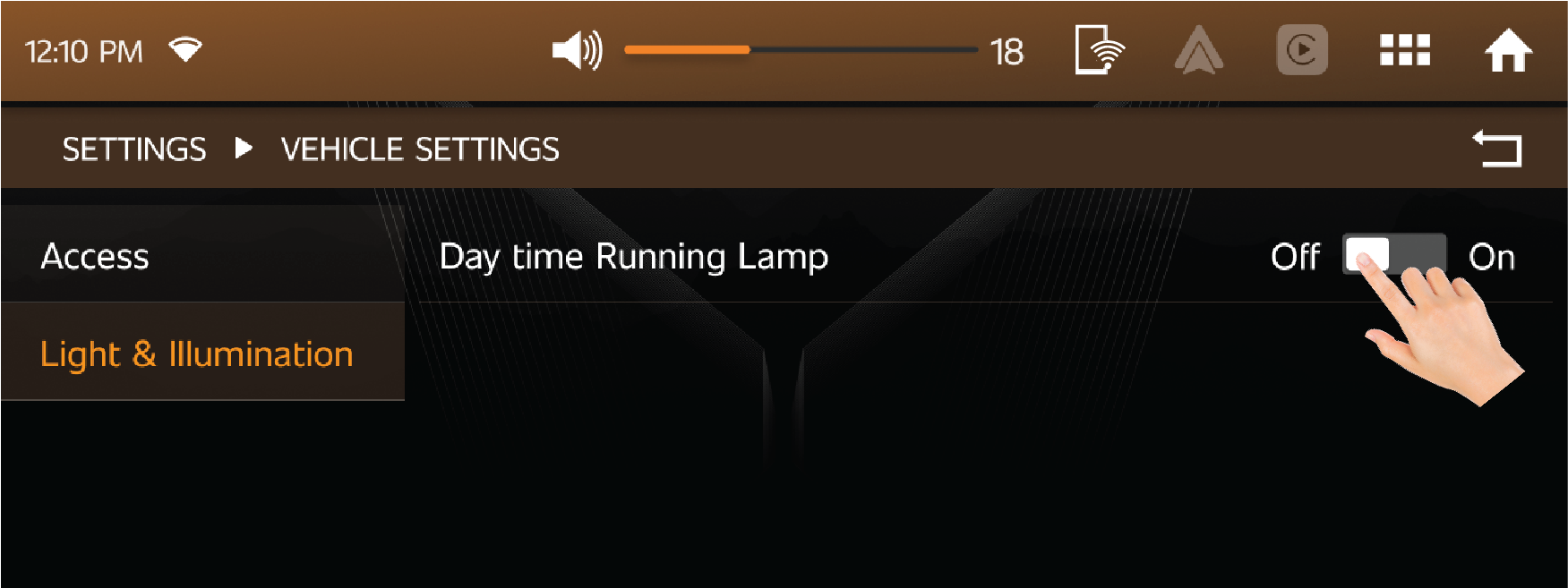
Owner’s Manual

Issue Date: October 2026
NOTE: Carefully read, understand and follow the instructions provided in this manual, and keep it in a safe place for future reference.
If you have any doubt whatsoever regarding the use or care of your vehicle, please visit your Authorized Mahindra Service
Center for assistance or advice.
This Owner's Manual should be considered as an integral part of the vehicle and should remain with the vehicle.
Thank you for choosing the Mahindra ALL NEW THAR vehicle.
We are privileged to welcome you to the Mahindra family.
Your vehicle represents Robust Quality, Ruggedness, Safety, Precision Workmanship and Distinctive Styling, which are our traditional
values.
This documents contains important information on vehicle operation, that will help you make full use of the technical features
available. To exercise better control on road, we suggest you to please take time to read, understand and familiarise with
vehicle and its features. Following the instructions and recommendations in this manual will help assure safe and enjoyable
operation of your vehicle.
When it comes to service, note that your Authorized Mahindra Service Center knows your vehicle best, has company trained Technical
Experts, Mahindra Genuine Parts and very much cares about your satisfaction.
We extend our best wishes for safe and pleasurable motoring.

MAHINDRA & MAHINDRA LTD.

Please refer to the Owner’s Manual in any of the following links/location:
| 1. | Brand official website: www.mahindra.comsuv/thar/THRN.html |
| 2. | Owner’s Manual Website: https://mvault.mahindra.com/owners_manual |
| 3. | Interactive Owner’s Manual is available in the M4U mobile app. |
|
Important Information – Quick Reference |
||
|
We strongly urge that you read the information provided in pages referred hereunder which will help in road safety and prevent
inconvenience.
|
||
|
1
|
Warranty Coverage..........................................................
|
Refer WSIG* (P.g. 14)
|
|
2
|
Roadside Assistance.......................................................
|
Refer WSIG* (P.g. 9)
|
|
3
|
Schedule Service (Free/Paid)...........................................
|
Refer WSIG* (P.g. 23)
|
|
4
|
Maintenance Schedule and Lubrication Chart.........
|
Refer WSIG* (P.g. 24)
|
|
5
|
Location of Vehicle Identification Number (VIN).............
|
Refer (P.g. 1-8)
|
|
6
|
Location of Fuse Box and Fuse Details............................
|
Refer (P.g. 11-41)
|
|
7
|
Changing a Flat Tyre.......................................................
|
Refer (P.g. 10-9)
|
|
8
|
Understanding the Warning Lamps...............................
|
Refer (P.g. 2-21)
|
|
9
|
Understanding the Airbag Function.............................
|
Refer (P.g. 4-22)
|
|
10
|
Use of Seat Belts and Child Restraint...........................
|
Refer (P.g. 4-7)
|
|
11
|
Co-driver Seat Lift and Slide...........................................
|
Refer (P.g. 4-6)
|
|
12
|
If your Vehicle is Submerged.......................................
|
Refer (P.g. 9-32)
|
|
13
|
Driving through Water.................................................
|
Refer (P.g. 9-32)
|
|
14
|
Opening and Closing the Hood................................
|
Refer (P.g. 11-5)
|
|
15
|
Location of Battery and its Maintenance.................
|
Refer (P.g. 11-7 & 11-20)
|
|
*Warranty & Service Information Guide
|
||
|
Note: In view of our policy of continuously improving our products, we reserve the right to alter specifications, designs or features
without prior notice and without liability. We recommend you to refer the Variant Matrix in the Brand official website or
contact the nearest Authorized Mahindra Service Center for the list of features applicable to your vehicle.
|
||
|
The vehicle's software and security measures are subject to ongoing development. Similar to computers and mobile device operating
systems, the software and security features of the car might also receive irregular updates.
|
||
1 GENERAL AND SAFETY PRECAUTIONS
1.1 Introduction
Dear Customer,
Congratulations on purchasing MAHINDRA THAR. Your vehicle has been designed to provide years of safe and dependable service, as long as it is used and maintained in
accordance with the instructions provided in this manual.
All persons who will use and/or maintain this vehicle must read, understand and follow all warnings and instructions provided
in this manual. This Owner's Manual should be considered an integral part of the vehicle and should remain with the vehicle.
However, nothing in this manual, and none of the safety devices installed in the vehicle, are a substitute for careful operation
and common sense. Always make sure that your vehicle is in optimum working order, and take note of the road and weather conditions
under which you are using your vehicle.
If you have any questions concerning the proper use or maintenance of your vehicle, please call your Authorized Mahindra Service
Center.
We extend our best wishes for safe and pleasurable motoring.
Sincerely,
MAHINDRA & MAHINDRA LTD.
Servicing and Summary Data
| • | For all issues concerning the vehicle and for any need of spare parts, contact only the Authorized Mahindra Service network. |
| • | We recommend you always use genuine Mahindra spare parts when performing repairs on the vehicle. |
| • | We suggest that you record the vehicle data in the Warranty Information & Maintenance Guide for future references. |
1.2 Safety Symbols
Carefully read, understand and follow the safety symbols/ instructions given in this manual.
To emphasis the information and procedures regarding safety, use, maintenance, etc.
Legend of the Symbols:
The following symbols are used throughout the manual:
 DANGER indicates an imminently hazardous situation which, if not avoided, will result in death or serious injury.
|
 WARNING indicates a potentially hazardous situation which, if not avoided, could result in death or serious injury.
|
 CAUTION indicates a potentially hazardous situation which, if not avoided, may result in minor or moderate injury and/or property damage.
|
NOTICE indicates important information relevant to the vehicle and it’s optimum use, to which particular attention must be
paid.
|
|
If you see this symbol, it indicates “no”, “do not”, “do not do this”, or “never”.
|
 |
1.3 General Safety Information and Instructions
| 1. | First-aid kit is placed in the glove box of the vehicle. Ensure it is not taken out of the vehicle at any point of time. |
| 2. | Please note that throughout this manual, reference is made that “an accident” could occur. An accident could cause you or a bystander to sustain personal injury, or result in property damage. |
| 3. | Inspect the seat belt system periodically, checking for cuts, frays or wear in the seat belt webbing, or loose buckles, retractors, anchors or other loose parts. Damaged parts must be replaced immediately. |
| 4. | The lifespan of Mahindra products depends on many factors. Improper use, abuse or harsh use in general may compromise the integrity of the vehicle and significantly reduce its lifespan. The vehicle is also subject to wear over a period of time. Please have your vehicle regularly inspected by a Authorized Mahindra Service Center or a qualified Technician. If the inspection reveals any damage or excessive wear, immediately replace, or have the component serviced. |
| 5. | The vehicle identification plates are the only legal identification reference; hence it is necessary to keep them in good condition. Never modify data on the plates or remove them. It is illegal to remove or alter the numbers in the VIN plate. |
| 6. | Do not attempt sharp turns, abrupt maneuvers, or other unsafe driving actions that can cause loss of vehicle control. When the vehicle is fully loaded, drive at a slow speed, especially when turning. Note that the center of gravity of the vehicle changes when the vehicle is fully loaded, and also if luggage is mounted on the roof carrier. |
1.4 To the Owner’s of the Mahindra Vehicle
When first driving the vehicle after long periods of non-usage, you may experience a temporary drive disturbance. This is
a characteristic of the tyres and should be no reason for concern. The condition should correct itself within 5-15 km. of
driving. If the disturbance persists, have the vehicle checked by an Authorized Mahindra Service Center.
Driving and Drugs/Medication: Your driving ability can be seriously impaired through the use of prescription or non-prescription drugs or medication (even
cough syrup). If you are taking any sort of drug or medication, be sure that it will not affect your driving ability.
Mobile Phones Warning: Use of electronic devices such as mobile phones, handheld devices, computers, portable radios or other by the driver while
driving is dangerous. In exceptional conditions, if use of a mobile phone is necessary, use a hands-free system to ensure
that the hands are free to drive the vehicle. Even hands-free does not ensure distraction free drive. Please comply with the
legal regulations in your country, concerning the use of communication equipment in vehicles.
Do not leave power banks, mobile phones, laptops, e-cigarettes, or any other battery-operated devices inside a parked vehicle
under direct sunlight. High cabin temperatures may cause these devices to overheat, resulting in battery damage, swelling,
malfunction, and, in extreme cases, a fire hazard inside the vehicle
Driving Long Distances
When driving long distances, follow these tips to have a safe journey:
| • | Take breaks at regular intervals. |
| • | Lack of sleep or fatigue will impact your ability to drive safely. |
| • | Exercise your eyes by shifting the focus of your eyes to different parts of the road. |
| • | Use stimulating beverages such as coffee or tea. |
| • | Relax and stay calm. |
Running-in
Driving smoothly during first 1 000 km. will help to prevent abnormal and premature system wear. Proper running-in will improve
the life of drivetrain and vehicle components.
A new engine may consume more oil during the first 1 000 km. of running. This should be considered as a normal part of break-in
and not interpreted as any problem with the engine.
Mahindra Genuine Parts
Mahindra uses high quality parts for building the vehicles. In the event that any parts need replacement, we recommend that
you use only Mahindra genuine parts.
Non-Mahindra parts may harm vehicle performance and will not be covered by your Mahindra warranty.
The warranty does not cover problems caused by using non genuine parts.
Mahindra Genuine Accessories
A wide selection of quality accessories are available through your Authorized Mahindra Service Center. These accessories have
been specifically engineered to allow you to personalize your vehicle to suit your requirements and complement its style and
aerodynamic appearance.
Each accessory is made from high quality materials and meets Mahindra's rigid engineering and safety specifications. Every
Mahindra accessory installed according to the Mahindra installation provisions comes with the respective accessory warranty.
Consult your Authorized Mahindra Service Center for detailed information about accessories available for your specific model
variant.
For maximum vehicle performance and safety considerations, always keep the following information in mind:
| • | The company shall not be liable / responsible for any damages / injuries, including consequential damages / injuries, resulting due to fitment of unauthorized aftermarket accessories and / or tapping / cutting wires in the wiring harness When adding accessories, equipment, passengers and luggage to your vehicle, do not exceed the total weight capacity of the vehicle or of the front and rear axle. Consult Authorized Mahindra Service Center for specific weight information. |
| • | Bull bars and nudge guards are not recommended. |
| • | Accessories causing any change in vehicle specifications like wheel rims, bull bars, etc, may affect the performance of safety systems. |
| • | Mobile communication systems such as two-way radios, telephones and theft alarms that are equipped with radio transmitters and installed in your vehicle should comply with the local regulations and should be installed only by your Authorized Mahindra Service Center and can potentially affect the vehicle performance. |
Vehicle Safety
When leaving your vehicle unoccupied:
| • | Please lock and take the key fob with you. |
| • | Close all the windows completely and lock all the doors. |
| • | Do not leave any valuables in your vehicle. If you must leave something in your vehicle, hide them and securely lock all the doors. |
When Sleeping in Your Vehicle
| 1. | Do not sleep in a parked car with closed windows. In particular, if you stay or sleep in the car with the engine running and the air conditioner or heater turned on, you can suffocate to death. |
| 2. | Sleeping in a closed space with the engine running puts you at high risk of suffocation from the exhausts. |
| 3. | While sleeping, you may accidentally touch the gear shift lever or accelerator and thereby cause an accident. |
| 4. | While sleeping in the car with the engine running, you may accidentally step on the accelerator, thereby overheating the engine and exhaust pipe and causing a fire. |
Hazardous Materials: Do not store any flammable items or disposable lighters in the console box or other spaces. In hot weather, they can explode
and cause a fire.
Fire Extinguisher: For safety, we strongly recommend that you have fire extinguisher in your vehicle. Keep it ready for use at any time. Be familiar
with how to use it.
When Passing the Intersection or Railway Crossing: When passing the intersection or railway crossing, stop the vehicle to check the safety and drive through as fast as you
can while using low speed gear and without shifting the gear. If the engine is turned off in the middle of the intersection
or railway crossing, get someone to help you and move the car to a safe place quickly.
Do not Switch off the Engine While Driving: Do not switch off the engine while driving. Otherwise, it makes the steering wheel heavier, influence the brake performance
and consequently dangerous.
System Safety Mode: The protective measures including illumination of engine warning lamp and reduced engine power are taken (engine turned off
in extreme case) when there is a critical fault in the system or a malfunction in the major electrical or fuel system. This
indicates the system entering the safety mode to protect the vehicle’s drive system.
| • | If the safety mode is activated, pull over and stop the vehicle to a safe location immediately and contact your Authorized Mahindra Service Center. Then drive slowly or have the vehicle towed to a Authorized Mahindra Service Center according to the dealer’s instruction and have your vehicle checked by a Technician. |
| • | If you continue to drive in this state, normal driving is not maintained due to the fixed engine r/min and engine can stop. But even more importantly, continued driving with this state may damage the drive system. |
Do not Modify the Vehicle: If unauthorized modifications are made on the vehicle, the company is not liable for repairing the modified parts even during
the term of warranty. Other part problems caused by modification are also not covered.
| • | The vehicle you bought is equipped with a large number of precision parts that have passed through countless experiments and tests. |
| • | These parts are deeply and systematically interwoven. Therefore, if any part is modified or altered without authorization, may under perform or cause critical damage to the vehicle and human life. |
Protecting Our Environment: As a responsible citizens, all of us have an important role to play in protecting our environment. Judicious vehicle usage
and ensuring hazardous waste disposal (including cleaning and lubrication fluids) are important steps towards this initiative.
Body Repairs: If your vehicle is in a collision, contact Authorized Mahindra Service Center to ensure that it is repaired with Mahindra
Genuine Parts. Mahindra has collision repair centers that meet strict requirements for training, equipment, quality, and customer
satisfaction. Some repair shops and insurance companies might suggest using non-original equipment to save money. However,
these parts do not meet Mahindra’s high standards for quality, fit and corrosion resistance. In addition, non-genuine parts
or equipment might lead to damages or failures of the vehicle’s systems.
End of Life Disposal
Composition: Vehicle is made from steel, Aluminum, Lead, Copper, Wood, other plastics and miscellaneous parts. These materials are reusable
by recycling them through a proper procedure. Some are hazardous to environment and living beings to be disposed as per local
pollution board regulations.
Disposal: As batteries are made of lead, lithium and iron phosphate with solvents as electrolyte which are harmful. They can impact
on environment and are to be disposed as per local pollution board regulations. Certain components of this vehicle such as
seat belt pre-tensioner, airbag and battery may contain hazardous material. Special handling may be required for service or
vehicle end-of-life disposal.
Similarly, ABS and other plastic panels, materials used are to be disposed to accredited agencies for recycling.
Most of other materials are reusable, hence components are to be segregated as per their composition as hazardous and non-hazardous,
disposed to accredited recycling agencies. Hence, it is advised to contact Authorized Mahindra Service Center for further
information.
For more details:
https://www.mahindra.com/sustainability
https://youtu.be/Q5CMl3VcuNU
https://cerorecycling.com/
1.5 Mandatory Documentation
The following documents shall be maintained in the vehicle at all times:
| • | Valid Registration Certificate (RC). |
| • | Insurance policy as per statutory requirements. |
| • | Pollution Under Control (PUC) Certificate. |
| • | Driving License of the driver, appropriate to the class of vehicle being operated. (Note: Driving a vehicle by an unlicensed driver is strictly prohibited). |
1.6 Vehicle Loading and Load Limits
The vehicle shall not be loaded beyond its prescribed Gross Vehicle Weight (GVW); overloading or improper loading is strictly
prohibited, as it poses serious risks to personal safety and may result in legal liability under applicable laws.
1.7 Vehicle Identification Number (VIN)
 |
 |
Vehicle Identification Number (VIN) plate is located on the below the driver seat. Open the velcro and will find the VIN number.
1.8 Engine Number
|
Engine number sticker available on vacuum pump cover near Turbo charger. Engraving Engine number location is available on
engine Block crankcase near starter motor.
|
 |
1.9 Front Overview
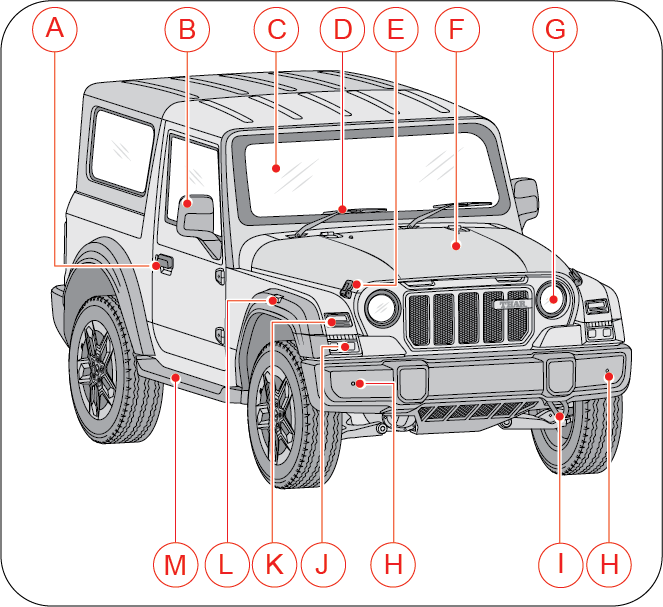
|
A |
Driver Door Handle |
H |
Front Parking Assist Sensor (FPAS)* |
|
B |
Outside Rear View Mirror |
I |
Front Tow Hook |
|
C |
Front Windshield |
J |
Fog / Cornering Lamp* |
|
D |
Front Windshield Wiper |
K |
Turn Indicator |
|
E |
Bonnet Latch |
L |
Side Repeater |
|
F |
Bonnet |
M |
Footstep* |
|
G |
Head Lamp High/Low Beam |
||
|
*- If Equipped |
|||
1.10 Rear Overview
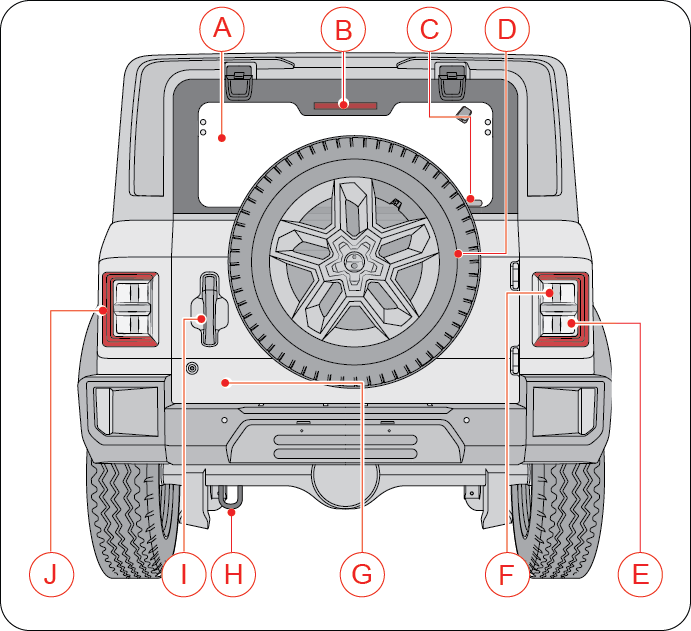
|
A |
Rear Flip Up Window |
F |
Turn Indicator Lamp |
|
B |
High Mounted Stop Lamp |
G |
Rear Swing Gate |
|
C |
Rear Wiper (If Equipped) |
H |
Rear Tow Hook |
|
D |
Spare Wheel |
I |
Rear Swing Gate Handle |
|
E |
Reverse Lamp |
J |
Rear Park Lamp/Brake Lamp |
1.11 Instrument Panel Overview
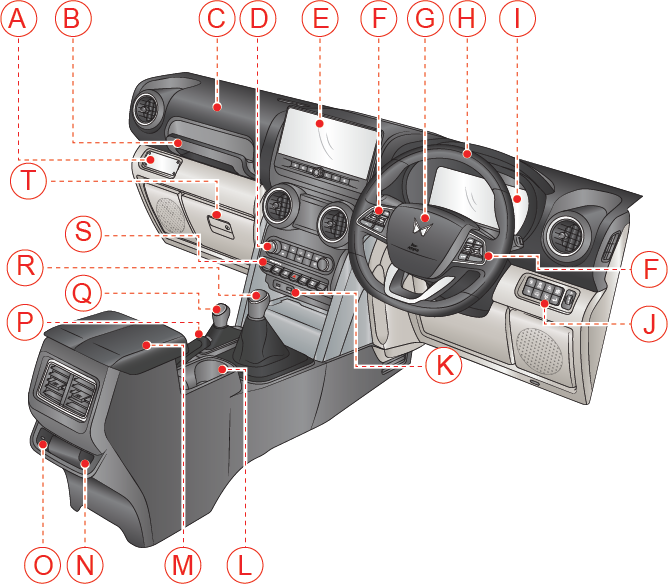
|
A |
IP Branding Plate |
|
B |
Grab Handle |
|
C |
Passenger Airbag |
|
D |
HVAC Controls |
|
E |
Infotainment Screen* |
|
F |
Steering Controls |
|
G |
Horn Pad/Driver Airbag |
|
H |
Steering Wheel |
|
I |
Instrument Cluster |
|
J |
Driver Side Switch Bank |
|
K |
USB Port |
|
L |
Can/Bottle Holder |
|
M |
Sliding Arm Rest (Driver) |
|
N |
Rear Ticket Holder |
|
O |
2nd Row USB Port
|
|
P |
Parking Brake* |
|
Q |
4WD Shift Lever* |
|
R |
Manual Transmission* / Automatic Transmission Gear Lever* |
|
S |
Center Fascia Switch Bank |
|
T |
Glove Box |
|
* – If Equipped |
|
1.12 Technical Specifications
|
Diesel 2.2L |
Diesel 1.5L |
Petrol |
|
|---|---|---|---|
|
Engine |
|||
|
Model |
2.2 L mHawk Diesel Gen-II |
1.5 L 4D15 Diesel |
2.0 L TGDi Petrol (G20) |
|
Displacement/Cubic Capacity |
2184 cm3 |
1497 cm3 |
1997 cm3 |
|
Type |
Compression Ignition, 4 Stroke, DI Turbocharged Intercooler |
Spark Ignition, 4 Stroke, GDI Turbocharged Intercooler |
|
|
No of Cylinders |
4 |
||
|
Power (HP) |
150 HP @ 3750 r/min |
117 HP @ 3500 r/min |
160 HP @5000 r/min |
|
Torque (Nm @ r/min) |
330 Nm @ 1500 - 3000 r/min (For AT and MT) |
300 Nm @ 1750 - 2500 r/min (For MT) |
330 Nm @ 1500 - 3000 r/min (For AT and MT) |
|
Transmission |
|||
|
No. of Gears |
6 Forward, 1 Reverse
|
||
|
Wheels and Tyres |
|||
|
Rim |
R18: 7.5J X 18, R19: 7.5J X 19 |
||
|
Tyres |
Main Tyre: 255/65 R18 and 255/60 R19
Spare Tyre: 245/65 R18, 255/65 R18, 255/60 R19
|
||
|
Steering |
|||
|
Type/Description |
Electric Power Steering
|
||
|
Suspension |
|||
|
Front |
Independent Double Wishbone Front Suspension |
||
|
Rear |
Multilink Solid Rear Axle with Watt’s Link / Multilink Solid Rear Axle with Watt’s Link with FDD & HRS* |
||
|
Shock absorbers |
Hydraulic Double Acting Telescopic (Front/Rear)
|
||
|
Brakes |
|||
|
Front |
Disc |
||
|
Rear |
Drum* / Disc*
|
||
|
Parking Brake |
Manual Park Brake
|
||
|
Fuel |
|||
|
Fuel Capacity |
55 Liters
|
55 Liters
|
50 Liters
|
|
Diesel Exhaust Fluid (DEF) Capacity |
20 Liters
|
NA
|
|
|
Electrical System |
|||
|
System Voltage |
12V |
||
|
Battery Rating
|
72Ah |
||
|
*- If Equipped
|
|||
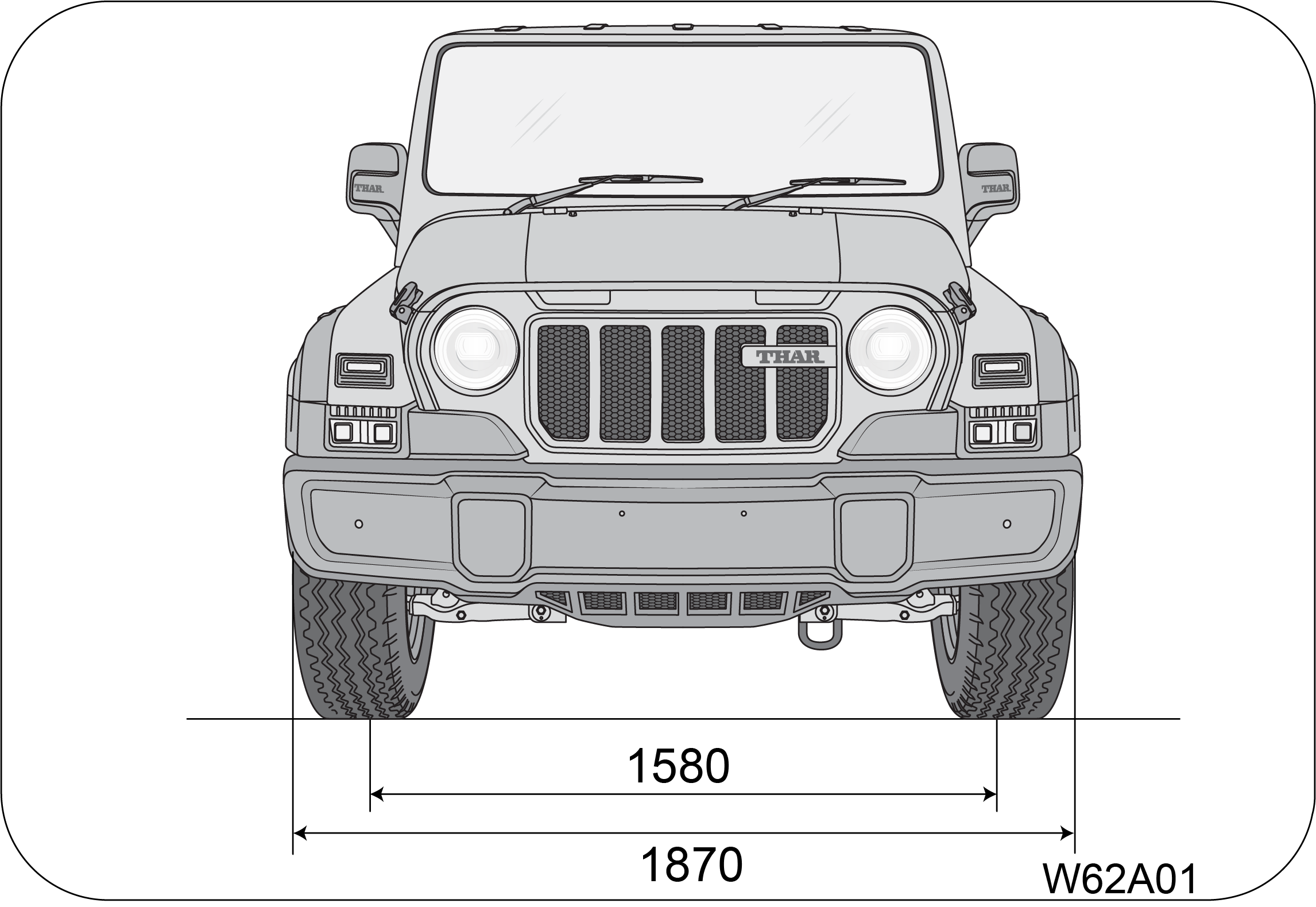
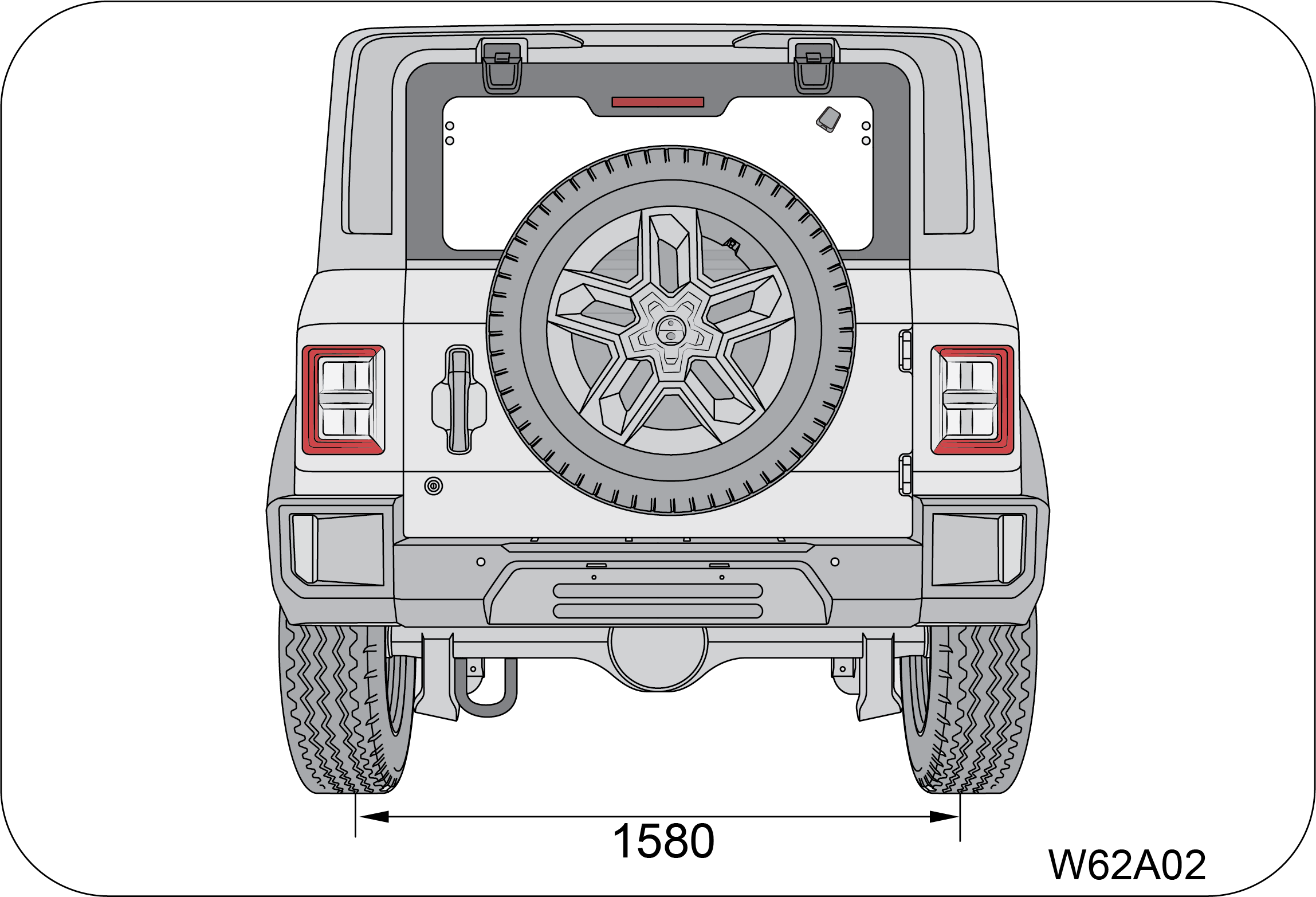
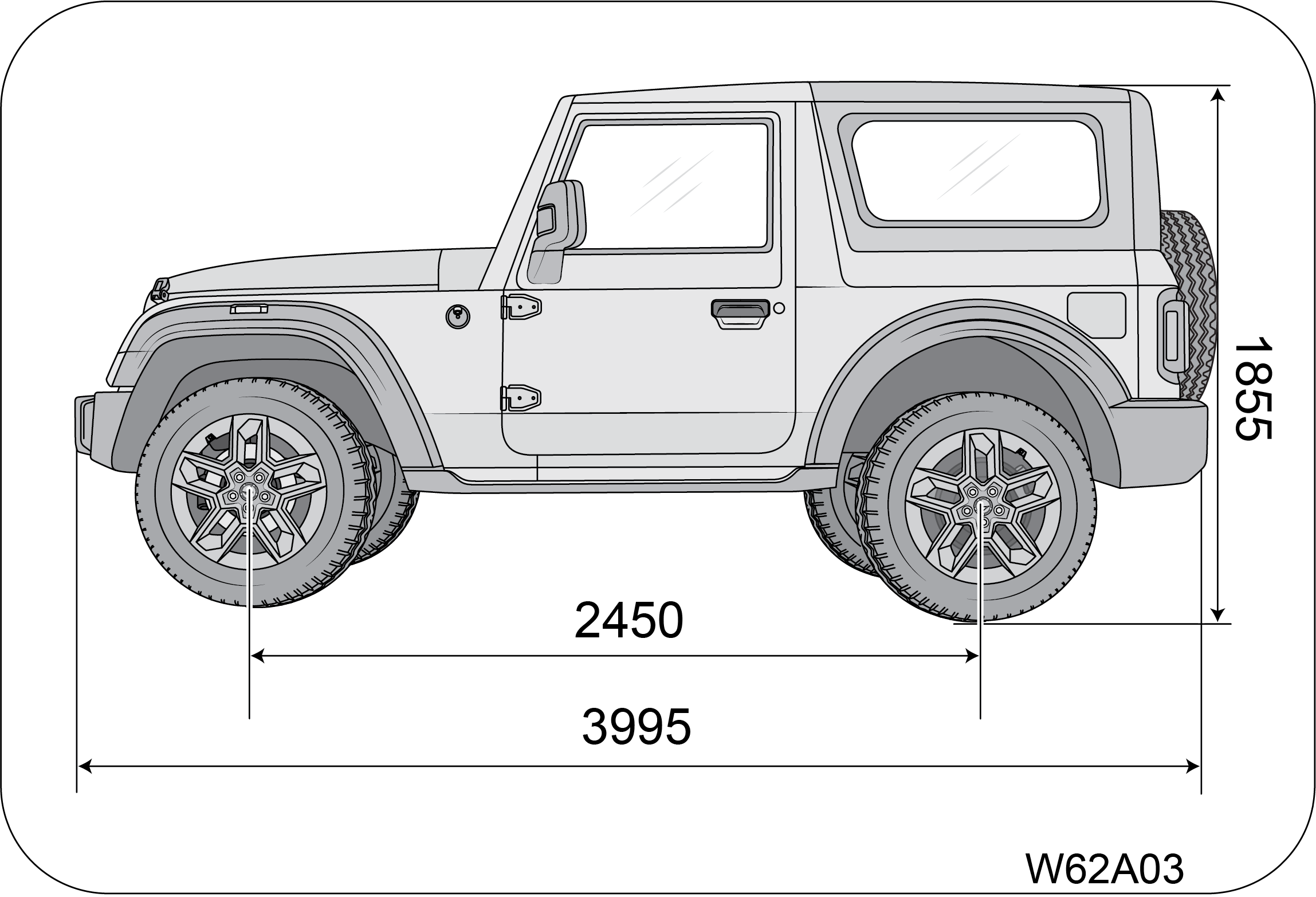
2 INSTRUMENT CLUSTER OVERVIEW
Display Type:
3.5” color and monochrome display:
This cluster consists of speedometer, tachometer, fuel gauge, temperature gauge and TFT display in center.
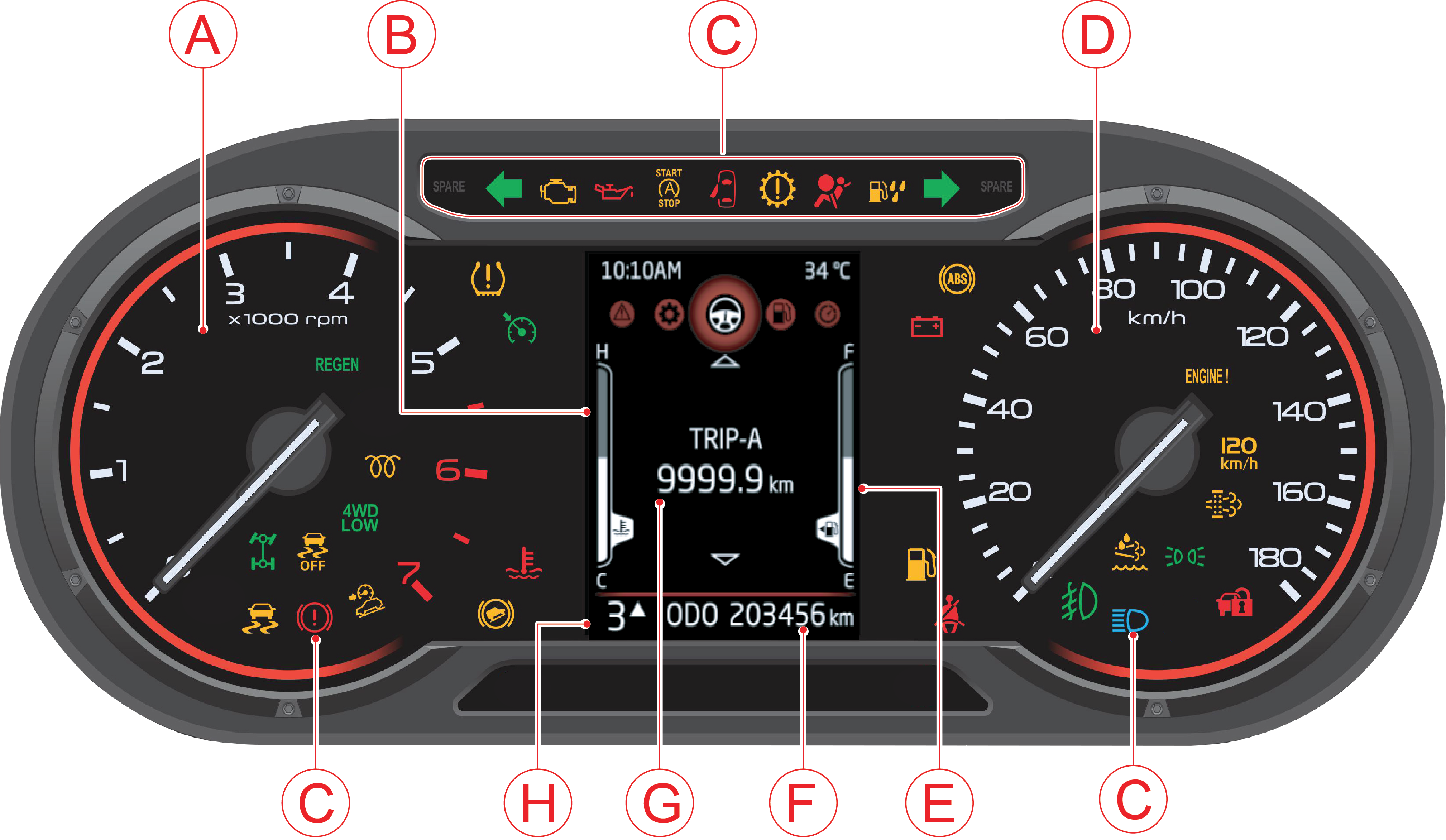
|
A
|
Tachometer/RPM Gauge
|
E
|
Fuel Gauge
|
|
B
|
Temperature Gauge
|
F
|
Odometer
|
|
C
|
Warning/Telltale Lamps
|
G
|
Trip A, B & DTE
|
|
D
|
Speedometer
|
H
|
Gear Display
|
Note: Images in the owner's manual is representation for high end. Low end cluster will have similar images in gray scale.
2.1 Tachometer
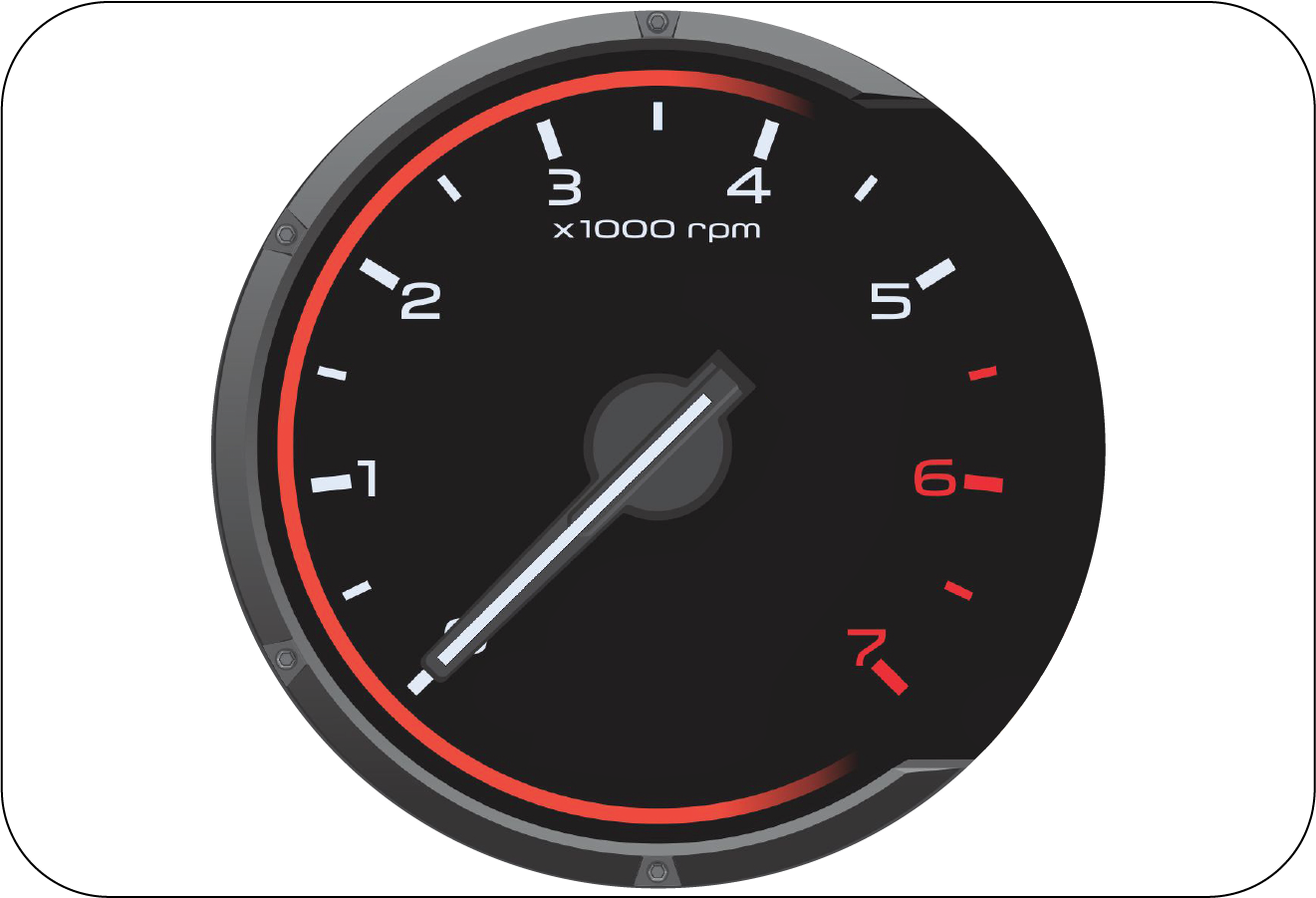
The tachometer indicates the real-time engine speed in thousands of r/min (revolutions per minute). Each division is 500 r/min.
Operating the engine at very high r/min may lead to excessive engine wear and low fuel economy. Maintain steady engine speed
below 2500 r/min and do not accelerate or decelerate abruptly.
|
Diesel |
Petrol |
 |
 |
Do not over-accelerate the engine during idling, this can cause severe engine damage and would be treated as abuse of the
engine which is not covered by warranty.
2.2 Speedometer
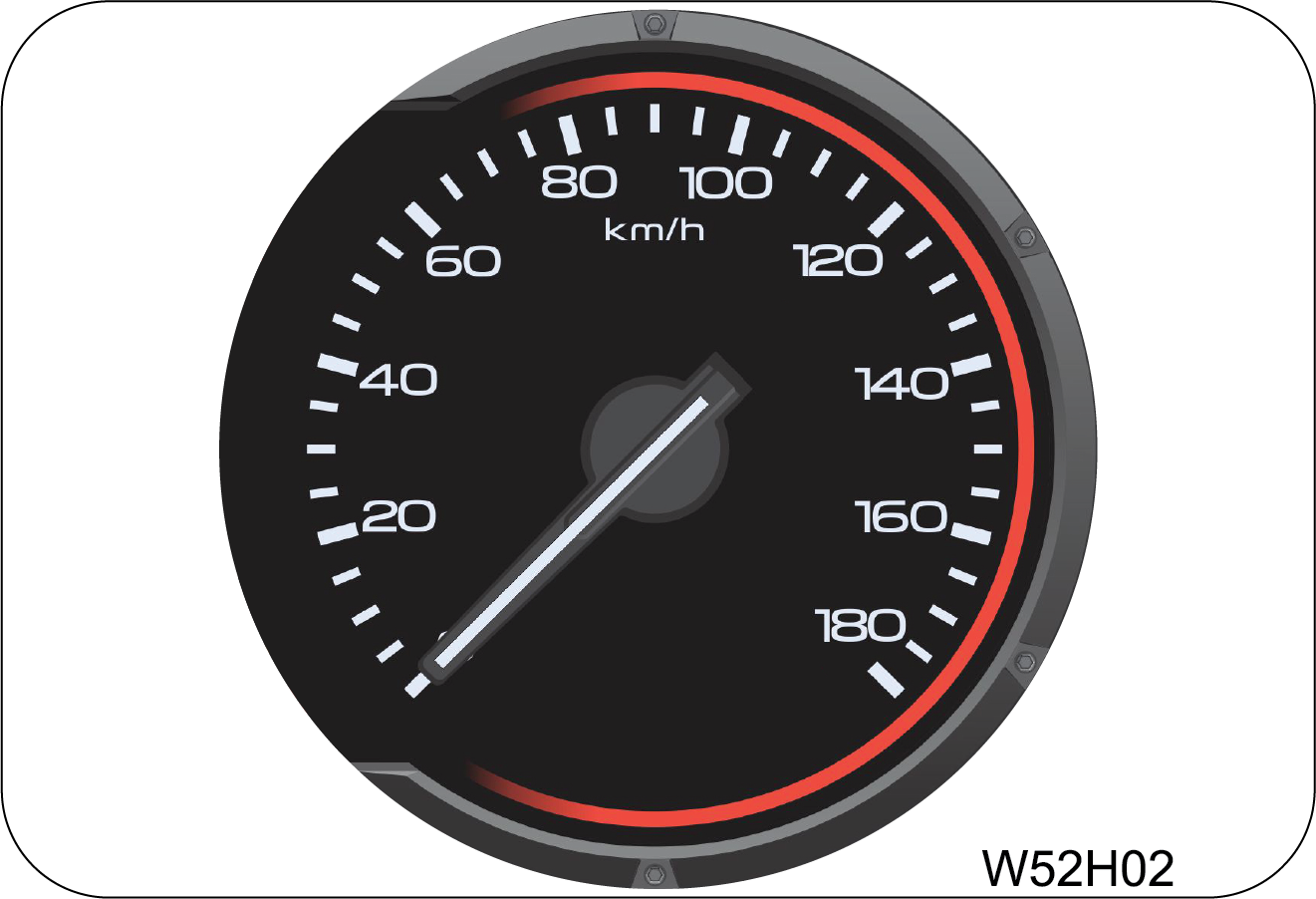 |
The speedometer indicates the real-time road surface speed of the vehicle in km/h.
The vehicle speedometer is affected by size of the tyres used. If the size of the tyres are changed from those fitted at the
factory, the speedometer might not display the correct road surface speed and distance travelled.
|
Over Speed Alert Buzzer
| • | Primary level: Buzzer will trigger single chime in every 110 seconds when the vehicle speed reaches 80 km/h. Once primary level chime is triggered, it will continue playing until speed is reduced to 76 km/h or goes beyond 120 km/h. |
| • | Secondary level: Buzzer will trigger periodic chime when the vehicle speed reaches 120 km/h and chime will continue playing until vehicle speed is reduced to 114 km/h. Below this speed primary level chime will be triggered and will continue till 76 km/h. |
2.3 Odometer
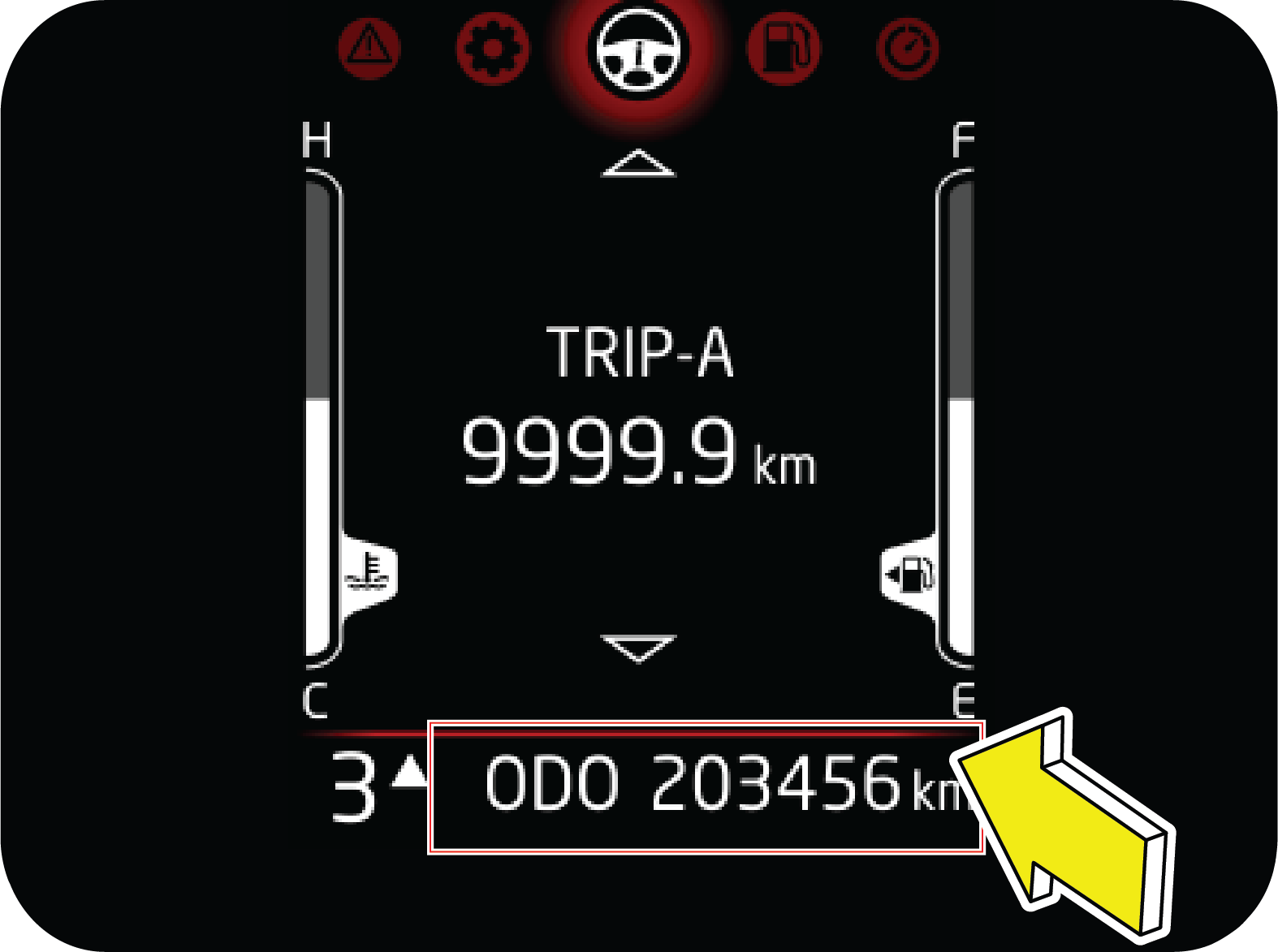 |
The odometer records and displays the total distance traveled in km. Odometer cannot be reset.
|
2.4 Fuel Level Gauge
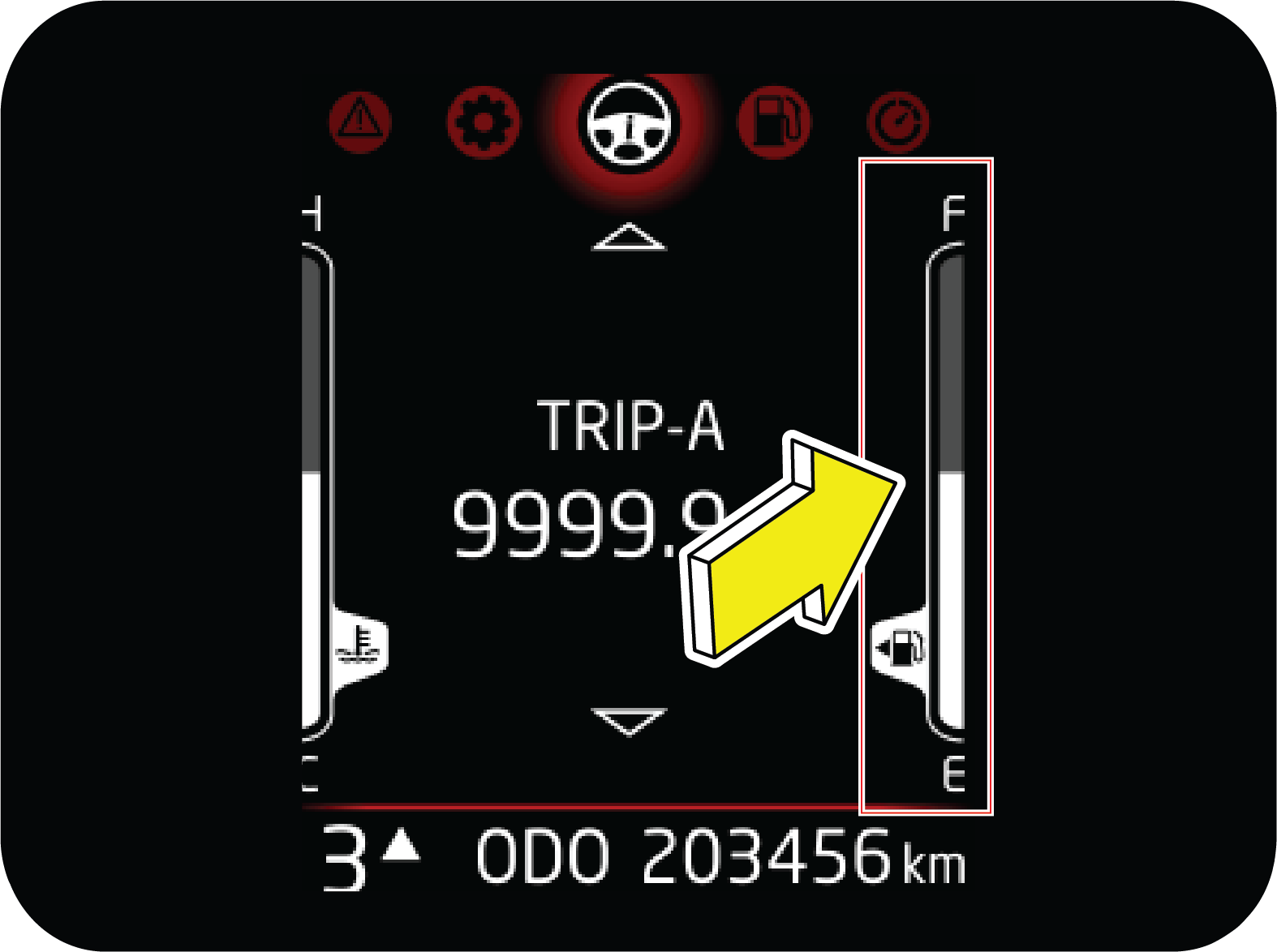 |
The fuel level gauge functions only when the ignition is switched ON. It gives the status of the fuel level in the fuel tank.
‘F’ indicates the tank is full, ‘E' indicates the tank is empty.
|
When the fuel level reaches the reserve, the last bar will be displayed and low fuel telltale will be ON (approx 12 liter).
when the fuel tank is completely empty, last bar goes off from display and low fuel telltale will be blinking. The amount
of fuel required to fill the tank up may be less than the specified tank capacity, as a small amount of reserve fuel always
remains in the tank.
On inclines or curves, due to the movement of fuel in the tank, the fuel level may fluctuate or the last bar may flash earlier
than usual. Always check the fuel level when the vehicle is on level road. If the last bar is still off and telltale is blinking
even after filling sufficient fuel, contact your Authorized Mahindra Service Center as soon as possible.
When all the bars in the display starts blinking/flashing, contact the nearest Authorized Mahindra Service Center at the earliest.
It is highly recommended to start the fueling at ignition OFF condition and turn on the ignition only when fueling is finished
to get correct fuel level.
IGN ON fuel filling may lead to inconsistency and can cause for DTE fluctuation.
2.5 Engine Coolant Temperature Gauge
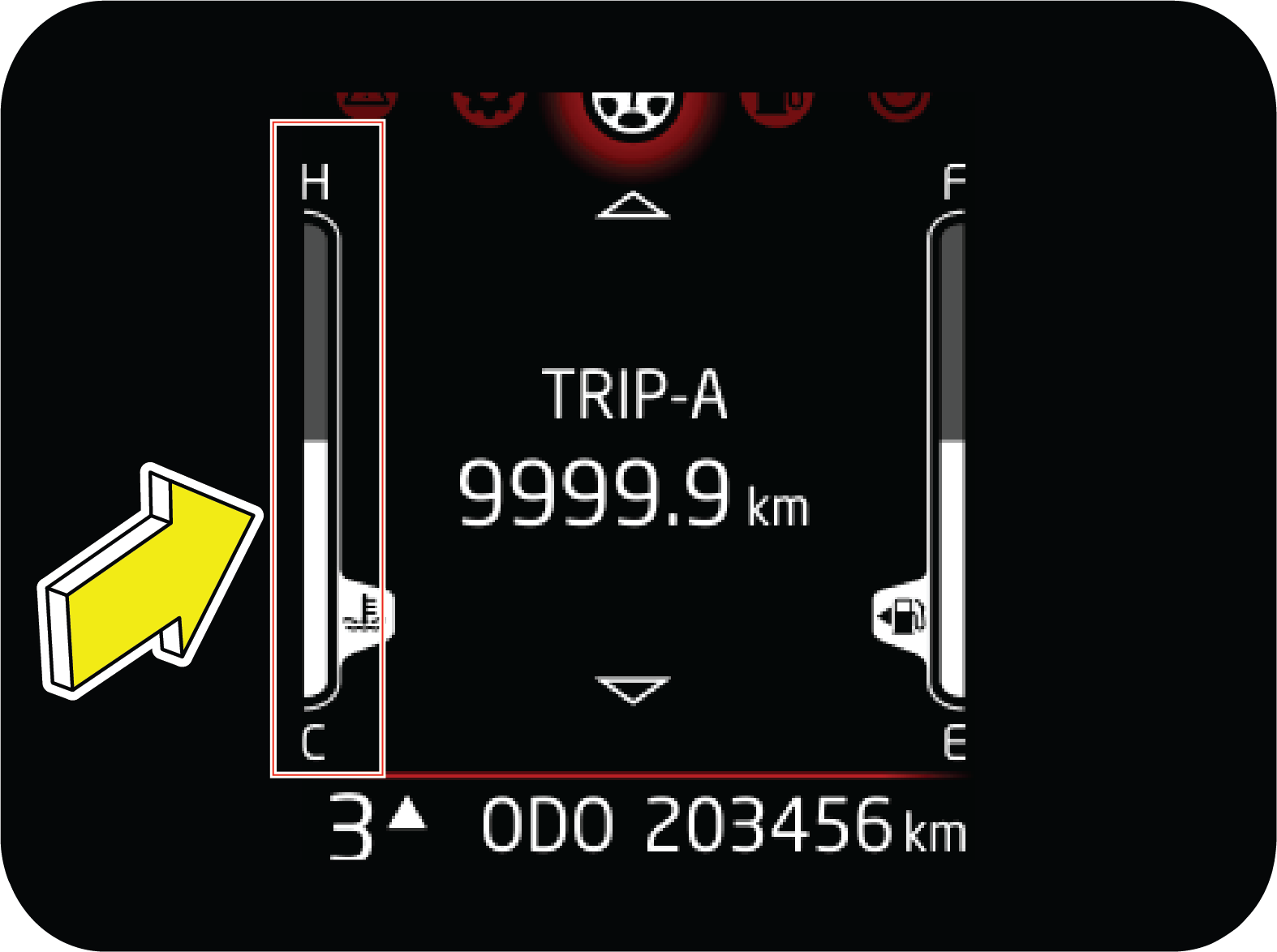 |
The engine coolant temperature gauge functions only when the ignition is switched ON. It indicates the instantaneous engine
coolant temperature. The coolant temperature varies with changes in weather, load on engine and driving pattern.
|
If gauge is showing 7 or more than 7 bars, it represents that engine is overheating. This will also be notified through blinking
or continuously ON Engine high temperature lamp.
Never remove the Degassing tank cap when the engine is hot. The engine coolant is under pressure and could splash on to skin/eyes
causing severe burns. Wait for the engine to cool down before adding coolant to the reservoir.
Do not continue driving the vehicle with an overheated engine. This will lead to damage of engine components and engine seizure.
2.6 Gear information
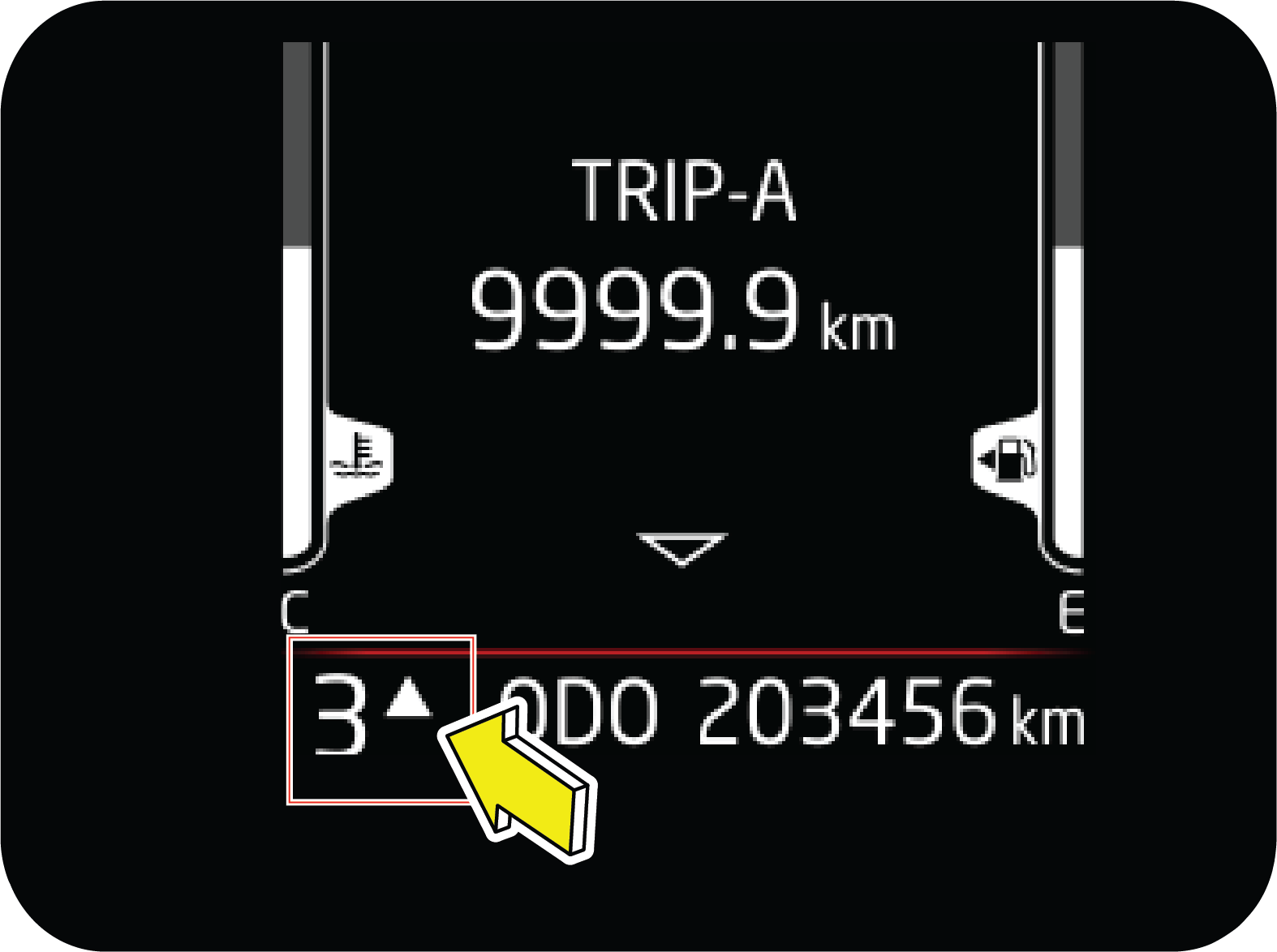 |
Gear information shows the actual gear in which user has to drive the vehicle.
Based on the various parameters, it will also suggest to change the gear for better fuel economy with up/down recommendation.
|
2.7 Instrument Cluster Control Switches (If Equipped)
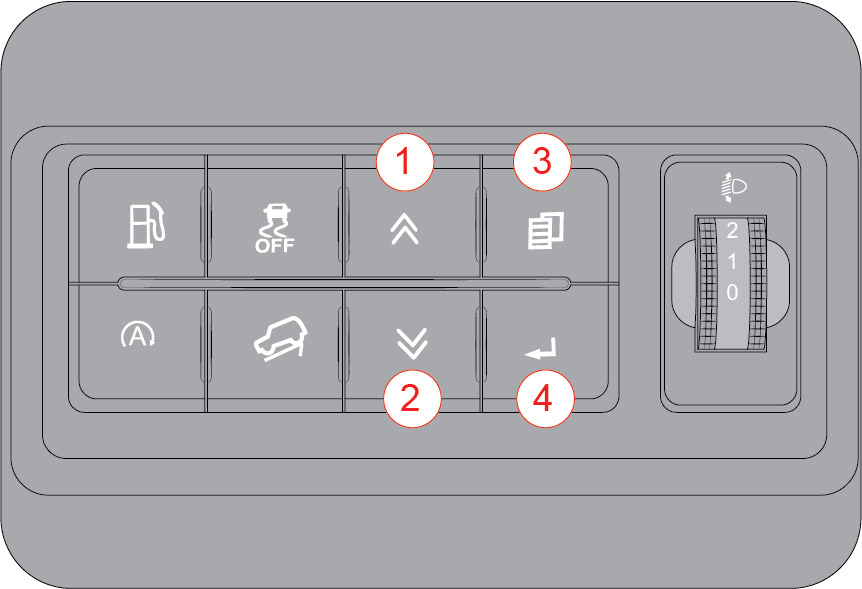 |
Driver side switch bank, located right of driver on the front panel.
|
|
1 |
UP Button: Used to scroll vertically |
|
2 |
DOWN Button: Used to scroll vertically |
|
3 |
MENU Button: Horizontal scrolling i.e, change in menu |
|
4 |
Enter/ OK Button: Select a option |

2.9 Drive Information
Drive Information or Drive info is represented by Steering wheel icon.
It can be accessed by pressing MENU button in driver side switch bank.
2.9.1 Trip Meter
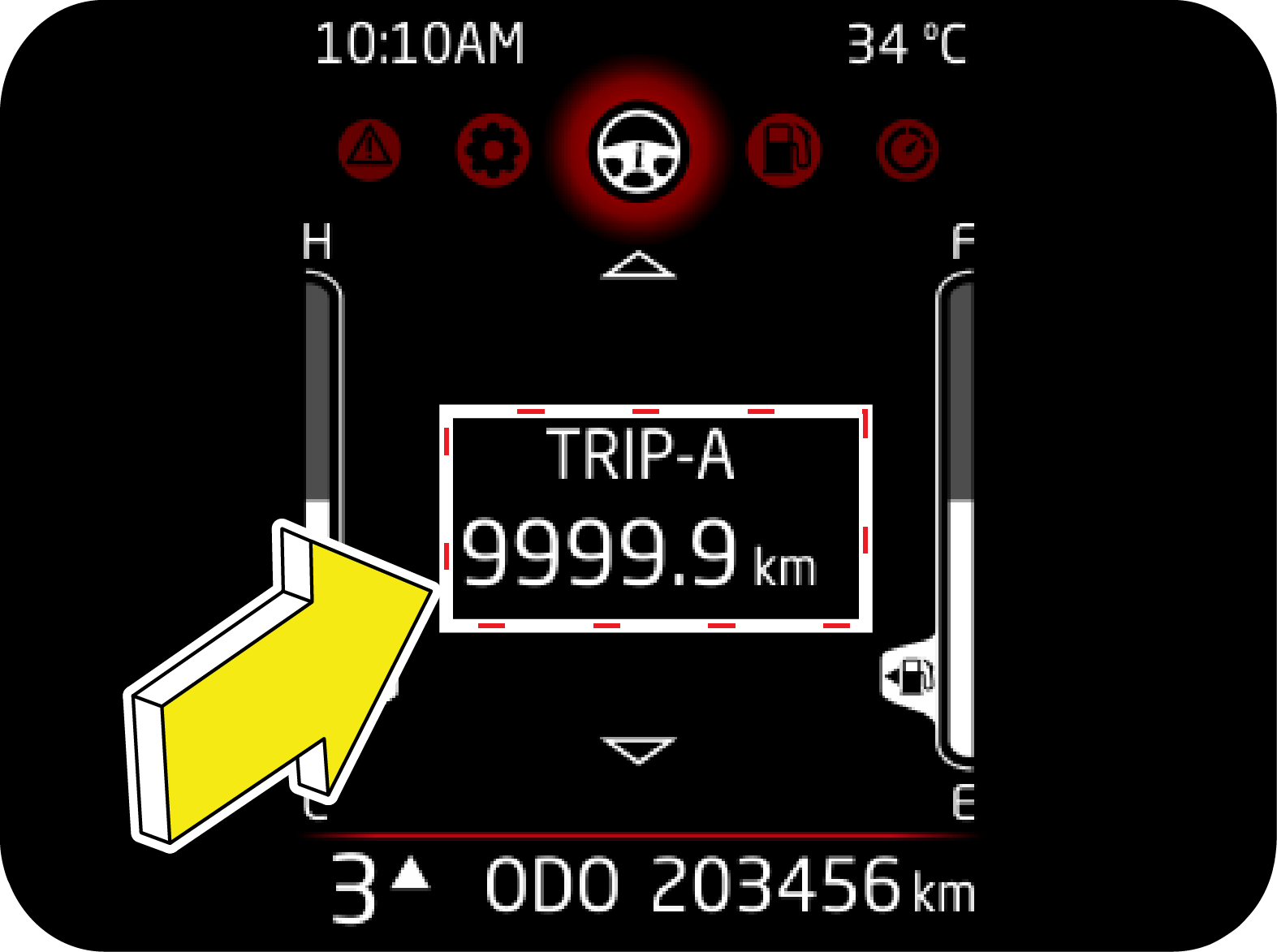 |
Two trip meters are available with max range of 9 999.9 km. These are available in drive info menu and can be accessed using
UP/DOWN switch.
Trip meter can be reset by long press of OK. Resetting trip will reset average speed and drive time associated with the particular
trip.
|
Trip meter has to be reset whenever battery is disconnected due to various reasons.
Else Average Speed and Driving Time may not match with trip value.
2.9.2 Average Speed
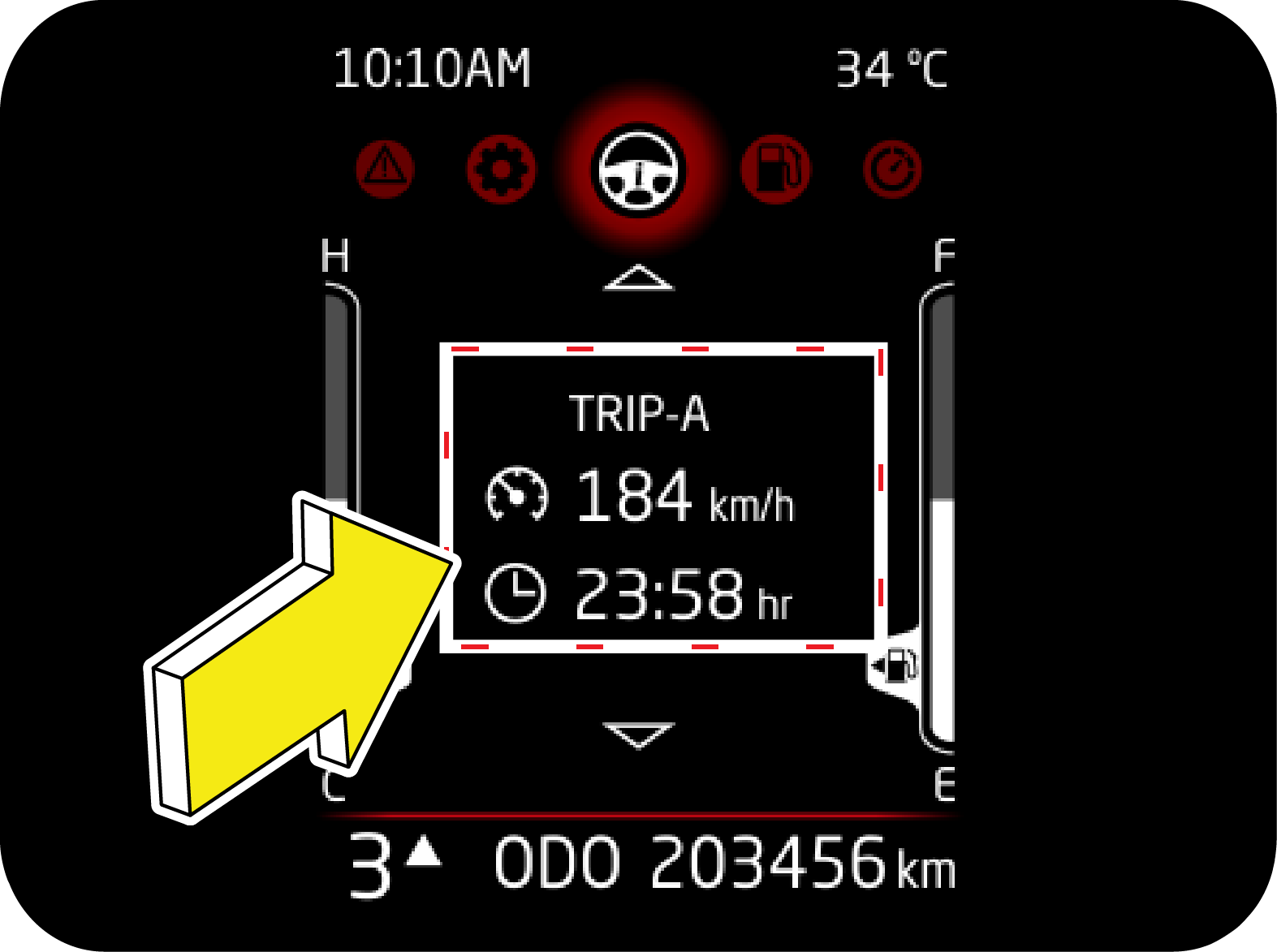 |
Average Speed is calculated based on the total distance covered and time taken from the start of this trip cycle.
Under drive info menu, this page can be accessed using UP/DOWN button. Data on this page can be reset at their respective
trip pages.
|
2.9.3 Driving Time
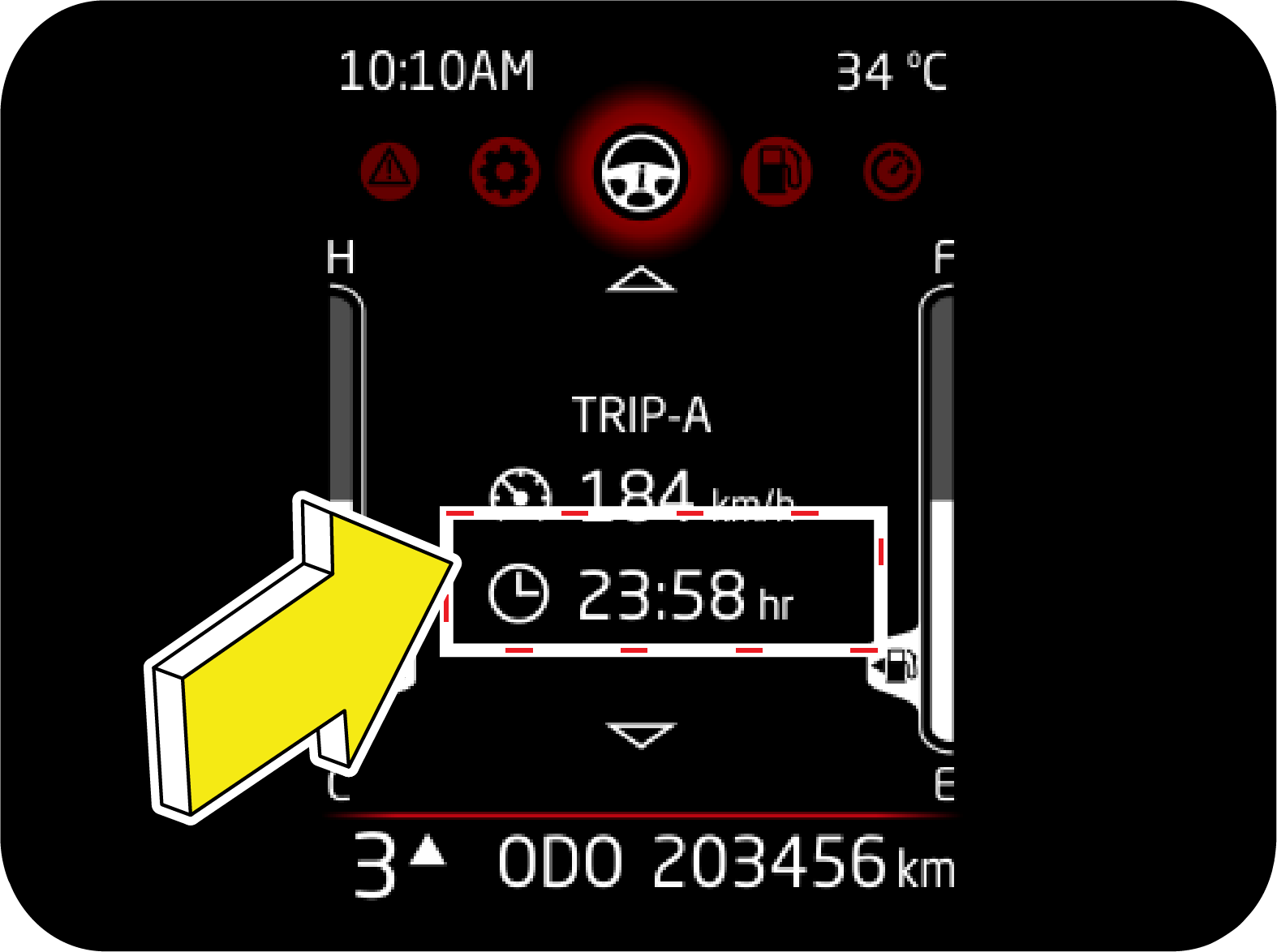 |
Drive Duration is the elapsed time from the start of this trip cycle.
Under drive info menu, this page can be accessed using UP/DOWN button. Data on this page can be reset at their respective
trip pages.
Drive Duration is the elapsed time from the start of this trip cycle. This trip timer will reset to 00:00, once it has reached
the maximum value of 99:59.
|
2.9.4 Clock Screen
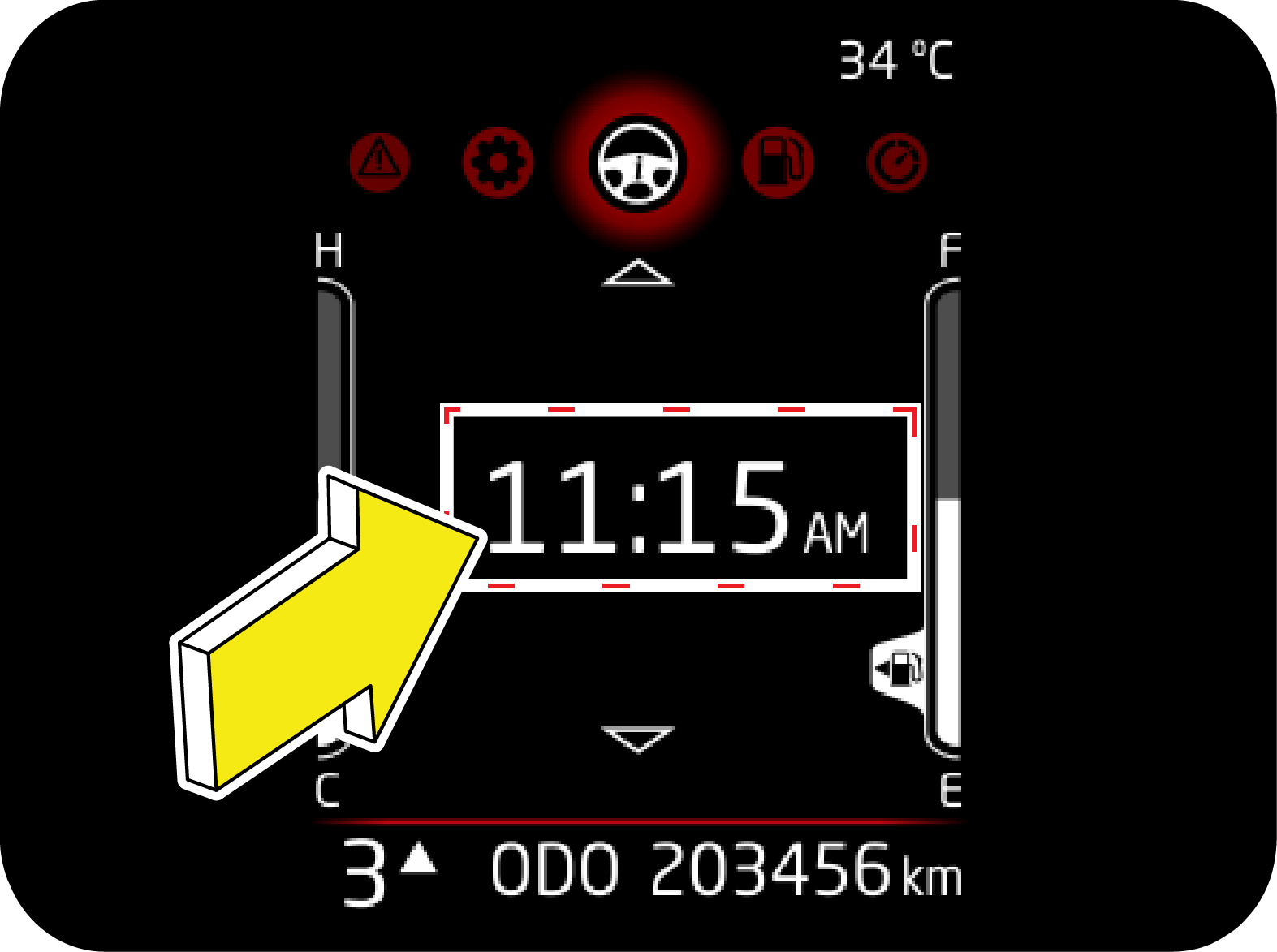 |
Steps to set time
1. Browse to settings, using MENU button
2. Press OK to enter.
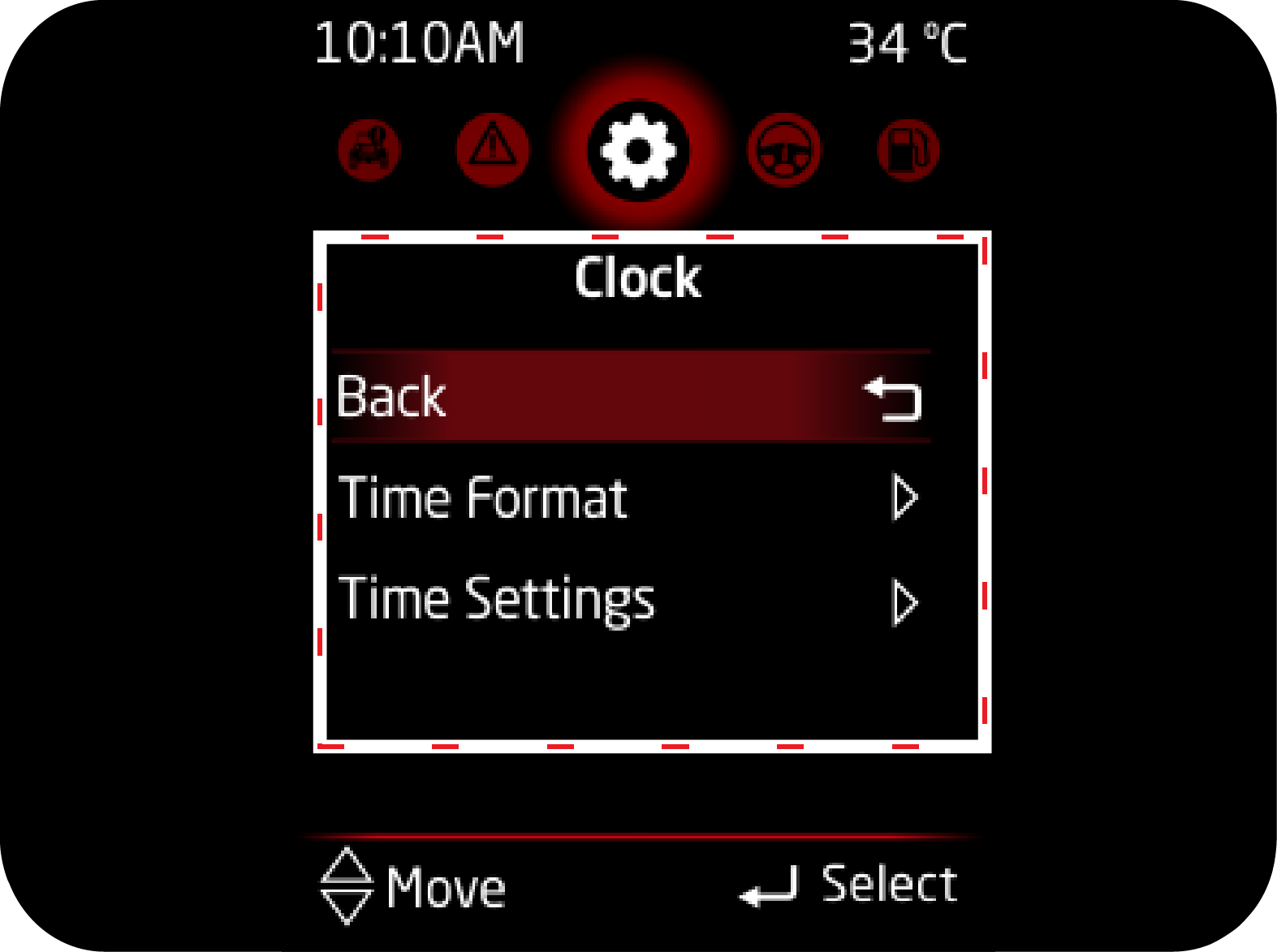
3. Select Clock and then clock setting to change system time.
|
4. Press OK to change to particular digit. Highlight will change to "Dash". In this state, you can use UP/DOWN button to change
time.
5. Press OK to confirm the current change and move to next digit.
6. System time will change only when you confirm the edited time.
For high end, clock is in sync with infotainment. Any change in infotainment will reflect on cluster.
2.9.5 REGEN
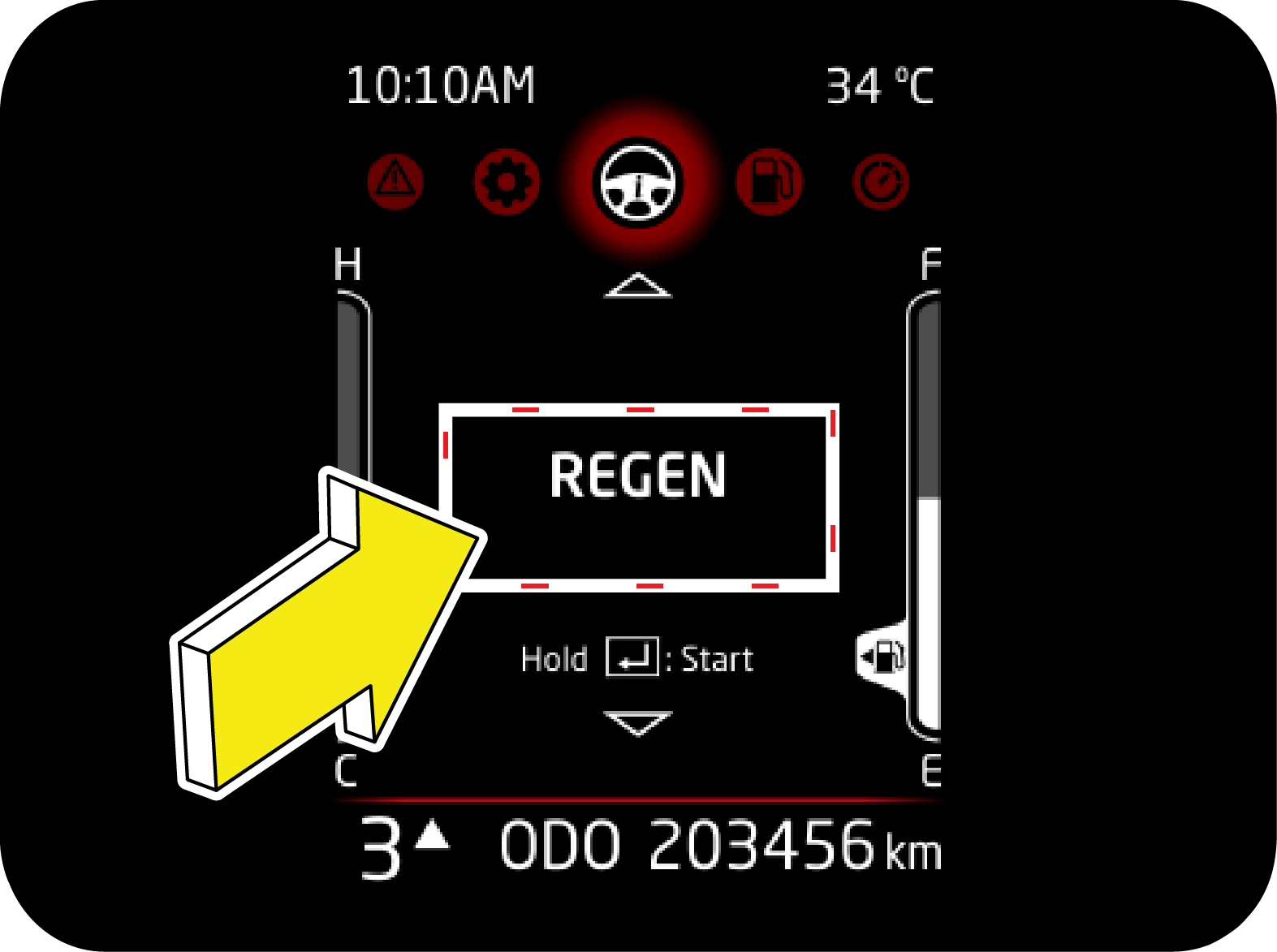 |
This page will appear only when vehicle is capable of Park regeneration (DPF lamp ON or Blinking) along with REGEN telltale.
Long Press Ok button to start Park regeneration.
Refer emission control section for details on Park regeneration.
|
2.10 Drive Summary
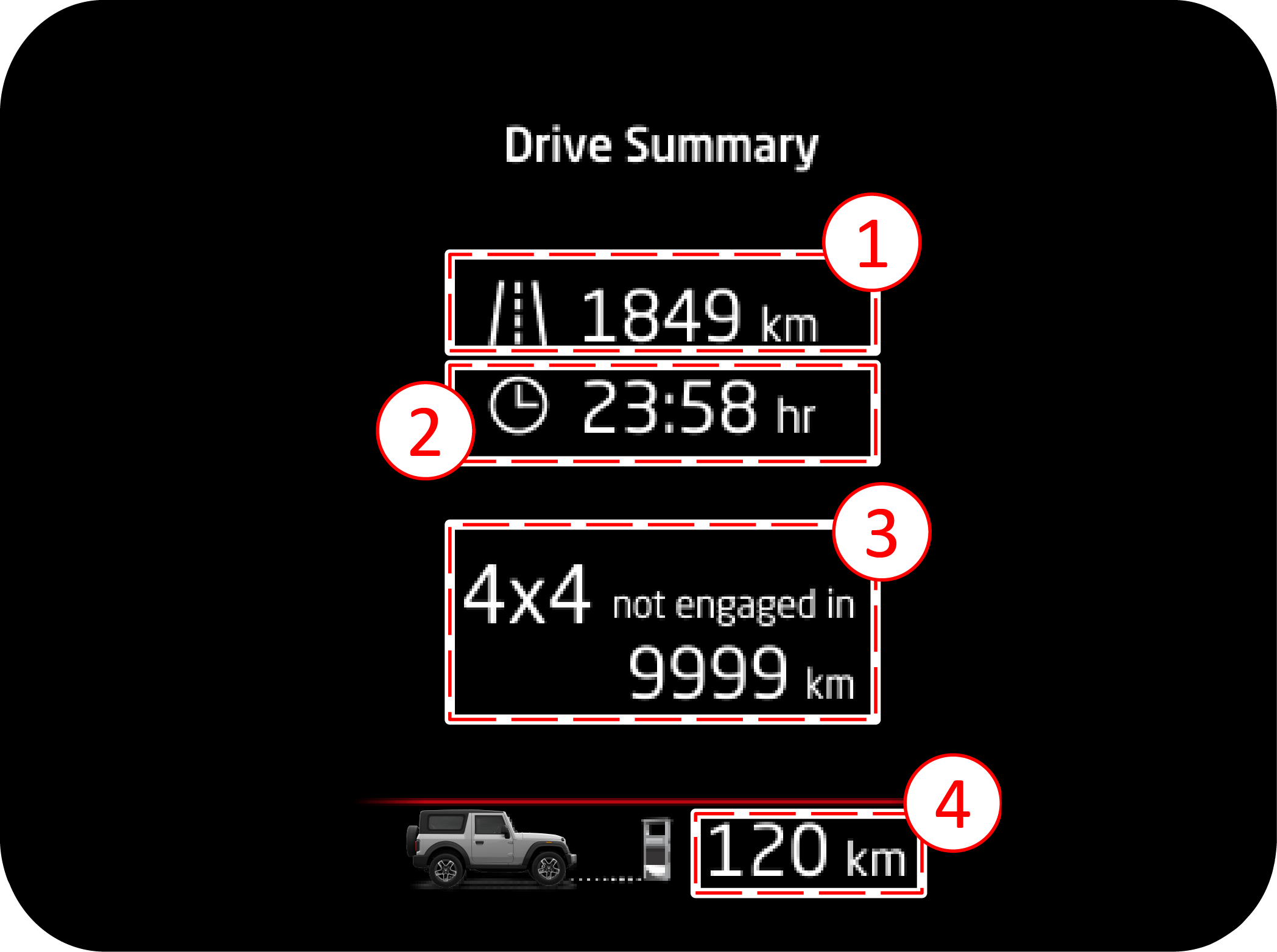 |
This screen will appear when Ignition is turned off. Following information will be displayed:
1. Distance in IGN cycle - It displays the total distance travelled in an Ignition cycle.
|
2. Drive time in IGN cycle - It displays the total time for which engine was ON in the Ignition cycle.
3. 4x4 not engaged in distance - It represents the total distance since any of the 4 wheel drive modes were not engaged.- It will reset only if any of the 4 wheel drive modes are engaged.
4. DTE - It represents the current DTE value.
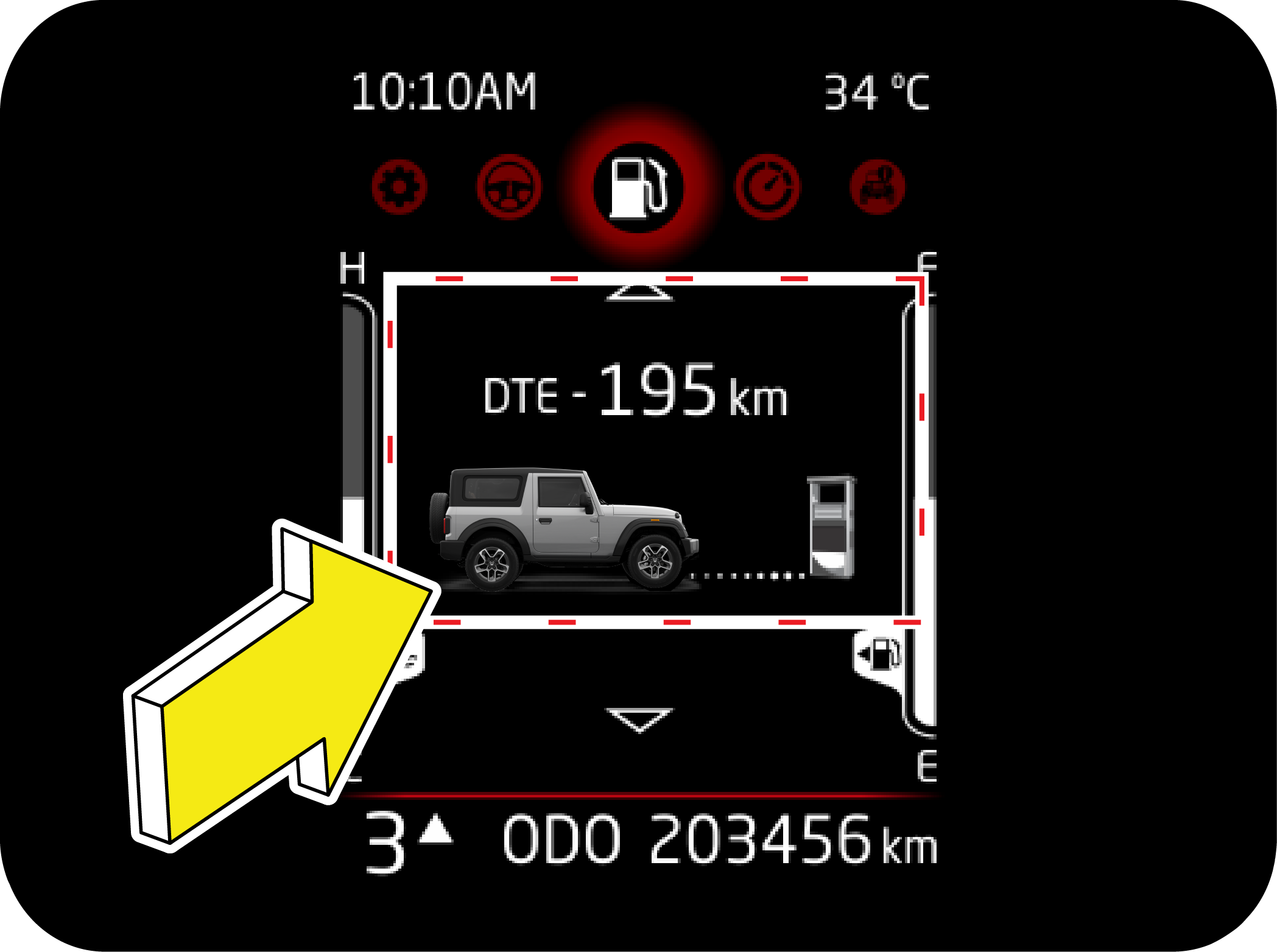
2.11 Fuel Computer
Fuel computer is represented by fuel tank icon. It can be accessed using MENU button. It displays data related to fuel consumption
pattern of vehicle. It can be accessed by pressing MENU button in driver side switch bank.
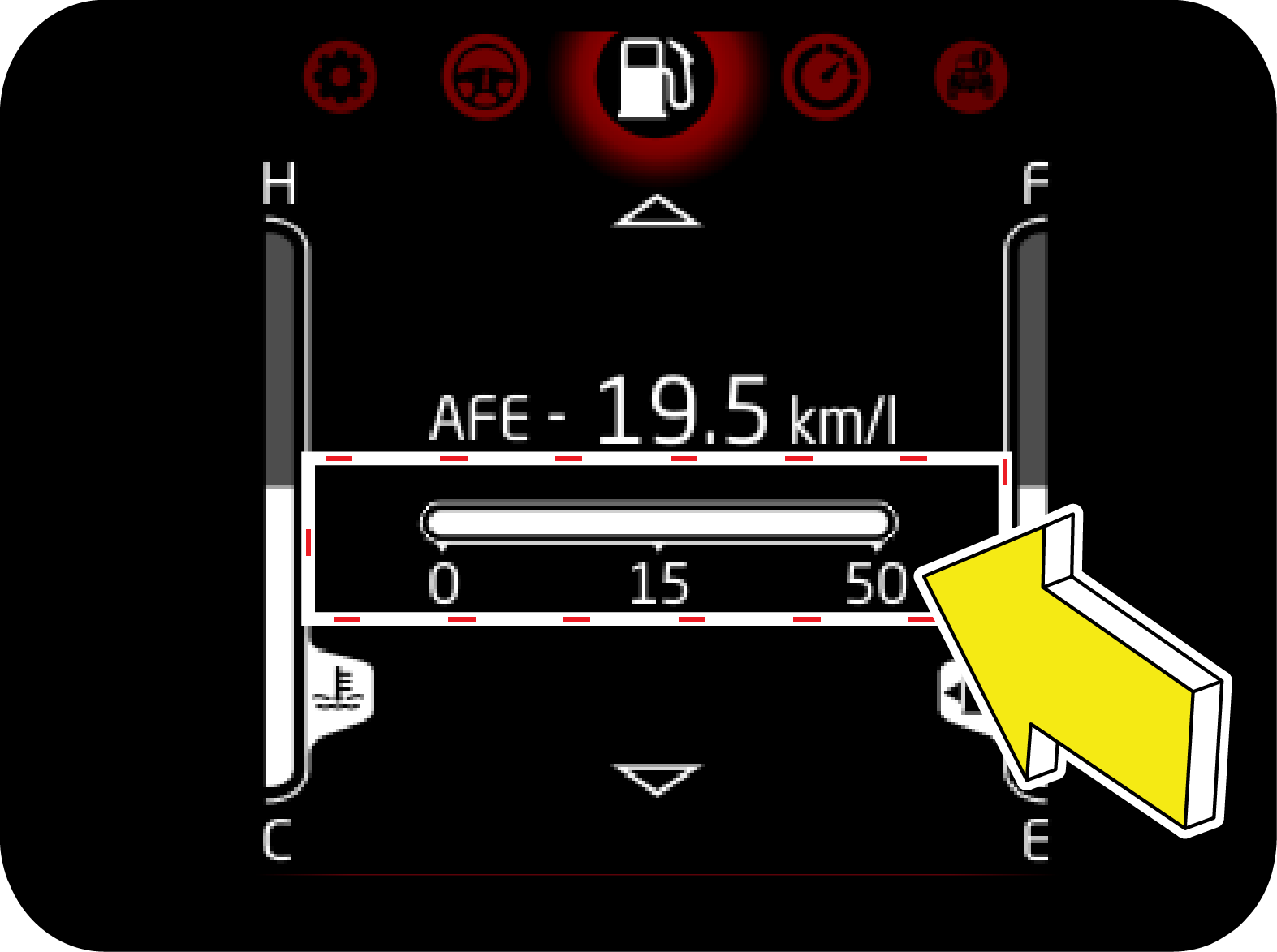
2.11.1 Average Fuel Efficiency (AFE)
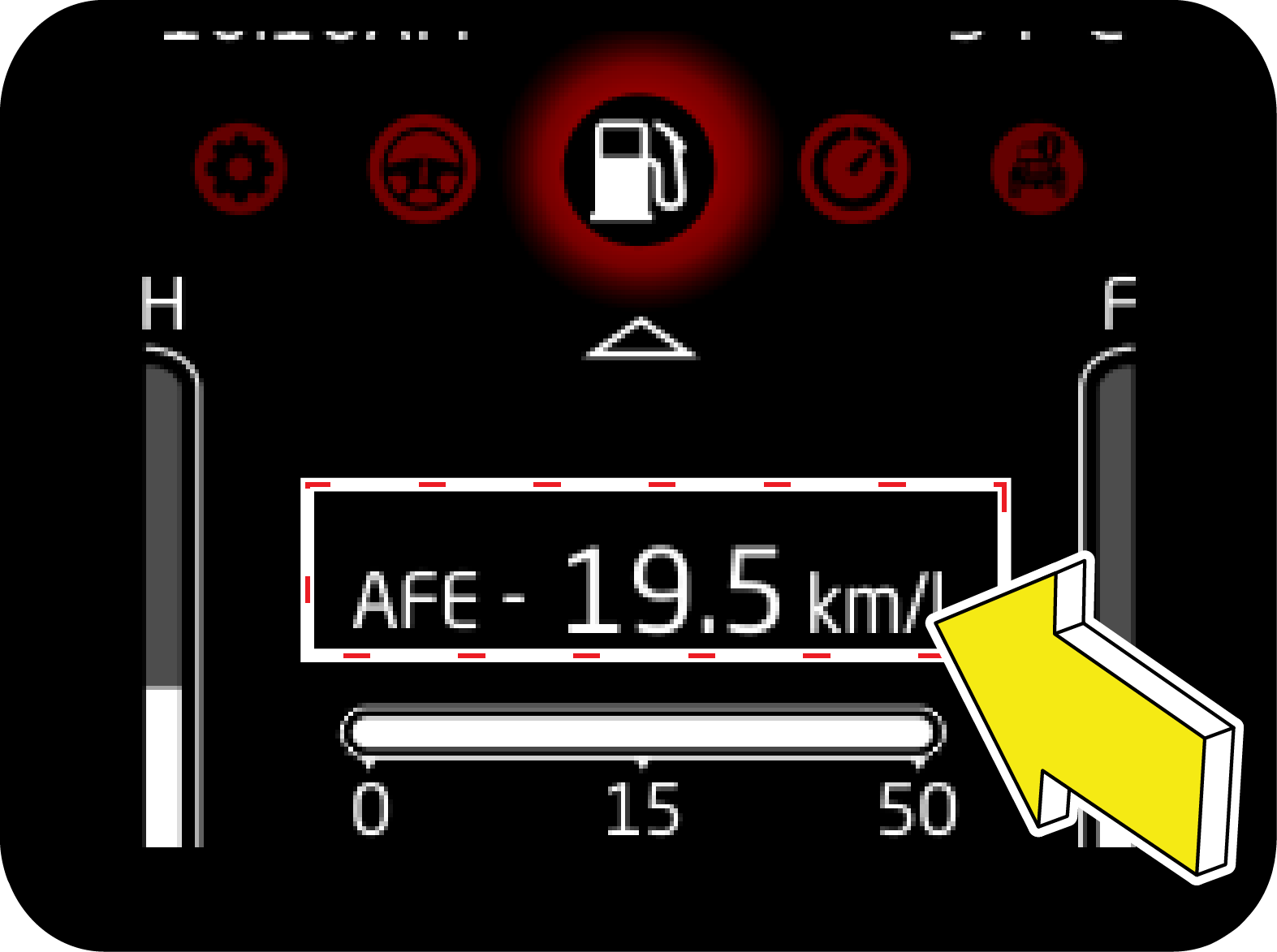 |
In Fuel Computer, AFE can be accessed using UP/DOWN button.
AFE is calculated based on the Last AFE reset cycle.
AFE can be reset by long press of OK button in driver side switch bank.
|
2.12 Digital Speedometer
 |
Digital speedometer displays the speed of the vehicle numerically. It provides immersive experience by having option to switch
off the lights of Speedometer and Tachometer.
|
Turning the lights off
Once in Digital Speedometer screen, Long Press OK button to turn the lights OFF. Long press the OK button to turn ON the lights
again.
2.13 Vehicle Information
2.13.1 Tire Direction Monitoring System (If Equipped)
 |
 |
|
This feature is available as an Alert as well as standalone page.
Alert: Intuitively notifies the user before start of drive. Alert will trigger if conditions are met. Refer alert section. Based
on direction alert may go out or can be continuously ON.
|
Standalone page: User can navigate to this page to check current direction of tire even while driving.
|
2.13.2 Tyre Pressure (If Equipped)
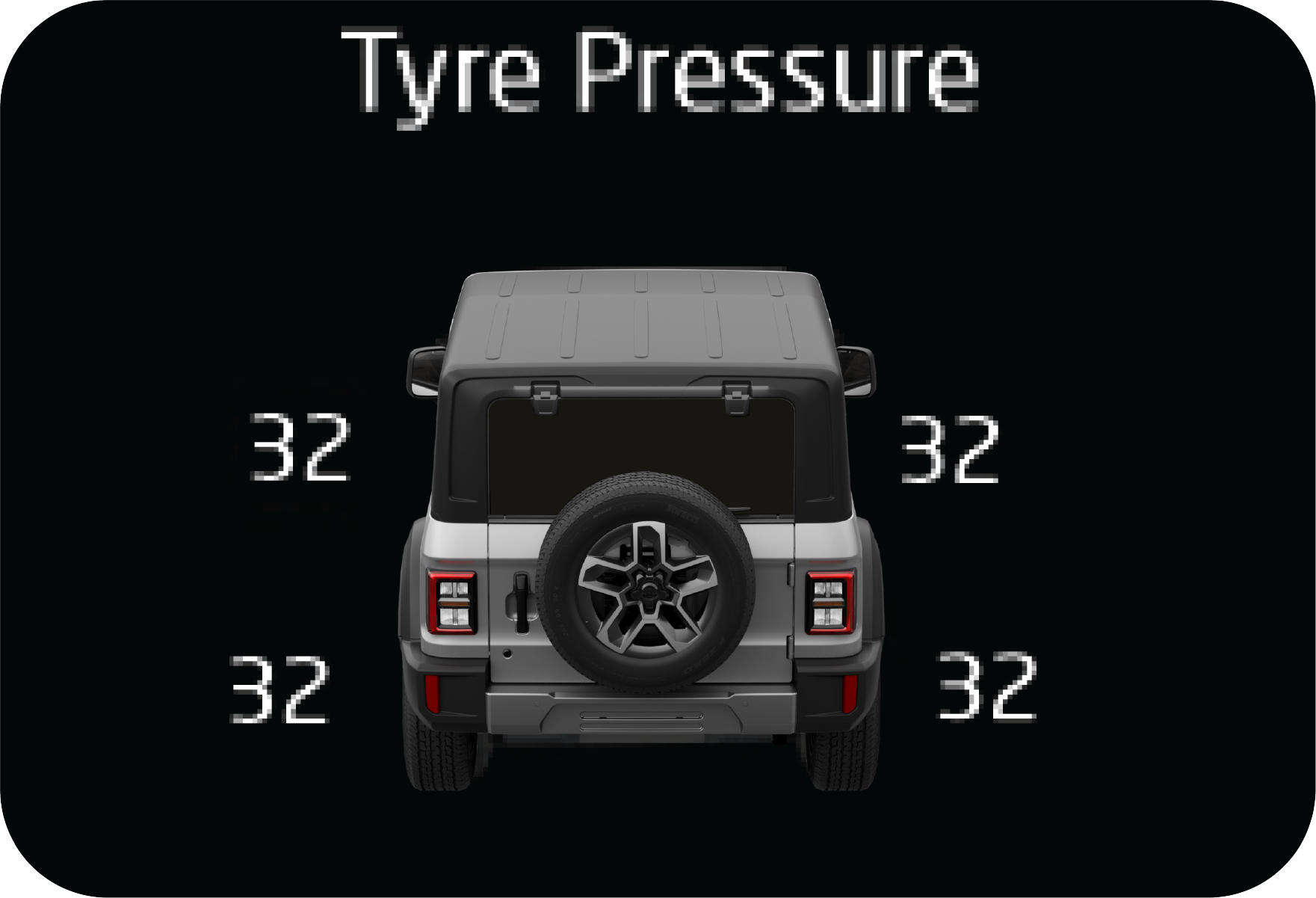 |
Tyre Pressure is an electronic system designed to monitor the air pressure inside pneumatic tyres.
|
This system will alert the driver if the tyre pressure falls below the low pressure or raises above high pressure warning
limit for any reason. Including low temperature effects and natural pressure loss through the tyre. The Tiretronics will continue
to alert the driver periodically and will not turn off untill the tyre pressure is inflated to the recommended pressure.
Refer Tiretronics section for more details.
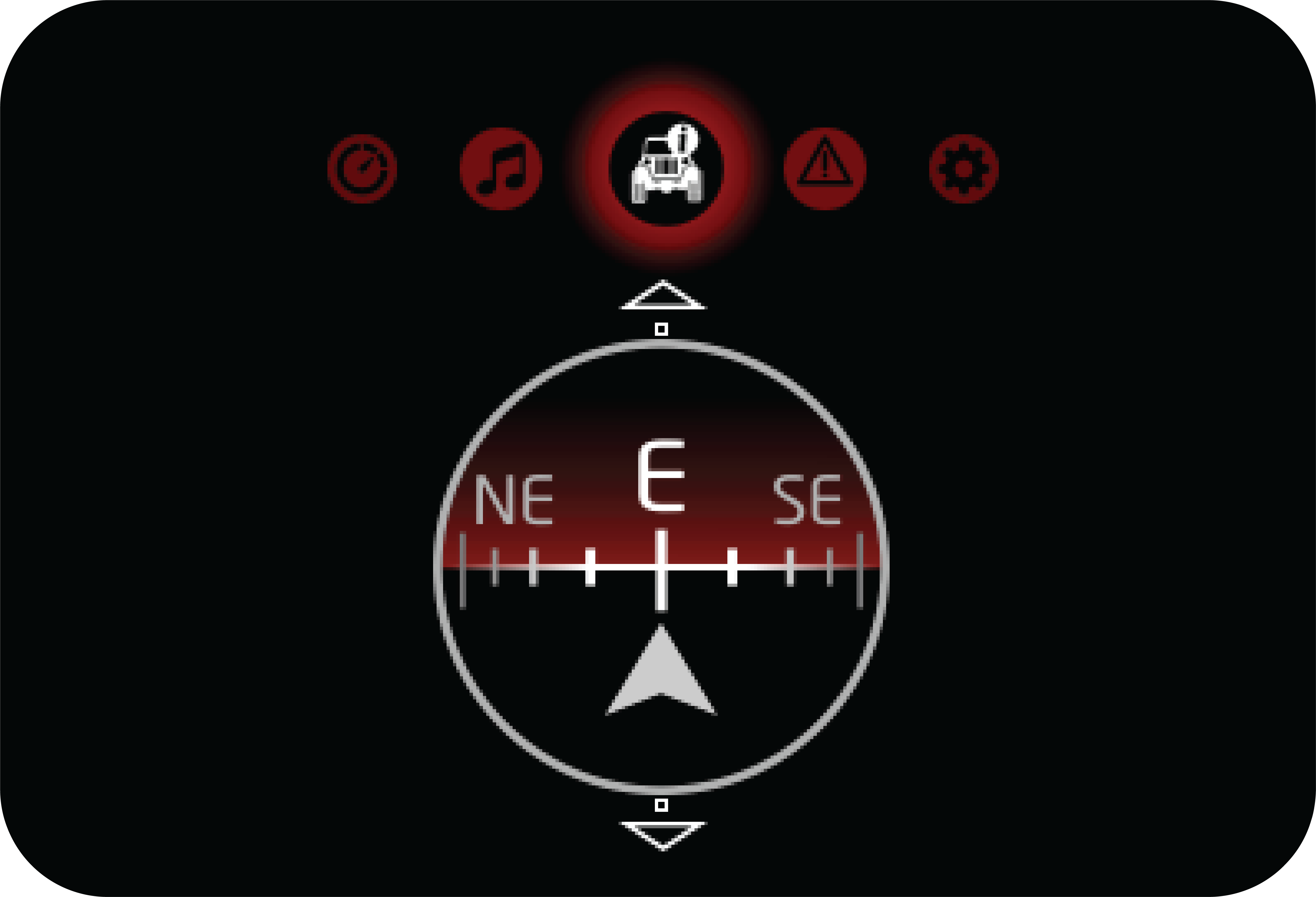
2.13.3 Compass and Altimeter
 |
Tyre Pressure is an electronic system designed to monitor the air pressure inside pneumatic tyres.
|
Compass: This screen indicates the direction in which the vehicle is traveling. It usually shows directions such as North (N), South
(S), East (E), and West (W), along with intermediate directions (NE, NW, SE, SW). The compass helps the driver maintain their
intended direction and aids in navigation.
Altimeter: This shows the vehicle's height above sea level, The altimeter is particularly useful in off-road driving, aviation, or any
situation where knowing the elevation is important.
2.13.4 4WD Distribution (If Equipped)
|
TFT |
||||||||||
 |
|
|||||||||
2.14 Warning History
 |
This feature allows you to check the live warnings in the instrument cluster. It is represented by exclamation mark inside
a triangle.
Steps to access:
1. Use Menu Switch to access the warning history.
2. Once you are on screen as in Figure 1, Press OK to enter the warning history.
|
3. Use Up/Down to access all the available warning.
Warning X/Y: Y represents total live warnings at current time
 |
 |
 |
 |
Applicable alerts will be stored in warning history until they are live.
2.15 Settings
Settings can be accessed by pressing MENU switch.
 |
 |
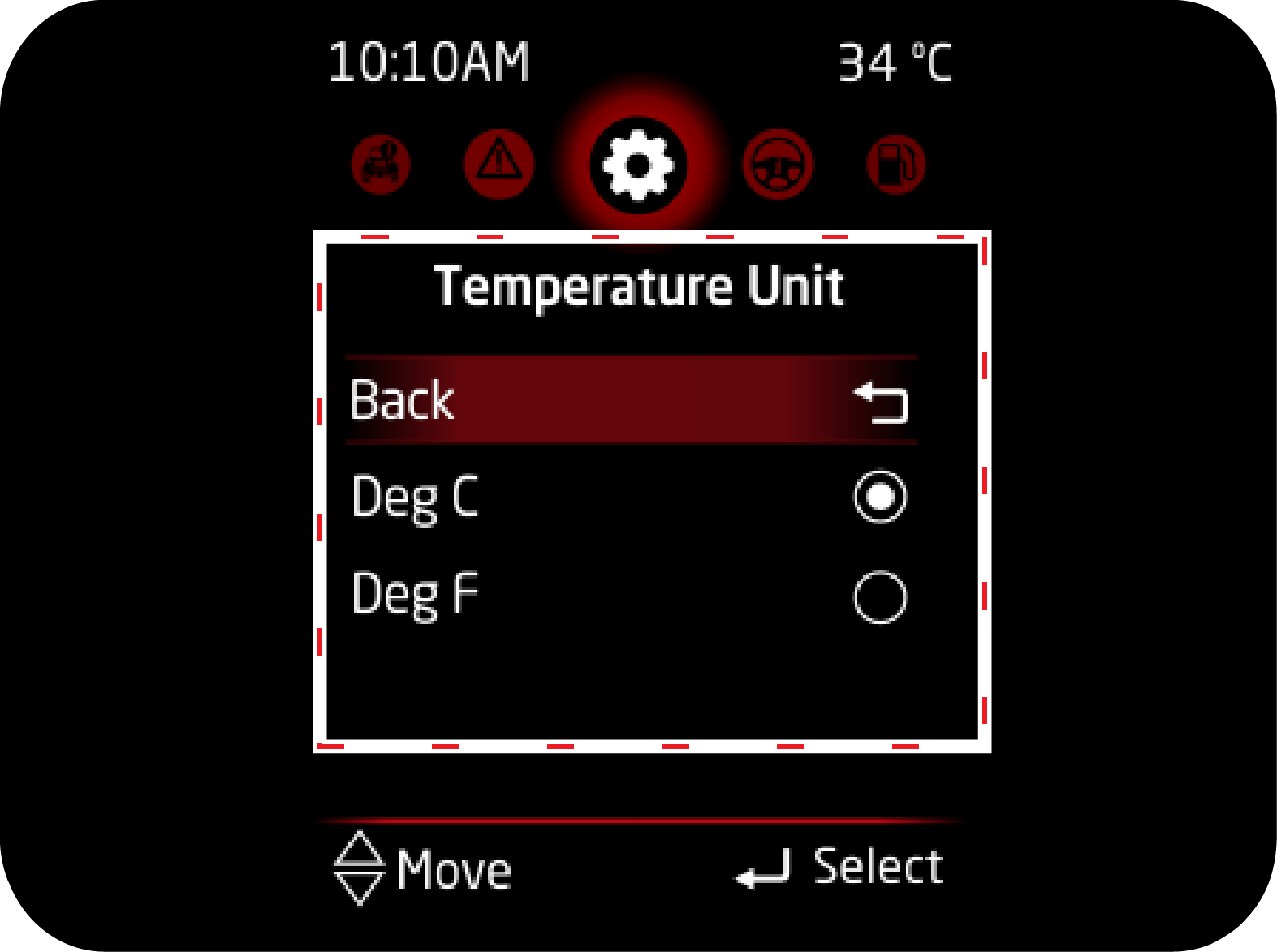
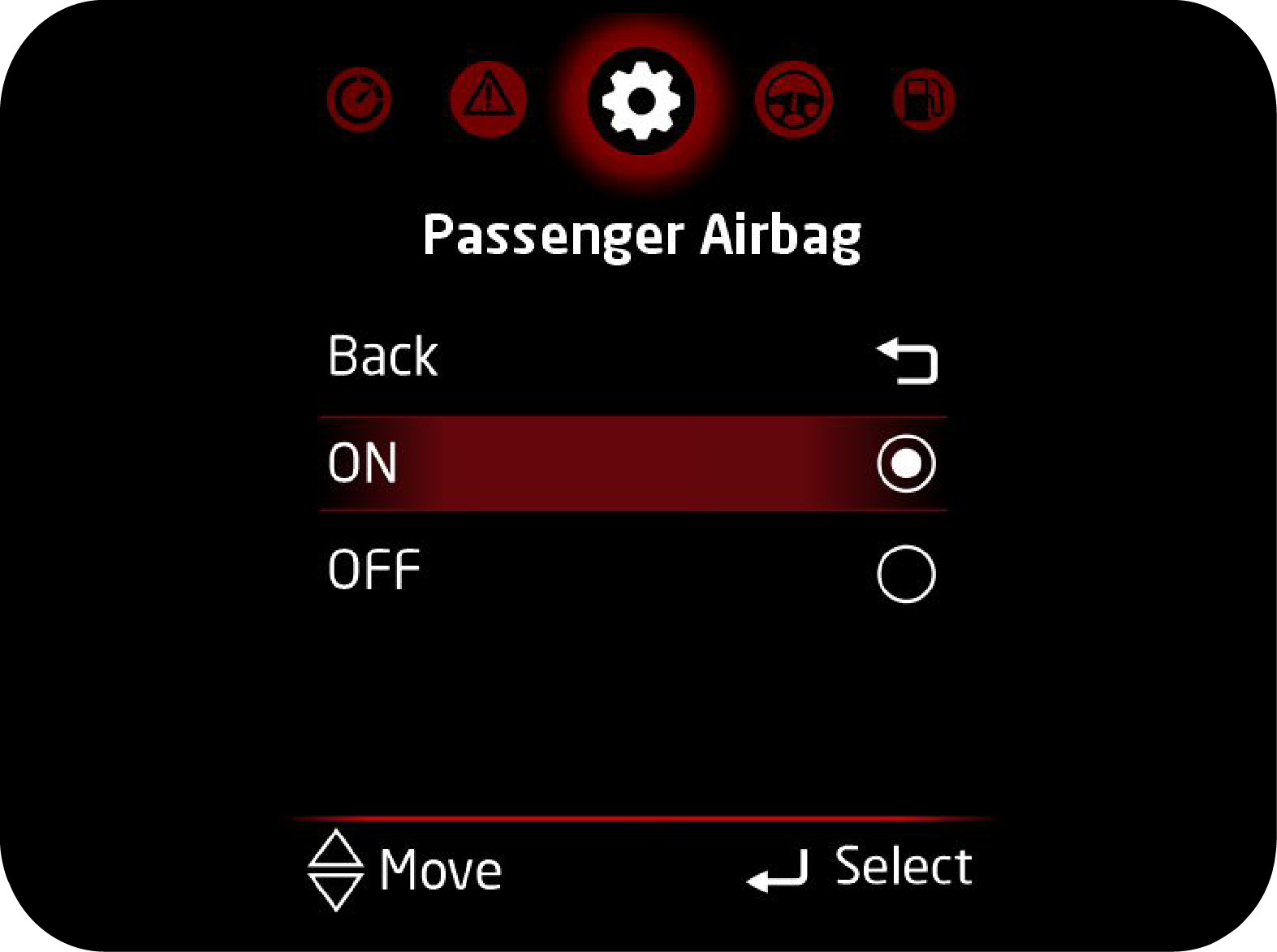
To enter inside settings, press OK. Following settings are available:
1. Clock (if sync not available) 2. Temperature unit (if applicable)
3. Passenger Airbag
|
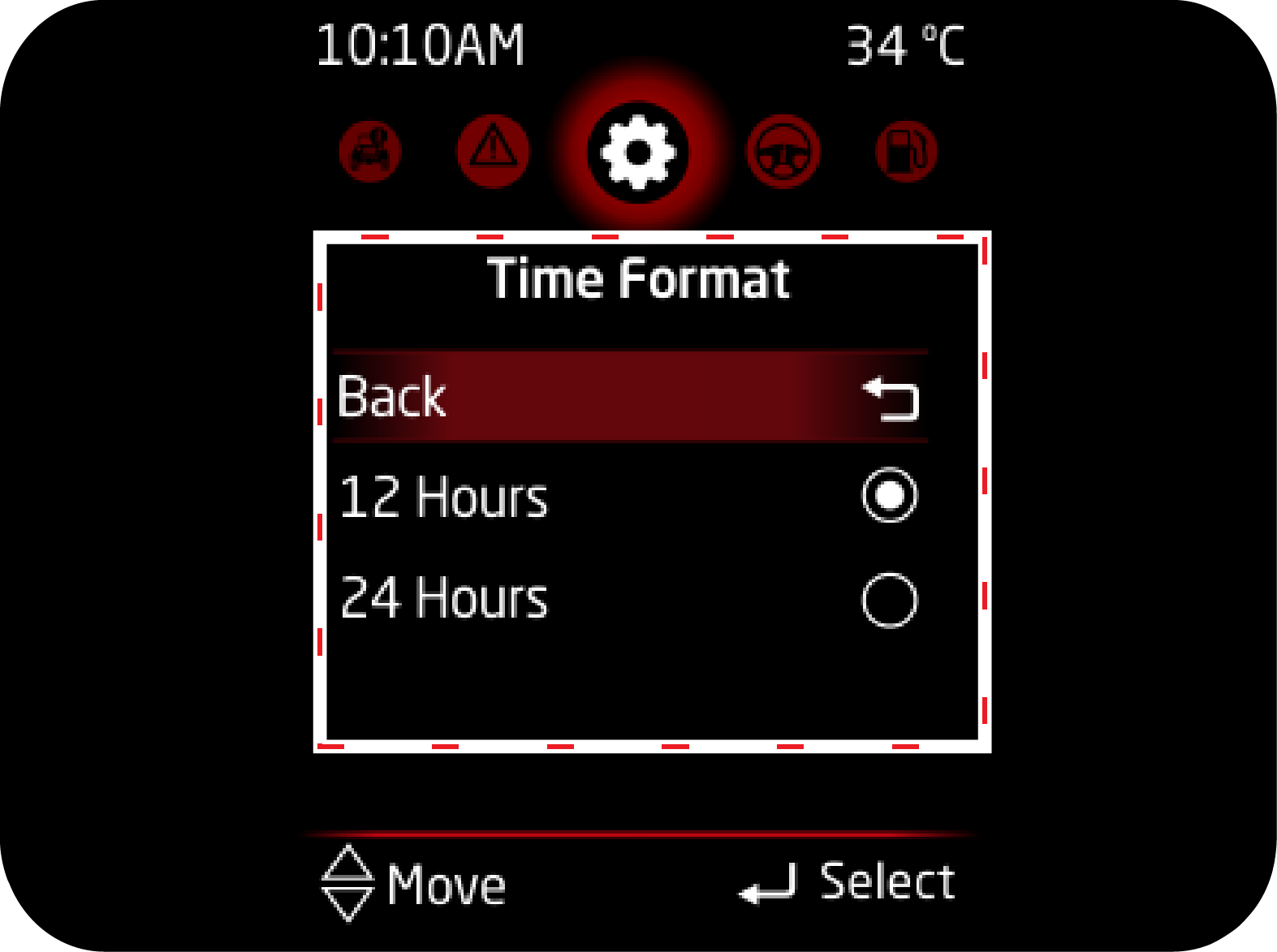
1. Clock (if sync not available) |
|
|
Clock |
Time Format |
 |
 |
|
2. Temperature unit (if applicable) |
3. Passenger Airbag |
 |
 |
2.15.1 Passenger Air Bag ON/OFF
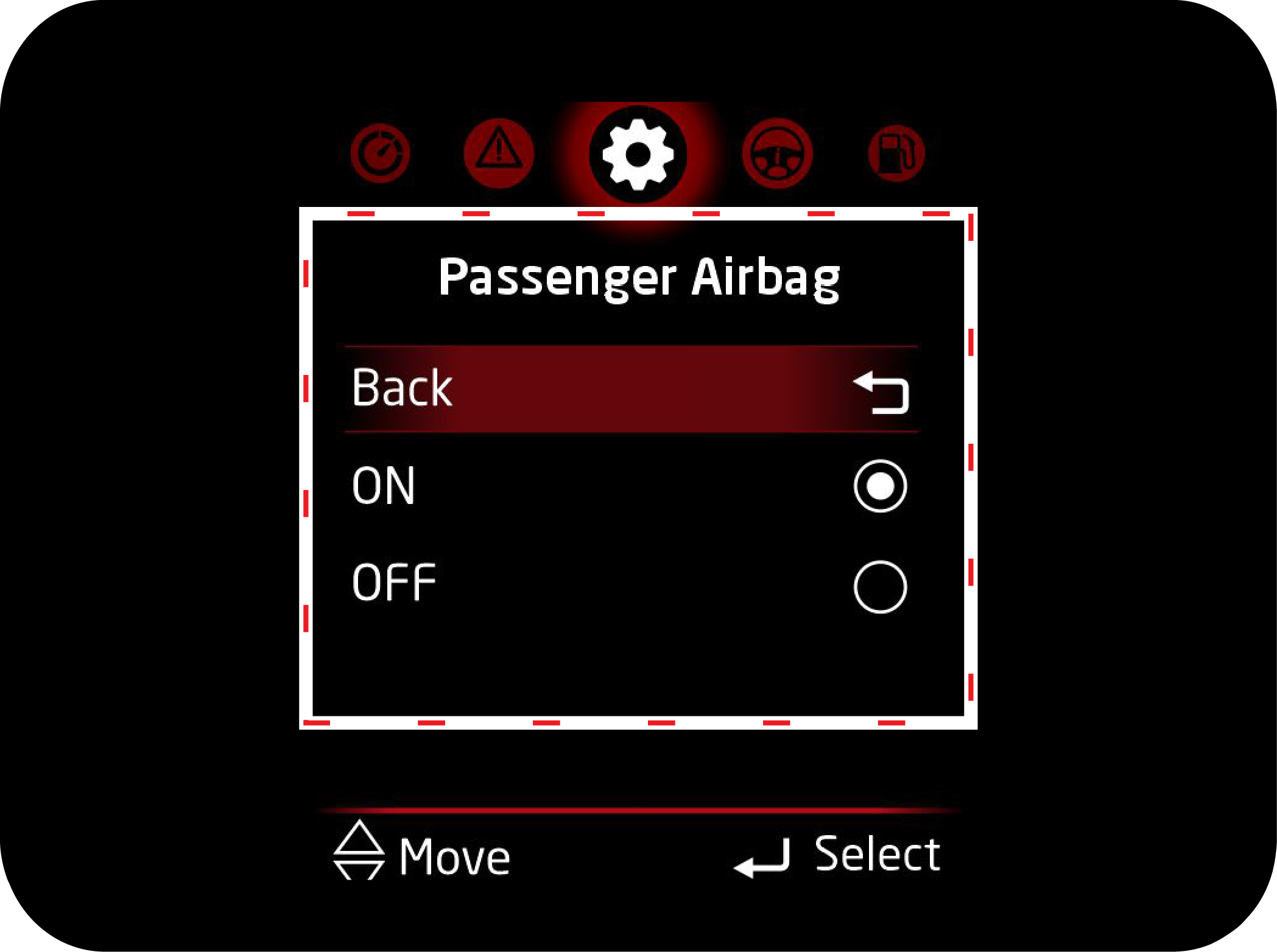
The following instructions to be followed to select the passenger airbag ON/OFF.
 |
 |
|
1. Press the MENU button provided in the switch panel and navigate to Settings Option.
|
2. Press OK button to enter in settings and following screen will appear.
|
|
|
 |
|
3. Press Up/Down buttons to navigate to Passenger Airbag ON/OFF option.
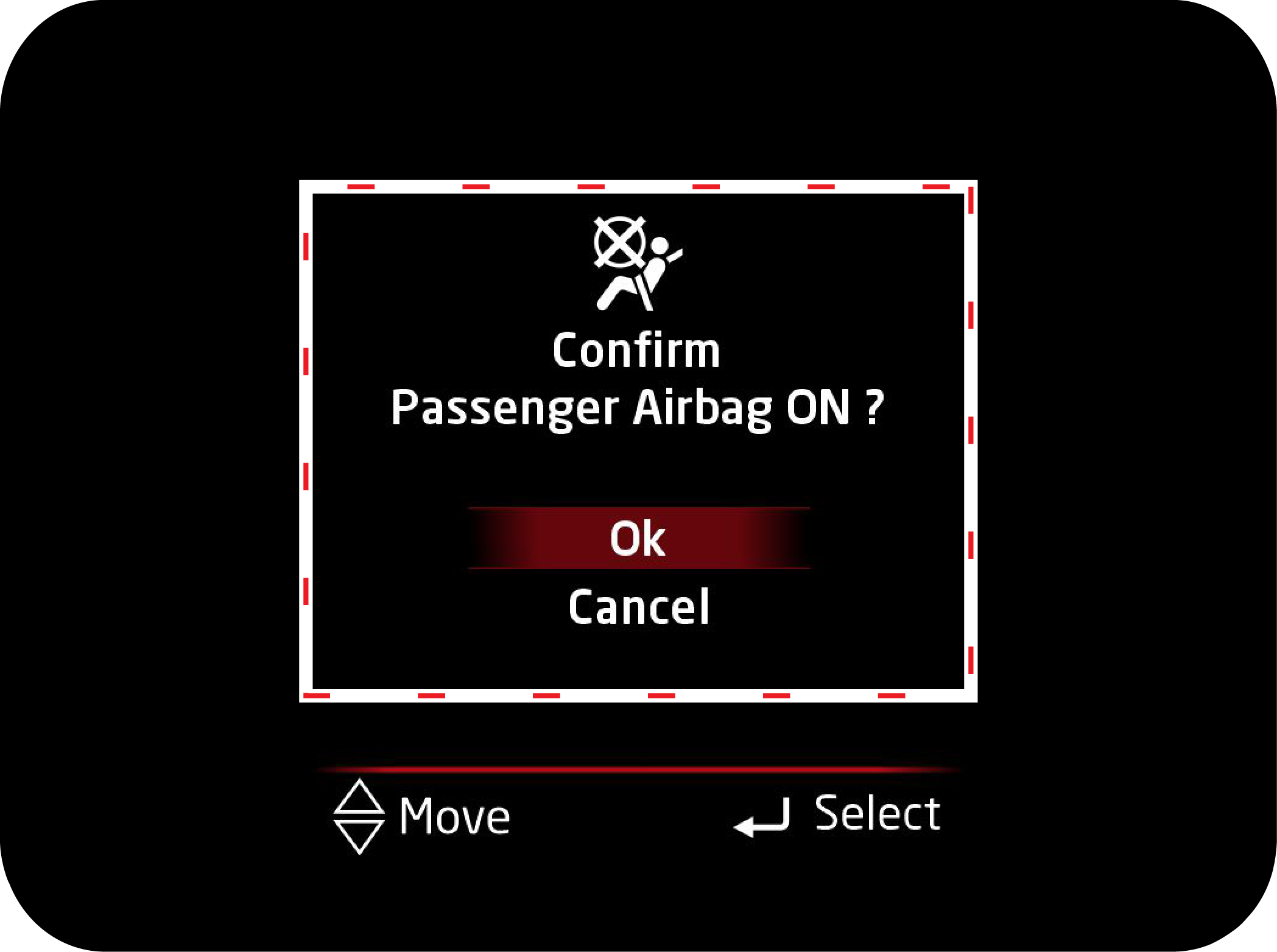
|
4. Once select the Passenger ON/OFF option, Press OK to confirm selection and following message will appear on screen.
|
5. Confirm the option by selecting “Ok or Cancel” using Up/Down and Press the OK button.
6. Repeat the above steps for the Vice-versa of Passenger Airbag ON/OFF selection.
2.16 Instrument Cluster Alerts
2.16.1 Vehicle Condition Related Warning (If Equipped)
Following are the warning information available:
|
Display |
Operating Conditions |
|---|---|
 |
This alert will come when ABS related malfunction is detected. |
 |
This alert will come when EBD related malfunction is detected. |
 |
This message is displayed when the engine check warning lamp is turned ON and engine has been running. |
 |
This message comes on when the ESP system is faulty, and engine has been running. |
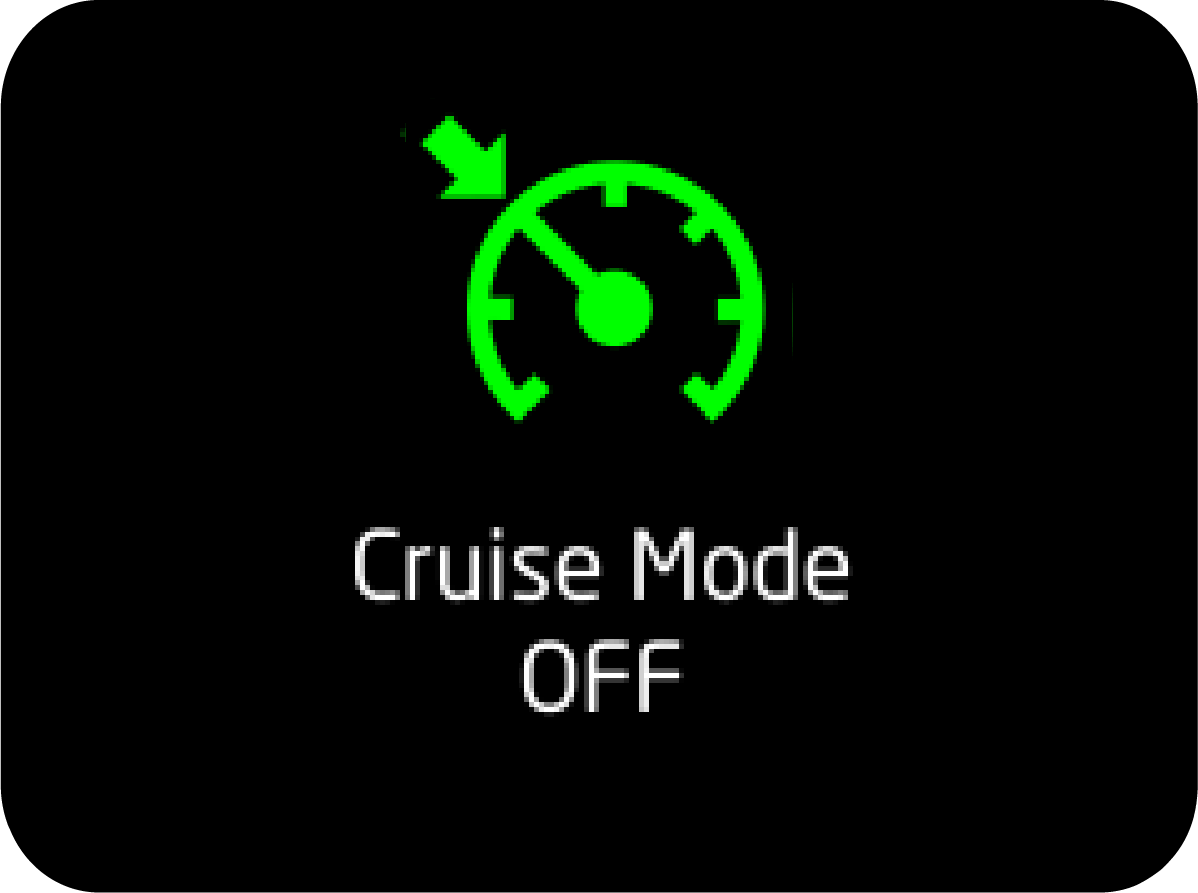 |
This message comes when cruise mode is turned OFF manually using switch. |
 |
This message comes when cruise mode is turned ON. |
 |
When the engine oil pressure warning light is ON and engine has been running. |
 |
This message comes when engine temperature high telltale is ON and engine has been running. Indicates that engine temperature
is high.
|
 |
This message will get pop up when HDC control is necessary. HDC actively controlling the brakes to maintain vehicle speed
while descending hills.
|
 |
This message will get pop up when HDC feature is disabled by pressing the HDC button in console again or HDC activation conditions
are override.
|
 |
This message will pop up when HDC feature is enabled by pressing the HDC button in console. HDC function is ready for action
but activation conditions are not met.
|
 |
This alert will come when Remote key fob battery is low. |
 |
This alert will be displayed when key is left in barrel and IGN is turned OFF and door is opened). |
 |
This message comes when brake fluid level is low and engine has been running. |
 |
This message comes when fuel level warning lamp is ON or Blinking and engine has been running. |
 |
This message comes when passenger airbag is turned OFF. |
 |
This message comes when you try to move the vehicle when park brake is still engaged. |
 |
This message comes on when the tail lamps are ON with the ignition in the "OFF" state. |
 |
This message comes when vehicle has crossed scheduled service limit. |
 |
The message will be displayed if you are trying to enter into settings in vehicle running state. |
 |
This message comes when you are driving vehicle above 120 km/h. |
 |
This message comes when water is detected in fuel filter and engine has been running. It is applicable for diesel variants
only.
|
 |
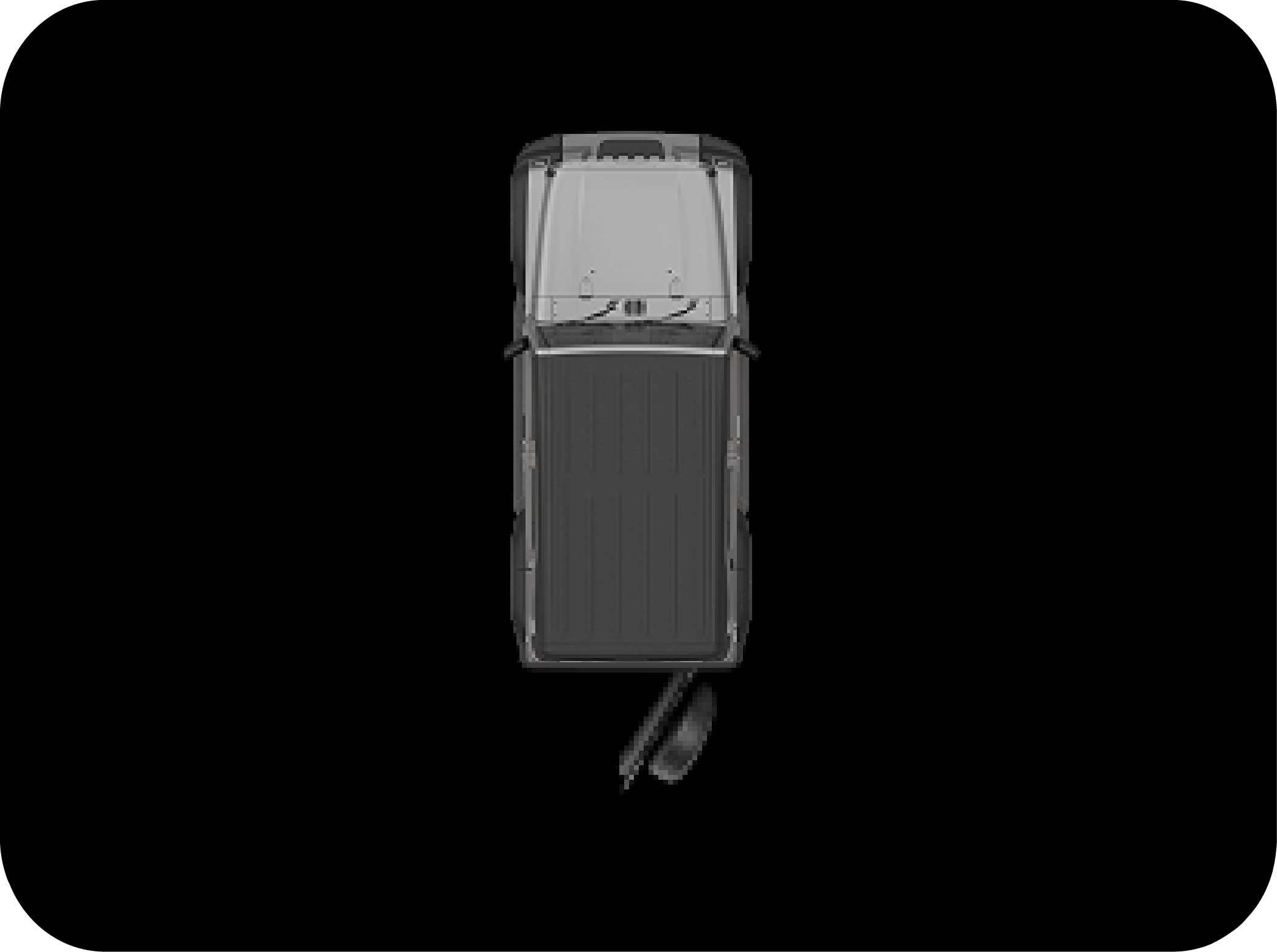
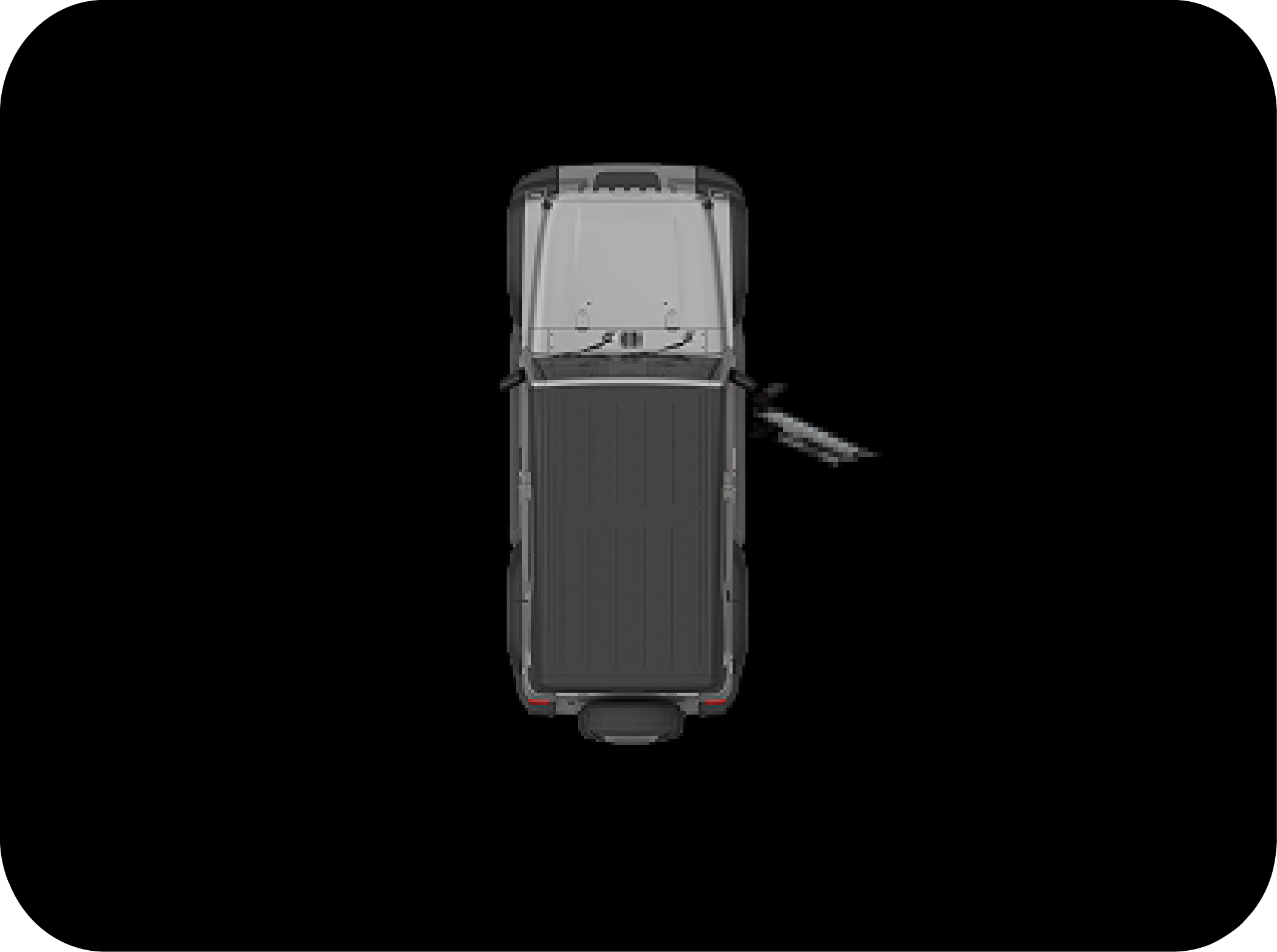
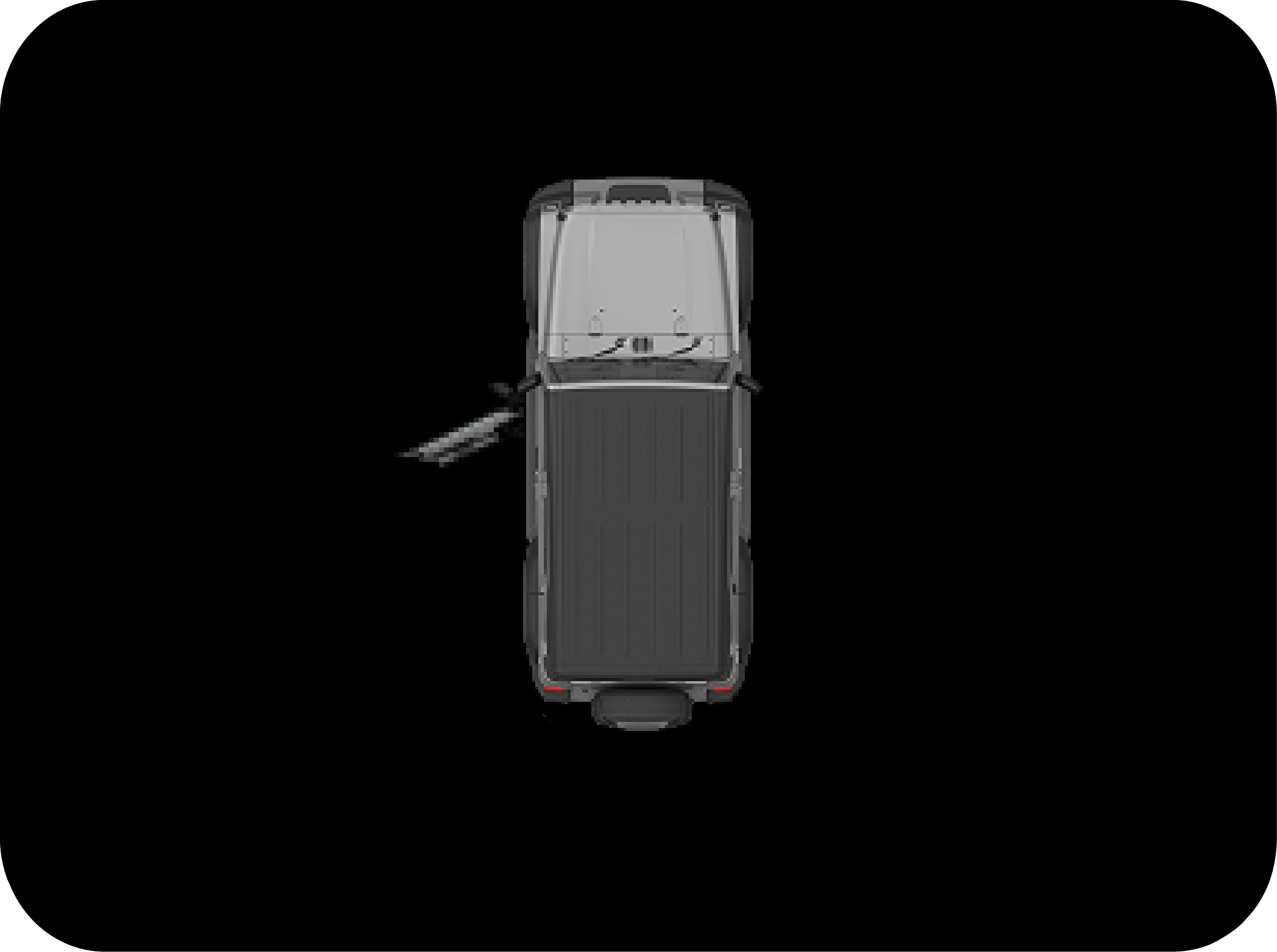
This message comes when either of driver or passenger (if occupied) seatbelt is unbuckled. |
2.16.3 Tyre Direction Monitoring System (TDMS) Alert
Tyre direction monitoring system or TDMS assists you when vehicle has just started and you are about to move the vehicle.
It tells you about the current direction in which tyres are aligned at very beginning of manoeuvring the vehicle.
|
<Level 5> |
|
 |
 |
|
<Level 3> |
|
 |
 |
|
<Level 0> |
|
 |
|
Operating Conditions
Tyre alignment is displayed in 6 levels (level 0 to level 5) depending on the alignment degree when the ignition switch is
turned to "ON" position from "OFF" position.
Working Conditions:
| 1. | When vehicle speed is zero and parking brake engaged. |
| 2. | When vehicle speed is zero and vehicle is in neutral and clutch is not engaged. |
2.17 Warning Lamps Overview
Diesel
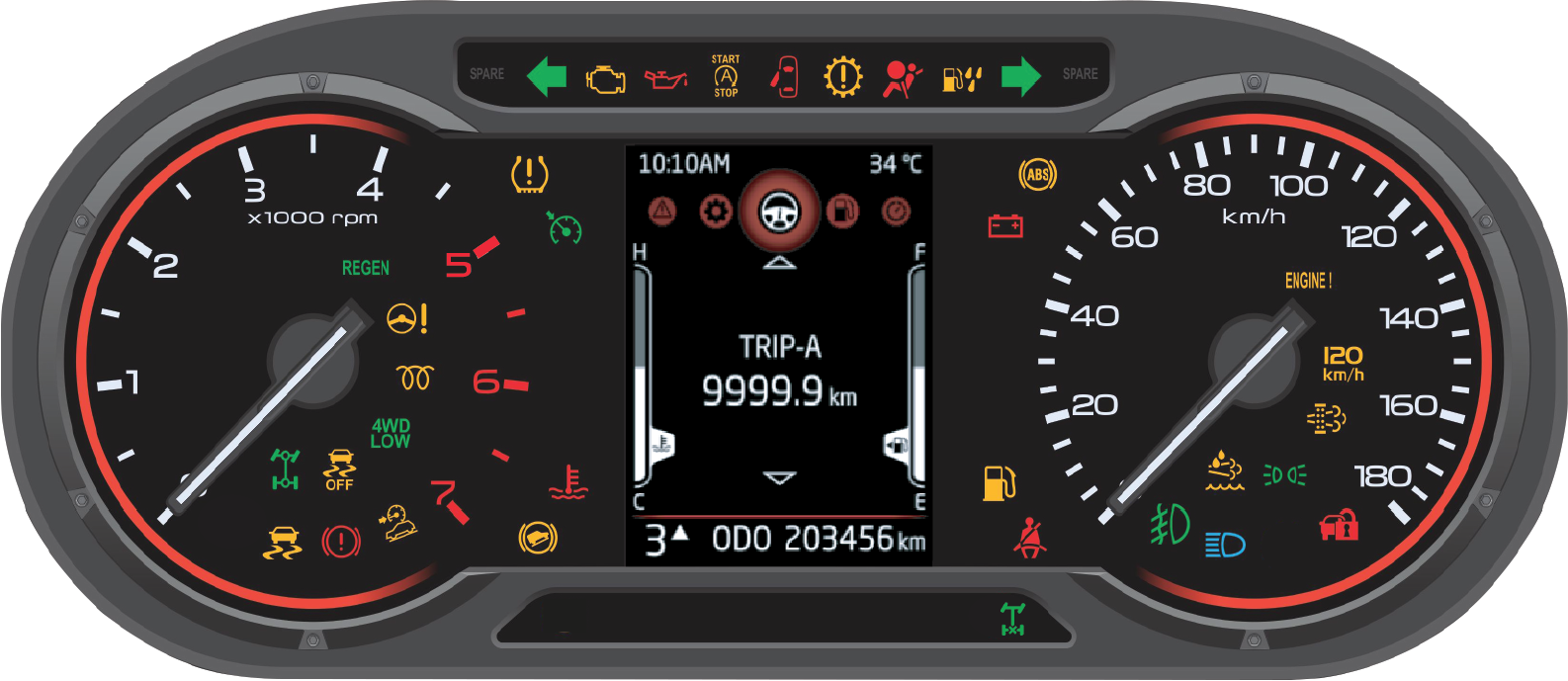
Petrol
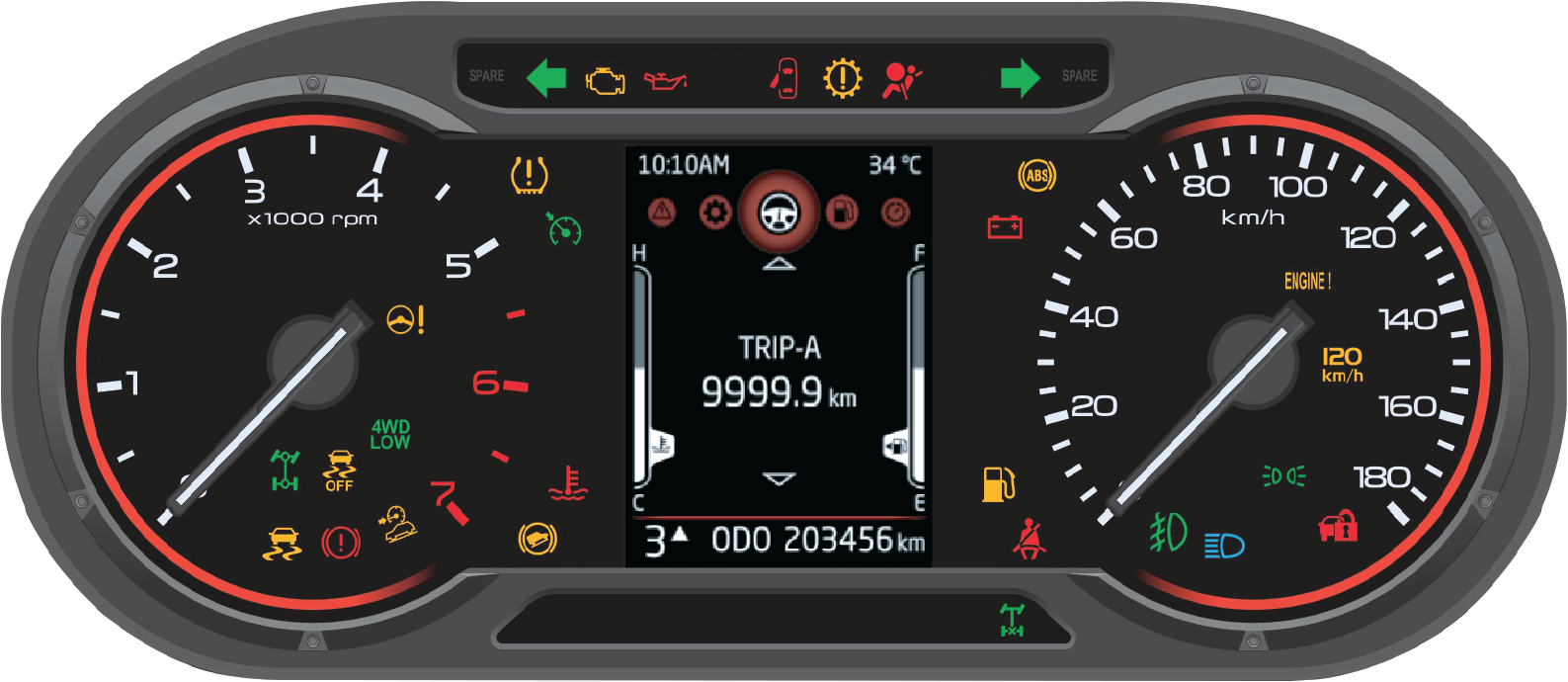
The phenomenon of warning lamps flashing momentarily when ignition is turned ON is called pre-check. This is self check done
by the cluster at every ignition ON.
|
Symbol |
Warning Lamp/Tell Tale |
Lamp Pre-check |
Lamp Status |
Action/Remarks |
|---|---|---|---|---|
 |
Right Turn Indicator |
No |
Slow or Fast Blinking
|
Indicates right turn lamp is blinking.Slow Blinking: Normal operationFast Blinking: One / more right turn lamp bulb has fused. Have the bulb replaced.
|
 |
Left Turn Indicator |
No |
Slow or Fast Blinking |
Indicates left turn lamp is blinkingSlow Blinking: Normal operationFast Blinking: One / more left turn lamp bulb has fused. Have the bulb replaced |
 |
Parking Lamp |
No |
Blinking |
Indicates Park Lamp is ON. |
 |
Head lamp High Beam Indicator |
No |
Continuously ON |
Indicates Head lamp high beam is ON. |
 |
Front Fog Lamp Indicator * |
No |
Continuously ON or Blinking |
Indicates front fog lamps are ON. |
 |
Airbag Warning Lamp |
Yes |
Continuously ON |
Indicates malfunction of the airbag system. Contact an Authorized Mahindra Service Center immediately. |
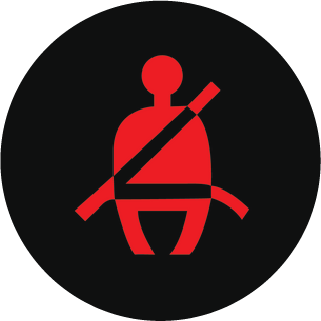 |
Seat Belt Warning Lamp |
No |
Continuously ON |
Telltale ON indicates that the seat belt is not buckled. |
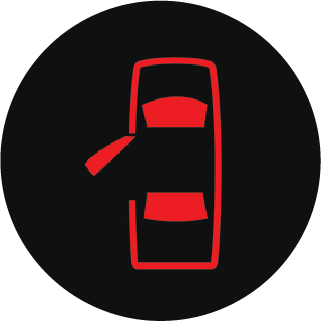 |
Door Ajar Warning Lamp |
No |
Continuously ON |
Indicates one or more doors are open. |
 |
Battery Charging System Warning Lamp |
No |
Continuously ON |
Telltale will be ON in ignition ON But engine is OFF. If it is ON in engine ON condition, it represents malfunction in charging
system. Contact an Authorized Mahindra Service Center for assistance. |
 |
Immobilizer |
No |
Continuously ON or Blinking |
Slow Blinking in IGN ON: vehicle has been turned on using an invalid key.Fast Blinking/Continuously ON: Indicates a system malfunctionContact an Authorized Mahindra Service Center immediately.
|
 |
Engine Start/Stop telltale |
No |
Continuously ON or Blinking |
CONTINUOUSLY ON: Engine is in auto stop mode Blinking: Stop/Start is about to stop the engine. FAST BLINKING: Stop/Start is inhibited due to unhealthy battery conditions. |
 |
Tiretronics* |
Yes |
Continuously ON or Blinking |
Indicates low/high tyre pressure or possible malfunction in Tiretronics. Refer to Tiretronics section for further details. |
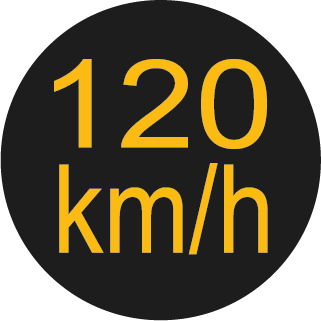 |
Overspeed Alert |
No |
Continuously ON
|
Telltale will blink when vehicle is running at speed greater than 120 km/h. |
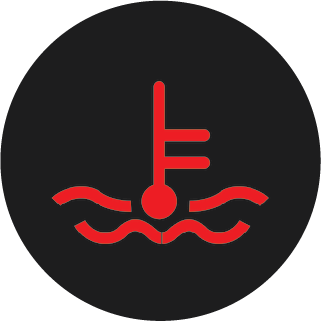 |
High Coolant Temperature Warning Lamp |
No |
Continuously ON or Blinking |
Telltale ON indicates that the engine coolant temperature is high. Telltale blinking indicates very high coolant temperature. |
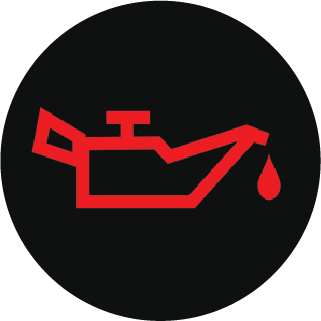 |
Low Engine Oil Pressure Warning Lamp |
No |
Continuously ON |
Telltale will always be ON till engine starts after which it will turn OFF. Telltale ON even after start of engine indicates
low engine oil pressure. Contact an Authorized Mahindra Service Center immediately. |
 |
ESP Malfunction Warning Lamp |
Yes |
Continuously ON or Blinking |
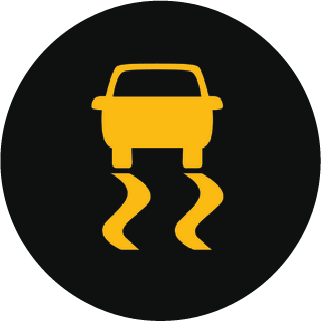
Blinking: Indicates ESP has taken control of the vehicle stability.Continuously ON: Indicates a malfunction in the ESP system. Contact an Authorized Mahindra Service Center immediately.
|
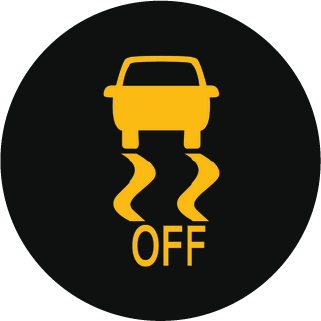 |
ESP OFF Lamp |
Yes |
Continuously ON |
Indicates ESP OFF |
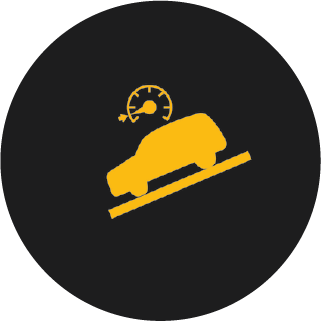 |
HDC |
No |
Continuously ON |
Indicates malfunction of Hill Descend Control. Contact an Authorized Mahindra Service Center immediately |
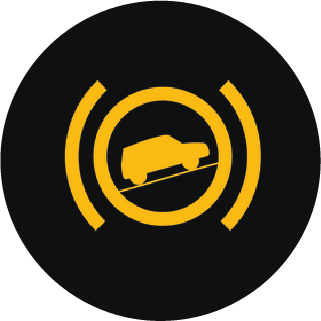 |
HHC Malfunction |
No |
Continuously ON |
Indicates malfunction of Hill Hold Control. Contact an Authorized Mahindra Service Center immediately. |
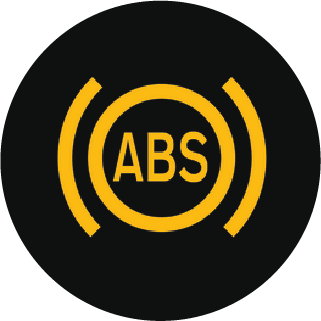 |
ABS Warning Lamp |
Yes |
Continuously ON |
Indicates malfunction of the ABS system. Contact an Authorized Mahindra Service Center immediately. |
 |
Parking Brake ON/Brake Fluid Low Warning Lamp/ EBD Malfunction |
Yes |
Continuously ON |
Either one of the below conditions:1. Park Brake might be engaged2. Brake fluid level might be low3. There is some concern in ABS/EBD failure. Please contact Authorized Mahindra Service Center. |
 |
Low Fuel Warning Lamp |
No |
Continuously ON or Blinking |
Telltale ON indicates that the fuel in the tank has reached the reserve level. Telltale blinking indicates a failure in the
fuel gauge. Contact Authorized Mahindra Service Center immediately. |
 |
AT Malfunction indicator Lamp* |
Continuously ON till Engine Starts |
Continuously ON or AT Blinking |
Telltale ON indicates malfunction in the automatic transmission. Contact an Authorized Mahindra Service Center immediately. |
 |
Check Engine Lamp |
Yes |
Continuously ON or Blinking |
Indicates a potential malfunction in the Engine System, contact an Authorized Mahindra Service Center immediately. |
 |
Water in Fuel warning Lamp* |
Yes |
Continuously ON |
Indicates water in fuel filter. Drain the water from filter or contact an Authorized Mahindra Service Center for assistance. |
 |
DEF Indicator Lamp* |
Yes |
Continuously ON |
It indicates that either DEF Level is low or incorrect DEF has been filled or DEF Dosing is malfunctioning. Follow the instructions
mentioned in the “EMISSION CONTROL SYSTEM”. |
 |
DPF Indicator Lamp * |
Yes |
Continuously ON or Blinking |
If the DPF indicator is ON in the engine running condition then DPF regeneration has not happened. Follow the instructions
mentioned in the “EMISSION CONTROL SYSTEM”. |
 |
Glow Plug Indicator* |
No |
Continuously ON |
Indicates a malfunction in the starting system. Contact an Authorized Mahindra Service Center immediately. |
 |
REGEN Indicator Lamp* |
NO |
Continuously ON or Blinking |
ON: Regeneration is required Blink: Regeneration is in progress. |
 |
OBD Check Lamp |
Yes |
Continuously ON or Blinking |
Telltale will always be ON till engine starts after which it will turn OFF. Telltale ON even after start of engine indicates
an emission system related failure. Contact an Authorized Mahindra Service Center immediately. |
 |
4WD Low * |
No |
Continuously ON or Blinking |
Blinking: Indicates 4 Wheel Drive Low engagement is in progress.
ON: 4 Wheel Drive Low is engaged.
|
 |
4WD High * |
No |
Continuously ON or Blinking |
Blinking: indicates 4 wheel drive high engagement is in progress.
ON: 4 wheel drive high is engaged.
|
 |
Cruise Control Indicator * |
Yes |
Continuously ON |
Indicates vehicle is in Cruise mode. |
 |
EPS Warning Lamp |
After Pre-check Continuously ON till Engine Starts |
Continuously ON |
Indicates malfunction on Electric Power steering system. contact an Authorized Mahindra Service Center immediately. |
 |
Electronic Locking Differential (ELD)* |
No |
Continuously ON or Blinking |
Indication will display whenever ELD engaged |
|
* – If Equipped |
||||
2.18 Warning Lamps in the Instrument Cluster
2.18.1 Turn Lamps

The turn lamp arrows in the instrument cluster flash showing the direction indicated by the turn signals. A sudden increase
in the rate of flashing indicates failure of one or more of the lamp bulbs. Have them replaced as soon as possible.
2.18.2 Park Lamp
The Park lamp indicator illuminates whenever park lamp is switched ON through Combination switch.
2.18.3 Head Lamp / High Beam Lamp
The head lamp high beam telltale illuminates whenever the head lamps are switched ON to high beam or when the head lamp flash
is used.
2.18.4 Front Fog Lamp (If Equipped)
The front fog lamp telltale indicates the status of the front fog lamp. The front fog lamp can be switched ON only when the
parking lamp is ON.
2.18.5 Airbag Warning Lamp
The airbag warning lamp in the instrument cluster illuminates when the ignition is switched ON and goes off in 6 seconds irrespective
of engine condition. If the lamp remains ON continuously or flash intermittently, contact an Authorized Mahindra Service Center
immediately.
Following conditions indicate airbag malfunction:
| • | Lamp fails to go OFF after engine is started |
| • | Lamp does not illuminate at all or flash intermittently |
| • | Illuminates while driving |
Contact an Authorized Mahindra Service Center immediately when the airbag warning lamp indicates a system malfunction. The
airbag may not deploy when needed, which could result in serious or fatal injury, or it might deploy unexpectedly or unnecessarily,
which may result in personal injury.
2.18.6 Seat Belt Warning Lamp
The seat belt warning lamp illuminates and the buzzer chimes, reminding the driver to fasten the seat belt when the ignition
is ON and vehicle running condition. The lamp will continue to illuminate till the driver fastens the seat belt properly.
For the co-driver lamp will be centre console.
2.18.7 Door Ajar Warning Lamp
The door ajar warning lamp illuminates when any of the doors, hood are open during ignition ON. The buzzer chimes when the
vehicle speed goes beyond 6 km/h. The lamp and chime goes OFF when all the doors are closed properly.
2.18.8 Battery Charging System Warning Lamp
The battery charging system warning lamp illuminates when the battery is not being charged or when there is a malfunction
in the alternator.
This lamp illuminates when the ignition is switched ON and goes out as soon as the engine is started. If the lamp continues
to remain ON even after starting the engine or while driving, it is an indication that the battery is not being charged or
there is a malfunction in the alternator. Check the alternator drive belt for looseness/breakage. If the drive belt is okay,
switch OFF all unnecessary electrical equipment and recheck. Contact an Authorized Mahindra Service Center for further assistance.
2.18.9 Immobiliser
Blinking in IGN ON: Vehicle has been turned on using an invalid key.
If it is continuously ON in IGN ON condition or it is blinking fast in IGN OFF, it indicates malfunction in immobilizer system.
Contact Authorized Mahindra Service Center for assistance.
2.18.10 Engine Stop/Start Lamp
The Engine Stop/Start lamp flashes when the vehicle/engine is about to stop through the Engine Stop/ Start System. The lamp
illuminates continuously when the vehicle/engine has been switched OFF by the Engine Stop/Start System. On restarting the
vehicle / engine again by using the clutch/key, the lamp goes out.
2.18.11 Tiretronics (If Equipped)
The Tiretronics lamp illuminates if there is a tyre pressure or temperature difference in one of the tyres. The Tiretronics
lamp blinks (for approx 90 seconds) and then illuminates continuously when there is a malfunction in the Tiretronics.
2.18.12 Overspeed Alert
Overspeed warning lamp will start blinking when vehicle speed is above 120 km/h. When speed starts to decrease, lamp will
keep blinking till 114 km/h.
2.18.13 High Engine Coolant Temperature Warning Lamp
The high engine coolant temperature warning lamp will blink if gauge is showing 7 bar. it will be continuously ON if gauge
is showing 8 bar. it represents that engine is overheating.
Do not continue driving the vehicle with an overheated engine. This may result in engine damage, which will not be covered
by the limited warranty.
2.18.14 Low Engine Oil Pressure Warning Lamp
The low engine oil pressure warning lamp illuminates when the ignition is switched ON and goes off when the engine started.
If the lamp remains ON even after starting the engine, or illuminates while driving, stop immediately, check the oil level
after 2-3 minutes. If low, add engine oil to the “MAX” level and check status. If problem persists, contact an Authorized
Mahindra Service Center immediately.
Operating the vehicle with the low oil pressure warning lamp ON could cause sudden unexpected engine failure and loss of vehicle
control, resulting in an accident and/or serious personal injury.
Do not run the engine with low oil pressure warning indicator ON. This may result in engine damage, which will not be covered
by the limited warranty.
2.18.15 ESP System Warning Lamp
While driving, if the ESP system warning lamp blinks, it indicates that ESP has taken control of the vehicle stability. If
the lamp remains ON, it indicates the malfunction in the ESP System. Contact the nearest Authorized Mahindra Service Center.
2.18.17 HDC Malfunction
Hill Descent Control or HDC malfunction warning lamp indicates malfunction in HDC system. Contact nearest Authorized Mahindra
Service Center.
2.18.18 HHC Malfunction
HHC malfunction lamp turn ON if there is any malfunction in hill hold control system of the vehicle.
2.18.19 Anti-Lock Brake System (ABS) Malfunction Lamp
The ABS malfunction lamp illuminates when the ignition is switched ON and goes OFF after about 3 seconds. If the ABS malfunction
lamp continues to remain ON or illuminates while driving (and the brake system warning lamp is OFF), ABS will not operate.
But the brake system will still operate conventionally. In this condition, the wheels can lock during severe braking. Have
the vehicle checked by an Authorized Mahindra Service Center as soon as possible.
However, if ABS malfunction lamp and brake fluid low warning lamp are simultaneously glowing, there is a severe malfunction
in the ABS. Operate the vehicle with extreme care and have the vehicle checked as soon as possible at an Authorized Mahindra
Service Center.
2.18.20 Parking Brake ON/ Brake Fluid Low Warning Lamp/ EBD Malfunction
The lamp illuminates when Parking brake is engaged or when brake fluid level is low. If the lamp illuminates while driving,
do the following:
| • | Check if the parking brake is engaged. If yes, disengage it. |
| • | Check if brake fluid level is low. If yes, top-up brake fluid to the required level. |
| • | There is some concern in EBD. Please Contact Authorized Mahindra Service Center. |
Clean the top of the brake fluid reservoir before removing the cap. Make sure no dirt, impurities or other items fall into
the reservoir. Do not leave the cap off for more than a few minutes. Any contaminants, impurities or moisture in the brake
fluid can affect brake operation, resulting in an accident.
If the brake warning lamp comes ON while driving, the brake system might not be working properly. The pedal might be harder
to operate or might go closer to the floor and it can take longer to stop. Pull off the road carefully and stop the vehicle.
Have the vehicle towed to the nearest Authorized Mahindra Service Center for checks or repairs.
Driving the vehicle with the brake fluid low warning lamp ON or when you suspect brake trouble is very dangerous and could
result in serious fatalities. Have your vehicle towed to an Authorized Mahindra Service Center.
The brake fluid warning lamp may flash momentarily during sharp cornering maneuvers, which change fluid level conditions.
The vehicle should have service performed, and the brake fluid level checked.
.
If brake / clutch failure is detected, immediate repair is necessary
2.18.21 Low Fuel Warning Lamp

When the fuel level in the fuel tank falls below the reserve limit, the low fuel warning lamp is illuminated. Refuel sufficiently
and the lamp turns OFF. If the lamp continues to remain ON even after refuelling, contact an Authorized Mahindra Service Center.
2.18.22 AT Malfunction Indicator Lamp (If Equipped)
| • | This warning lamp comes on when the ignition switch is turned on and it goes off when the engine is started. |
| • | If the lamp stays ON or comes ON while driving, some of the Transmission control components including sensors and devices may be malfunctioning. |
| • | If the Indicator lamp is blinking continuously, reduce the vehicle speed until the lamp stops blinking. Contact the Authorized Mahindra Service Centerr as soon as possible. |
2.18.23 Check Engine Lamp
The check engine lamp illuminates when the ignition is switched ON and goes out in 3 seconds. indicating normal status. The
lamp blinks or illuminates continuously if there is a fault in the engine management system. Switch OFF the engine immediately.
Contact the nearest Authorized Mahindra Service Center for necessary repairs.
2.18.24 Water-in-Fuel Warning Lamp (If Equipped)
The water-in-fuel warning lamp illuminates when the accumulation of water in the fuel filter reaches the maximum permissible
limit. The fuel filter needs to be drained. Contact an Authorized Mahindra Service Center.
Do not continue driving the vehicle with the Water-in-Fuel Warning Lamp ON. This may result in fuel pump / other fuel system
component damage, which will not be covered by the warranty.
2.18.25 DPF Indicator Lamp (If Applicable)
If the DPF indicator is ON in the engine running condition then DPF regeneration has not happened. Follow the instructions
mentioned in the “EMISSION CONTROL SYSTEM”.
2.18.26 DEF Indicator Lamp (If Applicable)
If the DEF indicator is ON in the engine running condition then DEF Level is low or incorrect DEF has been filled or DEF Dosing
is malfunctioning. Follow the instructions mentioned in the ‘EMISSION CONTROL SYSTEM’.
2.18.27 Glow Plug Indicator (If Equipped)
Glow plug indicator illuminates when the ignition is turned ON and Glow plug is activated. It automatically goes OFF when
the glow plug reaches the required temperature. Contact an Authorized Mahindra Service Center, if it illuminates while driving.
2.18.28 Regen Indicator Lamp (If Equipped)
If it is continuously ON, It indicates the DPF Manual Regeneration is required. It will blink when Manual regeneration is
in progress. Follow the instructions mentioned in the ‘EMISSION CONTROL SYSTEM’.
2.18.29 OBD Check Lamp
The OBD check lamp illuminates when the ignition is switched ON and remains ON till the engine is started indicating normal
status. If the lamp remains ON, even after starting the engine it indicates a potential malfunction.
There may be a malfunction in:
| • | The fuel management system |
| • | The emission control system |
| • | Systems which affect emissions |
Such malfunctions may result in excessive emissions. Contact an Authorized Mahindra Service Center immediately.
2.18.30 4WD Low (If Equipped)
This lamp indicates that the vehicle is running in the 4WD low gear. Driving in this mode gives maximum traction while driving
on all adverse conditions.
2.18.31 4WD High (If Equipped)
This lamp indicates that the vehicle is driven in the 4WD high gear. Driving in this mode gives more traction while driving
on cross-country roads.
2.18.32 Cruise Indicator (If Equipped)
The cruise control lamp illuminates when the ignition is switched ON and goes off in about 3 seconds. indicating normal status.
When SET+ button in the steering wheel is pressed, cruise control is activated and the lamp illuminates indicating the vehicle
is in cruise mode. When CRUISE OFF button in the steering wheel is pressed for more than 3 seconds, the cruise mode is deactivated
and the lamp goes OFF indicating that the vehicle is not in cruise mode.
If the lamp does not illuminate when the vehicle is in cruise mode or does not go OFF when the vehicle is out of cruise mode,
there is a possible malfunction in the lamp or the cruise control system. Have the vehicle checked by an Authorized Mahindra
Service Center.
2.18.33 EPS Warning Lamp
The EPS warning lamp illuminates when the ignition is switched ON and it goes OFF when engine is in running condition after
about 3 second. The lamp Indicates malfunction on Electric Power steering system. contact an Authorized Mahindra Service Center
immediately.
When EPS is failed. vehicle can still be driven with increase in steering effort.
2.18.34 Electronic Locking Differential (ELD) (If Equipped)
The lamp glows continuously to indicate that the Electronic Locking Differential (ELD) is engaged. When the ELD is engaged,
both the LH and RH wheels of the rear axle rotate at the same speed, providing better traction in off-road or slippery conditions.
Blinking lamp indicates, that the system is unable to engage the ELD due to various constraints. Refer ELD section for more
information.
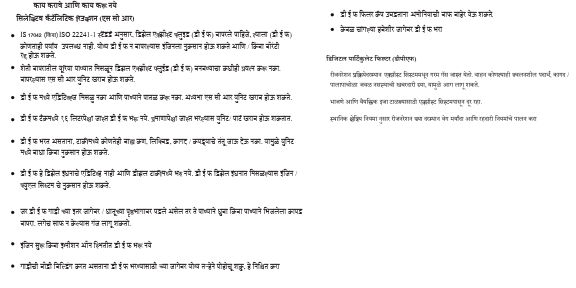
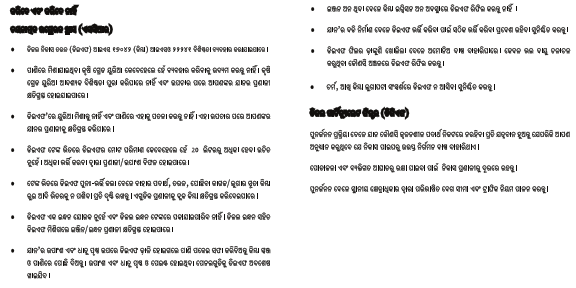
3 EMISSION CONTROL SYSTEM - Applicable for Diesel
The emission control system is a highly effective system which controls exhaust emissions from the engine and crucial for
meeting emission norms specified by law.
Your vehicle is equipped with the following emission control systems for meeting BS VI emission norms.
| 1. | Diesel Oxidation Catalyst (DOC) |
| 2. | Selective Catalytic Reduction (SCR) |
| 3. | Diesel Particulate Filter (DPF) |
In order to ensure proper function of the emission control systems, it is mandatory to get your vehicle inspected and maintained
by an Authorized Mahindra Service Center. The maintenance schedule in this manual need to be followed.
It is also extremely important to use correct grade of fuel, confirming to IS 1460:2025 specification (Having Sulphur less
than 10 mg/kg (PPM)).
3.1 Diesel Oxidation Catalyst (DOC)
A diesel oxidation catalyst (DOC) is an after treatment component that is designed to convert carbon monoxide (CO) and hydrocarbons
(HC) into carbon dioxide (CO2) and water (H2O).
3.2 Selective Catalytic Reduction (SCR)
Selective Catalytic Reduction (SCR) is an advanced active emission control technology system that injects a liquid-reducing
agent through a special catalyst into the exhaust stream of a diesel engine. The reductant is called as Diesel Exhaust Fluid
(DEF). The DEF sets off a chemical reaction that converts nitrogen oxides into nitrogen and water which is then expelled through
the vehicle tailpipe.
3.2.1 Diesel Exhaust Fluid (DEF) MaxiCLEAN
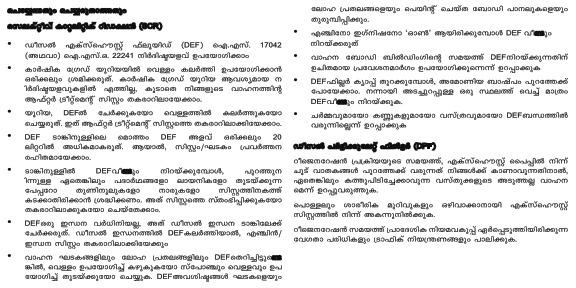
To enable SCR system work efficiently and to ensure emission compliance, It is recommended to use MaxiCLEAN DEF meeting IS
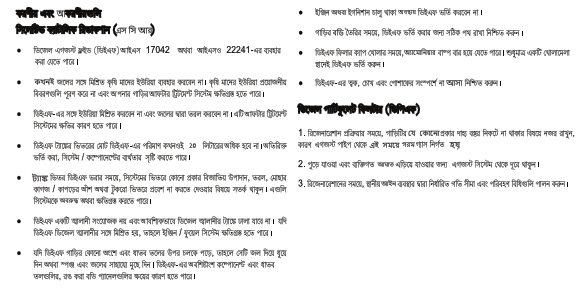
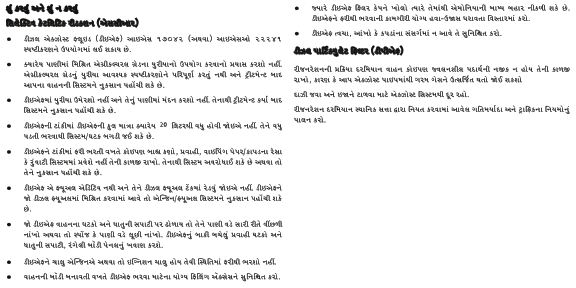
17042 (or) ISO 22241 specification.Refilling DEF is part of regular maintenance service. DEF consumption is highly dependent on driving conditions / pattern.
It may be necessary to refill DEF reservoir in-between the scheduled service, You need to monitor DEF Indicator telltale and
symbols / text messages display on the cluster.MaxiCLEAN DEF is available at all the Authorized Mahindra Service Centers in variable packs. Individual DEF Packs may have
specific filler neck, for filling DEF in the vehicle. While refilling DEF, Ensure no spillage on the body of self and vehicle
to avoid any stains or inconvenience.
It is unlawful to tamper with or remove any component of the after treatment system. It is strongly recommended not to use
DEF which is not meeting above specification. Further, this may lead to emission non-compliance and warranty will be void.
| • | Use Genuine DEF MaxiCLEAN always. |
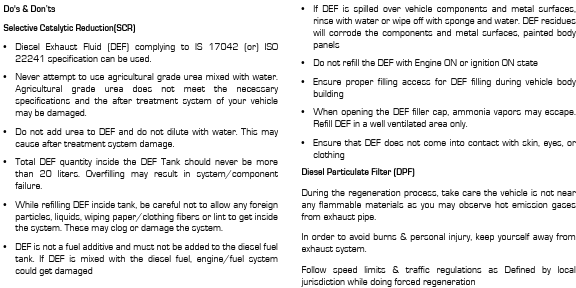
| • | Incase of non-availability of above Diesel Exhaust Fluid (DEF) complying to IS 17042 (or) ISO 22241 specification can be used. |
| • | Never attempt to use agricultural grade urea mixed with water. Agricultural grade urea does not meet the necessary specifications and the after treatment system of your vehicle may be damaged. |
| • | Total DEF quantity inside the DEF Tank should never be more than 20 liters. Overfilling may result in system/component failure. |
| • | DEF quality and purity can be ensured only if it is stored properly. Hence ensure the storage of DEF in cool, dry place between storage. |
| • | Do not add urea to DEF and do not dilute with water. This may cause after treatment system damage. |
| • | While refilling DEF inside tank, be careful not to allow any foreign particles, liquids, wiping paper/clothing fibers or lint to get inside the system. These may clog or damage the system. |
| • | If DEF is spilled over vehicle components and metal surfaces, rinse with water or wipe off with sponge and water. DEF residues will corrode the components and metal surfaces, painted body panels. |
| • | DEF is not a fuel additive and must not be added to the diesel fuel tank. If DEF is mixed with the diesel fuel, engine/fuel system could get damaged. |
| • | In such a case, do not start the engine and immediately contact nearest Authorized Mahindra Service Center for assistance. |
3.2.2 Contamination/ Incorrect DEF
In the event that incorrect or contaminated fluid is filled inside DEF Tank, contact an Authorized Mahindra Service Center
to determine the appropriate repair direction.
3.2.3 Handling of DEF
| • | Ensure that DEF does not come into contact with skin, eyes, or clothing. |
| • | Keep DEF out of the reach of children. |
| • | In case if any part of the body is in contact with DEF, clean affected area immediately with plenty of water. |
| • | If DEF contacted with eyes, flush with plenty of water immediately and seek medical help. |
| • | If DEF is swallowed, rinse mouth immediately with plenty of water, drink plenty of water immediately and seek medical help. |
| • | Don’t store DEF refill containers inside the vehicle. Ammonia vapors may escape from container which have a pungent odor and are particularly irritating for skin, mucous membranes and eyes. Inhaling ammonia vapors may cause burning eyes, nose and throat, as well as cough and watering eyes. |
| • | When opening the DEF filler cap, ammonia vapors may escape. Refill DEF in a well ventilated area only. |
| • | If Diesel Exhaust Fluid is spilled on metal surfaces rinse and clean immediately with water. Failure to do so may leave permanent corrosive stains on the metal surfaces which cannot be removed. |
3.2.4 DEF Operating Condition
DEF will freeze at -11°C (12.2°F). This is natural phenomenon. The DEF system in the vehicle is designed considering this
and does not require any external heating or additives to avoid freezing.
The Diesel Exhaust Fluid (DEF) system purges to prevent damage from freezing. Do NOT disconnect battery power within 20 minutes
of switching the start stop switch off. Failure to comply may result in vehicle or property damage.
3.2.5 Refilling DEF
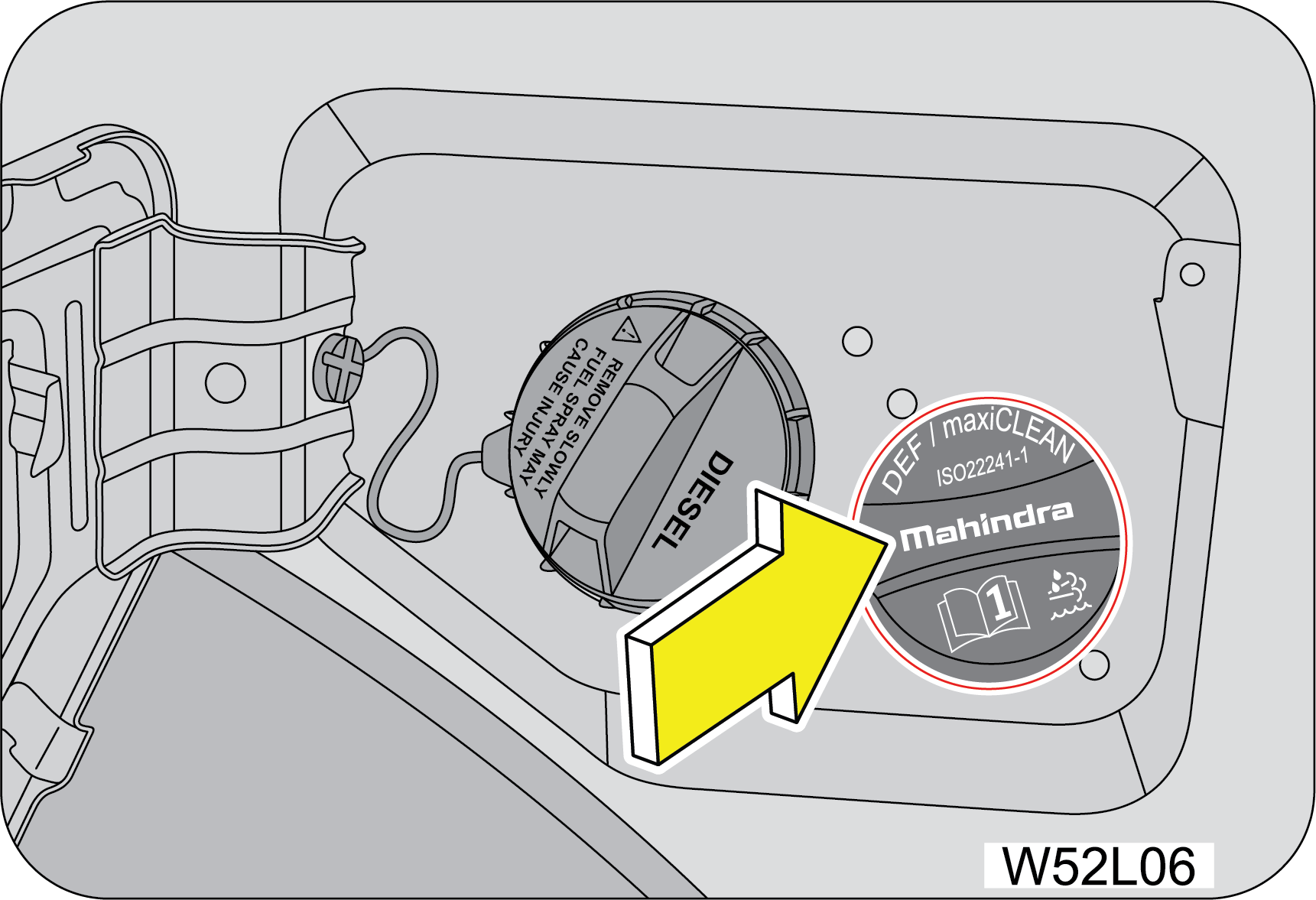
Your vehicle DEF filler neck is beside the fuel filler neck. The DEF storage tank is located under the body.
Following below steps to refill the DEF:
 |
1. Park the vehicle on level ground and switch OFF the ignition.
2. The fuel lid is manually locked/unlocked from outside by using conventional key.
3. Rotate the DEF filler cap in anti-clockwise direction and remove.
|
4. Fill DEF from the Container Pack. Each container pack has unique mouth and filling provision. Ensure utilizing the same
and avoid spillage. Example. 10 Liter. Pack provided with filler tube.
5. Fill DEF as required. Maximum Storage capacity is 20 liter. Minimum filling is 5.0 liter.
6. Rinse with water or use sponge wetted with water to clean the components/surfaces in case of DEF spills over.
7. Put the DEF filler cap back in its place and tighten in the clock wise direction, then close the fuel lid shut.
8. Switch the ignition ON.
9. Verify that there is no warning regarding DEF low level. If DEF Level Low warning is still appearing, Check enough quantity
filled, If still problem persist Contact nearest Authorized Mahindra Service Center immediately.
10. DEF is being monitored through iSmart tool during regular service at dealership and quantity will be filled accordingly.
It is highly recommended to DEF filling always at Ignition off condition only.
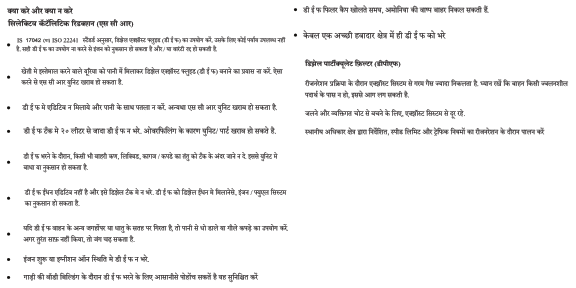
3.3 Diesel Particulate Filter (DPF)
The Diesel particulate filter (DPF) is an integral part of the vehicle exhaust gas emission reduction systems and it removes
the soot from (Particulate matter) the exhaust gas. Unlike a disposable air filter, the DPF is regenerative filter. Regeneration
is triggered automatically according to the driving conditions which burns of the accumulated particles/soot. In other words,
the active burning by engine control system and high exhaust gas temperature caused by normal/high driving condition burns
and removes the accumulated soot. The process is called as DPF Active Regeneration.
However, if the vehicle continues to be driven at either of the following conditions the accumulated soot may not be automatically
removed because of low exhaust gas temperature.
| 1. | Heavy traffic driving conditions, especially in city. |
| 2. | Frequent short trips. |
| 3. | Low speed for a long time. |
When more than a certain amount of soot deposited, the DPF lamp illuminates.
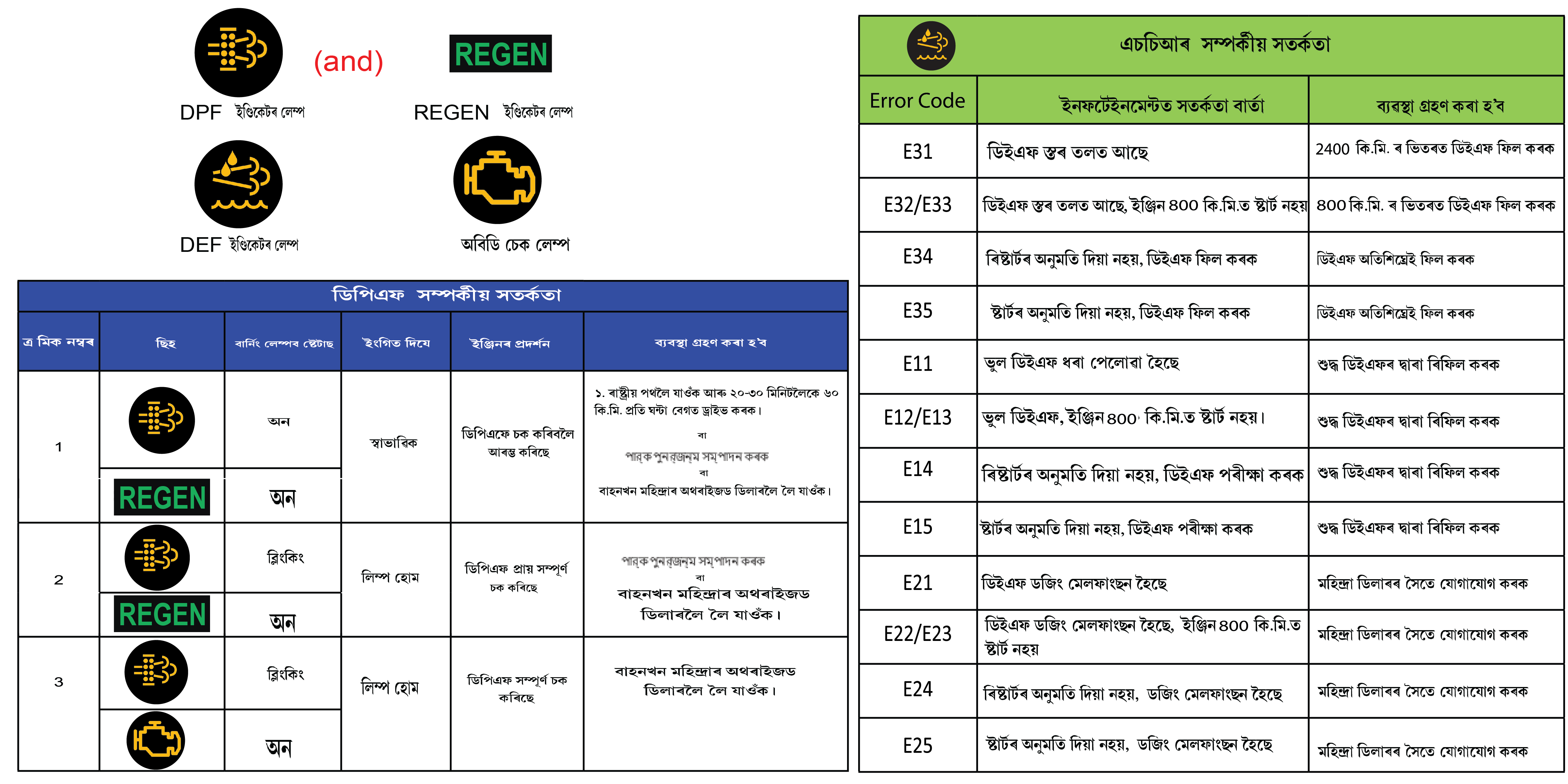
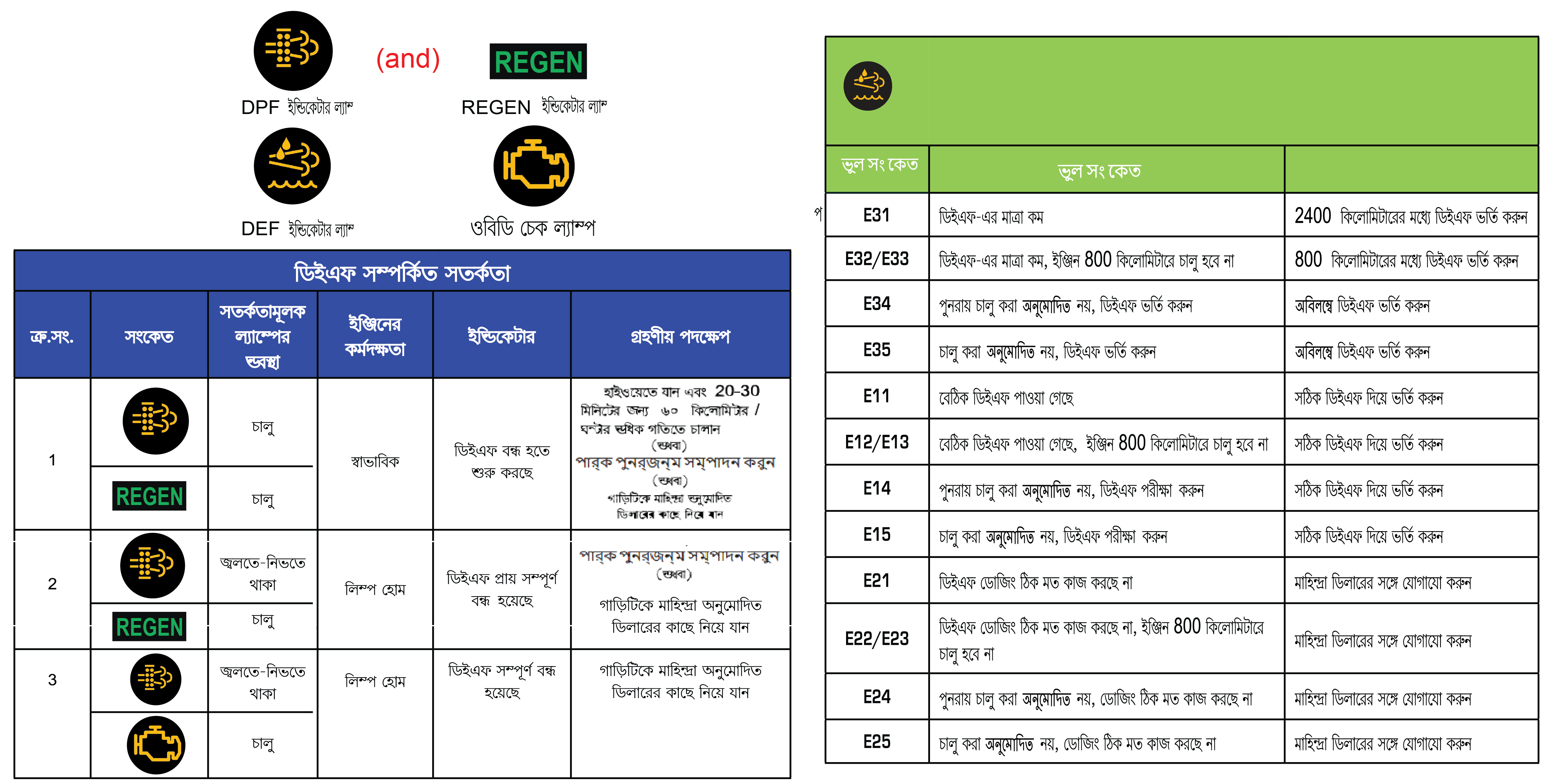
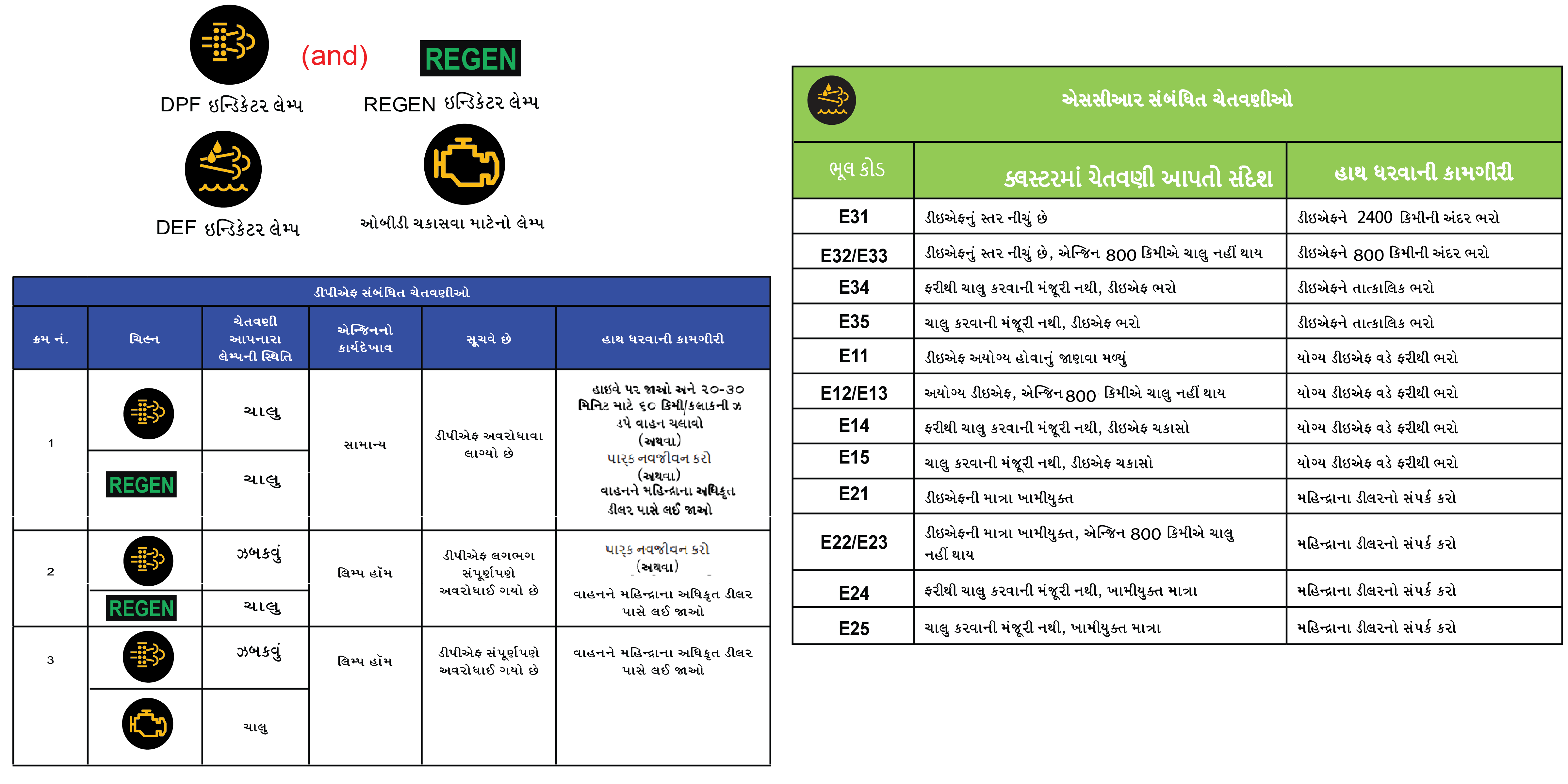
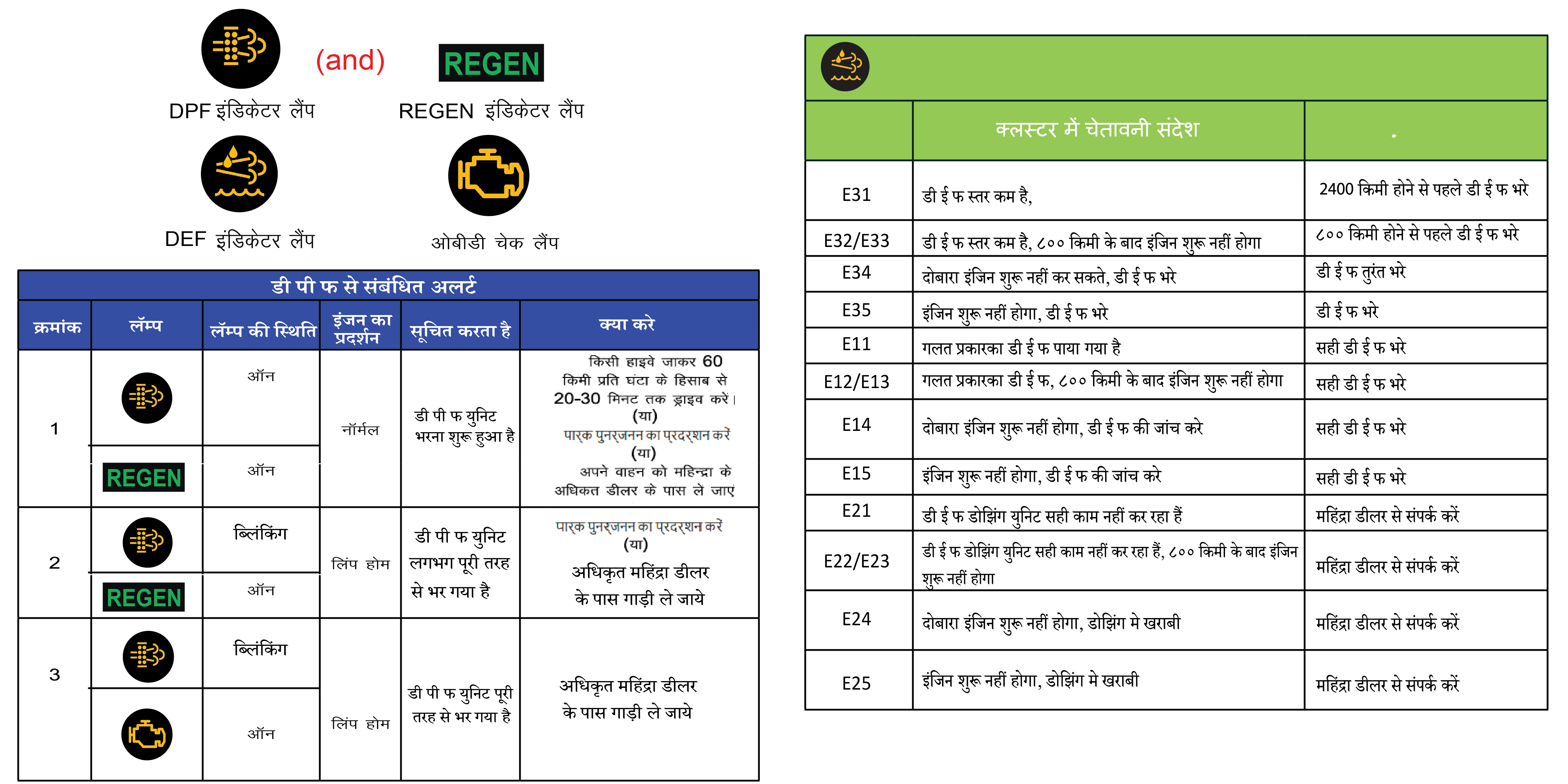
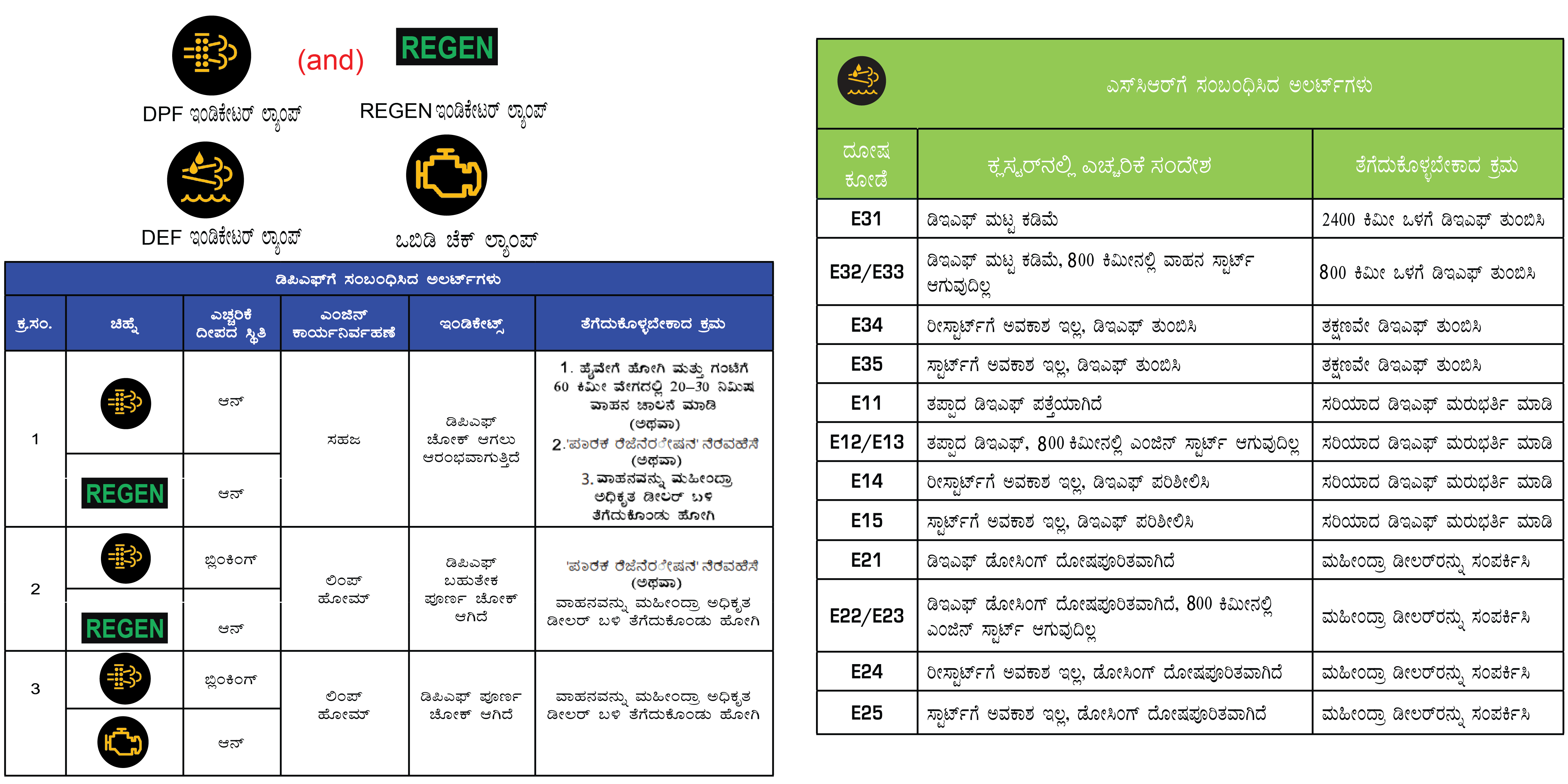
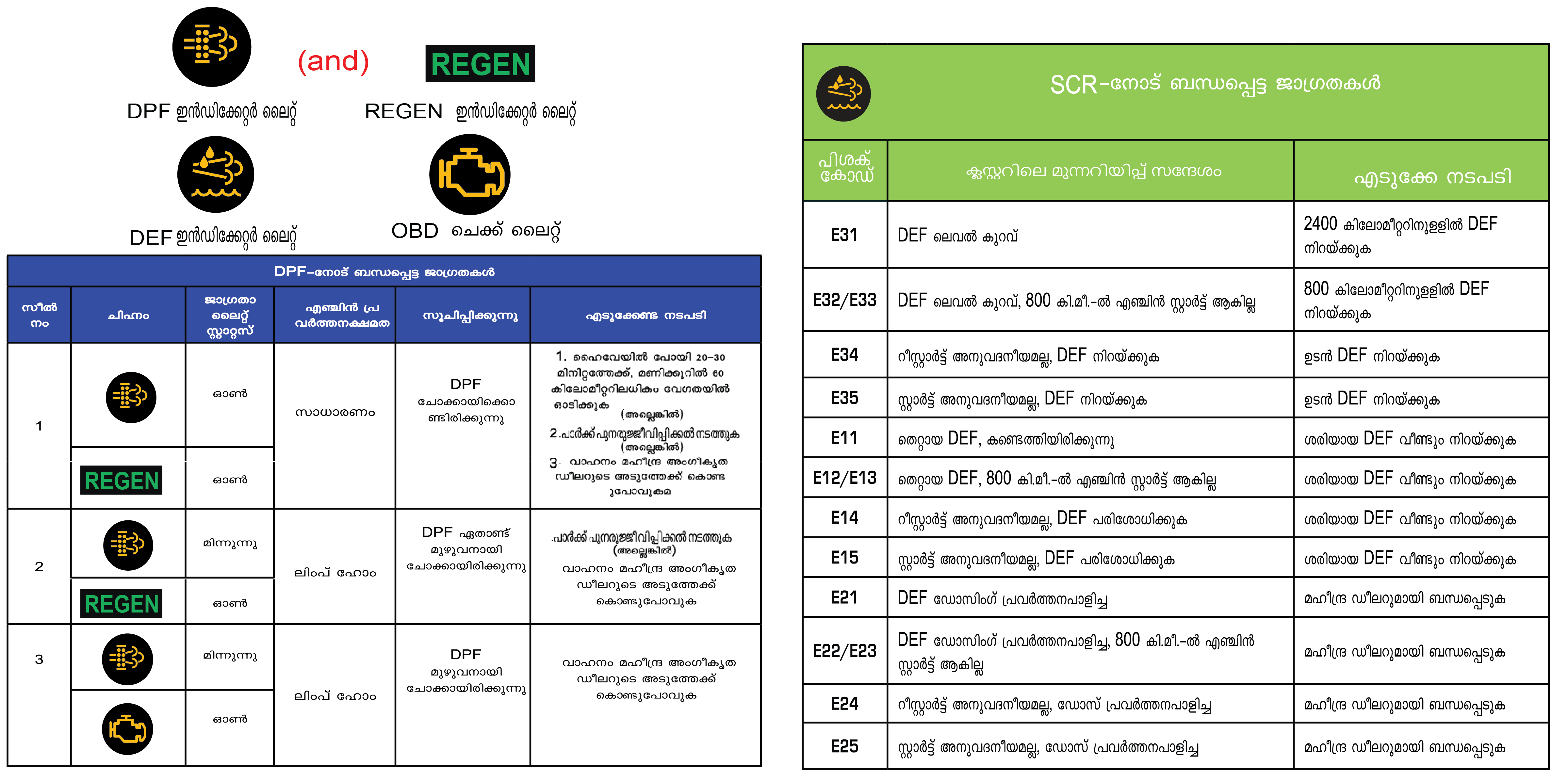
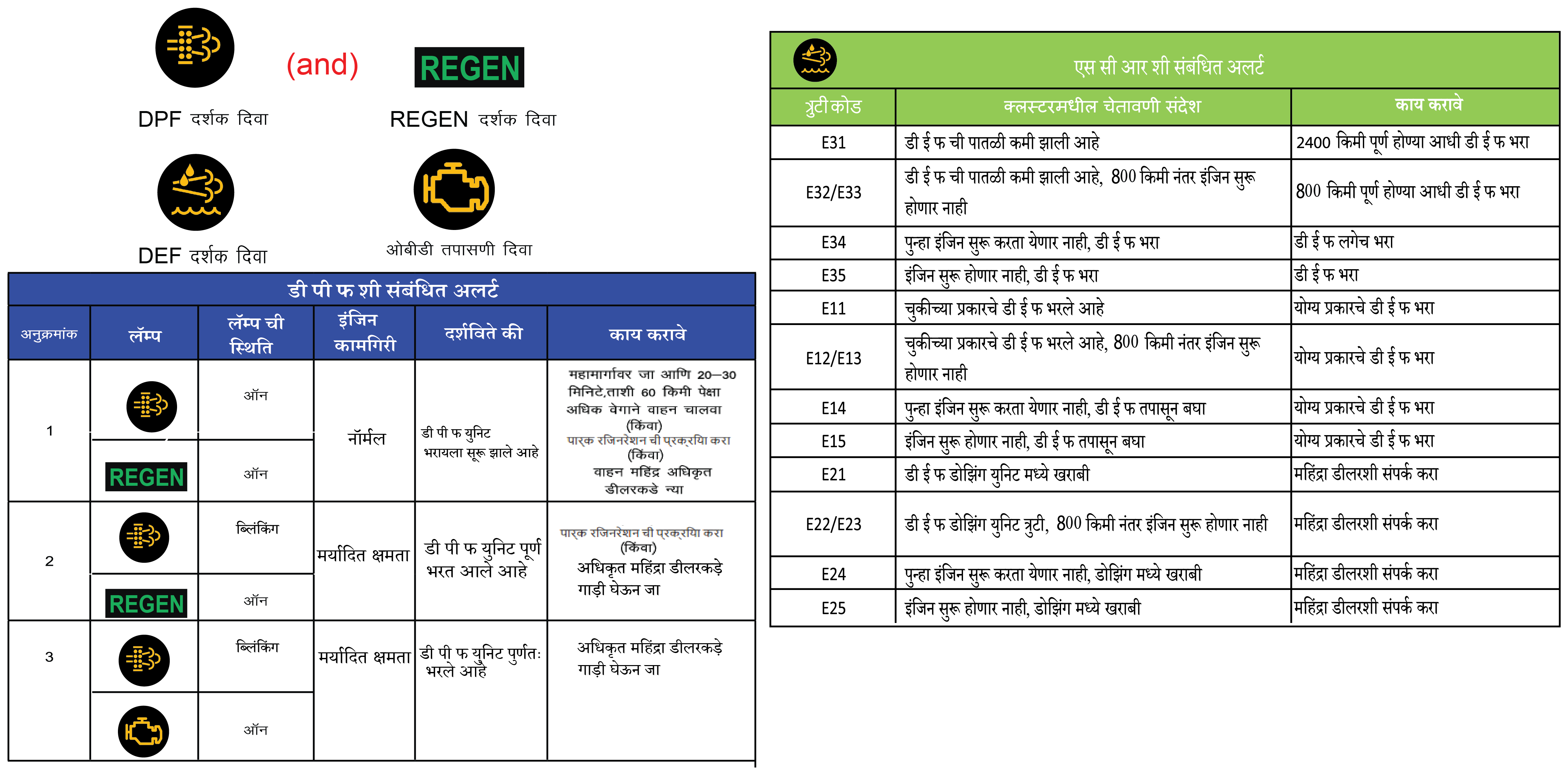
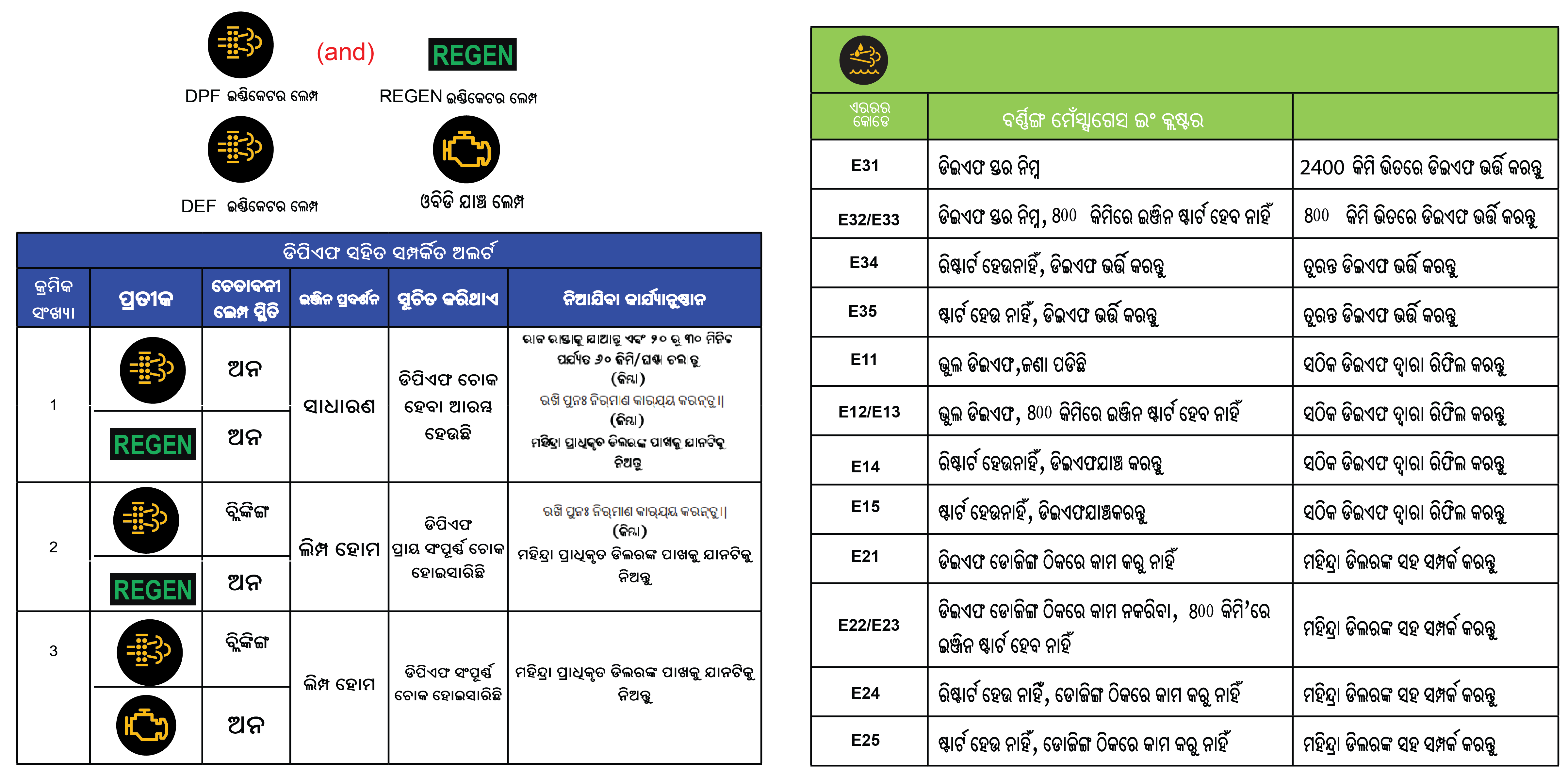
If the DPF lamp turns ON or Blinking while driving the vehicle, then it indicates DPF regeneration has not occurred successfully.
At this moment, we suggest DPF regeneration must be done through a specific methodology. The same is as mentioned below:
|
Take vehicle to highway and drive for 20–30 minutes @ speeds above 60 kms/hr until the lamp to turns off.
|
|
(or)
Perform DPF Park Regeneration
|
DPF park regeneration is only possible when the REGEN telltale is ON in the instrument cluster.
| • | Park the vehicle safely in a well ventilated levelled open space and free of any flammable material. |
| • | Shift the gear lever to Neutral with the engine running and apply the parking brake. |
 |
|
| • | REGEN screen will go OFF if REGEN telltale turns OFF. |
| • | When in the REGEN screen of the drive info menu, long Press OK button to start park regeneration. |
| • | Once regeneration starts, “In Progress” text will appear below REGEN. The engine idle speed will increase indicating regeneration has started. |
| • | Park Regeneration can take up to 30 minutes to complete. Once completed the REGEN warning lamp in the instrument cluster will turn OFF. The engine’s idling speed also returns to normal. |
Park Regeneration process may not start if CHECK ENGINE LAMP or OBD are ON in the cluster. Take vehicle to Authorized Mahindra
Service Center for assistance.
When Park regeneration is happening do not press the Accelerator, Brake or Clutch pedals as this will cancel the regeneration
process.
When Park regeneration is happening, switching off the ignition will cancel the regeneration process. The park regeneration
process may not start if requested when the engine is switched ON again. Take the vehicle to highway and drive for 20–30 minutes
@ speeds above 60 kms/hr until DPF warning lamp turns OFF
|
(or)
Take vehicle to Authorized Mahindra Service Center for assistance
|
For Diesel Vehicles:
Use Automotive Diesel fuel confirming to IS 1460:2025 specification (Having Sulphur less than 10 mg/kg (PPM)). Information
regarding the diesel fuel quality filled shall be available with the concerned fuel retail outlet.
| • | During the regeneration process, take care the vehicle is not near any flammable materials as you may observe hot emission gases from exhaust pipe. |
| • | In order to avoid burns & personal injury, stay yourself away from exhaust system. |
| • | Follow speed limits & traffic regulations as defined by local jurisdiction while doing forced regeneration. |
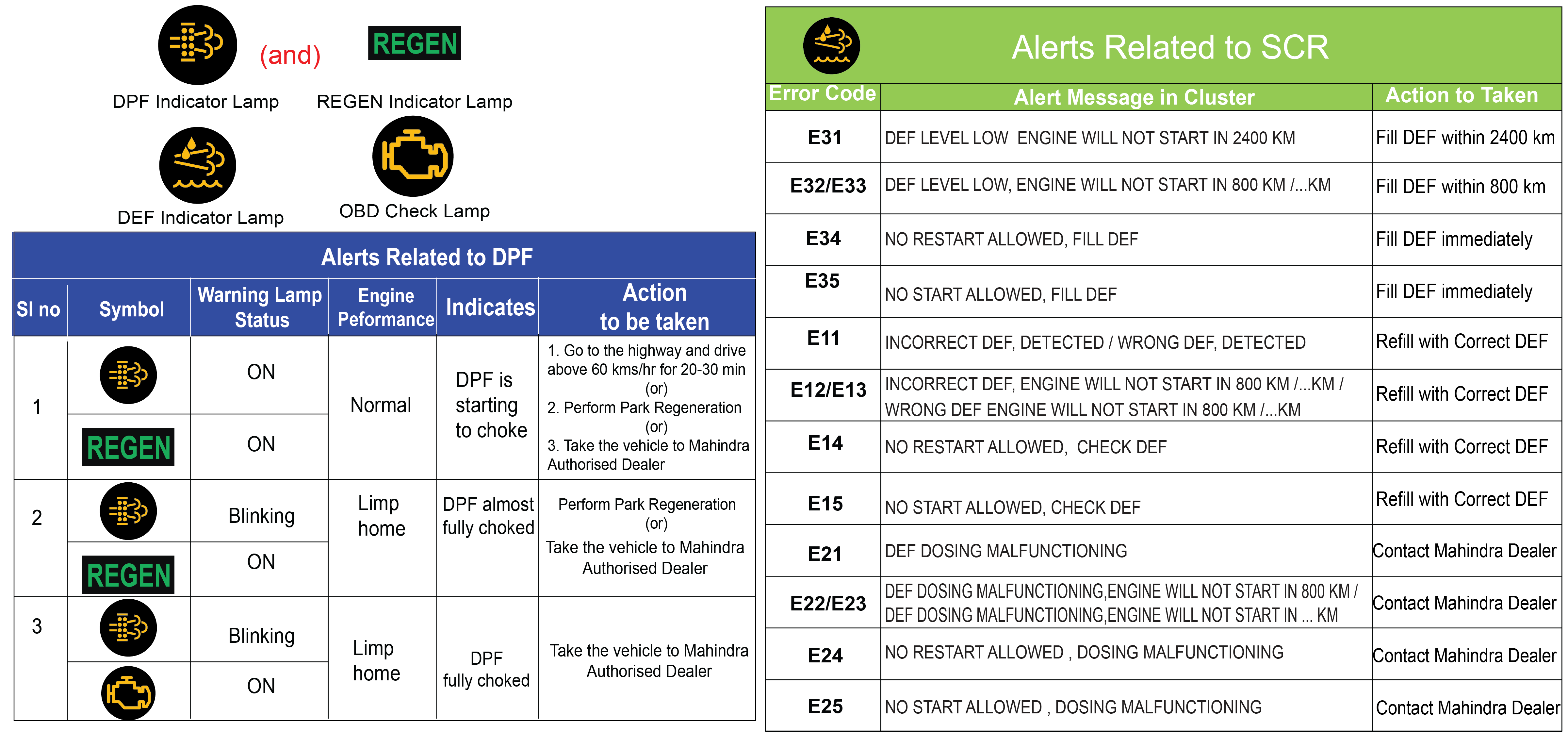
3.4 Alerts in Cluster
3.4.1 DPF Alert
|
DPF is clogged
 |
DPF Alert message will appear when the DPF is clogged. Contact Authorized Mahindra Service Center immediately for assistance.
|
3.4.2 DEF Alert
Introduction
DEF Tell Tale will get illuminated and relevant messages will be flashed on Cluster screen due to any of the following reasons:
| • | DEF level low |
| • | Incorrect DEF detected |
| • | DEF dosing malfunction |
It is unlawful to tamper with or remove any component of the after treatment system. It is strongly recommended not to use
DEF which is not meeting above specification. Further, this may lead to emission non-compliance and warranty will be void.
3.4.3 DEF Level Indication
When DEF level in tank fall below pre-defined values, warnings are flashed in four stages. These four warning stages are explained
below:
|
E31 |
E32 |
E33 |
 |
 |
 |
|
E34 |
E35 |
|
 |
 |
Irrespective of the warning stages, once DEF level is low, 5.0 liter of DEF needs to be filled. If the warnings continue even
after refill, contact nearest Authorized Mahindra Service Center immediately.
In absence of DEF level low warning, refilling is not recommended.
Total DEF quantity inside the DEF Tank should never be more than 20 liter. Overfilling may result in system/component failure.
Only Authorized Mahindra Service Center will be able to correctly determine quantity of DEF present inside tank. Hence if
you are refilling the DEF yourself, fill only 5.0 liter, in case DEF Low level warning is flashed.
If the DEF warning lamp turns on due to the DEF level, refill the DEF tank. Failure to refill may cause the engine start restriction.
3.4.4 DEF Quality
If SCR system detects quality of DEF inside the tank is not meeting IS 17042 (or) ISO 22241 specification, warnings will flashed
in four stages. These four warning stages are explained below:
|
E11 |
E12 |
E13 |
 |
 |
 |
|
E14 |
E15 |
|
 |
 |
If the DEF warning lamp turns on due to the DEF quality, see contamination/incorrect fluid for corrective action. Failure
to correct may cause the engine start restriction.
3.4.5 DEF Dosing Malfunction
If SCR system detects any malfunction due to failures in components or tampering, warnings are flashed in four stages. These
four stages are explained below:
|
E21 |
E22 |
E23 |
|---|---|---|
 |
 |
 |
|
E24 |
E25 |
|
 |
 |
If the DEF warning lamp turns on due to dosing malfunction, see your Authorized Mahindra Service Center to have this repaired.
Failure to repair the system may cause the engine start restriction.
3.5 Regen Alerts
|
Regen Aborted |
Regen Completed |
Regen Not Started |
|---|---|---|
 |
 |
 |
|
Regen Requested |
Regen Required |
Regen Started |
 |
 |
 |
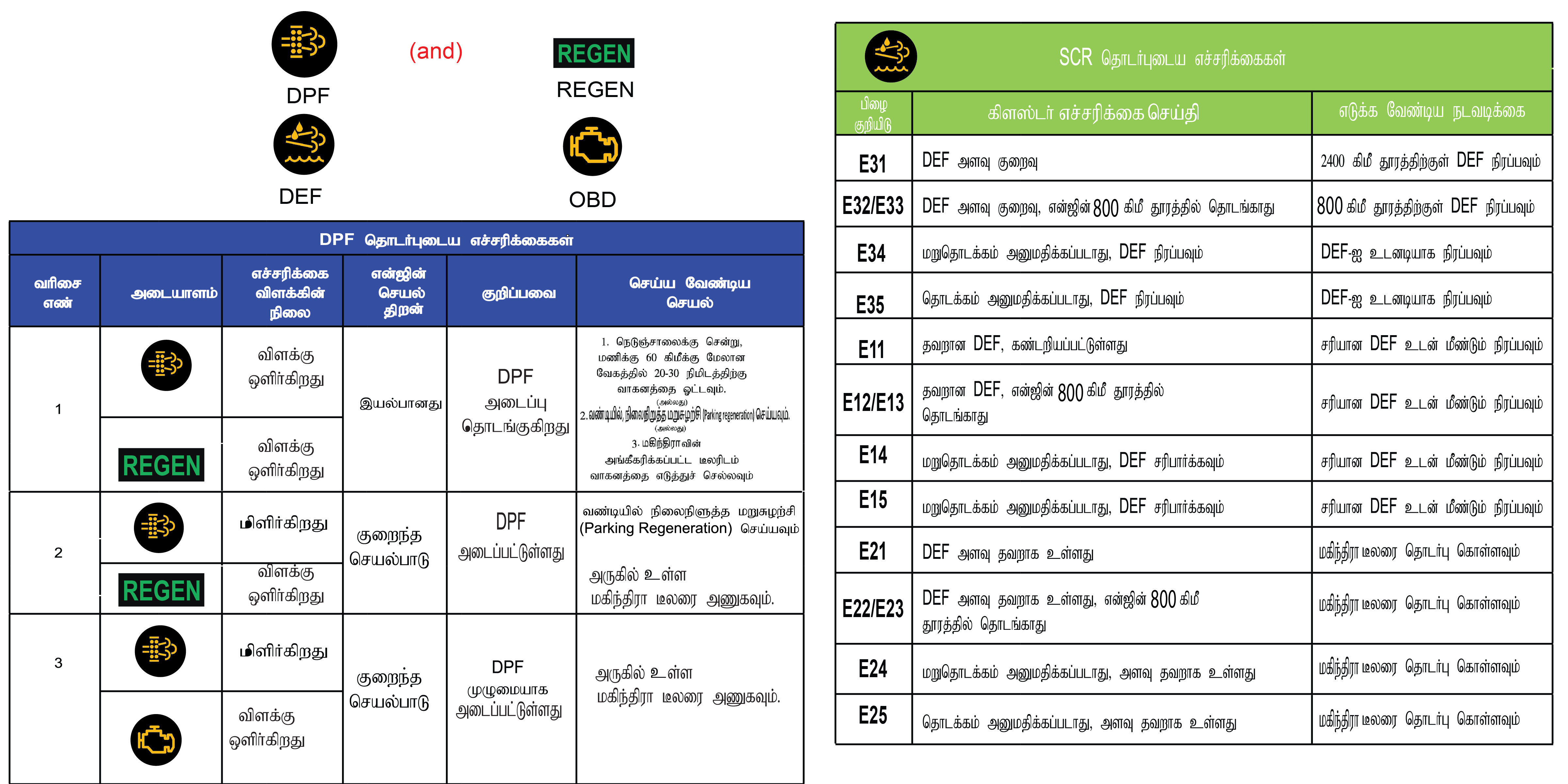
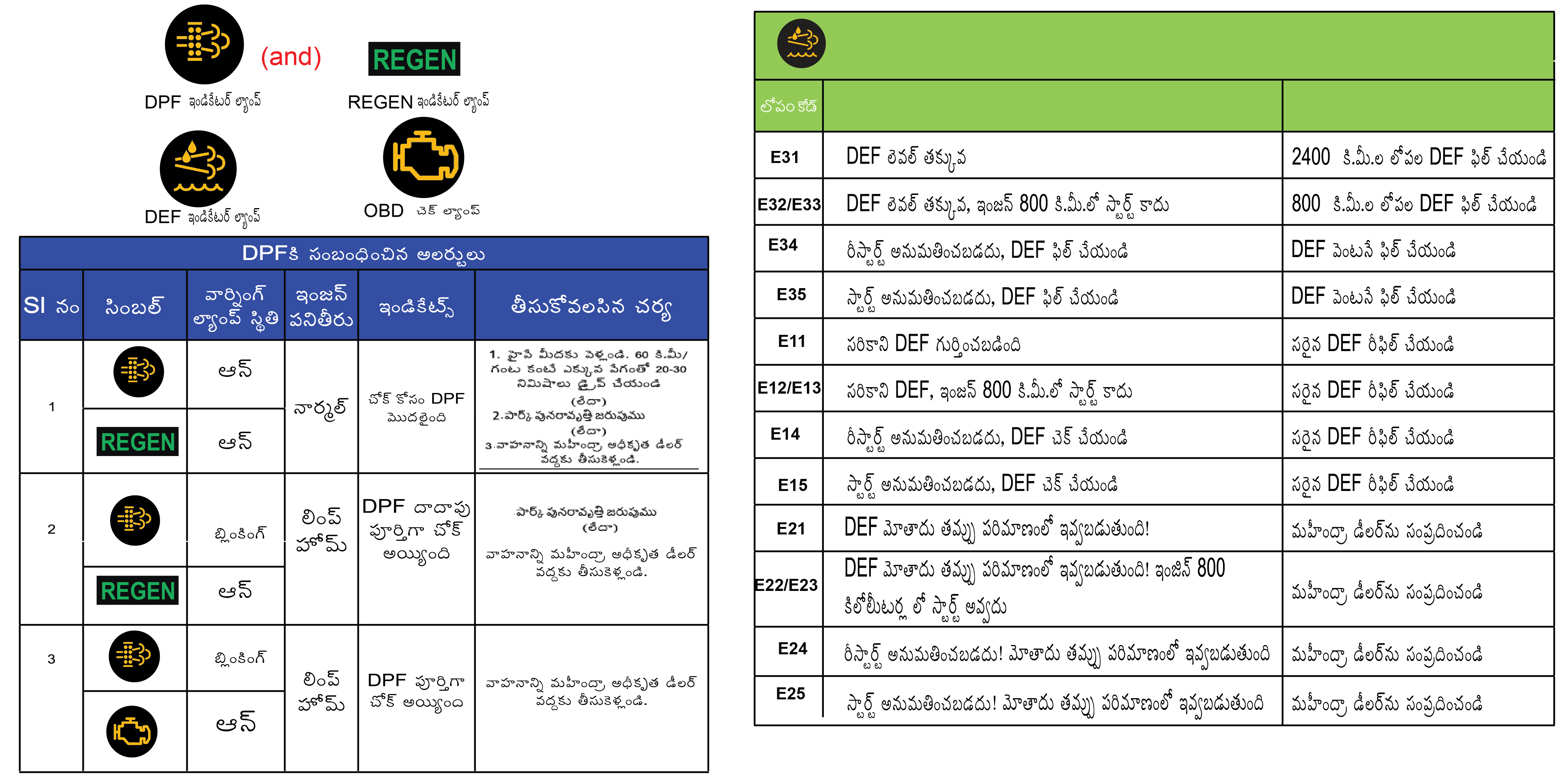
Procedure for initiating REGEN:
| 1. | If REGEN telltale is ON, navigate to Above page will be available only if regeneration can be done in vehicle and REGEN TT is ON. |
| 2. | Hold OK to start regeneration. |
| 3. | Once REGEN has started, text in page will change to REGEN In Progress. |



4 SEATS AND SAFETY
4.1 Important Safety Precautions
Always wear your seat belt
All occupants, including the driver, should always wear their seat belt no matter how short the trip is, in order to minimize
the risk of severe injury in the event of a crash. Failure to wear a seat belt significantly increases the risk of serious
injury or fatality in an accident.
In an accident, an unbelted passenger be projectiled, and can cause serious injury to self or other passengers.
Pregnant women must also wear seat belts after consultation with the doctor for specific recommendations.
Airbag hazards
Airbags are critical safety devices, but they can pose hazards if mishandled or improperly used. Airbags are supplementary
safety systems and are not a substitute for seat belts. Rapid deployment with significant force can cause injuries, especially
to occupants seated too close, unbelted, or improperly positioned, including children and shorter adults.
Chemical exposure from deployment residues can irritate the skin, eyes, and respiratory system. To minimize hazards, always
use seat belts, maintain proper seating positions, deactivate airbags during servicing, and follow safety protocols. Never
place a rear-facing child seat in the front passenger seat unless the airbag is deactivated. Doing so can result in serious
injury or death if the airbag deploys.
Driver distraction
Driver distraction occurs when a driver’s attention is diverted from the primary task of operating the vehicle, compromising
safety. It can stem from visual distractions like looking at a phone, manual distractions such as adjusting controls, or cognitive
distractions like daydreaming or conversing.
Common sources include mobile devices, infotainment systems, eating, and external events. Driver distraction can lead to loss
of vehicle control, collisions, serious injury, or death. Distracted driving increases the risk of accidents, as reaction
times slow and situational awareness diminishes. To mitigate this risk, drivers should minimize in-vehicle distractions, use
hands-free devices sparingly, and maintain focus on the road to ensure their safety and that of others.
Mahindra shall not be held liable for accidents resulting from driver distraction or failure to follow safe driving practices.
Control your speed
Controlling your speed is essential for safe driving, as excessive speed reduces reaction time, increases stopping distance,
and magnifies the severity of collisions. Adhering to speed limits ensures better vehicle control, especially in adverse weather,
heavy traffic, or around curves and intersections. Driving at a safe and appropriate speed helps accommodate unexpected hazards,
such as pedestrians or sudden stops, and improves fuel efficiency. Always adjust your speed based on road conditions, visibility,
and traffic flow to protect yourself, passengers, and others on the road.
Unauthorized modifications to seats, seat belts, airbags, or child restraint systems may compromise safety. Mahindra shall
not be held liable for injuries or damages resulting from improper alterations or misuse. Always follow this Owner’s Manual
and consult a Authorized Mahindra Service Center before modifying safety components. Carefully review the terms of your warranty
for exclusions as contained in the Warranty and Service Information Guide.
The images in this Owner’s Manual are representative and may vary depending on the vehicle model, software version, and specifications.
Always take into account the road conditions, weather conditions, vehicle’s speed in order to prevent accidents.
Turn ‘ON’ the side indicators at least 30 meter before taking a turn or changing the lane.
Decelerate to a safe speed before taking turn. Do not apply brakes during cornering.
When overtaking other vehicles, watch out for the oncoming vehicle.
Never drive under the influence of alcohol or drugs.
If your vehicle is equipped with infotainment / navigation system, set and make changes to your travel route only when the
vehicle is parked.
If your car gets flooded and has soaked carpeting or water on the flooring, you should not try to start the vehicle, we recommend
to kindly contact an Authorized Mahindra Service Center.
Even with the presence of airbags, it is essential for the driver and passengers to wear seat belts at all times to reduce
the risk and severity of injuries in the event of a collision.
Safe driving depends on a combination of attentive driving habits, following traffic rules and signals, properly maintaining
vehicle condition, and being aware of your surrounding situations based on the traffic, weather and road conditions.
4.2 Seat
Vehicle seats are designed to provide comfort, support, and safety for occupants during travel. Modern seats are ergonomically
engineered to reduce fatigue and include adjustable features like seat height, and reclining angles to accommodate various
body types and preferences. Seats have integrated safety systems such as seat belts and airbags, with headrests positioned
to reduce the risk of whiplash in collisions.
4.2.1 Sitting in the Correct Position
Follow the tips below for a comfortable and safe journey:
|
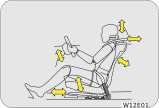 |
| • | Maintain sufficient distance between yourself and the steering wheel. Maintain at least a 25 cm distance from the centre of the steering wheel to your chest. |
| • | The top curve of the steering wheel should align with your chin for ideal road visibility. |
| • | Adjust your seat and seat back angle such that your wrists rest on top of the steering wheel freely. |
| • | Ensure your legs are in a bent position while fully depressing the clutch pedal. |
The seat should be adjusted while still maintaining control of the foot pedals, steering wheel and your view of the instrument
panel controls.
Never adjust the driver's seat while the vehicle is in motion. The seat may unexpectedly move and cause the driver to unintentionally
operate the accelerator or brake, or turn the steering wheel, causing loss of control of the vehicle, an accident or serious
personal injury. Adjust the driver's seat only when the vehicle is not in motion.
Never put objects under the seats. They may interfere with the seat-lock mechanism or unexpectedly activate the seat position
adjusting lever, causing the seat to suddenly move, resulting in loss of control of the vehicle, an accident or serious personal
injury.
While adjusting the seat, do not put your hands under the seat or near the moving parts. This may lead to injuries.
4.2.2 Front Seat Slide
|
Move the seat forward or backward by lifting the adjustment lever located under the seat front and release once the desired
position is reached.
While adjusting the seat, make sure the latch engages fully and the seat is locked firmly in the desired position. An unlocked
seat may move in a sudden stop or collision, causing injury to the person in that seat. Push and pull on the seat to be sure
it is locked.
|
 |
4.2.3 Front Seat Recline
|
To adjust the seat back, lift the recline lever located on the outboard side of the seat, lean back and release the lever
at the desired position. To return the seat back, lift the lever, lean forward, and release the lever.
|
 |
The seat belts provide maximum protection in a frontal or rear collision when the occupants are sitting up straight and well
back in the seats. If you are reclined, the lap belt may slide past your hips and apply restraint forces directly to the abdomen,
or the shoulder strap may contact your neck.
When returning a extremely reclined seat back to its upright position, make sure you support the seat back while operating
the lever.
4.2.4 Driver Seat Height Adjust
|
Lift/Push the seat height adjustment lever located on the outboard side of the driver seat to raise/lower the seat. Adjust
the seat height such that you are able to depress the clutch pedal completely.
It is recommended to adjust the seat height only when the vehicle is stationary.
|
 |
4.3 Head Restraint
|
Your vehicle seats are equipped with head restraints which are vertically adjustable. The purpose of these head restraints
is to help limit head motion in the event of a collision.
Always align top of the head restraint with the top of your head or as close to it as possible. To raise/lower the head restraint,
press the lock tab and pull/push the restraint up/down.
|
 |
The head restraint can be pulled out completely by depressing the locking button while pulling the restraint out. To put it
back, align the head restraint shafts over the holes on the seat top and push the restraint straight down till you hear the
lock click.
Keep the seat back as upright as possible so the headrest is behind, not beneath, and almost touching your head.
Never drive with the head restraints not properly adjusted, head restraints removed or inserted in a flipped condition. With
no support behind your head, your neck could be seriously injured in a collision.
4.4 Co-Driver Seat Lift and Slide
|
Step 1 : Pull the shoulder knob to unlatch the seat.
Step 2 : Push the seat to slide forward.
|
 |

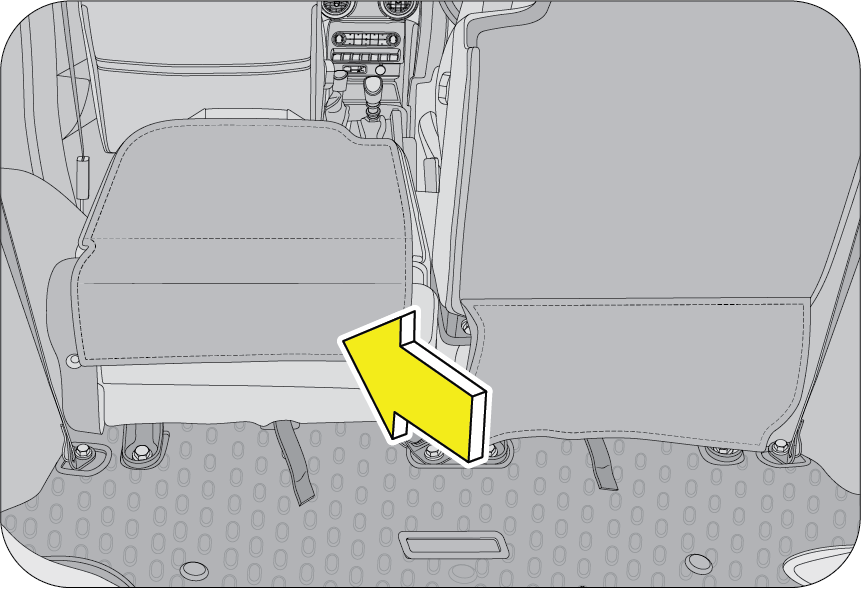

4.5 Seat Belt
4.5.1 General Warnings and Instructions
At least once each month, inspect the seat belt webbing for any cuts, tears, or other signs of wear (such as fraying along
the edges). Also inspect the anchors, retractors, and buckles to be sure they are tight and operational.
| • | All occupants, including the driver, should always wear their seat belt no matter how short the trip in order to minimize the risk of severe injury in the event of a crash. In an accident, an un-belted passenger becomes a projectile, and can cause serious injury to himself or another passenger. |
| • | In a rollover crash, an un-belted person is significantly more likely prone to Injury than a person wearing a seat belt. |
| • | In order to be properly buckled, you must always sit up straight and keep your feet on the floor in front of you. The lap part must be worn low and tight across your hips, just touching the top of your thighs. While fastening the seat belt, the shoulder strap of the seat belt must pass over your chest and top of your shoulder. It must never touch your neck, face, the side of your shoulder, arm, or pass under your arm. The belt must always be flat against your body and not twisted in any way. Nothing, such as an arm rest, a pocketbook, or any external objects should be between you and the seat belt. Improperly worn of a seat belt will reduce the protection in an accident. |
| • | Seat belts should be adjusted as tightly as possible, consistent with comfort to properly secure the wearer in the seat.
|
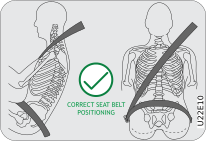
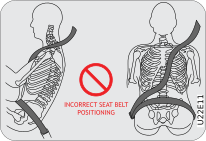
| • | The seat belts provided for your vehicle are designed for adults must be properly used and maintained. |
| • | For usage of adult seat belt to secure children, refer to section of manual for child seat positions and use a child restraint systems. |
| • | Passengers should not move out of or change seats while the vehicle is in motion. Passenger who does not wear the seat belts will be under a high risk of thrown against the vehicle inside hard parts, against other occupants or out of the vehicle during emergency stop or collision. |
| • | Do not use any accessories on seat belts or modify in any way the seat belt system. Devices claiming to improve occupant comfort or reposition the seat belt can reduce the protection provided by the seat belt and increase the chance of serious injury in a crash. |
| • | An accident or emergency stop, can damage your seat belt system, even if the accident is “minor”. Please have a Authorized Mahindra Service Center inspect the seat belt system after an accident. |
| • | Please be aware that any unsecured item in your vehicle, such as your pet, unsecured child restraint system, a laptop or mobile phones, can become a projectile in the event of an accident or sudden stop, causing injuries to occupants in the vehicle. |
Never use a damaged seat belt system. A damaged seat belt will not provide protection in an accident, resulting in serious
injury.
| • | Seat belt systems are prone to abuse. They are not indestructible. They must be handled with care to avoid damage. |
| • | Keep the belts clean and dry. Belt retraction may become difficult if the belts and webbings are soiled. If they need cleaning, use a mild soap solution or lukewarm water. Never use bleach, dye, or abrasive cleaners. These chemicals will severely weaken the belts. |
| • | Retractors in 3-point type seat belts retract the seat belts when not in use. The inertia lock and coil spring allow the belts to remain comfortable on users during normal driving. During accidents or abrupt stops, inertia locks restrict the sudden forward movement of the wearer. |
Seat Belts - Patients: Persons with serious medical conditions should also wear a seat belt. Consult your doctor for specific recommendations before
travel.
Seat Belts - Pregnant Women: Pregnant women must also wear seat belts. Consult your doctor for specific recommendations.
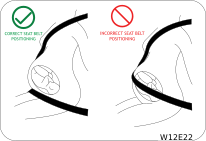 |
The lap belt should be worn snugly and as low as possible over the hips. The shoulder belt should be worn across your shoulder,
but never across the stomach area. When worn properly, the seat belt will protect both the mother and the foetus in an accident
or emergency stop.
|
A pregnant woman should never wear the seat belt across the stomach area. This could lead to serious injuries to the foetus
and/or the pregnant mother.
Never wear twisted seat belts. Excessive forces will be transferred from the belt to the wearer, in a collision, resulting
in serious personal injury.
Each seat belt is meant for use by one person only. Using one seat belt for more than one person at a time is dangerous. The
seat belt will not be able to absorb the impact forces properly leading to serious injuries.
Never wear a belt around a child being carried on the occupant’s lap. This could lead to serious injuries.
Seat Belt Usage is Necessary to:
| • | Reduce the possibility of being out from your vehicle during an accident. |
| • | Reduce the possibility of injuries to upper body, lower body and legs during an accident. |
| • | Hold the driver in a position which allows better control of the vehicle. |
Children who are too large for child restraint systems should always occupy the rear seat and use the vehicle seat belts.
The lap portion should be snug fastened on the hips and as low as possible and the shoulder belt should be rout across the
child’s shoulder, not across neck or face. If you are unable to position the belt across the child’s shoulder, the child should
be seated in a booster seat. Frequently check the seat belt to be sure it remains snug and in position. A squirming child
could cause the seat belt to come out of position.
4.5.2 Seat Belt Configuration
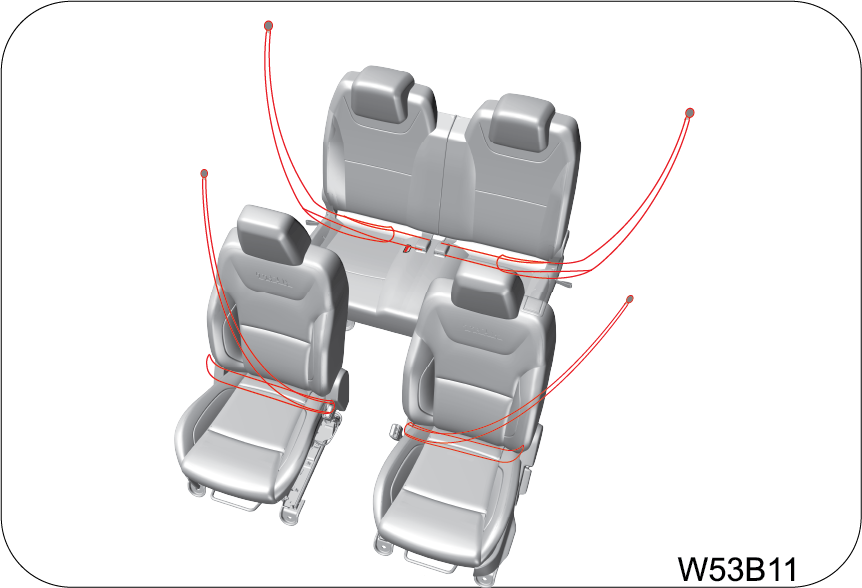 |
To protect you and your passengers in the event of an accident, it is highly recommended that the seat belts should be used
by all occupants inside of your vehicle.
|
Seat Belt Types with respect to Location
|
Seat Location |
Seat Belt Type |
|
Driver Seat
|
Seat belt with Retractor Pretensioner and Load Limiter (RPLL)
|
|
Co-Driver Seat
|
Seat belt with Retractor Pretensioner and Load Limiter (RPLL)
|
|
2nd Row LH
|
Seat belt with Emergency Lock Retractor (ELR) for outboard occupant
|
|
2nd Row RH
|
Seat belt with Emergency Lock Retractor (ELR) for outboardoccupant
|
Emergency Locking Retractor (ELR): The Emergency Locking Retractor (ELR) allows the driver seat belt to freely extend and retract with occupant movement, yet
locks the belt during a sudden stop or upon impact.
Retractor Pretensioner and Load Limiter (RPLL): A pretensioner is designed to retract some of the webbing of a seat belt the instant a collision occurs, tightening the seat
belt to restrain occupants quickly and reducing the amount they are thrown forward in a moderate or severe frontal crash.
Load limiters help protect occupants from seat belt-inflicted injury. In the event of a crash, the pretensioner restrains
the occupant until certain amount of force is applied. At this point the load limiter releases the webbing gradually so as
not to exert too much force on the chest of the occupant.
4.5.3 Seat Belt Pretensioner
 |
In the event of a crash being detected, the belt pretensioner locks the seat belt by drawing back the seat belts on the driver’s
and passenger’s torso and pelvis to prevent the driver and passenger being thrown forward. The seat belt pretensioner combined
with the seat belt and airbag further increases safety.
|
Its activation through Airbag ECU is signalled by pulling down of the metallic cable and removes slack in seat belt.
To obtain the highest degree of protection from the action of the pretensioning device, wear the seat belt on shoulder keeping
it firmly close to the chest and bottom part of the seat belt on pelvis.
In case of side impact collisions, front air bags are not inflated, but seat belt pretensioners located in the same position
with impact direction will be deployed together with side air bag.
Deployed seat belt pretensioners cannot be deployed again. Have the deployed seat belt pretensioners replaced by a Authorized
Mahindra Service Center.
 |
Operation of pretensioner: When a severe frontal impact occurs, seat belt pretensioners pull back the seat belts immediately to restrain the occupants
to their seats.
|
 |
Operation of load limiter: After frontal collision, the load limiter releases the seat belt to prevent the occupant from being injured due to belt force.
|
Fastening the seat belt: Even if seat belts are not worn, the air bag will deploy in case of impact, collision triggered. In addition, airbags can
protect occupants when the occupants are wearing their seat belts. Airbags may cause injuries to occupants if they do not
wear or inappropriately use their seat belts.
| • | Before driving, all occupants should fasten their seat belts. If not, the occupants can seriously be injured in a collision or sudden manoeuvring of the vehicle. |
| • | Sometimes you may have to apply strong force to pull the webbing out of the retract. |
| • | Each seat belt should be used by only one occupant at a time. |
| • | Seat belts and airbag’s can significantly minimise possible injury to occupants. But they cannot perfectly protect occupants from fatal collisions or injury. |
| • | Modifications and improper maintenance for the safety systems could cause serious injury. The safety systems including seat belts should be checked and repaired by only a Authorized Mahindra Service Center. |
| • | An infant or small child should always be restrained in an infant or child restraint. |
4.5.4 Fastening the Seat Belt
 |
 |
||||||
|
|
 |
|
| • | Periodically check the seat belt as you ride to be sure it remains snug and in position. If there is a sudden stop or impact, the belt will lock into position. It will also lock (restrict) if you try to lean forward too quickly. |
If the driver or co-driver seat belt is not fastened when the ignition is switched ON, the seat belt warning lamp illuminates
and chimes beat will turn till seat belt fastened. Refer “Warning Lamps” in the “Instrument Cluster Features” chapter for
further details.
4.5.5 Seat Belt Release
To release the belt, press the buckle release button and allow the belt to retract. If the belt does not retract smoothly,
pull it out and check for kinks or twists. Then make sure it remains untwisted as it retracts.
The word “CENTER” is marked on the seat belt buckle positioned on LH side for the rear center seat occupant to wear seat belt
correctly. The buckles are designed so that an outboard seat belt tongue cannot be inserted into the wrong buckle.
 |
To unfasten the seat belt, push the red colour button engraved with “PRESS” on the buckle and retract the seat belt slowly
while holding the belt or/and the belt tongue.
|
Never insert coins, clips, etc. in the buckle as this may prevent from properly latching the tongue and may cause damage to
the buckle mechanism, thereby making the seat belt ineffective in an accident, resulting in serious personal injury.
4.5.6 Seat Belt Reminder Indication

Driver, co-driver and front facing rear passenger seat belt reminder warning symbol lamp will be continuous ON in instrument
cluster if driver, co-driver and front facing rear passenger doesn’t wear the seat belt and will be continuous until belt
is buckled. Chime will be activated when vehicle speed is more than 25 km/h of speed while vehicle is in motion which will
be Telltale blinking for 95 second for front seat belt and 35 second for rear seat belt. beyond 95 second and 35 second respectively
telltale will be continuous ON.
4.5.7 Passenger Occupant Detection System (PODS) and Seat Belt Reminder Indication
PODS detects the presence of occupant in the front passenger and on all rear seating locations.
 |
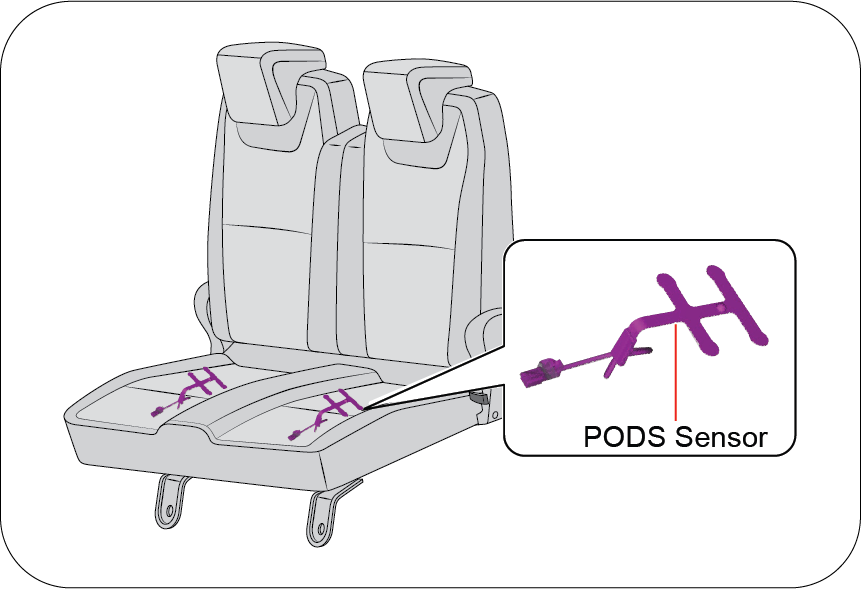 |

|
|
If occupant is present on front passenger and any of the rear passenger seats and not wearing the seat belt, Seat belt reminder
warning symbol lamp will glow on the vehicle instrument cluster panel and will be continuous until the seat belt is buckled.
|
It should be noted that the PODS require a minimum weight, hence children may not be detected by PODS. Along with this warning
symbol, a chime in cluster will be ON for 95 seconds for front seat belt reminder and 35 seconds for rear passenger seat belt
reminder.
Do keep in mind that after market seat covers also may deteriorate the occupant detection sensor performance, don’t use the
non recommended/non authorized seat covers.
Seat belt reminder warning lamp for passenger seat may glow in case of child is present in passenger seat.
Strong advice not to carry children in front seat without child restraint seat. Also do not use adult seat belt which is designed
to harness person taller than 140cm Always ensure Passenger Airbag is turn OFF before you carry child on passenger seat. We strongly urge that children should be in middle row using the child seats with the ISO FIX.
4.6 Child Restraint System (CRS) Fitment using the Seat Belt System
4.6.1 Child Restraint
When carrying infants or small children, an appropriate child restraint system should always be used. The child restraint
system should be appropriate for your child’s weight and height and properly fit on the car’s seat. Accident statistics indicate
that children are safer when properly restrained in the rear seat (If Equipped) rather than in the front seat. If passenger
seat to be use for child carrying then it is mandatory to OFF the Passenger Airbag by following the instructions and using
options provided .
If child presents on passenger seat also seat belt reminder warning symbol lamp will glow and it is strongly not recommended
to carry children in front seat without child restraint seat and using the adult seat belt which is provided to use for persons
taller than 140cm. Always ensure Passenger Airbag is turn OFF before you carry child on passenger seat.
4.6.2 Securing Methods of Child Restraint System
Child restraint systems are designed to be secured in vehicle seats by seat belts or the latch system (ISOFIX & Top tether
seat - If Equipped).
| • | Infants and tiny children should always be restrained in an infant or child restraint system (CRS). |
| • | Never install a rear-facing child restraint in the front seat with front passenger airbag ON condition. A child in a rear-facing child restraint installed in the front seat can be seriously injured if the front passenger airbag deploys. Secure a rear-facing child restraint in the rear seat (if equipped). |
| • | A front-facing child restraint should be secured in the rear seat whenever possible. If installed in the front passenger seat, adjust the seat as far back as it will go. When installing a child restraint system, follow the instructions provided by the manufacturer. |
| • | When your child restraint is not in use, secure it in the vehicle with the seat belt or remove it from the vehicle. |
| • | In a collision an unrestrained child, even a tiny baby, can become a missile inside the vehicle. The force required to hold even an infant on your lap can become so great that you could not hold the child, no matter how strong you are. |
| • | Do not allow a child in the cargo areas while the vehicle is moving condition. |
| • | If the shoulder belt contacts the face or neck, move the child closer to the center of the vehicle. Never allow a child to put the shoulder belt under an arm or behind their back. |
| • | Please note that the three-point seat belt is designed for a person who is taller than 140 cm. |
4.6.3 Infant and Child Safety
Child Seat
Children that are too small to use the seat belts must be properly secured in a child restraint system (CRS).
| • | Never place a rear-facing child restraint in the front passenger seat with front passenger airbag, because of the danger that an inflating passenger airbag could impact the rear-facing child restraint and kill the child. Passenger Airbag turn OFF is mandatory to use passenger seat to carry child. |
| • | Use only the recommended and suitable child restraint systems. Follow the manufacturer’s instructions for installation and use of the child restraint system in vehicle. |
| • | Do not carry your child on your lap while driving. You cannot resist against the impact pressure in an accident. The child could be crushed between you and the parts of vehicle. |
| • | Remember that a child restraint seat left in a concealed vehicle can cause it to be very hot. Check the seating surface before putting your child in the child restraint. |
| • | When your child restraint is not in use, remove it from the vehicle or keep it secured with a seat belt to prevent it from being thrown forward in case of a sudden stop or an accident. |
| • | When installing a child restraint system, do not let the seat belts come across the child’s neck. |
|
Table of Information on Child Restraint Systems Installation Suitability for Various Seating Positions
|
|||
 |
 |
 |
 |
|
Mass Group |
Restraint device figure |
Front Passenger (with ON/OFF Switch) |
Rear out board |
Mounting method of Child seat in vehicle |
|
|
With Passenger Airbag ON |
With Passenger Airbag OFF |
||||
|
O ~ up to 10 kg (0 ~ 9 months)
|
Rear-facing child seat
|
X
|
U
|
U
|
Rear facing seat using 3-point seat belt
|
|
O+ ~ up to 13 kg (0 ~ 2 years)
|
Rear-facing child seat
|
X
|
U
|
U
|
Rear facing seat using 3-point seat belt
|
|
I ~ 9 to 18 kg (9 months ~ 4 years)
|
Forward-facing child seat
|
X
|
U/UF
|
U
|
Rear facing seat using 3-point seat belt
|
|
II ~ 15 to 25 kg (4 years ~ 6 years)
|
Booster seat
|
UF
|
UF
|
U
|
Forward facing seat/Booster seat using 3-point seat belt
|
|
III ~ 22 to 36 kg (6 years ~ 12 years)
|
Booster seat
|
UF
|
UF
|
U
|
Forward facing seat/Booster seat using 3-point seat belt
|
U: Suitable for “universal” category restraints approved for use in the mass group.
UF: Suitable for forward-facing “universal” category restraints approved for use in the mass group.
L: Suitable for particular child restraints given on attached list. These restraints may be of the “semi-universal” categories.
X: Seat position not suitable for children in the mass group.
It is strongly recommended to carry the children with Child Restraint System (CRS) at rear seats for good safety. Child sitting
on the Passenger seat with Passenger airbag ON condition may cause serious injury or even death during collision due to airbag
deployment forces. It is Must to Turn OFF the Passenger airbag before allowing to child to sit on the Passenger seat.
| • | User must read and follow the instructions provided in manual for the Child Restraint System installations in vehicle using the Adult Seat belt system (or) using the ISOFIX & Top-tether feature. |
| • | Failure to follow all the warnings and instructions could be a Serious risk to Child safety or even may lead to death, if
an accident occurs.
|


| • | Do not leave /allow children to stand in front of vehicle holding grab handle when the passenger airbag in ON condition. |
| • | If a child is seated in front seat it may cause serious injury or even death during accident when PAB deploys due to force. |
| • | Never install a rearward facing child restraint system on front passenger seat when passenger airbag is ON condition while on ride. |
| • | Properly read and follow the instructions provided by the manufacture for installation of child restraint system. |
| • | Never hold a child in your lap or arms when the vehicle is moving condition, sudden braking or while collision child may thrown on away/trapped in vehicle, which could cause serious risk. |
| • | Don’t modify the passenger seat or forcefully fit the child restraint system which is having ISOFIX fixing provision can damage the seat. |
4.7 Child Restraint System (CRS) Installation using ISOFIX and Top Tether
How to use the ISOFIX Lower Latch Anchor/ISOFIX Rods
|
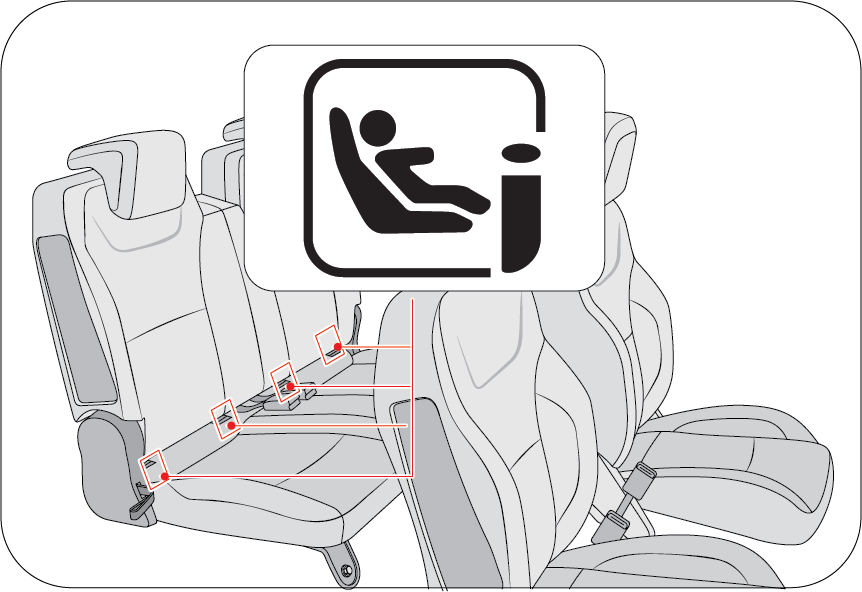 |
| • | The ISOFIX lower latch anchors (rods) are located in rear seats bottom position. Their locations (1) are shown in the illustration. |
| • | Insert the child restraint attachments into the ISOFIX lower latch anchors (rods) until it clicks. |
| • | Do not use the seat belt for installing the ISOFIX child restraint. |
ISOFIX system is a standardized method of fitting child seats that eliminates the need to use the standard adult seat belt
to secure the seat in the vehicle. This enables a much more secure and positive location with the added benefit of easier
and quicker installation.
| • | When using the “ISOFIX” lower latch system (rod), all unused vehicle rear seat belt metal latch plates or tabs must be latched securely in their seat belt buckles and the seat belt webbing must be retracted behind the child restraint to prevent the child from reaching and taking hold of un-retracted seat belts. Unlatched metal latch plates or tabs may allow the child to reach the un-retracted seat belts which may result in strangulation and a serious injury or death to the child in the child restraint. |
| • | Child restraint anchorages are designed to withstand only those loads imposed by correctly-fitted child restraints. Under no circumstances are they to be used for adult seat belts, harnesses or for attaching other items or equipment to the vehicle. |
How to use the Top Tether/Rear Anchor
|
There are two top tether rods/rear anchors on the seat base back side of the rear row front facing seats.
|
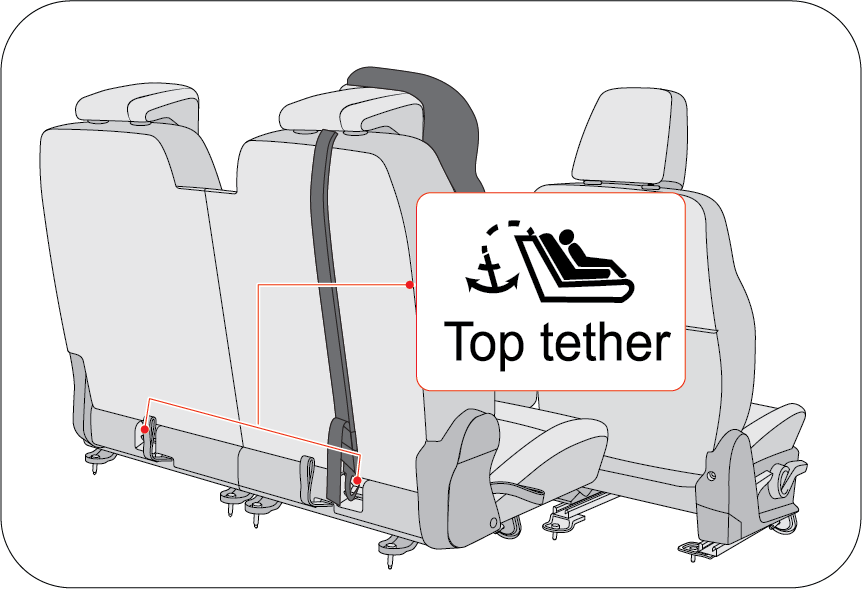 |
| 1. | Remove the headrest from the rear row seat. |
| 2. | Place the child restraint on the rear row seat. |
| 3. | Lift the rear seat bottom flap to access top-tether locations provided on back side of rear seat base. |
| 4. | Connect the tether connector in child restraint to the top tether rod/ rear anchor. Securely tighten the child restraint by adjusting the webbing of the child restraint system (CRS) tether connector. Follow the clear instructions provide in the CRS manual. |
| • | The top-tether/ rear anchor is the supplemental device to secure the child restraint system after engaging it by the ISOFIX rod/lower latches. Therefore, do not secure the child restraint system only with the seat back anchors. The increased load may cause the hooks or anchors to break, causing serious injury or death. |
| • | If a child restraint is not properly secured to the vehicle and a child is not properly restrained in the child restraint, the child could be seriously injured or killed in a collision. Always follow the instructions provided by the manufacturer for installation. |
| • | Make sure the latches of the child restraint system are Firmly latched to the ISOFIX rod/lower latches. In this case, you can hear the “click” sound/ latch indications provided on seat. |
| • | Incorrectly installed child restraint system may cause an unexpected personal injury. |
| • | Child restraint anchorages are designed to withstand only those loads imposed by correctly fitted child restraints. |
| • | The tether strap may not work properly if attached somewhere other than the correct top tether rod/rear anchor provided on seat back. |
| • | Don’t put the top tether strap over the head restraint of rear row seat which is not the correct methods and may cause risk. |
| • | Rock the child restraint to check if it is securely installed. Refer to instructions provided by the manufacturer of the child restraint. |
| • | Do not install the child restraint of such size if it hinders the operations of front seat which may cause problem to front occupants. |
|
Table of Information on ISOFIX Child Restraint Systems Installation Suitability for Various ISOFIX Positions
|
|||
|
|
|
|
|
Table of Vehicle Handbook Information on ISOFIX Child Restraint Systems Installation Suitability for Various ISOFIX Positions
|
Mass group |
Size Class |
Fixture |
Vehicle ISOFIX Seating Positions |
|
|---|---|---|---|---|
|
Front Passenger |
Rear out board |
|||
|
Carrycot (Newborn Baby)
|
F
|
ISO/L1
|
X
|
X
|
|
G
|
ISO/L2
|
X
|
X
|
|
|
Group 0: up to 10 kg (~9 months)
|
E
|
ISO/R1
|
X
|
IL
|
|
Group 0+: up to 13 kg (~0 – 2 years)
|
E
|
ISO/R1
|
X
|
IL
|
|
D
|
ISO/R2
|
X
|
IL
|
|
|
C
|
ISO/R3
|
X
|
IL
|
|
|
Group I 09 to 18 kg (~9 months – 4 years)
|
D
|
ISO/R2
|
X
|
IL
|
|
C
|
ISO/R3
|
X
|
IL
|
|
|
B
|
ISO/F2
|
X
|
IUF/IL
|
|
|
B1
|
ISO/F2X
|
X
|
IUF/IL
|
|
|
A
|
ISO/F3
|
X
|
IUF/IL
|
|
|
Group II (15 to 25 kg)
|
X
|
IL
|
||
|
Group III (22 to 36 kg)
|
X
|
IL
|
||
Key of letters be inserted in the above table.
IUF: Suitable for ISOFIX forward child restraint systems of universal category approved for use in this mass group.
IL: Suitable for particular ISOFIXchild restraint systems (CRS). These CRS may be are those of the ‘specific vehicle’, ‘restricted’
or ‘semi-universal’ categories.
IU: Suitable for using rearward facing child restraint system with ISOFIX & Top-tether (or) ISOFIX Base with Support leg.
X: Seat position not suitable ISOFIX child restraint systems in this mass group and/or this size class.
A - ISO/F3: Full-Height Forward-Facing toddler Child Restraint System (height 720 mm).
B - ISO/F2: Reduced-Height Forward-Facing toddler Child Restraint System (height 650 mm).
B1 - ISO/F2X: Reduced-Height Second Version Back Surface Shape Forward-Facing toddler Child Restraint System (height 650 mm).
C - ISO/R3: Full-Size Rearward-Facing toddler Child Restraint System.
D - ISO/R2: Reduced-Size Rearward-Facing toddler Child Restraint System.
E - ISO/R1: Infant-Size Rearward-Facing Child Restraint System.
F -ISO/L1: Left Lateral Facing position Child Restraint System (carry-cot).
G - ISO/L2: Right Lateral Facing position Child Restraint System (carry-cot).
Use the manufacturer recommended Child Restraint System (CRS) and locations to fit in vehicle. Please read the installation
instructions provided in manual carefully before use.
|
Table of Vehicle Handbook Information on i-Size Child Restraint Systems for Installation in Various seating Positions |
|||
|
Restraint device figure |
Front Passenger (With ON/OFF Switch) |
Rear out board |
|
|
With Passenger Airbag ON |
With Passenger Airbag OFF |
||
|
i-Size Child Restraint System |
X |
X |
i-U |
|
Key of letters be inserted in the above table
i-U: Suitable for i-Size “universal” Child Restraint System forward and rearward facing.
i-UF: Suitable for forward-facing i-Size “universal” Child Restraint System only.
X: Seating position not suitable for i-Size “universal” Child Restraint systems. |
|||
|
Recommended Child Seat to Use in Vehicle: Mahindra & Mahindra recommends Britax Romer DUALFIX / PRO M i-Size child seats for up to 18 Kg children. These seats are
available at Authorized Mahindra Service Center.
|
|||||
|
Mass Group
|
CRS Manufacturer
|
Model
|
Type
|
Installation in Vehicle
|
Attachment Method
|
|
Group 0: up to 10 kg (0 to 9 months)
|
Britax Römer
|
DUALFIX / PRO M
|
i-Size
|
Rearward facing
|
ISOFIX base frame with support leg
|
|
Group 0+: up to 13 kg (0 to 2 years)
|
Britax Römer
|
DUALFIX / PRO M
|
i-Size
|
Rearward facing
|
ISOFIX base frame with support leg
|
|
Group I: 9 to 18 kg (9 months to 4 years)
|
Britax Römer
|
DUALFIX / PRO M
|
i-Size
|
Rearward facing
|
ISOFIX base frame with support leg
|
4.8 Warning for Child Restraint
| • | Use only the approved Child Restraint System (CRS) for better safety of your child. |
| • | Mahindra is not responsible for the personal injury and property damage due to the defect of child restraint system. |
| • | Use the proper type of child restraint system suitable for the weight and size for your baby. |
| • | Use the child restraint system at recommended seating location only and follow the instructions. |
| • | Child restraint has 5 categories based on the weight as below:
|
| • | Group 0 & 0+ : Rear-facing child restraint fitted on the rear seat (use of ISOFIX with Base & Support Leg is recommended). |
| • | Group I: Forward-facing child restraint fitted on the rear seat (use of ISOFIX & Top Tether is recommended). |
| • | Group II & III: Booster seat fitted on the rear seat with seat belt fastened. Always follow the installation procedure and use instructions provided by the manufacturer of the booster seat. |
4.9 Cautions for ISOFIX Seat Usage
| • | The anchor provided on rear seat base back is the supplemental device to secure the child restraint system after engaging it by the lower latches. Therefore, do not secure the child restraint system only with the seat back anchors. The increased load may cause the hooks or anchors to break, causing serious injury or death. |
| • | If a child restraint is not properly secured to the vehicle and a child is not properly restrained in the child restraint, the child could be seriously injured or killed in a collision. Always follow the instructions provided by the manufacturer for installation. |
| • | Make sure the latches of the child restraint system are latched to the lower latches. In this case, you can hear the “click” sound and color indications. |
| • | The child restraint seat strap may not work properly if attached somewhere other than the correct seat back anchor provided on the rear seat base back side behind the seat carpet. Follow the instructions provided on the seat back for the details of anchor location. |
| • | Make sure that the child restraint system is firmly secured by rocking it in different directions. |
| • | Incorrectly installed child restraint system may cause an unexpected personal injury. |
4.10 Supplemental Restraint System (SRS)
This vehicle is equipped with airbags, seat belt pretensioners and airbag ECU. The airbags are Supplemental Restraint System
(SRS) and are designed to provide further protection to the vehicle occupants in addition to the primary protection provided
by the seat belts and seat belt pretensioners.
The primary components of the system are the sensors which measure the crash severity. In the event of a significant frontal
impact, the SRS airbags inflate to work in conjunction with the seat belts and help reduce injuries mainly to the driver's
and front passenger's head/chest.
Seat belts are the primary restraint system in the vehicle. An airbag provides supplemental protection in addition to the
seat belts.
All occupants, including the driver, should always wear their seat belts to minimise the risk of severe injury in the event
of a crash.
Airbags are more effective in reducing injuries when the seat belts are worn.
4.10.1 Airbags
Your vehicle has the following airbags:
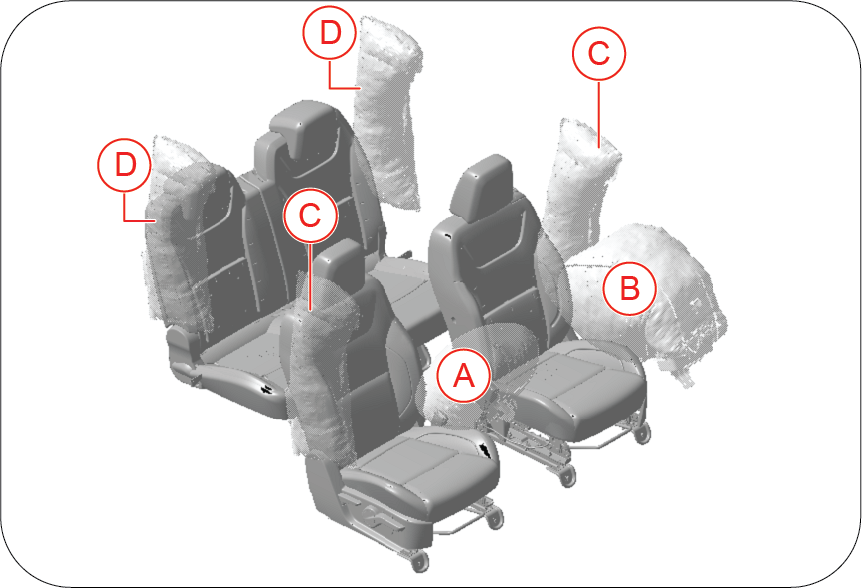 |
A: Driver Airbag
B: Passenger’s Airbag
C: Front Seats Side Airbag
D: Rear Seats Side Airbag
|
4.10.2 Driver and Front Passenger Airbag
Your vehicle is equipped with a Supplemental Restraint System (Airbag) and lap/shoulder belts at both the driver and front
passenger seating positions. The indications of the system's presence are the letters “AIRBAG” embossed on the airbag pad
cover in the steering wheel and the passenger's side front panel pad above the glove box.
The SRS is designed to deploy the front airbag only when an impact is sufficiently severe and when the impact angle is less
than ± 30° from the forward longitudinal axis of the vehicle.
Driver’s Airbag: A frontal airbag for the driver in Steering wheel hub.
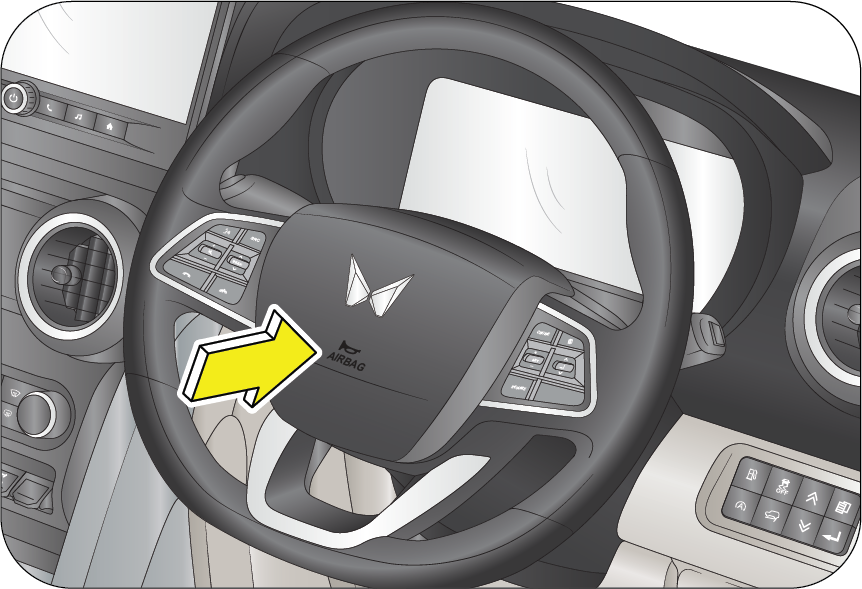 |
 |
Passenger’s Airbag: A frontal airbag for the front passenger in the passenger side instrument panel.
 |
 |
Front airbag are not intended to deploy in side-impact, rear impact or rollover crashes. In addition, front airbag will not
deploy in frontal crashes which are below the prescribed deployment threshold where risk of serious injuries is low.
Do not place any objects over the airbag or between the airbag and yourself.
An airbag is not designed to deploy in every type of crash. Depending on the type of accident or impact, the front airbags
independently deploy thereby protecting the occupants. It is not necessary that ALL the airbags deploy during an accident.
To minimise the risk of severe injury in the event of a crash, every passenger must always wear their seat belt (see the chapter
on Seat Belts in this manual). The airbags inflate very quickly with great force. Do not position any part of your body too
close to airbag, you or especially children could be seriously injured/killed by a deploying airbag.
4.10.3 Side Impact Airbag (Front/Rear)
|
Front Seats Side Impact Airbag
|
Rear Seats Side Impact Airbag
|
 |
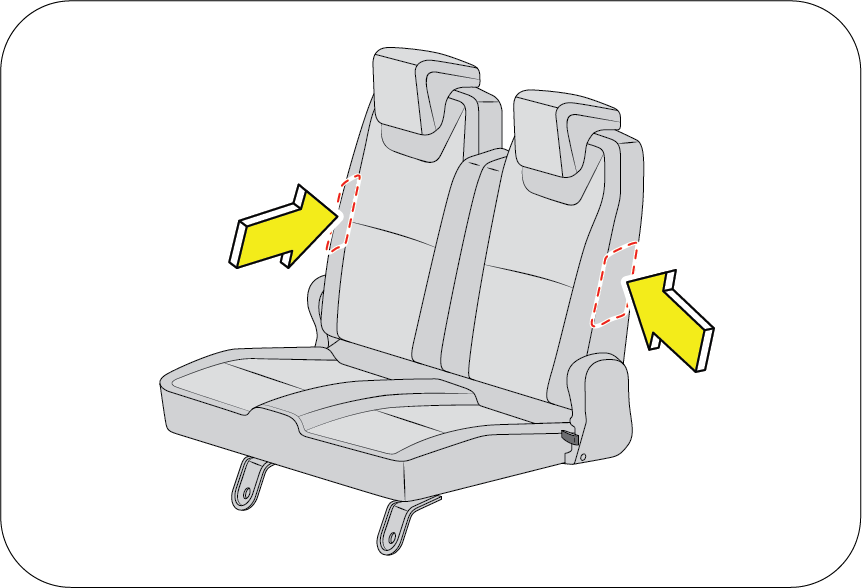 |
Your vehicle is equipped with side impact airbag in both the front seat and rear seat. Side airbag are available in 1st and
2nd row so in side impact or collisions it provides the additional protection for driver, passenger and 2nd row outboard passengers
The side impact airbags are designed to deploy only during certain side-impact collisions, depending on the crash severity,
angle, speed and point of impact. To minimise the risk of severe injury in the event of a crash, every passenger must always
wear their seat belt (see the chapter on Seat Belts in this manual). The airbags inflate very quickly with great force. Do
not position any part of your body too close to airbag, you or especially children could be seriously injured/killed by a
deploying airbag.
| • | The side impact airbag is supplementary to the seat belt systems and is not a substitute for them. Therefore, your seat belts must be worn at all times while the vehicle is in motion. The airbags deploy only in certain side impact conditions severe enough to cause significant injury to the vehicle occupants. |
| • | For best protection from the side impact airbag system and to avoid being injured by the deploying side impact airbag, all seat occupants should sit in an upright position with the seat belt properly fastened. The driver’s hands should be placed on the steering wheel at the 9:00 and 3:00 positions. The passengers arms and hands should be placed on their laps. |
| • | Do not use any accessory seat covers. Use of seat covers could reduce or prevent the effectiveness of the system. |
| • | Do not install any accessories on the side or near the side impact airbag. |
| • | Do not place any objects over the airbag or between the air bag and yourself. |
| • | Do not place any objects (an umbrella, bag, etc.) between the door and the seat. Such objects may become dangerous projectiles and cause injury if the supplementary side impact airbag inflates. |
Do not cover the front seats with anything. It hinders the air bag inflation.
An airbag is not designed to deploy in every type of crash. Depending on the type of accident or impact, the front airbags
independently deploy thereby protecting the occupants. It is not necessary that ALL the airbags deploy during an accident.
4.10.4 Passenger Air Bag ON/OFF Instruction
The passenger airbag activation/deactivation option is available in instrument cluster menu. Select Passenger Airbag Activation/Deactivation
option in SETTINGS menu to activate/deactivate (not inflatable) of front passenger airbag as per below steps as per reference
images.
1. Navigate to Setting menu using MENU button.
|
|
|
|
2. Press OK to enter setting. Press UP/DOWN to navigate to Passenger Air bag option.
|
3. Press OK to select following screen will appear.
|
|
|
|
|
4. Use Up/Down buttons to navigate to the option. Press OK to select Pop-up will appear to confirm selection.
|
5. Press OK to select a option. Confirm your selection by selecting OK or Cancel.
|
If your select Airbag ON/OFF the following indicator will appear.
Passenger Airbag OFF Indicator

This Warning indicator glows on center fascia switch on IP when turning the passenger airbag ON/OFF switch to “OFF” position
to disable the passenger airbag.
Passenger Airbag ON Indicator

This Warning indicator symbol glows on center fascia switch on IP when selecting the passenger airbag “ON” option to enable
the passenger airbag.
4.10.5 Airbag System Malfunction Lamp

Airbags do not require any regular maintenance of service. The airbag system malfunction lamp illuminates 6 seconds including
precheck when the ignition is ON, and it turns OFF.
This lamp monitors airbag sensor assembly, airbag sensors, indicator lamp, seat belt pre-tensioner assemblies, inflators,
interconnecting wiring and power sources.
If either of the following conditions occur, there is a malfunction of the airbags or seat belt pre-tensioner. Immediately,
contact your Authorized Mahindra Service Center.
| • | The lamp does not glow when the ignition is switched ON or glows beyond 6 seconds. after switching the ignition ON. |
| • | The lamp comes ON at any other time, even briefly. |
| • | The lamp comes ON intermittently. |
Never make any modifications to your vehicle which could affect the performance of your airbag system. In particular, changes
to the vehicle frame, bumpers, bull bar, front fenders, ride height, suspension, seat belts, interior trim, seats or steering
wheel (especially covers, pads or other trim), could prevent proper deployment of the airbag. If you need to make any modifications
to accommodate any disability you may have, please contact your Authorized Mahindra Service Center.
Never try to open or strike the airbag cover. If the airbag cover is cracked or damaged in any way, the airbag may not function
as intended. Take the vehicle to an Authorized Mahindra Service Center.
Even if the airbags do not deploy during an accident, take your vehicle to an Authorized Mahindra Service Center for a thorough
inspection of the airbag and seat belt systems, no matter how minor the accident. The airbag system could have been damaged,
and may not work as intended in the future, resulting in serious injury.
4.10.6 Airbag Inflation/Deployment
The airbag sensors constantly monitor the forward deceleration of the vehicle. If an impact results in a forward deceleration
beyond the designed threshold level, the system triggers the airbag inflators. This initiates a chemical reaction which quickly
fills the airbags with non-toxic gas.
Upon deployment, tear seams moulded directly into the pad covers separate under pressure from the expansion of the airbags.
Further, opening of the covers allows full inflation of the airbags. A fully inflated airbag, in combination with a properly
worn seat belt, slows the driver's or the passenger's forward motion, reducing the risk of head and chest injury.
After complete inflation, the airbag immediately starts deflating, enabling the driver to maintain forward visibility and
the ability to manoeuvre or operate other controls.
Deployment of the airbags happen in a fraction of a second, producing a loud noise releasing a ‘white smoke’ and residue along
with a non-toxic gas. This does not indicate a fire. This smoke may remain inside the vehicle for some time, and may cause
some minor irritation to the eyes, skin or breathing. Be sure to wash off any residue with soap and water as soon as possible
to prevent any potential skin irritation. If you can safely exit the vehicle, you should do so immediately.
Airbag deployment may cause windshield to break.
| • | Do not modify, remove, strike or open the seat belt pre-tensioner assemblies, airbag sensor or surrounding area or wiring. Failure to follow these instructions may prevent them from activating correctly, cause sudden operation of the system or disable the system, which could result in serious injury. |
| • | Parts of the airbag module (steering wheel hub, airbag cover and inflator) may be hot for several minutes after deployment. The airbags inflate only once. |
| • | Do not cover the steering wheel, instrument panel with any object (e.g. dash panel covers) which may prevent the airbags from inflating properly. |
| • | The airbags inflate with considerable force. While the system is designed to reduce serious injuries, primarily to the head and chest, it may also cause other, less severe injuries to the face, chest, arms and hands. These are usually in the nature of minor burns or abrasions and swelling, but the force of a deploying airbag can also cause more serious injuries, especially if an occupant's hands, arms, chest or head is in close proximity to the airbag module at the time of deployment. Sit straight and well back into the seat. Move your seat as far back as practical to allow room for airbag inflation, while still allowing you to properly operate/drive the vehicle. |
 |
The front passenger should never sit on the edge of the seat, stand near the glove compartment, rest feet or other parts of
the body on the dashboard when the vehicle is moving.
|
The driver or front passenger who is too close to the steering wheel or dashboard can be seriously injured during airbag deployment.
| • | The driver must sit as far back as possible from the steering wheel while still maintaining control of the vehicle. |
| • | The front passenger must sit as far back as possible from the dashboard. |
| • | Sitting improperly or out of position can cause occupants to be shifted too close to a deploying airbag, strike the interior structure or be thrown from the vehicle resulting in serious injury. |
 |
 |
| • | Always sit upright with the seat back in an upright position, on the seat cushion centre with your seat belt on, legs comfortably extended and your feet on the floor. |
| • | All vehicle occupants must be properly restrained using the seat belts. |
| • | All infants and children must be placed in the rear seat of the vehicle in a child restraint seat and be properly restrained by seat belts. |
| • | Front airbags can injure occupants improperly positioned in the front seats. |
| • | Even with airbags, improperly belted and un-belted occupants can be severely injured when the airbag inflates. Always follow the precautions about seat belts, airbags and occupant safety contained in this manual. |
| • | Do not place items under the front seats. Placing items under the front seats could interfere with the operation of the supplemental restraint system sensing components and wiring harnesses. |
4.10.7 Child Restraint and Airbag
 |
 |
Do not use a rearward facing child restraint on a seat protected by an airbag in front of it.
In addition, do not place front-facing child restraints in the front passenger’s seat either. If the front passenger airbag
inflates, it could cause serious or fatal injuries to the child.
|
This is indicated also on stickers that are located at the following position.
| • | On the front passenger’s sun visor. |
Extreme Hazard! Do not use a rear-facing child restraint on a seat protected by an airbag in front of it!
Never put a child restraint in the front passenger’s seat. If the front passenger airbag inflates, it can cause serious or
fatal injuries.
Never hold an infant or child on your lap. The infant or child could be seriously injured in the event of a crash. All infants
and children should be properly restrained in appropriate child safety seats or seat belts in the rear seat.
Instal the child restraint system on the rear outboard seats, and securely lock the child restraint system in position with
the help of ISOFIX.
Always Buckle Children (ABC) in the back seat. It is the safest place for children of any age to ride.
4.10.8 Airbag Deployment
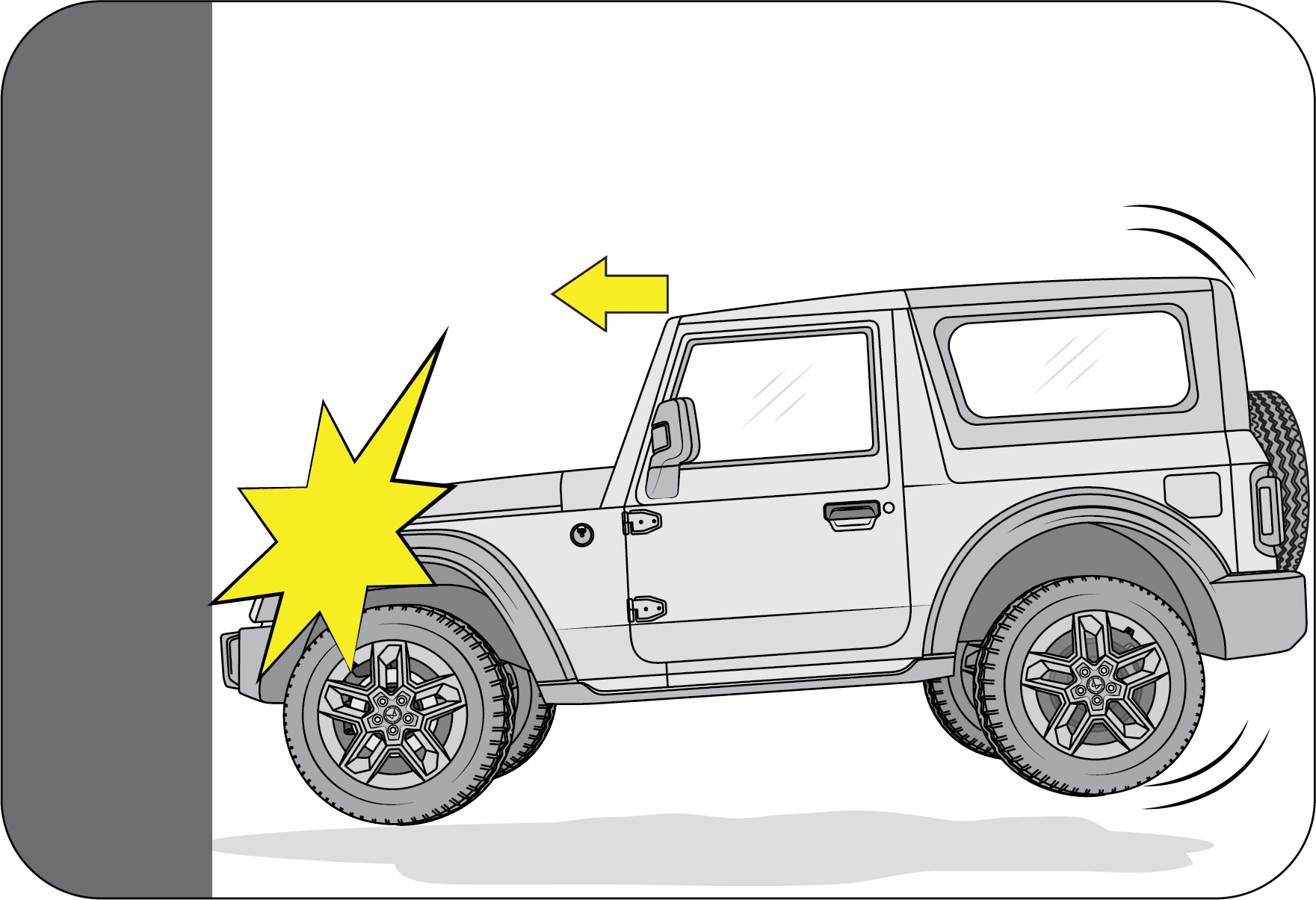 |
The images shown in this section are for illustrative purpose only. They may not look like your model/variant or vehicle.
Front Airbag: Front airbag are designed to inflate in a frontal collision depending on the intensity, speed or angles of impact of the
front collision.
|
4.10.9 Airbag Non-deployment
Impacts below a pre-determined threshold level may not cause the airbag to deploy in the following cases:
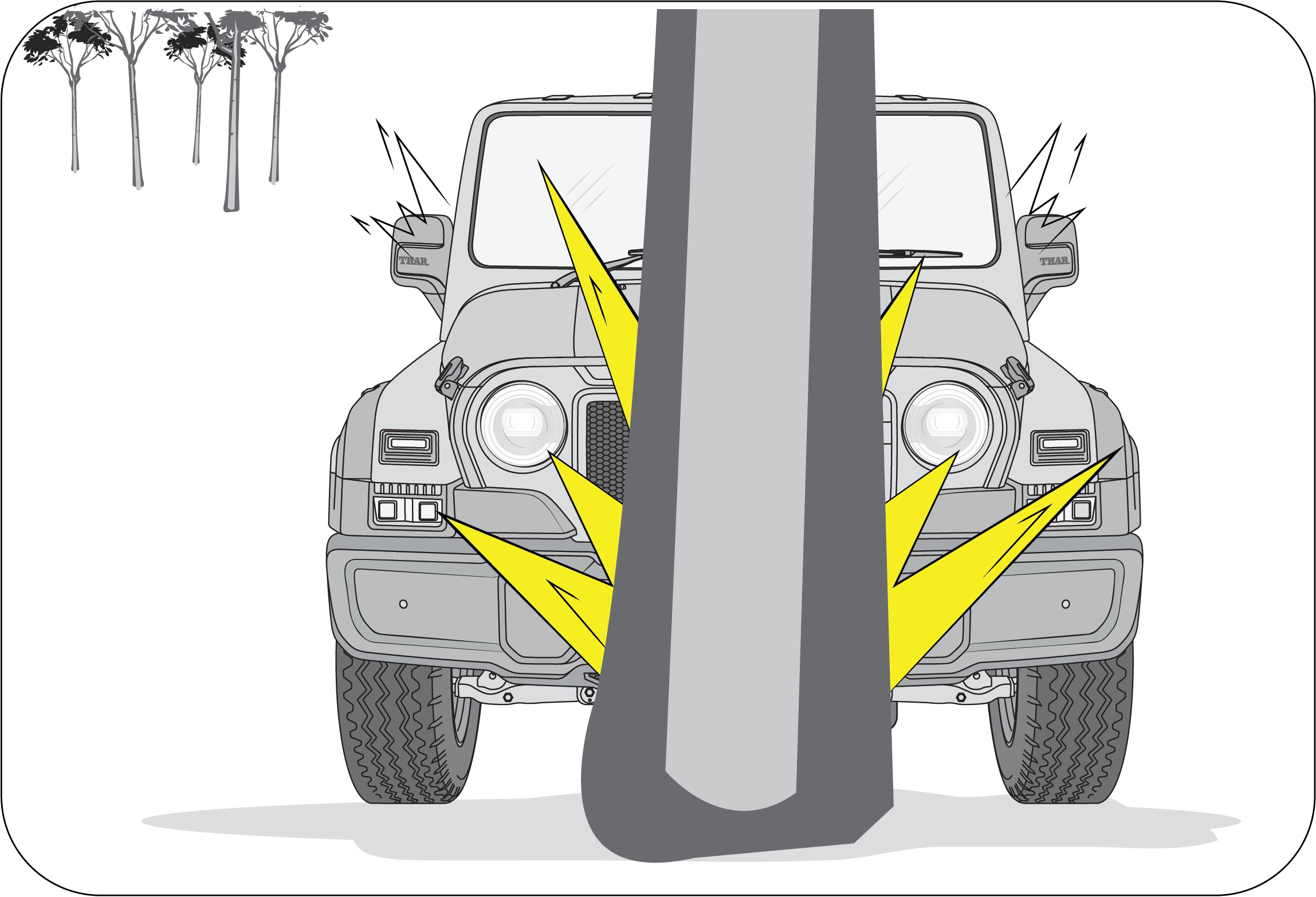 |
Collision with Utility Poles or Trees
Airbags may not inflate if the vehicle collides with objects such as utility poles or trees, where the point of impact is
concentrated to one area and the full force of the impact is not delivered to the sensors.
|
In case of less severe frontal accidents, seat belts alone are effective to reduce the severity of injury to occupants, seat
belt pretensioners may trigger to further reduce the severity of injury in such accidents and airbags are may not intended
to deploy.
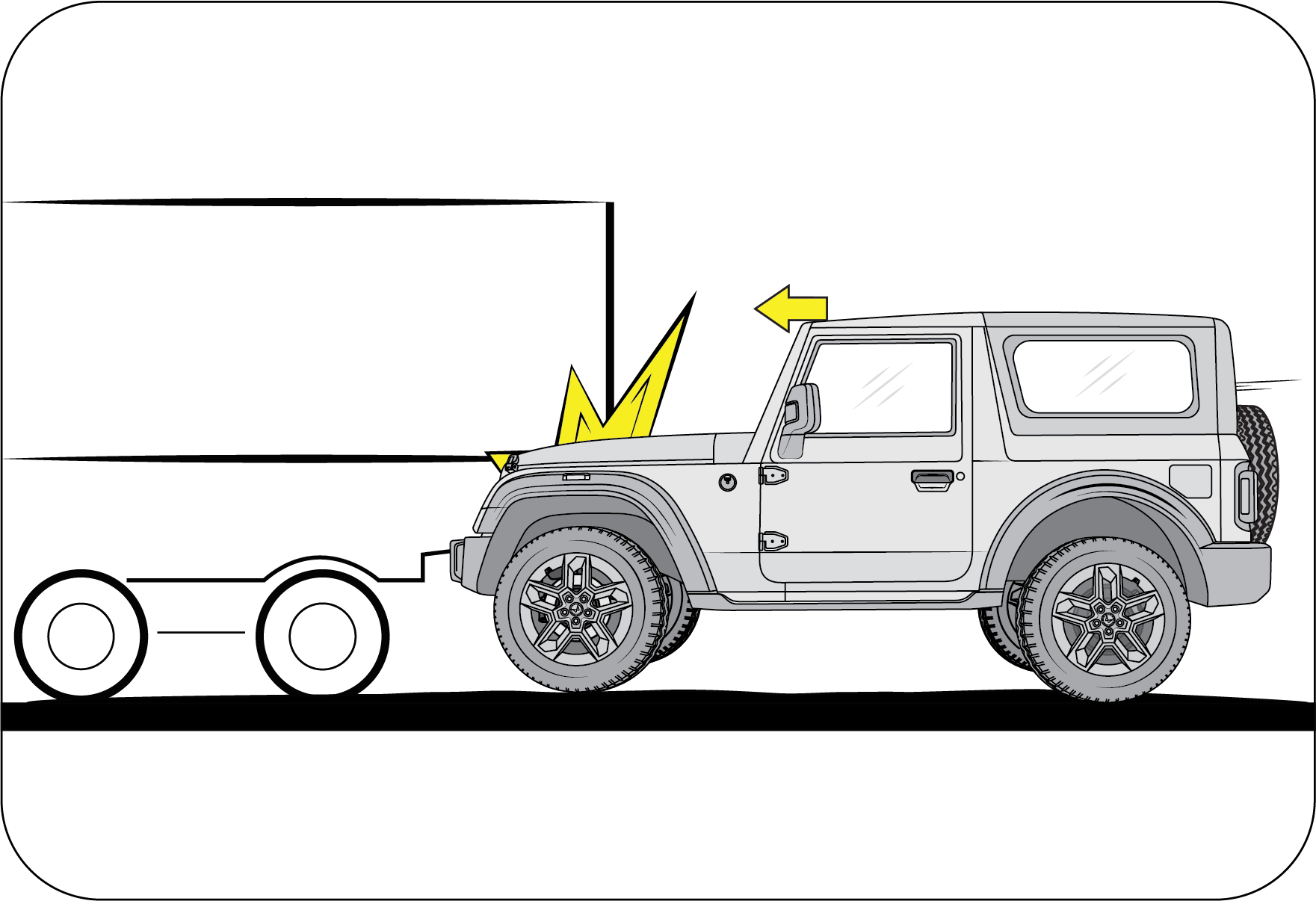 |
Under-ride Situations
Running under a truck may not provide the decelerations necessary for airbag deployment. Airbags will not inflate in this
“under-ride” situation where deceleration forces that are detected by sensors are significantly low.
|
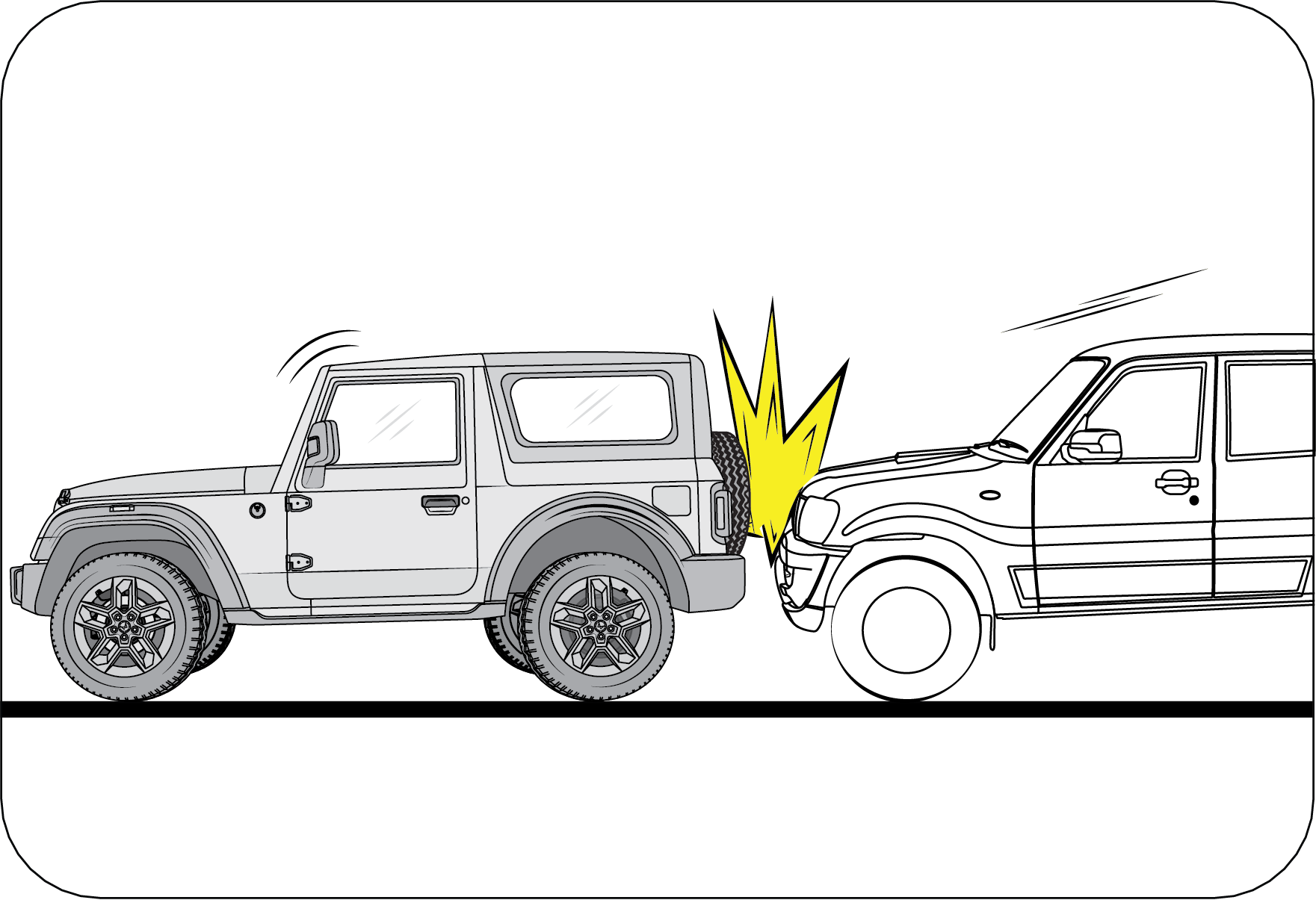 |
Rear-end Collisions
Frontal airbags are not designed to inflate in rear collisions, where occupants are moved backward away from the airbags by
the force of the impact. In this case, inflated airbags would not be able to provide any additional benefit.
|
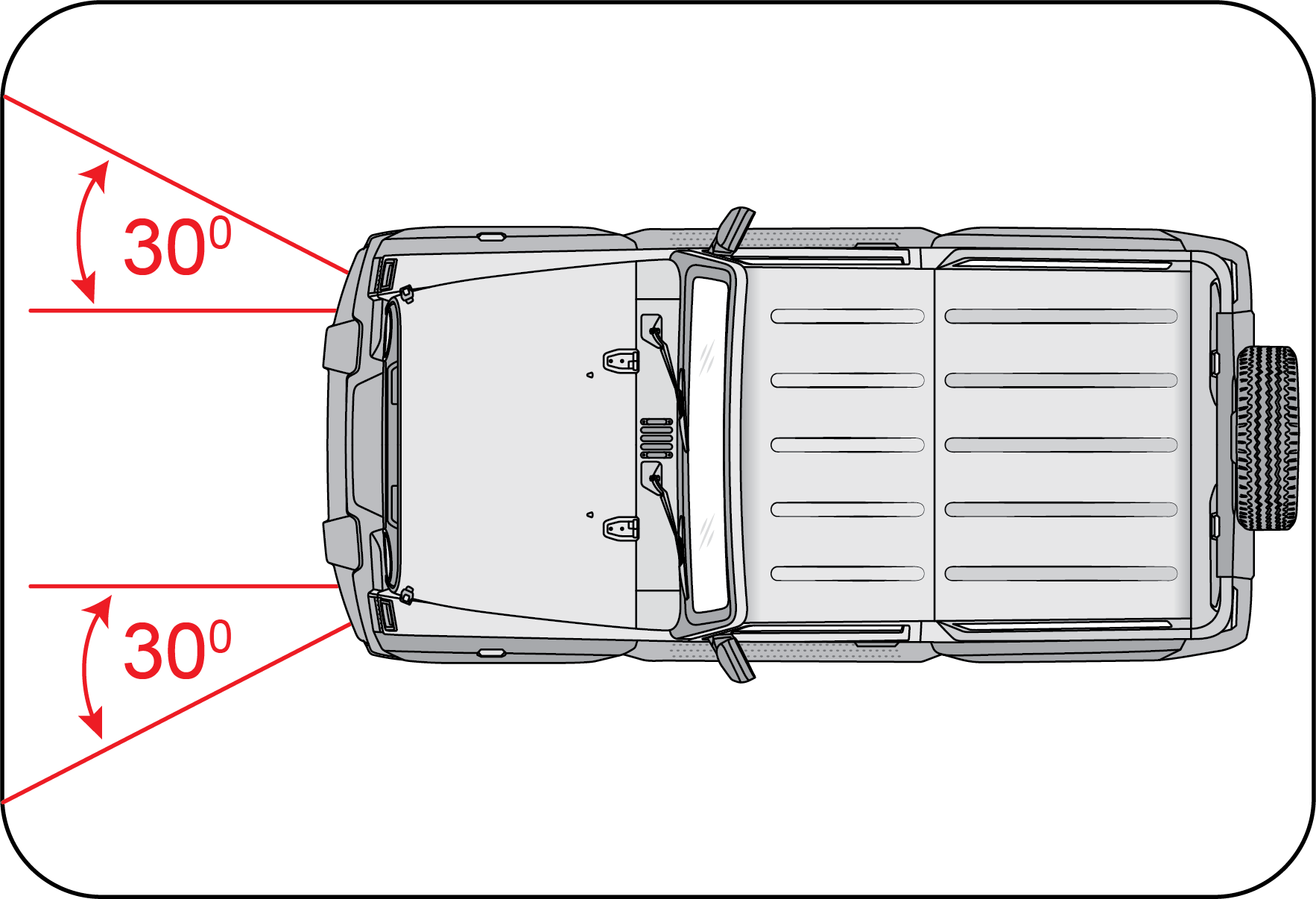 |
Frontal Impact
Frontal impact beyond 30º range from head-on to the vehicle.
|
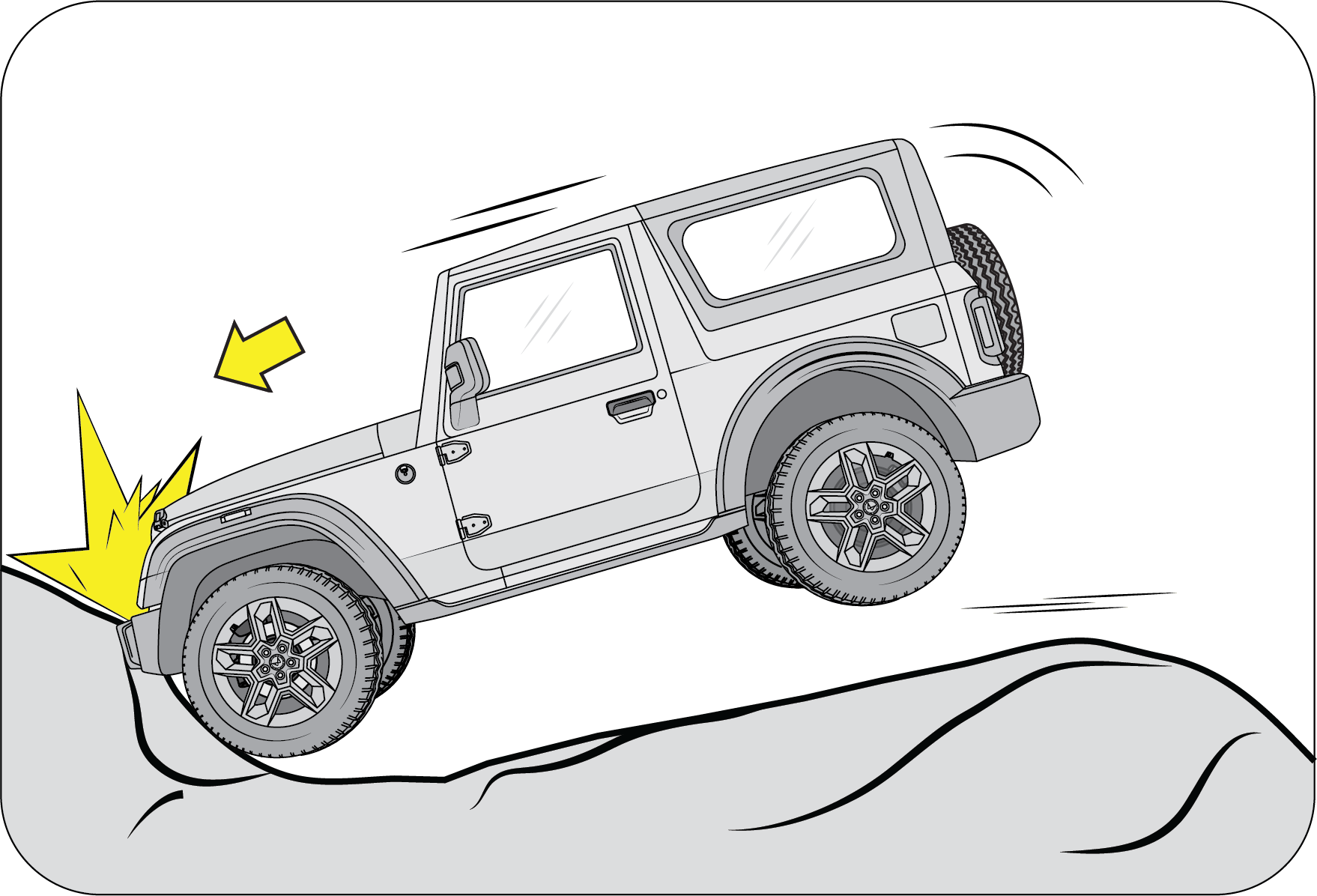 |
Potholes or Stepped Surfaces
Driving into a big pothole, stepped surface or hitting the far side of a hole/incline will not inflate the airbag.
|
Other collision scenarios where airbags may not deploy:
Impact with Animal (Cow, Horse, Deer, etc.)
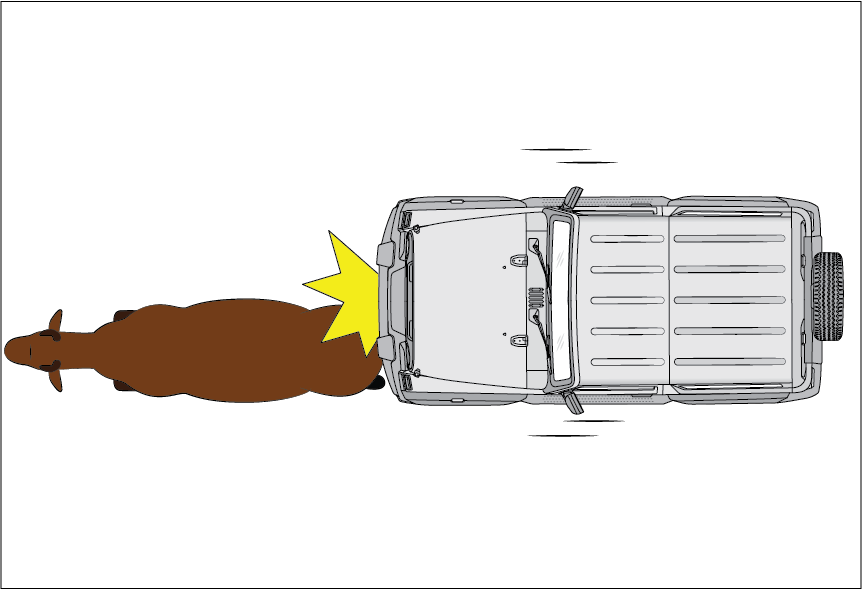 |
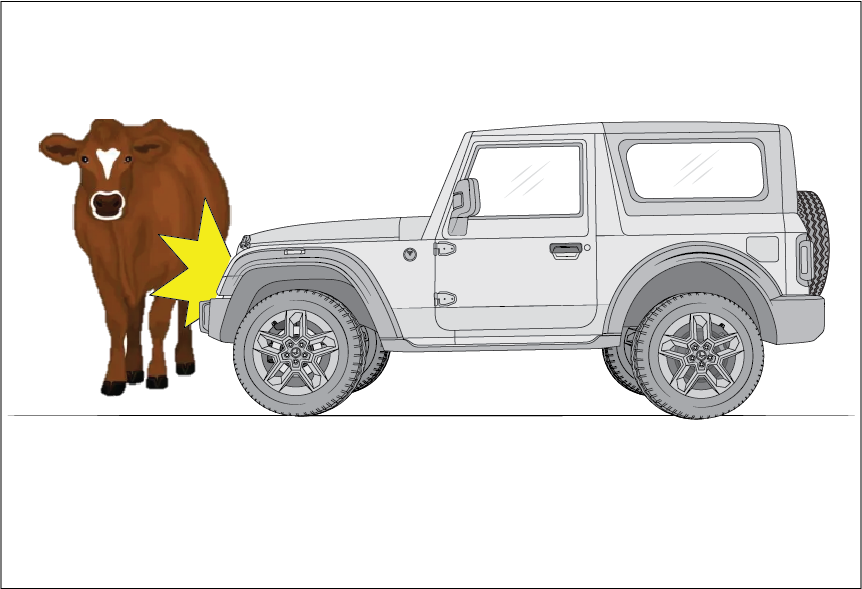 |
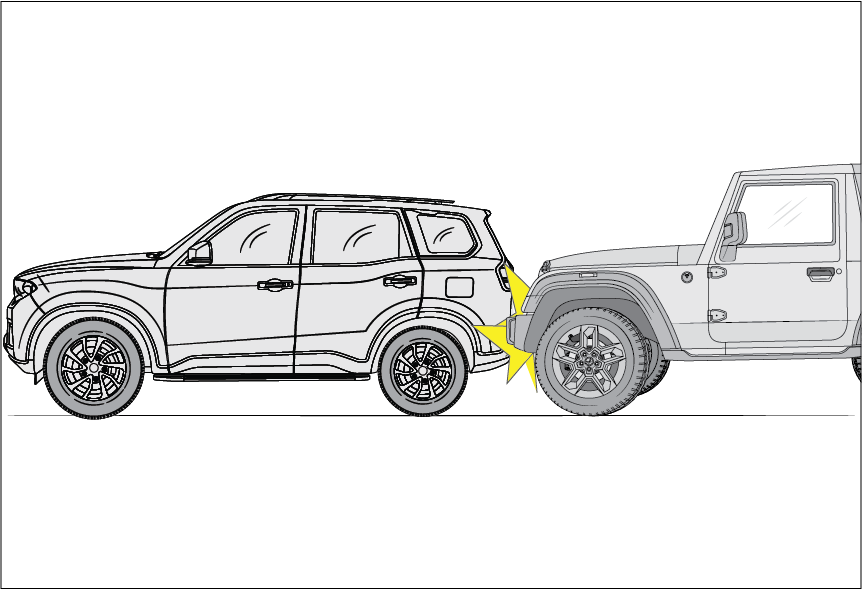 |
Vehicle impacting rear of another car.
|
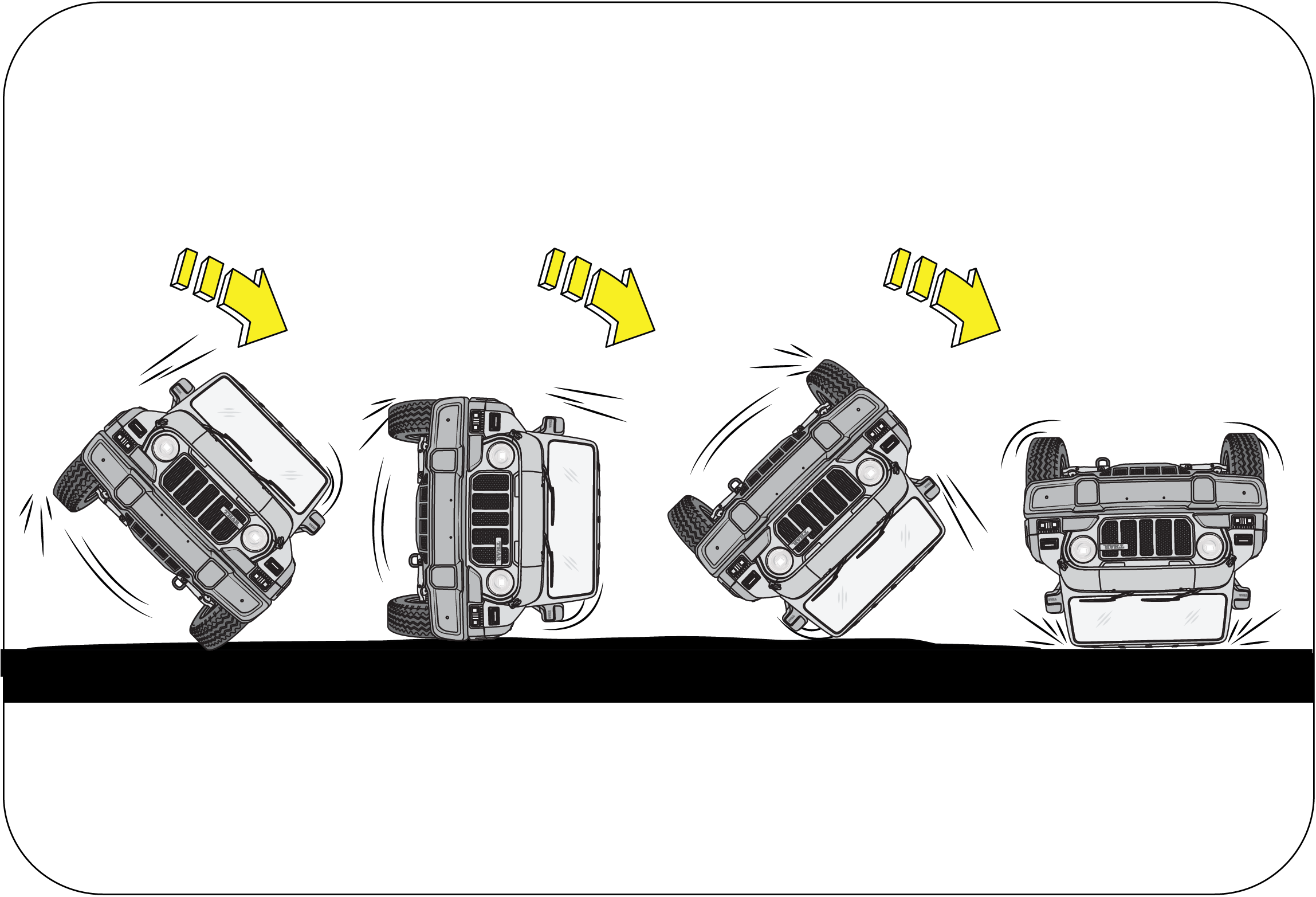 |
Rollover
Airbags will not inflate in rollover accidents where airbag deployment would not provide protection to the occupants.
|
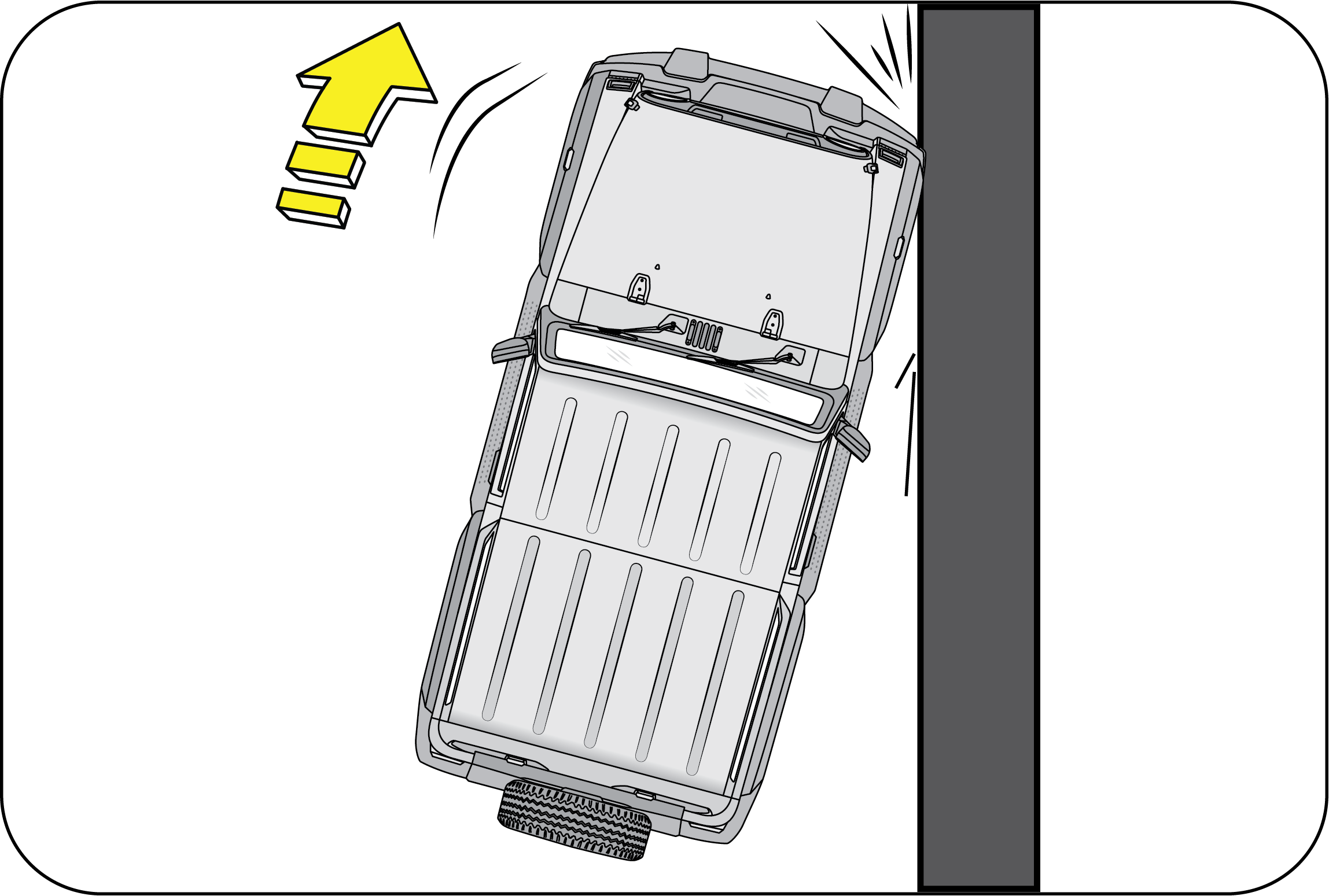 |
Frontal Side Swipe Impact
Frontal offset impact to the vehicle may not provide the deceleration force necessary for airbag deployment. In an angled
collision, the force of impact may direct the occupants in a direction where the airbags would not be able to provide any
additional benefit, and thus the sensors may not deploy any airbags.
|
Side airbags may inflate in a strong impact
Side airbags may inflate even in a frontal collision, if there is a strong impact to the lateral direction.
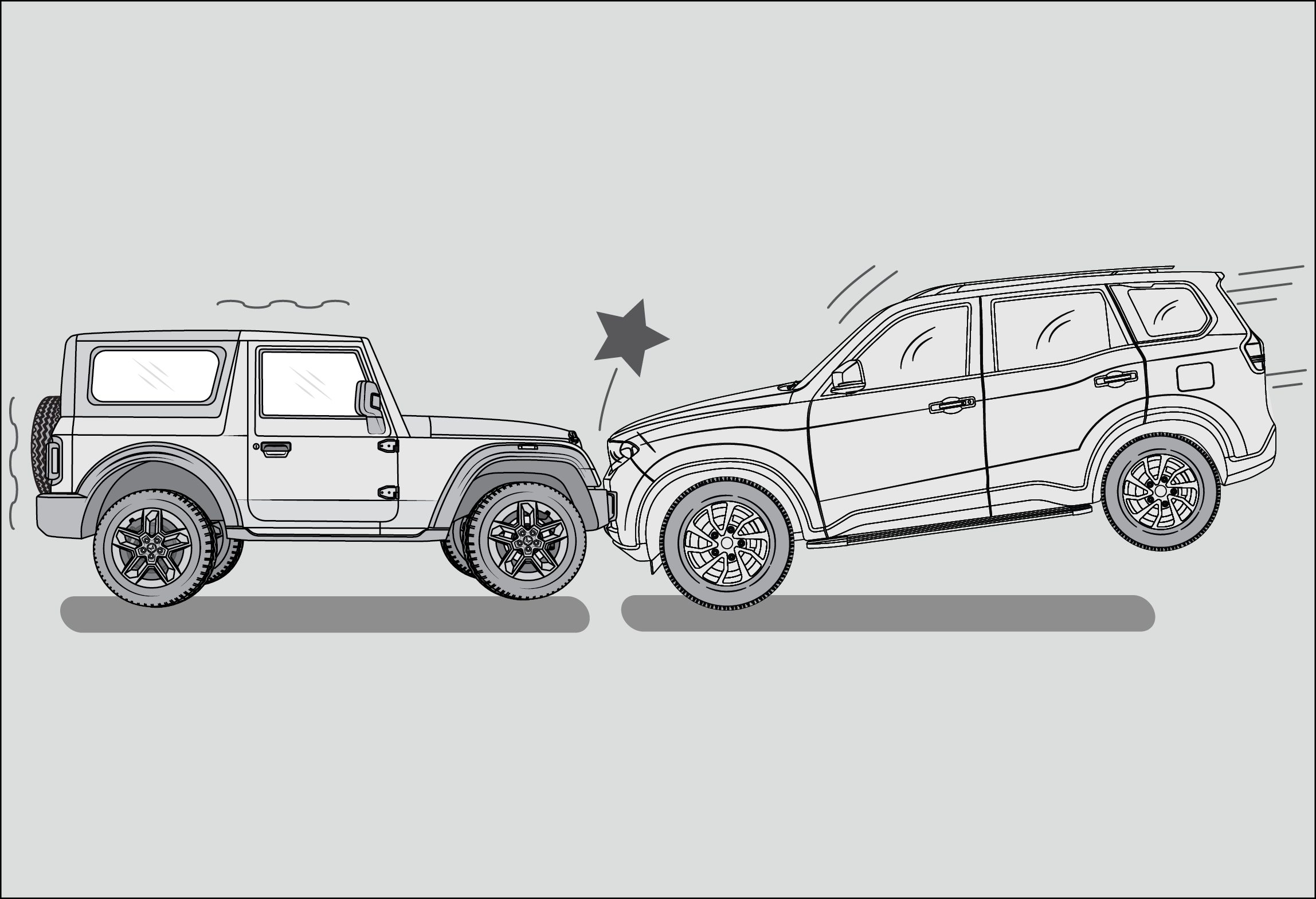 |
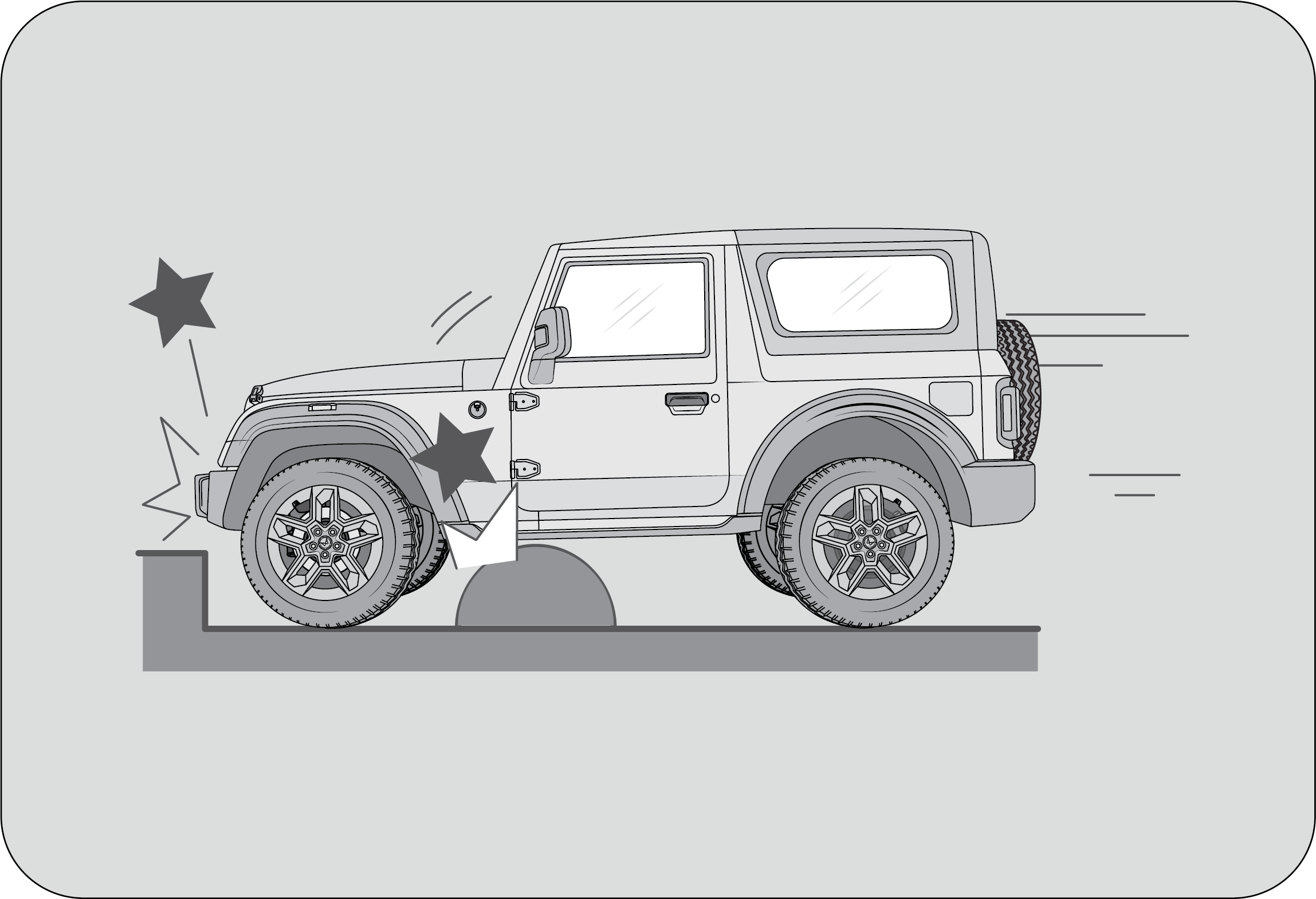 |
|
A frontal collision occurs when the front ends of two vehicles collide.
|
When a vehicle hits a curb or bump.
|
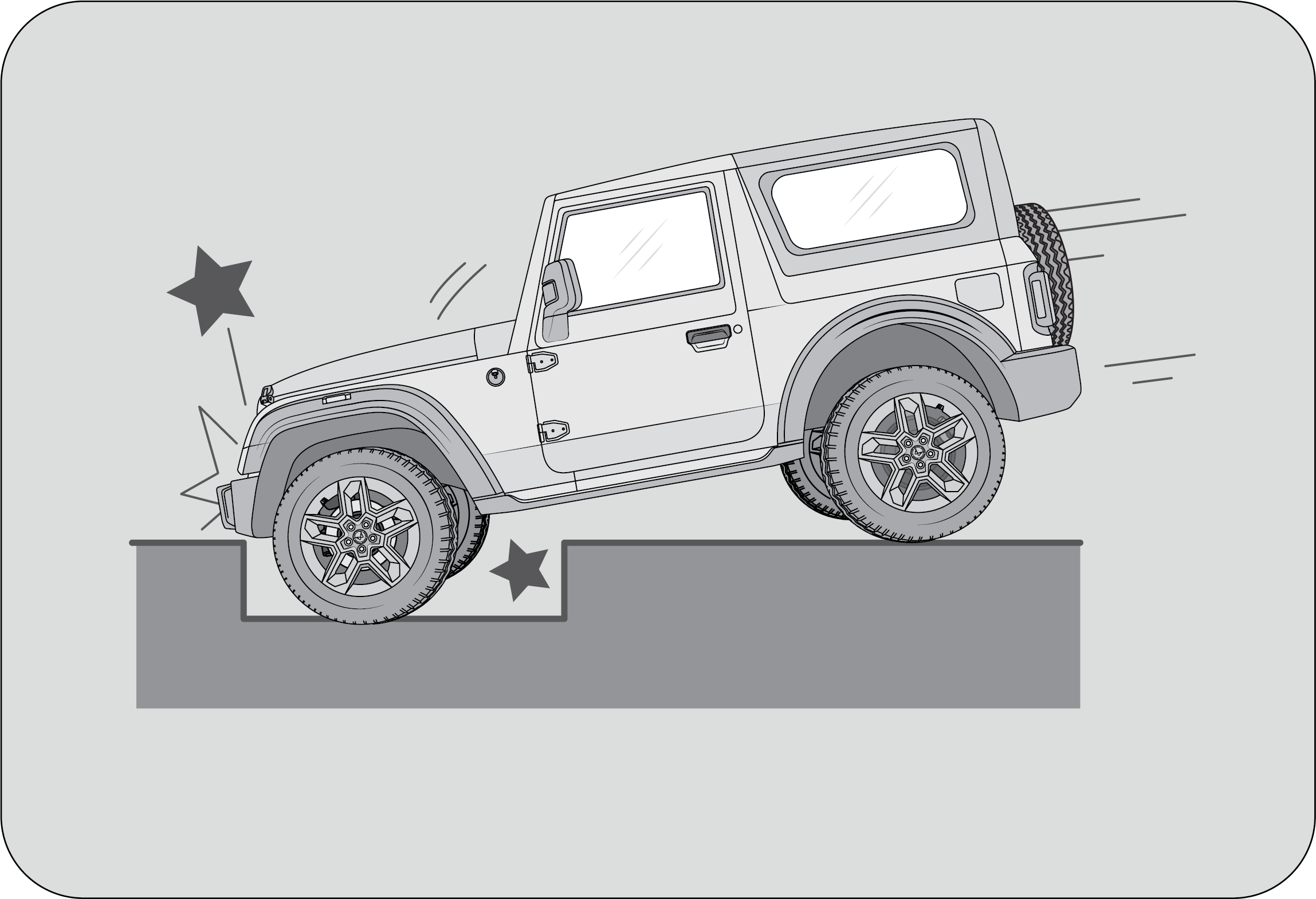 |
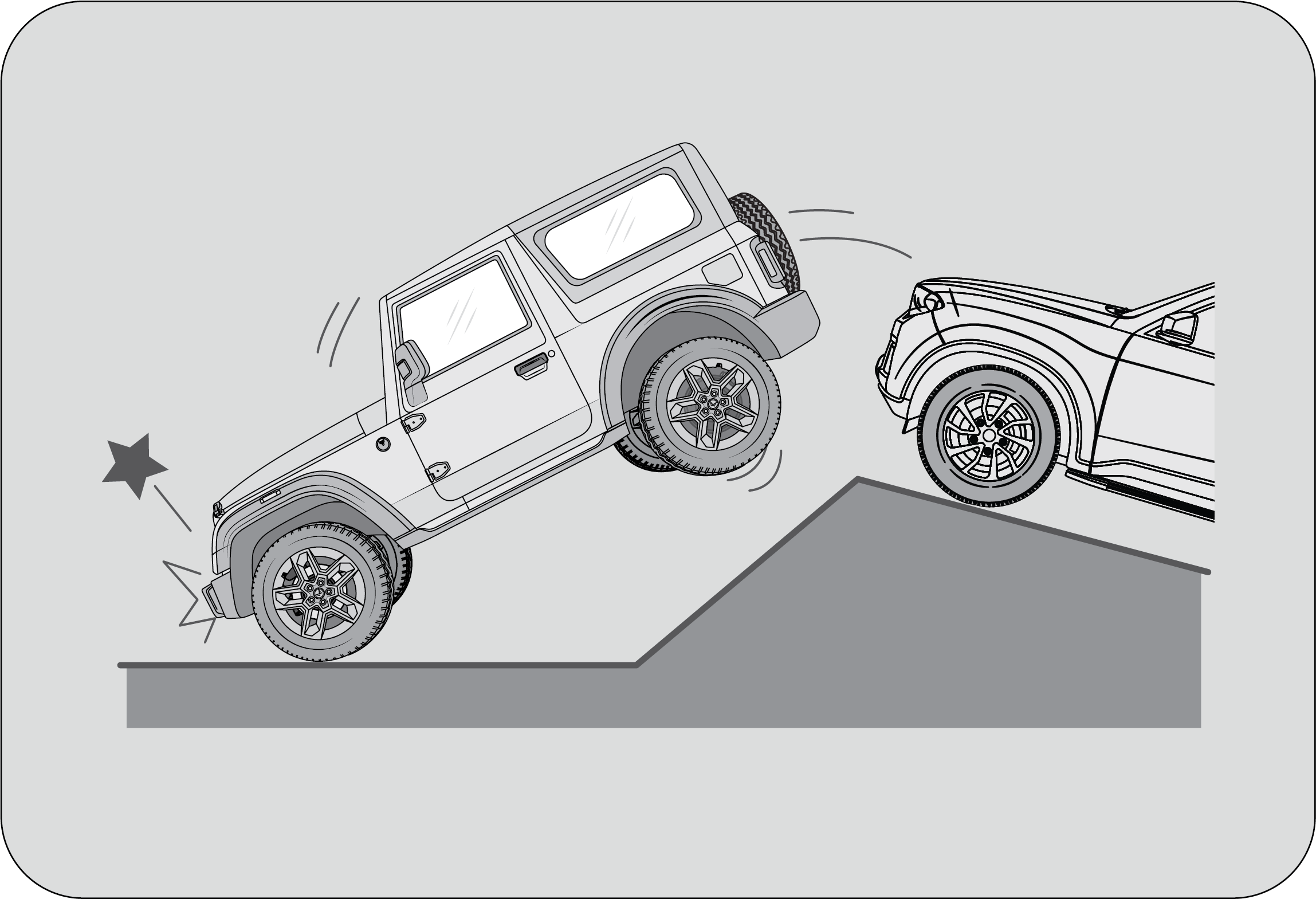 |
|
When a vehicle falls into a deep hole or ditch.
|
When a vehicle experiences a hard landing or fall.
|
Side airbags may not inflate
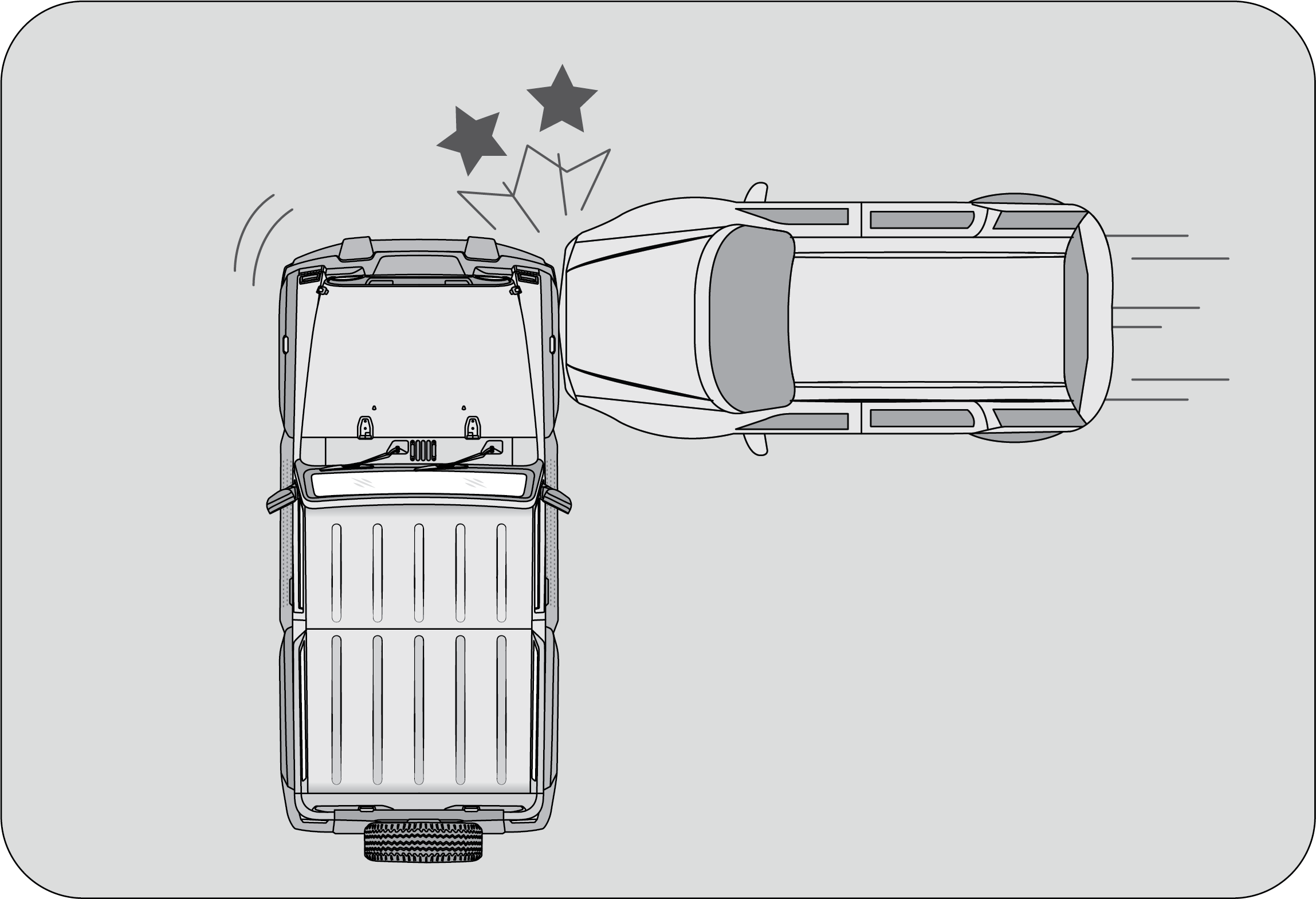 |
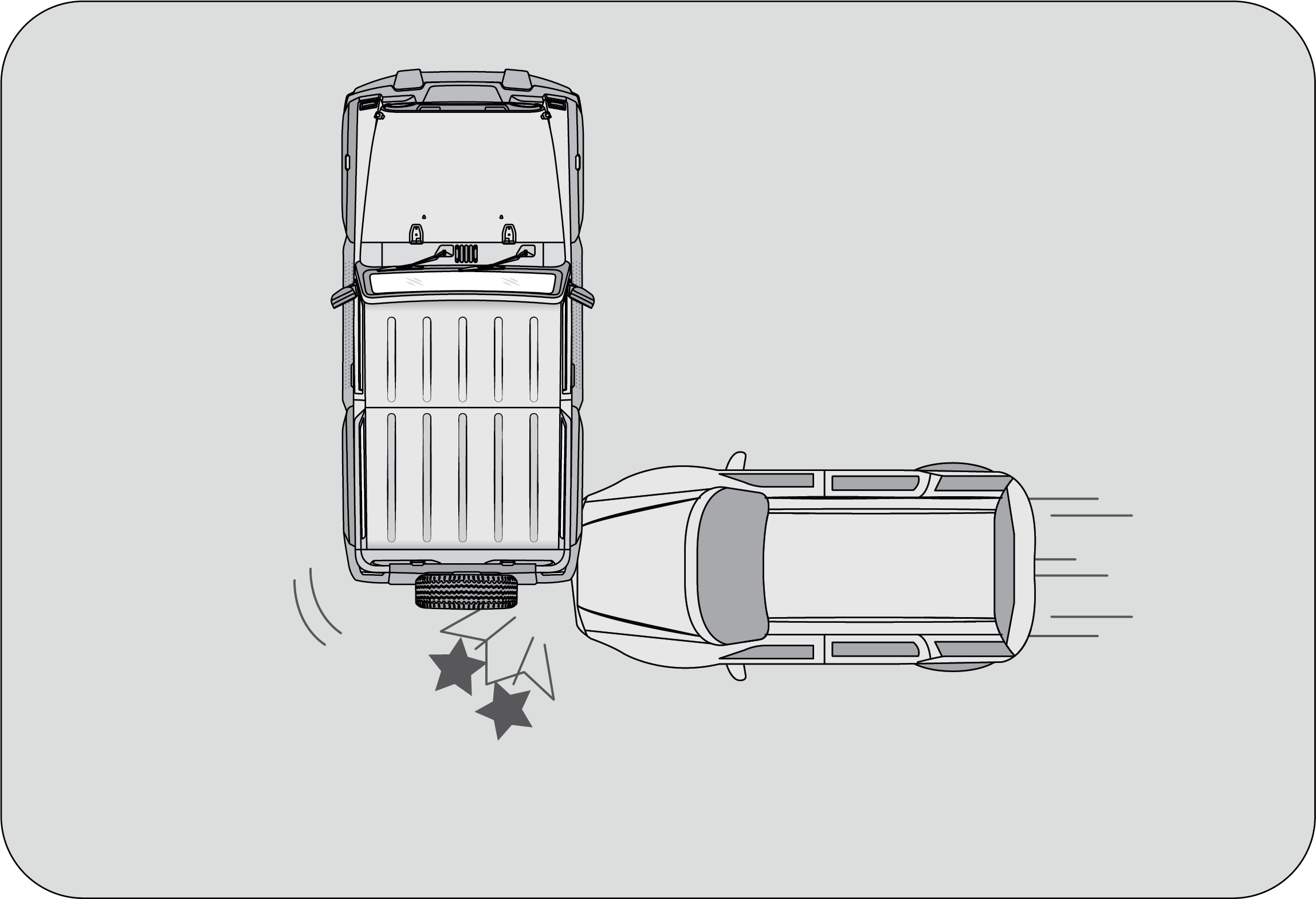 |
|
In the event of a side impact to the vehicle body, excluding the passenger compartment, several areas of the vehicle are typically
affected.
|
|
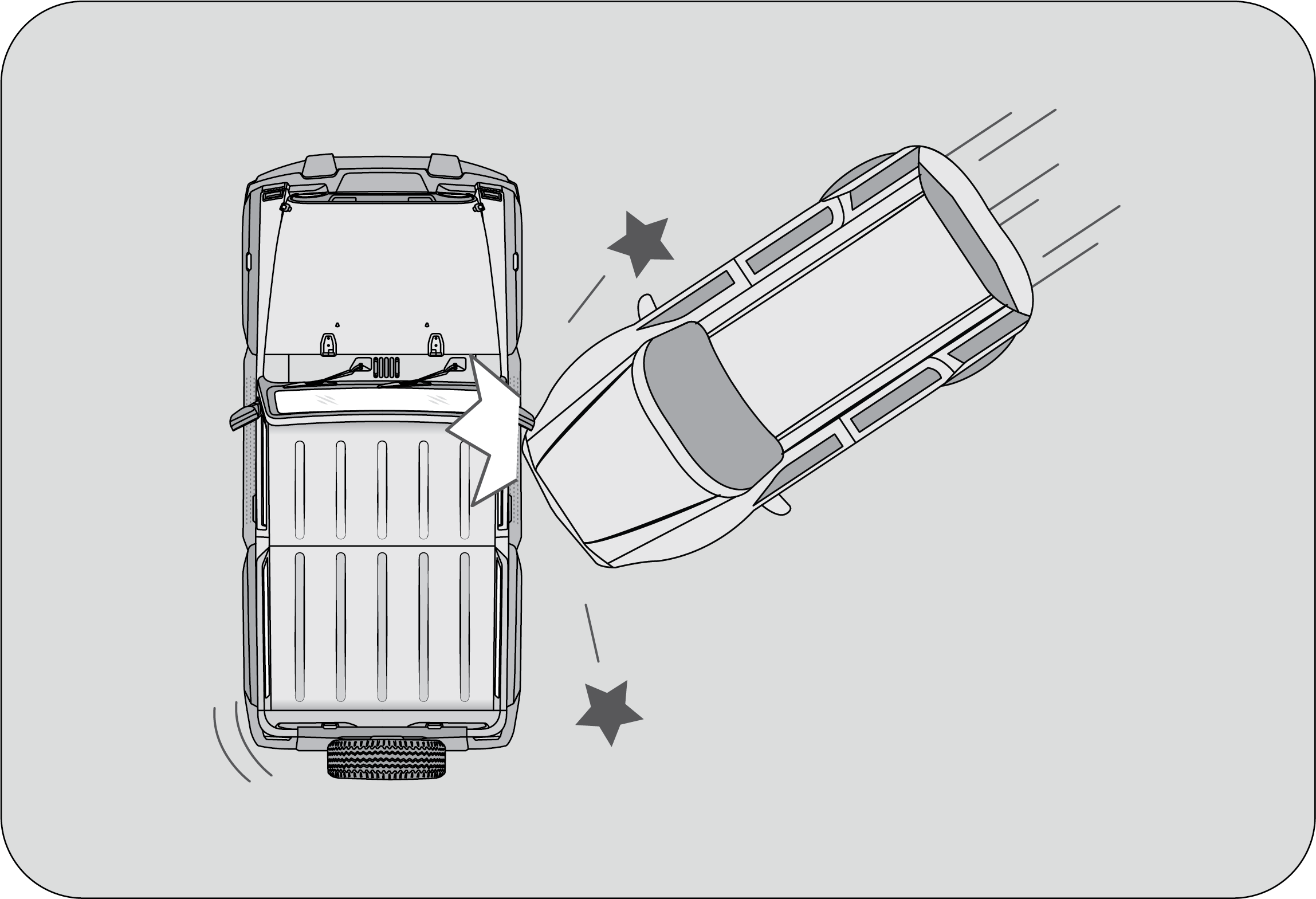 |
When a vehicle is impacted from the side at an oblique angle.
|
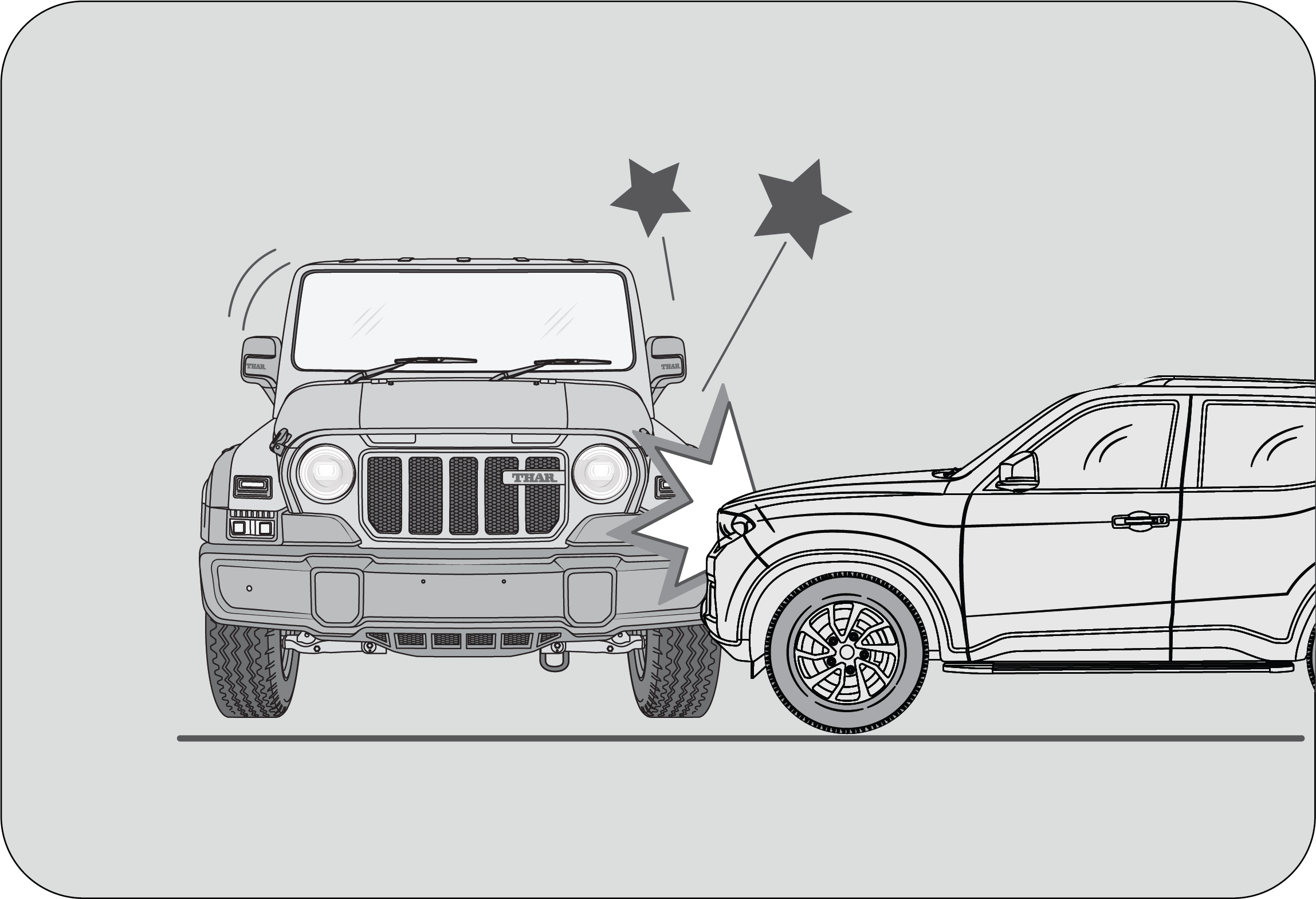 |
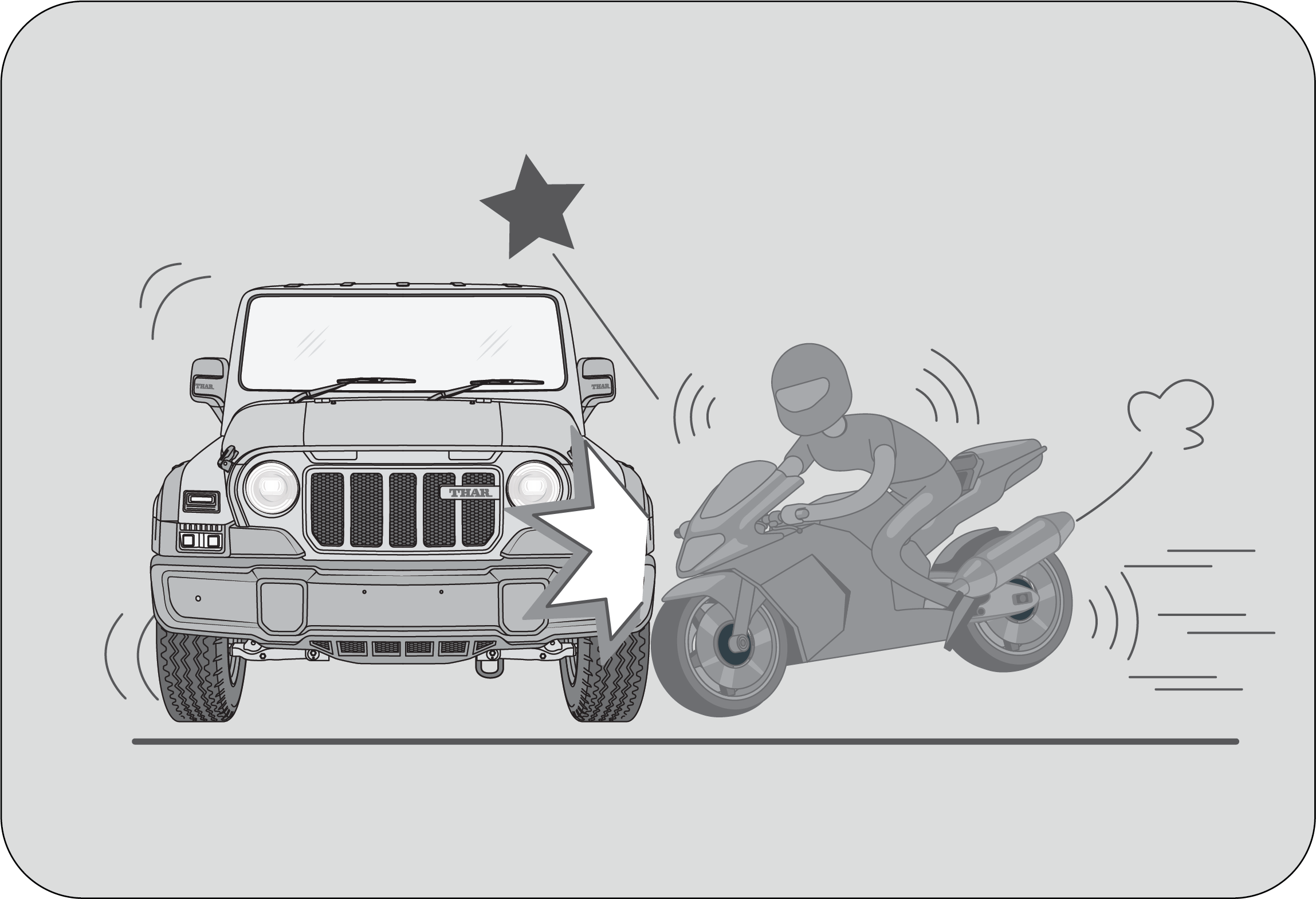 |
|
When a vehicle is impacted from the side by a high-hood vehicle.
|
When a vehicle is impacted from the side by a motorcycle or bicycle.
|
4.10.10 Airbag Service
Airbag Replacement: Self-servicing or tampering with the airbag system is dangerous. An airbag could accidentally deploy causing serious injuries,
or will not deploy when there is a need. Always take your vehicle to an Authorized Mahindra Service Center for inspection
and repairs.
Removing SRS Related Parts: We do not recommend removing the instrument panel, steering wheel, seats or airbag related parts or sensors by any individual
or garages which are not recommended. Airbags could accidentally activate and cause serious injuries, or they may not deploy
when there is a need. Visit an Authorized Mahindra Service Center if these parts must be removed.
Airbag Disposal: Improper disposal of an airbag or a vehicle with live airbags can be extremely dangerous. Approach an Authorized Mahindra
Service Center to do these jobs.
Airbag Repair: If the front airbag cover or instrument panel airbag cover shows signs of damage or having been removed, the vehicle should
be towed to the nearest Authorized Mahindra Service Center for repair. Do not attempt to self repair or reinstall the cover.
Airbag Maintenance: For cleaning the airbag covers/areas, use only a soft dry cloth or one which has been moistened with plain water. Solvents
or cleaners could adversely affect the airbag covers and proper deployment of the system.
5 LOCKS AND KEYS
Your vehicle comes with Smart Key. The keys operate all locks in your vehicle including those of the doors and ignition with
steering lock.
 |
Key Number Tag:
Your key number is shown on the Aluminium tag attached to the key. It is recommended that you record the key number and store
in a safe place.
There is a limitation (max 2 keys at a time) to the number of keys that can be programmed. The minimum timeframe required
to supply the duplicate keys is 20 days after all the formalities are completed. Please contact the Authorized Mahindra Service
Center to understand the formalities involved.
|
Never leave the key in the ignition switch with children in the vehicle. A child could switch on the ignition, start the engine,
operate power windows and other controls, or move the vehicle, resulting in personal injuries to the bystanders and/or children
seated inside.
5.1 Doors
|
To Open a Door from Inside
|
Open a Door from Outside
|
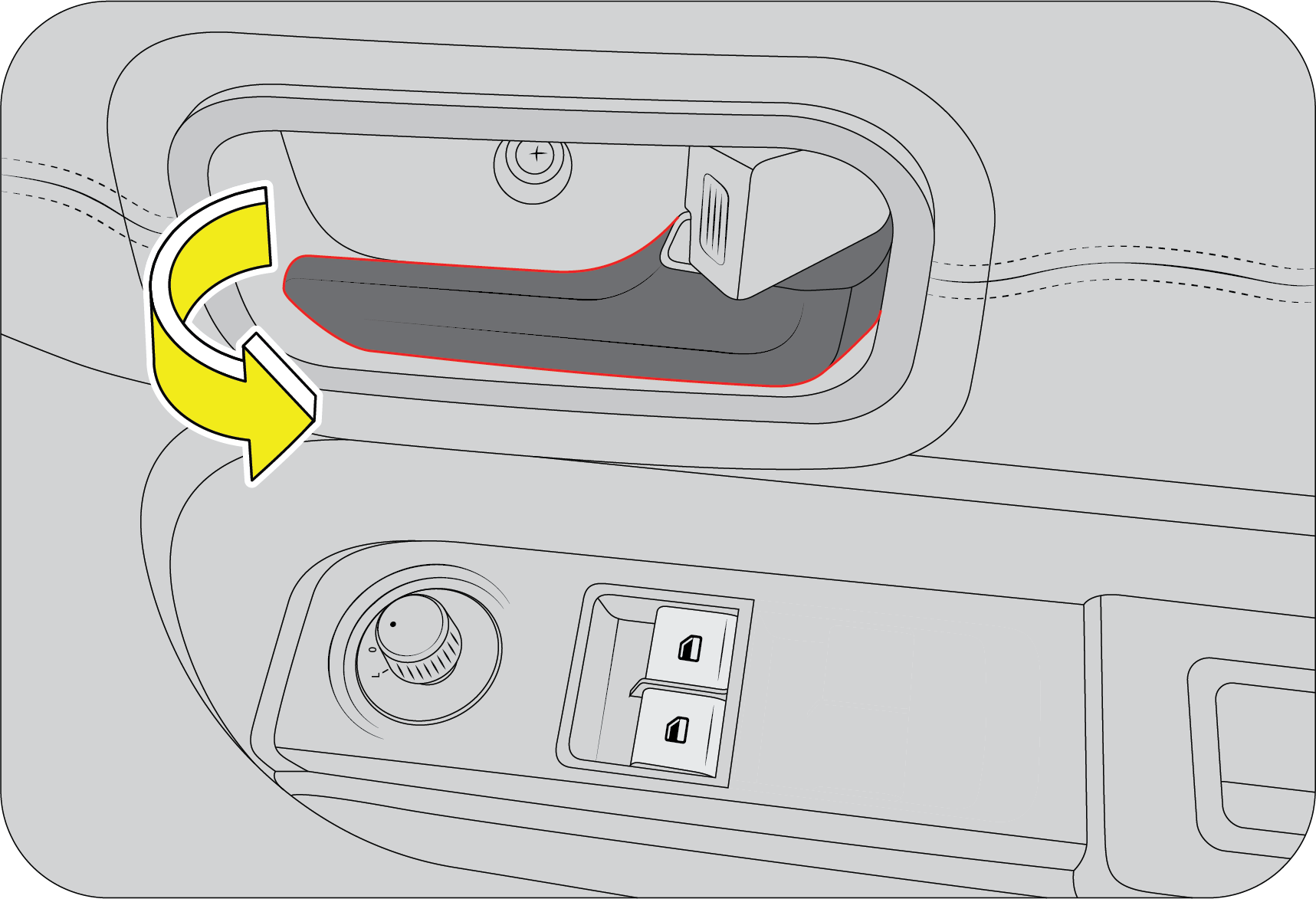 |
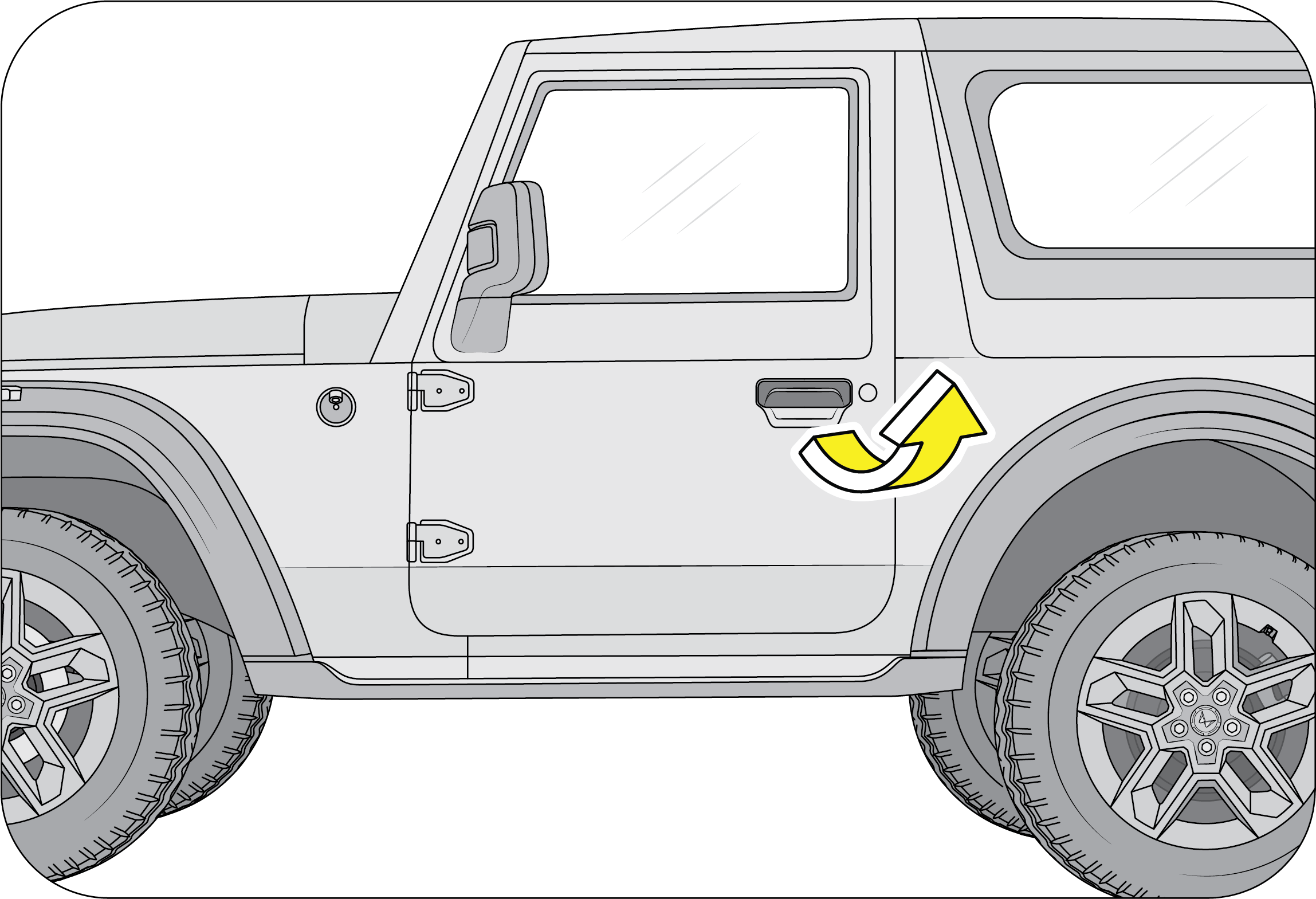 |
|
Pull the door lever away from the door and push the door outward to open.
|
Pull the door handle firmly outwards to unlock and swing the door open.
|
5.1.1 Locking / Unlocking Individual Doors from Inside
Individual doors can be locked/unlocked from inside by the respective door lock tabs.Lift the lock tab outwards to unlock or press the tab inwards to lock that particular door.
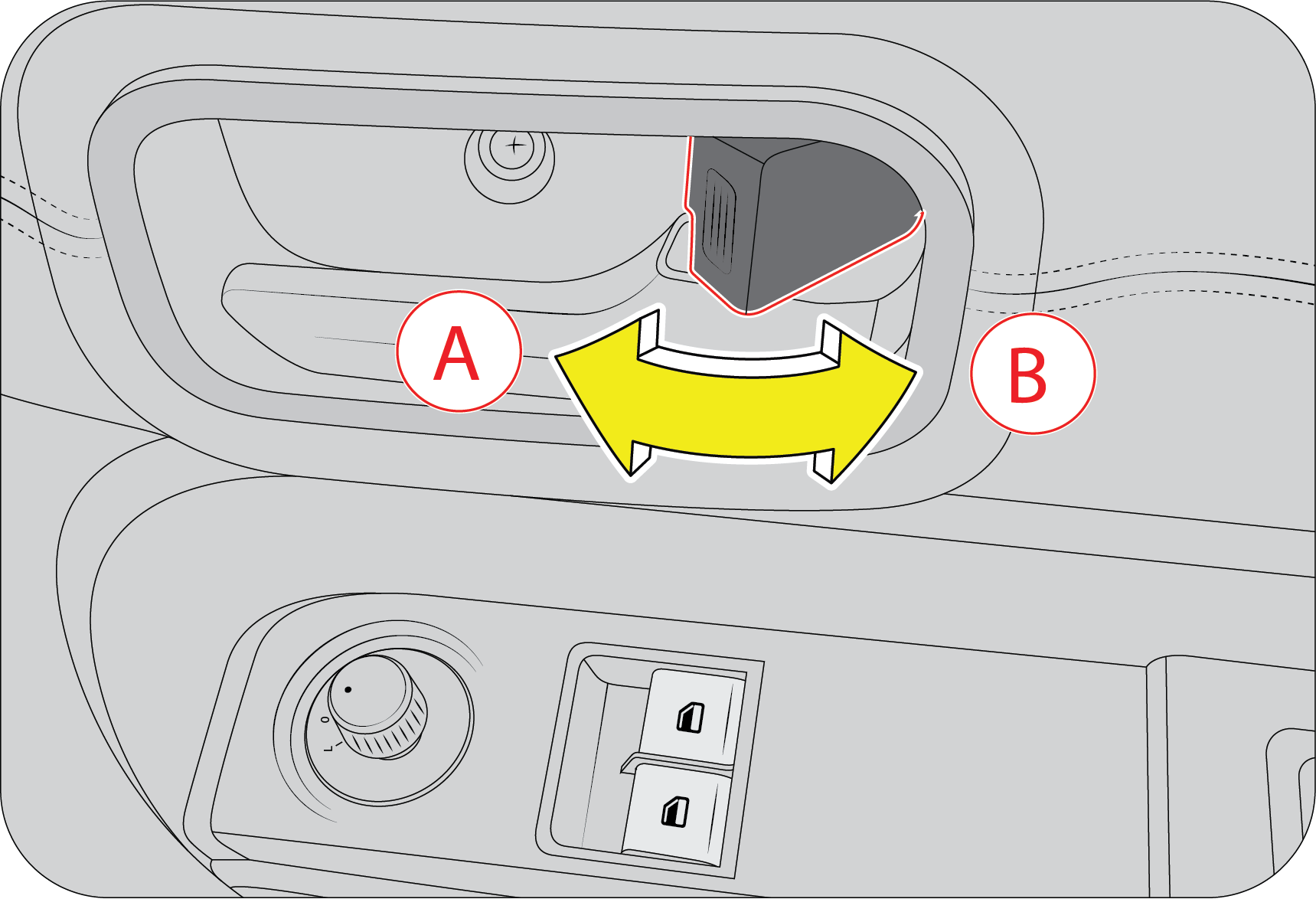 |
A : Lock
|
B : Unlock
|
Locking the driver door from inside activates the central locking system, thereby locking ALL the doors of the vehicle. Refer
to Central Locking section for further details.
5.1.2 Manual Locking / Unlocking Doors from Outside
The driver door can be manually locked/unlocked from outside by using key. The key is bi-directional; you can insert it into
the keyhole either way. Turn the key anti-clockwise to unlock or clockwise to lock the door.
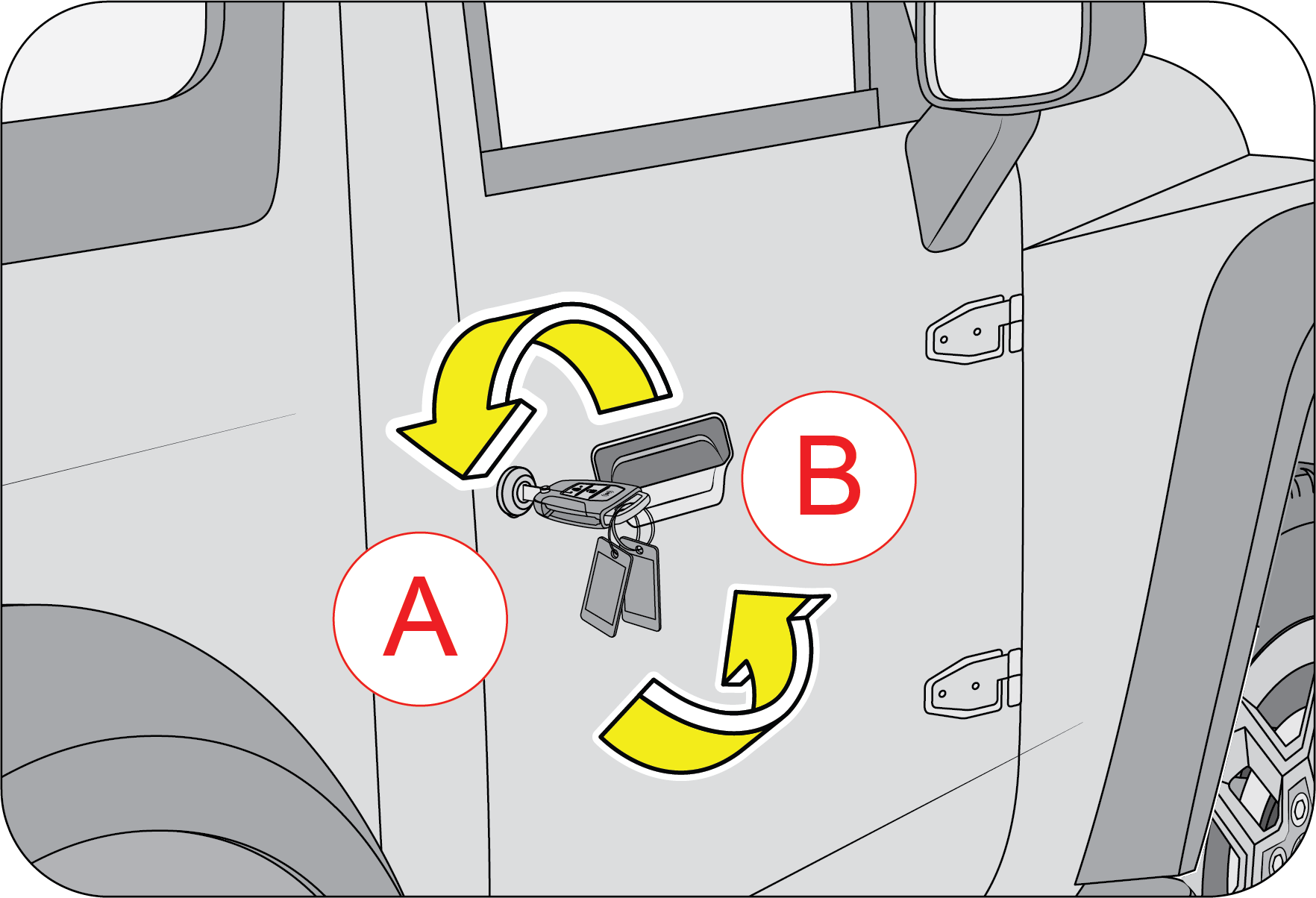 |
A : Unlock
B : Lock
|
A keyhole is provided in the driver door to lock/unlock the doors manually from outside.
Locking the driver door from outside activates the central locking system, thereby locking ALL the doors of the vehicle. Refer
to Central Locking section for further details.
Locking / Unlocking the Swing Gate
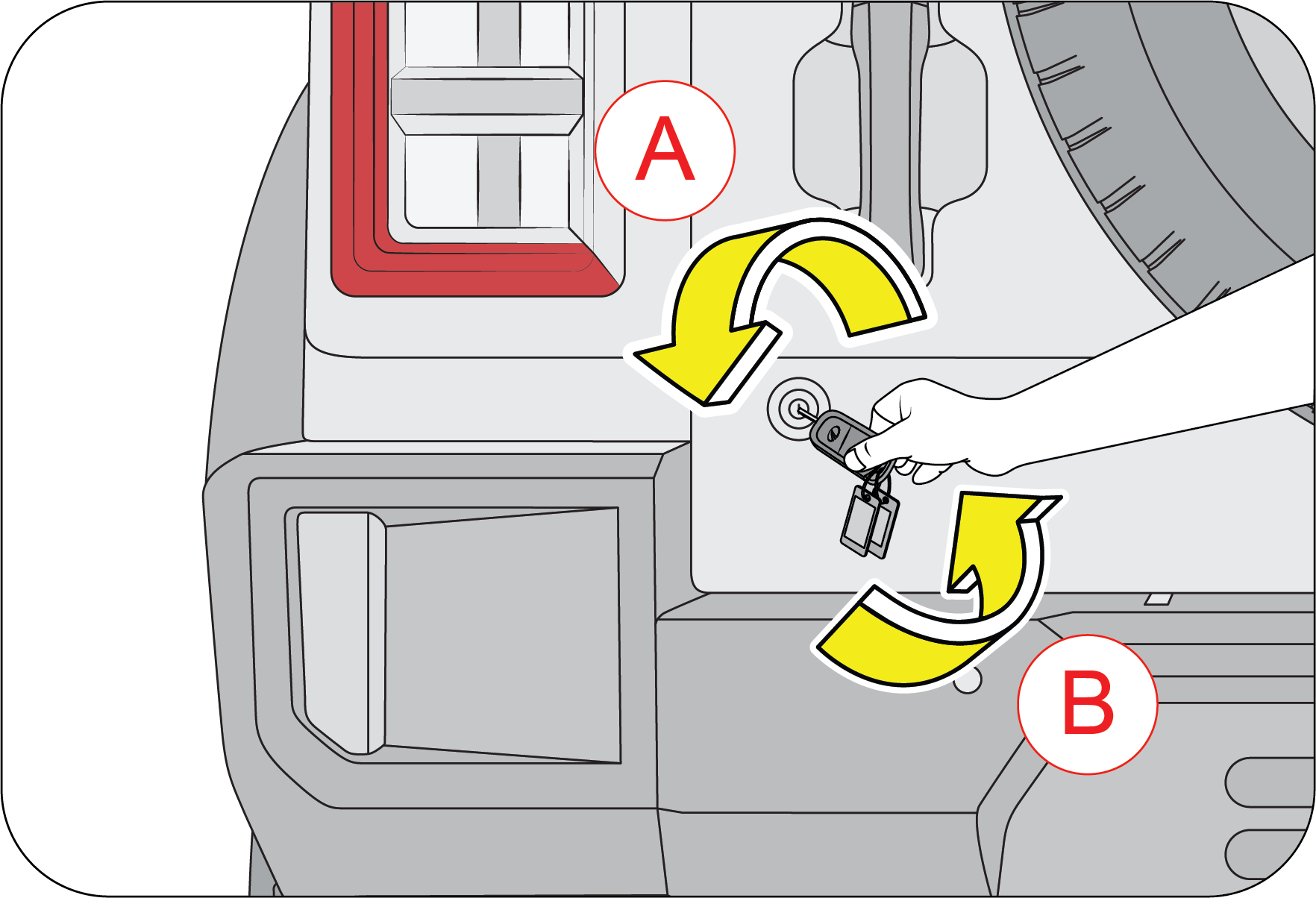 |
A : Unlock
B : Lock
|
5.2 Central Locking System
All doors of the vehicle including swing gate can be simultaneously locked or unlocked from the driver door.
5.2.1 Central Locking / Unlocking All Doors from Outside
To manually lock/unlock all the doors from outside using the conventional key, turn the key anti-clockwise / clockwise respectively
in the driver door keyhole.
|
|
A : Unlock
B : Lock
|
If any doors are open when central locking is activated, the system locks the open doors when they are closed.
Central locking ALL the doors in the vehicle can also be done using the Remote key. Refer the relevant sections in this chapter
for more details.
5.2.2 Central Locking / Unlocking All Doors from Inside
Press the driver door lock tab down (A) to lock or lift the lock tab up (B) to unlock all doors simultaneously.
|
|
A : Lock
B : Unlock
|
5.2.3 Rear Swing Gate
To manually lock/unlock all the doors from outside using the conventional key, turn the key anti-clockwise / clockwise respectively
in the rear swing door keyhole.
|
|
A : Unlock
B : Lock
|
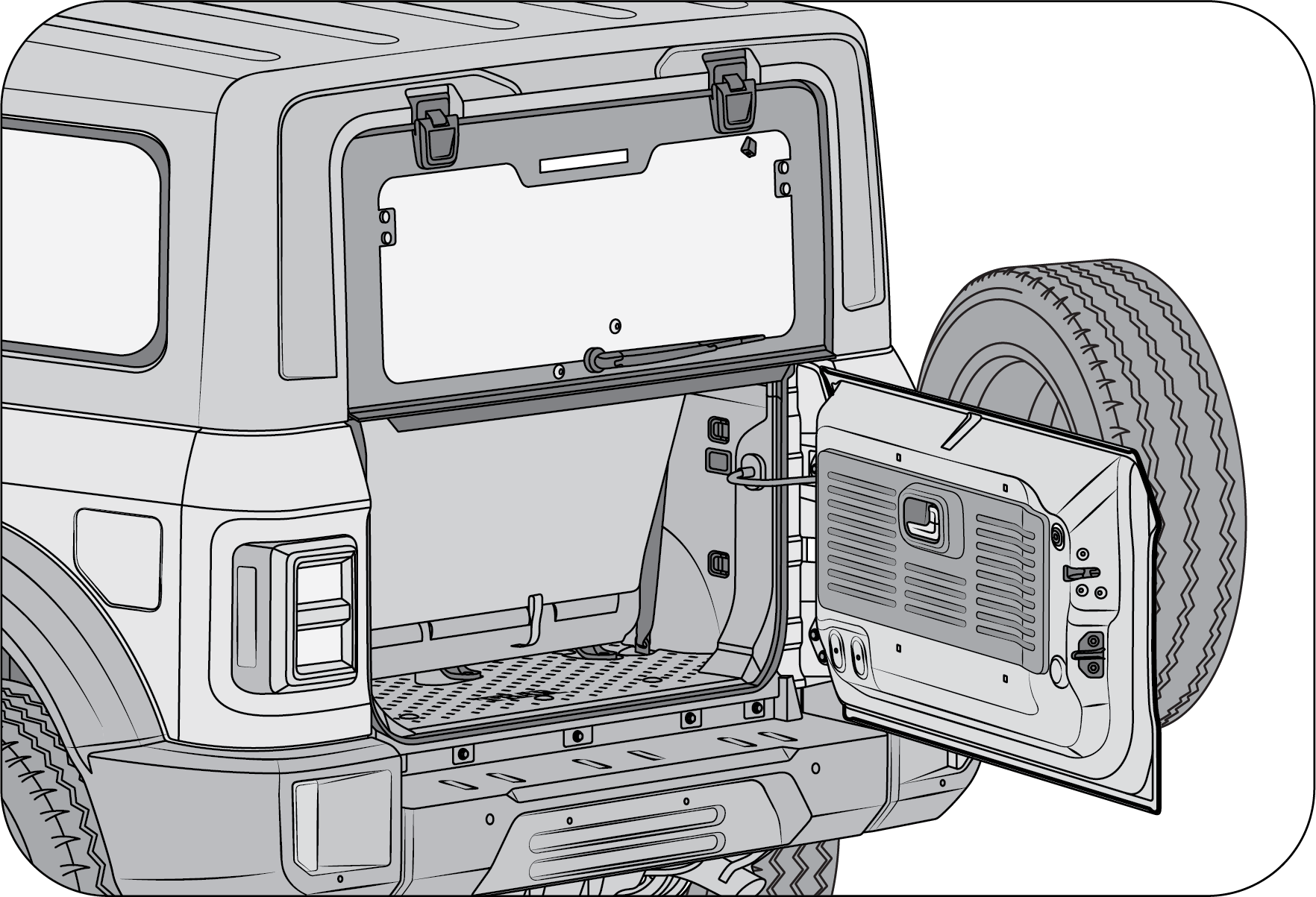 |
Hold flip window and open the swing gate fully and slowly remove pressure from flip window and it will get open.
|
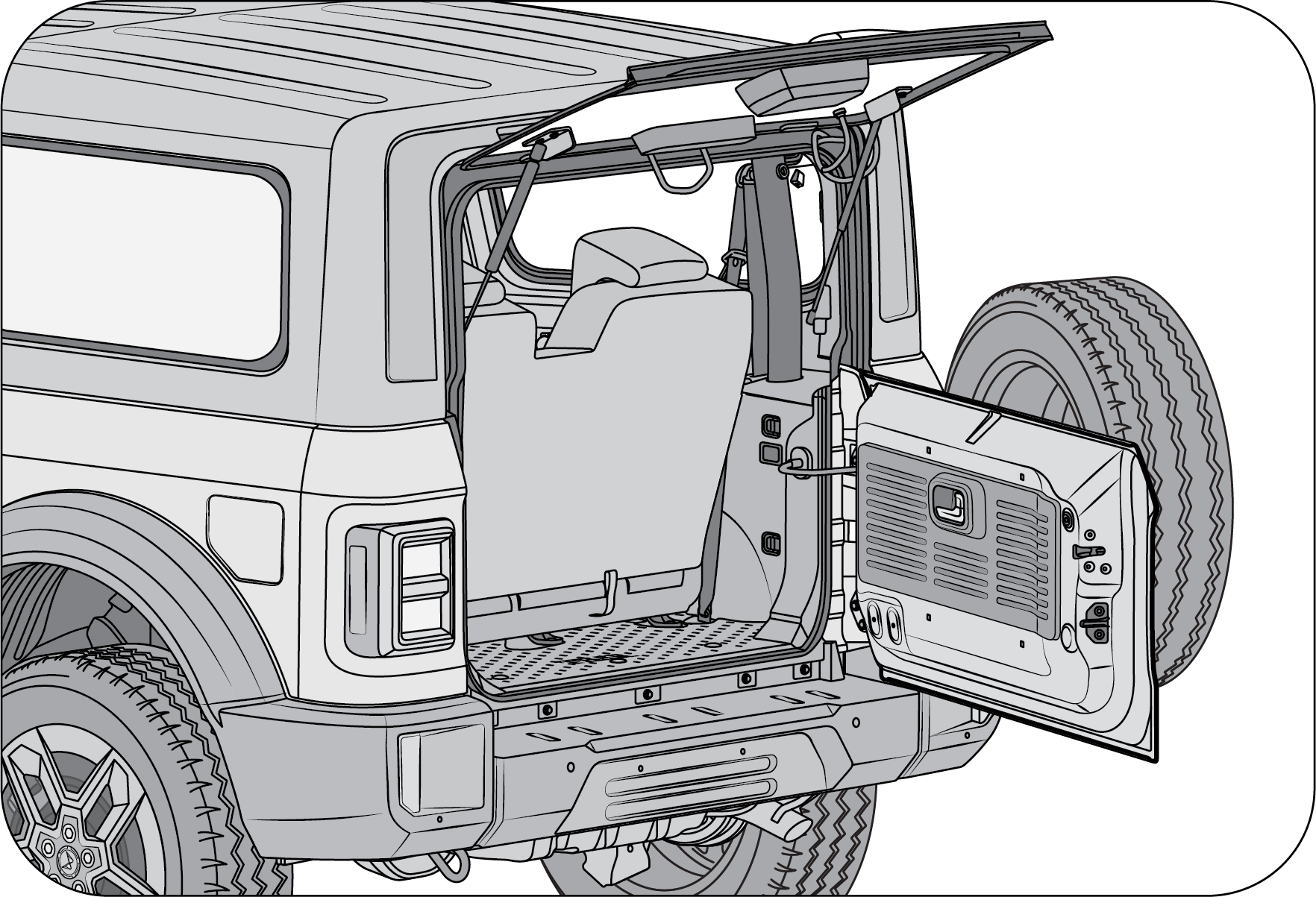 |
While closing swing gate, first close flip window and hold in place and close swing gate.
|
5.3 Smart Key System
Smart key System enables you to enter or exit your vehicle without the need to manually lock/unlock the doors. You can start/stop,
lock or unlock the vehicle using smart key. To do this, you only need to carry the smart key with you.
 |
A : LED
B : Lock
C : Search
D : Unlock
E : Mechanical key release button
|
The front side of the smart key has three control buttons: Lock (B), Search button (C), Unlock (D).
There is also a emergency key release button (E), which releases a mechanical key for emergency purposes (E.g. when key fob
battery is low).
 |
Press the mechanical key release button to open the key blade.
|
| • | Do not cover the key grip with any material that cuts off RF waves. |
| • | Do not leave the key exposed to high temperatures for a long period, such as on the dashboard or hood under direct sunlight. |
| • | Do not put the key in any liquid or wash it in an ultrasonic washer. |
| • | Smart key can malfunction if exposed to moisture or static electricity. |
Carrying the smart key along with you, you can lock or unlock the doors and even start and stop the engine without inserting
the key.


5.4 Engine START/STOP Switch
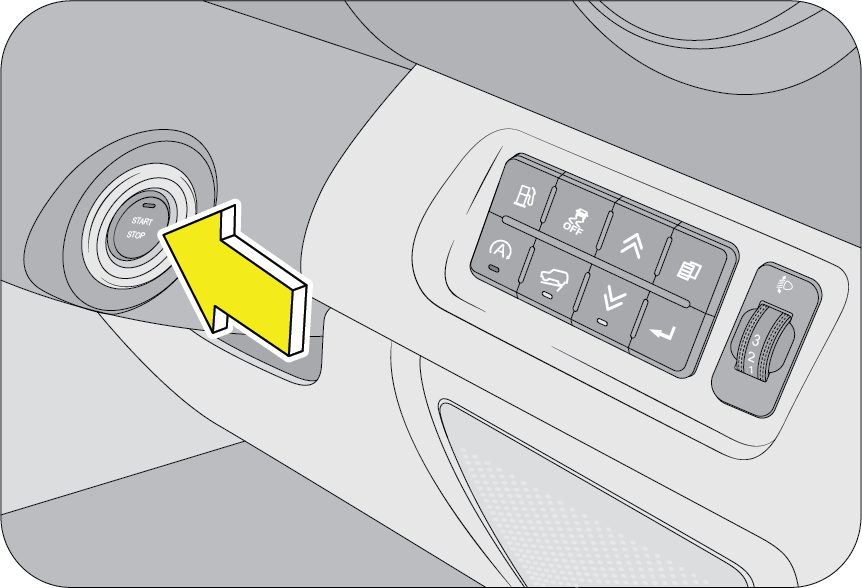 |
The engine can be started or stopped by pressing the Start/Stop switch while the smart key fob is inside the vehicle.
@
Whenever the doors are opened, the engine start/stop Switch will be illuminated and go off after few second.
|
Upon any fault identification by the system in the start/stop switch, an alert would be provided in the Instrument cluster.
Please visit the nearest Authorized Mahindra Service Center immediately to rectify the problem.
Even with the failure in the start/stop switch, vehicle's normal function may work which depends on the severity of the failure.
Please visit the nearest Authorized Mahindra Service Center to rectify the problem immediately.
Engine start/stop button positions: To operate the engine start/stop switch to its intended function, smart key should be inside the vehicle.
OFF: To turn off the engine, stop the vehicle and press the engine start/stop Switch once. Status LED in the engine start/stop
Switch goes OFF to indicate the OFF position.
If the engine is not switching off by pressing the engine start/stop Switch (one press), press and hold the engine start/stop
Switch for more than 3 second or rapidly press and release the engine start/stop Switch 3 times within 3 second. On doing
so, the vehicle ignition status is changed to ACC position till 30 second, then it will change to OFF position. Contact the
nearest Authorized Mahindra Service Center at the earliest.
Your vehicle is equipped with electronic anti-theft steering column lock. The steering wheel locks when the engine start/stop
button is in OFF position to protect against the theft. The steering wheel locks automatically when the driver door is opened
or 25 second after engine start/stop Switch changes to OFF position. If the steering wheel is not locked properly when you
open the driver door and on attempting to lock the vehicle, a warning chirp along with the hazard blinks thrice. Try locking
the steering wheel again (by toggling Engine Start/Stop Switch). If the problem is not solved, we recommend to take the vehicle
to nearest Authorized Mahindra Service Center immediately.
ON: To switch ON the ignition, press the engine start/stop Switch when the switch position is in OFF/ACC without depressing the
brake pedal and with the smart key inside the vehicle. Status LED in the engine start/stop Switch will turn Red to indicate
the IGN ON position and the vehicle is ready for starting.
Keeping the vehicle in ignition ON position for longer time without engine running, would drain the battery. Turn OFF the
ignition if engine is not to be started.
Vehicle ignition would not turn to ON position on any of the following conditions:
| • | If the electronic steering lock is not getting unlocked:
|
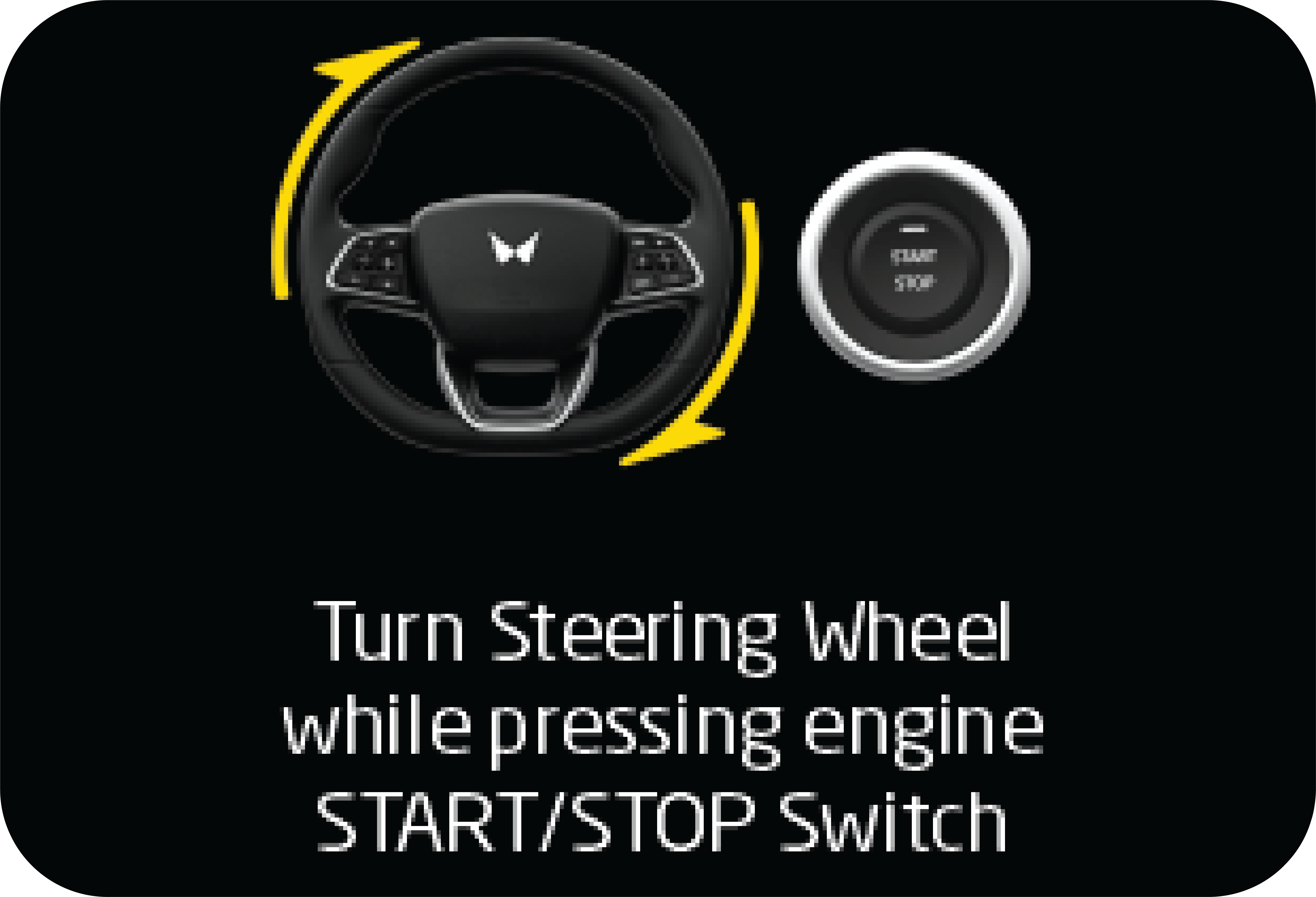
| • | Steering wheel not lock warning.
|
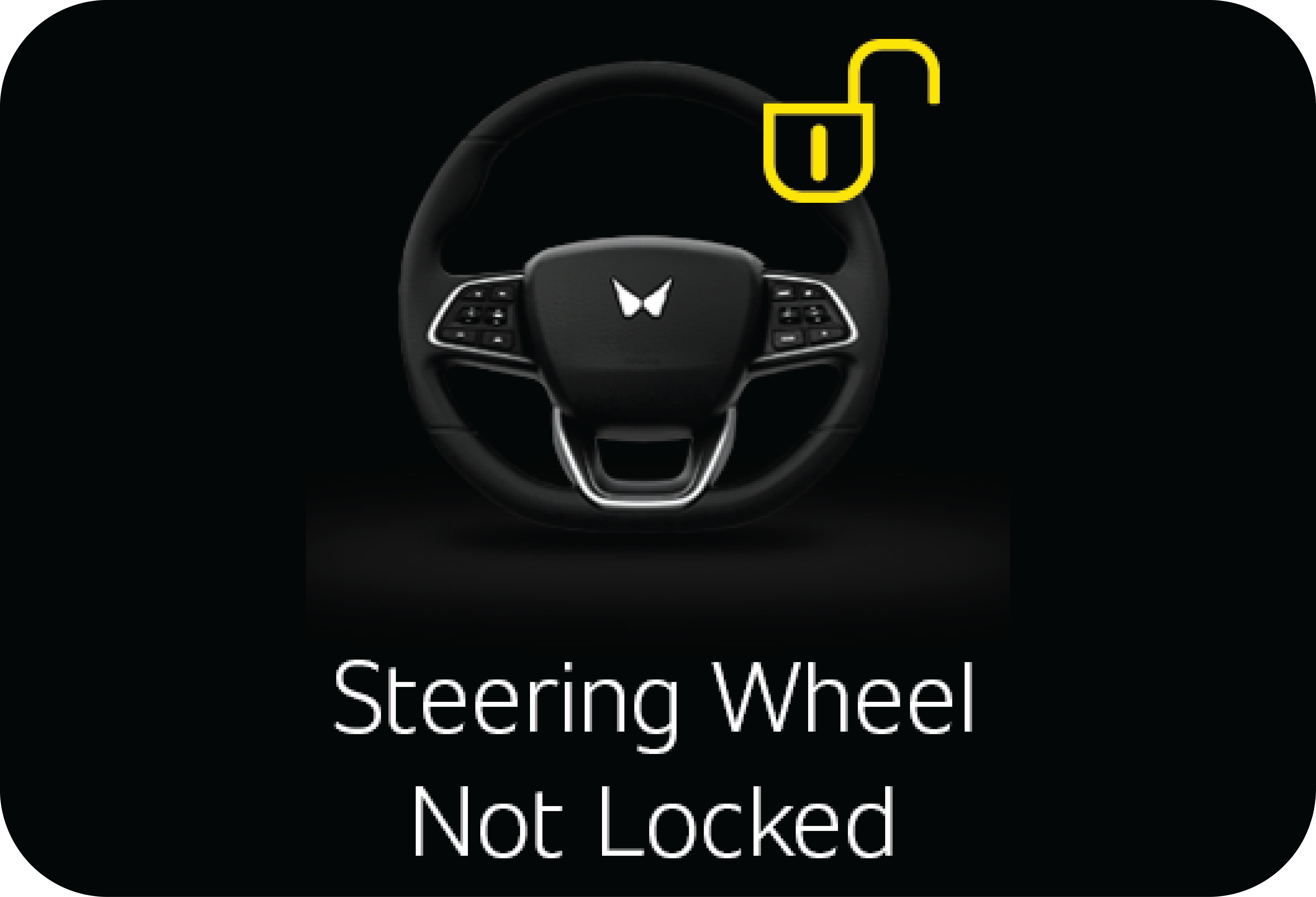
| • | Electronic steering lock module (ESCL) not learned warning.
|
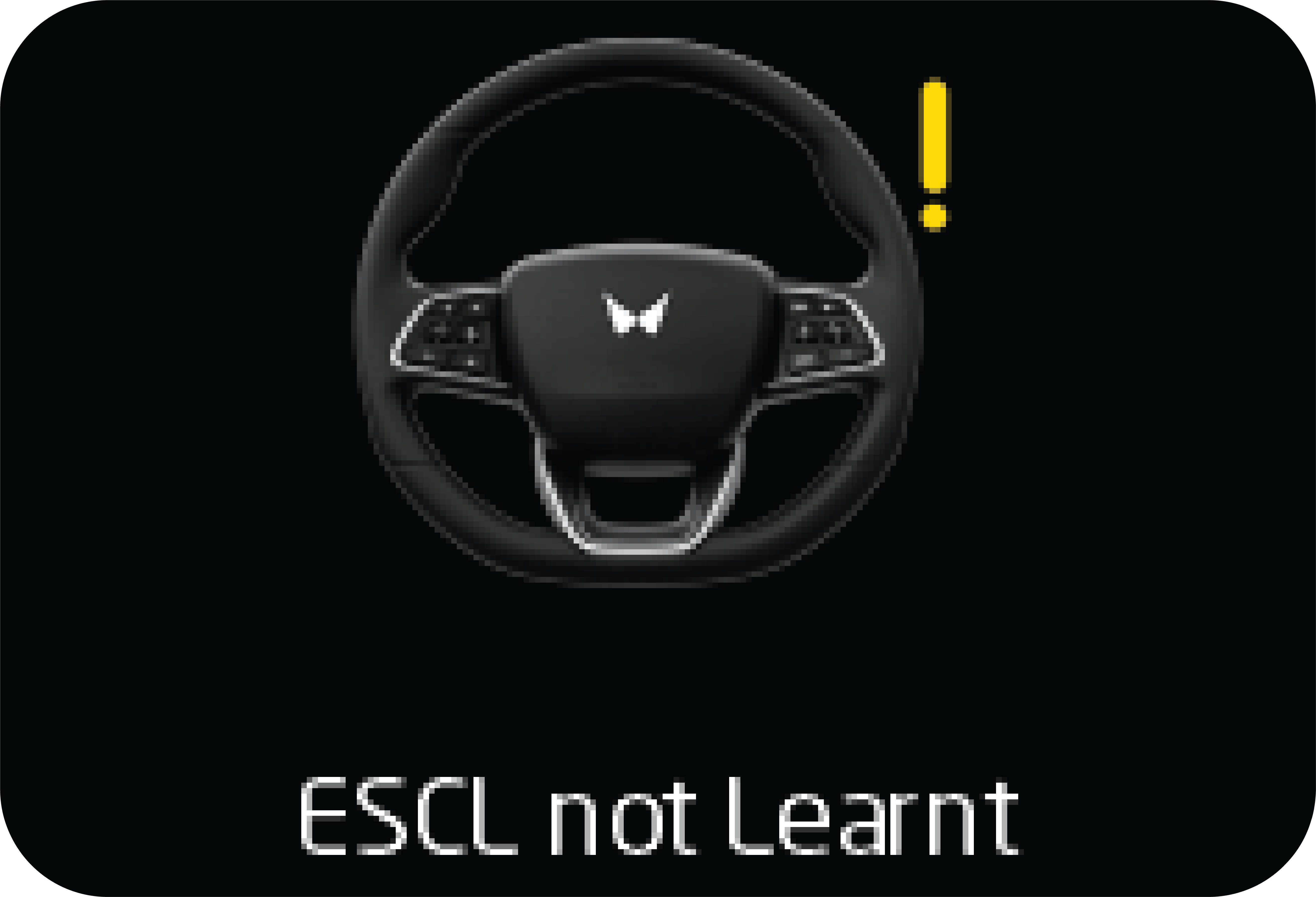
| • | Steering wheel malfunction warning:
|
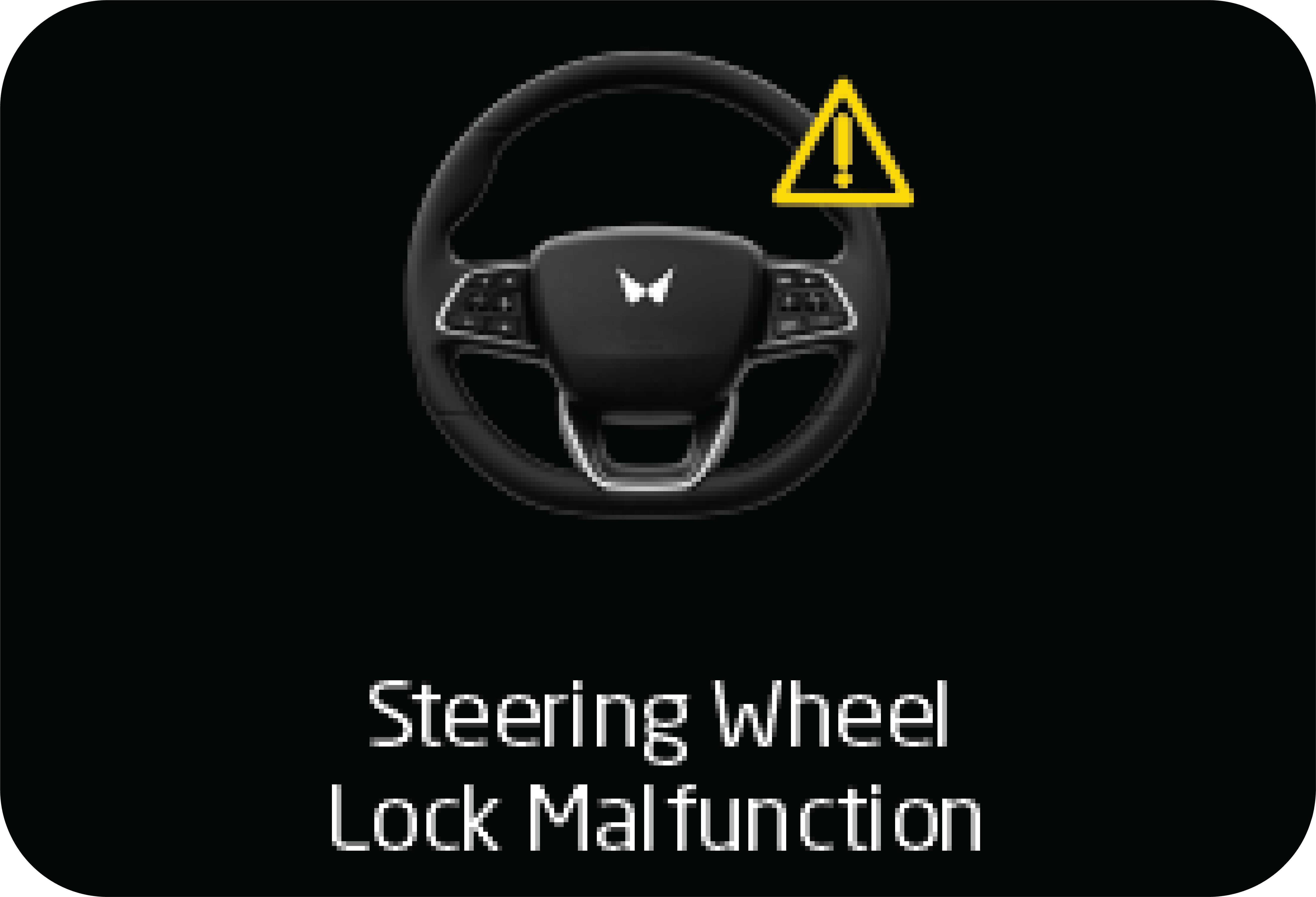
| • | If the key is not detected inside the vehicle or is far away from the driver which is not in detectable position, when vehicle
is turned ON.
|
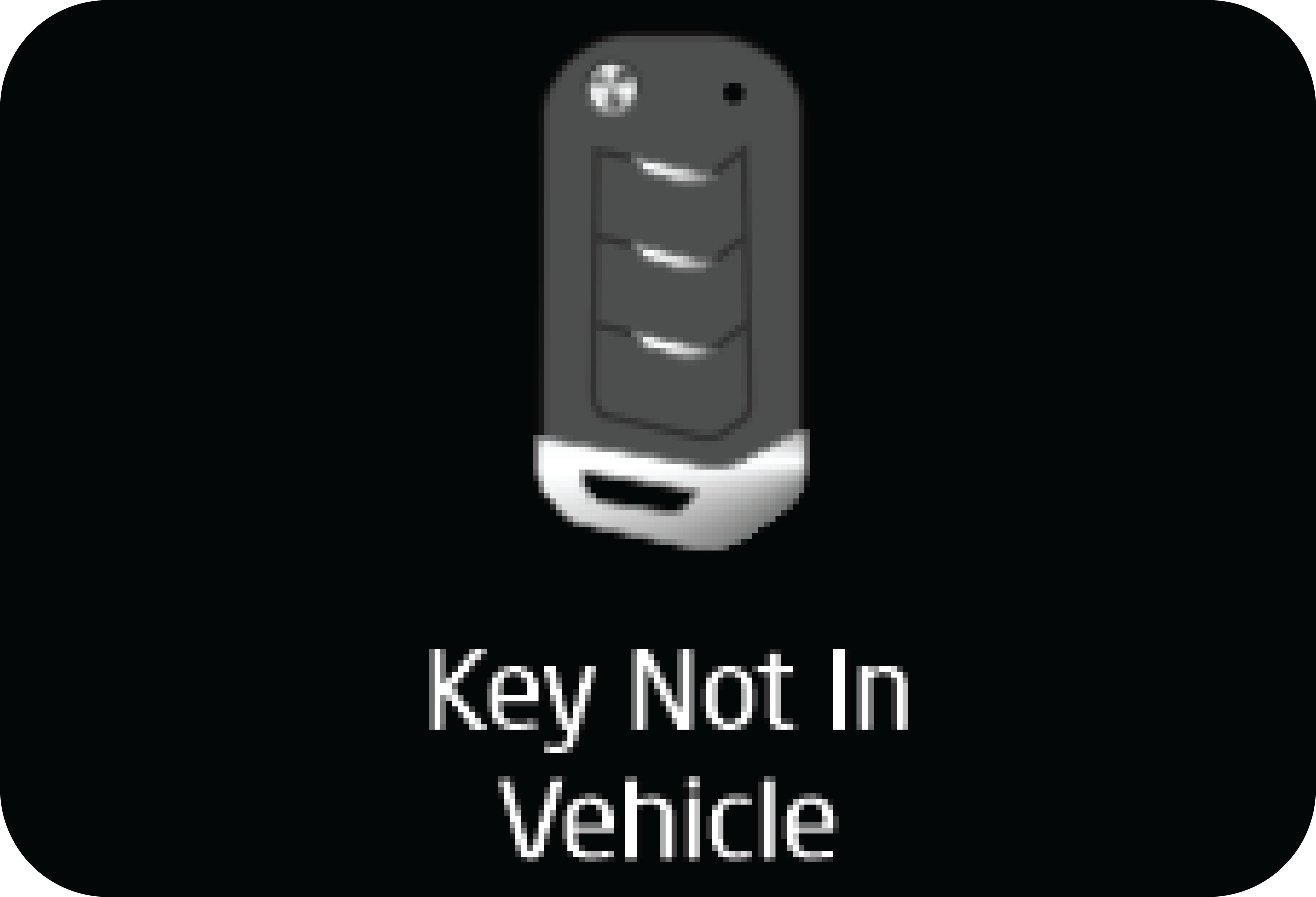
Bring the smart key inside the vehicle or keep the key in the detectable position whenever you are inside the vehicle.
Starting the vehicle: To start the engine, press the brake and press the engine start/stop Switch once with the key inside the vehicle. The engine
can be started from any position (OFF / ON) of the start/stop switch.
Ensure the TGS is in neutral position before starting.
If engine start/stop Switch is pressed without pressing the brake pedal, engine will not start and the vehicle power modes
will change as follows: OFF→ ON →OFF→ ON.
If the engine start/stop Switch is pressed from the OFF position directly, along with the brake in depressed position, there
may be a small delay in the engine cranking. This is normal and not to be taken as a fault.
Never press the engine start/stop Switch while the vehicle is in motion except in an emergency. This will result in the engine
turning off and loss of power assist for the steering and brake systems. This may lead to loss of direction control and braking
function, leading to an accident.
Once the engine is started, it would not stop even if the key is not inside the vehicle. Before leaving the driver seat, always
make sure engine start/stop Switch is in OFF position and always take the smart key with you. Vehicle safety and security
would be affected if these precautions are not followed.
Emergency stop: To turn the engine OFF in an emergency, press and hold the engine start/stop Switch for more than 3 second or panic press
rapidly press and release the engine start/stop Switch 3 times within 3 second. On doing so, the vehicle ignition is changed
to ACC position.
BACK up Start: If the key fob battery is low, the key may not be detected. In such a situation, press the start/stop Switch once while the
status LED in the button is blinking red color keep the key fob on key mark engraved near park brake and then press the start/stop
switch twice to turn ON the ignition and repeat the same procedure to start engine.
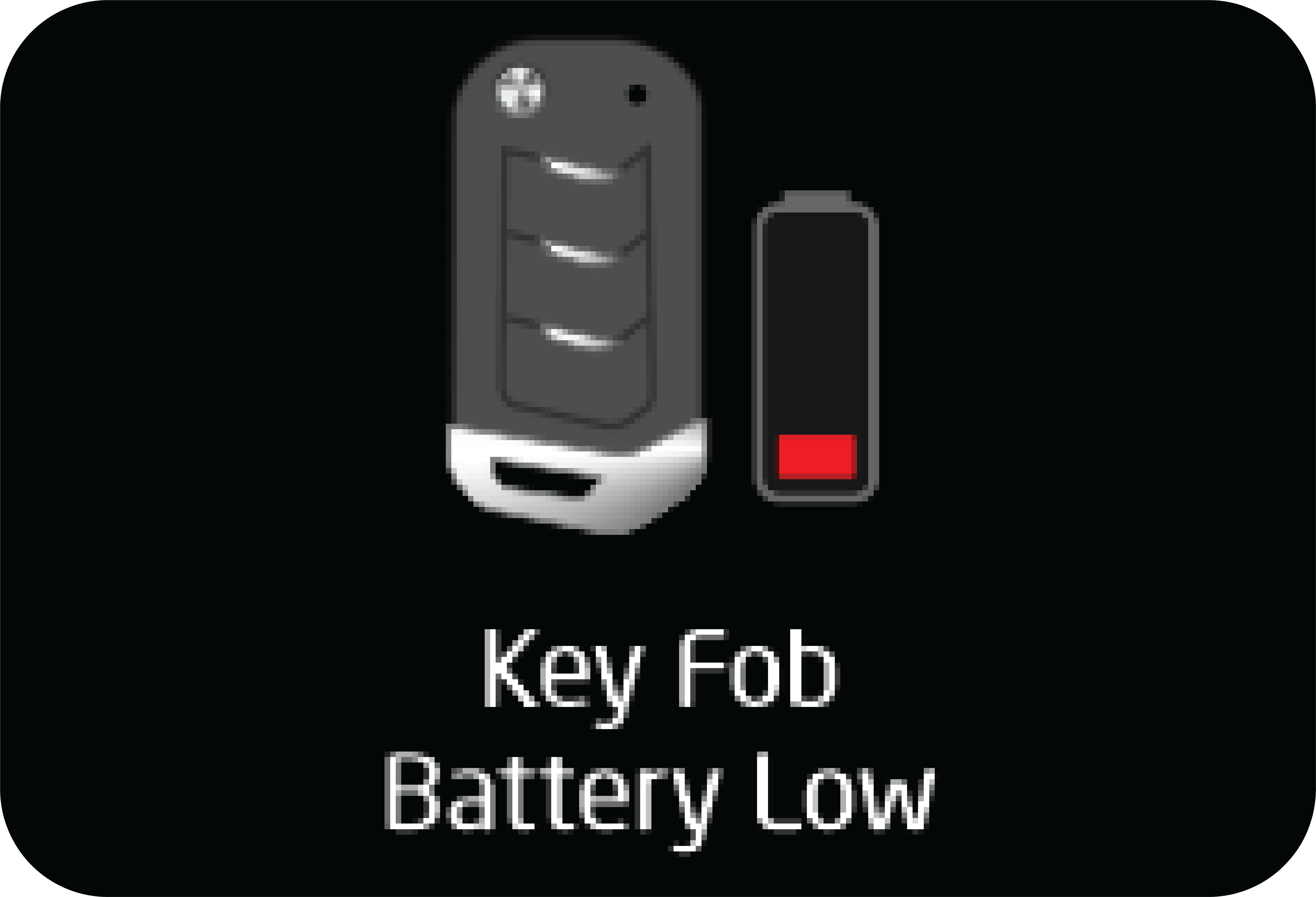 |
If key fob battery is detected low by the system, an alert would be triggered while turning OFF the ignition. Change the battery
by following the procedure as mentioned in the section for battery replacement.
|
Key fob battery low can be detected only if the key has been continuously used in the vehicle. Keeping the key outside the
vehicle for longer duration and then using it with the drained battery cannot be detected.
5.5 Smart Key Warning
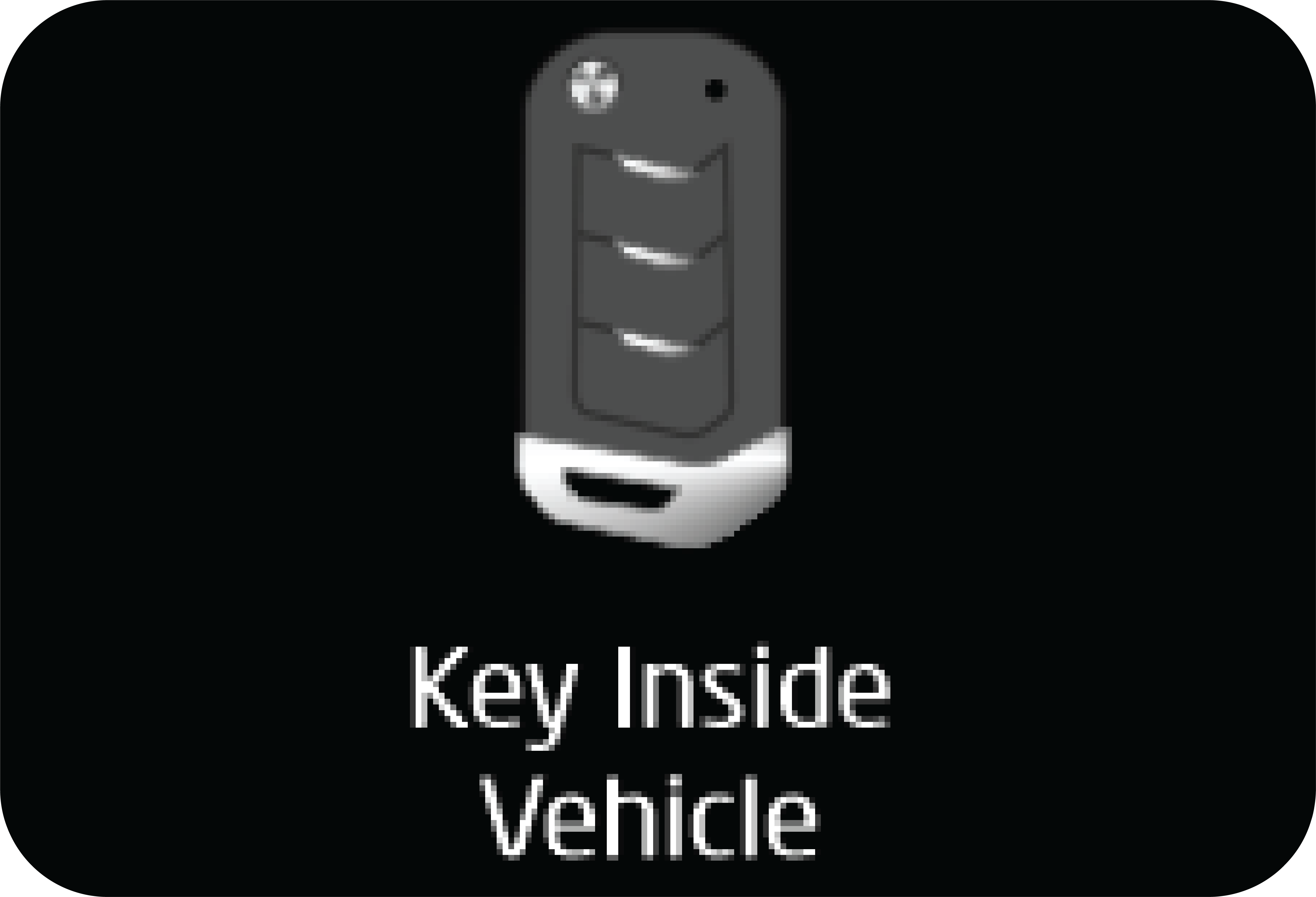 |
When the key fob is inside the vehicle and the door is locked using the other key fob or through the door handle switch, ‘Key
Inside Vehicle’ message displays in the cluster screen for 5 second.
|
|
|
Cluster display shows this message for 5 second if the smart key battery is weak when you press the Start/Stop Switch. Replace
the battery with new one.
|
|
|
Cluster display shows this message when start fails due to the battery discharged smart key, etc.
|
5.6 Vehicle Locking/Unlocking in a Emergency Situation
If the smart key does not operate normally, you can lock or unlock the doors by using the mechanical key:
| 1. | To remove the mechanical key, press and hold the release button in the side of the key fob and pull the mechanical key head. |
| 2. | Insert the key into the keyhole in the door nearer to the door handle. Turn the key towards the rear of the vehicle to unlock and turn it towards the front to lock. |
| 3. | To reinstall the mechanical key, put the key into the key fob and push it until a click is heard |
It is strictly not advisable to leave the key fobs in the vehicle. Vehicle can be started by any unauthorized person.
Smart key may not work if any of the following occurs:
| • | Smart key is close to a radio station, airport or an area where there is a possibility of large radio transmissions which can interfere with the normal operation of the smart key. |
| • | Smart key is near a mobile or a cellular phone or some electronic gadgets like laptop/tablets. The signal from the smart key could be blocked by normal operation of your cell phone or smart phone. Avoid placing the smart key and your electronic gadgets in the same trouser or jacket pocket or in the bag and maintain adequate distance between the two devices. |
| • | Another vehicle smart key is being operated close to your vehicle. |
| • | Smart key kept inside the glove box or top bin in the instrument panel may not be detected sometimes. Keep the smart key in the visible zone or in your pocket for getting it detected. |
| • | Keep the smart key away from the water or any liquid. If the keyless entry system is inoperative due to exposure to water or liquids, it will not be covered by your manufacturer’s vehicle warranty. |
Make sure the vehicle ignition is in OFF state, whenever leaving the vehicle even with the key. By keeping the vehicle ignition
in ON/ACC state will hamper the vehicle security.
Do not hand over the smart key to any unauthorized person or service provider. Your vehicle security system may be compromised
in doing so.
5.7 Center Console Antenna in Back Up Mode
 |
Place the key fob is to be kept as shown in the image, key mark engraved near park brake, when the system requests, like in
the case of the below error message in the instrument cluster.
|
 |
This message is displayed only when the key system fails to detect the key fob which is inside the vehicle when the user is
trying to switch ON the ignition.
|
On pressing the Start/Stop switch 1st time with the key fob in the key mark engraved near park brake. The start-stop switch LED will blink in red color, with the
above error message will be displayed again in the cluster.
In this case, if you press the Start/Stop switch again before the above error message in the instrument cluster goes away
the 2nd time, the vehicle will start in Back-Up mode, if the Clutch(MT) / Brake(AT) pedal is pressed.
5.8 Remote Key Operating Range
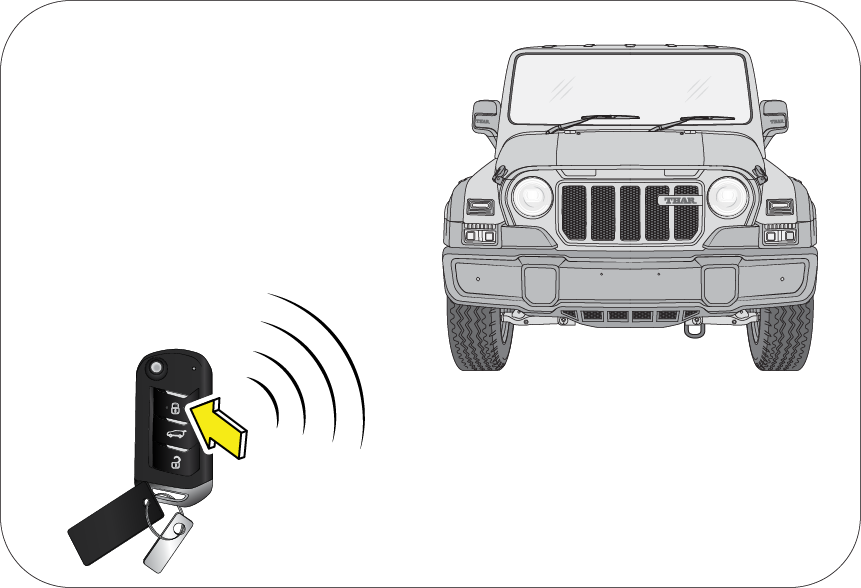 |
Using Key fob, you can lock/arm or unlock/disarm the vehicle from distances approximately 9m (30 ft) This is in open area.
|
If there is reduction in Smart Key range, please follow the steps below:
| • | Check the distance: The remote key may be too far from the vehicle. Stand closer to the vehicle during rain or bad weather. |
| • | Check the location: Other vehicles or objects may be blocking the signals. Take a few steps to the left or right, hold the remote key higher, and try again. Moreover, closeness to a radio transmitter such as radio station tower, airport transmitter, mobile or CB radios may lead to reduction in range of key fob. |
| • | Check the Remote key battery: See battery replacement procedure, given later in this section. |
| • | If the key fob is still not working correctly, contact a Authorized Mahindra Service Center. |
5.9 Remote Battery
Battery Specification
|
Battery Voltage |
3 V |
|
Battery Capacity |
225 mAh |
|
Battery Model No. |
2032 |
Remote Battery Replacement
If the Remote operation is inconsistent when any of the buttons are pressed, then it indicates that the Remote battery is
weak.
 |
The rear side of the Remote is snap fitted. Flip open the key blade and use two fingers on the side of the fob and gently
pry open the battery cover.
|
Use a small flat head screwdriver to gently pry out the battery to and discard the same. Insert new batteries of 3V type (Battery
No. 2032). While fitting the new battery, ensure the positive side of the batteries face up. Align both the halves of the
Remote casing and press to snap fit. Check operation of the Remote.
While prying the Remote case, take care not to damage the battery.
Do not touch the battery terminals that are on the back housing or the printed circuit board.
Pull out the battery and discard the same. Insert new battery of same type. While fitting the new battery, ensure the positive
side of the batteries face up. Align both the halves of the Remote casing and press to snap fit. Check operation of the Remote.
The Batteries are Lithium Ion batteries. They should be kept away from children.
This product contains a lithium button cell. If the button cell is swallowed, severe internal burns can occur within a mere
two hours and lead to death.
Keep new or removed batteries away from children. If the battery compartment does not close securely, discontinue use and
keep away from children. If you think that batteries have been swallowed or stuck in any part of the body, seek medical help
immediately.
5.10 If Key fob is Lost
If you have lost the programmed Key fob, contact an Authorized Mahindra Service Center for procuring a new key.
While programming a new key set, you will have to submit all the keys available with you to an Authorized Mahindra Service
Center.
There is a limitation (max 2 keys at a time) to the number of keys that can be programmed. The minimum time frame required
to supply the duplicate keys is 20 days after all the formalities are completed. Please contact the Authorized Mahindra Service
Center to understand the formalities involved.
If the key is stolen or lost, communicate to an Authorized Mahindra Service Center to de-activate the function of the lost
or stolen key. This is essential to avoid unauthorized access using the misplaced key.
Only smart key transmitters programmed to your vehicle electronics can be used for remote locking and unlocking of your vehicle.
5.11 Precautions while Handling keyfob:
| • | Do not cover the key grip with any material that cuts off RF waves. |
| • | Do not leave the key exposed to high temperatures for a long period, such as on the dashboard or hood under direct sunlight. |
| • | Do not put the key in any liquid or wash it in an ultrasonic washer. |
5.12 Remote Function
5.12.1 Auto Locking
All doors will get locked automatically when:
| • | All doors are closed properly. |
| • | Vehicle speed is greater than 20 km/h. |
Auto Locking ON DOOR OPEN — Once the auto lock has been activated, if any door is opened when the vehicle speed is below 5 km/h, then the auto lock will
reactivate only if all doors are closed, the vehicle speed goes above 20 km/h and the master actuator is in the unlock position.
Auto Locking ON MASTER ACTUATOR UNLOCK — Once the auto lock has been activated, if the master actuator was unlocked at any vehicle speed, then the auto lock will reactivate
only when the vehicle speed goes below 5 km/h and further crosses 20 km/h.
5.12.2 Auto Unlocking
Auto Unlock of all doors will happen in the following conditions:
| • | When Ignition is switched from ON to OFF, OR |
| • | In the event of a crash |
5.12.3 Search (Panic) Function
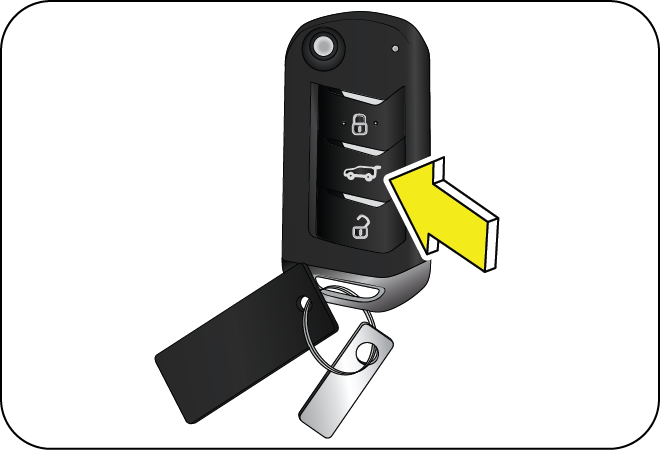 |
Press the SEARCH/PANIC button on the key fob to locate the vehicle in a parking lot. Panic alarm can also bring attention
to the vehicle and surrounding area, warning about an intruder.
|
When the SEARCH/PANIC function is ON, the hazard lamps flash along with an alarm for 30 sec. In this mode;
| • | Pressing the SEARCH button again switches OFF the alarm. |
| • | Pressing the UNLOCK button switches OFF the alarm and unlocks all doors. |
The search function works both during the Locked/Unlocked conditions of the vehicle. In the muted condition, when the smart
key Search function is ON, only hazard lamps would flash and alarm chirps would not be audible.
5.12.4 Mute/Un-mute Function
 |
The horn chirps can be muted / un-muted. Press the LOCK & SEARCH buttons together for 3 sec. to toggle between MUTE/UN-MUTE
mode. Hazard lamps will flash once to indicate the change in status.
|
In the unmuted condition, horn chirps can be heard when locking the vehicle using the key fob while any door is open (5 chirps).
In the muted condition, only hazard would flash and horn chirps would not be audible.
5.13 Engine Immobilizer System
An Engine Immobiliser System is a security system that prevents the vehicle from being operated by an unauthorized keys. The
Engine immobilizer prevents the engine from being started unless it recognizes signals from the correct coded key.
The system is automatically activated when the key is removed from the ignition.
5.13.1 Features of the Immobilizer System:
| • | Prevents the vehicle being started by anyone not in possession of the correct vehicle key. |
| • | The vehicle is automatically protected after the key is removed from the ignition. At every ignition ON, if the vehicle does not recognise the correct key code, the engine check lamp will illuminate/blink and the engine cannot be started. |
| • | The vehicle will not be protected until the key has been taken out of the ignition. |
If the engine check lamp flashes or remains continuously illuminated after the ignition being switched ON, there is a system
malfunction. Contact an Authorized Mahindra Service Center immediately.
Inserting the correct coded key in the ignition and switching the ignition ON, automatically deactivates the system. This
enables the engine to start.
In the event of the vehicle not starting with the correct key, switch off the ignition for a minimum of 1 minute and attempt
to start the vehicle again.
Do not modify, remove or disassemble the engine immobilizer system. Any unauthorized changes or modifications can affect proper
operation of the system and will void your warranty.
5.14 Control Switches – Power Windows
The driver door switch bank is located on the driver door armrest/handle and controls and the various functions:
 |
A : Driver Door Window Switch
B : Passenger’s Window Switch
|
5.14.1 Power Window Switch
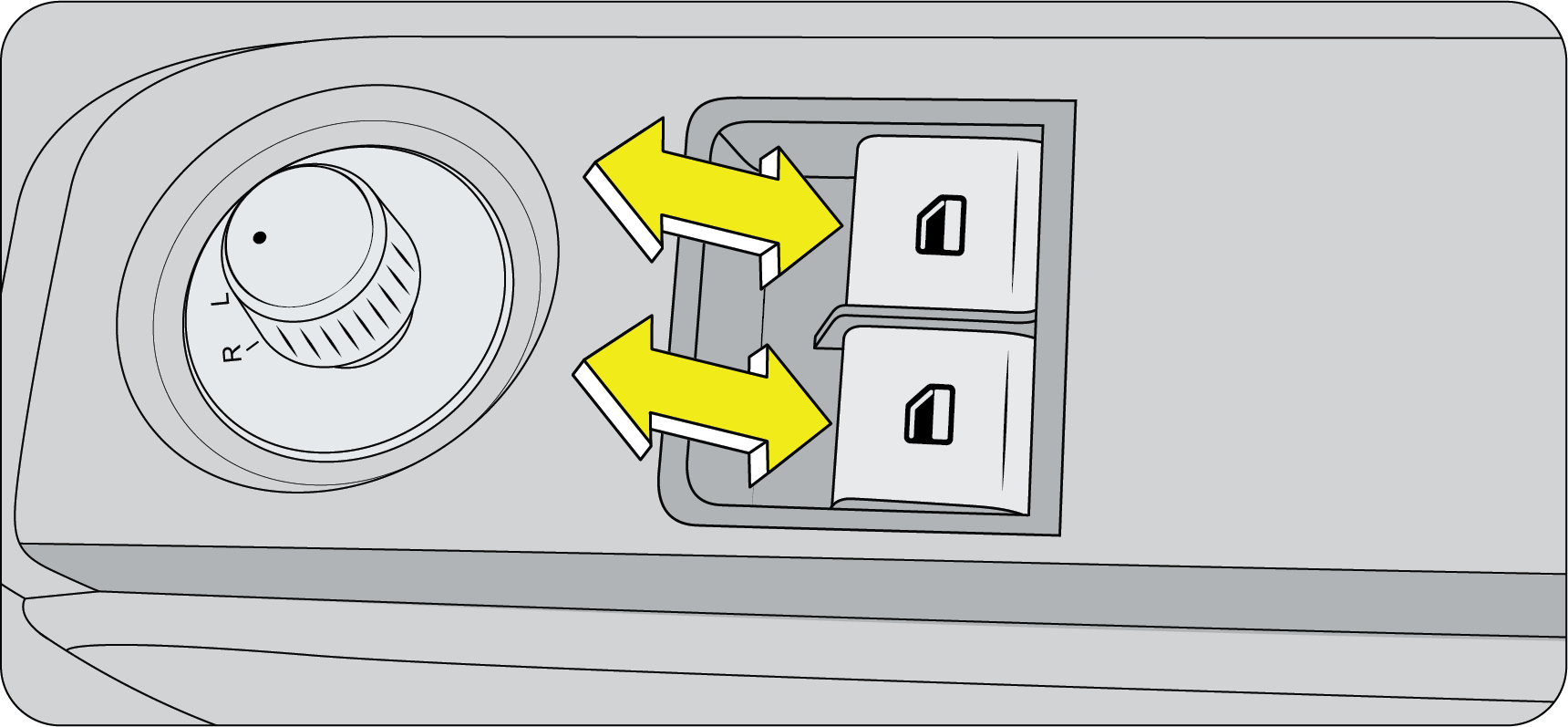 |
Power windows can be operated only when the ignition is “ON” position.The driver can operate all the power windows in the vehicle through the quadruple switch on the driver door armrest/handle.
|
Do not operate the power windows frequently. This will drain the vehicle battery.
If you operate the switches often during a short period of time, the system might become inoperable for a certain duration
to prevent damage due to overheating. The system will return to normal functioning shortly.
It is recommended to operate one window switch at a time.
While operating the power windows, check for obstructions like head, hand, etc. which may lead to personal injuries.
5.14.2 Smart Power Window with Anti-Pinch
This is applicable for driver door only (If Equipped)
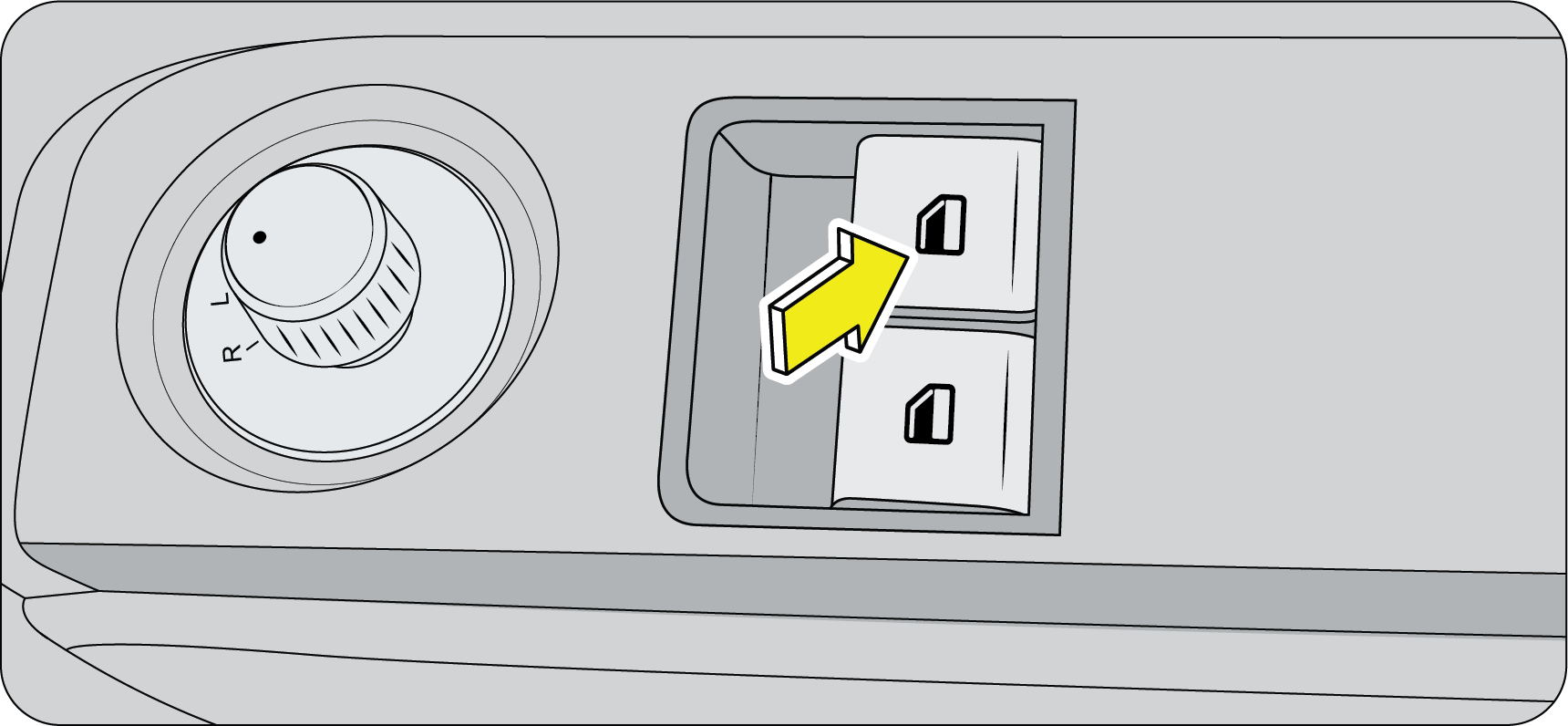 |
Smart power window is one of the significant safety features with the anti-pinch function, which automatically reverses the
direction of glass if an obstruction is detected during the auto up mode.
|
This feature consists of three functions:
| • | Auto UP |
| • | Auto DOWN |
| • | Anti-Pinch during Auto UP |
Auto UP: Pull the power window switch up for a moment and release. The glass moves all the way up automatically. You do not need to
hold the switch till the glass closes.
Auto DOWN: Press the power window switch down for a moment and release. The glass moves all the way down automatically. You do not need
to hold the switch till the glass comes down.
Anti-Pinch during Auto UP: During Auto UP if any obstacle is detected with the force value ranging between 70~100 N (~7-10 kg), the controller senses
the load and reverses the direction of the glass to downward direction for almost full stroke length.
If the force against the glass is less than the specified value, then this function does not operate. So, While operating
the power windows, check for obstructions like head, hand, etc. which may lead to severe personal injuries.
If power window anti-pinch is used continuously for more than 8 times, the power window express feature will have thermal
cut off and it will not operate for 20 seconds and after that for one cycle it will operate and once the temperature comes
to nominal, then it will start operating normally.
6 CONVENIENCE
6.1 Control Switch – Electric ORVM (If Equipped)
ORVM Adjustment: The electric exterior mirror adjustment switch is located on the driver door hand rest. The joystick on the switch can be
used to select the left/right mirror and also to adjust the respective mirror.
 |
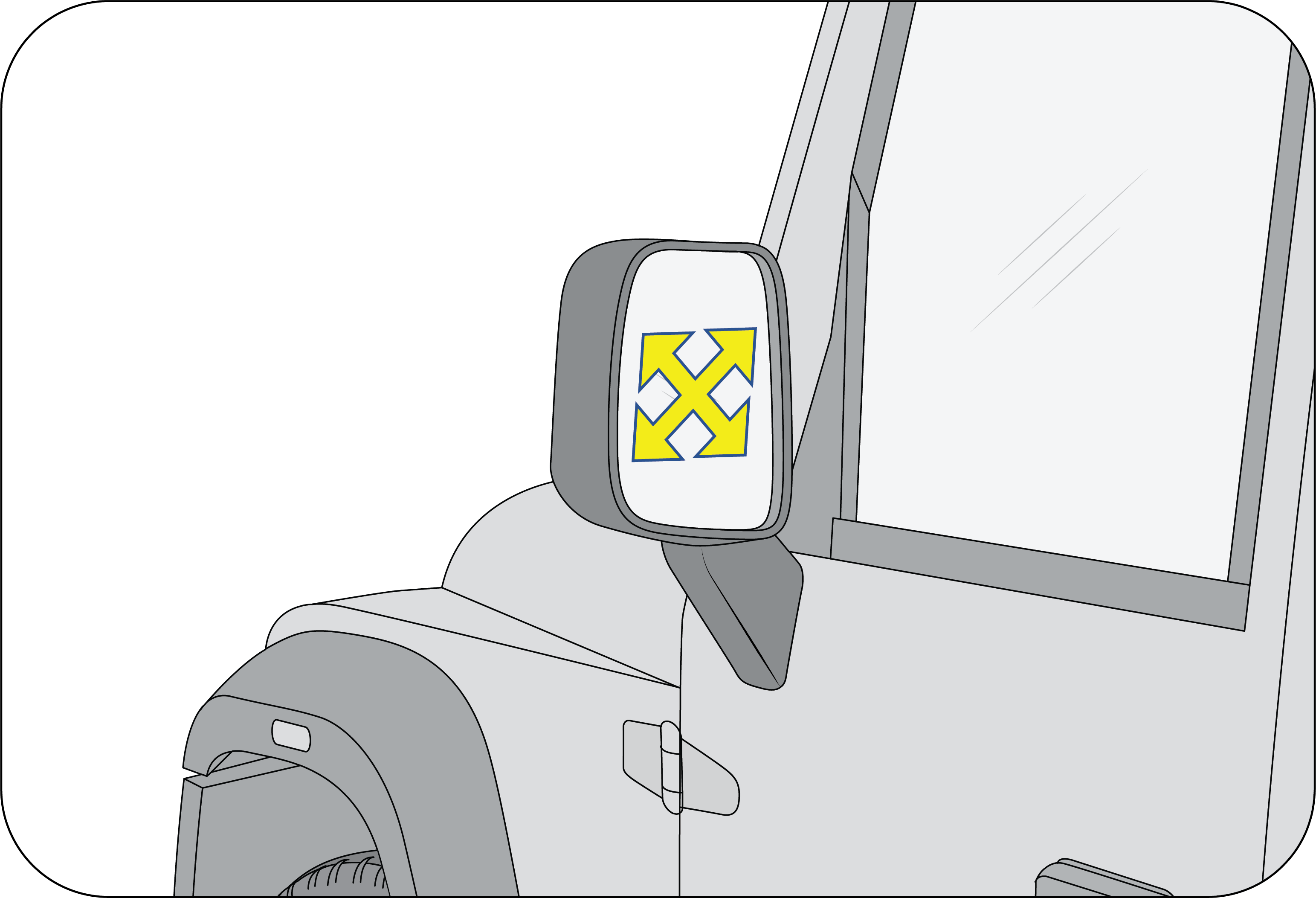 |
6.2 Interior Mirror
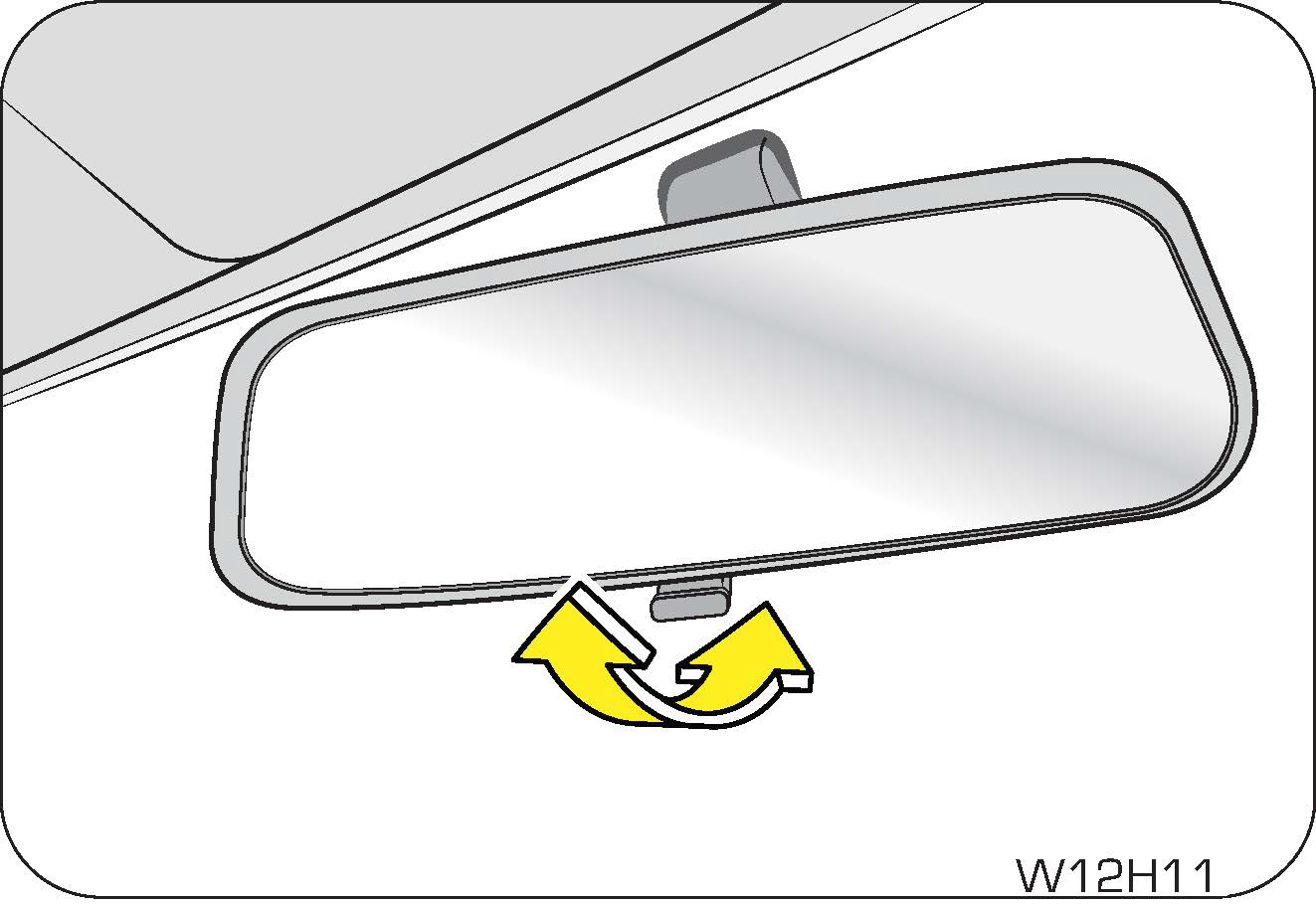 |
The interior mirror has day and night (anti-glare) positions. The night position reduces glare from head lamps of vehicles
behind you. Flip the tab on the bottom edge of the mirror to select the day or night position.
|
6.3 Power Outlets
The USB outlets are provided on the centre bezel below the center facia switch bank.
The Type ‘C’ Charging Port (A) shown in the image is only for charging.
The Type ‘A’ USB Port (B) shown in the image can be used as an input for the music system.
You can connect iPods, USB memory sticks and other devices as an input to listen to music through the vehicle speakers.
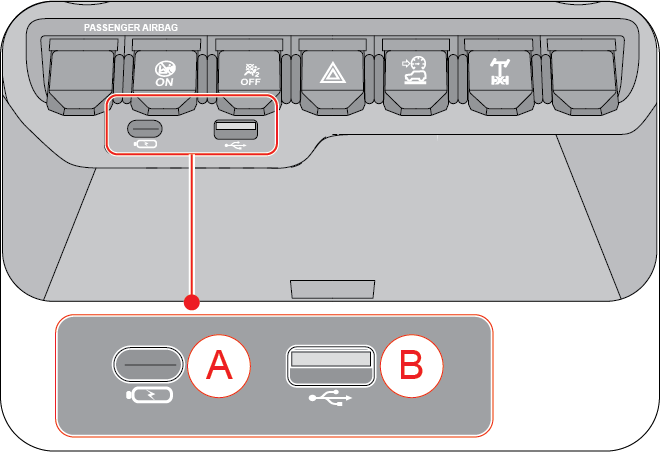 |
A: Type ‘C’ Charging Port
B: Type ‘A’ USB Port
|
It is recommended to connect an input device only when the vehicle is stationary. Attempting to do so while driving may distract
your attention and potentially lead to accidents.
 |
Second Row “C” Type Charger Outlet
“C” type charger outlet is provided on the rear side of the floor console below the 2nd row AC vents.
It can be used only for charging and it is intended to be used by second row passengers.
|
 |
12V - Power Outlet
The 12V power outlet socket is provided below the rear AC vents. Electrical equipment/appliances like mobile phone charger,
cigarette lighter, etc. can be used in the outlets.
|
The power sockets function only when the ignition is in ACC or ON positions. It is recommended to use the power sockets when
the ignition is ON to avoid battery drain.
To avoid serious injury:
| • | Close the power outlet cap when not in use. |
| • | Do not allow children to use or play with the power outlet. |
| • | When using electrical appliances, strictly follow the manufacturer's instruction manual. |
| • | Never use the power outlet for electric heaters while sleeping. |
| • | Never insert foreign objects into the power outlet. |
| • | Never use malfunctioning electrical appliances. |
| • | Never insert inappropriate or badly fitting plugs into the power outlet. |
Do not modify, disassemble or repair the power outlet in any way. Doing so may result in unexpected malfunction or fire, which
could cause serious damage to equipment and/or personal injuries. Contact an Authorized Mahindra Service Center for any necessary
repairs.
To prevent injuries and accidents, secure all electrical appliances before use. Do not use any appliance that may:
| • | Distract the driver while driving, or hamper safe driving. |
| • | Result in a fire or burn injuries due to the appliance rolling, falling or overheating. |
| • | Emit steam, while the windows of the passenger compartment are closed. |
| • | Remove the plug from the power outlet after using the electric device. Leaving the electric device plugged in for more time may cause the battery to drain. |
| • | Do not use the power outlet to connect electric accessories or equipment that are not designed to operate on 12V. |
| • | Some electronic devices can cause electronic interference when plugged into the power outlet. These devices may cause excessive audio noise and may interfere with other electronic systems or devices in your vehicle. |
6.4 Utility Holders
6.4.1 Can/Cup/Bottle Holders (If Equipped)
Console Storage with Armrest (If Equipped)
 |
 |
You can use the console storage by lifting up the console lid with the knob.
To avoid possible theft, do not leave valuables in the storage compartment.
Do not store items that are damageable or cause noises since they can move around in the compartment while driving.
Do not store any flammable materials such as cigarette lighter in the console box or other space. In hot weather, they may
explode and cause a fire.
By pressing up the console knob, you can use the compartment in the console storage.
The console storage can be used as an armrest for both the driver and the passenger.
You can store a max. 10-inch mobile device (Galaxy tab, iPad, etc.) in the centre console storage.
 |
Front Cup Holder
The cup holder located in the floor console between the front seats, It can be used for small cups or cans that are closed
or have a lid.
|
Use caution when using the cup holders. A spilled beverage that is very hot can injure the driver or passengers. Spilled liquids
can also damage interior trim and electrical components.
Any spilled beverage can also startle the driver and cause loss of control of the vehicle, resulting in an accident.
Never place objects other than cups or cans in the cup holder. These objects can be thrown out in the event of a sudden stop
or an accident, possibly injuring the passengers in the vehicle.
Bottle Holder
 |
Bottle holders are located on both the front door lower trims. You can use them to store maps, papers, small books, bottles,
etc.
Only sealed/closed bottles are to be used in the bottle holders.
|
6.4.2 Glove Box
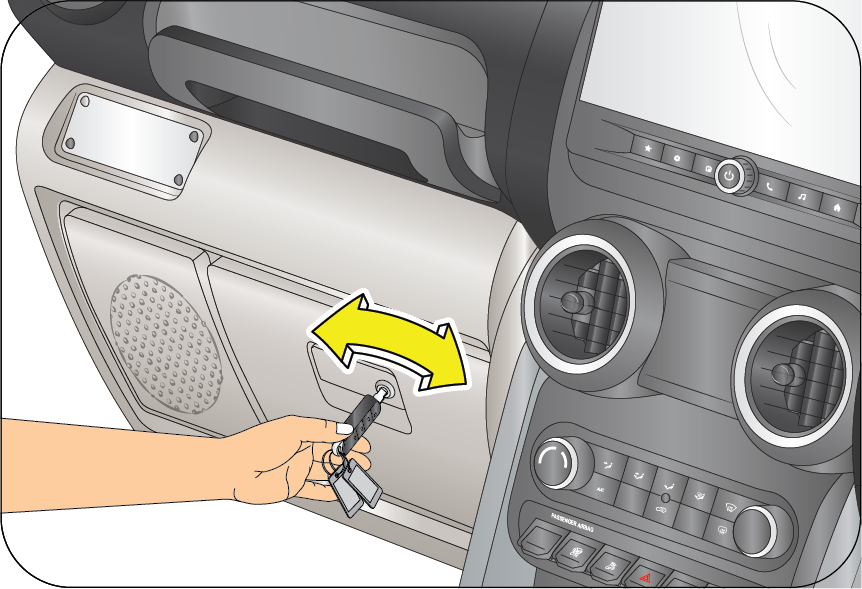 |
The instrument panel houses a glove box on the passenger side.
It is also recommended to keep copies of all vehicle documents in the glove box for reference when needed.
|
Do not overload the glove box.
Do not store loose or small metal objects inside the glove box. This will lead to rattling while the vehicle is driven on
bad roads.
To avoid the possibility of injury in case of an accident or a sudden stop, the glove box lid should be kept closed when the
vehicle is in motion.
6.5 Horn
|
|
Press the pad on the steering wheel to blow/sound the horn.
The horn functions even when the ignition has been switched OFF.
Horn will get activated when horn switch/pad is pressed.
It will get deactivated when horn switch/pad is released or after 10 seconds of continuously pressing.
|
If Horn Switch Input is ON for more than 10 sec, Horn will get deactivate after 10 seconds.
6.6 Switch Bank (If Equipped)
Driver side Switch bank is located on the RH side of driver on the Instrument panel. You can check the vehicle information
and choose vehicle settings using the switches.
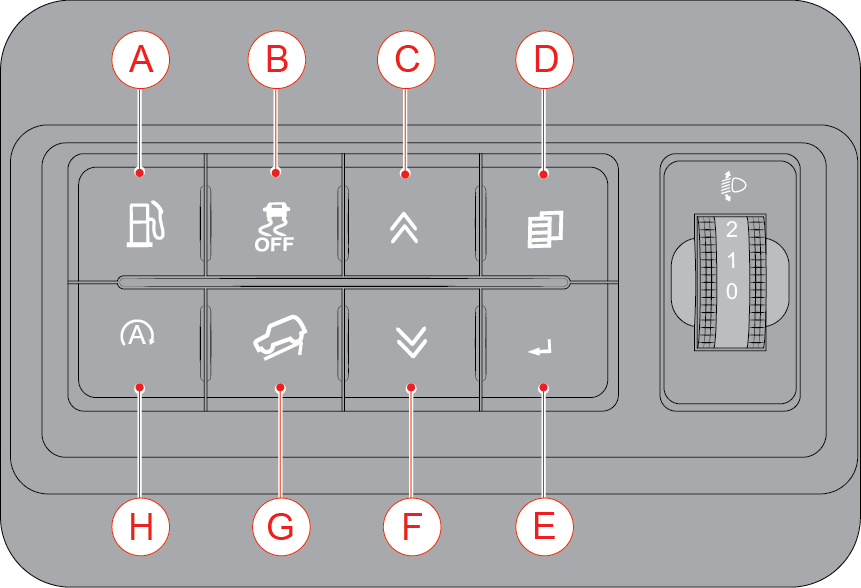
|
S.NO |
Switches |
S.NO |
Switches |
|
A |
Fuel Lid Open |
E |
Enter/OK Switch* |
|
B |
ESP ON/OFF |
F |
DOWN Switch*/ PAB Chime( ON/OFF)* |
|
C |
UP Switch* |
G |
HDC |
|
D |
Menu Switch* |
H |
Engine Start-Stop Switch |
|
*-If Equipped |
|||
6.7 Center Fascia Switches
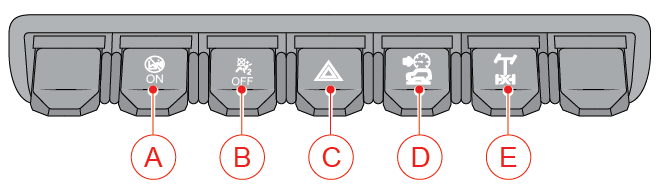
|
S.NO |
Switches |
|
A |
Passenger Airbag ON Indicator |
|
B |
Passenger Airbag OFF Indicator |
|
C |
Hazard Lamp Switch |
|
D |
Terrain Mode 4*4*/ Drive Mode* |
|
E |
Electronic Locking Differential (ELD)* |
6.8 Sun Visor
 |
The sun visors can be used for either frontal or sideward shade, to reduce glare or to shut out direct rays of the sun. The
sun visor can be swivelled to the side, to provide shade from the glare of the sun.
|
In certain variants, a vanity mirror is provided on the back of the front passenger sun visor.
6.9 Grip Handle and Luggage Hook
Grip Handle
The grip handles are provided in below mentioned locations for passenger and driver convenience,
| • | Above Second row outwards seats. |
| • | In both A-pillar trims. |
| • | Top of instrument panel glove box. |
 |
Luggage Hook
The Luggage hook is available in the back side of the passenger seat for hang the shopping bag or other suitable objects on
the hook. This hook is not designed for large or heavy items.
|
To avoid breaking the hook, do not hang items heavier than 3 kg.
Make sure the weight is not hung on the front seat back hook during the reclining of co-driver seat.
Hang light weight articles only. Hanging excess / bulky weight items may cause breakage of the hook and inconvenience to the
passenger.
6.10 Roof Top-Hard Top
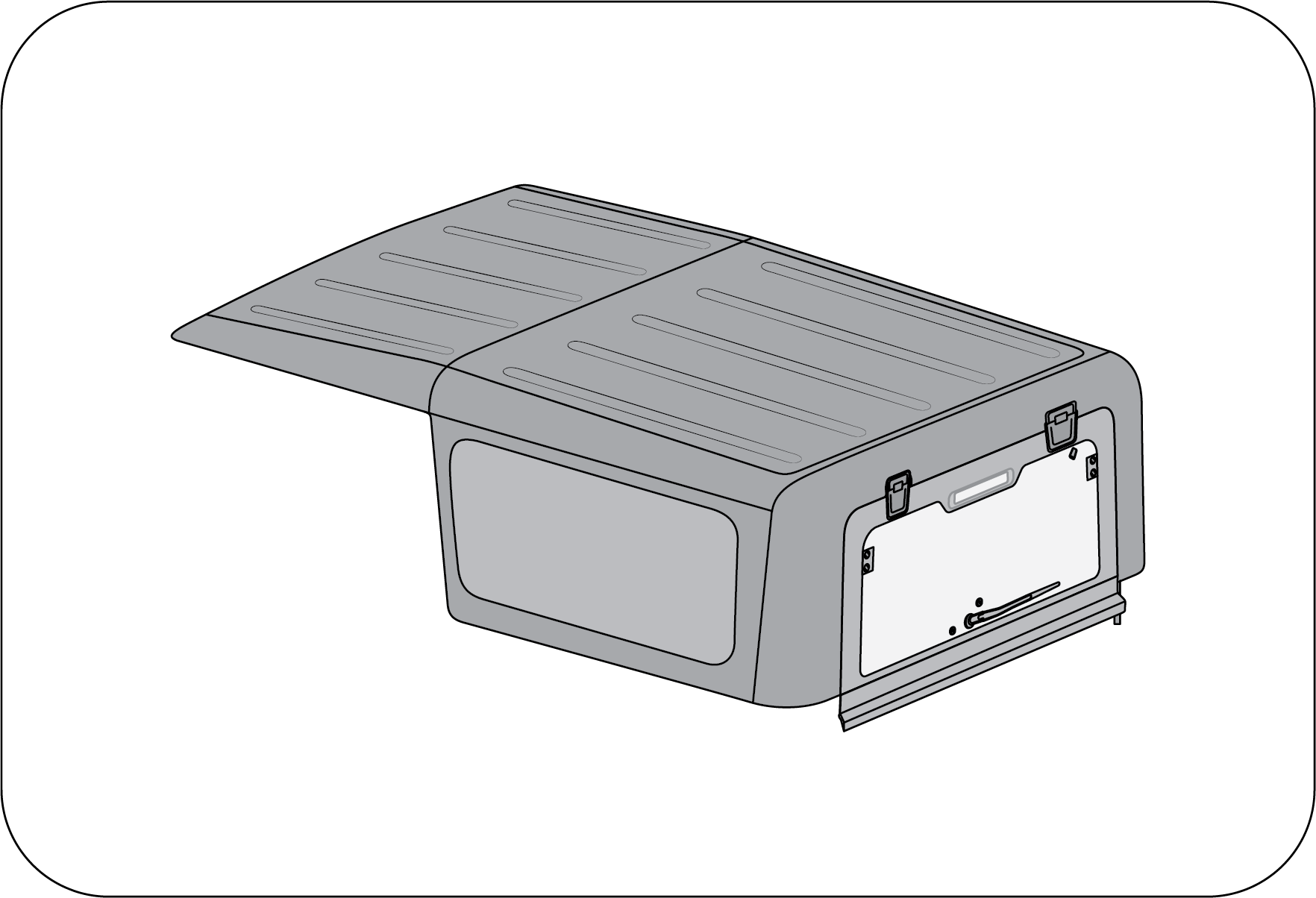 |
This is fixed roof top which can not be removed.
Hardtop assembly must be removed and refitted only at Authorized Mahindra Service Center.
|
Mind your head for injury on account of sharp edges of HMSL body while maneuvering near tailgate with roof top glass open
condition.
6.11 Lamps
6.11.1 Interior Lamps
 |
The Roof lamp is located in the roof above the front and rear seats. The lamp can be switched on using the switch on the lamp.
Do not leave the Roof lamp in permanent ON mode. This will drain your vehicle battery.
|
The Roof lamp switch has three operation modes to choose from:
1. The lamp remains permanently ON in this position irrespective of the door open status.
2. The lamp remains permanently OFF in this position.
3. The lamp remains in AUTO mode in this position. The operation of the Roof lamp in Auto mode is as follows:
| • | Roof lamp switches ON, dims and goes OFF after a preset delay once smart key fob unlock is performed. |
| • | Roof lamp switches ON when any of the doors is/are open. |
| • | Roof lamp switches ON when Ignition on to ignition off all doors closed condition. |
| • | Roof lamps dim and go OFF after a preset delay upon closing of all doors during IGN OFF condition. |
| • | Roof lamps dim and go OFF immediately on smart key fob lock or manual key lock after all doors are closed. |
| • | If any of the doors are not closed properly, then the Roof lamps switch OFF automatically after a preset duration (during Key removal from key Barrel) or once the vehicle speed > 20 km/h. |
| • | Roof lamps go OFF with ignition ON and all doors closed properly. |
6.11.2 Exterior Lamps
Lighting Control Stalk: The lighting control stalk is located on the right-hand side of the steering wheel and is a part of the combination switch.
It controls operations of parking lamps, head lamps, head lamp beam selection, high beam flashing, front fog lamps and turn
signals when the ignition switch is ON.

Rotate the outer rotary switch on the lighting control stalk clockwise aligning the “arrow” on the stalk to Position “OFF”
to switch OFF all lamps.
Turn Signals

A: Turn Signal - Left xxxxx B: Turn Signal - Right
Taking a Right Turn:
| • | Push the lighting control stalk clockwise to indicate a right turn. The instrument cluster arrow lamp pointing towards the right flashes along with the right side turn signal lamps (front, rear and ORVM) with chime indicating your intention of turning towards right. |
After you have completed your right turn, the stalk will automatically return to the neutral position switching OFF turn indicator
lamp.
Taking a Left Turn:
| • | Push the lighting control stalk anti-clockwise to indicate a left turn. The instrument cluster arrow lamp pointing towards the left flashes along with the left side turn signal lamps (front, rear and ORVM) with chime indicating your intention of turning towards left. |
| • | After you have completed your left turn, the stalk will automatically return to the neutral position switching OFF turn indicator lamp. |
If the turn signal lamps on the instrument panel flash faster than normal, there may be a possibility that one or more of
the turn signal lamp bulbs have blown. Replace the blown bulb immediately.
Changing Lanes:
The system is equipped with One Touch Lane Indicator function which can be used to signal a lane change.
To signal a lane change, move the light control stalk clockwise or anti-clockwise to the limit point of free movement of the
lever and release. The turn signals will flash three times and stop.
The turn signals will continue flashing as long as the lighting control stalk is held in the limit point of free movement.
Lamps OFF
Rotate the outer rotary switch on the lighting control stalk aligning the ‘arrow’ on the switch to ‘OFF’ on the stalk to switch
OFF all lamps.

Parking Lamp ON
Rotate the outer rotary switch on the lighting control stalk clockwise/downward aligning the “arrow” on the stalk 2nd position from the top position to switch ON the parking lamps.

The tail lamp, license plate lamp, instrument panel illumination lamps and all interior switches are also activated when the
parking lamp is switched ON.
The Park lamps will be switched OFF automatically after opening the driver door. If a user still wants a park lamp they must
turn OFF and turn ON manually.
Park Lamp Warning Buzzer: A warning buzzer sound will be provided if the park lamp is left ON with ignition OFF, as soon as driver door is opened.
Head Lamp ON
Rotate the outer rotary switch on the lighting control stalk clockwise aligning the “arrow” on 1st position from the top to switch ON the head lamps.

Head Lamp Low/High Beam: Switch ON the head lamp, and push the lighting control stalk down (away) from steering wheel to switch ON the head lamp high
beam and lift/pull the lighting control stalk up again towards the steering wheel to switch ON the head lamp low beam. In
head lamp high beam, the high beam tell-tale lamp in the instrument cluster illuminates indicating high beam option selected.

|
A
|
Low Beam
|
B
|
High Beam
|
Your vehicle head lamps are vented and moisture may be collected on the inside of the head lamp lens under certain climatic
and geographical conditions. This moisture will evaporate once the head lamps have been switched ON for a few minutes.
Head Lamp Flash: Pull the lighting control stalk towards the steering wheel to instantaneously flash the head lamp high beam and low beam.

Head Lamp Levelling System
 |
When the vehicle is either fully or partially loaded, it may have an upward inclination disturbing the head lamp aiming. A
correct head lamp setting provides good visibility to the driver with minimum inconvenience to other road users.
To properly aim the head lamp beam, use the head lamp levelling switch.
|
This switch is located on the right side of the steering column shroud in the instrument panel. This switch has three positions
marked as 0, 1 and 2.Select the suitable switch position depending on the pay load as advised in the table.
|
Switch Position |
Vehicle Loading Condition |
|
0
|
Driver only or Driver with front passenger
|
|
1
|
Driver + Front passenger + Rear seat occupied
|
|
2
|
All seats occupied
|
|
3
|
All seats occupied with luggage OR Driver with luggage at extreme rear side
|
The headlights can only be adjusted when the low beam is switched ON.
6.11.3 Head Lamp Levelling System
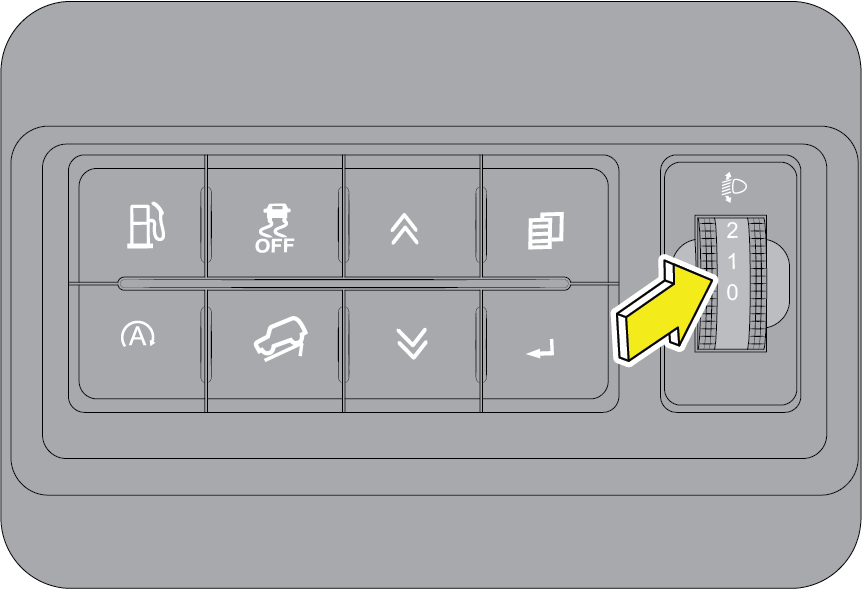 |
When the vehicle is either fully or partially loaded, it may have an upward inclination disturbing the head lamp aiming. A
correct head lamp setting provides good visibility to the driver with minimum inconvenience to other road users.
|
To properly aim the head lamp beam, use the head lamp levelling switch. This switch is located on the right side of the steering
column shroud in the instrument panel. This switch has three positions marked as 0, 1 and 2.
|
Switch Position |
Vehicle Loading Condition |
|
0
|
Driver only or Driver with front passenger
|
|
1
|
Driver + Front passenger + Rear seat occupied
|
|
2
|
All seats occupied
|
|
3
|
All seats occupied with luggage OR Driver with luggage at extreme rear side
|
Select the suitable switch position depending on the pay load as advised in the table.
The headlights can only be adjusted when the low beam is switched ON.
6.11.4 Daytime Running Lamp (DRL) / Rear Park Lamp (If Equipped)
To enable DRL/Rear Park Lamp: In daytime whenever the vehicle is in running and park lamp switch is in OFF position, DRL / Rear Park Lamp is enabled.
To disable DRL: Whenever the vehicle is in running and park lamp is ON, DRL will get switch to park mode.
If customer doesn’t want the DRL/Rear Park Lamp to be ON, he can disable through infotainment settings.
6.11.5 Fog Lamps (If Equipped)
Fog lamps (If Equipped) are to be used along with head lamp low beam, to improve the vision during foggy and misty conditions.
Front Fog Lamps ON: To switch ON the front fog lamps, first switch ON the parking lamps, rotate the inner rotary switch on the lighting control
stalk clockwise aligning the front fog lamp icon to the “arrow” on the inner fixed stalk as shown.
 |
The front fog lamp indicator in the instrument cluster indicates the operation status.
|
Fog lamps will turn ON only if parking lamp is ON .
 |
Fog Lamps OFF: Align the “marking” of inner rotary switch on the lighting control stalk to the “OFF” position on the inner fixed stalk as
shown to switch OFF the fog lamps.
|
6.12 Rear Defogging
There are heating grids on the tailgate glass. Be careful not to damage the heating grids while cleaning inside of the tailgate
window.
Do not coat the tailgate window with commercial anti-glare film. When the metal anti-glare film and two-tone anti-glare film
is used, the sensitivity of the heating grids can be deteriorated.
If any transmitter or receiver is close to the antenna, it can interfere with the communication of the antenna.
The heating element of the glass is activated only when the engine is ON. When the glass heater switch is pressed, the heating
elements of the rear windshield and outside rearview mirrors are turned on simultaneously.
6.13 Follow-Me Home (FMH)
This feature helps the driver and passengers to easily get out of the vehicle during poor light conditions. The head lamp
low beam is turned ON for about 20 seconds, assisting the passengers to find their way unless cancelled by the UNLOCK signal
from the smart key fob.
To enable FMH:
| • | Ignition transition from ON to OFF. |
| • | Park lamp ON to OFF. |
| • | Double press smart key fob LOCK. |
| • | Head lamp low beam will turn ON for 20 seconds unless cancelled by the UNLOCK signal. |
To extend FMH:
| • | The first smart key fob LOCK command will be used for locking all doors. |
| • | Successive smart key fob LOCK commands will be used for toggling the current status of the head lamp low beam. |
| • | Each time FMH is extended, the head lamp low beam will be kept/turned on for the next 20 seconds. |
| • | If no extension is provided for 3 minutes, FMH will get expired. |
To disable FMH
| • | Park lamp transition from OFF to ON. |
| • | Ignition off to any other states. |
| • | FMH ON 20 seconds expires. |
| • | Max time of 3 minutes has elapsed and no extension of FMH. |
With FMH mode ON, if the UNLOCK signal is received twice from smart key fob, the feature gets deactivated and cannot be extended
further. Also, the doors are unlocked and vehicle disarmed.
6.14 Lead Me to Vehicle (LMV)
LMV is the feature that switches the head lamp ON in low beam for 20 seconds, helping the passengers to reach the parked vehicle
safely and comfortably at night.
To enable LMV:
| • | Park lamps OFF. |
| • | Press UNLOCK button twice on the smart key fob. |
| • | System will unlock all doors and disarm the vehicle followed by head lamp turning ON for 20 seconds. |
If FMH has already expired, LMV would turn ON at the 2nd smart key fob unlock press.
To extend LMV:
| • | Successive UNLOCK commands received from smart key fob is used for toggling the current status of the head lamp low beam. |
| • | Each time LMV is extended the low beam will be kept/turned on for next 20 seconds. |
To disable LMV:
| • | LMV ON 20 seconds expires. |
| • | Ignition off to any other states. |
| • | LOCK command is received from smart key fob. |
| • | Park lamp is switched ON. |
6.15 Windshield Wipers
6.15.1 Wiper Control Stalk
 |
A: Flick- Wipe (MIST)
B: Off
C: Intermittent (INT)
D: Low Speed (LO)
E: High Speed (HI)
F: Rotary Switch
|
Wiper Off: The wipe function is OFF when the wiper control stalk is in neutral position (B).
Flick-Wipe (Mist): Push the wipe control stalk to position (A) for a flick-wipe, hold to operate the wipe continuously (simultaneously lift the
wiper stalk towards the steering wheel to operate the wash). The stalk automatically comes back to position (B) when released.
Intermittent (INT) (If Equipped):Intermittent (INT) mode wiping is selected when the wipe control stalk is pushed down to position (C). In the INT mode, the
wiper operates on preset intervals. The delay between each wipe can be varied by rotating the wiper speed intensity rotary
switch (F).
The delay between each wipe can be varied by rotating the wiper speed intensity rotary switch (F).
When the ignition key is in the “ON” position, the wiper will automatically operate once if the wiper switch is turned from
the “OFF” to the “AUTO” position.
Low Speed Wiping: Push the wipe control stalk down to the position (D) to operate the wiper at a fixed low speed.
High Speed Wiping: Push the wiper control stalk down to position (E) to operate the wiper at a fixed high speed.
6.15.2 Wipe/Wash (If Equipped)
Pull/Lift the wiper control stalk towards the steering wheel from any position to activate wipe/wash function. Washer fluid
from front washer reservoir is pumped and sprayed onto the windshield. The wipers wipe the windshield 3 times after the washer
spray is stopped. Hold the stalk in position for continuous spray of washer fluid.

When wiper is in OFF or Intermittent mode:
After completion of the wipe/wash cycle, wipers return to their bottom position.
If the wipers are in Intermittent mode and DWELL delay is less than or equal to 5 seconds, then the wiper will continue in
the Intermittent mode.
If the wipers are in Intermittent mode, and DWELL delay is more than 5 seconds, then a further single wipe will be performed
5 seconds after the wash/wipe cycle. After the drip wipe (last wipe), wiper returns to normal Intermittent wipe.
The wipe/wash function can be activated only when the ignition is in “ON” position.
6.15.3 Rear Wiper-INT Mode (If Equipped)

Rotate the outer rotary switch on the wiper control stalk to align the “arrow” on the stalk to the rear wipe “ON” position
to operate the rear wiper in INT mode. In this mode, the wiper operates on preset intervals of 4 seconds.
6.15.4 Rear Wiper-ON Mode (If Equipped)

Rotate the outer rotary switch on the wiper control stalk to align the “arrow” on the stalk to the rear wipe “ON” position
to operate the rear wiper continuously.
6.15.5 Rear Wash (If Equipped)

Push the wiper control stalk towards back side from any position to activate wipe/wash function. The rear windshield wash
and wipe operates 3 to 4 times or as long as the stalk end is Push/Pull to the rear wash position. Wiping will continue for
3 times after releasing the stalk end switch.
If you switch OFF the ignition before switching OFF the wiper, the blades stop at random on the windshield. Switch ON the
ignition and move wiper stalk to 'MIST' position to return the wipers to the park position, provided the wiper stalk is in
OFF position.
Using a windshield washer in freezing temperatures could be dangerous. The washer fluid could freeze on the windshield, and
block your vision resulting in an accident. If you operate your vehicle in temperatures below 40 deg C, use washer fluid with
anti-freeze protection.
| • | Do not operate the wipers when the windshield is dry. It may lead to scratches on the glass. |
| • | It is recommended not to use the wiper when the windshield glass is covered with debris, snow or leaves. Clean the glass before using the wiper to avoid damage to the wiper blades and glass. |
| • | Do not operate the windshield washer for more than 10 seconds or when the reservoir is empty. |
6.15.6 Windshield Washer Jet - Front and Rear (If Equipped)
There are two nozzles with triple adjustable washer jets in the front (on the bonnet). Using a pin, the eye ball jets can
be adjusted precisely for direction. Always direct the washer jet to hit the middle of the windshield. This will enable the
wiper blade to wipe the complete width of the windshield.
|
Front |
Rear (If Equipped) |
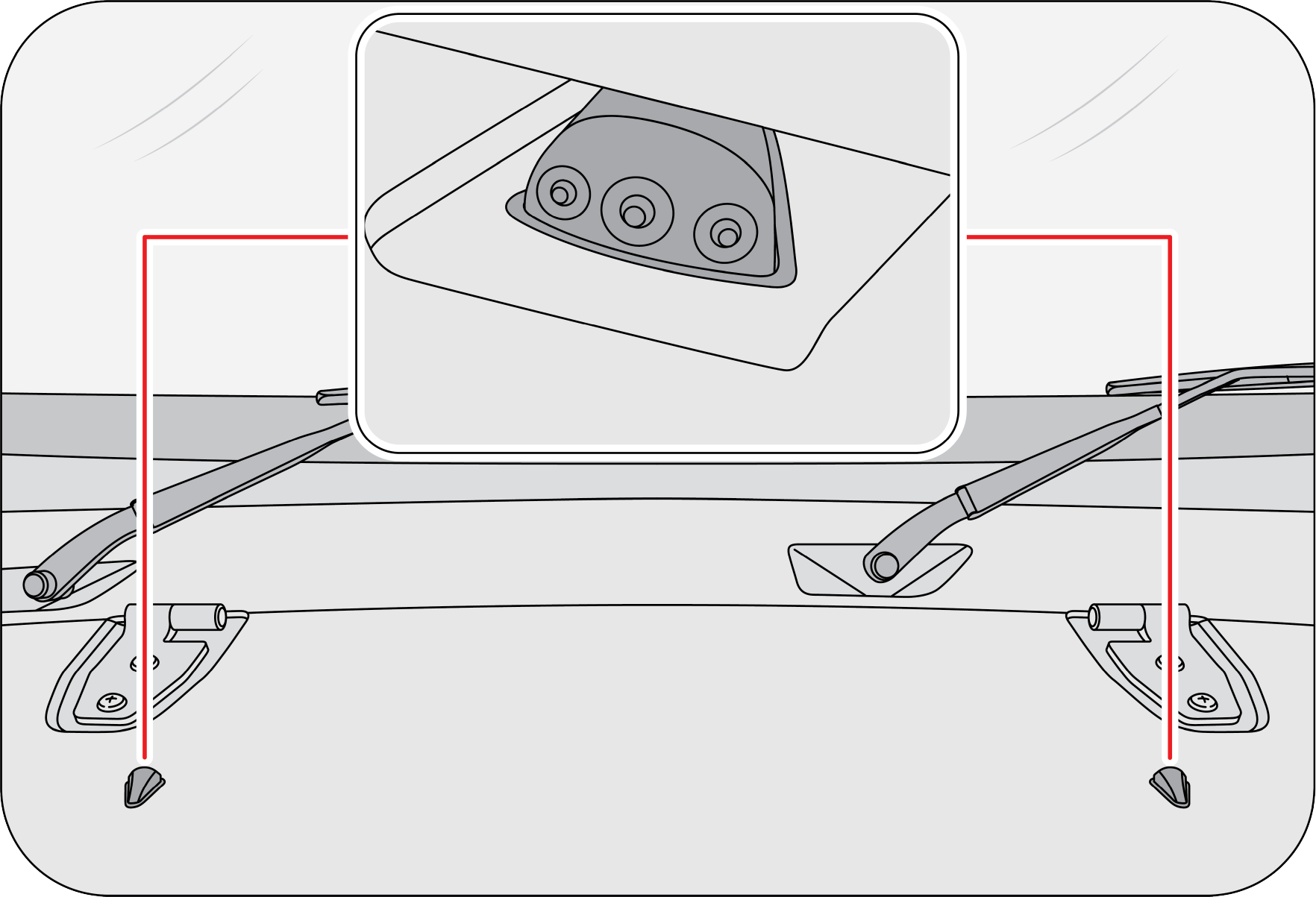 |
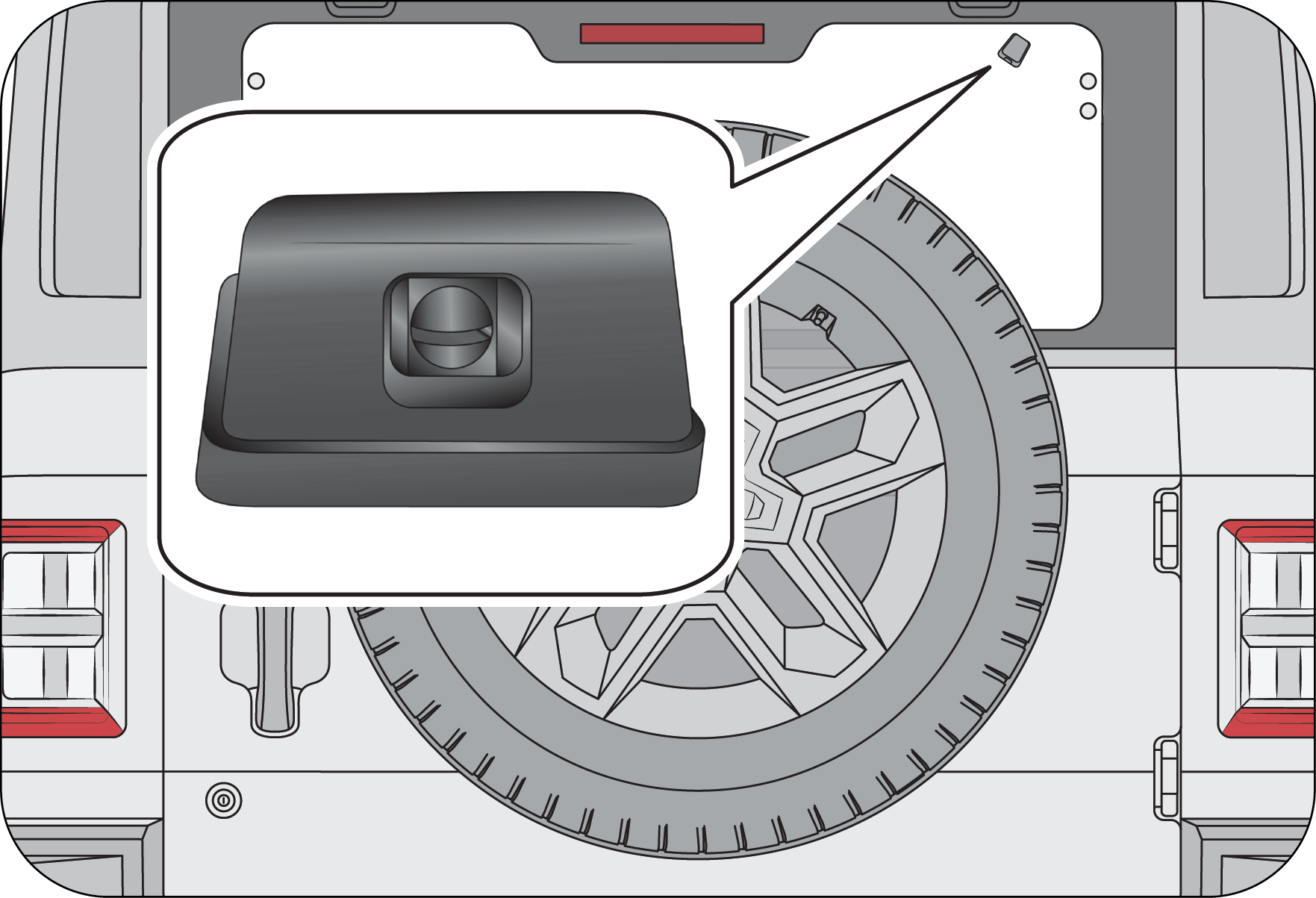 |
In the rear, one nozzle provided for the rear windshield wash. Rear windshield washer fluid is supplied from front washer
reservoir located in the engine compartment.
7 PARKING ASSISTANCE SYSTEM
7.1 Parking Assistance System (PAS) FPAS and RPAS (If Equipped)
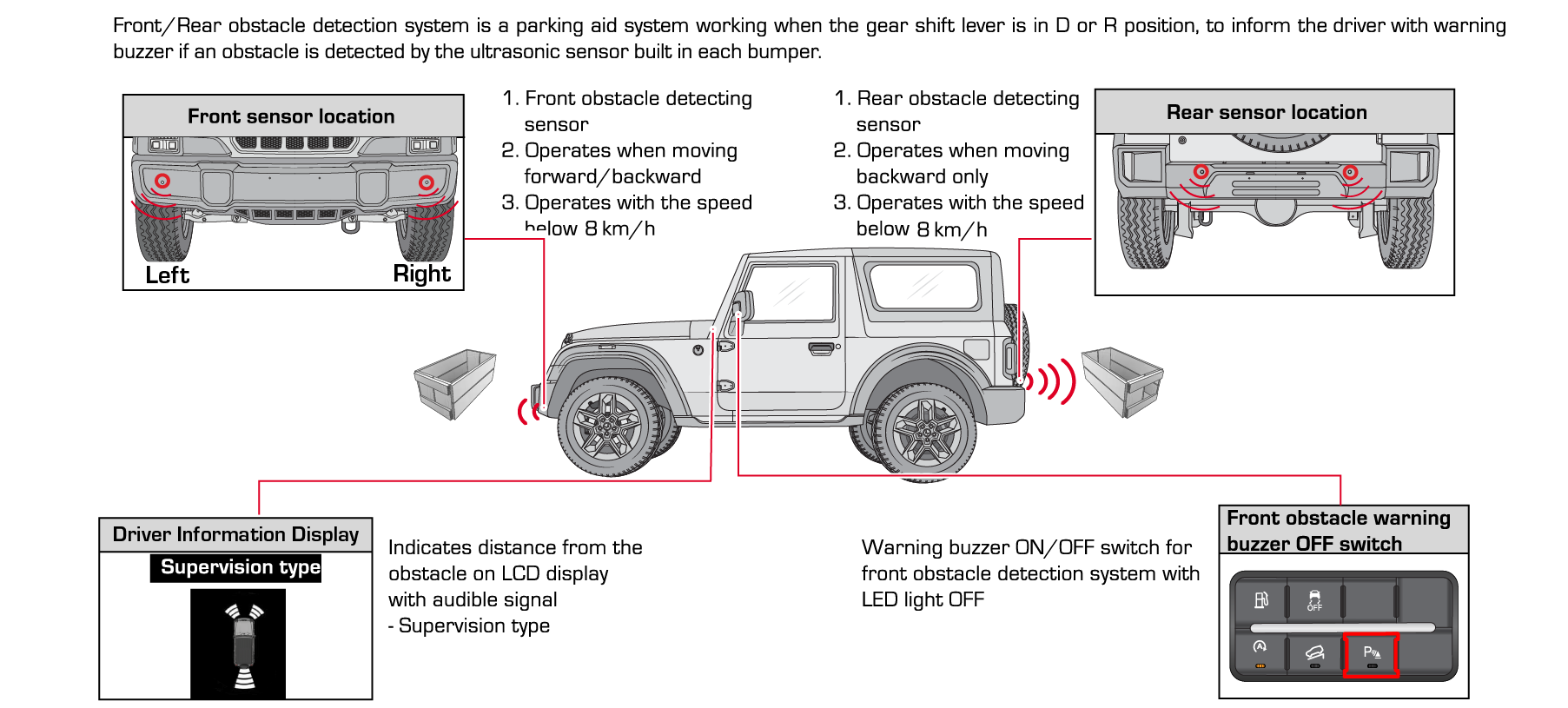 |
Parking assistance system is provided to aid the driver while parking the vehicle in reverse and in front. While parking,
PAS will detect the obstacles at the rear and front side of the vehicle within the sensing zone, which cannot be viewed through
the internal rear-view mirror and the outside rear view mirrors and windshield. The PAS will then alert the driver by a beep
sound and display about the location of the detected obstacle from the vehicle. The alert sound level will vary proportional
to the distance. Smaller the distance shorter the interval between the beeps.
Parking Assistance System Sensors
|
Front Sensor Location
|
Rear Sensor Location
|
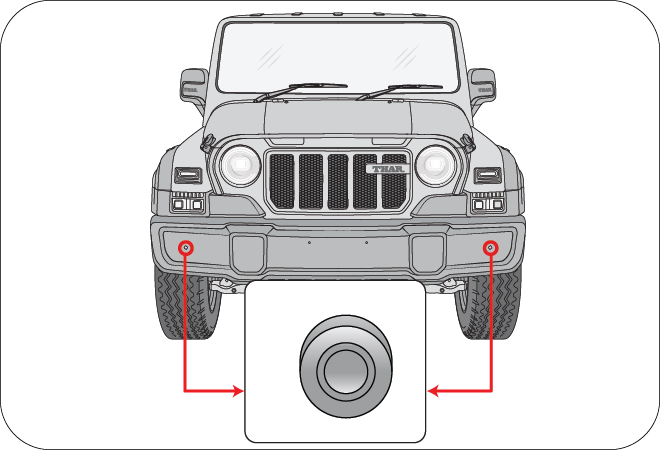 |
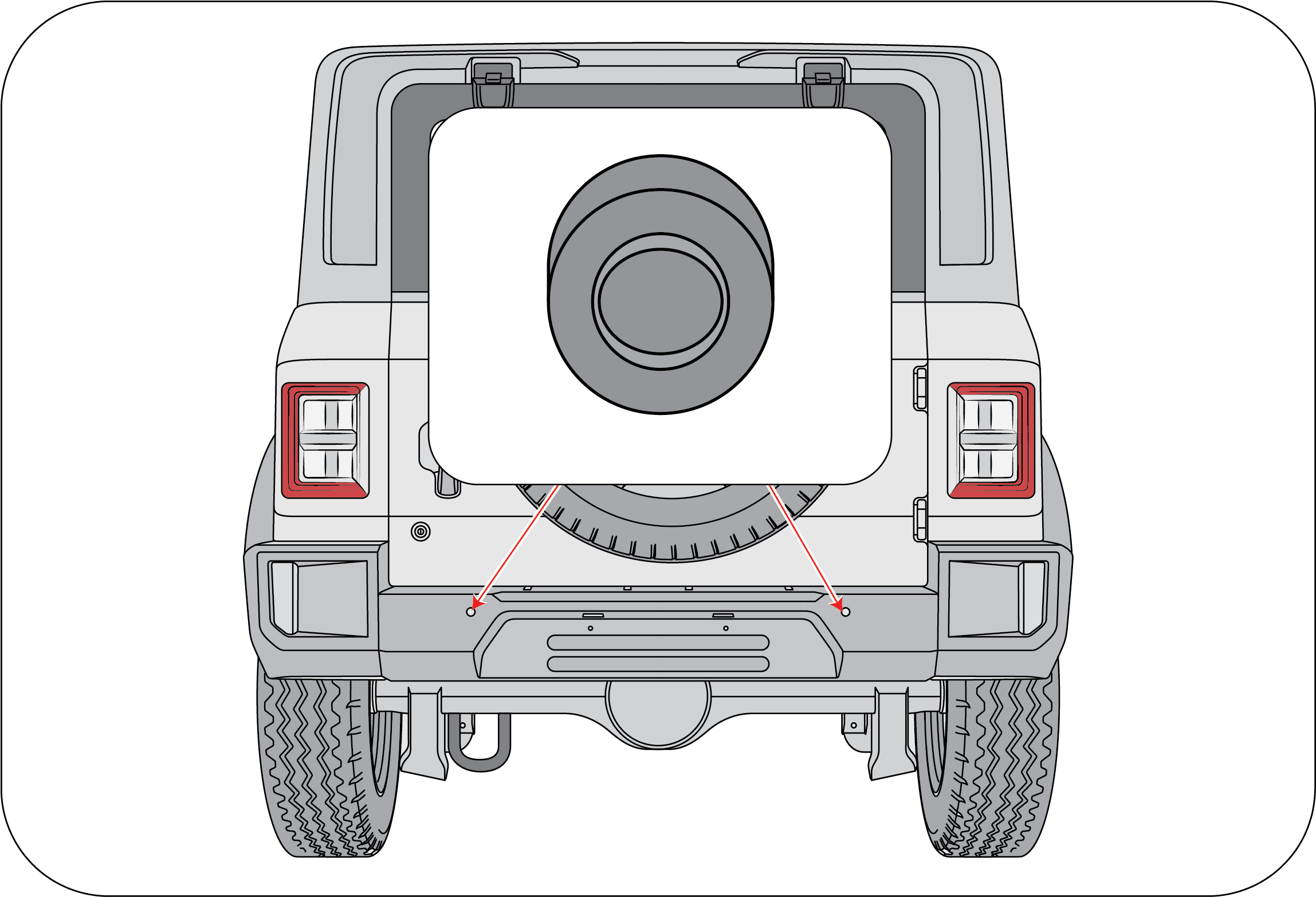 |
RPAS sensors are located in the rear bumper and FPAS sensors are located in front Bumper to assist driver for hassle free
parking.
RPAS and FPAS will give proper alerts at vehicle speed less than 8 km/h.
Always keep the sensors clean and free from ice formation, dust, water etc. for proper working of the system.
Do not press or shock the sensors by hitting or using a high-pressure water gun while washing. The sensors could be damaged.
Magnetic devices present in the detection range could vastly affect the sensor performance and the distance displayed may
not be accurate.
| • | Driving and Operation
|
| • | Activation and De-activation of PAS
|
PAS Information on Instrument Cluster Screen
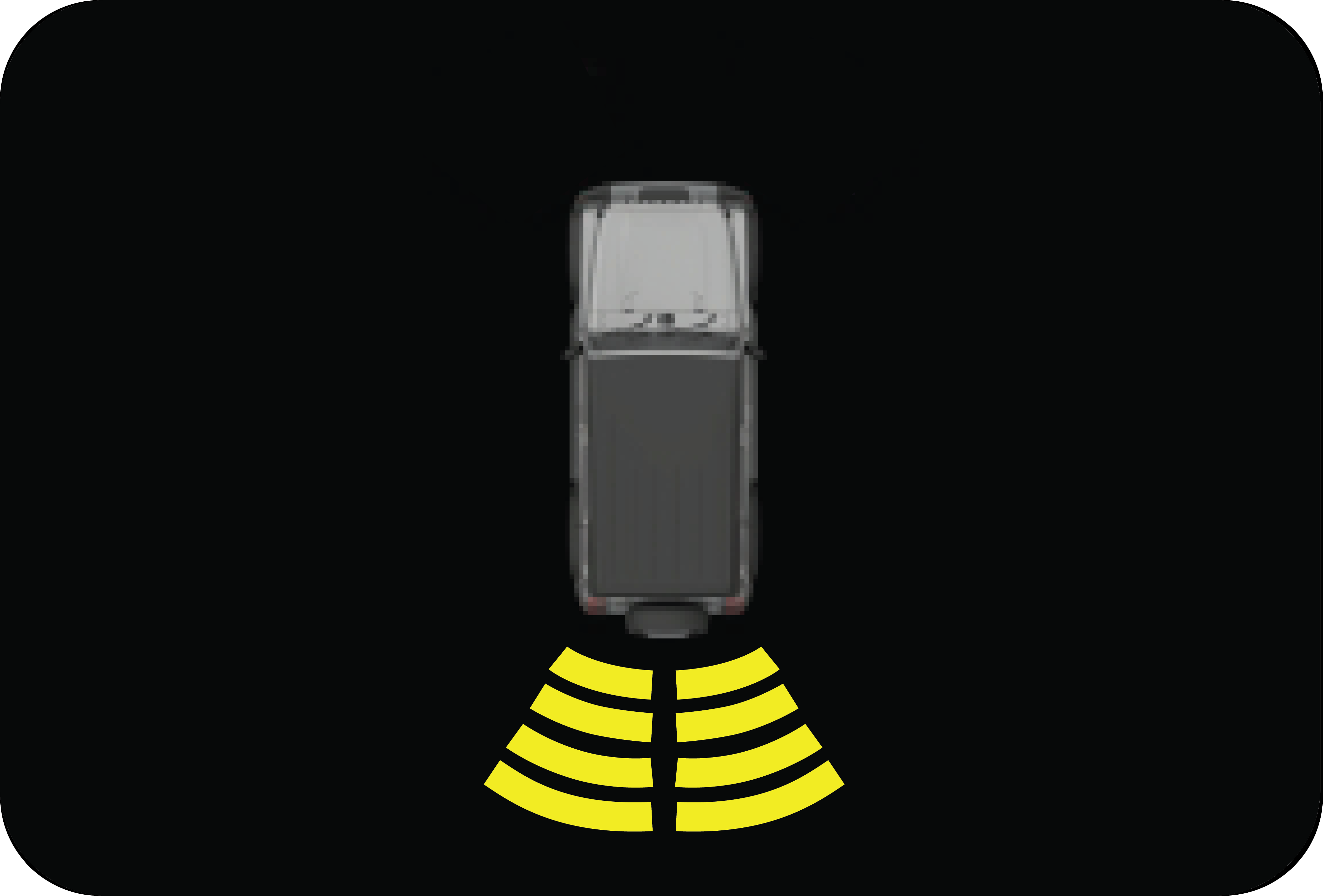 |
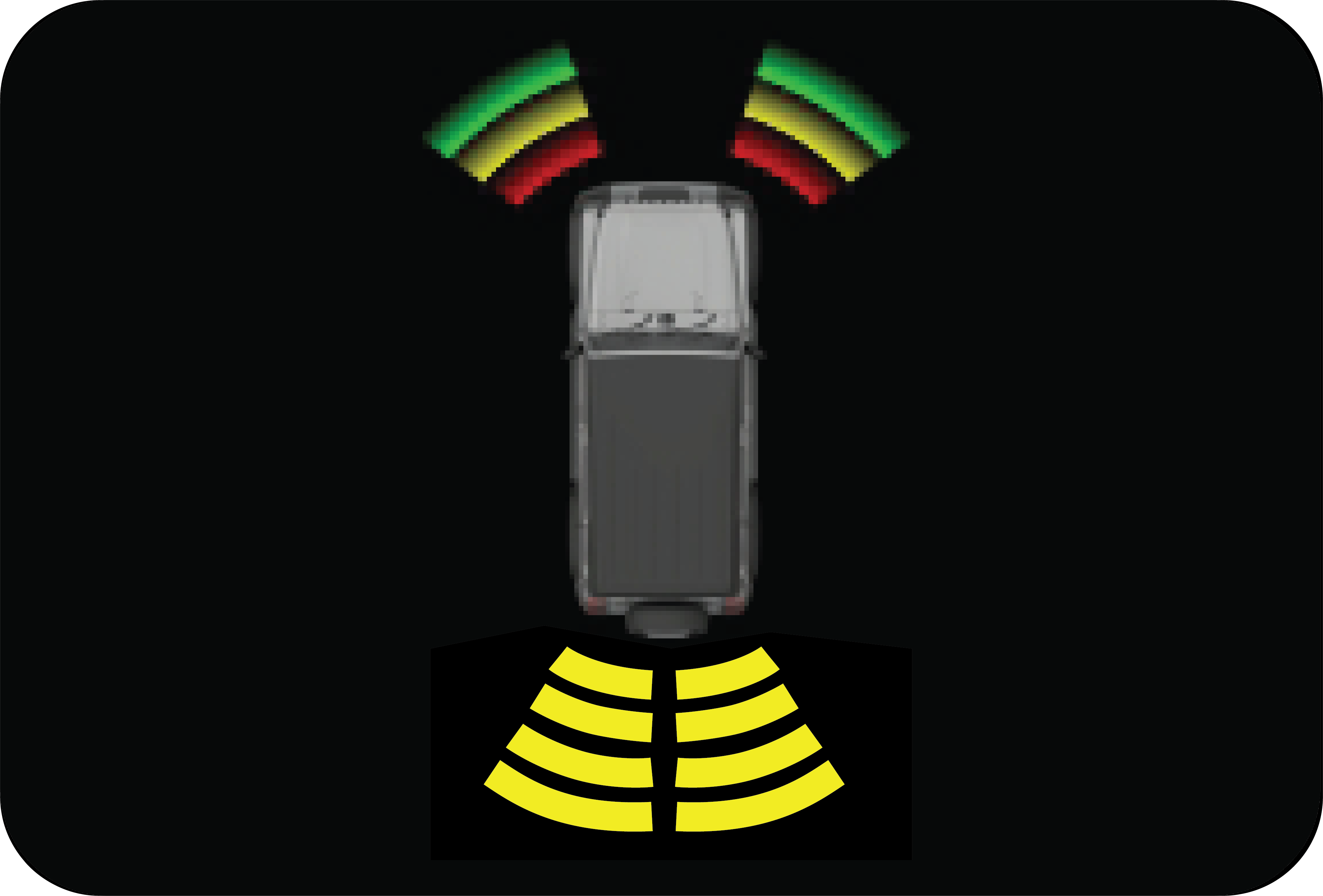 |
RPAS display on Instrument Cluster screen gives the following information:
| • | Left zone indicates obstacle on left side. |
| • | Right zone indicates obstacle on right side. |
| • | If Obstacle is in center then left and right both zone will get highlight |
Number of Zones getting changed according to variant.
FPAS display on Instrument Cluster screen gives the following information:
| • | Left Corner zone indicates obstacle on left side |
| • | Right Corner Zone indicates obstacle on the right side |
| • | Operation of PAS |
1. Start the vehicle (Ignition is turned ON).
|
|
2. Shift the gear to Reverse (engage reverse gear) and ‘D’ is engage hand brake. RPAS and FPAS will be displayed as like below
in Instrument Cluster. The RPAS and FPAS both will be displayed as like below in the Instrument Cluster screen during obstacle
detection
|
3. For FPAS alone, disengage Hand brake and drive the vehicle forward with speed limit within 1 to 8 km/h. FPAS will be displayed
as like below in the Instrument Cluster screen during obstacle detection.
|
|
|
|
|
4. The Beep sound can be heard from the Instrument Cluster. Frequency of the beep will increase if obstacle comes closer (crossing
each display bar) and the sound will be continuous if any of the obstacle is less than 50 cm.
|
5. The RPAS distance displayed will be the minimum of distances sensed by left and right sensors. And 120 cm is the maximum
detection range and the FPAS distance displayed will be the minimum of distances sensed by left and right sensors 70 cm is
the maximum detection range.
 |
6. FPAS warning sound can be disabled using PAS Switch, available on IP. PAS switch LED will not glow when FPAS sound is active
state and will be in ON state when PAS sound deactivated.
|
| • | Pay Attention |
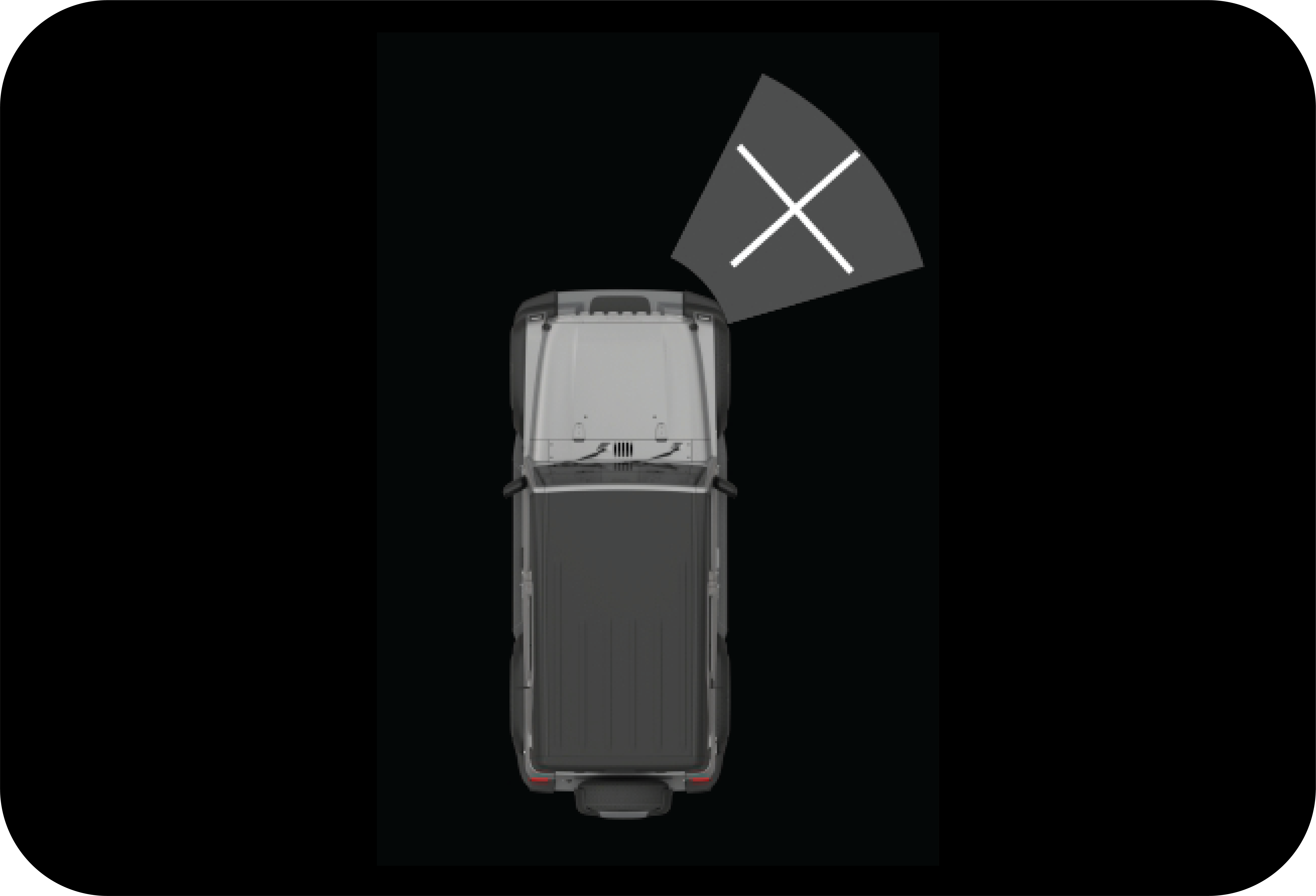 |
1. If bars in any one of the sides are displayed with ‘X’ marks is displayed on instrumental cluster display, contact a Authorized
Mahindra Service Center.
|
2. If all bars are displayed with ‘X’ marks on instrumental cluster display, contact a Authorized Mahindra Service Center.
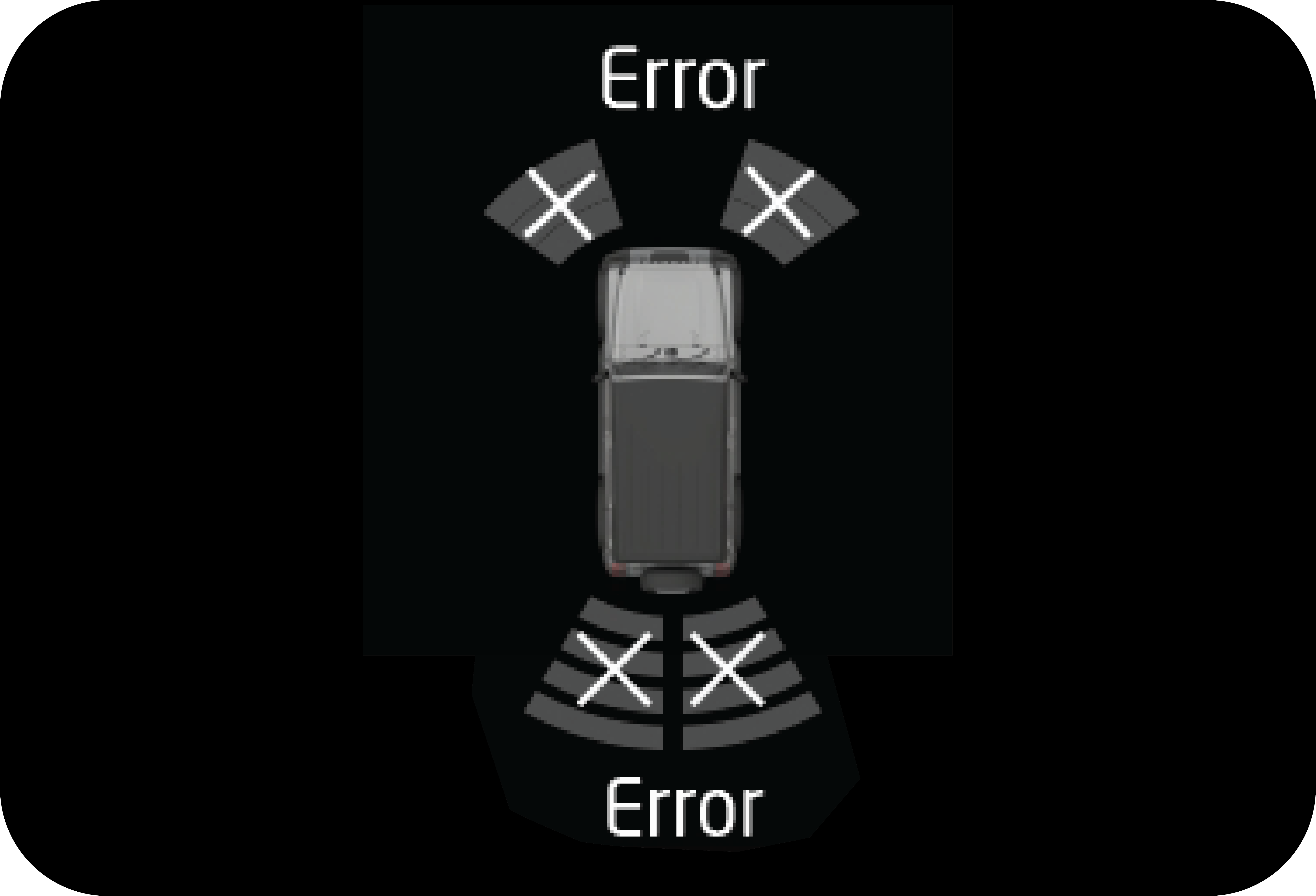 |
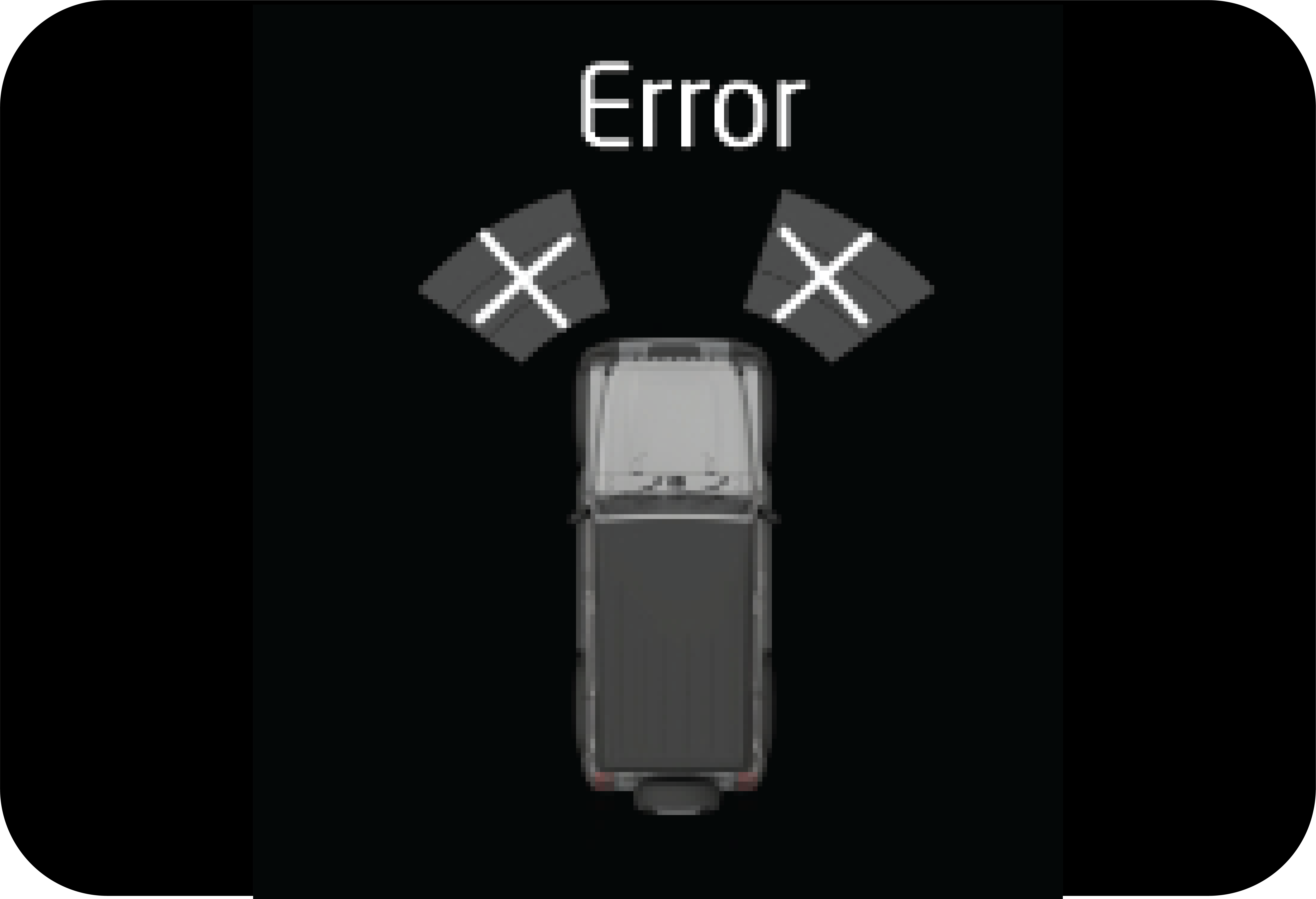 |
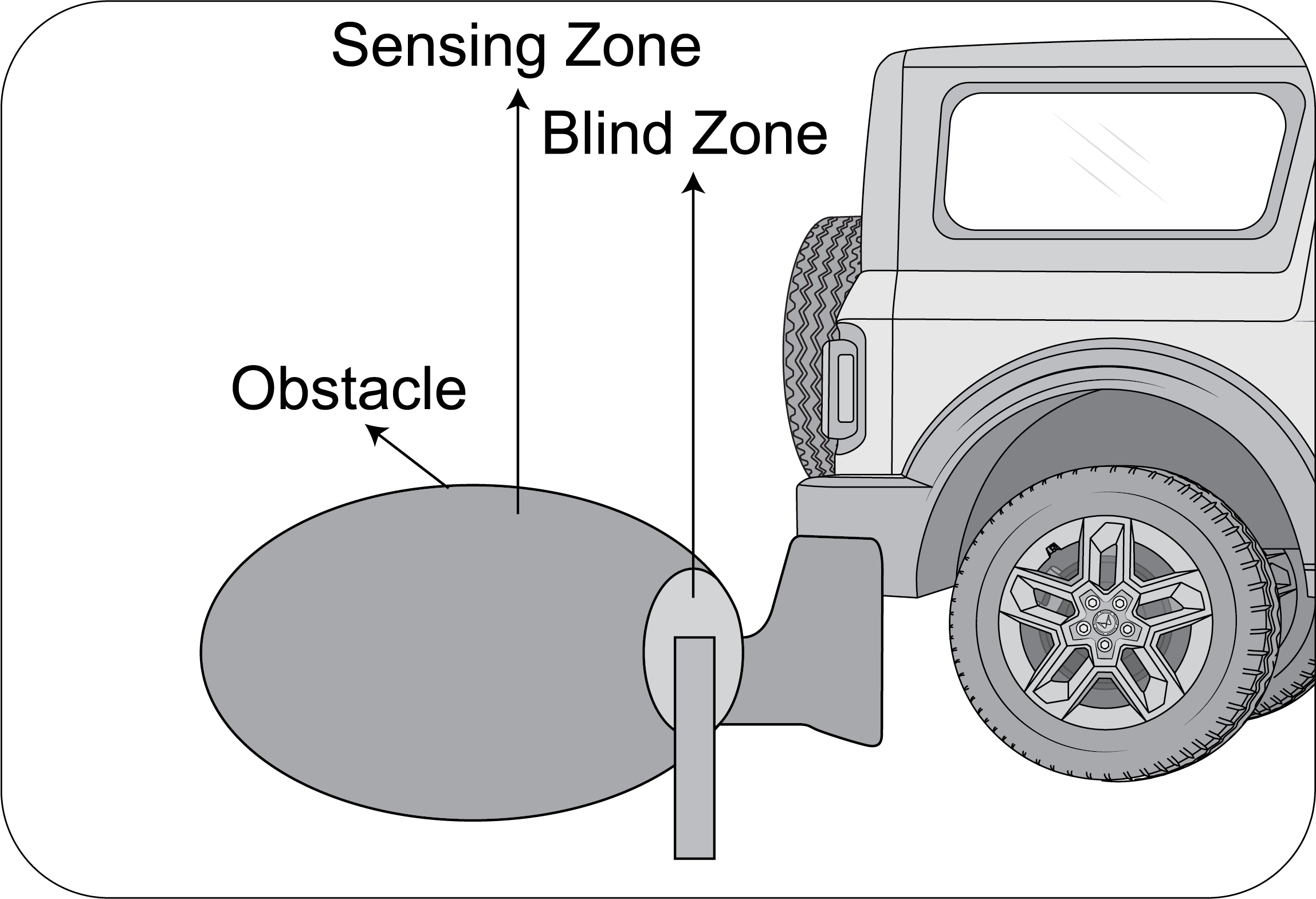 |
3. Obstacle in the blind zone cannot be sensed by the system.
|
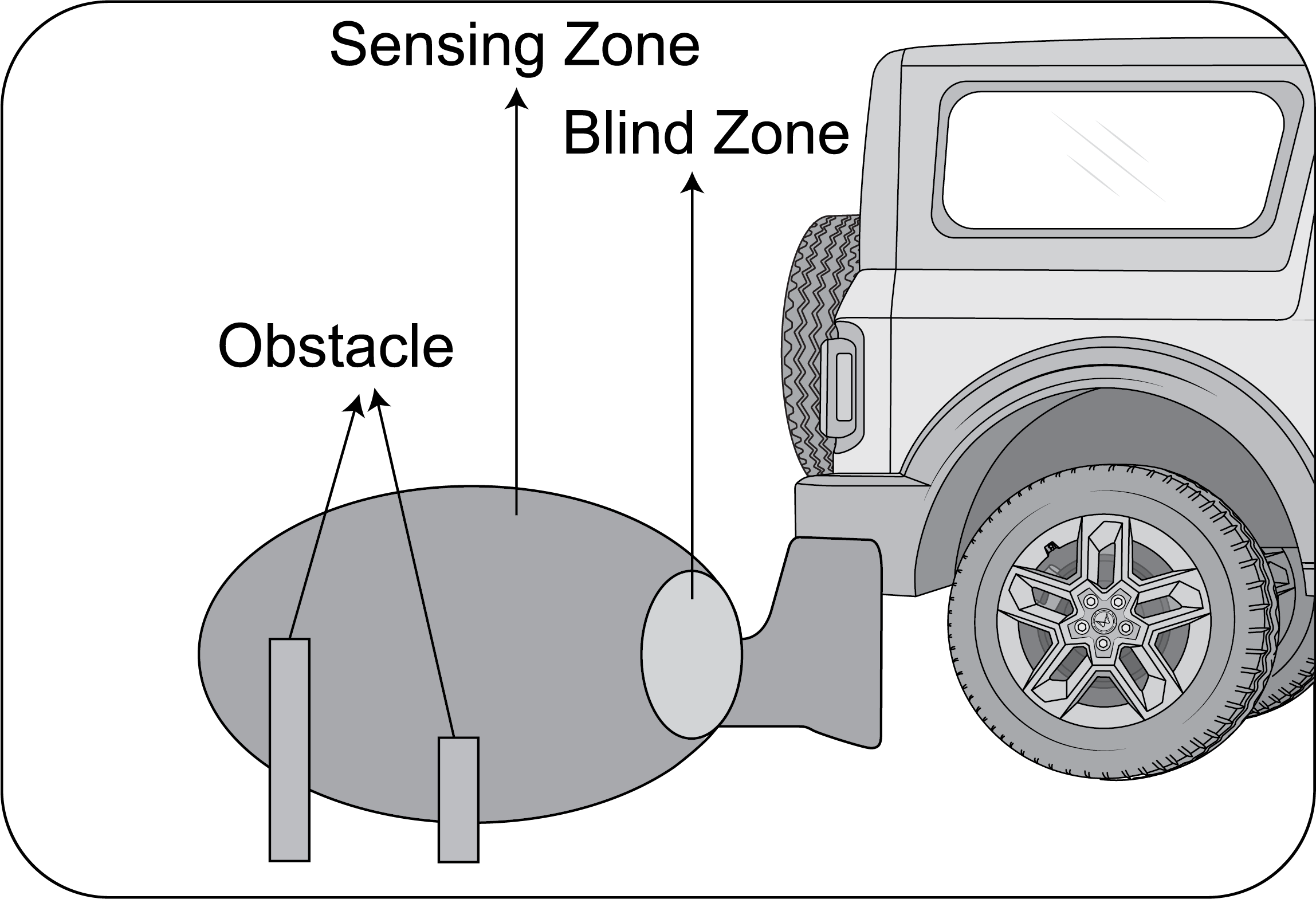 |
4. Please check the condition of the obstacle behind your vehicle before reversing. In some cases, the display may be not
as same as reality due to the installed sensor level, obstacle shape and reflection condition.
|
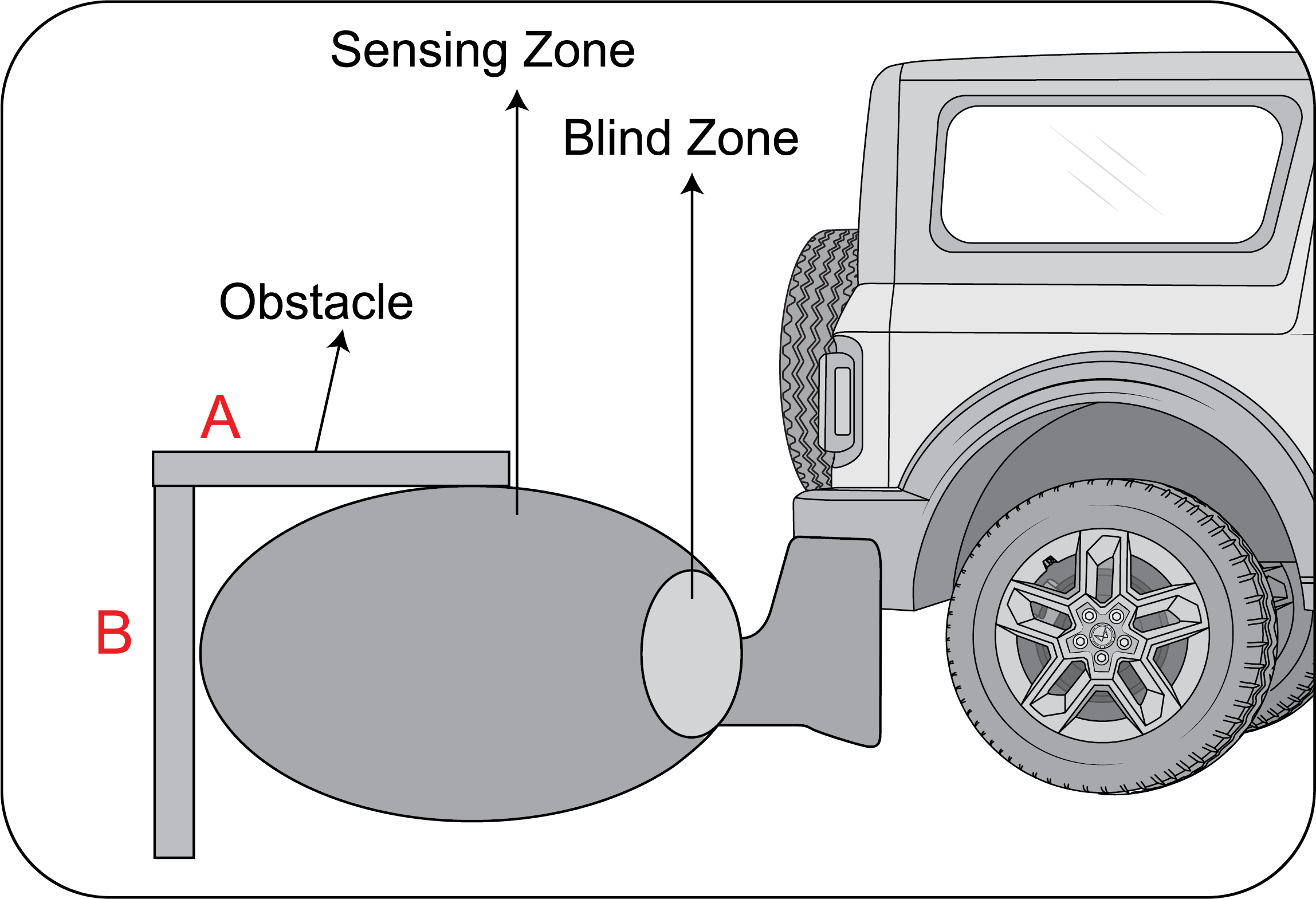 |
5. Point B will be detected sooner or later, but A may not be detected at all. Point B will be detected sooner or later, but
A may not be detected at all.
|
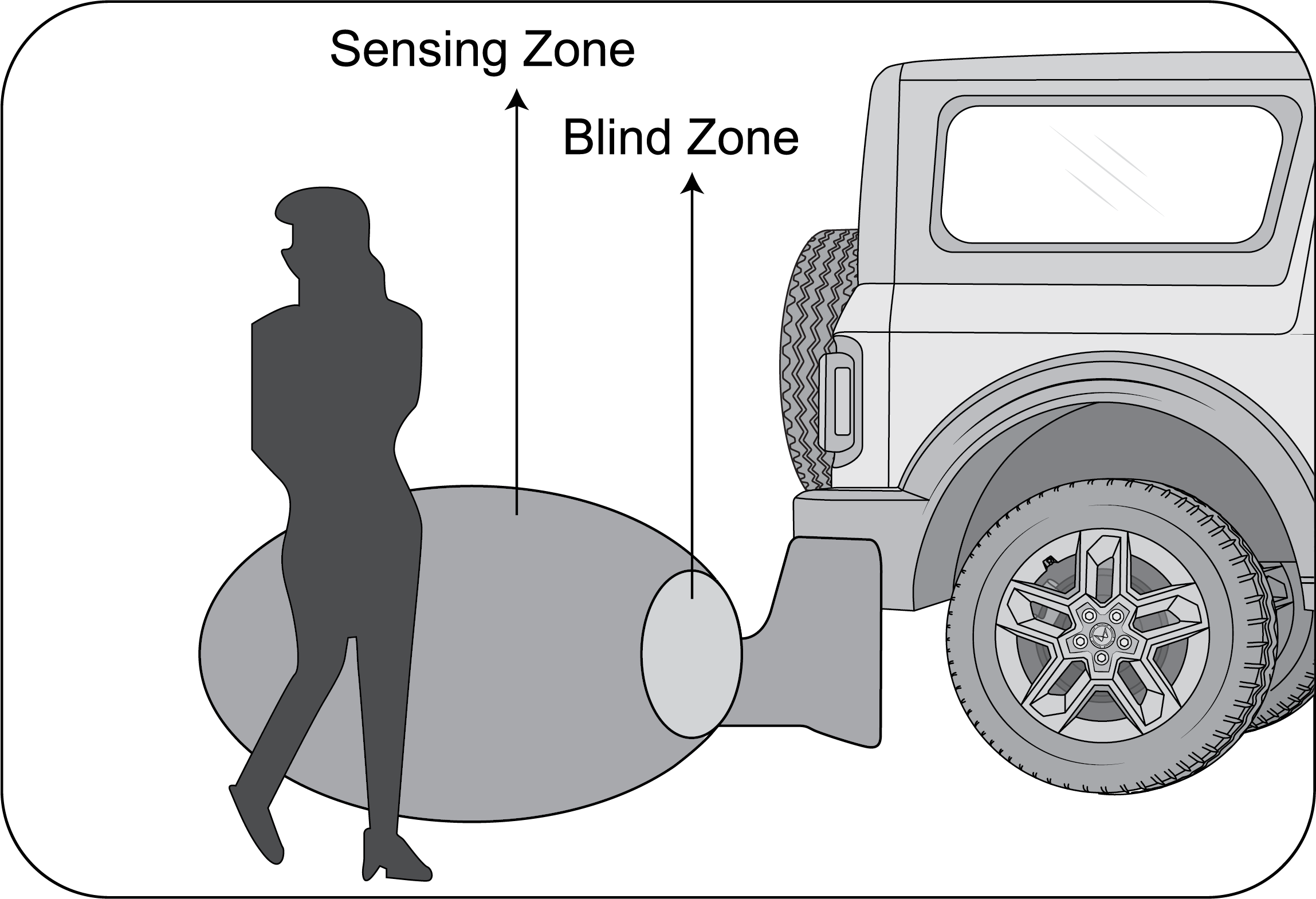 |
6. Not all obstacles are detected from 120 cm. For instance, a person is detected from 75 cm because of the weak reflection
or absorption of the waves of the clothes.
|
|
|
7. The distance indication may move up and down due to different sizes of the obstacle at different positions.
|
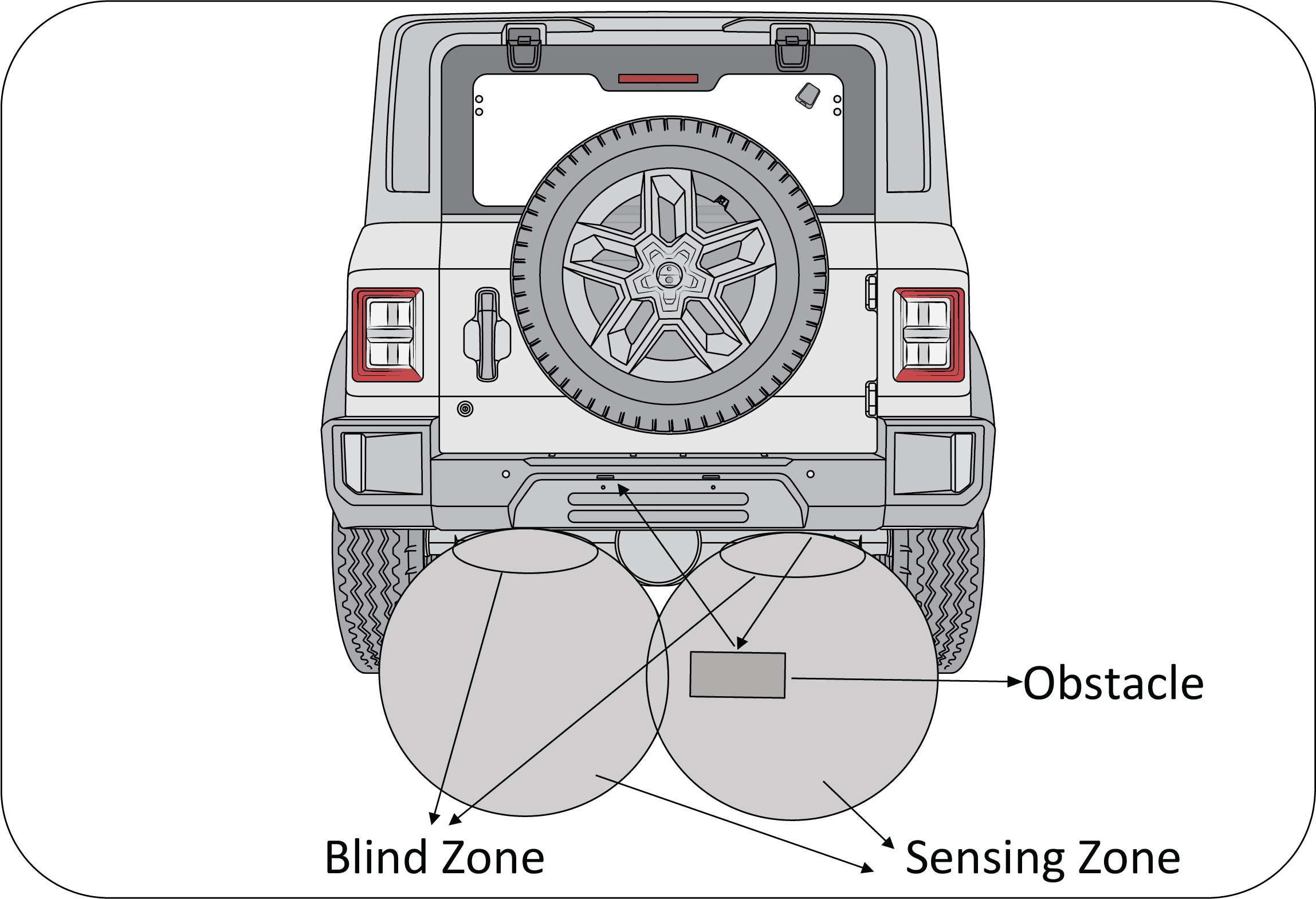 |
8. Though the obstacle is in the sensing zone, obstacle may not be detected since the ultrasonic waves are not reflected back
to the sensor.
|
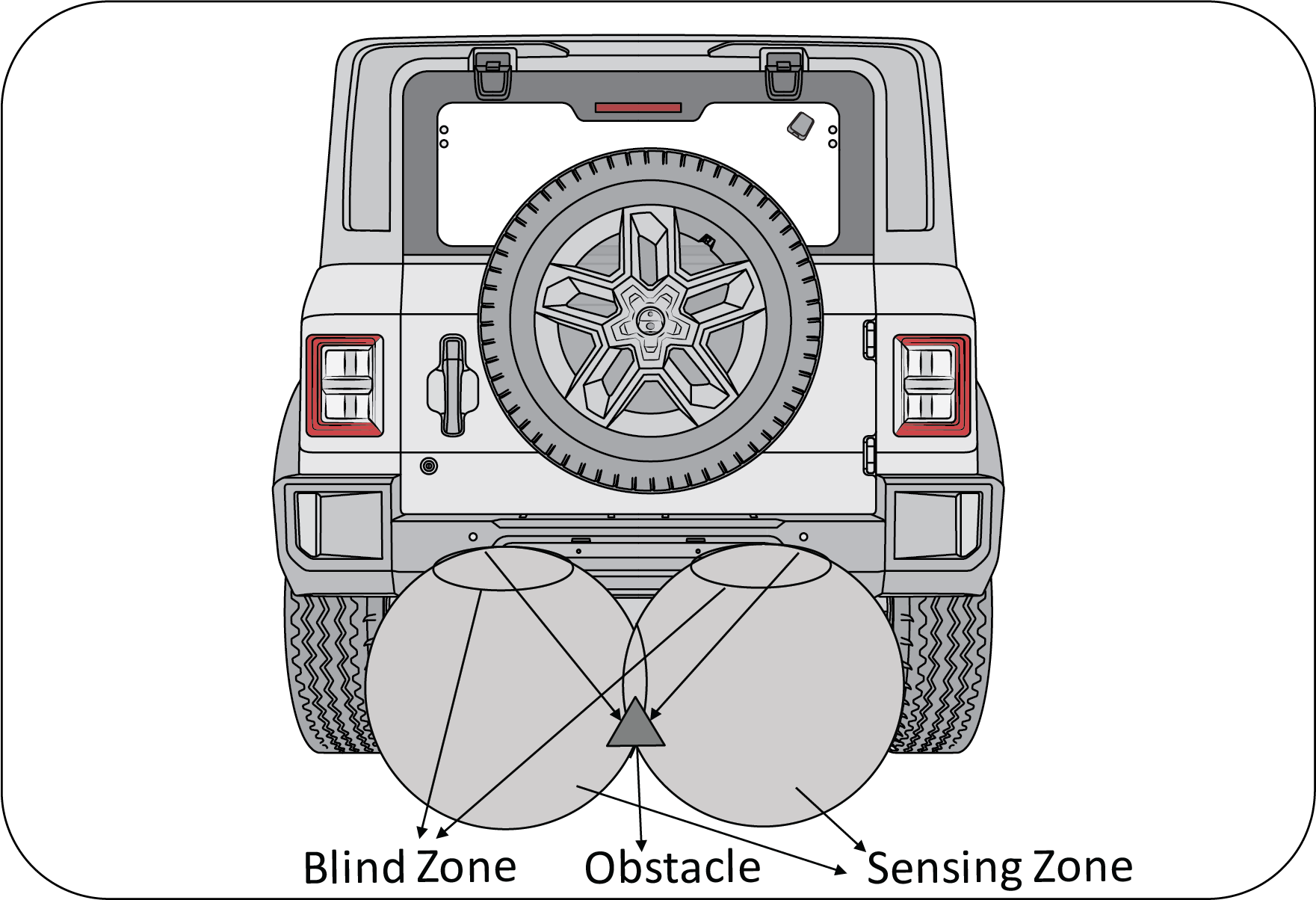 |
9. The obstacle of a conical shape may not be detected, since the ultrasonic waves get deflected away.
|
7.1.1 Limitations of RPAS
| • | System may not sense obstacles like wire mesh, handrail, small objects which are below the bumper level. |
| • | System may not sense obstacles with cotton or spongy surface, which will absorb ultrasonic waves emitted by RPAS. |
| • | System performance is dependent on the reflection angle of the obstacle. |
| • | System may give false alert without obstacles while reversing the vehicle on grasslands, gravels and bumpy roads considering it to be an obstacle. |
| • | System may alert you by sensing the ground when the bumper is not fitted in its intended position or when the vehicle is overloaded. |
| • | System may give false signal while the vehicle moves from plain ground to a slope terrain and vice versa. |
| • | System may give false signal by sensing the ground when the bumper is tilted more from the normal position or when the vehicle is heavily overloaded. |
| • | System may give false signal an alarm during heavy rain, snow and heavy wind conditions. |
| • | The shape of the obstacle may prevent a sensor from detecting it. Some obstacles for example as follows:
|
| • | Depending upon the shape of the obstacle and other environmental factors, the detection distance may shorten or detection may be impossible. |
| • | Obstacles may not be detected if they are too close to the sensor. |
| • | Thin posts or objects lower than the sensor may not be detected when approached, even if they have been detected once. |
| • | Because of other ultrasonic sources, sensor may give false alarm for e.g, sweeping machines, high pressure steam cleaners and neon lights. |
| • | Due to vehicle horns, motorcycle engines, air brakes of large vehicles, or other loud noises producing ultrasonic waves, the vicinity of the vehicle is noisy. It may cause sensor to give false alarm. |
7.1.2 Reverse Parking Assist System (RPAS)
Reverse parking assistance system is provided to aid the driver while parking the vehicle in reverse at a speed of less than
8 km/h.
While reversing, RPAS will detect the obstacles at the rear side of the vehicle within the sensing zone, which cannot be viewed
through the internal rear view mirror and the outside rear view mirrors.
The RPAS will then alert the driver by sending out sound alarms at different frequency to indicate proximity of the obstacle
from the vehicle.
The alert sound level is proportional to the distance.
Lesser the distance, shorter the interval between beeps.
Activation and De-activation of RPAS
| • | The vehicle should be in IGN ON state to activate the reverse parking assistance system. |
| • | RPAS will be activated automatically when reverse gear is engaged and deactivate when reverse gear is disengaged. |
| • | When the obstacles come in the sensing range, the systems starts giving the indication based on the distance and direction of the obstacles as defined in the detecting zones. The closer the obstacles, more display bars illuminate and frequency of beeps increases. |
RPAS display on instrument cluster screen gives the following information:
| • | Left zone indicates obstacle on left side. |
| • | Right zone indicates obstacle on right side. |
| • | If obstacle is in center then right and left both zone will get highlight. |
3 bars indicate how close the obstacle is from the vehicle rear bumper, with all bars highlighted being very close and bar
3rd bar alone being distant.
7.1.2.1 Operation of RPAS
1. Start the vehicle (IGN is turned ON)
2. Change the gear from neutral to reverse and disengage the Hand brake for RPAS information on Instrument cluster screen.
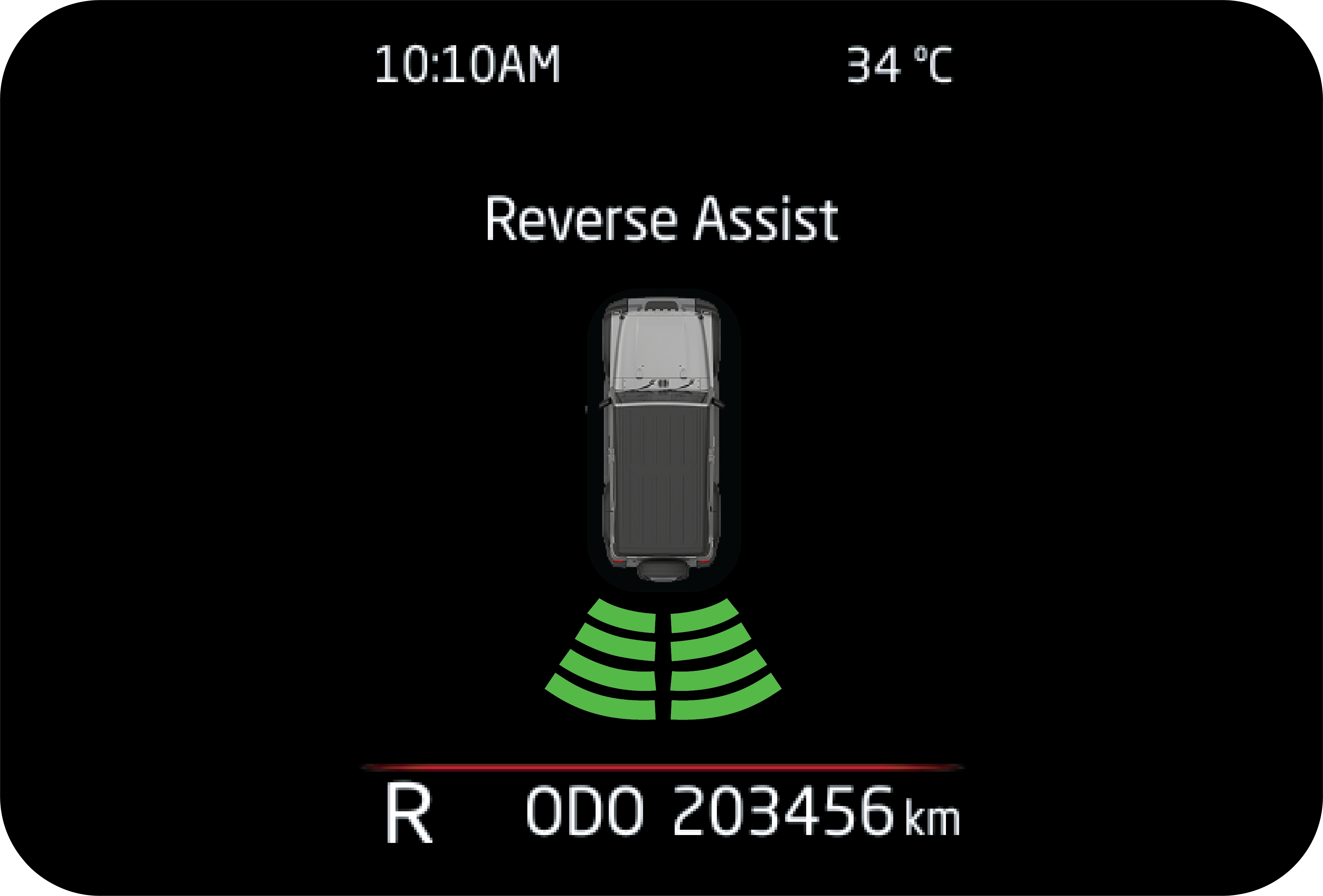 |
3. The RPAS will be displayed in the instrument cluster screen during obstacle detection.
4. Start moving the vehicle in reverse direction.
|
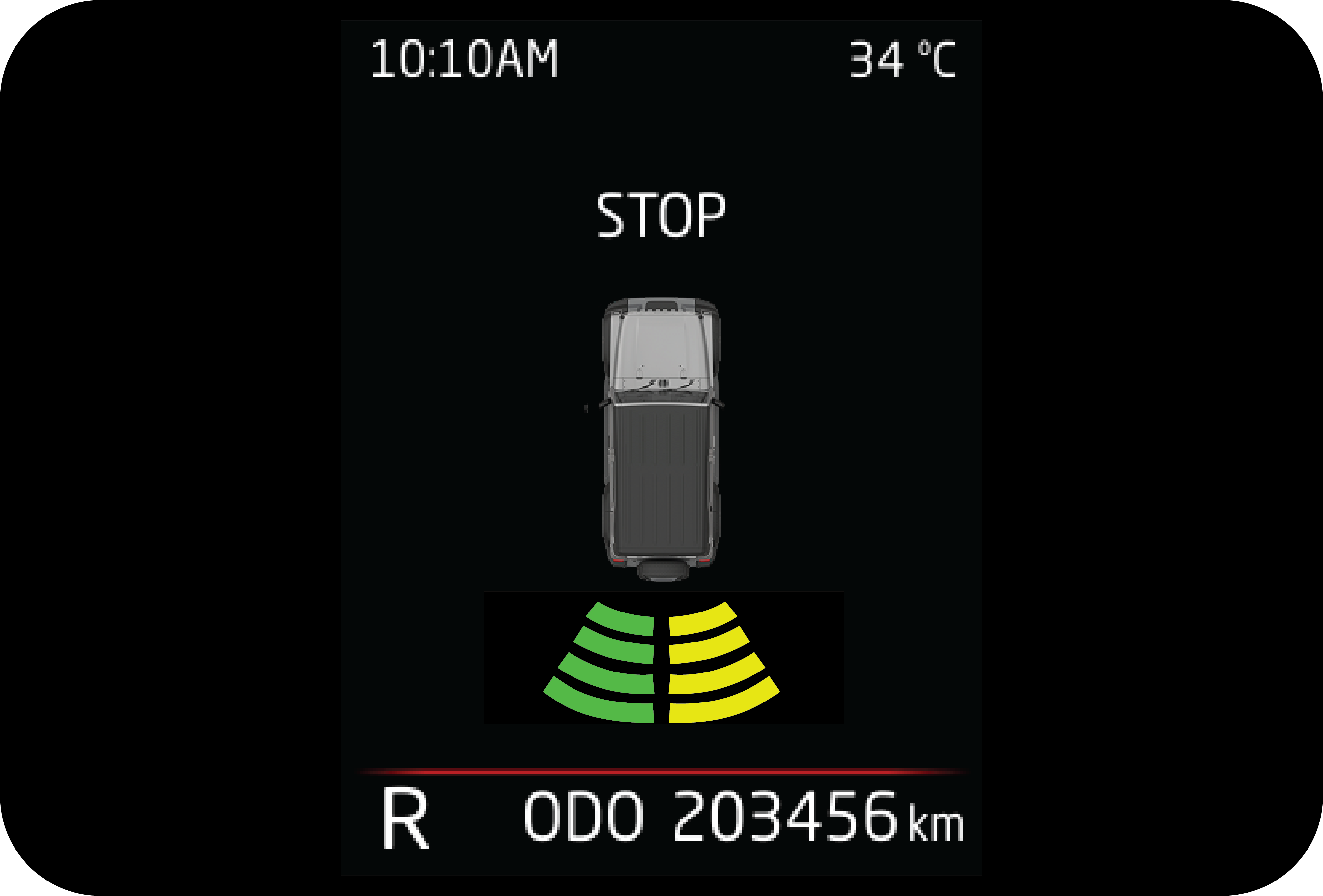 |
5. Display bars in the respective direction will glow according to obstacles in its path.
|
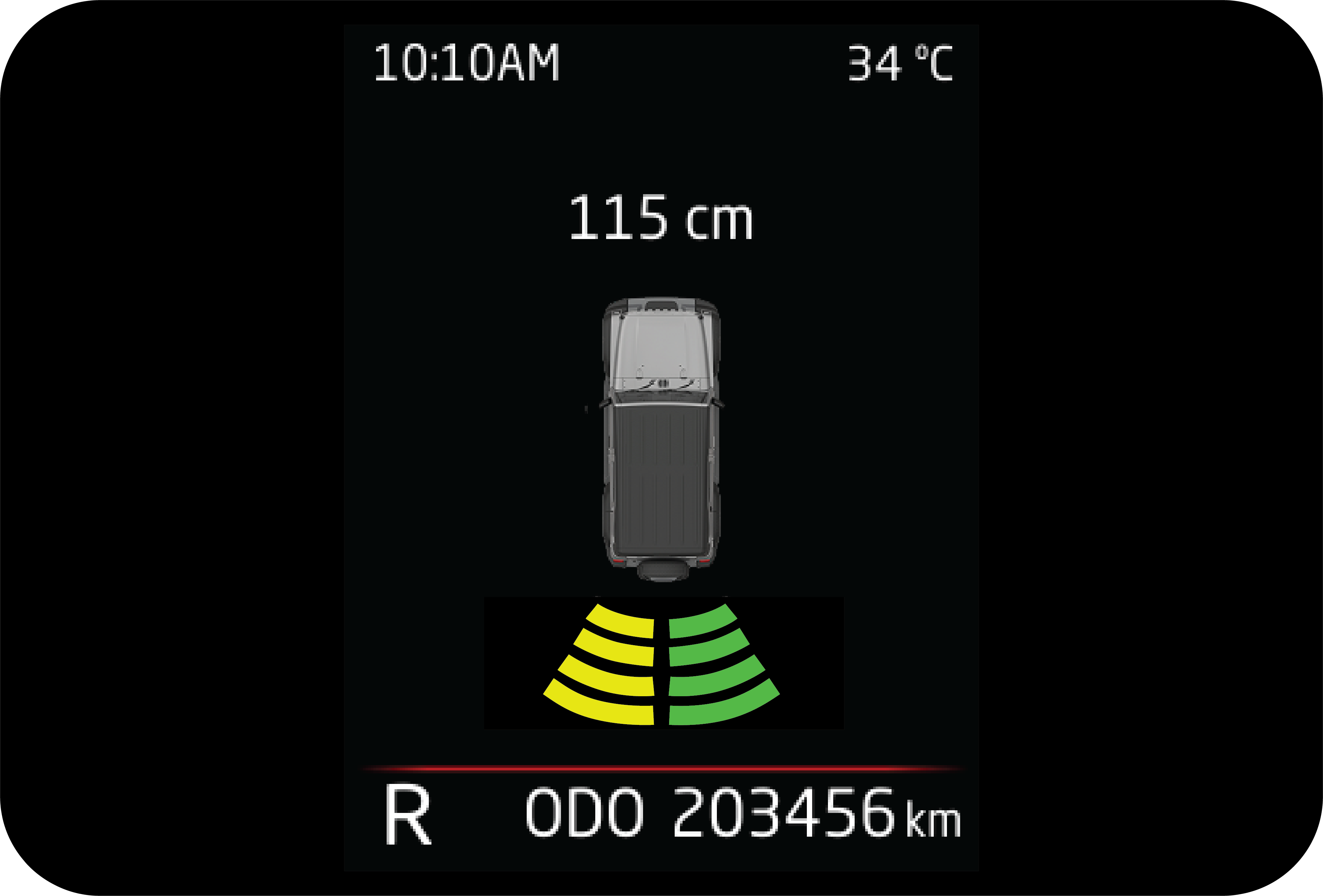 |
6. Beep sound can be heard from the driver side speaker. Frequency of the beep will increase if obstacle comes closer (crossing
each display bar) and the sound will be continuous if any of the obstacle is less than 50 cm.
|
7.2 Rear View Camera (RVC) (If Equipped)
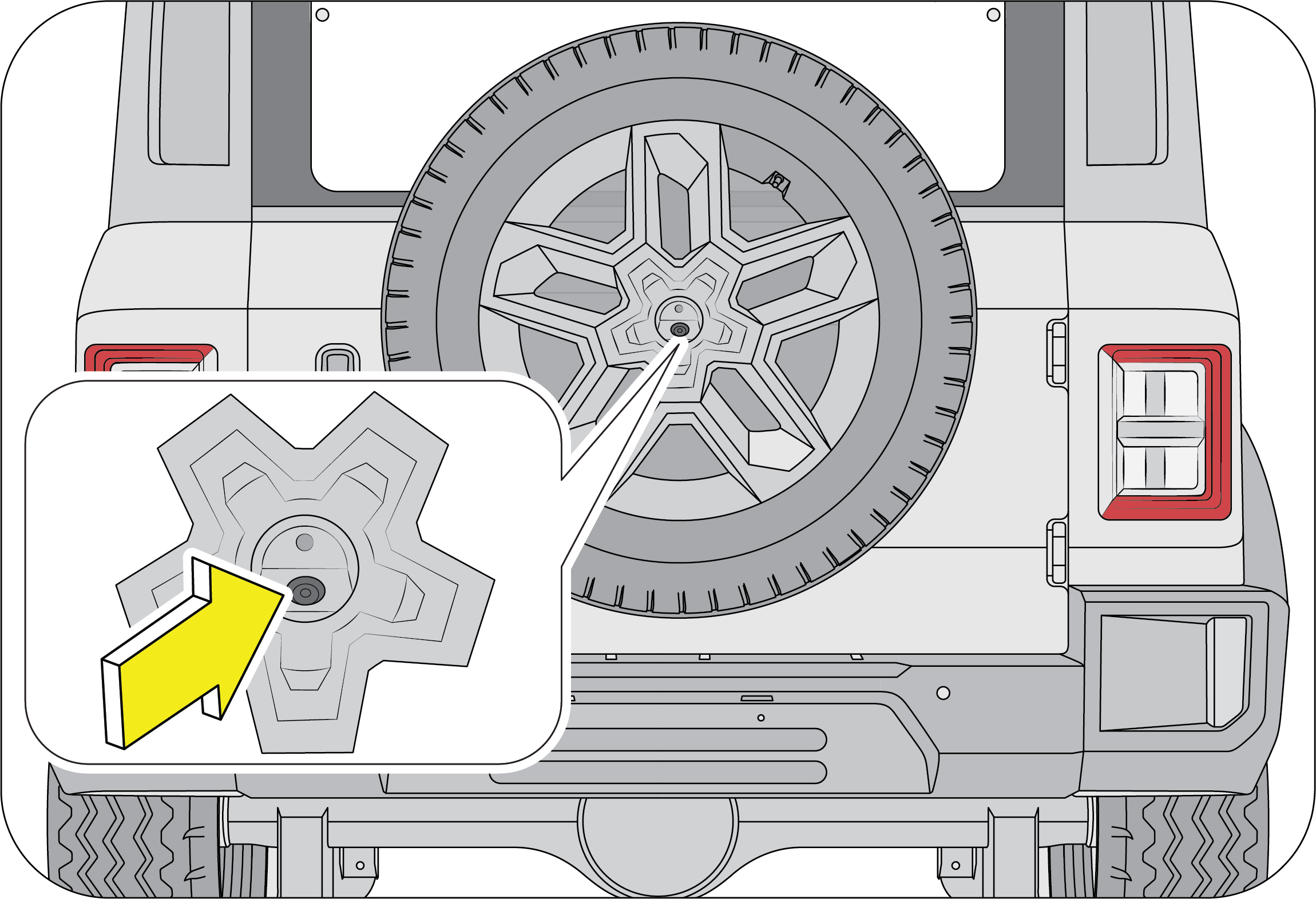
Rear View Camera is located at center of the spare wheel (located on the rear swing gate).
It assists the driver while reversing and manoeuvring the vehicle at lower speeds. It has:
| 1. | Normal View |
| 2. | Static and Dynamic Guidelines |
7.2.1 Feature Description
1. Normal Rear View
By engaging the reverse gear or selecting ‘RVC’ icon on infotainment home screen, displays the vehicle's rear surrounding.
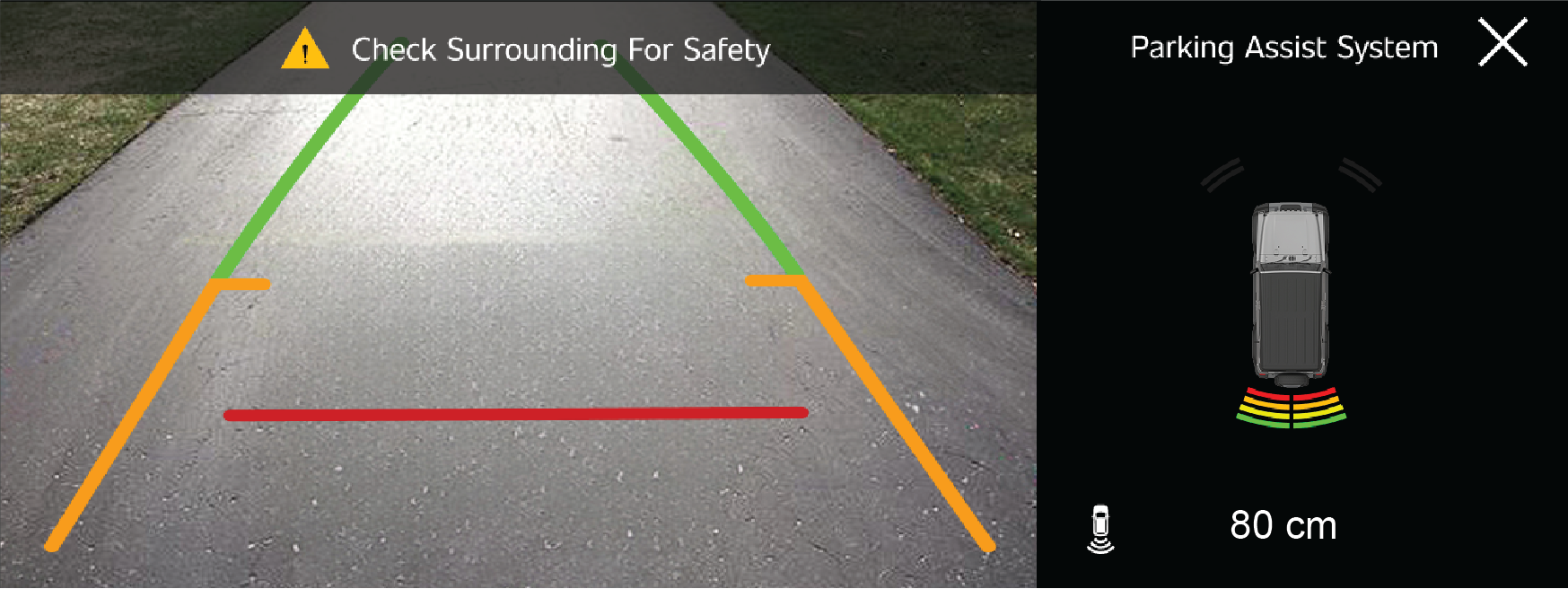
It overcomes the limitation of IRVM, where ground is visible only after longer distance from the vehicle rear. Whereas with
the RVC, the ground will be visible further.
2. Static and Dynamic Guidelines
Guidelines assist the driver in understanding the position / placement of the vehicle with respect to the surroundings by
displaying overlays with representation, when driven straight and when driven in a path.
Dynamic guidelines indicate path, the vehicle will traverse with current steering position.
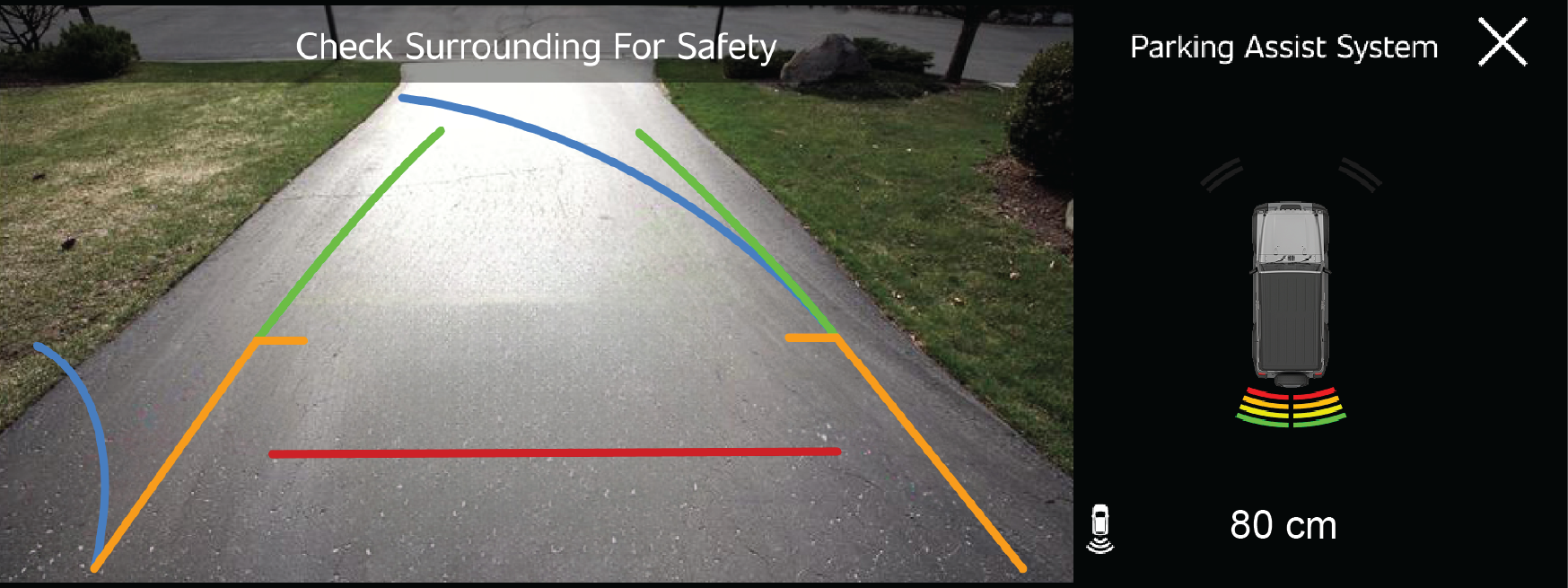
This will help the driver in adjusting the steering, to avoid hitting any obstacles.
Colour coding on the static guideline helps in assessing the distance of obstacle from the vehicle’s rear. In the RVC display,
if an object falls in the red coloured section of the static line, it indicates object is within 0.5 meter distance from the
vehicle rear. Likewise, amber line indicates objects within 1 meter, green indicates 1-2 meter.
7.2.2 Entry and Exit Conditions
Entry Conditions
Whenever you apply the reverse gear, the infotainment will enter into ‘Rear View Camera’ and displays the view without close
button.
It can also be accessed by selecting apps icon and RVC on the infotainment screen, rear view displays with close button.
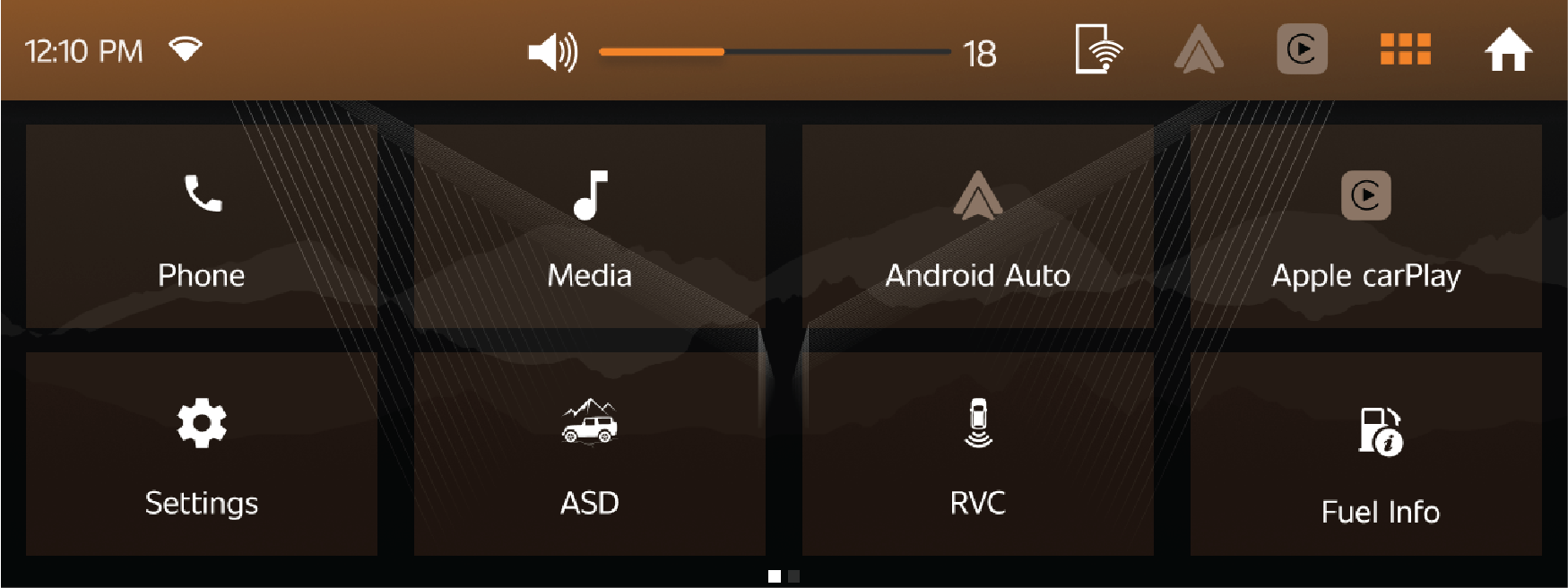
You cannot enter RVC Mode, through the infotainment screen button, if the vehicle is running in forward gear and speed exceeds
20 km/h.
Exit Conditions
| • | ‘RVC’ is entered, when reverse gear is engaged, then disengaged to any other gear, infotainment screen then returns to home screen. |
| • | RVC is accessed through infotainment apps and user clicks on the close button (located on the right corner), then infotainment returns to home screen. |
| • | When vehicle is running in forward gear above 20 km/h speed, infotainment screen auto displays home screen if RVC was displayed previously. |
7.2.3 Camera Maintenance
Always keep the camera lens clean from dust. Presence of dirt on lens may lead to poor image quality.
Always use clear water and soft nonabrasive cloth to clean the lens.
Don’t clean the camera lens and the area around the rear view camera with a power washer.
| • | In case of any RVC related concerns and if RVC is accessed, infotainment either displays green or blue screen with message
‘Please Contact Service Centre’. Avoid using the rear view camera under these circumstances and vehicle needs to be taken
to the Mahindra Authorized Service Centre.
|
| • | If rear of your vehicle is damaged or if the camera position is changed, please contact the nearest Authorized Mahindra Service Center, for accidental repair or recalibrating the camera. |
7.2.4 System Limitations
| • | Reverse view camera may not operate normally, when you drive in the extremely high or low temperature area (Operating temperature: -20 °C ~ 65 °C). |
| • | Under certain circumstances given below, the rear view camera system will work with limitations or will not function fully: |
- In heavy rain, snow or fog.
- At night or in very dark places.
- If the camera is exposed to very bright light sources.
- Display may flicker, if the camera area is lit by LED or fluorescent lighting.
| • | If there is a sudden change in temperature, from cold to hot areas. |
| • | If the camera lens got dirty or obstructed. |
| • | If the rear of your vehicle got damaged. And if the camera position and the settings got changed, please contact the nearest Authorized Mahindra Service Center. |
| • | Camera image reproduced slightly delayed and not in real time due to processing. Please avoid reverse view camera in the above situation. It could you otherwise injure others or damage objects and your vehicle. This occurs as the display is 2-dimensional, pointed and protruding obstacles are hard to depict and thus very difficult to recognise. |
| • | The performance gets affected sometimes due to deposition of ice, dust, heavy rain, heavy wind, heavy exhaust on the camera. |
| • | The reverse view camera is only a supplementary function and may display obstacles from a distorted perspective and inaccurately. |
| • | Avoid using of rear view camera, if you are having eye colour blindness or impaired colour vision. |
| • | Objects above the ground or hanged may appear to be far away than they are. But in reality, objects shall be closer to your car. In such cases, avoid using guidelines to judge the distance. Since, it leads to misalignments and increase the risk of collision with your car. |
| • | It is driver’s responsibility to identify the suitable parking area to park his car safely. |
| • | Rear view video is shown, whenever reverse gear is applied, but it cannot be used as a rear view monitoring system, which cannot replace the driver for looking into exterior and interior view mirrors. |
Rear view camera is only meant to aid the driver and to enhance convenience while parking. It does not in any way replace
the driver’s abilities and driving skills while using this system. Under any circumstances, Mahindra accepts no responsibility
and cannot be held liable for any direct or indirect, incidental or consequential damage caused by this system.
8 HEATING, VENTILATION AND AIR-CONDITIONING SYSTEM
HVAC system provided in the vehicle enables occupants to automatically adjust air flow distribution pattern, air flow rate,
air intake mode and air temperature inside passenger compartment.
By appropriately adjusting the control knobs/switches provided on the ETC control panel, located on instrument panel, occupant’s
comfort can be ensured.
HVAC system also helps in defogging / de-misting the windshield and windows. Air flow direction can be further controlled
by adjusting louvres of air vents An air filter is provided at the inlet of HVAC blower.
Engine coolant is utilized to heat the cabin air. For cooling the cabin air, an air conditioning circuit based on the vapor
compression refrigeration cycle is used. The air conditioning system uses a refrigerant along with a suitable lubricating
oil.
Although being non-ozone depleting, the refrigerant is a greenhouse gas, hence once allowed to escape in the atmosphere, it
adversely affects the environment by contributing to global warming/climate change.
Refrigerant used in the system is a hazardous liquefied gas and is under high pressure. The refrigerant is colorless and has
ethereal or faint sweetish odor. Exposure of refrigerant to the skin or eyes may cause irritation and frostbite It can also
cause suffocation, dizziness and loss of concentration. When mixed with compressed air or certain other refrigerants, it may
form a flammable mixture. Never try to service the HVAC system yourself which would involve refrigerant handling.
If you sleep while operating the air conditioner or heater with all the windows closed, you may suffocate to death due to
lack of ventilation.
Multiple vents are provided for distributing the air, being force-circulated by HVAC blower, throughout the passenger compartment.
To ensure sufficient air flow and hence adequate HVAC system performance, the air flow path should be kept free of obstructions.
Keep the system’s air intake, located near the plenum appliqué, free of snow, leaves and other debris. Also keep the area
in front of the air vents free of any obstruction inside the cabin.
8.1 HVAC Overview
 |
|
A |
Side De-misting Vents |
E |
Foot Vents |
|
B |
Windshield Defrost Vents |
F |
HVAC Controls |
|
C |
Side Vents |
G |
Rear Vents (2nd Row) |
|
D |
Center Vents |
8.2 Center/Side Vents
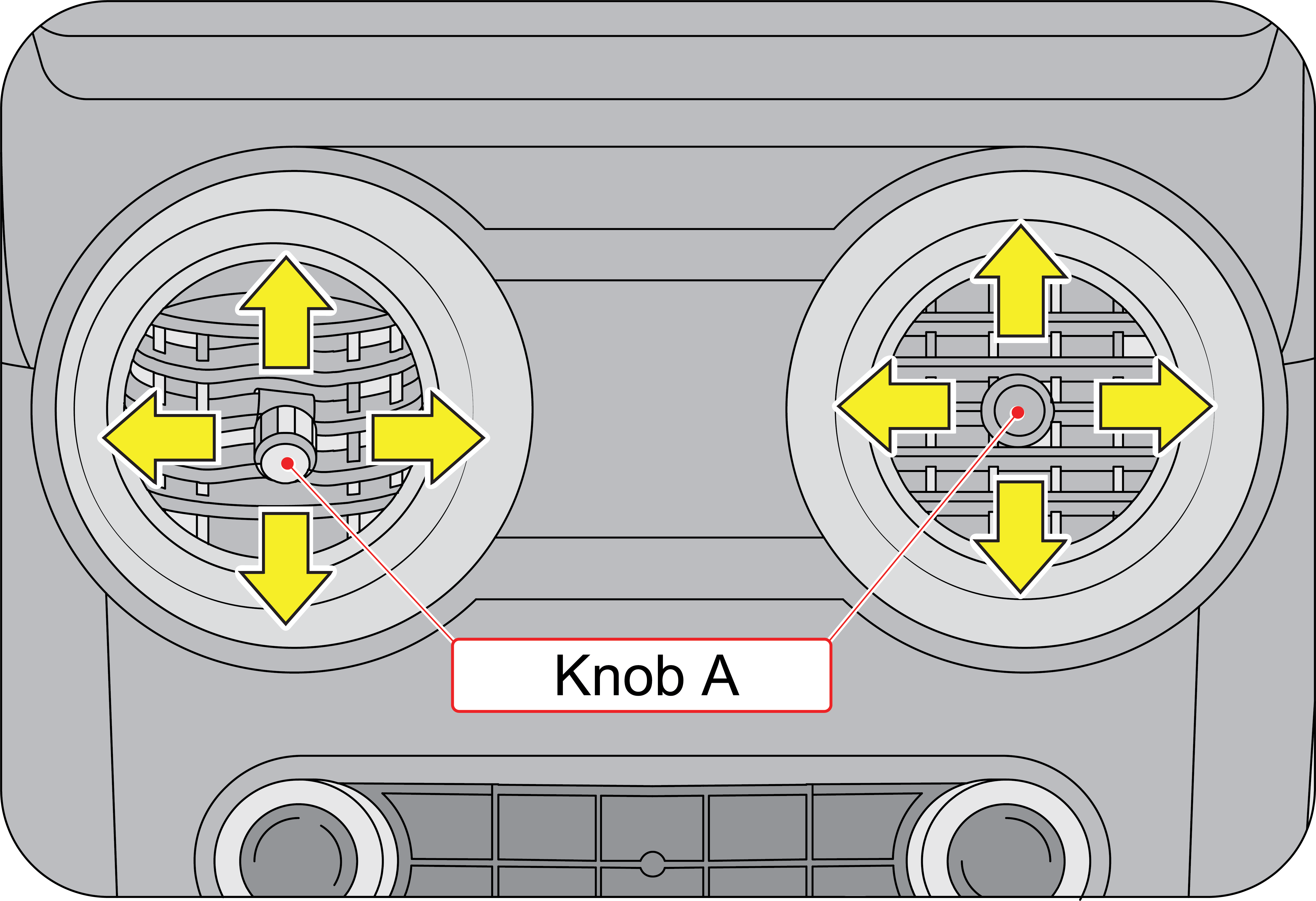 |
Center Vents
Two center vents are located below the audio system on the instrument panel. Both the center and side vents provide air flow
to the front seat passengers Rotate the knob ( A) clock wise to shut off the air flow and anti-clockwise to allow the air
flow through the air vent. Direct air to the desired direction by the adjusting knob (A).
|
 |
Side Vents
There are two side vents located one each at the left and right side of the instrument panel.
Rotate the knob ( A) clock wise to shut off the air flow and anti-clockwise to allow the air flow through the air vent. Direct
air to the desired direction by the adjusting knob (A).
|
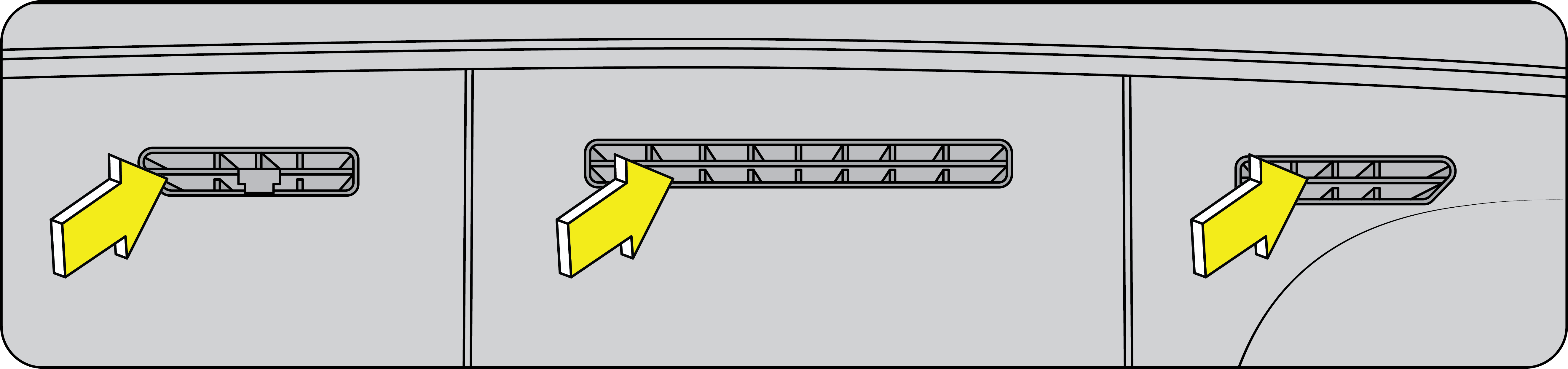 |
Defogger Vents: There are five defogger vents in your vehicle: two side defogger and three windshield defogger vents.
|
They are located just below the windshield The side defogger vents prevent the front windows from defogging.
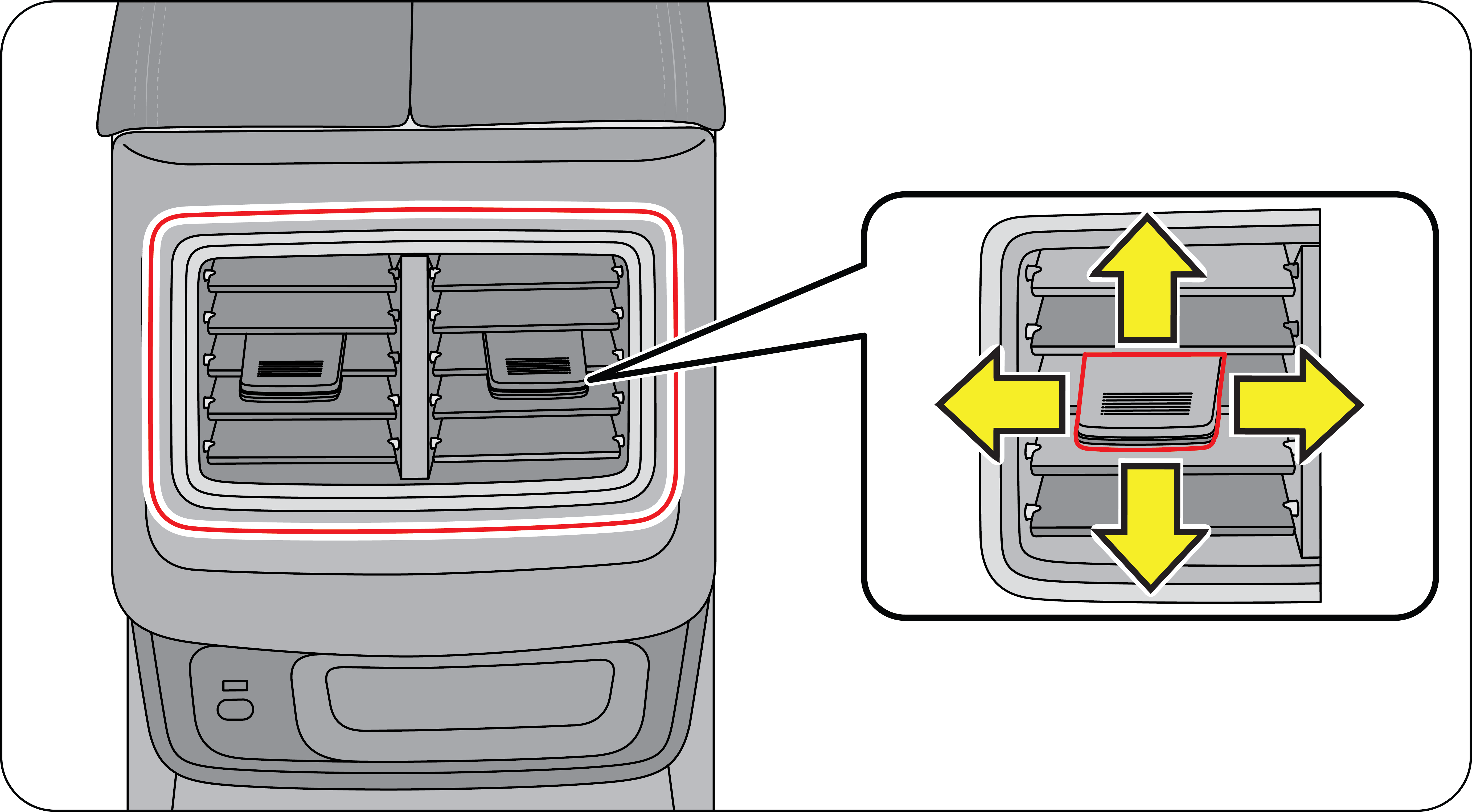 |
Second Row AC Vents: The second row AC vents are located on the rear side of the center console.
|
8.3 Electronic Temperature Control

|
A |
Temperature Control Knob |
E |
Rear Defogger Switch |
|
B |
Air Distribution/Mode Switches |
F |
Recirculation Mode Switch |
|
C |
Front Defogger Switch |
G |
A/C Switch |
|
D |
Blower Speed Control Knob |
Temperature Control Knob: By operating the temperature control knob, temperature of air being discharged from various vents can be adjusted to the desired
level. Engine coolant is utilized to heat, whereas the air conditioner is used to cool the air inside the AC unit Based upon
selected position of the temperature control knob, the desired discharged air temperature can be obtained.

By rotating the knob anti-clockwise and setting it to the extreme left position, maximum cooling is obtained When the knob
is rotated clockwise, the discharged air progressively starts getting warmer and at the extreme right position, hot air is
discharged.
Blower Speed Control Knob: The blower force-circulates the air through the HVAC unit and distributes it throughout the passenger compartment.Blower is OFF when the blower speed control knob is set to small (Blower Symbol) position (extreme left). To switch-ON the
blower, rotate the control knob clockwise which progressively increases the blower speed.

A/C switch: This button turns the air-conditioner ON or OFF.When the air conditioner is functioning, air gets cooled and de-humidified before being circulated inside the cabin In hot
weather conditions, it will take a slightly longer time to cool the interior as compared to cooler weather. Fuel consumption
will be relatively higher if the vehicle is being driven with the air conditioner ON.

AC will function only when both engine and blower are switched ON.
| • | In certain operating conditions when the engine gets overheated, the engine management system may switch off the air conditioner intermittently. |
| • | The air conditioner should be operated at least for ten minutes once every fortnight, even during winter months. This allows AC system components to get lubricated periodically and ensures optimum system. |
| • | During extreme cold weather conditions, the air conditioner may not function until temperature of the air near the evaporator rises above a predefined threshold. |
| • | When air conditioner is ON, moisture is extracted from the air. The resulting condensate is drained off from the vehicle. It is therefore normal, if you see a small pool of water under your vehicle. |
Re-circulation Mode (Re-circulation mode switch ON): To set the HVAC system to recirculation mode, press the recirculation mode button. The LED on the button illuminates, indicating
the recirculation mode is active In this intake mode, the air from inside the passenger compartment will be sucked by the
blower and utilized further to ventilate /cool / heat the cabin.For quick cabin cooling/heating or while driving through dusty/polluted region, re-circulation mode can be selected for short
periods. Driving with this mode active, may lead to better fuel economy and longer HVAC filter life. However, running the
air conditioner in re-circulation mode for long will make cabin air too dry and oxygen level drops inside cabin the turning
the air stale. On the contrary, keeping air intake control in recirculation mode for long, with air conditioner switched OFF,
will make cabin air too humid and windshield and window are more likely to become foggy. Hence, never drive in recirculation
mode for long, shift back to fresh air mode intermittently.

Never keep recirculation mode selected continuously for long period. Prolonged use of the HVAC system in recirculation mode
may cause windshield/windows to mist/fog-up, impairing visibility which can lead to an accident, endangering you and others.
Fresh Air Mode (Re-Circulation Mode Switch OFF): To set the HVAC system to fresh air mode, press the re-circulation mode button again. The LED on this button switches OFF,
indicating that fresh air mode is active In this intake mode, fresh air from outside the vehicle is sucked by the blower and
utilized further to ventilate / cool / heat the cabin.

Air Distribution/Mode switches
The air flowing out of various vents can be controlled by the air distribution/mode switches.
| • | Face Mode — When face mode switch is pressed, air is discharged from the Center vents and side vents. This mode is most suitable for directing air flow towards the face of the passengers. |

| • | Face-Foot Mode — When face-foot mode switch is pressed, air is discharged from the Center vents, Foot vents and side vents. This mode is most suitable for directing air flow towards both the face and feet of passengers at the same time. |

| • | Foot Mode — When foot mode switch is pressed, air is discharged from the two foot vents. This mode is most suitable for directing air flow towards the feet of passengers seated on front seats. |

| • | Foot and Front Defogger Mode — When foot and front defogger mode switch is pressed air is discharged from the foot vents, side defogger vents and windshield defogger vents. This mode is most suitable for directing air flow towards the feet of passengers while de-misting / defogging. |

| • | Front Defogger Mode — When Front Defogger mode switch is pressed air is discharged from the side defogger vents and windshield defogger vents. This mode is most suitable for directing air flow towards the front windshield to ensure de-misting / defogging. |

Rear Defogger Switch: Rear defogger switch is located on the ETC control panel. Press the switch once to activate the rear defogger. The LED on
the switch illuminates upon activation and the rear defogger heats the rear windshield clearing the fog / mist Switch OFF
the rear defogger by pressing the switch once as soon as the fog / mist is cleared.
.

If the rear defogger switch is not switched OFF manually, it will turn OFF automatically after a pre-defined time, based on
ambient temperature. If you want to switch the rear defogger ON again, press the rear defogger switch again.On second and subsequent activations of the rear defogger in the same ignition cycle, the rear defogger ON time will be half
the duration of the first activation.
8.4 HVAC Points to Remember
| • | For quickly defogging/de-misting outside of front windshield, it is advisable to operate the windshield wiper/washer for few times intermittently. |
| • | If snow has deposited on windshield, use ice scraper to remove ice deposited before using wiper. |
| • | In freezing weather, warm the front windshield with the defogger before using the windshield washer. Also, use a washer fluid having anti-freezing properties. These will help prevent the washer fluid from freezing on your windshield. |
| • | Dirty / contaminated windshield would make misting / fogging-up worse. Always keep the inside and outside of windshield clean. |
| • | Reduced air flow because of clogged HVAC filter or any other obstructions in air flow path may lead to inadequate defogging/de-misting performance. If air flow seems to have considerably reduced, get the filter cleaned or replaced immediately. Air flow path should be kept free of obstructions. |
| • | Reduced cooling performance from air conditioner may lead to inadequate defogging/de-misting. If cooling effect seems to have dropped considerably, get the air conditioning system checked by an Authorized Mahindra Service Center. |
Your vehicle is equipped with a HVAC filter. If the AC performance is considerably low, it is recommended to have the HVAC
filter checked at the nearest Authorized Mahindra Service Center.
Keep in mind that a choked filter will also lead to poor cooling.
Never operate HVAC system with the filter removed. This may result in premature failure of system components.
9 STARTING AND DRIVING THE VEHICLE
9.1 Safety Tips - Before Starting your Vehicle
9.1.1 General
| • | Before starting the vehicle, thoroughly inspect both the interior and exterior for any damages, leaks, loose parts, or foreign objects/debris. If you find any issues, contact a Authorized Mahindra Service Center for assistance. |
| • | Before starting your journey, ensure that all safety devices and components are functioning properly, particularly the brakes, steering, lamps, signals, and tyres. If you suspect any issues, promptly contact a Authorized Mahindra Service Center for assistance. |
| • | Adjust the seat head restraint, steering wheel, and fasten the seat belt as described in this manual. Never make any seat or steering adjustments while the vehicle is in motion. |
| • | Start the vehicle only when you are seated and belted in the driver’s seat. |
The Engine Management System controls the engine’s idle speed. When the engine starts, the idle RPM is initially higher than
normal to warm up the engine. The idle RPM decreases once the engine reaches its optimal temperature.
Never start your vehicle in a closed garage or any enclosed area, as exhaust fumes can be toxic. Always keep the garage door
open or start the engine in an open area.
Mirror Adjustment: Ensure that the rear view mirror and both the ORVM’s are adjusted for an unobstructed view of the road behind.
Exterior Lamps: Have someone observe and confirm normal operation of all exterior lamps while you work on the controls from the driver seat.
Also, check functioning of all lamps in the instrument panel.
Door Latches: Check for positive closing, latching, and locking of all doors, both from inside and outside.
Fluid Leaks: Check the area under vehicle after an overnight parking for fuel, power steering fluid, brake fluid, engine coolant, oil,
or other fluid leaks. If leaks are observed, contact a Authorized Mahindra Service Center.
9.2 Pedals
|
Manual Transmission (MT) |
Automatic Transmission (AT) |
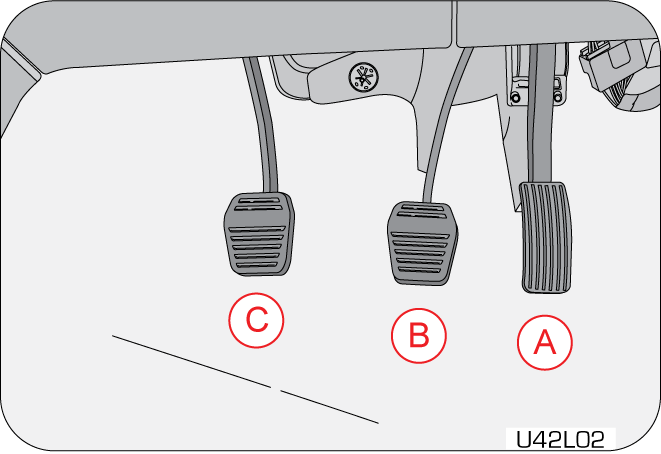 |
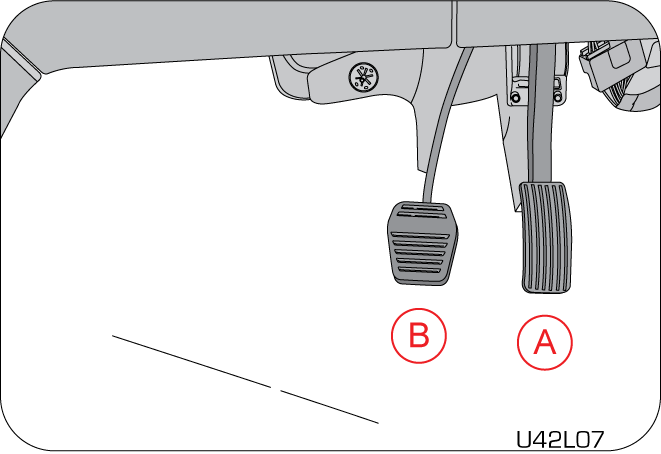 |
|
A
|
Accelerator Pedal
|
|
B
|
Brake Pedal
|
|
C
|
Clutch Pedal
|
9.3 Starting the Engine
Make sure all vehicle occupants are properly seated in their seats and have buckled their safety belts.
For more information on seat, refer to the “Seat Belts” section in this manual.
Before cranking the engine, A few warning lamps briefly illuminate after turning on the ignition. For further details of warning
lamps, refer the section on “Warning Lamps Section”.
Starting Procedure
| • | Turn the ignition ON by pressing the Start Stop button |
| • | Shift the gear shift lever to neutral position (for MT), to Park or Neutral position (for AT). |
| • | Apply parking brake |
| • | Do not press the accelerator. |
| • | Press the clutch pedal (for MT) brake pedal (for AT) and press the start stop button to crank the engine. Once the engine starts, release the Start Stop button. |
If the vehicle battery has discharged, use booster cables, a booster battery or a battery from another vehicle to start. Jump-starting
a vehicle can be dangerous if done improperly. Refer to the ‘Jump-starting procedure’ section in this manual.
The engine can be started from any position (OFF / ACC / ON) of the start/stop switch.
| • | If engine start/stop button is pressed without pressing the brake pedal, engine will not start and the vehicle power modes will change as follows: OFF - ON - OFF - ON. |
| • | If the engine start/stop button is pressed from the OFF position directly, along with the brake in depressed position, there may be a small delay in the engine cranking. This is normal and not to be taken as a fault. |
| • | Never press the engine start/stop button while the vehicle is in motion except in an emergency. This will result in the engine turning off and loss of power assist for the steering and brake systems. This may lead to loss of direction control and braking function, leading to an accident. |
| • | Once the engine is started, it would not stop even if the key is not inside the vehicle. Before leaving the driver seat, always make sure engine start/stop button is in OFF position and always take the Smart Key with you. Vehicle safety and security would be affected if these precautions are not followed. |
| • | To prevent damage to the starter, wait 10 second before attempting to restart the engine. |
| • | If the engine fails to start even after repeated attempts as per the procedure given above, contact the nearest Authorized Mahindra Service Center. |
If the vehicle battery has discharged, use booster cables, a booster battery or a battery from another vehicle to start. Jump-starting
a vehicle can be dangerous if done improperly. Refer to the “Jump-starting procedure” section in this manual.
If the engine still fails to start, contact a Authorized Mahindra Service Center for assistance.
Ensure the following when the engine is running:
| • | All warning lamps are OFF |
| • | Low oil pressure lamp is OFF |
9.3.1 Engine Idling
The idle speed is controlled automatically and it will decrease as the engine warms up.
Observe that all warning lamps are OFF when the engine is running.
After idling for a few second, follow the below steps to drive away:
| 1. | Release the parking brake. |
| 2. | Press the clutch (for MT) brake (for AT). |
| 3. | Shift the gear lever to 1st gear (for MT), D or M (for AT). |
| 4. | Release the brake pedal. |
| 5. | Drive by releasing the clutch pedal (for MT) brake pedal (for AT) and pressing the accelerator pedal simultaneously. |
Engine Idling - In Cold Weather
Avoid full throttle operation when the engine is cold and prolonged idling at low ambient temperatures. Long periods of idling
may be harmful to your engine. Combustion chamber temperatures can drop so low that the fuel may not burn completely. Incomplete
combustion allows carbon and varnish to form on piston rings and injector nozzles. Also, the unburned fuel can enter the crankcase,
diluting the oil and causing rapid wear to the engine.
In case you require freeze protection of diesel for cold start at sub-zero temperature, we recommend to add Mahindra Genuine
additive “mFLO” for temperature up to -15 °C. For temperature lower than -15 °C recommend to fill winter grade automotive
diesel available at the fuel retail outlet of that location.
The recommended engine coolant mixture will work fine till ambient temperatures do not drop below -32 °C. For ensuring above
performance, it is a must that you use only recommended engine coolant.
9.4 Stopping the Engine
Before turning the engine OFF, always allow the engine to return to normal idle speed and run for few second. This assures
proper cooling and lubrication of the turbocharger. This is particularly necessary after any hard driving.
To reduce the risk of personal injury, before turning OFF the engine and leaving the vehicle, always follow the below mentioned
safety tips.
Stopping Procedure
| 1. | Keep your right foot on the brake pedal. |
| 2. | Turn front wheels towards the road curb. |
| 3. | Engage the parking brake. |
| 4. | Press the start stop button once to switch off the vehicle. |
| 5. | Shift the gear shift lever to 1st gear position or reverse gear position if parking on an incline (for MT), Park “P” position (for AT). |
| 6. | Slowly release the brake pedal. |
| 7. | Lock your vehicle when leaving. |
Alert will be displayed in the cluster screen if the gear shifter is not in P position. Engine will not switch off unless
shifter is in P position.
To reduce the risk of personal injury, before turning OFF the engine and leaving the vehicle, always:
| • | When stopping for example, at a traffic light, be sure to depress the brake pedal firmly. For your safety, apply the parking brake, too when stopping on a hill. |
| • | While pressing the accelerator to raise the engine rpm in vehicle stationary condition, make sure that the gear is in “n” position. If the accelerator is operated in any other positions, the vehicle may move and cause an unexpected accident. |
| • | Do not leave your vehicle unattended while the engine is running. |
| • | When leaving the vehicle, stop the engine and park the vehicle with a gear engaged. If you need to leave the vehicle with the engine running, apply the parking brakes firmly, and shift the gearshift lever to the “N” position. Otherwise, the vehicle may move unexpectedly and may cause an accident. |
On a slope, never hold the vehicle at a stop using only the accelerator pedal or the creeping function. If you perform this
operation for a certain period of time, a warning buzzer will sound, and in some cases the engine will stall. This can also
cause excessive damage to the clutch.
9.5 Manual Transmission (If Equipped)
9.5.1 Gear Shift Lever
 |
The gear shift lever shifts the transmission into various gears. The gearshift pattern is shown on the gear lever knob. The
clutch pedal should be depressed fully while shifting, and then released slowly.
|
With the gear shift lever in neutral and brakes released, the vehicle can move freely by pushing or towing. The engine can
be started in this mode. It is always recommended to keep the brake pedal depressed in this position. It is advisable to shift
into neutral when the vehicle is at a standstill for longer durations with the engine idling.
Coasting the vehicle with the gear lever in neutral and engine ON/OFF is not recommended. The steering and braking will be
very hard without power assist while coasting with the engine OFF. In an event of panic braking, you will not have the power
of engine braking to slow down the vehicle. This may lead to personal injury or accident.
Do not leave the vehicle with the gear shift lever in the neutral position. Always engage the manual parking brake before
leaving the vehicle, to prevent any vehicle movement leading to possible injury to a bystander or damage to the vehicle.
For brief stops, e.g. at traffic lights, keep the gear shift in neutral and hold the vehicle with the brake pedal. For prolonged
stops, it is recommended to switch OFF the engine and apply the parking brake.
| • | Do not leave children unattended in the vehicle or with access to an unlocked vehicle. Children could move the gear shift lever, which could result in an accident or serious injury. |
| • | On slippery/wet road surfaces, never downshift in order to obtain braking action. This could result in a wheel slip and reduced vehicle control. |
Forward — Use the gears 1 to 6 as per vehicle load, road/traffic conditions or as per requirement.
Reverse — This gear is to enable the vehicle to move in the reverse direction. Move the gear shift lever into this position only after
the vehicle has come to a complete stop.
To engage REVERSE gear from the NEUTRAL position, lift the REVERSE ring, located below the knob and move the gear selector
all the way left and then forward.
To avoid transmission damage, shift into or out of reverse gear only after the vehicle has come to a complete stop and the
engine is at idle speed. It is recommended you wait approximately for three seconds in neutral gear before shifting into or
out of the reverse gear.
Uphill and Downhill Driving
To prevent the engine from laboring at a low RPM when driving uphill gradients or with your vehicle heavily loaded, downshift
when necessary to maintain engine RPM within the best torque range. Similarly while driving downhill, downshift to utilize
the engine braking in an optimum manner. While driving in a continuous down gradient at high speeds, always engage the appropriate
gear to reduce aggressive and sustained brake usage. Aggressive and sustained brake usage can cause higher brake pad temperatures
and fading.
When stopping the vehicle on an uphill gradient, do not hold it with the clutch/ accelerator, use the brake to avoid unnecessary
clutch wear/heat buildup. When parking on an incline, gear alone may not be sufficient to prevent the vehicle from moving.
Always set the parking brake in addition to shifting the gear shift lever into gear. It is also recommended to turn the front
wheels towards the curb.
9.5.2 Recommended Gear Shifting Speeds – For MT
Shift gears at suitable engine or road speeds to safeguard the transmission components. Avoid driving in high RPM’s (>3000
r/min).
Always depress the clutch fully before moving the gear shift lever from the current position to any desired position. Perform
up-shifts or down-shifts one gear at a time, do not jump gears.
|
Upshifting - Diesel |
||
|
Shift Range |
Vehicle Road Speed (km/h) |
Engine r/min Range |
|
1–2
|
16
|
1600–2500
|
|
2–3
|
27
|
|
|
3–4
|
42
|
|
|
4–5
|
55
|
|
|
5–6
|
67
|
|
|
Down shifting - Diesel
|
||
|
Shift Range |
Vehicle Road Speed (km/h) |
Engine r/min Range |
|
6–5 |
62 |
1300–1800 |
|
5–4 |
51 |
|
|
4–3 |
39 |
|
|
3–2 |
24 |
|
|
2–1 |
13 |
|
|
Upshifting - Petrol |
||
|
Shift Range |
Vehicle Road Speed (km/h) |
Engine r/min Range |
|
1–2 |
18 |
1600 – 2200 |
|
2–3 |
30 |
|
|
3–4 |
42 |
|
|
4–5 |
55 |
|
|
5–6 |
70 |
|
|
Downshifting - Petrol
|
||
|
Shift Range |
Vehicle Road Speed (km/h) |
Engine r/min Range |
|
6–5 |
63 |
1100 – 1400 |
|
5–4 |
50 |
|
|
4–3 |
38 |
|
|
3–2 |
27 |
|
|
2–1 |
15 |
|
9.6 Automatic Transmission (If Equipped)
The first few shifts on a new vehicle may be somewhat rough. This is a normal phenomenon, and precision shifts will develop
within the initial few hundred km of running.
9.6.1 Gear Selector Lever
 |
Your vehicle is equipped with 6 speed automatic transmission having electronic controls with an Adaptive Transmission Control
Strategy.
|
This adaptive Transmission strategy offers optimal transmission operation and shift quality in different driving conditions.
The transmission electronics are self calibrating. Therefore, the first few shifts on a new vehicle may be somewhat rough.
This is a normal phenomenon, and precision shifts will develop within the initial few hundred km of running.
|
P : Park position |
M : Manual shift |
|
R : Reverse position |
M+ : Manual up-shift |
|
N : Neutral position |
M- : Manual down shift |
|
D : Drive position |
Shift Logic Table
|
Movement |
Lock |
|
P - R |
Yes-Brake pedal + knob button |
|
R - N |
No |
|
N - D |
No |
|
D - M |
No |
|
M - D |
No |
|
D - N |
No |
|
N - R |
Yes-Only knob button |
|
R - P |
Yes-Only knob button |
9.6.2 P : Park Position
 |
Use this position to park your vehicle, warm up the engine, or stay in a location for an extended length of time. To shift
in to any other position, first depress the brake pedal, then press knob button and move the TGS to R or N or D as desired.
|
| • | Stop the vehicle completely before shifting into ‘P’. |
| • | Never shift to ‘P’ when the vehicle is moving, It will damage the transmission. |
| • | If the lever is shifted to P when the vehicle has not come to stop and in forward motion, then a ratchet noise will be heard. This is not abnormal. However we do not recommend moving to P till the vehicle has come to standstill. As repeated, such instances can damage the internal parts. |
| • | To shift from the “P” position to another position, the ignition switch must be turned to “ON” and the brake pedal should be depressed. Any forcible attempts to move the selector lever from “P” without the two procedures may damage the selector lever. |
9.6.3 R : Reverse position
 |
Use this position to reverse the vehicle.
To shift into 'R' from 'N', completely stop the vehicle, depress the brake pedal and press the Knob button and to shift from
'N' to 'R'.
|
| • | Never shift into “R” when the vehicle is moving. |
| • | Please note that the vehicle may slowly move rearward when the selector lever is at “R”. |
9.6.4 N : Neutral position
 |
At this position, the engine does not transfer power to the wheels and the vehicle will not move on a flat road. However,
for safety, apply the brake when the gear is in this position.
|
| • | Warm up the engine for approximately 3 minutes when the ambient temperature is below -15 °C. Otherwise, shifting of gears in Forward or Reverse direction may not be smooth. |
| • | Never shift into “N” from the “D” position or vice versa when the vehicle is moving, or the transmission will be damaged. |
| • | If you have to stop on a hill and would like to use this neutral position, depress the brake pedal firmly. |
| • | Never attempt to move the gear selector lever to “N” when the vehicle is in motion. |
Depress the brake pedal while shifting the gear lever from “N” to “D” or “R” for your safety.
For shifting R to P, press the knob button and for shifting to N or D, only shift lever to moved. Refer the shift logic table
for more clarity.
9.6.5 D : Drive position
 |
Use this position for normal driving conditions. The transmission is automatically shifted from 1st gear up to 6th gear according to the level of depression on the accelerator pedal.
|
| • | Do not abruptly drive off or sharply accelerate the vehicle immediately after shifting into “D” or the transmission will get damaged. Wait for D symbol to come in the cluster before pressing the accelerator pedal. |
| • | Even while the gear is in ‘D’, the vehicle can roll down an uphill according to the gradients, so you have to depress the brake. |
| • | Please note that the vehicle may creep forward on level ground when the selector lever is in “D”, even without pressing the
accelerator pedal and this behavior is known as forward creep. Note: Equivalent to - clutch release without acceleration in Manual Transmission).
|
9.6.6 M : Manual Shift
 |
Driving gear can be adjusted by operating/moving the shift lever in front or back direction. In manual shift mode, the user
can upshift or downshift from 1 to 6 or 6 to 1 forward gears by moving the shift lever in front or back direction.
|
Shift up: Move the shift lever forward towards + direction and release once to shift up one gear.
Shift Down: Move the shift lever backwards towards - direction and release once to shift up one gear.
The gears can be shifted without requiring to release the Accelerator pedal.
In manual mode, downshifts are made automatically when the vehicle slows down.
Auto upshift at Manual Mode is deactivated for only 1st to 2nd and 2nd to 3rd gears. Whereas 3rd to 4th, 4th to 5th and 5th to 6th gears auto upshift will happen at max threshold.
When starting to drive on a snow or icy road, upshift of the gear to 2nd or 3rd is possible to avoid loss of traction.
For safety reason maximum three shifts “+”/ ”-” can be allowed at given point of time.
| • | Before leaving the Driver’s seat always make sure that the shift lever is in the P (park) position. |
| • | Shifting into P position while the vehicle is in motion will cause the drive wheels to lock which will cause you to lose control of the vehicle. |
| • | Always fully depress the brake pedal before and while shifting out of the Drive (D) position into another position (other than M Mode) to avoid inadvertent motion of the vehicle. |
| • | The shift from D to M (Manual Mode) and M to D can be performed while the vehicle is moving. |
| • | To maintain the required levels of vehicle performance and safety, the system may not execute certain gearshifts when the shift lever is operated. |
Use of Engine Brake
To use the engine as a brake, change into the manual gear shift mode first, then operate the gear lever to next lower gear.
| • | Abruptly downshifting and using the engine brake may make the vehicle unstable, especially when driving on roads covered with snow or ice. |
9.6.7 Gear Shift Interlock system
 |
The Automatic Transmission has a shift lock system which prevents shifting the transmission from P or N into R unless the
Brake Pedal is depressed.
|
In case of malfunction of the shift lock system, remove the shift lock cap present on shifter bezel and then press the button
inside with help of any circular/pen type object, and then press knob button to come out of P.
9.6.8 Starting and Driving Off
| • | Always start the engine while the selector lever is in “P”. For your safety, avoid starting the engine from “N” even though you can do so. |
| • | Check whether or not the engine idling speed is normal. Keep the brake pedal depressed and shift into “D” or “R”. |
| • | To move the vehicle, release the brake pedal and depress the accelerator pedal gradually. |
| • | Do not abruptly drive off or sharply accelerate the engine after shifting into “D”. Otherwise the transmission will be damaged. Especially, when you start off after stopping, wait for a while until the “D” shift indicator comes on with the brake pedal depressed. |
| • | When driving on a down hill, never shift the selector lever to “N” If you try to shift the lever to “D” from “N”, a sudden gear engagement can damage the drive train. |
| • | HDC (Hill Descent Control) is designed for driving down a steep hill. When HDC is applied, do not shift to “N”. Otherwise, HDC will get deactivated. |
| • | Even though you can start the engine with the selector lever in both “P” or “N”, for your safety, always start the engine with the selector lever in “P”. |
| • | For your safety, always depress the brake pedal before moving the gear selector lever with the vehicle stopped. |
| • | Never depress the accelerator pedal when moving the gear selector. |
| • | If you have to stop on a hill, depress the brake pedal securely. |
| • | When the parking brake is released while the engine is running at a high rpm, your vehicle may abruptly move. Therefore, wait until the engine speed returns to idling. |
| • | To avoid any mechanical damages or accidents, never shift into “P” or “N” while the vehicle is in motion. |
| • | When driving at a high speed, any sudden attempt to shift from a higher to a lower gear can severely damage the vehicle. In addition, your vehicle may lose its stability and be at / be a high risk. |
| • | A high engine speed can cause your vehicle to move abruptly from the parked position. To avoid this, wait until the engine rpm becomes stable. |
| • | When you start off on a hill after stopping and parking the vehicle, wait for a while until the “D” shift indicator comes on, with the brake pedal depressed. |
| • | Do not move the gear selector lever into “N” position while the HDC (Hill Descent Control) system is operating. Doing so stops the operation of HDC system. |
| • | Do not press the accelerator pedal and the brake pedal at the same time. |
| • | We suggest that right leg only should be used for operating brake and accelerator pedal. |
9.6.9 Creep Function
Without any actuation of the accelerator pedal, your vehicle will move slowly if the selector lever is in any position other
than “P” or “N”. This is called the creep effect. You can control your vehicle’s movement by only applying the brake in heavy
traffic or narrow lanes.
On a steep decline or incline, your vehicle may move in the opposite direction of the intended direction despite the creep
effect. When stopping on a steep hill, always depress the brake pedal.
9.6.10 Kick-down Function
If you need to accelerate rapidly, or on sudden acceleration, a lower gear will automatically be engaged. Then will provide
required thrust / acceleration.
| • | Do not use the kick-down function while driving on slippery or sharply curved roads. |
| • | If you use the kick-down function too frequently, the durability and fuel economy of the vehicle will get worsen. |
9.6.11 Engine Braking
When the accelerator pedal is released while the vehicle is in motion, the engine speed decreases. On a down hill, engaging
a lower gear can generate a higher engine braking and eventually slow down the vehicle speed. By using engine behavior as
a brake, you can decrease your vehicle speed without excessively using the brake system. lower the gear, higher the braking
force.
| • | Do not excessively apply the brake pedal while going down a long slope. The brake system will overheat, experience vapor lock or the fade phenomenon, and lose the braking efficiency. |
| • | Be aware that the engine brake does not work when the gear selector lever is in the ‘N’ position. |
| • | Avoid any abrupt engine braking on slippery roads, or the tyres may slip. |

9.6.13 Neutral Position
This position stops the transmission of power from the engine to drive axle. With the gear lever is in neutral and brakes
released, the vehicle can move freely by pushing or towing. The engine can be started in this mode. It is always recommended
to keep the brake pedal depressed in this position. It is advisable to shift into neutral when the vehicle is standstill for
longer durations with the engine idling.
Coasting the vehicle with the gear lever in neutral and engine ON/OFF is not recommended. In an event of panic braking, you
will not have the power of engine braking to slow down the vehicle. This may lead to personal injury or accident.
Do not leave the vehicle with the gear lever in neutral position. Always engage manual parking brake before leaving the vehicle,
to prevent any vehicle movement leading to possible injury to a bystander or damage to vehicle.
9.6.14 Limp Home Mode (LHM)
When there is a malfunction in the transmission, it goes into Limp Home Mode to maintain minimum driving conditions and also
to prevent critical transmission damage. This status is indicated by the transmission check lamp illumination in the instrument
cluster. Contact the nearest Authorized Mahindra Service Center for further assistance.
The transmission is held either in 3rd/ 5th gear when LHM is activated is possible. Needs to be driven carefully to nearest
service center.
9.7 Anti-Lock Braking System (ABS)
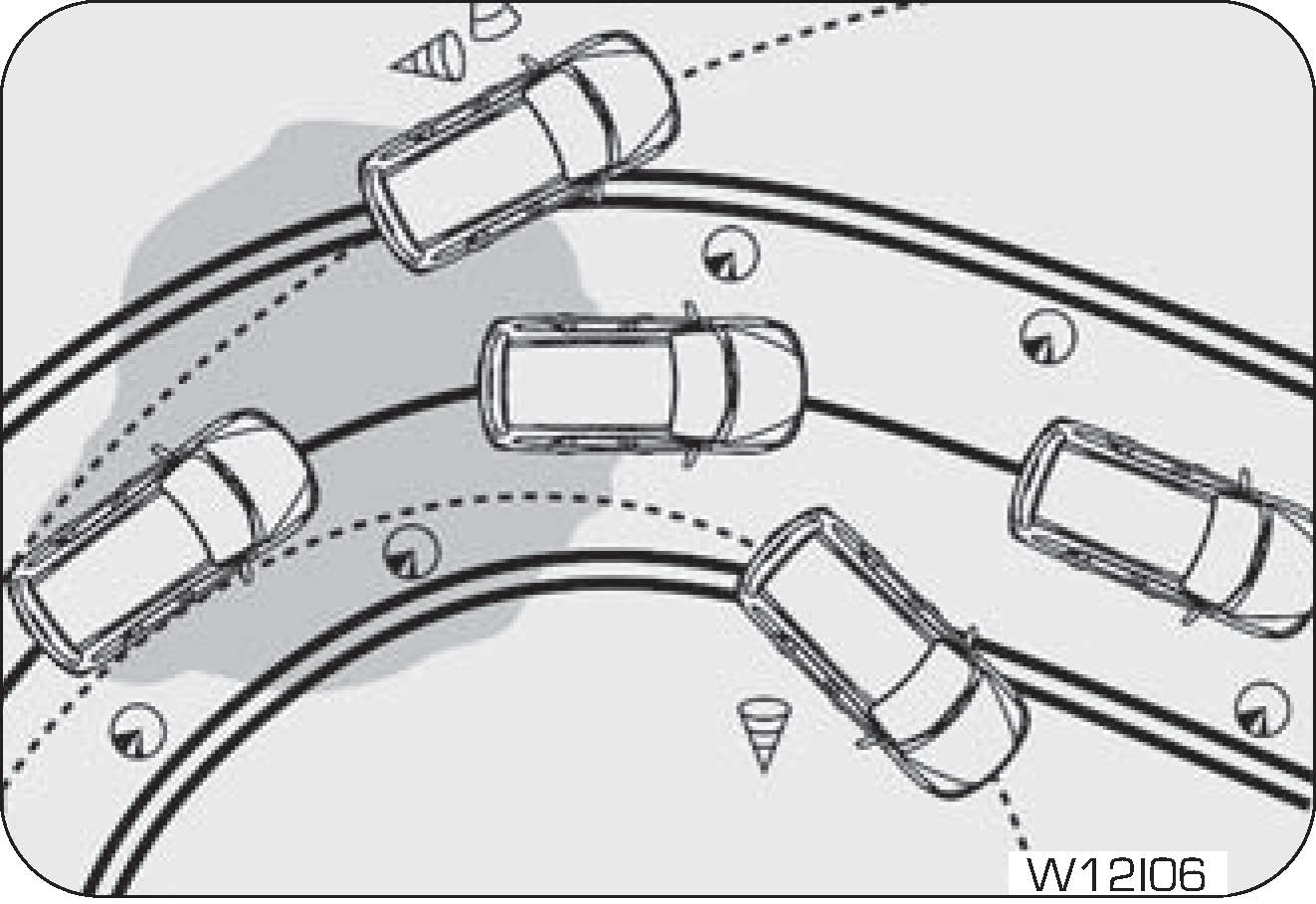 |
The Anti-lock Braking System (also called as ABS) is designed to help prevent lock-up of the wheels and stable stopping of
vehicle during a sudden, panic emergency braking or braking on slippery road surfaces.
The ABS system takes input from wheel speed sensors and brake pedal switch to control the brake fluid pressures at the wheels
to avoid wheel lock-up. It allows vehicle to be steered during braking.
|
The minimum speed for ABS to function is 12 km/h. ABS is activated only during wheel lock conditions where ABS takes over
and prevents wheel lock. During the ABS operation, a slight pulsation may be felt in the brake pedal to indicate ABS is active.
You may also hear motor noise from the engine compartment. It is recommended to hold the brake pedal firmly while the ABS
is active rather than pumping the brake pedal or removing foot off the pedal in panic.Depressing the brake pedal on slippery road surfaces as on a manhole cover, a steel plate at a construction site, a joint
in a bridge, etc. on a rainy day, tends to activate the anti-lock braking system. The ABS warning lamp lights up when you
switch the ignition ON and turns OFF after a few second. If the ABS warning lamp does not go out or if it comes ON while driving,
it means there is a fault in the ABS system. In both cases, the normal braking system remains active, exactly as on a vehicle
without ABS.
The vehicle should be examined as soon as possible by a Authorized Mahindra Service Center. The Anti-lock braking system,
It is designed to shorten the stopping distance: Always drive at a moderate speed and maintain a safe distance from the vehicle
in front of you. The stopping distance may be longer in the following cases:
| • | Driving on rough, gravel or snow covered roads. |
| • | Driving with tyre chains installed. |
| • | Driving over steps such as the joints on the road. |
| • | Driving on roads where the road surface is pitted or differences in surface height. |

The ABS warning lamp lights up when you switch ON the ignition and should turn OFF after a few second. If the ABS warning
lamp does not turn OFF or if it turns ON while driving, it means there is a fault in the ABS system. In both cases, the normal
braking system remains active, exactly as on a vehicle without ABS. The vehicle should be examined as soon as possible by
a Authorized Mahindra Service Center.
Do not overestimate the Anti-lock Brake System: Although the Anti-lock Brake System assists in providing vehicle control,
it is still important to drive with all due care and maintain a moderate speed and safe distance from the vehicle in front
of you. There are limits to the vehicle stability and effectiveness of steering wheel operation even with ABS active. If tyre
grip performance exceeds its capability, or if hydroplaning occurs during high speed driving in the rain or water logged roads,
the Anti-lock Brake System will not assist with vehicle control.
9.8 Electronic Brake Force Distribution (EBD)
EBD, as a subsystem of the ABS system, controls the effective adhesion utilisation of the rear wheels. EBD aids in distributing
the brake forces more evenly leading to better vehicle stability during braking.Typically, the front end carries more weight and EBD distributes less braking pressure to the rear brakes avoiding a lock
up/skid.For example, under light loads EBD applies less effort to the rear brakes and for heavy loads it allows full braking effort
to the rear wheels.A fault with EBD is indicated by illumination of the brake as well as ABS warning lamps. The vehicle should be examined as
soon as possible by a Authorized Mahindra Service Center.
|
Symbol |
Warning Lamp/Tell Tale |
Action/Remarks |
|
|
EBD Malfunction Telltale
|
 |
 |
Both ABS and Parking brake telltale lamp will be ON incase of EBD malfunction.
|
9.9 Electronic Stability Program (ESP)
This system enhances directional control and stability of the vehicle under various driving conditions. The ESP corrects for
over-steering and under-steering behavior of the vehicle by applying the brake of the appropriate wheel automatically. Engine
power may also be reduced or AT gears may be downshifted to assist in counteracting the condition of over-steer or under-steer
and help the vehicle maintain the desired path.
ESP uses steering angle sensor and YAW rate sensor to determine the path that the driver intends to steer the vehicle and
compares it to the actual path of the vehicle. When the actual path does not match the intended path, the ESP applies the
brake of the appropriate wheel to assist in counteracting the condition of over-steer or under-steer.
Over-steer - When the vehicle is turning more than appropriate for the steering wheel position.
Under-steer - When the vehicle is turning less than appropriate for the steering wheel position.
The ESP cannot prevent the natural laws of physics from acting on the vehicle, nor can it increase the traction afforded by
prevailing road conditions. The ESP cannot prevent accidents, including those resulting from excessive speed in turns, driving
on very slippery surfaces, or hydroplaning. Only a safe, attentive, and skilful driver can prevent accidents. The capabilities
of an ESP equipped vehicle must never be exploited in a reckless or dangerous manner that could jeopardise the user’s safety
or the safety of others.
9.9.1 ESP ON
Whenever the vehicle is started, the ESP system will be in active mode. This mode should be used for most driving conditions.
When the ESP is in operation, ESP indicator lamp blinks in the instrument cluster.
When the ESP is operating, you can feel a slight pulsation in the vehicle. This is only the effect of brake control and indicates
nothing unusual.
When moving out of the mud or slippery road, accelerator response may be different because ESP system controls the engine
RPM to come out of this slippery road condition. This is normal.
9.9.2 ESP OFF
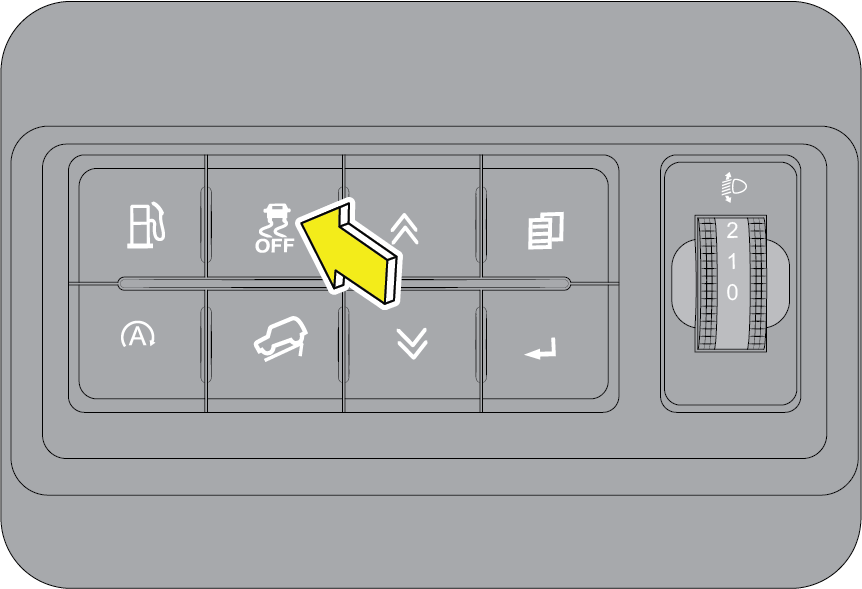 |
In some driving conditions, to maximise traction, it may be beneficial to de-activate ESP.
Such conditions are:
|

To de-activate ESP, press ESP OFF button on the driver side switch bank. Once ESP OFF mode is selected, a warning indicator
illuminates in the instrument cluster.
Press ESP OFF button again to activate ESP function.
Mahindra recommends that ESP be operational in all normal driving conditions.
When ESP is in OFF mode, other functions like HHC (Hill Hold Control) HBA (Hydraulic Brake Assist), HDC (Hill Descent Control),
DTC (Drag Torque Control), ROM (Roll Over Mitigation) will be in working mode.
However, for safety reasons, if the ESP system detects that the vehicle is going into a unstable condition, ESP will be automatically
activated on depressing the brake pedal.
ESP, by default, will be in ON condition for every ignition cycle.
If the ESP indicator blinks while driving, it indicates that ESP is working. If this indicator illuminates continuously, it
indicates a malfunction in the ESP system. Drive carefully to the nearest Authorized Mahindra Service Center and get the ESP
system checked.
9.10 Traction Control System (TCS)
TCS function is part of Electronic Stability Program (ESp). It is intended to enhance the stability and acceleration when
wheel spin is occurred. It monitors the speed sensor input on each wheels and uses brakes or engine torque control to provide
optimum tractive force on driven wheels during acceleration in slippery surfaces. A feature of TCS, Braking Traction Control
(BTC), functions similar to the locking differential and controls the wheel spin across driven axle. If more than one wheel
on driven axle is spinning faster than the other, the system will apply the brake on spinning wheel. This will allow more
engine torque to be transferred to the wheel that is not spinning. BTC remains enabled even in ESP off mode. To effectively
use the BTC system the driver should gradually accelerate in a situation where ‘wheel slip‘ is occurring. This will allow
the sensors to determine the need to apply the brake to the slipping wheels.
The ESP system has two available operating modes in 2H and 4H modes. The system has one operating mode in 4L mode.
|
|
2H and 4H Modes:
ESP ON : This is the normal operating mode for ESP in 2H and 4H range.
ESP OFF
This mode is entered by momentarily pushing the ESP OFF switch.
|
When in “ESP OFF” mode, the TCS portion of ESP (except for Braking Traction Control described in TCS section) gets disabled
and the “ESP OFF” indicator light turns ON. This mode is intended to be used if the vehicle is in deep snow, sand and gravel
in order to gain the traction. In ESP OFF mode, the engine torque reduction and stability features are disabled. For speeds
at or exceeding approximately 64 km/h, the ESP goes into normal “ESP On” mode automatically in order to maintain the vehicle
stability. To turn the ESP on again, momentarily push the ESP OFF switch. This will restore the normal “ESP ON” mode of operation.
When in ESP OFF mode, the engine torque reduction feature TCS (except Braking Traction Control feature described in TCS section)
gets disabled and enhanced vehicle stability features offered by ESP systems are disabled. In an emergency maneuver, the ESP
stability functions like Vehicle Dynamics Control and Roll Over Mitigation will not engage to assist in maintaining stability.
This mode is intended for Off-Road use only. ESP OFF indicator will be illuminated continuously in this mode.
4L Mode:
ESP OFF
This is the normal operating mode for ESP in 4L mode. Whenever the vehicle is started in 4L range, or the transfer case is
shifted from 2H or 4H or Neutral mode to 4L mode, the ESP system will be in this mode. In 4L mode, the ESP and TCS, except
for the Braking Traction Control (BTC) feature described in TCS section are disabled. The “ESP OFF” indicator lamp will be
illuminated continuously in this mode.
When in “ESP OFF” mode, the TCS portion of ESP (except for Braking Traction Control described in TCS section) gets disabled
and the “ESP OFF” indicator light will be illuminated. This mode is intended to be used in ‘Off-Roading’ conditions in order
to gain the traction. In ESP OFF mode, the engine torque reduction and stability features are disabled, the ESP stability
functions like Vehicle Dynamics Control and Roll Over Mitigation will not engage to assist in maintaining stability. ESP OFF
indicator will be illuminated continuously in this mode.
9.11 Hill Descent Control (HDC)
Assists the driver to descend a steep hill (max. 50% inclination) by means of brake intervention limiting the vehicle speed
is without driver’s input.
During HDC, if the wheel slip becomes excessive, ABS will be activated automatically.
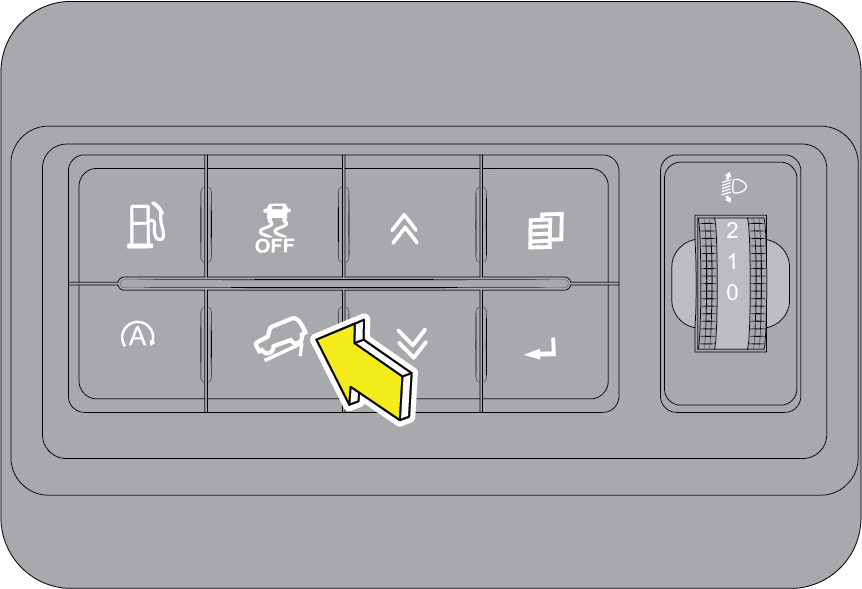 |
HDC is a user-intended function. To activate, press HDC button on the center fascia switch bank. The LED on the button illuminates
indicating the status. Press the button again to deactivate HDC.
During a descent, if the vehicle speed is more than the rated speeds (refer recommended shift speeds), HDC (if selected) automatically
operates the brakes to slow the vehicle and maintain a speed relative to the selected gear and the accelerator pedal position.
|
HDC will also work in neutral gear, and maintains the vehicle rolling speed by operating brakes automatically. HDC will deactivate
automatically, if the vehicle speed is exceeds approximately 60 km/h.
While HDC is controlling the vehicle speed, descent speeds can be varied using cruise control switches mounted on the steering
wheel.
To decrease speed, press and hold “SET -” button. The vehicle speed at the point of switch release will become the new descent
speed.
To increase, press and hold “SET +” button. The vehicle speed at the point of switch release will become the new descent speed.
Alternatively, descent speeds can be adjusted by tapping the “SET _” or “SET +” buttons. Each press of the button will adjust
the speed by approximately 0.5 km/h.
The descent speed increases only if the gradient is sufficiently steep to cause the vehicle to accelerate as the braking effect
is reduced. On a shallow slope, pressing the “SET +” button may result in no speed increase.
If the brake pedal is depressed when HDC is active, HDC is overridden and the brakes will perform as normal (a pulsation might
be felt through the brake pedal). If the brake pedal is then released, HDC will recommence operating, if necessary.
HDC system monitors the brake temperature continuously. If brake application is continuous and brake temperatures are too
high, HDC deactivates automatically. This is to ensure that the brake pads are not worn due to continuous brake application.
HDC will also work in neutral gear, and maintain the vehicle rolling speed by operating brakes automatically. HDC will deactivate
automatically. If the vehicle speed exceeds 60 km/h.
9.12 Hill Hold Control (HHC)
Hill Hold Control with acceleration sensor identifies gradients and holds the vehicle for about three to four second after
the brakes have been released in order to prevent the vehicle from accidentally rolling backwards during a hill start.
Imagine a situation where your vehicle is stopped on an uphill incline. If you release the brake while moving off, there are
chances that your vehicle may roll back. HHC helps in such situations by holding the vehicle from rolling back.
HHC operation cannot be intervened. For HHC to work, clutch pedal must be in fully pressed condition and gear engaged.
HHC will only operate when the road gradient is > 4% on both uphill (nose up with any forward gears selected) and downhill
(nose down with reveres gear selected). Maximum gradient for HHC is 30%.
9.13 Hydraulic Fade Compensation (HFC)
Due to continuous brake operations, the temperature of the brake disc may get raised, due to which the friction between the
brake pads and the brake disc may get reduced alarmingly, this is known as Brake Fading.
HFC provides an additional braking-force boost to the driver, based on the pad temperature model, brake pressure and deceleration
rate, to reduce the braking distances in such cases.
The HFC will activate only during high brake pedal force application.
| • | The HFC system cannot prevent collisions, the capabilities of an HFC equipped vehicle must never be exploited in a reckless or dangerous manner that could jeopardize the user’s safety. |
| • | The Safety of the vehicles always lies in the hands of the driver, never rely on the HFC feature to prevent road accidents. |
9.14 Hydraulic Brake Assist (HBA)
The HBA function is designed to optimize the vehicles braking ability during emergency braking situations, the system detects
a panic braking situation by sensing the rate and amount of brake application and generates an additional brake-force boost
to the driver if required.
During a panic braking situation, the brake pressure is raised to the locking pressure. For the HBA to become active, the
brake Pedal must be pressed throughout the braking maneuver, that is the brakes must not be pumped and released.
The HBA function gets deactivated, when the brake pedal is released thus do not release brake pressure unless braking is no
longer needed
| • | The HBA system cannot prevent collisions, the capabilities of an HBA equipped vehicle must never be exploited in a reckless or dangerous manner that could risk the user’s safety. |
| • | The Safety of the vehicles always lies in the hands of the driver, never rely on the HBA feature to prevent accidents. |
9.15 Roll Over Mitigation (ROM)
Roll Over Mitigation system is a safety function which anticipates the wheel lift due to lateral forces. The ROM function
analyses the rate of change of steering wheel angle and the wheel speed to determine any possible wheel lift, the system then
applies appropriate brake and may also reduce the engine power to reduce the chances of wheel lift.In any instance where physical limits of Long. and lateral tyre road grip are not exceeded, RMF reduces the lateral forces
that will lead to a critical roll moment about the center of gravity.
| • | Many factors, such as vehicle loading, road conditions and driving conditions, influence the chance that wheel lift or rollover may occur. |
| • | The ROM system cannot prevent all roll overs; thus ROM equipped vehicle must never be exploited in a reckless or dangerous manner which could jeopardize the user’s safety or the safety of others. |
9.16 Brake Disc Wiping
When a vehicle is driven in a wet condition; the accumulated wetness on the brake disks leads to an elongated brake response
time.
The BDW function actuates the brakes with a low pressure, such that; the brake pads comes in contact with the rotating brake
disks, creating a wiping action; thereby removing the moisture from the brake disks.
For the Brake Disc Wiping function to get activated, the following conditions must be met.
| 1. | Vehicle speed above 70 km/h. |
| 2. | Accelerator Pedal must be pressed. |
| 3. | The Wipers must be in ON condition (Low/High Speed). |
The Pressure generated in the BDW function is very small and this is not felt by the driver during normal driving conditions.
| • | The system will not be able to sense water splashed on disc from situations such as water wash or water puddles. |
| • | It is suggested that the driver dry the brakes in the above said conditions by driving at very slow speed and applying the brakes lightly until the brake performance becomes normal. |
9.17 Electric Brake Prefill - EBP
EBP is a value-added feature in ESP, the target of the function is to reduce the air gap of the wheel brake by putting low
brake pressure to the brake pads such that the brake pads come in close proximity to the brake disc.
The system detects an emergency braking by monitoring the rate of release of the acceleration pedal. A sudden release of accelerator
pedal signifies an upcoming sudden braking.
By actively pre-filling the brake-system, the brake response time is reduced for an upcoming braking and full vehicle deceleration
is achieved earlier. This results in a shorter stopping distance.
9.18 Second Collision Mitigation System (SCM)
The SCM feature in the ESP system is an autonomous braking system which decreases the speed of the vehicle after the first
collision by means of autonomous braking interventions. This reduces the risk of a subsequent crash due to uncontrolled vehicle
movement.
For the Second Collision Mitigation feature to get activated, the following conditions must be met.
| 1. | There must be a front collision detected with a certain severity, where airbags gets deployed. |
| 2. | The impact speed must be greater than approx. 10 km/h. |
| 3. | The brakes, the ESP and other required electrical systems remain functional after impact. |
| 4. | The accelerator pedal must not be actuated. |
9.19 Driving Your Vehicle
9.19.1 General Driving Precautions
Always observe the following precautions to minimize the risk of accidents leading to serious personal injury or damage to
your vehicle.
| • | Before you drive your vehicle, please read this manual carefully. |
| • | Before you start driving, check proper operation of the brakes and steering system. |
| • | If, while driving, you hear any strange noise or feel unusual vibration, or if you have any concerns whatsoever, or if any warning lamps illuminate or buzzers sound, park/stop the vehicle in a safe location as soon as possible. Identify the cause and take necessary remedial action. Contact your Authorized Mahindra Service Center if necessary. |
| • | Never overload or improperly load your vehicle. |
| • | Always be attentive while driving and follow safe driving practices. |
| • | Always maintain the recommended inflation pressure in tyres. |
| • | Always drive at a safe speed appropriate for given driving conditions. You must follow the speed limits. |
| • | While backing up, keep a constant lookout for people, particularly children, or other obstructions or hazardous material that might be present behind the vehicle. |
| • | Avoid loading any items on the roof that will raise the vehicle’s center of gravity and make your vehicle more unstable. |
| • | Loaded vehicles, with a higher center of gravity, may handle differently than unloaded vehicles. Extra precautions, such as slower speeds and increased stopping distance, should be taken when driving a heavily loaded vehicle. |
| • | Always slow down in gusty crosswinds. Because of its profile and higher center of gravity, your vehicle is more sensitive to side winds than an ordinary passenger car. Slowing down will allow you to have much better control. |
| • | When driving off-road or on rugged terrain, do not drive at excessive speeds, jump, make sharp turns, strike objects, etc. This may cause loss of control or vehicle rollover causing serious injury. You are also risking expensive damage to your vehicle's suspension and chassis. |
| • | Maintain steering wheel control at all times, especially on rough terrains. Sudden changes in terrain can result in abrupt steering wheel motion. Make sure you grip the steering wheel from the outside. Do not grip the spokes. |
| • | If the vehicle goes from one type of surface to another (e.g. from concrete to gravel/sand/mud/snow) there will be a change in the way the vehicle responds, especially the way it responds to steering, braking and accelerating inputs. |
| • | Be extremely careful while driving on loose pavements, loose sand, water, gravel, snow or ice. |
| • | If your vehicle goes off the edge of the pavement, slow down, but avoid severe brake or steering application. Ease the vehicle back onto the pavement only after reducing your speed. Do not turn the steering wheel too sharply while returning to the road surface. |
| • | It may be safer to stay on the apron or shoulder of the road and slow down gradually before returning to the pavement. You may loose control if you do not slow down or if you turn the steering wheel too sharply or abruptly. |
| • | In an unavoidable emergency situation where a sudden sharp turn must be made, turn the steering wheel only as rapidly and as far as required to avoid the emergency. Excessive steering will result in less vehicle control. Additionally, smooth variations of the accelerator and/or brake pedal pressure should be utilized if changes in vehicle speed are called for. Avoid abrupt steering, acceleration or braking which could result in an increased risk of loss of vehicle control, vehicle rollover and/or personal injury. Use all available road surfaces to return the vehicle to a safe direction of travel. |
9.19.2 Off Road Driving Precautions
| • | When driving off-road or on rugged terrains, never overspeed or make sharp turns. This may cause loss of control or vehicle rollover causing serious injury. |
| • | Maintain steering wheel control at all times. Sudden changes in terrain can result in abrupt steering wheel motion. |
| • | Do not drive horizontally or diagonally across steep slopes, your vehicle can tip over sideways. Driving straight up or straight down is preferred. |
| • | Drive cautiously to avoid vehicle damage from concealed objects such as rocks and stumps. You should either know the terrain or map-out your route before driving in the area. |
| • | Always perform a maintenance inspection after each day of off-road driving that has taken you through rough terrain, sand, mud or water. |
Post off roading, heavy mud slurry need to be cleaned from Radiator, Condenser, Oil cooler etc, to avoid Engine overheating.
9.19.3 If your Vehicle is Submerged
If your stationary Vehicle is Submerged over the bumper
 |
|
| • | All fluids including engine and transmission fluids required to be changed incase of water ingress and contamination. |
Never attempt to start the engine, without the advice from Authorized Mahindra Service Center.
| • | Never drive through water when it flows above the bottom portion of the bumper or above the tyre centre line. |
| • | The engine could get damaged internally, if attempts are made to cross through deep water. |
| • | Wet brake discs have a lower coefficient of friction resulting in reduced braking efficiency. Dab the brake pedal while driving to remove the film of water. |
9.19.4 Driving Through Water
Although your vehicle is capable of driving through shallow water, there are a number of precautions that must be considered
before entering the water.
Never drive through still water that is higher than the bottom of the axle hubs. Not following this instruction will allow
water to enter vehicle components causing internal damage to the components, affecting driveability, safety, emissions and
reliability.
When driving through water, drive very slowly and at constant speed, less than 8 km/h. Drive with accelerator pedal in OFF
and control speed using only the brakes. At higher speed waves can be generated by the front of the vehicle. These water waves
may enter air intake, causing severe engine damage or cause a vehicle to get stalled.
You must slow down while driving through shallow water. Speeding may cause water to splash onto the windshield, impairing
your vision In extreme conditions you may get a water wedge formation between the road and tyre causing loss of control in
the vehicle.
| • | The ground under the water might not be firm which could result the water being deeper than expected when driving the vehicle through it. |
| • | Do not stop or shut OFF the engine while immersed in water. It helps in preventing water getting inside the exhaust pipes. |
| • | When backing down a ramp, do not allow the exhaust tail pipe to immerse in water. |
| • | Water can wash the grease from wheel bearings, causing rusting and premature failure. It may also enter the differentials, transmission and transfer case, reducing the oil's lubricating qualities. If these are submerged in water, the lubricants should be replaced as required. |
| • | Water entering the transmission will cause deterioration in shift quality, locking up of your transmission accompanied by vibration, and ultimately damaging the transmission. |
| • | Sand, mud/sludge that has accumulated in brake drums and around brake discs may affect braking efficiency. This may also damage brake system components. Wet brakes cannot stop the vehicle as effectively as dry brakes. Drying can be improved by driving the vehicle slowly while applying light pressure on the brake pedal. |
| • | When driving through water, traction or brake capability may be limited. Always perform a maintenance inspection after each day of off-road driving that has taken you through water. |
9.19.5 Flowing Water
If the water is swift flowing and rising (as in storm run-off) avoid crossing until the water level recedes and/or the flow
rate is reduced.
The flowing water can erode the streambed causing your vehicle to sink into deeper water.
Determine the exit point(s) that are downstream of your entry point to compensate for drifting.
9.19.6 After Driving Off-road or through Water
Off-road operation puts more stress on your vehicle than does most on-road driving. Always perform a maintenance inspection
after each day of off-road driving that has taken you through rough terrain, sand, mud, or water.
| • | After going off-road, it is always a good idea to check for damage. Completely inspect the underbody of the vehicle for any damages. |
| • | Check for accumulations of plants or bushes. or polyethylene / plastic These could be a fire hazard. They might damage to fuel lines, brake tubes/hoses, etc. |
| • | Inspect all the tubes/hoses and check for any fluid leakages. |
| • | Get heat exchangers (radiator and condenser) cleaned. |
| • | Check threaded fasteners for looseness, particularly on the chassis, drive train components, steering, suspension and brakes. Visit nearest Authorized Mahindra Service Center for under body check and re-torquing the fasteners. |
| • | We also recommend that the vehicle be checked at the Authorized Mahindra Service Center for any water entry into the transmission/ axle or the engine. |
Abrasive material in any part of the brakes may cause excessive wear or unpredictable braking. You might not have full braking
power when needed leading to accidents. If you have been operating the vehicle in off-road conditions, get the brakes checked
and cleaned as necessary.
| • | If any unusual vibration is experienced, check the wheels for impacted material. Impacted material can cause a wheel imbalance. Get it inspected/corrected as soon as possible. |
| • | After driving through deep water, inspect your vehicle fluids and lubricants (engine oil, transmission/transfer case/axle oils) to ensure the fluids have not been contaminated. |
Mud splashes will deposit in various components under chassis and under bonnet depending on the nature of track you are driving.
While your THAR is a capable off roader, it would need drivers attention and care under certain driving conditions. While
driving into sludge (mud + water) tracks with your 4x4, be aware that the slush will splash and settle on various components.
The following precautions need to be taken:
| • | It is recommended to avoid usage of AC as it may result in fan vibrations. Removal of mud deposits through deep cleaning Immediately after off roading will resume the operation back to normal. |
| • | Do not over-speed |
| • | Do not let the muddy slush dry up specially on radiator /condenser /fan motor etc which will cause suboptimal performance /Engine overheating due to restricted air flow. |
| • | Take the vehicle to a wash immediately after off roading and get it cleaned under the chassis /under bonnet components before mud dries on it. This will protect your vehicle from unforeseen breakdowns. |
9.20 4WD System (If Equipped)
Failure to completely engage any transfer case position can cause 4WD system damage or loss of power and vehicle control.
Do not drive the vehicle unless the transfer case is completely engaged. Accidents may happen.
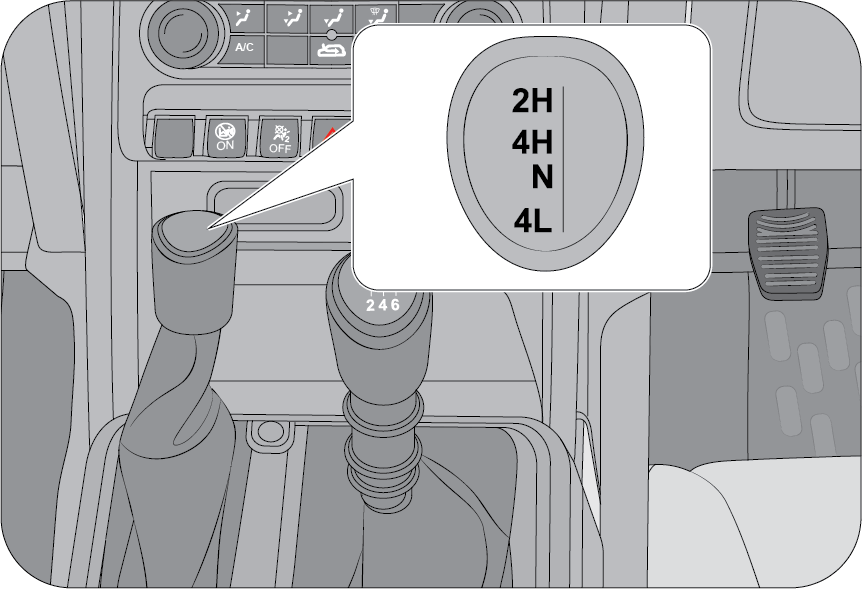 |
The 4WD system can be used for slippery and loose roads, off terrain driving, hilly terrain regions in which more traction
is required. Driving in the 4H and 4L positions on hard-surfaced roads will cause increased tyre wear and damage to the driveline
components.
|
The 4WD/2WD shift is done by the small 4WD lever next to the gear lever. 4WD indicator on the instrument cluster alerts whether
the vehicle is in 4WD mode. The 4WD system allows you to choose between Four different modes depending on the torque requirement.
| • | 2H (Two wheel drive high) |
| • | 4H (Four wheel drive high) |
| • | N (Neutral) |
| • | 4L (Four wheel drive low) |
Transfer Case is a part time manual shift system. There is no synchronizer in transfer case and hence Shifting while the front
or rear axles rotating at different speeds can cause damage to the transfer case.
Vehicle is equipped with electric front axle disconnect (FAD). There may be a slight delay and ratcheting noise while FAD
is engaging as the splines may not be aligned. This is normal.Proper operation of four-wheel drive vehicles depends on tyres of equal size, type, and circumference on each wheel. Any difference
will adversely affect shifting and cause damage to the transfer case.
9.20.1 Operating Instructions/Precautions
Transfer case provides four mode positions; 2H, 4H, N and 4L.
2H:Only the rear wheels are driven at 1:1 speed ratio. Use this mode for normal driving on normal street, dry hard-surfaced roads
and highway conditions. This position gives greater fuel economy, quietest ride and least tyre wear.
4H: All four wheels are driven at 1:1 speed ratio. This mode provides additional traction and maximum pulling power for loose,
slippery road surfaces such as ice, snow, gravel, sand and dry pavement. Front and rear axles are locked together in this
mode which forces the front and rear wheels to rotate at the same speed.
N: : Used only for towing in case of flat tyres or breakdown. (Vehicle equipped with automatic transmission to be towed strictly in N mode of transfer case)
Accidents may happen if you leave the vehicle unattended with the transfer case in the NEUTRAL (N) position without first
fully engaging the parking brake. The transfer case NEUTRAL (N) position disengages both the front and rear axle from the
powertrain, and will allow the vehicle to roll, even if the automatic transmission is in PARK (or manual transmission is in
gear). The parking brake should always be applied when the driver is not in the vehicle.
4L: Use this mode for maximum pulling power and traction. Use the 4L position for climbing or descending steep hills, off-road
driving, hard pulling in sand, mud or deep snow. Driving in the 4L position on dry hard surfaced roads may cause increased
tyre wear and damage to driveline components. Take care not to over rev the engine and do not exceed 40 km/h when driving
in this mode. When operating your vehicle in 4L, the engine speed is considerably higher than that of the 4H position at a
given road speed. Do not exceed 40 km/h.
Exceeding 25 mph (40 km/h) while the transfer case is engaged in 4L may result in an engine overspeed condition and engine
damage.
Because the four-wheel drive provides improved traction, there is a tendency to exceed safe turning and stopping speeds.
| • | Do not believe than you can go faster than road conditions permit. |
| • | Do not shift to a lower gear than necessary to maintain forward motion. |
| • | Over-revving the engine can spin the wheels and traction will be lost. You will not be able to stop or control your vehicle. |
| • | Braking performance is dramatically reduced in wet/icy/slippery conditions. Avoid abrupt downshifts on slippery roads, engine braking may cause skidding and loss of control resulting in an accident. |
9.20.2 Shifting Procedure
 |
Shifting Between 2H and 4H
Shifting between 2H and 4H can be made with the vehicle stopped or in motion (speed less than 4-5 km/h). If the vehicle is
in motion, release the accelerator pedal and maintain very low speed until transfer case is completely engaged.
|
Never operate the 4WD shifter lever if the wheels are slipping. Stop the slipping or spinning before operating the shifter.
If transfer case is not properly engaged, whine noise may come from driveline. This is because mating teeth not being properly
aligned/engaged. In that case, stop the vehicle and start driving again. To shift from 4H to 2H, move the selector lever to
the 2H position. Vehicle may needs to be stopped for completely for proper disengaging from 4WH/4WL.
To Shift from 4H to 4L (also for in between N mode):
| 1. | When the vehicle speed is 3 to 5 km/h, shift an automatic transmission in to NEUTRAL (N), or press the clutch pedal on a manual tranmission and shift the transfer case lever firmly to 4L. |
| 2. | Push down the 4WD shifter knob and shift the transfer case lever to the N Position, release the knob and then shift to 4L position (Do not pause with the transfer case in N (Neutral). |
| 3. | Once the shift is completed, Press brake to stop vehicle and place the automatic transmission in to DRIVE or release the clutch pedal on a manual transmission. |
Shifting into or out of 4L with the vehicle completely stopped, difficulty may occur due to the mating teeth not being properly
aligned. Several attempts may be required for clutch teeth alignment and shift completion to occur. The preferred method is
with the vehicle rolling at 3 to 5 km/h.
Avoid attempting to engage or disengage 4L with the vehicle moving faster than 5 km/h.
To Shift from 4L to 4H (also for in between N mode):
| 1. | When the vehicle speed is 3 to 5 km/h, shift an automatic transmission into NEUTRAL (N), or press the clutch pedal on a manual transmission and shift the transfer case lever firmly to 4H. |
| 2. | Shift the transfer case lever to the N position, push down the 4WD shifter knob and shift to 4H, release the knob (Do not pause with the transfer case in N (Neutral). |
| 3. | Once the shift is completed, Press brake to stop vehicle and place the automatic transmission into DRIVE or release the clutch pedal on a manual transmission. |
| • | In heavy snow or when pulling a load, or for additional control at slower speeds, select a low gear and/or shift the transfer case to the 4L range. |
| • | Over-revving the engine can spin the wheels and traction will be lost |
| • | Avoid abrupt gear shifts on slippery roads, engine braking may cause skidding and loss of control. |
9.20.3 Do’s and Don’ts
Do’s:
| • | While shifting between 2H-4H-2H, it is a good practice to stop the vehicle and then shift the transfer case lever. |
| • | While shifting from 4H to N and N to 4H, Shifter knob should be pressed down in order to avoid damage to the shift system. |
| • | Learn to use the power band. |
| • | 4-Low (4L) is recommended for soft and boggy conditions, while 4-High (4H) may be used in places where speed may be required. For example: Sand. |
| • | Always use 4L to descent steep slopes to take maximum advantage of engine braking. |
While ascending or descending hills, always be parallel to the slope to ensure maximum stability of the vehicle.
Don’ts:
Avoid taking the engine to the redline (maximum rpm). It’s not only inefficient but it also means you’re not getting the
maximum power from the engine.
Never half-clutch in off-road. Make it a practice to use it only to change gears. This will prolong clutch life and is also
safer in off-road situations as you can utilize maximum engine braking.
Do not drive with 4WD engaged (4H, 4L) on the tarmac road to avoid damage to the gearbox. Vehicle is having a part-time 4WD
and is not meant to be driven in 4WD on the tarmac road.
Do not press the clutch while descending steep hills as you may lose control of the vehicle. Always descend in-gear.
Do not drive with 4WD on hard surfaced roads. This may lead to difficulty in shifting from 4WD. Incase need to release 4WD,
drive the vehicle in reverse direction to some distance.
9.20.4 Mechanical Lock Differential (MLD) (If Equipped)
On the vehicle fitted with MLD, if one rear wheel begins to spin/slip, the mechanical lock differential is designed to help/improve
traction by automatically getting locked and transmitting driving force to the other rear wheel fully. Hence spinning of the
wheel is avoided and torque is transmitted to the wheel which is not slipping, which helps the vehicle to move on loose terrain.
After locking the MLD lock opens up automatically on the followings:
| 1. | Torque reversal/coasting. |
| 2. | Slight turning on the same side on which side the wheel was slipping. |
| 3. | Slight steering input. |
| 4. | Braking. |
| 5. | The system gets de-activated over a speed of 30 km/h. |
In normal driving condition the differential behaves as an open differential.
9.20.5 Electronic Locking Differential (ELD) (If equipped)
The electronic locking differential (ELD) is an electronically activated mechanism that locks the differential, causing both
rear wheels to turn at the same speed. This feature provides additional traction when your vehicle is stuck on slippery surfaces.
You can activate the ELD using a dashboard-mounted switch within the specified operating speed range. The ELD disengages automatically
when the vehicle speed exceeds a set value and re-engages when the speed drops below that value. It also engages based on
certain selected drive modes.
For optimal performance, engage the ELD before entering challenging terrains where wheel spin is likely. If you encounter
wheel spin, bring the wheel speed to zero and activate the ELD. Note that in sand or mud modes, the ELD engages automatically.
The ELD is designed for use in mud, rocks, sand, or other off-road conditions where maximum traction is required.
Recommended to disengage the ELD as soon as you are no longer on slippery terrain. Do not use the ELD on highway surfaces
and during turns.
Continuous use on hard surfaces or in ghat sections can cause transmission wind-up and tyre wear.
Electronic locking differential (ELD) is intended for off-road use only and should not be used on paved or sealed surfaces.
Using the ELD on dry pavement can lead to increased tyre wear, noise, and vibration.
ELD Manual Activation
Start the engine and recommend to maintain vehicle idling.
Engage 4WDL or 4WDH.
Press the ELD switch located in the center fascia switch bank.
An LED tell-tale on the cluster illuminates to indicate the system is activated. Once the indicator light is on, the ELD is
engaged.
ELD Automatic Activation
ELD will automatically get activated when Mud/Sand drive modes in 4WD are selected.
ELD Deactivation
Press the ELD switch (or)
Dis-engage 4WDL or 4WDH (or)
Vehicle Speed more than 40 km/h
Refer to the following table for the speeds at which the electronic locking differential turns on and off. It also engages
automatically based on certain selected drive modes.
|
Terrain Modes (4WD) |
Maximum Engagement Speed |
Automatic Disengage Speed
|
Automatic Re-Engagement Speed |
|---|---|---|---|
|
4L
|
30 km/h
|
40 km/h
|
30 km/h
|
|
4H
|
30 km/h
|
40 km/h
|
30 km/h
|
|
Snow
|
30 km/h
|
40 km/h
|
30 km/h
|
|
Mud / Sand*
|
30 km/h
|
40 km/h
|
30 km/h
|
* - Automatically engages when these drive modes are selected. You can manually override the automatic engagement by pressing
the electronic locking differential switch.
For the protection of the system, the ELD will only activate based on certain boundary conditions and speeds. It is recommended
to engage and disengage the ELD while the vehicle is moving in a straight line at slow speeds.
If the electronic locking differential has difficulty disengaging, release the accelerator pedal and turn the steering wheel
in the opposite direction while rolling.
Electronic Locking Differential (ELD) should not be used on-road or sealed surfaces, as it can cause excessive noise, vibration,
and increased tyre wear.
If the tell-tale does not come on or turns off while driving, follow the instructions on the cluster display.
If the system malfunctions, an alert message ‘Locker needs Service Attention‘ will appear on the instrument cluster. Please
see your Authorized Mahindra Service Center for assistance.
Operating ELD With a Spare or Mismatched Tyres
On vehicles equipped with an ELD, the size of the spare tyre can affect the system’s performance. Significant differences
between the two rear tyres may limit ELD functionality. If the electronic locking differential has difficulty disengaging,
release the accelerator pedal to reverse torque and turn the steering wheel in the opposite direction while rolling. It is
recommended to engage and disengage the ELD at a stop when the spare is mounted on the rear axle.
9.21 Drive Mode with Terrain Assist System (If Equipped)
Drive Mode with Terrain Assist System is a quick and easy way to change driving style and adapt your vehicle to different
on-road conditions. By selecting the required mode, you can instantly adjust the driving dynamics and make your vehicle adapt
to different on-road conditions, all on the go. The system is incredibly easy to use, simply select your choice of mode and
experience 5 different vehicles in one.
Drive mode switch is located on center fascia switch bank.
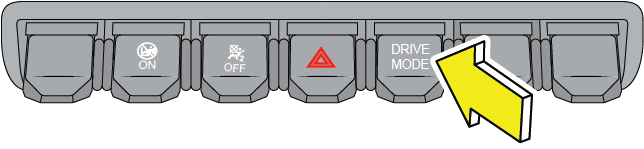
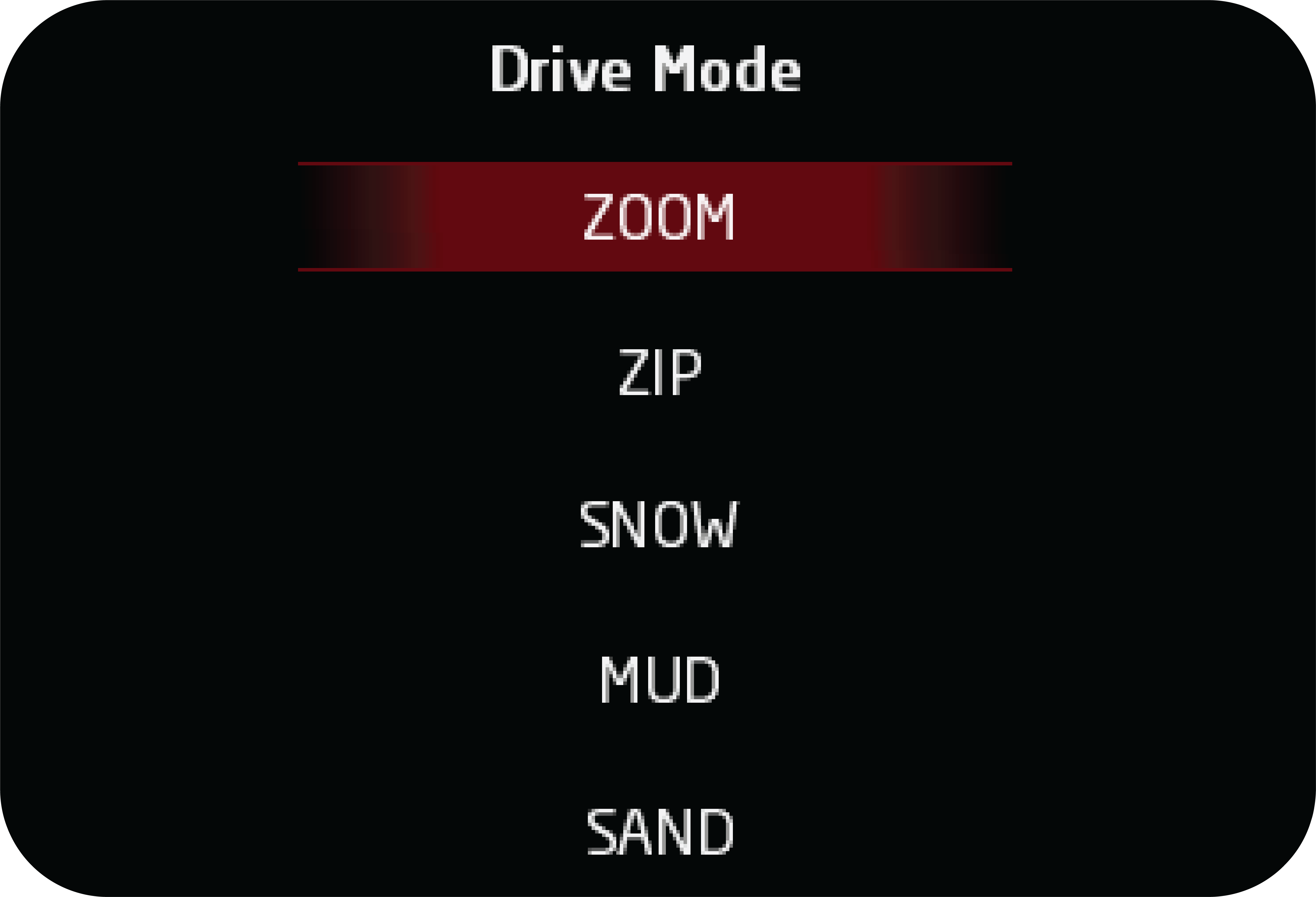 |
Each subsequent press of the Drive Mode hard switch will change the mode in cluster screen.
|
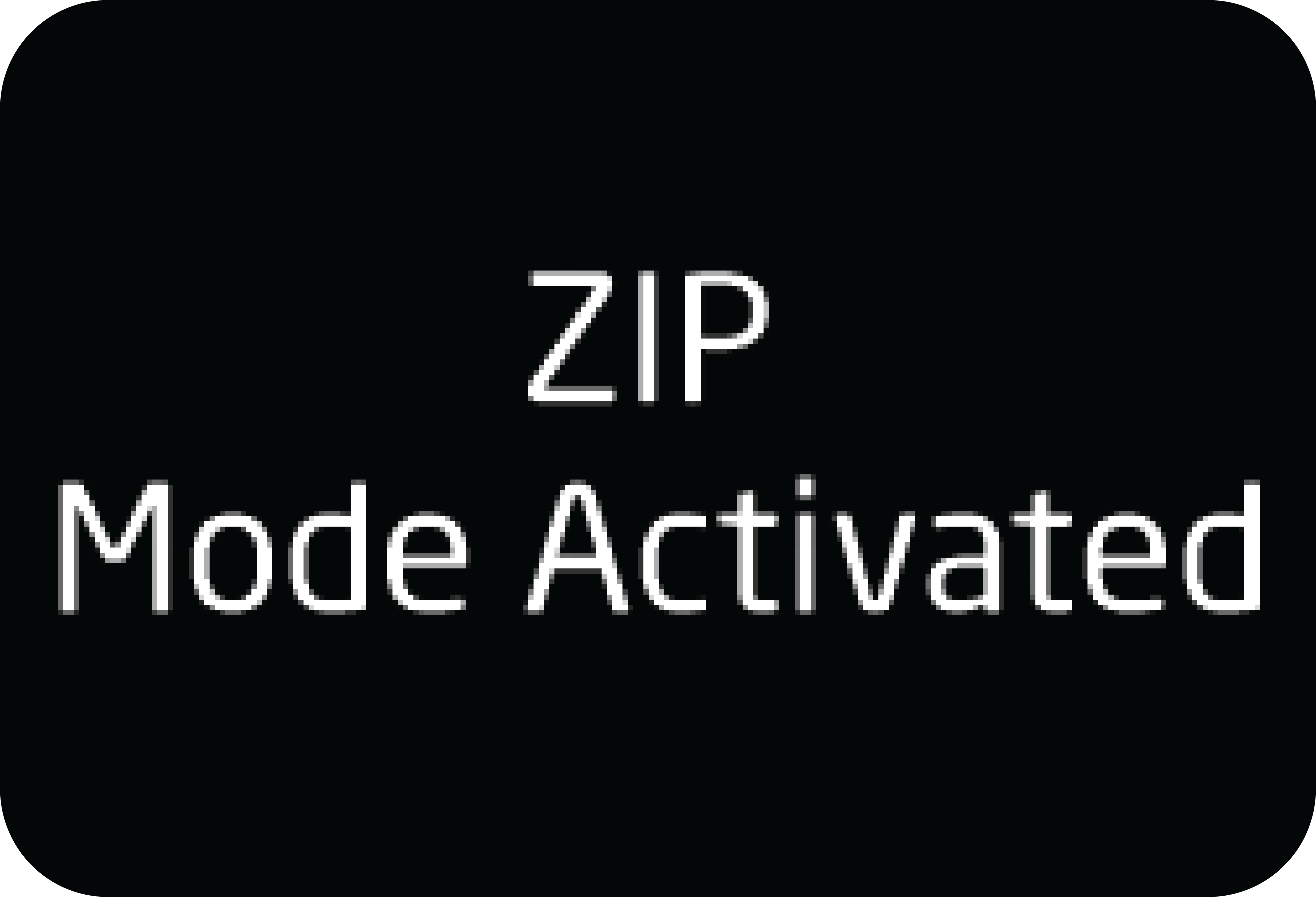 |
If there is no press for few second between the modes, the last selected mode activated message will be displayed on the cluster
as shown the image.
|
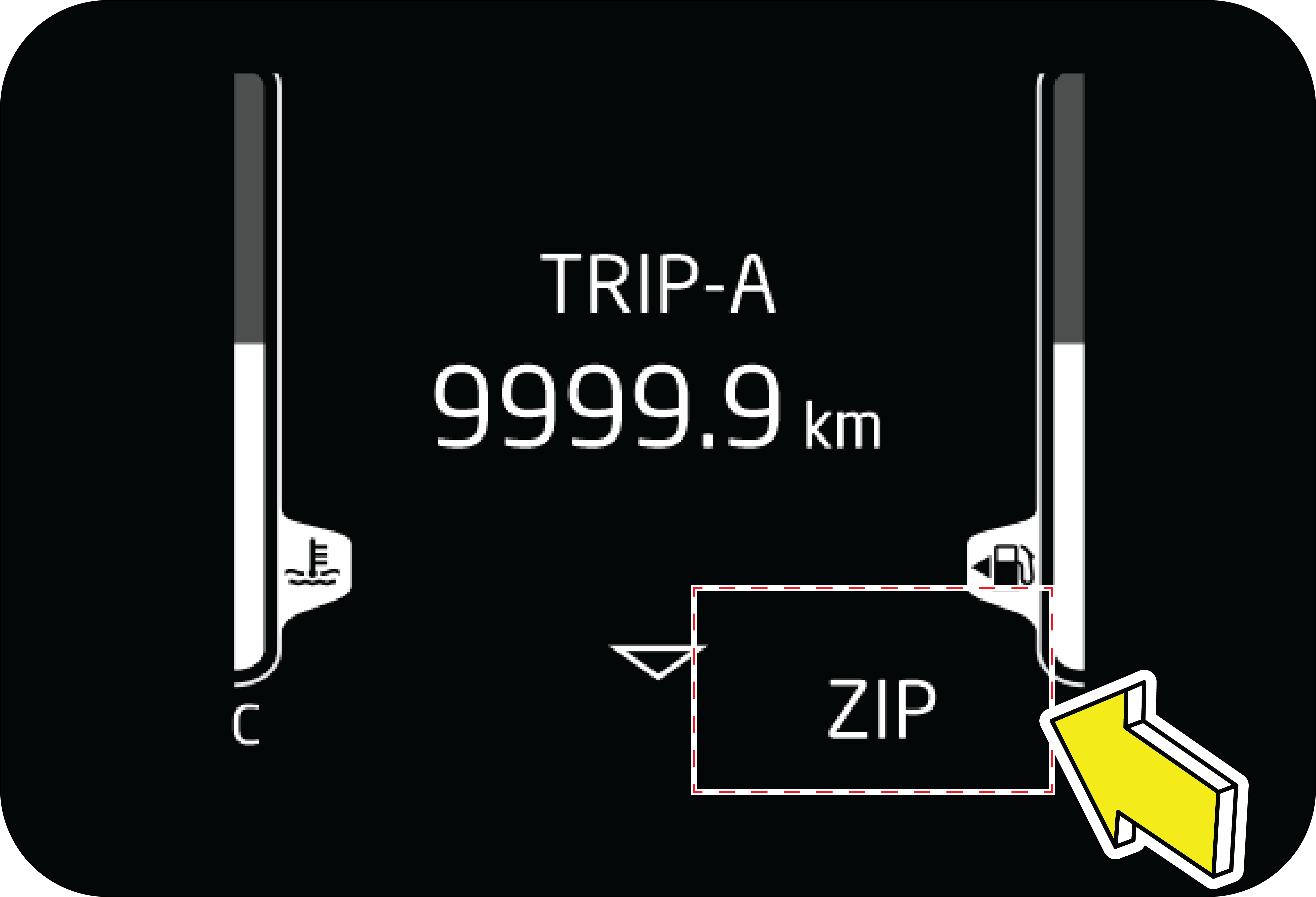 |
Also selected mode name displayed bottom of the cluster screen.
|
Driving modes alters
| 1. | Sensitivity of Accelerator pedal along with engine power delivery. |
| 2. | Gear shift patterns. |
| 3. | Steering effort. |
| 4. | TCS Control. |
Based on the mode selected driving:
ZIP Mode: ZIP Mode offers regular, everyday performance, ensuring that the car runs like a true Mahindra, making it ideal for day-to-day
use. The vehicle will default to ZIP mode every time the ignition is turned on, providing a consistent and reliable driving
experience.
ZOOM Mode: This mode is for a more spirited driving. ZOOM mode is offered to make the car more fun, as it produces more engaging and
potent ride-quality. In this mode, accelerator will become more responsive, i.e, the car accelerates more readily. The steering
gets heavier and Gear shifts are delayed to get a sporty performance.
Snow Mode: This mode improves the overall traction of the vehicle, making it suitable for driving on surfaces covered with snow, ice,
water, grass, or gravel.
|
|
ESP OFF lamp will be ON in this mode.
|
For automatic transmission vehicles:
| • | When in Snow mode, the vehicle will automatically launch in 2nd gear if the TGS lever is in Auto mode. |
| • | The driver can manually select 2nd gear to launch the vehicle using the TGS lever in Manual mode. |
| • | In this mode, early upshifting of gears and late downshifting is normal and characteristic of the driving experience. |
In snowy conditions, it’s advisable to avoid strong inputs such as sudden acceleration or sharp braking.
Mud Mode : This mode provides the best traction for slippery road conditions, making it ideal for driving on surfaces covered with mud.
|
|
ESP OFF lamp will be ON in this mode.
|
For automatic transmission vehicles:
In this mode, it’s typical for gear shifts to occur later during acceleration (late upshifts) and earlier during deceleration
(early downshifts). This helps optimize traction and control in challenging driving conditions.
Sand Mode: This mode ensures the vehicle maintains its momentum to keep moving on soft ground, making it suitable for driving on surfaces
covered with sand.
|
|
ESP OFF lamp will be ON in this mode.
|
For automatic transmission vehicles:
In this mode, it’s typical for gear shifts to occur later during acceleration (late upshifts) and earlier during deceleration
(early downshifts). This helps optimize traction and control in challenging driving conditions.
In sandy terrain, it’s important to maintain vehicle momentum, especially when navigating up dunes. Avoid making sharp steering
inputs to prevent the wheels from digging into the sand, which can compromise traction and control. These practices help ensure
a smoother and safer driving experience in such challenging conditions.
Once you exit sandy areas, it’s important to reinflate your tyres to the recommended pressure promptly. Driving at high speeds
on under-inflated tyres can compromise vehicle safety. If you don’t have access to an air pump immediately, proceed at low
speeds and exercise caution until you can reinflate your tyres properly. This ensures optimal vehicle performance and safety
on non-sandy surfaces.
Once any of the modes is selected, we would have an ALERT message in cluster. Based on the mode selected the alert message
would vary for:
|
ZIP: ZIP MODE ACTIVATED
|
MUD: MUD MODE ACTIVATED
|
|
ZOOM: ZOOM MODE ACTIVATED
|
SAND: SAND MODE ACTIVATED
|
|
SNOW: SNOW MODE ACTIVATED
|
Once selected we would have a permanent indication in the CLUSTER.
Few things to note
| 1. | When in Cruise control or Adaptive cruise control Vehicle will always be defaulted to ZIP MODE. |
| 2. | ON every IGNITION Cycle, vehicle will always start in ZIP MODE. |
| 3. | IN case of any faults at vehicle level, that doesn’t allow the vehicle to be in the mode of choice Customer is alerted by an alert message – “DRIVE MODE INHIBITED” in cluster and the Mode choice in the cluster would be blank. |
9.22 Terrain Mode (If Equipped)
Your vehicle is equipped with a Terrain Mode System that enhances off-road performance by allowing the driver to select the
best mode for specific terrain and driving conditions. Each mode adjusts various vehicle parameters, such as the engine, transmission,
traction control, and Four-Wheel Drive systems, to optimize performance and control for a more capable and confident off-road
experience. Terrain Mode can be activated only if the vehicle is in either 4WH or 4WL.
Terrain Mode System is designed to adjust the vehicle’s driving characteristics based on the terrain.
Through Center Fascia Switch Bank
Press the Terrain Mode hard switch on the center fascia switch bank.
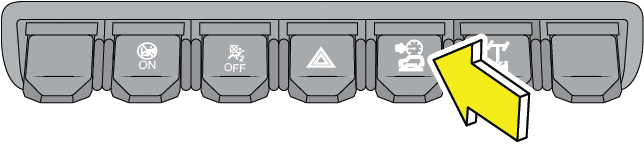
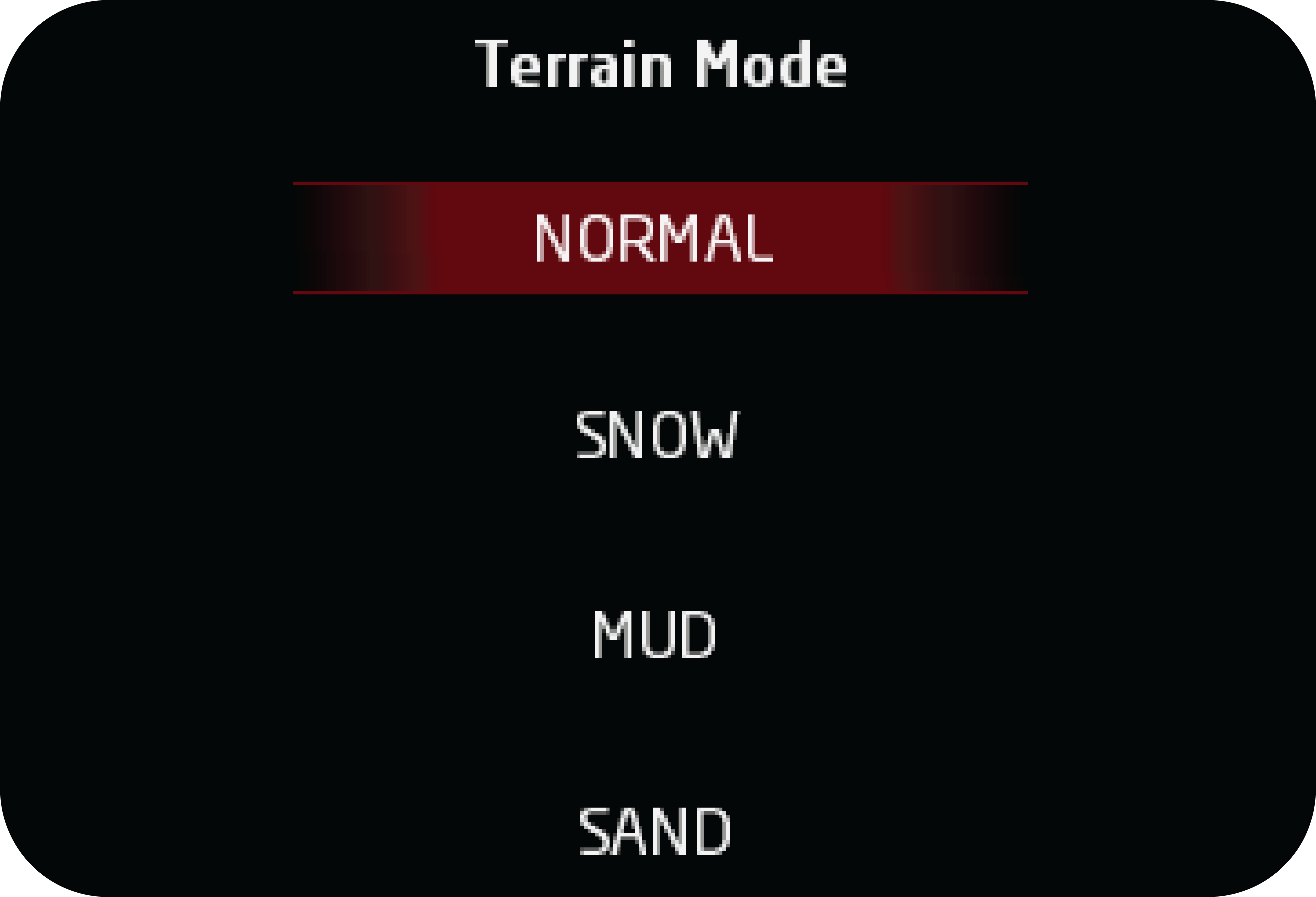 |
To open the Terrain Mode page on the instrument cluster screen.
Each subsequent press of the Terrain Mode hard switch will change the modes in cluster screen.
|
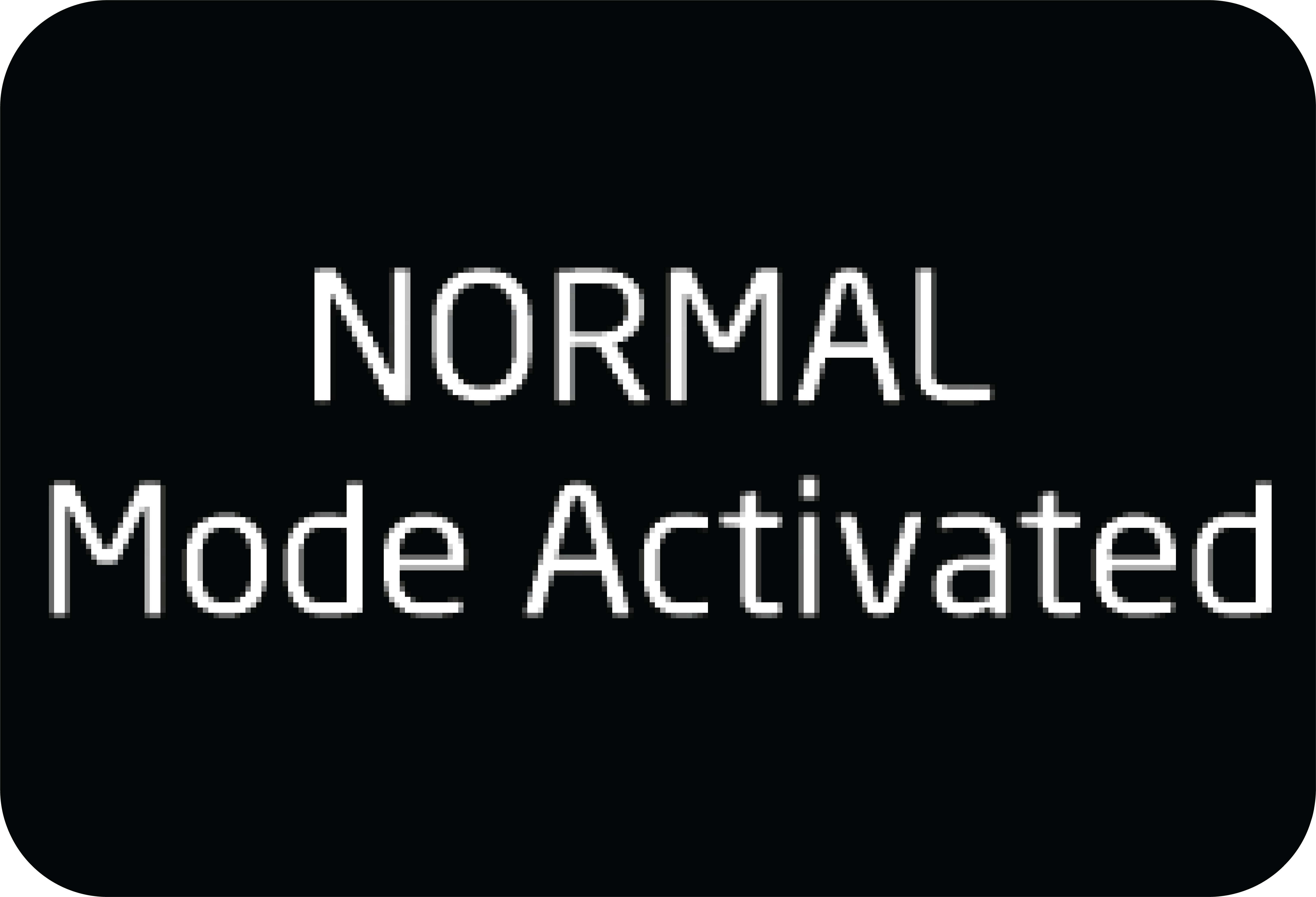 |
If there is no press for few second between the modes, the last selected mode activated message will be displayed on the cluster
as shown the image.
|
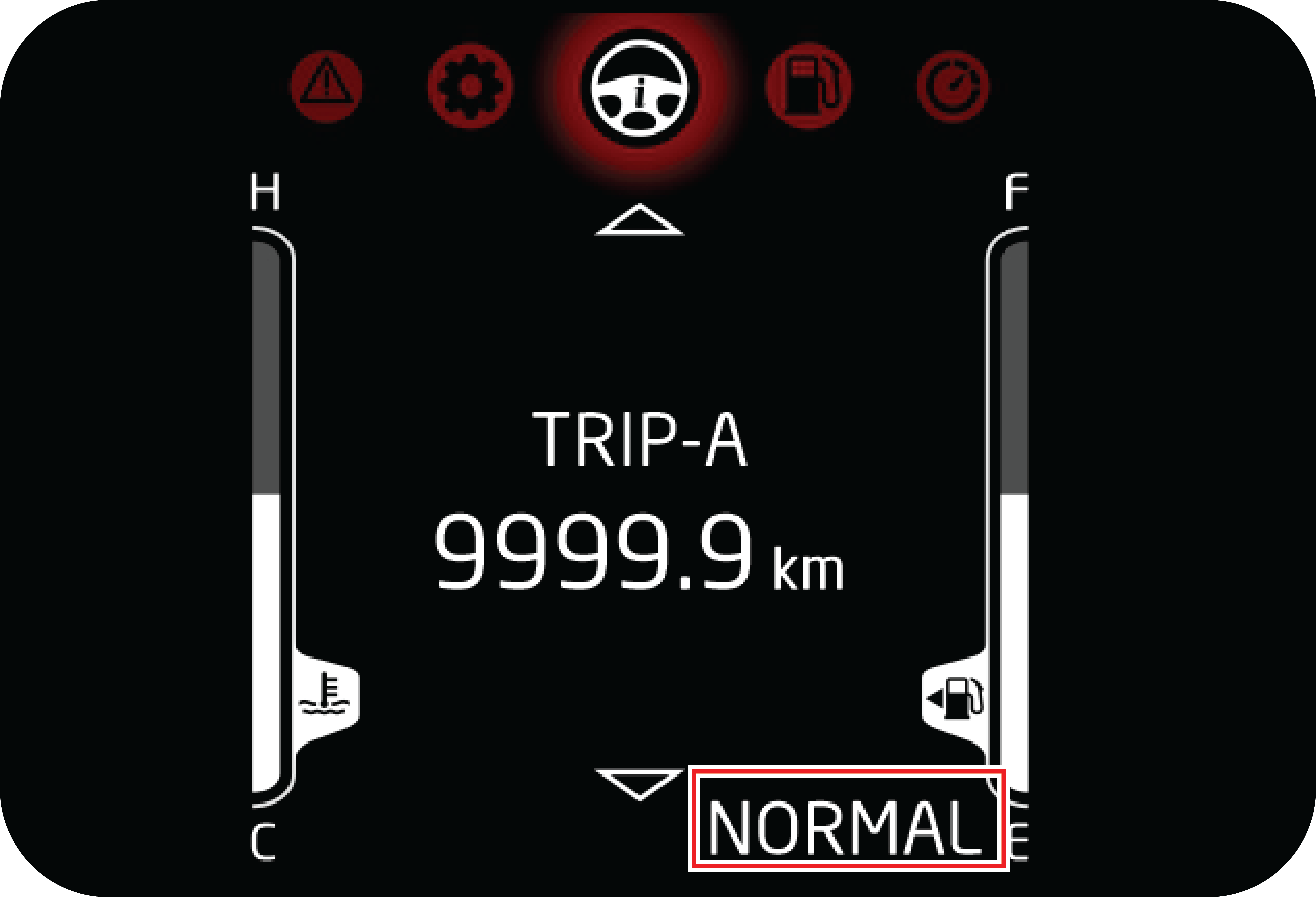 |
Also selected mode name displayed bottom of the cluster screen.
|
9.22.1 Normal Mode
This default mode activates automatically after each ignition cycle and is designed for optimal performance on normal road
conditions.
4WH/4WL also can be engaged in this mode. For more information refer 4WD section.
| • | Selected mode indication turns ON in cluster. |
| • | Mode activation message displays in cluster. |
9.22.2 Snow Mode
Snow mode improves the overall traction of the vehicle, making it suitable for driving on surfaces covered with snow, ice,
water, grass, or gravel.
MAX speed possible in 4WH is 120 km/h and 4WL is 60 km/h
| • | Selected mode indication turns ON in cluster. |
| • | Mode activation message displays in cluster. |
|
|
ESP OFF lamp will be ON in this mode.
|
For automatic transmission vehicles:
| • | The vehicle will automatically launch in 2nd gear if the TGS lever is in automatic mode. |
| • | The driver can manually select 2nd gear to launch the vehicle using the TGS lever in Manual mode. |
| • | In this mode, early upshifting of gears and late downshifting is normal and characteristic of the driving experience. |
In snowy conditions, it’s advisable to avoid strong inputs such as sudden acceleration or sharp braking.
9.22.3 Mud Mode
Mud mode provies the best traction for slippery road conditions, making it ideal for driving on surfaces covered with mud.
| • | Selected mode indication turns ON in cluster. |
| • | Mode activation message displays in cluster. |
|
|
ESP OFF lamp will be ON in this mode.
|
For automatic transmission vehicles:
In this mode, it’s typical for gear shifts to occur later during acceleration (late upshifts) and earlier during deceleration
(early downshifts). This helps optimize traction and control in challenging driving conditions.
| • | This mode provides best traction for slippery road conditions. Use this mode to drive in surfaces covered with mud. |
| • | 4WL also can be selected manually based on requirements. |
| • | MAX speed possible in 4WH is 120 km/h and 4WL is 60 km/h. |
| • | Once it goes out from Mud mode, User can manually reengage the mud mode once again in the same driving cycle - only after the vehicle speed comes below 60 km/h. |
9.22.4 Sand Mode
Sand mode ensures the vehicle maintains its momentum to keep moving on soft ground, making it suitable for driving on surfaces
covered with sand.
| • | Selected mode indication turns ON in cluster. |
| • | Mode activation message displays in cluster. |
|
|
ESP OFF lamp will be ON in this mode.
|
For automatic transmission vehicles:
In this mode, it’s typical for gear shifts to occur later during acceleration (late upshifts) and earlier during deceleration
(early downshifts). This helps optimize traction and control in challenging driving conditions.
| • | This mode ensures maintains the momentum of the vehicle to keep the vehicle moving on soft ground. Use this mode to drive in surfaces covered with sand. |
| • | 4WL also can be selected manually based on requirements. |
| • | MAX speed possible in 4WH is 120 km/h and 4WL is 60 km/h. |
In sandy terrain, it’s important to maintain vehicle momentum, especially when navigating up dunes. Avoid making sharp steering
inputs to prevent the wheels from digging into the sand, which can compromise traction and control. These practices help ensure
a smoother and safer driving experience in such challenging conditions.
Once you exit sandy areas, it’s important to reinflate your tyres to the recommended pressure promptly. Driving at high speeds
on under-inflated tyres can compromise vehicle safety. If you don’t have access to an air pump immediately, proceed at low
speeds and exercise caution until you can reinflate your tyres properly. This ensures optimal vehicle performance and safety
on non-sandy surfaces.
9.23 Cruise Control (If Equipped)
Cruise control allows you to maintain a set speed without the need to keep your foot on the accelerator pedal. It should be
used for cruising on straight, open highways. Never use it for city driving, inclines, winding roads, slippery roads, heavy
rain or in bad weather conditions.
It works on the closed loop system principle to maintain the set speed of the vehicle; the system controls the fuel injection
of the engine in order to maintain the set speed.
 |
A: Cruise
B: Set +
C: Set -
D: Resume
|
Cruise control enhances your comfort while driving and allows you to effortlessly maintain the desired lane speed limit. Improper
use of the cruise control can lead to an accident.
Cruise control is designed to operate above a vehicle speed of 35 km/h for all gears except 1st and reverse gears. The cruise
lamp in the instrument cluster functions only if the cruise control is active.
Cruise control will function only under the following conditions:
| • | The vehicle is cruising above 35 km/h. |
| • | Engine r/min above 1200 or above 1500. |
| • | Clutch pedal released. |
| • | Brake pedal released. |
| • | Cruise is activated first time in an ignition cycle by SET + button. |
| • | Subsequent cruise engagements can be done by RESUME SET+ buttons in the same ignition cycle. |
Cruise control is deactivated under the following conditions:
| • | CRUISE OFF button is pressed. |
| • | Brake or clutch pedal depressed. If the vehicle speed exceeds the cruise set speed by 30 km/h by accelerator pedal intervention.
|
| • | If vehicle speed is increased by 10 km/h for more than 30 seconds by pressing the accelerator pedal When Set+/Set- switch is pressed for more than 12 seconds. (In this case, vehicle will not go into cruise mode in that ignition
cycle. In order to restore the cruise function, switch OFF the ignition, wait for 30 seconds and switch ON the ignition).
Cruise influencing error not indicated by Check Engine Lamp, OBD lamp, etc.
|
9.23.1 RESUME Button
With the help of RESUME, you can opt for the previous set cruising speed of the vehicle in the same ignition cycle. This is
best explained with the following example:
| 1. | Assume, you have activated cruise mode and set the vehicle speed at 50 km/h. |
| 2. | Due to an obstacle or a sharp turn, you have deactivated the cruise mode by pressing the brake pedal. |
| 3. | Vehicle comes out of the cruise mode. |
| 4. | When the road condition is suitable to switch over back to cruise control mode, press RESUME button once. The system activates the cruise control mode to the previous cruising speed of 50 km/h. |
| 5. | To resume the previous cruise set speed, the vehicle speed should be above 35 km/h. |
9.23.2 Cruise Control Activation
Drive the vehicle to the desired cruising speed (any value greater than 35 km/h), press and hold the SET+ button until the
cruise lamp in the instrument cluster illuminates.If cruise is deactivated (e.g. by depressing brake to handle an intervention in the road etc.) in current driving cycle, reactivate
the Cruise to the last active Cruise Speed by pressing the RESUME button.Cruise control may not hold the set speed when you are going up or down hills, and the vehicle may come out of cruise control.
This is indicated by the cruise lamp going OFF in the instrument cluster.
9.23.3 Cruise Control De-activation
You can cancel cruise control in any of the following ways:
| • | Press the CRUISE OFF button in the steering wheel. |
| • | Press the brake pedal. |
| • | Gear selector moved into neutral. |
| • | HDC or ESP active. |
9.23.4 SET + Button
SET + button is used to activate cruise control and also to increase the cruise set speed.
To increase the speed in very small amounts, press the SET + Button. Each time you press, the cruise set speed increases by
about 2 km/h. When you wish to continuously increase the cruising speed, press and hold the SET + Button and release when
the desired speed is reached.
9.23.5 SET - Button
To decrease the speed in small amounts, press the SET - Button. Each time you press, the cruise set speed decreases by about
2 km/h.
When you wish to continuously decrease the cruising speed, press and hold the SET- Button. When the desired speed is reached,
release the button.
If switch is pressed for more than 12 secs., the switch is assumed to be malfunctioning and the cruise functionality ceases
to function in that ignition cycle. To resume functionality, ignition has to be toggled.
The cruise control is a convenience system designed to assist the driver during vehicle operation. The driver should be alert
of road / traffic conditions and responsible for the vehicle brake operation / steering control.
Never activate cruise control in traffic or when driven in adverse road conditions (heavy rains, windy, slippery etc).
9.23.6 Override Function
This function enables user to ramp up the cruising speed to overtake front vehicle.
The cruising speed can be increased by using accelerator pedal. User has to complete this action within 30 seconds to maintain
the cruise mode. If user exceeds the 30 seconds limit, cruise mode will be deactivated.
9.24 Micro Hybrid Technology (Engine Stop/Start System)
Engine Stop/Start system automatically “stops” and “starts” the engine when idle at signals or long traffic jams. This in
turn gives a better fuel efficiency.
9.24.1 Engine Stop/Start System Overview
Engine Stop/Start System Overview – MT

Engine Stop/Start System Overview – AT

Engine Stop/Start system is activated by the Engine Stop/Start button in the driver side switch bank. The LED on the button
indicates the status of the button.
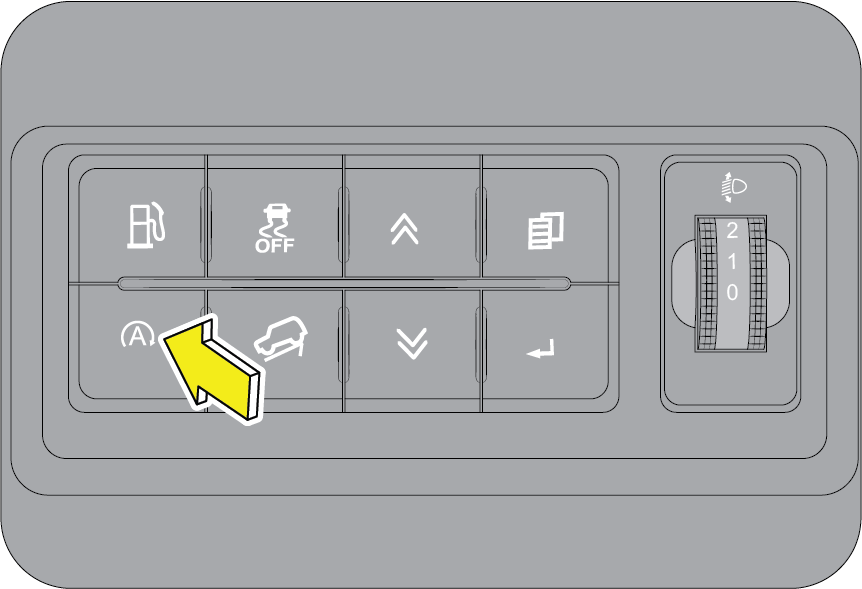
How does the Engine Stop/Start System Work?
Let’s take a simple example of driving in traffic conditions within your city. Assume that your vehicle has stopped at a traffic
junction due to a red signal. The following steps illustrate how the system functions:
| • | The vehicle has come to a halt at a traffic signal, is in the neutral gear and the clutch pedal is released. |
| • | The vehicle has come to a halt at a traffic signal, is in the “D” Mode and the brake pedal is pressed (For AT). |
| • | The Engine Stop/Start lamp in the cluster will blink indicating that the engine is going to stop shortly. The engine will shut down automatically after a specific time period. |
| • | The Engine Stop/Start lamp will illuminate in the instrument cluster indicating the engine was stopped by the “Engine Stop/Start” System. |
| • | Once the signal turns green, press the clutch pedal and the engine starts immediately. |
| • | Once the signal turns green, release the brake pedal and the engine starts immediately (For AT). |
| • | The indicator in the cluster goes OFF indicating that the engine has started again and you are ready to drive on. |
For auto stop to happen, the following conditions are to be met:
| • | Engine Stop/Start system is in active condition by default and should not be turned off using the selection switch. |
| • | Bonnet is fully closed. |
| • | In the current ignition cycle, the vehicle has crossed 7 km/h at least once. |
| • | Current status of the engine is idling. |
| • | Vehicle speed is zero. |
| • | Accelerator pedal and clutch pedal are fully released. |
| • | Brake pedal is fully pressed (For AT). |
| • | Vehicle battery should be in healthy condition. |
| • | Engine is warm (Engine coolant temperature is between 25 °C and 100 °C). This is an extra precaution to ensure safe working of the engine. |
| • | Fuel temperature is less than 60 °C. |
| • | Gear in neutral. |
| • | Gear shift Lever in ‘D’ mode (For AT). |
| • | Vehicle should not be in slope (For AT). |
| • | DPF REGEN should not be active. |
| • | Vehicle should not have DEF error codes E14, E24 and E34l. |
| • | AT Warning telltale in OFF condition (For AT). |
| • | OBD and CHECK ENGINE telltale in OFF condition. |
For auto start to happen, the following conditions are to be met:
| • | Vehicle should have been stopped by the Engine Stop/Start System. |
| • | Gear lever is in the neutral position, Clutch pedal is fully de-pressed. |
| • | Gear lever is in ‘D’ mode and brake pedal is fully released (For AT). |
| • | Vehicle speed is zero. |
| • | Engine Stop/Start System is active. |
| • | Bonnet should be closed. |
Frequently Asked Questions (FAQs)
| 1. | What is the advantage of the system? The Engine Stop/Start System aids in attaining better fuel efficiency on your vehicle and thus reducing your running costs.
However, the mileage improvement will depend upon various parameters such as prevailing traffic, driving patterns, etc.
|
| 2. | What are the other advantages of the system?
|
| 3. | Is it possible to start the engine through the clutch pedal for the first time? No, the engine can be cranked only with the start stop switch for the first time. If the engine is stopped automatically by
the system, only then it is possible to start the engine through clutch pedal in MT.
|
| 4. | How to activate/deactivate the system? The system is activated by default during every ignition cycle. The LED indication on the Engine Stop/Start switch indicates
the status of the system. The system can be turned OFF or back ON using the Engine Stop/Start switch.
|
| 5. | Whether the system will get activated as soon as the engine is started the first time with the start stop switch? No, the Engine Stop/Start system can be activated only by the Engine Stop/Start switch, provided all listed conditions (in
the previous section) are met. This is to ensure better performance of the engine in terms of fuel economy and durability.
|
| 6. | What is to be done, if I don’t want the system to stop my engine at traffic signals/jams? The system can be turned OFF by the Engine Stop/Start button in the central bezel switch bank.
|
| 7. | Whether the A/C will function, if the engine is switched off? No, the A/C will not work. However, the blower will be in operation when the ignition is ON.
|
| 8. | What will happen if I keep the clutch continuously pressed at traffic signals/jams? The system will not stop the engine if the clutch is continuously pressed since it indicates the driver’s intention of moving
the vehicle immediately.
|
| 9. | When the battery charge is low, whether the engine will be switched off? If the battery charge drops below a certain threshold level, the system will not stop the engine so as to preserve the battery
from further draining.
|
| 10. | Whether I will be able to operate the engine with the normal start stop switch? Yes, normal operation with the start stop switch is always possible.
|
| 11. | Whether the vehicle will start (or) stop in gear for MT? The vehicle will not start or stop automatically in gear to ensure safety. It will do so only in the neutral position of the
gear lever.
|
| 12. | Whether the system will stop my engine in moving traffic? No, the engine will be stopped only when the vehicle speed is zero.
|
| 13. | Whether the audio system will be switched OFF, when the engine shuts down? No, the audio system will not be switched OFF and you can continue to enjoy the music.
|
| 14. | Whether the engine will re-crank whenever the clutch pedal is pressed in MT? No, when the engine is running, the starter motor will not attempt to re-crank.
|
| 15. | If any component involved in the system fails, what will happen? The system has a built-in diagnostic module which understands the failure and immediately goes to bypass mode. In the bypass
mode, the engine can be turned ON and OFF by start stop switch as usual.
|
9.25 Fuel-BS VI
 |
For Diesel Vehicles: Use Automotive Diesel fuel confirming to IS 1460:2025 specification (Having Sulphur less than 10 mg/kg). Information regarding
the diesel fuel quality filled shall be available with the concerned fuel retail outlet.
|
In case you require freeze protection of diesel for cold start at sub-zero temperature, we recommend to add Mahindra Genuine
additive “mFLO” for temperature up to -15 °C. For temperature lower than -15 °C recommend to fill winter grade automotive
diesel available at the fuel retail outlet of that location.
Avoid filling any other grade of fuel or diesel with high sulphur content or kerosene. Do not add any additives which are
not recommended by us. These actions will void the emission warranty of your vehicle and can cause permanent damage to the
engine and emission control systems.
 |
For Gasoline (Petrol) vehicles:Use E20 (20 percent mixture of Ethanol in Motor Gasoline) confirming to IS 17021 specification or E10 (10 percent mixture
of Ethanol in Motor Gasoline) confirming to IS 2796 specification having RON 95. Information regarding the fuel quality shall
be available with the concerned fuel retail outlet.
|
Do not “top up” after the nozzle automatically shuts off when refuelling.
Always ensure the fuel cap is secured properly after fueling to avoid spillage or splash and causing fire incidents.
Do not fill ethanol or biodiesel directly into the fuel tank. This will harm the fuel system, lines, engine and exhaust components.
Once you realize if inappropriate fuel filled in your vehicle, do not start the vehicle. Contact the nearby Authorized Mahindra
Service Center for appropriate help and action in this regard.
Avoid inhaling fuel vapors and any skin or clothing contact. Direct skin contact with fuel or the inhalation of fuel vapor
may affect your health.
Diesel and Petrol fuel are highly inflammable.
Avoid sparks, naked flame, any potential spark producing devices while fuelling.
Its highly recommended to turn off the engine while filling fuel at retail outlets.
Do not park your vehicle nearby or on any extreme hot surfaces / nearby bonfire locations.
It is recommended to maintaining a minimum of 10 liters of fuel in the fuel tank. Driving the vehicle till the fuel tank is
empty is not recommended. Always have sufficient fuel in the tank. Check the fuel level prior to starting your journey.
Never carry fuel in separate containers in the vehicle, it is dangerous and may lead to an inadvertent fuel leak or spillage.
9.25.1 Fuel-Lid Opening and Closing
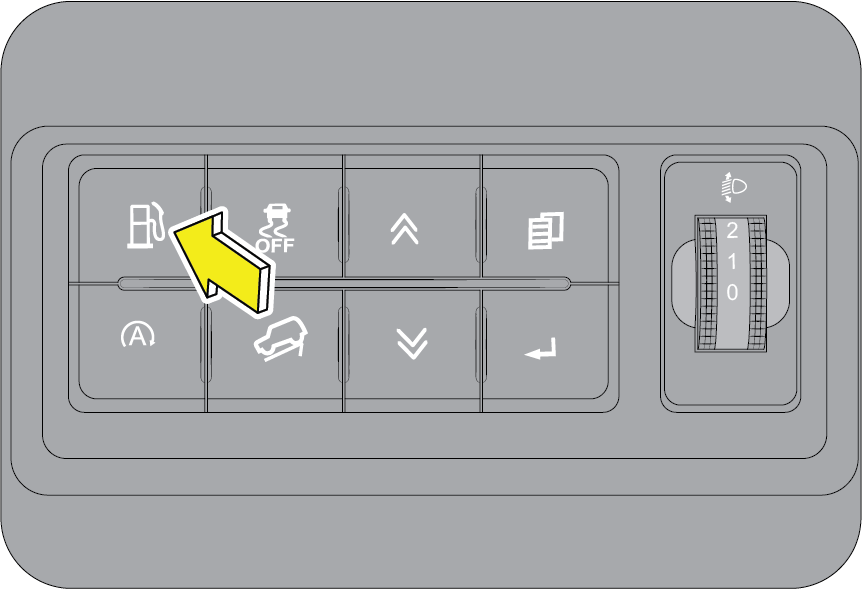 |
The fuel lid open switch is located in the driver side switch bank. Press the switch to open the fuel lid door.
|
 |
 |
Turn the fuel cap anti-clockwise to open. Refuel and put the cap back in its place and tighten in the clockwise direction
till three distinct clicks are heard. Close the fuel lid shut.
Ensure the fuel cap and lid are securely closed before starting the vehicle.
9.25.2 Manual Fuel Door Override
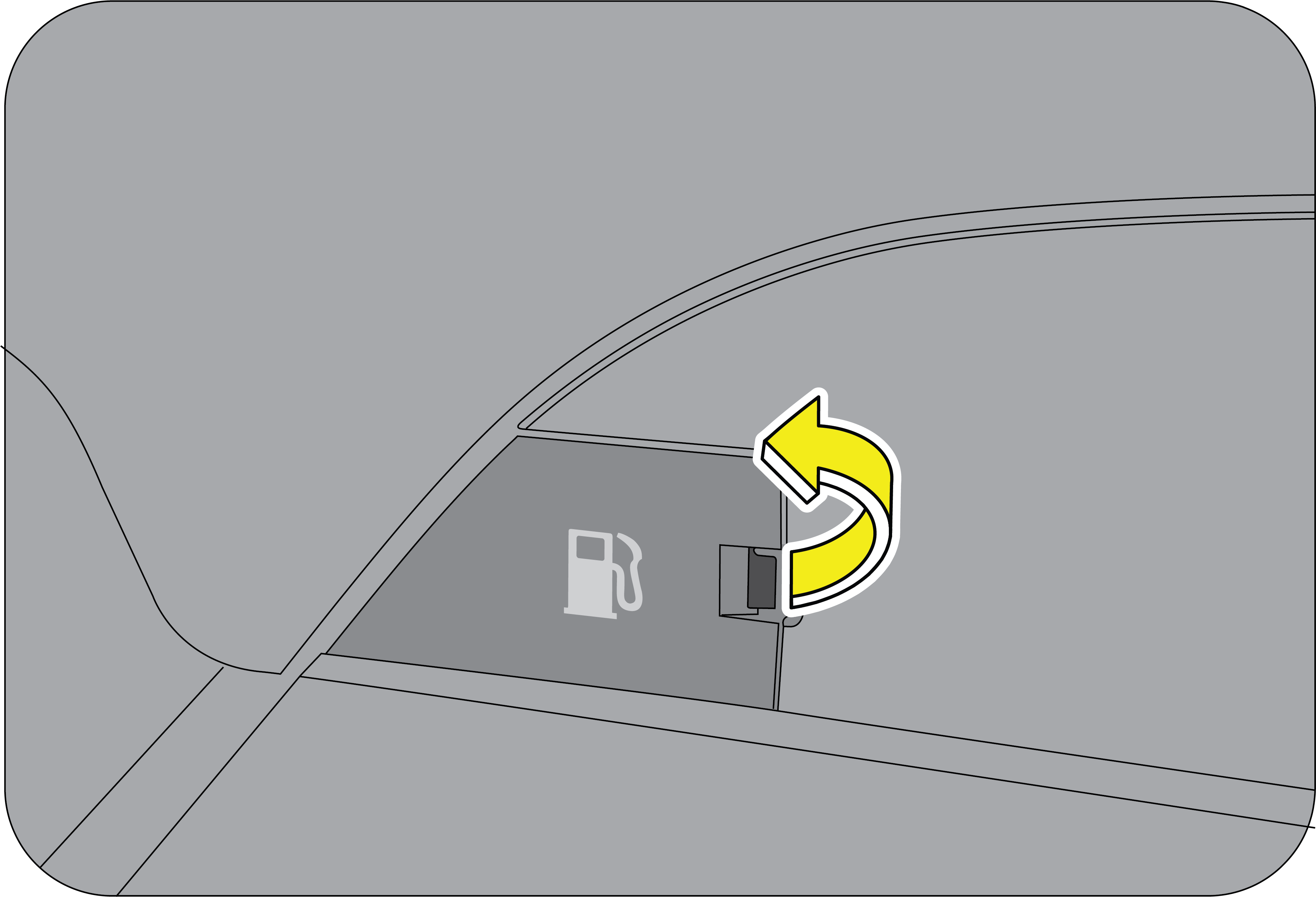 |
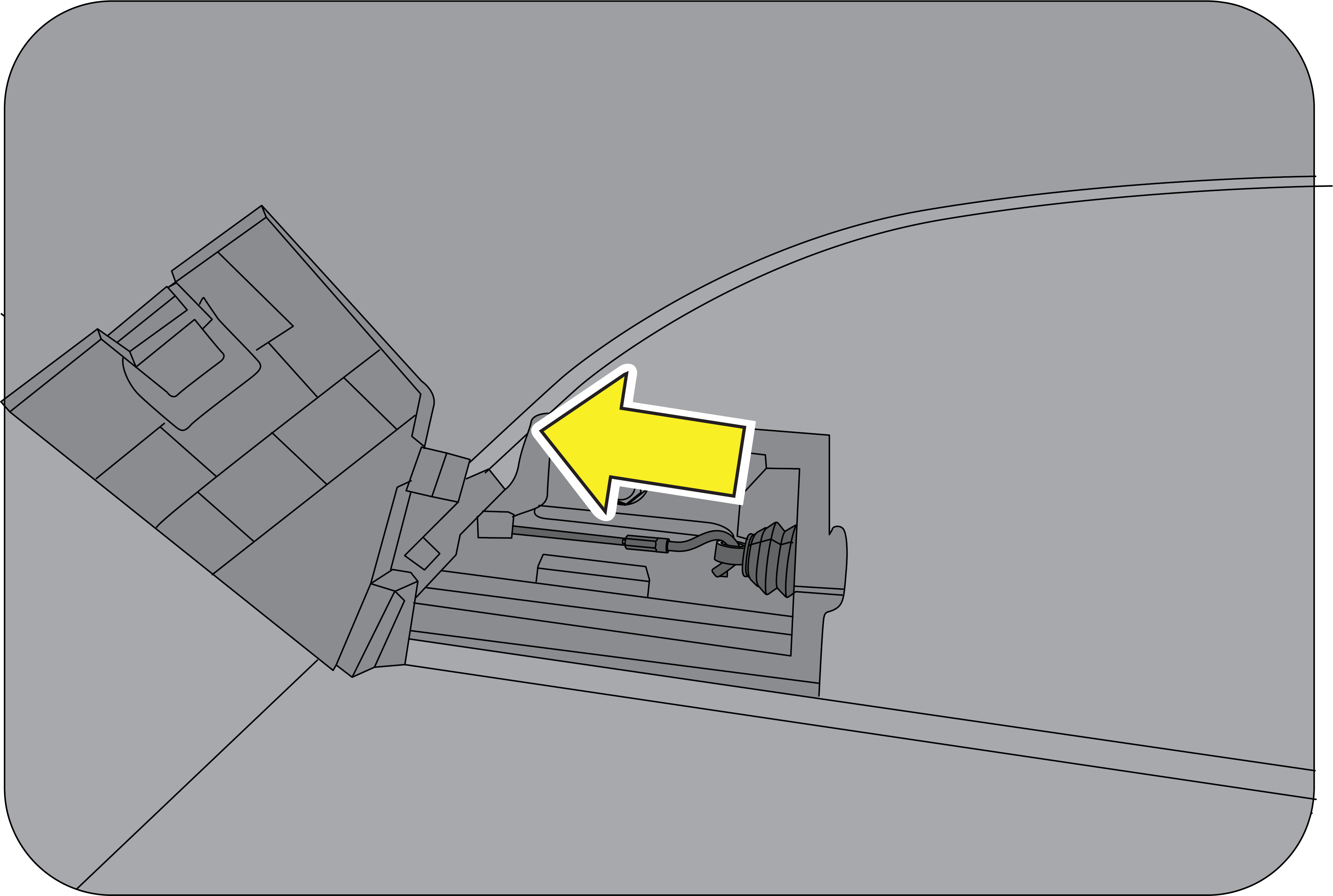 |
Open the trim on luggage compartment.
Pull the mechanical fuel lid lever as shown in the illustration to unlock the fuel lid.
Turn the fuel cap anti-clockwise to open. Refuel and put the cap back in its place and tighten in the clockwise direction
till three distinct clicks are heard. Close the fuel lid shut.Then push the mechanical Fuel lid lever as shown in the illustration to lock.
Ensure the fuel cap and lid are securely closed before starting the vehicle.
9.25.3 Refilling DEF (Applicable for Diesel Variant)
To enable SCR system work efficiently and to ensure emission compliance, it is recommended to use MaxiCLEAN DEF meeting IS
17042 (or) ISO 22241 specification.
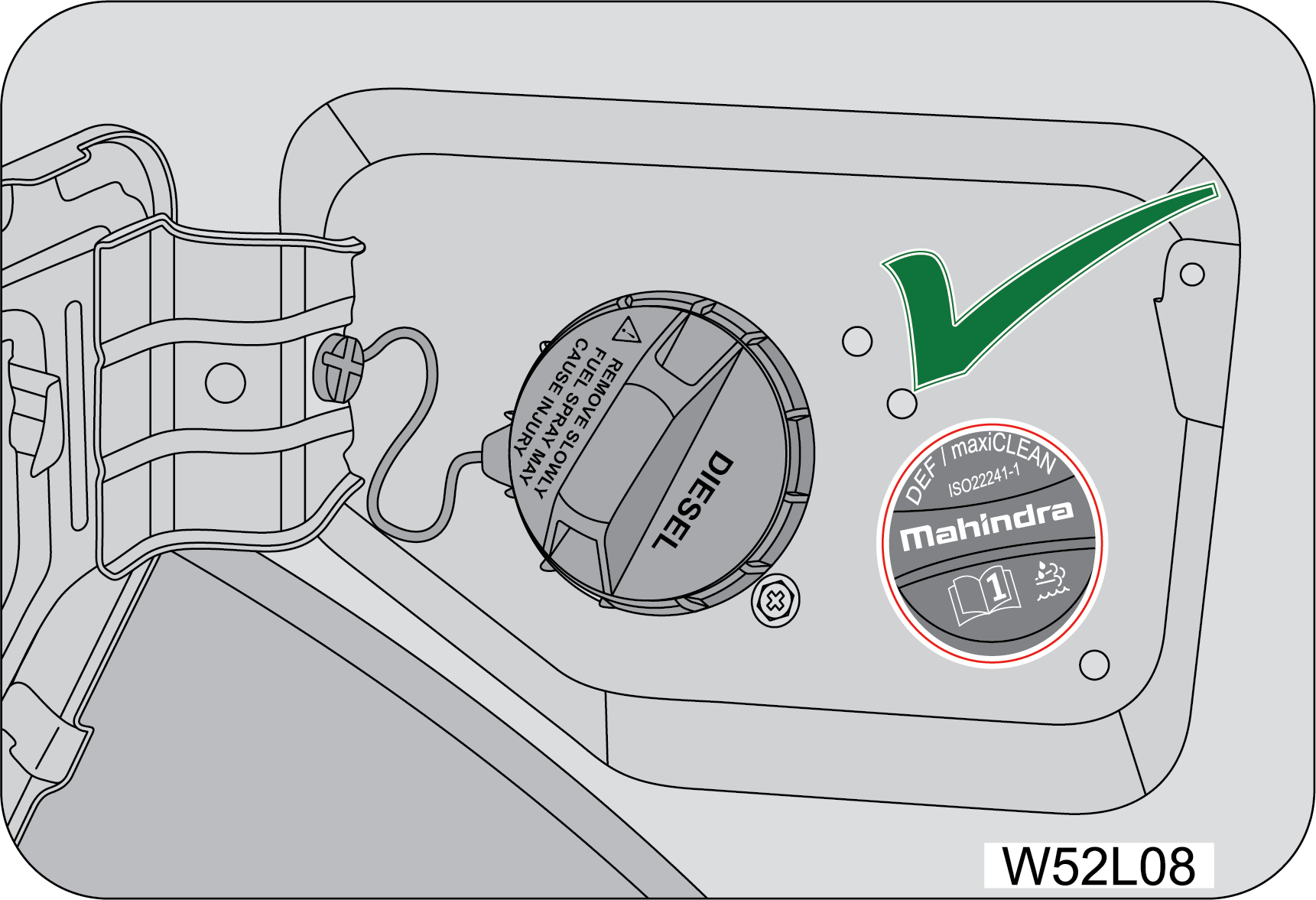 |
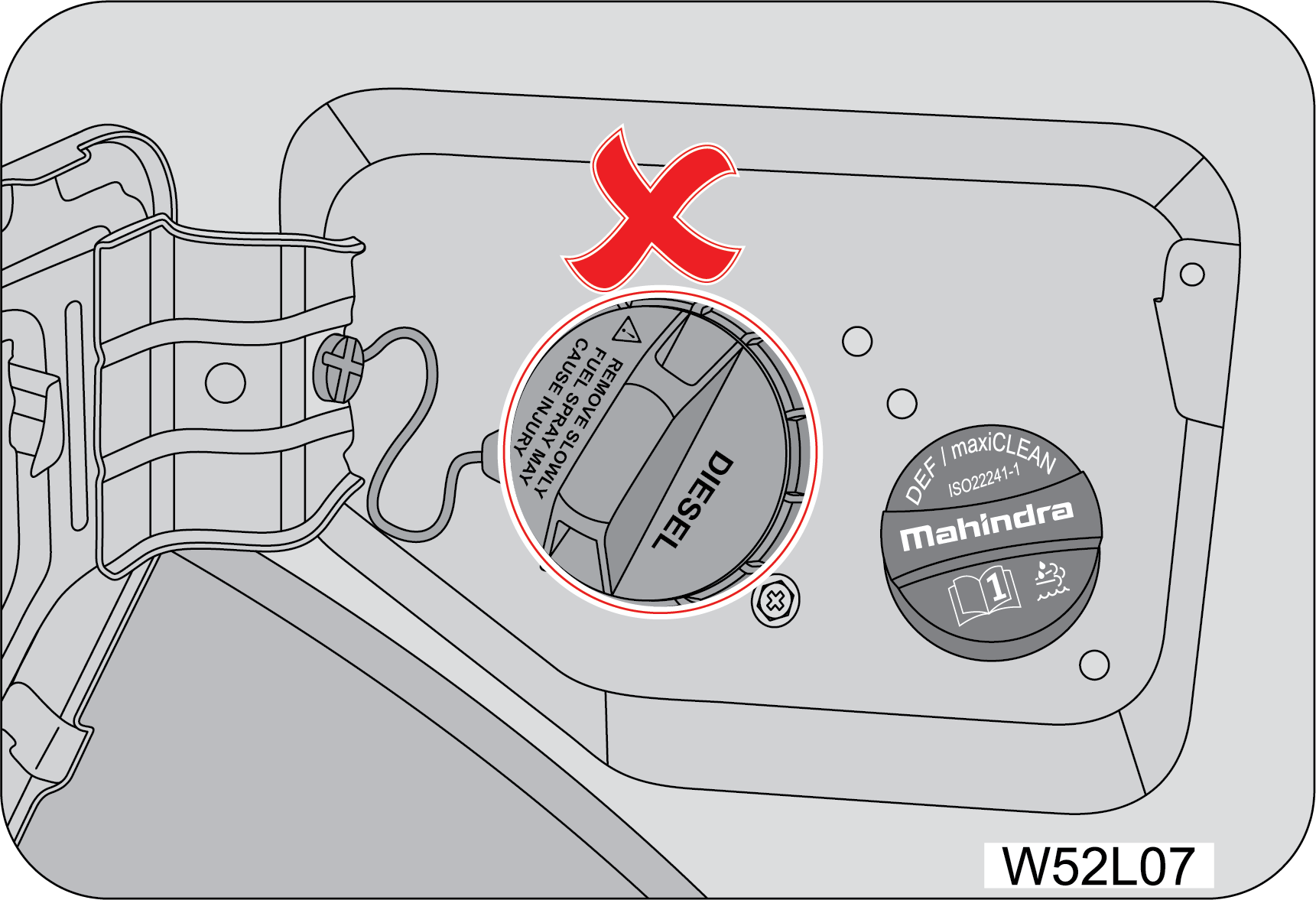 |
Do not fill the Diesel fuel in the DEF tank. Which will causing the severe damage to the system.
9.26 Tips for Better Fuel Economy
Give due consideration to the points listed below for better performance of vehicle and enhancement of fuel economy.
| • | Smooth, moderate operation will yield savings in fuel. |
| • | Steady speeds without stopping will usually give the best fuel economy. |
| • | Ensure that the parking brake is fully released. |
| • | Idling for long periods of time will waste fuel. |
| • | Anticipate stopping; slowing down may eliminate the need to stop. |
| • | Sudden or hard accelerations reduce fuel economy. |
| • | Slow down gradually. |
| • | Drive at moderate speeds. |
| • | Revving the engine before turning it off may reduce fuel economy. |
| • | The air conditioner may reduce fuel economy. |
| • | Warming up a vehicle in neutral on cold mornings is not required and may reduce fuel economy. |
| • | While idling put the gear shift lever in the neutral position. |
| • | Resting your foot on the clutch pedal while driving will reduce fuel economy. |
| • | Combine errands and minimize stop-and-go driving. |
| • | Keep tyres properly inflated. It is recommended to check your tyre pressure in the morning when the tyre is cold. |
| • | Use recommended engine oil. Refer to the Warranty & Service Information Guide. |
| • | Replace the fuel filter and air filter at the recommended intervals. |
| • | Shift gears at the recommended speeds and rpm bands only. Refer to the gear shifting speed table for further details. |
| • | Control the maximum speed between 90 to 100 km/h in 6th gear to achieve the best fuel efficiency. |
| • | Follow the recommended maintenance schedule and perform the owner maintenance checks recommended. |
| • | Heavily loading a vehicle or towing a trailer will reduce fuel economy. |
| • | Carrying unnecessary weight may reduce fuel economy. |
| • | Adding certain accessories to your vehicle may reduce fuel economy. |
| • | Four-wheel-drive operation (If Equipped) is less fuel efficient than two-wheel-drive operation. |
| • | Driving on flat terrains offer improved fuel economy as compared to driving on hilly terrains. |
| • | Close windows during high speed driving for better fuel economy. |
| • | It is recommended to refuel in the mornings (cold weather condition). |
9.26.1 How to Calculate Fuel Efficiency (Mileage)
| 1. | Ensure recommended tyre pressure is maintained. |
| 2. | Refuel your vehicle till the fuel gun at the fuel station is auto-cut-off. |
| 3. | Reset trip meter to zero. |
| 4. | Drive at a moderate speed for a minimum distance of 150 km. |
| 5. | Refuel at the same fuel station till the auto-cut-off mode. |
| 6. | Assuming ‘a’ liters of fuel was filled and ‘b’ was the trip meter reading. Fuel Efficiency = b/a km/l. |
| 7. | We recommend that point no.2 and point no.5 should be done in cold conditions (In mornings). |
9.27 Steering
Your vehicle is equipped with an Electric power steering system (EPS). There is no fluid reservoir to check or fill. EPS uses
energy from the battery to decrease the driver’s effort in steering the vehicle. The EPS system will give you good vehicle
response and increased ease of manoeuvrability in tight spaces. If for some reason the power assist is interrupted, it will
provide mechanical steering capability to steer the vehicle. Under these conditions, you will observe a substantial increase
in steering effort.
When driving in rough/off roads, hold the steering wheel rim, do not hold the wheel spokes. A sudden bump can jerk/turn the
wheel and injure your hand. This may also lead to loss of vehicle control.
The EPS warning light should only be illuminated with the ignition ON before starting the engine.
If the warning light remains illuminated after the engine has been started, there will be no assistance from power steering.
The vehicle may be driven using the mechanical steering system although it is not recommended as the effort to turn the steering
wheel will be significantly high. In this case, contact an Authorized Mahindra Service Center immediately.
Keep both hands on the steering wheel, with the thumbs resting on the outer wheel rim.
To help prevent damage to the power steering motor:
| • | Never hold the steering wheel to the extreme right or the extreme left for more than a few second when the engine is running. |
If the Electric power steering system breaks down (or if the engine is turned OFF), you can still steer the vehicle manually,
but it takes more effort.
If the steering wanders or pulls, check for:
| • | Under inflated tyre(s) on any wheel(s) |
| • | Uneven vehicle loading |
| • | High crown in the center of the road |
| • | High crosswinds |
| • | Wheels out of alignment |
| • | SAS (Steering Angle Sensor) calibration |
| • | Wheels out of balance |
| • | Loose or worn suspension components |
9.28 Tilt Steering
 |
The steering wheel can be adjusted as required using the lever in the steering shroud under the steering wheel.
To tilt/adjust the steering wheel:
|
 |
1. Ensure the vehicle is stationary and parking brake engaged.
2. Push the steering tilt lever down to unlock.
3. Raise or lower the steering wheel to the desired position.
|
4. Pull the steering tilt lever back up to its original position to lock the steering.
5. Adjust the seat according to the steering wheel position.
An improperly locked steering wheel could cause loss of control and lead to accidents. Never adjust the steering wheel while
driving.
9.29 Steering Controls - LH
Audio control through the steering wheel switches/buttons helps the driver to operate the audio system from the steering wheel
without losing concentration.
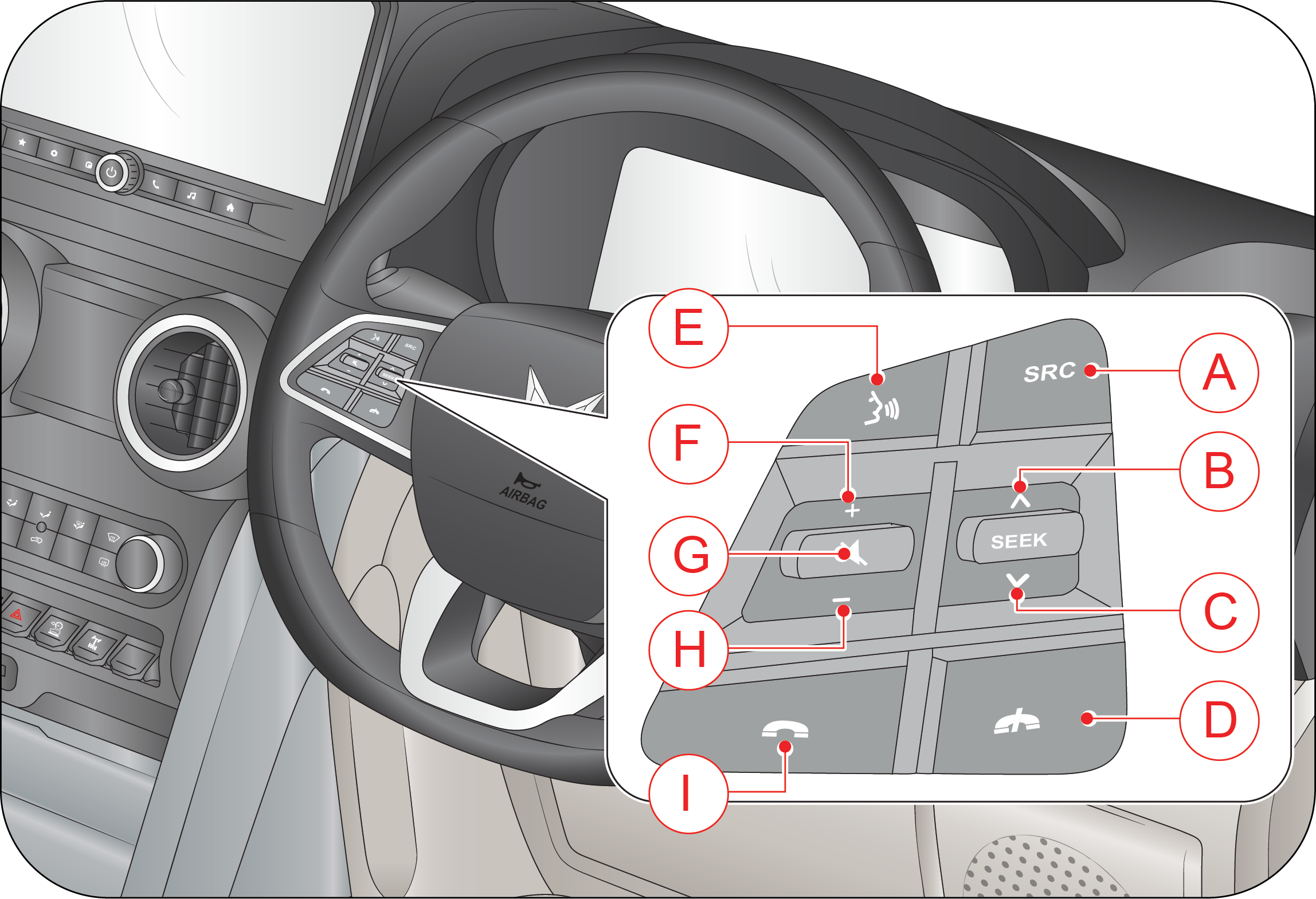 |
A: Source
B: Seek UP
C: Seek Down
D: Call Disconnect
E: Voice Command
F: VOL +
G: Down
H: VOL —
I: Call Connect
|
Source: The source button switches between different modes in the audio system.
When the source button is pressed once, the next source is chosen in the following sequence, provided the required media is
connected.
Tuner ð MP3 ð USB - Auxiliary
In case of the absence of USB mode, the system will toggle between Tuner and Auxiliary modes.
MUTE: Press MUTE button to mute audio while in TUNER mode and pause the song while in USB mode
Seek: Press the SEEK switch once to increase radio reception frequency by 0.05 MHz. Press the SEEK switch continuously for more
than 3 seconds for AUTO scan of radio stations. In USB modes, the next track can be selected by pressing the switch once.
Call Disconnect: Press to reject or end active call to the paired BT phone.
Call Connect: Press to accept incoming call to the paired BT phone
Mute: Press the Mute button to mute the audio. Press again to Un-mute.
Volume (+) and Volume (—): To increase the volume by one point press the (+) button once. To decrease the volume by one point press the (—) button once.
Voice Command: The voice command system allows to control selected infotainment functions using voice instructions, helping reduce driver
distraction while driving.
9.30 Brakes
Your vehicle is equipped with disc brakes in the front and drum or disc brakes in the rear.
Disc brakes offer good braking capability and reduced stopping distance. Wet brake discs result in reduced braking efficiency.
After a car wash or driving the vehicle through water, dab the brake pedal while driving to remove the film of water from
the brake pads. Brake pads feature wear indicator. When the brake pad is worn, metallic squeal noise is heard indicating the
pad wear. Have them replaced as soon as possible.
Driving with wet brakes is dangerous. Stopping distance increases considerably when braking.
Dry the brakes by driving at very slow speed and applying the brakes lightly until the brake performance becomes normal.
Even if the power assist (vacuum assistance) is completely lost, the brakes will still work. The brake pedal would be much
harder than normal and the vehicle stopping / braking distance will be longer than usual.
Brake squeal occurs as a high frequency whistling noise usually at the end of the stop while pressing the brake pedal, squeal
can occur from front or rear or from both ends. This is a normal condition caused by environmental factors such as cold, wet,
snow, etc and vehicle usage pattern.
Brake Creep-Groan occurs as a low-frequency (Kar-Kar) noise which occurs in AT vehicles when the vehicle is ON and D/R mode
is selected and the brake pedal is released slowly to move the vehicle.
9.30.1 Parking on a Hill/Incline
If you have to park facing uphill, select first gear and turn the front wheels away from the kerb. If you have to park facing
downhill, select reverse gear and turn the front wheels towards the kerb. Always ensure the parking brake is engaged before
leaving the vehicle.
While driving in a continuous down gradient at high speeds, always engage the appropriate gear to reduce aggressive and sustained
brake usage. Aggressive and sustained brake usage can cause higher brake pad temperatures and fading.
9.30.2 Manual Parking Brake
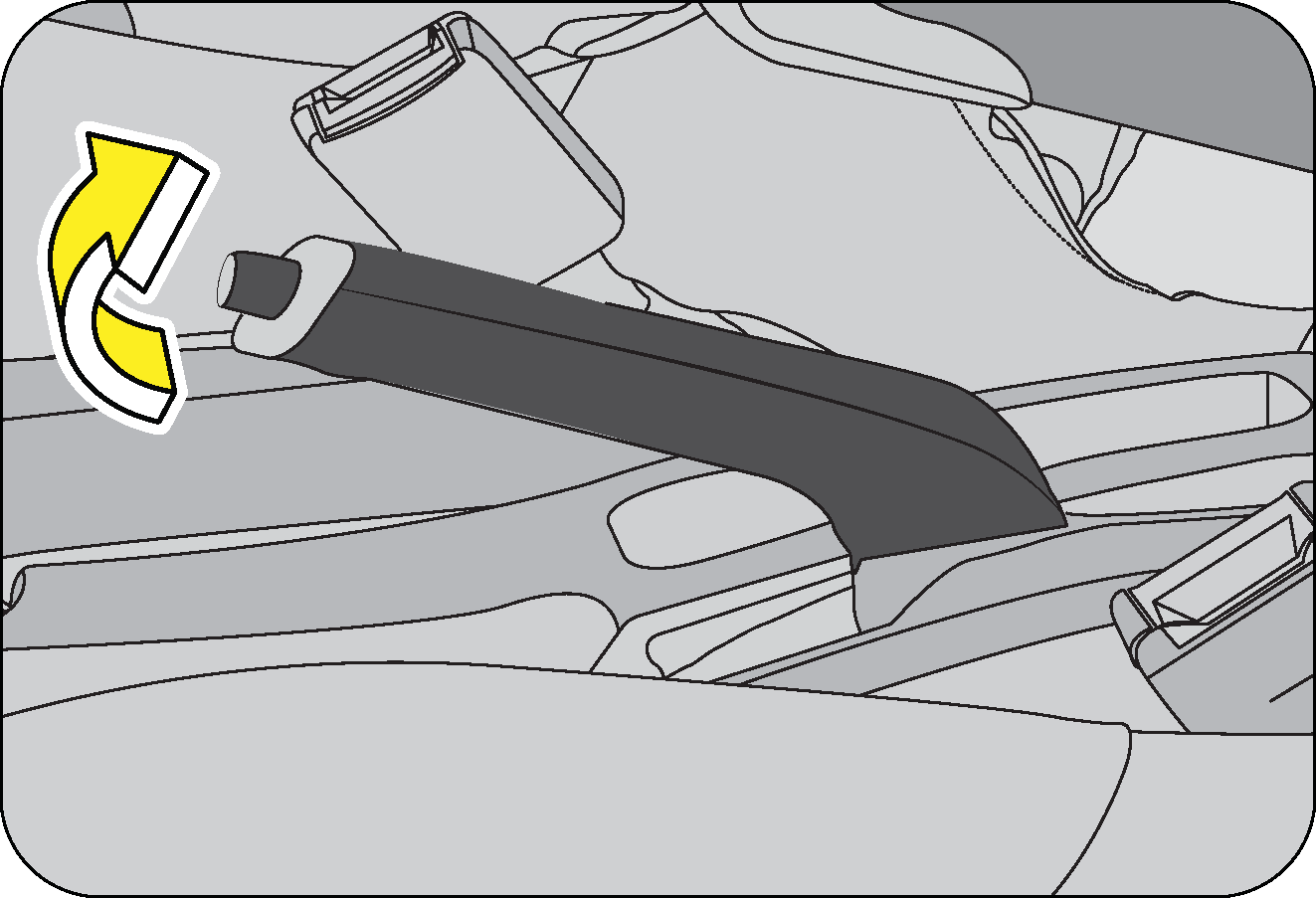 |
To apply the parking brake, pull the park brake lever up as firmly as possible. When the parking brake is applied with the
ignition ON, the brake warning lamp in the instrument cluster illuminates.
To release the parking brake, pull the parking brake lever up slightly, press the release button on the lever tip and lower
the parking brake lever completely.
|
The brake warning lamp indicates only the parking brake status. It does not indicate the degree of brake application. Be sure
the parking brake is firmly set when parked and the gear shift lever is in gear. When parking on a hill you should apply the
parking brake before shift lever in gear, since the load on the transmission locking mechanism may make it difficult to move
the shift lever out of gear.
Be sure the parking brake is fully disengaged before driving off. Failure to do so can lead to brake problems due to excessive
heating of the rear brakes.
| • | The parking brake should be adjusted as per recommended maintenance schedule. |
| • | Always apply the parking brake when leaving the vehicle, and be certain to leave the transmission engaged. Failure to do so may allow the vehicle to roll and cause damage, hit a bystander resulting in physical injury. |
| • | Leaving unattended children in a vehicle is dangerous for a number of reasons. Children should be warned not to touch the parking brake or the gear shift lever. Do not leave the key in the ignition. A child could accidently move the vehicle leading to accidents |
| • | The parking brake should always be applied when the driver is not in the vehicle. |
Engaging the parking brake while the vehicle is in motion can cause the rear wheels to lock up. You could lose control of
the vehicle and cause an accident.
9.31 Wheels and Tyres
9.31.1 Tyre Information
The tyres fitted in this vehicle meet the requirements of BIS and they comply with the requirements under the Central Motor
Vehicles Rules (CMVR) 1989.
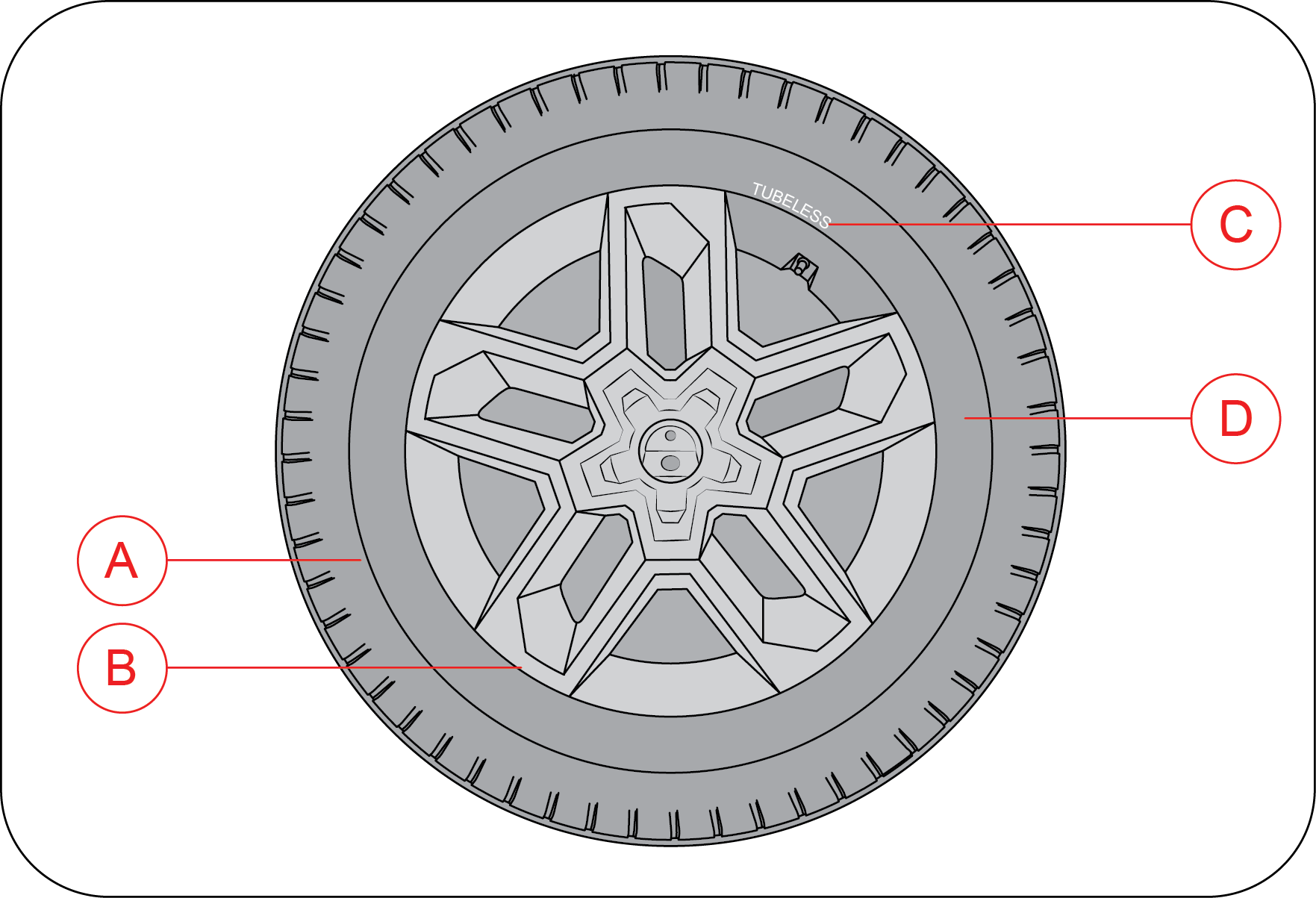
|
A |
Max Load Limit |
|
B |
Tyre Size |
|
C |
Radial tyres or bias-ply tyre - A radial tyre has “RADIAL/STEEL BELTED RADIAL” on the sidewall. A tyre not marked with “RADIAL”
is a bias-ply tyre
|
|
D |
“TUBELESS” or “TUBE TYPE” - A tubeless tyre does not have a tube inside the tyre and air is directly filled in the tyre. A
tube type tyre has a tube inside the tyre and the tube maintains the air pressure
|
9.31.2 Tyre Rating
Your vehicle is originally equipped with tyres supplied by a reputed manufacturer. If you ever have any questions regarding
your tyres, please refer to literature supplied by the tyre manufacturer, or to the separate tyre warranty provided by the
tyre manufacturer. You may also contact Mahindra directly, or the tyre manufacturer.
The tyre rating of your vehicle is : 245/75 R16 (or) 255/65 R18
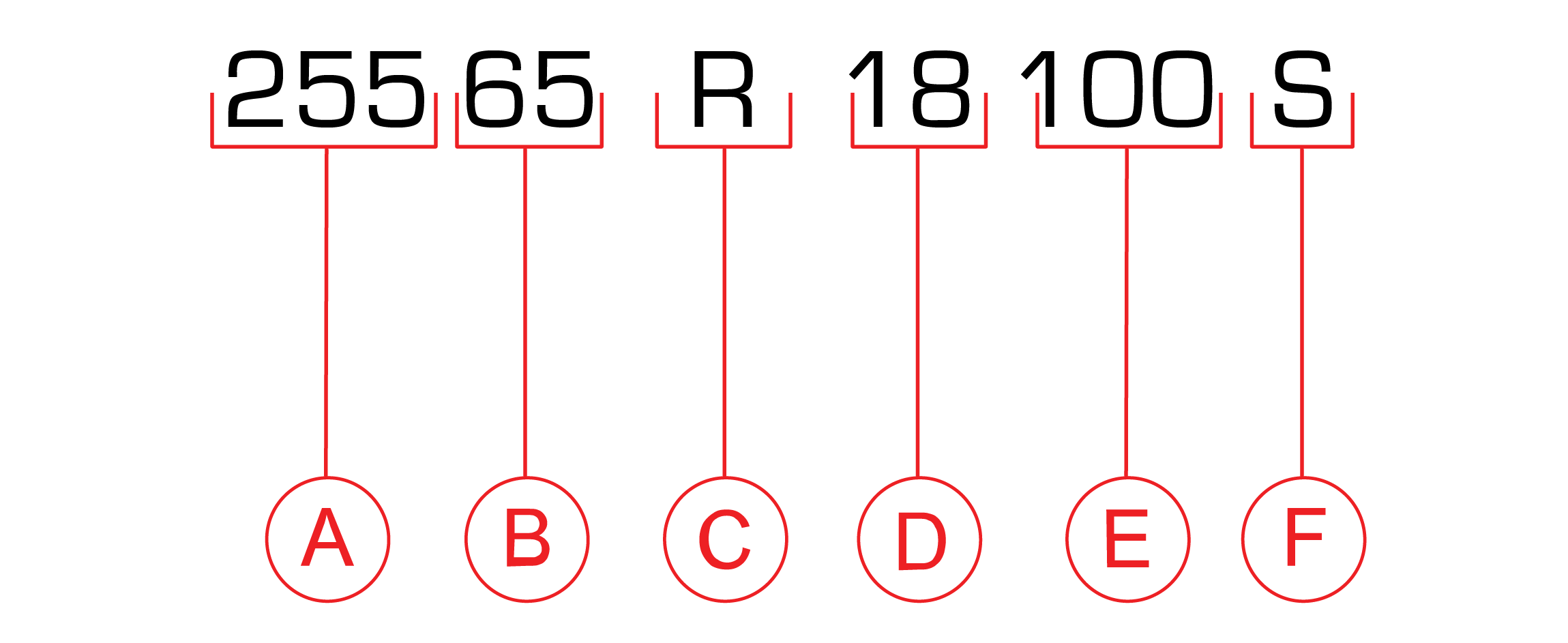 |
Tyre rating is explained as shown the given image.
|
Tyre size (example: P255/65 R18 100S)
(A):255 (Three-digit number):This number gives the width in millimeters of the tyre from sidewall edge to sidewall edge. This is called ‘Section Width’.
(B):65 (Two-digit number):This number, known as the aspect ratio, gives the tyres ratio of height to section width.
(C):R This is the tyre Construction Code. The ‘R’ stands for Radial.
(D):18 (Two-digit number):This number is the wheel or rim diameter in inches.
(E):100 (Two or three digit number):This number is the tyres load index. It is a measurement of how much weight each tyre can support.
(F):S Tyre speed rating or speed symbol. Never drive the vehicle faster than the tyre speed rating. The speed rating denotes the
speed at which a tyre is designed to be driven for extended periods of time under a standard condition of load and inflation
pressure.
Recommended replacement of tyre should be same type of tyre.
9.31.3 Speed Rating
|
SPEED SYMBOL |
MAX SPEED CAPABILITY (km/h) |
SPEED SYMBOL |
MAX SPEED CAPABILITY (km/h) |
|---|---|---|---|
|
L |
120 |
T |
190 |
|
M |
130 |
U |
200 |
|
N |
140 |
H |
210 |
|
P |
150 |
V |
240 |
|
Q |
160 |
W |
270 |
|
R |
170 |
Y |
300 |
|
S |
180 |
Z |
240+ |
9.31.4 Tyre Label (Vehicle Placard)
The tyre label (Vehicle Placard) is located on the driver door B pillar inner edge/face. This placard gives you important
information about the tyre size designed for your vehicle, and the tyre inflation pressures for the front and rear tyres.
 |
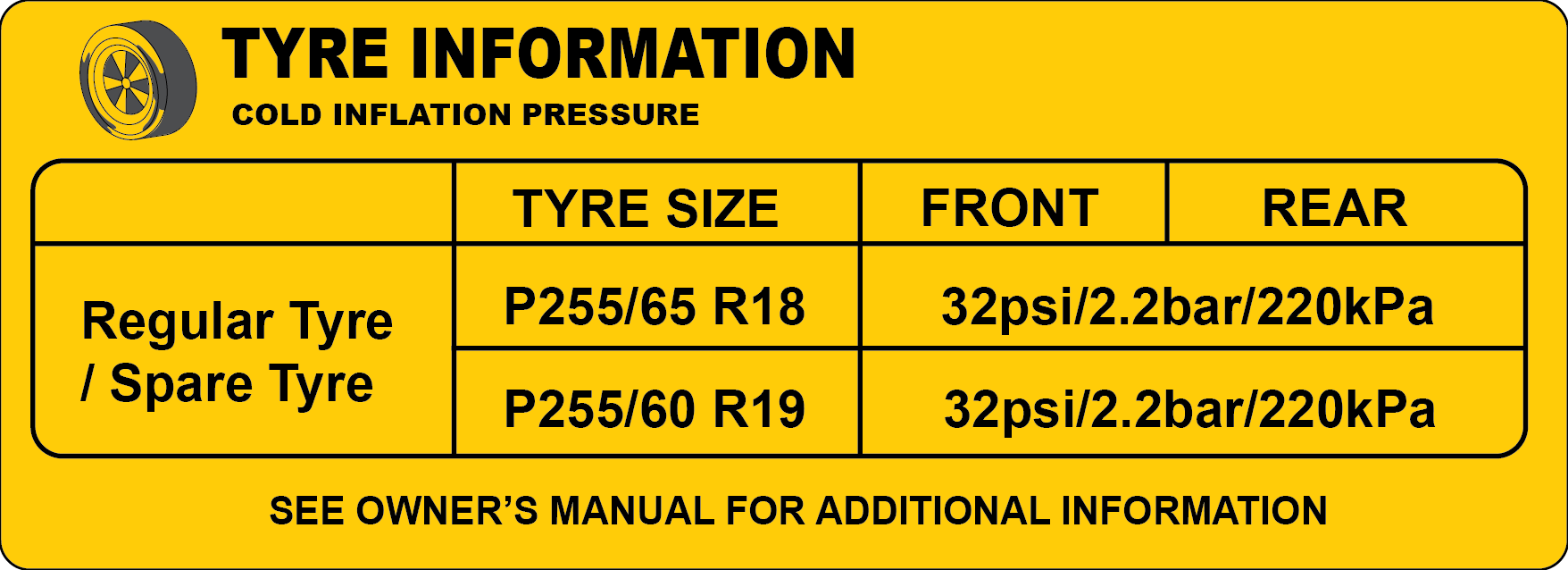 |
Never overload your vehicle. Overloading can cause tyre failure, affect vehicle handling, and increase your stopping distance,
resulting in an accident and/or personal injury.
Improperly inflated tyres can adversely affect vehicle handling or can fail unexpectedly, resulting in an accident and/or
personal injury.
9.31.5 Tyre Pressure
Proper tyre inflation pressure is essential to the safe and satisfactory operation of your vehicle. Three primary areas are
affected by improper tyre pressure:
| • | Safety |
| • | Economy |
| • | Ride Comfort and Vehicle Stability |
Proper tyre inflation contributes to a comfortable and safe ride. Overinflating produces a jarring and uncomfortable ride.
Both under-inflation and over-inflation affect the stability of the vehicle and can produce a feeling of sluggish response
or over responsiveness in the steering. Unequal tyre pressures can cause erratic and unpredictable steering response or may
cause the vehicle to drift left or right.
Improper inflation pressures can cause uneven wear patterns to develop across the tyre tread. These abnormal wear patterns
will reduce tread life resulting in a need for earlier tyre replacement. Under inflation also increases tyre rolling resistance
and results in higher fuel consumption.
The proper cold tyre inflation pressure is listed in the tyre Label (Vehicle Placard), located on the front passenger side
inner B-pillar.
9.31.6 Inspection and Adjustment Procedure
The tyre pressure should be checked and adjusted, as well as inspected for signs of tyre wear or visible damage, at least
once a month. Use a good quality pressure gauge to check tyre pressure. Do not make a visual judgement when determining proper
inflation. Radial tyres may look properly inflated even when they are under-inflated. At the same time, each tyre should be
inspected for signs of tyre wear or visible damage.
Inflation pressures specified on the placard are always cold tyre inflation pressures. Cold tyre inflation pressure is defined
as the tyre pressure after the vehicle has not been driven for at least three hours, or driven less than 1 km after a three-hour
period. Check tyre pressures more often if subject to a wide range of outdoor temperatures, as tyre pressures vary with temperature
changes. Tyre pressures change by approximately 1 psi (7 kPa) per 7 °C of air temperature change. Keep this in mind when checking
tyre pressure inside a garage, especially in the winter.
When it was new, the spare tyre in your vehicle was fully inflated. However, a spare tyre can lose pressure over time. In
order to avoid being stranded, check the spare tyre air pressure frequently.
9.31.7 Inflating Your Tyres
Safe operation of your vehicle requires that your tyres are properly inflated. Remember that a tyre can lose up to half of
its air pressure without appearing flat.
At least once a month or before long trips, inspect each tyre and check the tyre pressure with a tyre gauge (including spare
tyre). Inflate all tyres to the recommended inflation pressure.
Under-inflation is the most common cause of tyre failures and may result in severe tyre cracking, tread separation or “blowout”,
with unexpected loss of vehicle control and increased risk of injury. Under-inflation increases sidewall flexing and rolling
resistance, resulting in heat buildup and internal damage to the tyre. It also may result in unnecessary tyre stress, irregular
wear, loss of vehicle control and accidents.
Always inflate your tyres to the recommended pressure even if it is less than the maximum inflation pressure information found
on the tyre. The recommended tyre inflation pressure is found on the Tyre Label which is located on the front passenger side
inner B-pillar. Failure to follow the tyre pressure recommendations can cause uneven tread wear patterns and adversely affect
the way your vehicle handles.
If you overfill the tyre, release air by pushing the metal stem in the center of the valve. Then recheck the pressure.
After inspecting or adjusting the tyre pressure, always reinstall the valve stem cap (If Equipped). This will prevent moisture
and dirt from entering the valve stem, which could damage the stem, resulting in an unexpected loss of tyre pressure, an accident
and/or personal injury.
9.31.8 Radial Ply Tyres
Combining radial ply tyres with other types of tyres on your vehicle will cause your vehicle to handle poorly, resulting in
an accident and/or personal injury. Always use radial tyres in sets of four. Never combine them with other types of tyres.
Cuts and punctures in radial tyres are repairable only in the tread area because of sidewall flexing. Consult your Authorized
Mahindra Service Center for radial tyre repairs.
9.31.9 Tread Wear Indicators (TWI)
Tread wear indicators are molded into the bottom of the tread grooves. They will appear as bands when the tread depth becomes
1/16 inch (2 mm). When the indicators appear in two or more adjacent grooves, the tyre should be replaced.
Avoid abrupt maneuvering and braking. This can cause tyre deterioration and lead to loss of steering or braking control.
9.31.10 Life of Tyre
The service life of a tyre is dependent upon various factors including but not limited to:
| • | Driving style |
| • | Tyre pressure |
| • | Distance driven |
Tyres and the spare tyre should be replaced after six years, regardless of the remaining tread. Failure to follow this warning
can result in sudden and unexpected tyre failure, leading to an accident and/or personal injury.
Keep dismounted tyres in a cool, dry place with as little exposure to light as possible. Protect tyres from contact with oil,
grease and fuels.
Do not use a tyre, wheel size or speed rating other than that specified for your vehicle on the tyre placard. Combinations
of unapproved tyres and wheels may change suspension geometric and performance characteristics, resulting in changes to steering,
handling and braking of your vehicle. This can cause unpredictable handling, stress to steering and suspension components.
You could lose control of the vehicle or the tyre can unexpectedly fail, resulting in an accident and/or personal injury.
Replacing original tyres with tyres of a different size may result in false speedometer and odometer readings.
9.31.11 Snow Chains
Snow chains cannot be used on these tyres.
In case of harsh winter driving conditions, it is recommended using winter tyres with the same specifications for better stability,
safety and performance.
9.31.12 Tyre Rotation Recommendations
Type 1 - Applicable for all 5 Steel / 5 Alloy wheels
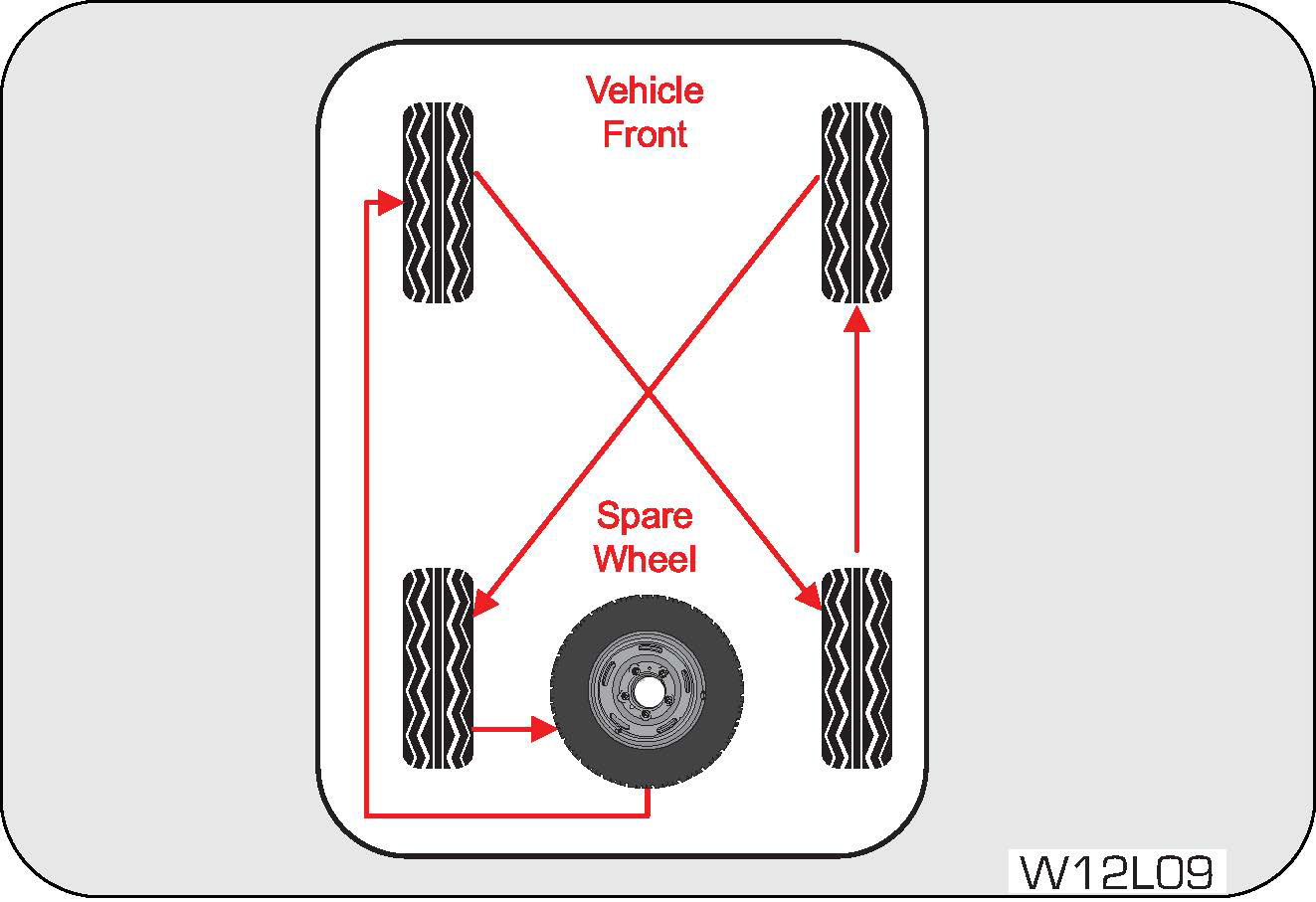 |
Tyres on the front and rear axles of vehicles operate at different loads and perform different steering, handling, and braking
functions. For these reasons, they wear at unequal rates and develop irregular wear patterns.
|
Rotation will increase tread life, help to maintain mud, snow, and wet traction levels, and contribute to a smooth, quiet
ride. Follow the recommended tyre rotation frequency for your type of driving.
Type 2 – Applicable for 4 Alloy wheels and Spare wheel with Steel rim
It is recommended rotating the tyres as per the “Maintenance Schedule”.
The suggested rotation method is the “forward-cross” shown in the diagram. The benefits of rotation are especially worthwhile
with aggressive tread designs such as those on On/Off-road type tyres.
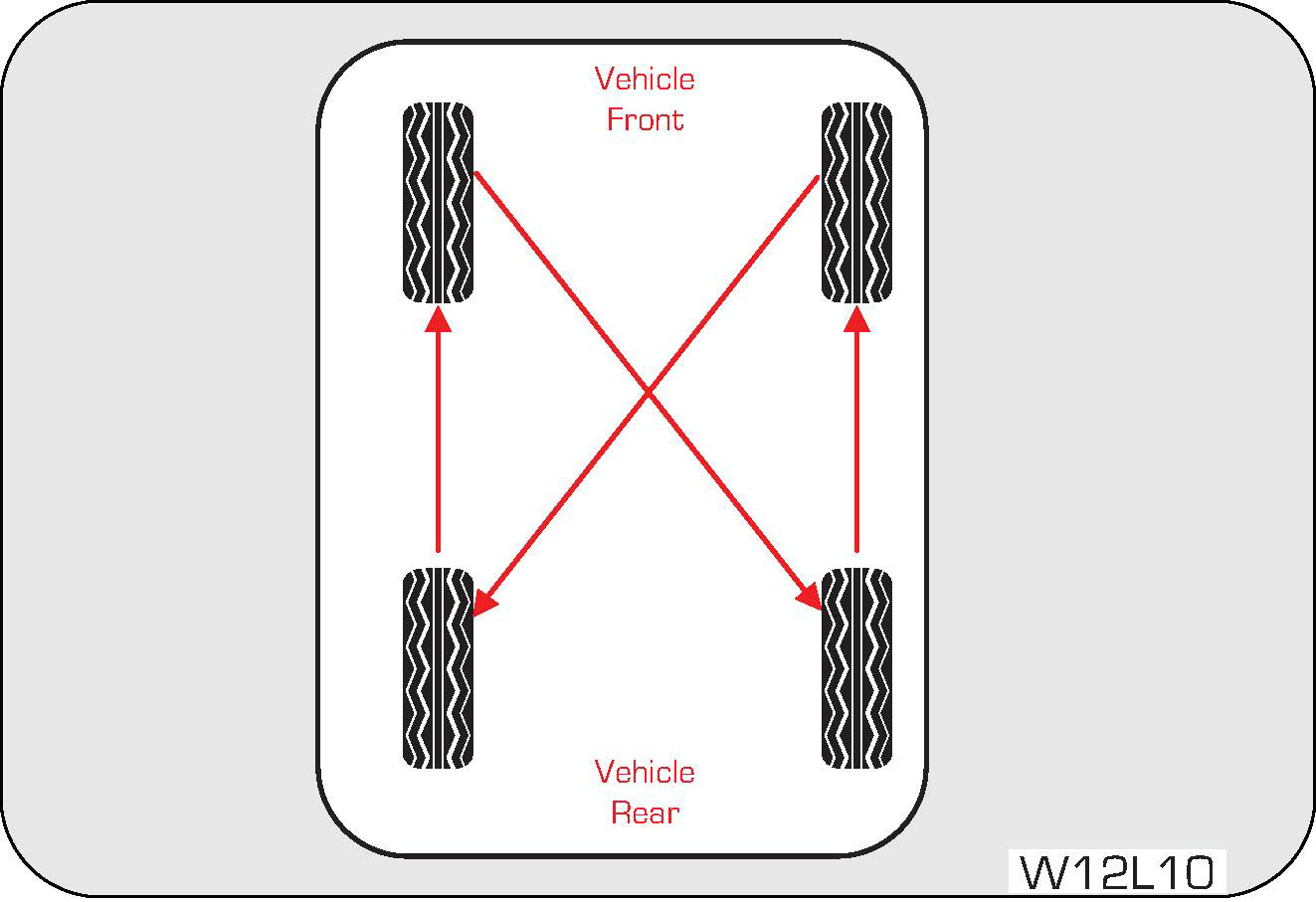 |
Rotation will increase tread life, help to maintain mud, snow, and wet traction levels, and contribute to a smooth, quiet
ride. Follow the recommended tyre rotation frequency for your type of driving. More frequent rotation is permissible if desired.
|
The reasons for any rapid or unusual wear should be corrected prior to rotation being performed.
9.31.12.1 Changing a Flat Tyre
Refer to “If you have a Flat tyre” section in the general chapter for details.
9.31.12.2 Wheel Tightness
When you change a wheel, remove all rust and dirt at all locations where the wheel contacts the wheel hub. Use a scraper or
wire brush to be sure that you remove all rust and dirt. A loose wheel could have damaged or elongated the holes in the rim,
or damaged the rim/hub assembly. If any of the wheel studs or nuts are damaged, contact the nearest Authorized Mahindra Service
Center.
Always tighten the nuts in a crisscross sequence. Never use oil or grease on your wheel studs or nuts.
Never over tighten the nuts on the wheel stud. You could damage the stud or the nut.
Torque tighten the wheel nuts to the specified value at the nearest Authorized Mahindra Service Center.
The tyres fitted in this vehicle meet the requirements of BIS and they comply with the requirements under the Central Motor
Vehicles Rules (CMVR) 1989.
9.31.13 Tyre Replacement 4WD (If Equipped)
Always strictly follow the tyre size, wheel size, and speed rating specified on your vehicle’s tyre placard and also maintain
factory fitted tyre thread pattern
For 4-wheel drive (4WD) vehicles, ensure tyre replacements are made with approved combinations, even if a single tyre with
mismatched tread pattern or uneven wear can introduce rotational differences across wheels. These inconsistencies disrupt
driveline harmony, potentially causing abnormal behaviour and increasing the risk of mechanical failure.
Mechanical failure, Balance and stability issues are observed in the following tyre type fitment scenarios:
| 1. | New and old tyre. |
| 2. | If any tyre is cut and replaced with second hand tyre or new tyre. |
| 3. | When there is a flat tyre (puncture) and it is replaced with spare tyre (Non standard spare wheel). |
Recommended to replace all four tyres at the same time to ensure balanced, performance, especially in 4-wheel drive (4WD)
vehicles.
9.32 Tiretronics (If Equipped)
The tiretronics system checks the pressure and temperature of the air inside the pneumatic tyres of the vehicle. System alerts
the driver during driving if any of the tyre parameters are not in acceptable limits due to any reason.
The system will continue to alert until the warning condition is resolved to the actual placard values.
Appropriate tyre pressure and tyre temperature is required for:
| • | Adequate braking |
| • | Road grip |
| • | Vehicle handling |
| • | Vehicle maneuvering |
| • | Reduced tyre wear and tear |
| • | Reduced tyre strain and safety |
| • | Good fuel efficiency |
The instrument cluster displays all alerts & visual warnings related to Tiretronics system.
9.32.1 Operation of Tiretronics
Tiretronics uses wireless sensor technology that is mounted on the wheel rim to checks the tyre pressure levels. They transmit
the data to the receiver inside the vehicle which is in turn is communicated and displayed on the instrument cluster.
In the instrument cluster screen all the tyre locations will display the status as pressure and temperature. Spare tyre (if
TPMS sensor equipped) information on tiretronics screen shall be available only during any alerts and warning in the spare
tyre. (User Shall verify spare tyre pressure manually, In certain conditions system may not update pressure for Spare tyre
correctly).
The Tiretronics has been customized only for the manufacturer’s genuine tyres and wheels. Tiretronics pressure limits and
warning messages have been established and calibrated for the tyre size equipped on your vehicle. Replacement of manufacturer’s
parts with a different size, type or style of components may damage the sensor and lead to incorrect readings.
Do not use aftermarket tyre sealants or balance beads if your vehicle is equipped with Tiretronics. Failure to comply may
lead to sensor damage.
The Tiretronics is not intended to replace normal tyre care and maintenance or to warn of any tyre failure condition. The
system should not be used as a replacement for a pressure measuring gauge to adjust the vehicle tyre pressure.
Driving with under-inflated tyres cause the tyres to overheat and may lead to tyre failure. Under-inflated tyres reduce fuel
efficiency, tyre tread life and may affect the vehicle's maneuverability and braking ability.
It is the driver's responsibility to maintain correct tyre pressure using an accurate pressure gauge, even if under-inflation
has not reached the level to trigger illumination of the Tiretronics warning indicator.
9.32.2 Tiretronics Warning Lamp
The Tiretronics warning lamp in the instrument cluster illuminates for any alert condition and also for low/high tyre pressure/High
temperature alerts and malfunction.
9.32.3 Tiretronics Sensor Installation
 |
Apply lubricant (paste) or soapy water to the rim hole or valve nozzle bar, as shown in the figure. The figure is for reference
only, and the operation may vary depending on the customer's production line automation level.
|
 |
 |
| 1. | Line the sensor up with the rim hole and attach the TTV (Tubeless Tyre Valve) insertion tool to the end of the valve ready for pull in. |
| 2. | Ensure the TTV insertion tool is positioned to the correct notch and that the sensor is pulled through in a direction parallel to the valve whole axis and NOT at an angle to it. |
| 3. | The picture below shows a correctly fitted sensor. Note the rubber bulb of the valve resting against the rim and the front face of the enclosure is NOT touching the rim. Apply tyre soap solution to the rubber portion of the valve stem and the top of the enclosure. |
| 4. | Place the inner tyre bead over the rim. |
| 5. | Place the outer tyre bead over the rim. |
| 6. | Inflate all tyres to the prescribed pressure, check the valve area for leakage and re-balance the wheels prior to installing back on the vehicle. |
Starting to mount the tyre from the valve location is a wrong fitment. The fixing tool/stem may hit the sensor and damage
it. Start from the opposite direction.
9.32.4 Tiretronics Sensor Removal
 |
|
| • | Remove the tread and ensure that the extractor forceps is inserted into the tyre at the yellow position shown below and turn
the rim clockwise.
|


| • | To remove the sensor, firstly remove the screw using a T6 TORX screwdriver.
|


 |
|
| • | Cut the rubber bulb and attach the TTV tool to the valve. Remove the valve from the rim by pulling through the rim, or simply pull through without cutting the bulb. |
| • | Lift the outer tyre bead over the rim using a tyre tool. |
The valve must be positioned just left of the start position to avoid sensor damage. Do not touch the sensor with the tyre
tool.
| • | Lift the inner tyre bead over the rim using the tyre tool |
| • | Remove existing valve stem |
Starting to mount the tyre from the valve location is a wrong fitment. Fixing tool/stem may hit the sensor and damage it.
Start from the opposite direction.
9.32.5 Functionalities of Tiretronics System
|
|
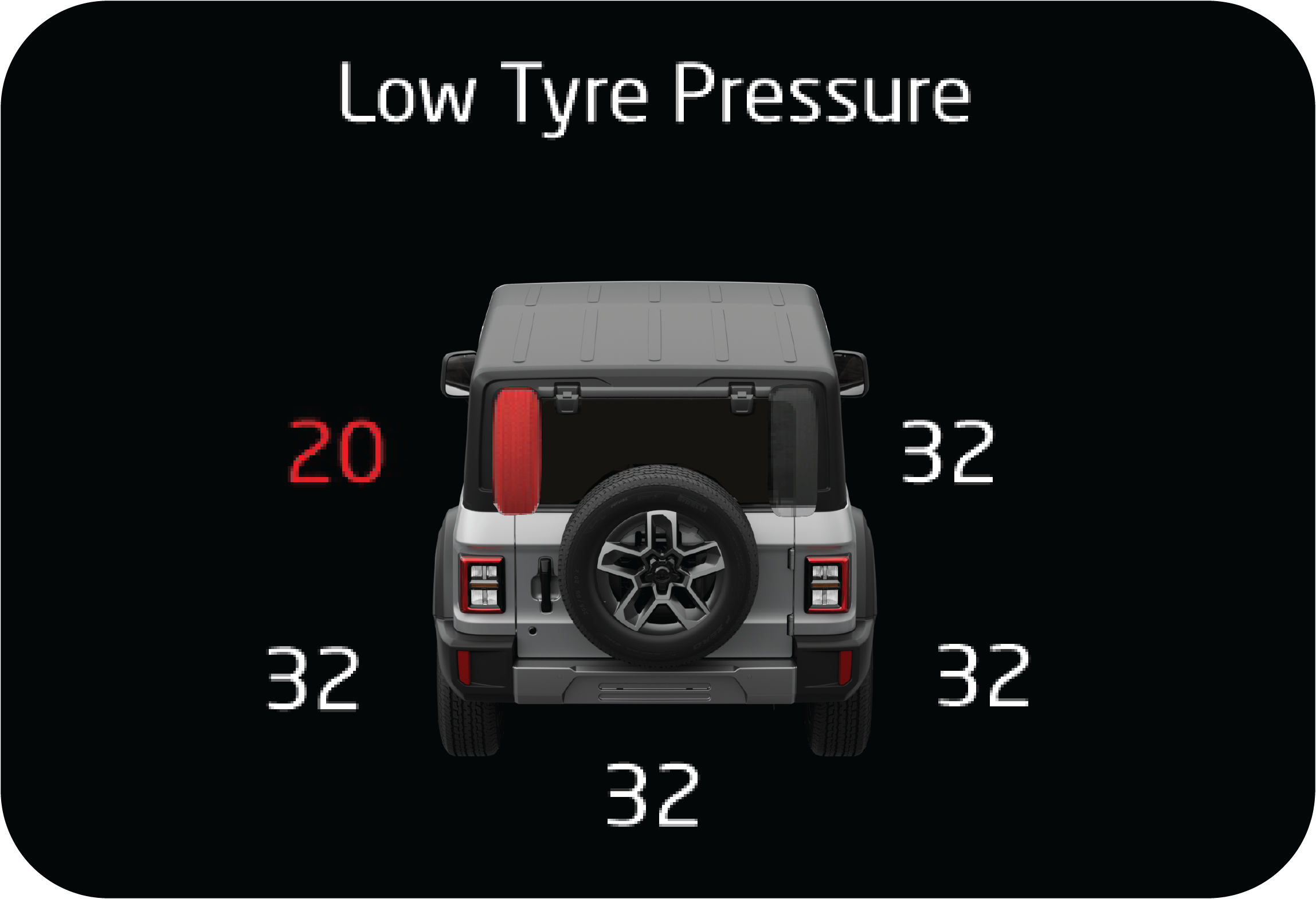 |
Low Pressure Alert
Low pressure monitoring is to indicate low tyre pressure. Please note the following points.
|
| • | Low pressure alert will be set only when the tyre pressure value goes below threshold. Low pressure will be set based on the temperature value. |
| • | Low pressure alert in the main alert screen will pop up once for driver notification when the alert is set and the vehicle is in running condition. Otherwise the alert will remain in the information screen and alert register screen. |
| • | If low pressure is observed, respective tyre should be rectified with cause of low pressure and then fill air. |
| • | Once low pressure alert is set with tyre pressure below threshold the alert shall not be cleared until the pressure is filled to the placard value. |
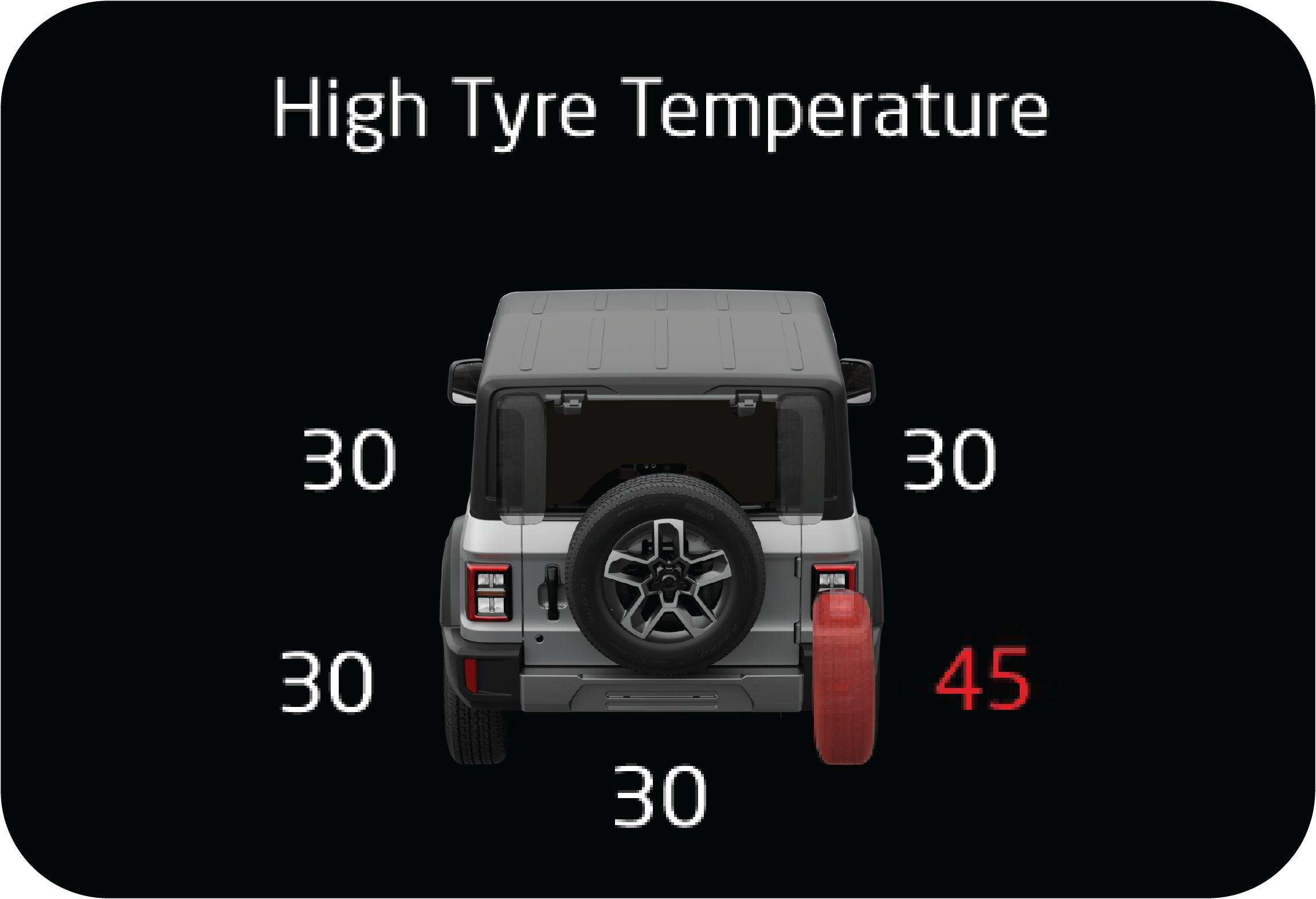 |
High Pressure Alert
High pressure monitoring is to indicate high pressure alert. Please note the following points.
|
| • | High pressure alert will be set only when the tyre pressure value goes above threshold. |
| • | High pressure alert in the main alert screen will pop up once for driver notification when the alert is set and the vehicle is in running condition. Otherwise the alert will remain in the tiretronics screen. |
| • | If high pressure value is observed, air has to be released from the respective tyre until the pressure reduces to the placard value. |
| • | The vehicle should be driven above 40 km/h for the new pressure value to be updated and the alert to be cleared. |
| • | Once the high pressure alert is triggered the alert shall not get cleared until the respective tyre pressure is reaches to the placard value. |
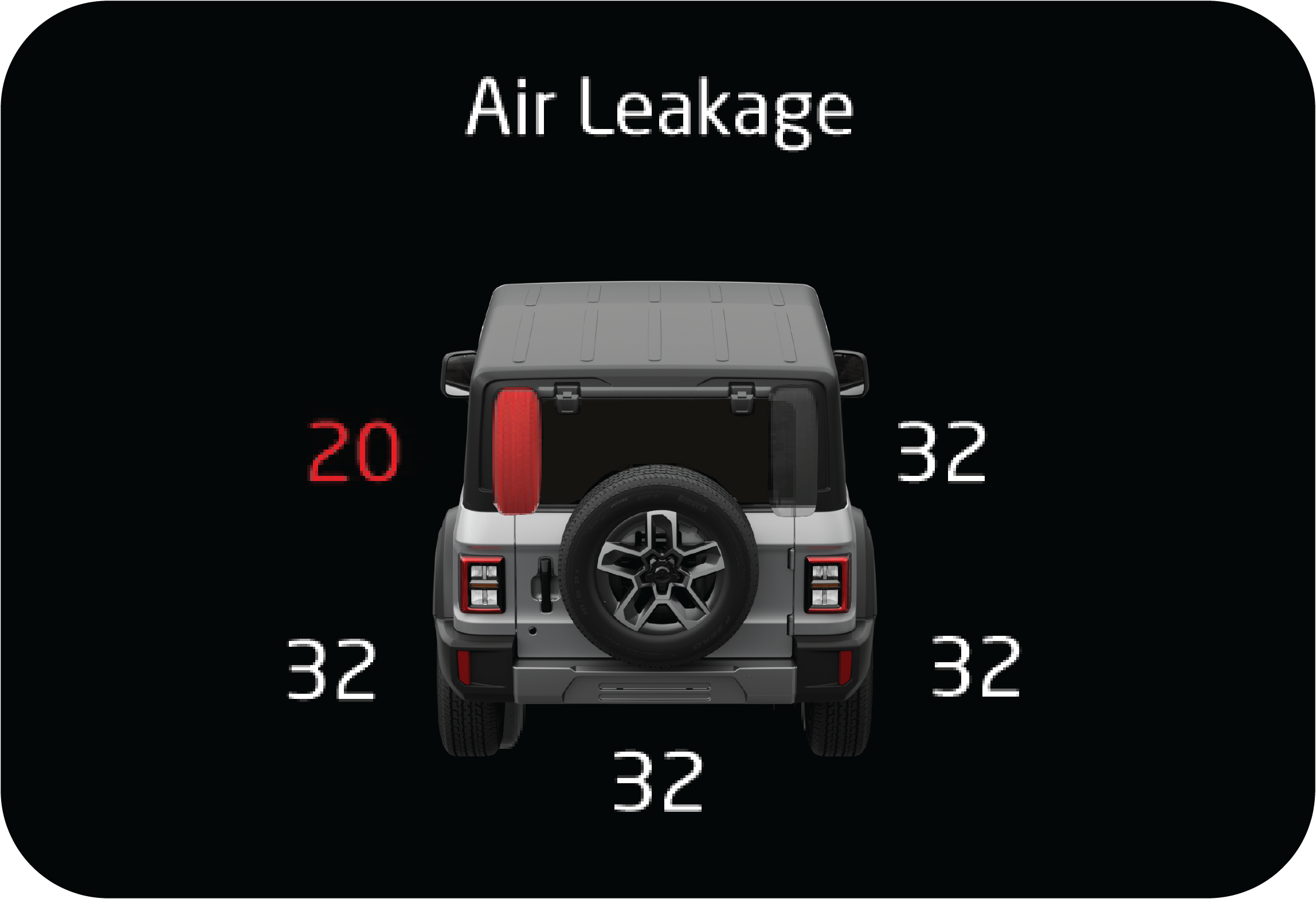 |
Pressure Leakage Alert
Pressure leakage monitoring is to indicate pressure leakage in any of the vehicle tyres. Please note the following points.
|
| • | Pressure Leakage alert will be set only when the tyre pressure is leaking at a rate greater than defined threshold. |
| • | In the pressure leakage condition if the tyre pressure goes too below threshold then the low pressure alert will also be set. |
| • | The pressure leakage alert in the main alert screen will pop up once when the alert is set for driver notification and will be shown in tiretronics screen when the vehicle is in running ignition ON condition. |
| • | Once pressure leakage is observed the respective tyre should be observed for air leakages and the puncture condition has to be rectified. Proper placard value should be filled after puncture rectification. |
| • | If the vehicle is running in an extremely rocky and acute bumpy condition then fluctuating pressure leakage alert may get set which will get rectified when the vehicle runs back on a normal road. This happens due to sudden change in pressure levels due to rocky conditions. |
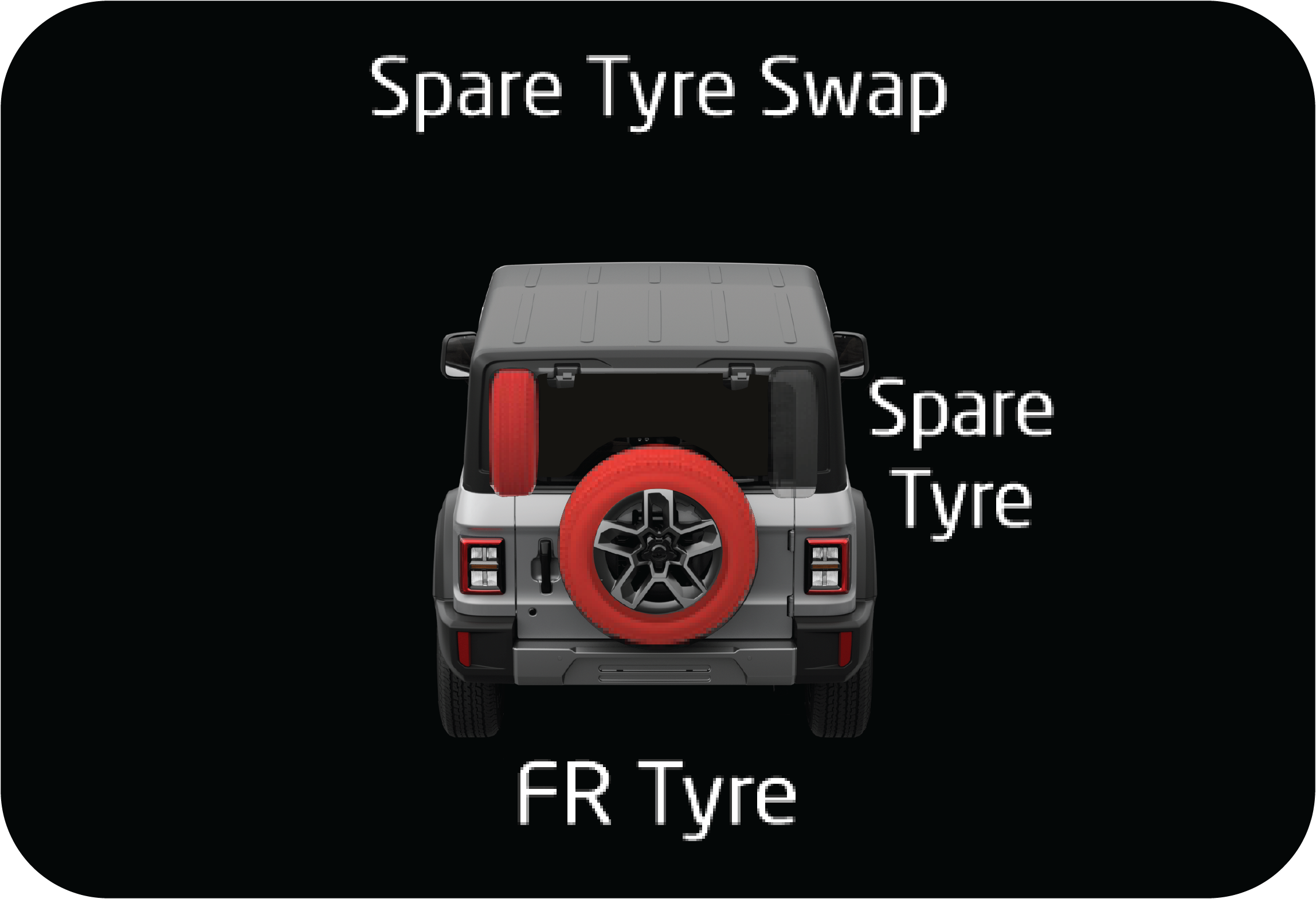 |
Auto Spare Tyre Swap
Spare tyre swap feature monitors the spare tyre if it has been swapped by the user for any faulty running tyre.
|
| • | If any one of the running tyres goes faulty, spare tyre is swapped with the running tyre and the vehicle is driven, then:
Always rectify the faulty tyre either in the spare tyre position or the running tyre position.
|
| • | If the rectified running tyre is replaced back in to running location and the spare tyre back in the spare position, then it is mandatory that Tiretronics manual learning is performed post the rectification. |
The Tiretronics system cannot detect the absence/ missing spare tyre.
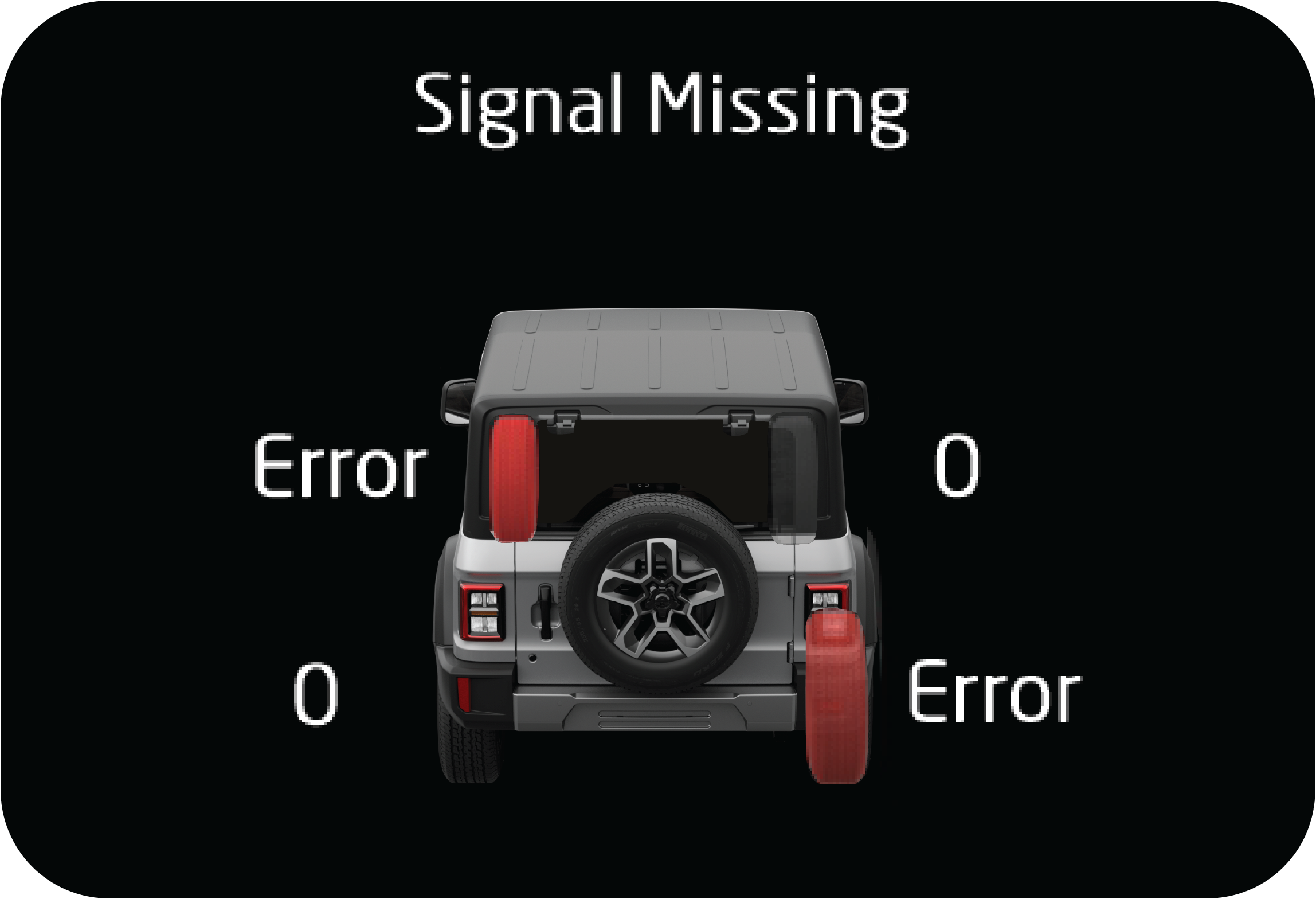 |
Sensor Signal Missing Alert
When the vehicle runs in speed above 40 km/h, Tiretronics system receives signal from all the Tiretronics sensor installed
in all running tyres.
|
| • | On account of any issue in signal reception or Tiretronics sensor damage or tyres changed with out performing manual learning then the signal will not be received. |
| • | If the Signals from the tiretronics sensor are not received atleast once, when the vehicle is driven at a speed greater than 40 km/h for more than 10 minutes, "Signal Missing" alert will be set for the respective tyre and Tiretronics Telltale will be ON. |
| • | When the Tiretronics signal missing is set then perform manual learning once. If manual learning is not done successfully then the corresponding position tyres sensor needs to be checked by carefully opening the tyre |
| • | If the sensor is found to be damaged then it should be replaced with a new one and manual/auto learning should be done. |
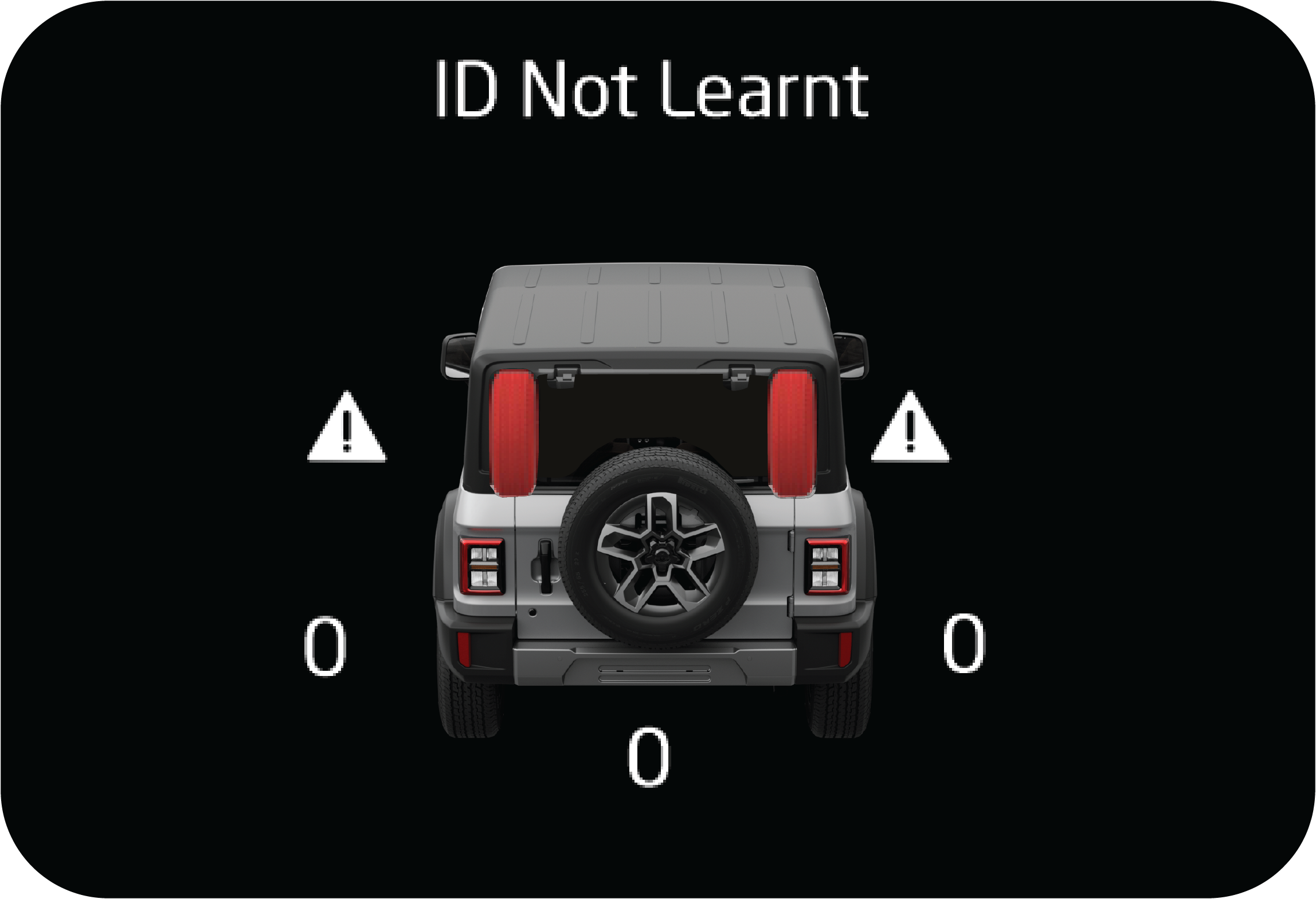 |
Sensor Faulty/ Low Battery Alert
Each tiretronics sensor in the vehicle tyres has an internal individual battery. If the battery level is too low or the sensor
by itself is malfunctioning then the Tiretronics system shall give this alert.
|
| • | If the Tiretronics sensor low battery/faulty is set then the corresponding position tyres sensor needs to be removed by carefully opening the tyre and replacing it with a new sensor. |
| • | Post replacing the new sensor, manual/auto learning should be done. |
9.32.6 Tiretronics Learning
After tyre rotation or Tiretronics sensor replacement, the receiver must be learnt, else the Tiretronics warning lamp indicates
a malfunction.
Mandate Points
Manual learning is the process by which the identities of 5 sensors installed inside the tyres are learnt and programmed in
to the memory of the receiver module.
| 1. | Manual learning should be compulsorily performed on any of the following conditions or operations done.
|
| 2. | Once manual learning is initiated, the sensors inside the tyres need to be triggered by leaking the air from each tyre one at a time and should be completed within certain value post to each event for learning all 5 tyres. |
| 3. | Do not perform Manual learning process at the same time on two vehicles with in the radius of 20 meters. |
| 4. | It is mandatory that manual learning of tyres should follow the sequence of ‘front left tyre position, front right tyre, rear right tyre, rear left tyre and spare tyre’. |
| 5. | It is required to ensure the tyres have pressure > 32 psi and < 36 psi before initiating the manual learning process. |
| 6. | Post manual learning, all tyres should be filled to the placard pressure value. |
It is mandatory that manual learning of tyres should follow the sequence of ‘front left tyre position, front right tyre, rear
right tyre, rear left tyre and spare tyre’.
Initiating the Manual Learning Process
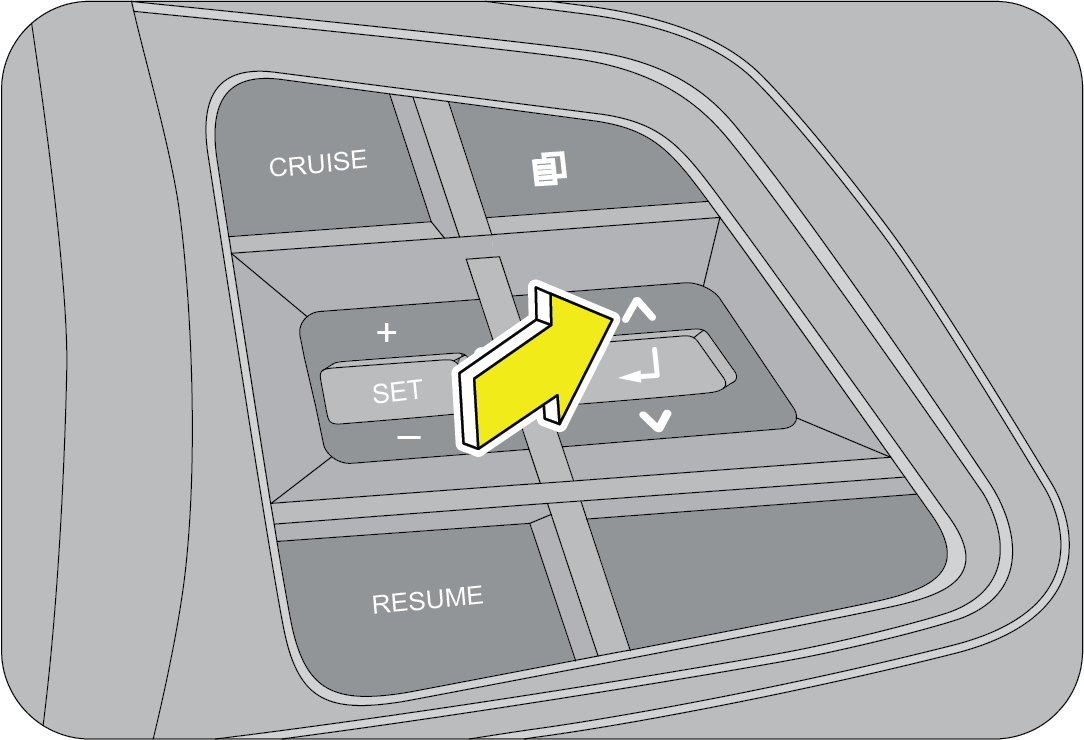 |
1. Turn the ignition OFF. Press and hold the up button in steering wheel
2. Turn the ignition ON
|
3. Wait for the cluster’s tachometer and speedometer to rotate to highest position and then release the mode button. Then
observe the cluster for the Tiretronics telltale to blink, vehicle siren will indicate by 3 chirps and cluster screen shows
‘Tiretronics MANUAL LEARNING’.
If failed to enter in to the manual learning mode:
| • | Try initiating the manual learning once again. |
| • | Check if the reverse gear is engaged, if it is engaged disengage it. |
| • | Check if the cluster mode button is working fine. |
If problem still persist, contact an Authorized Mahindra Service Center for further assistance.
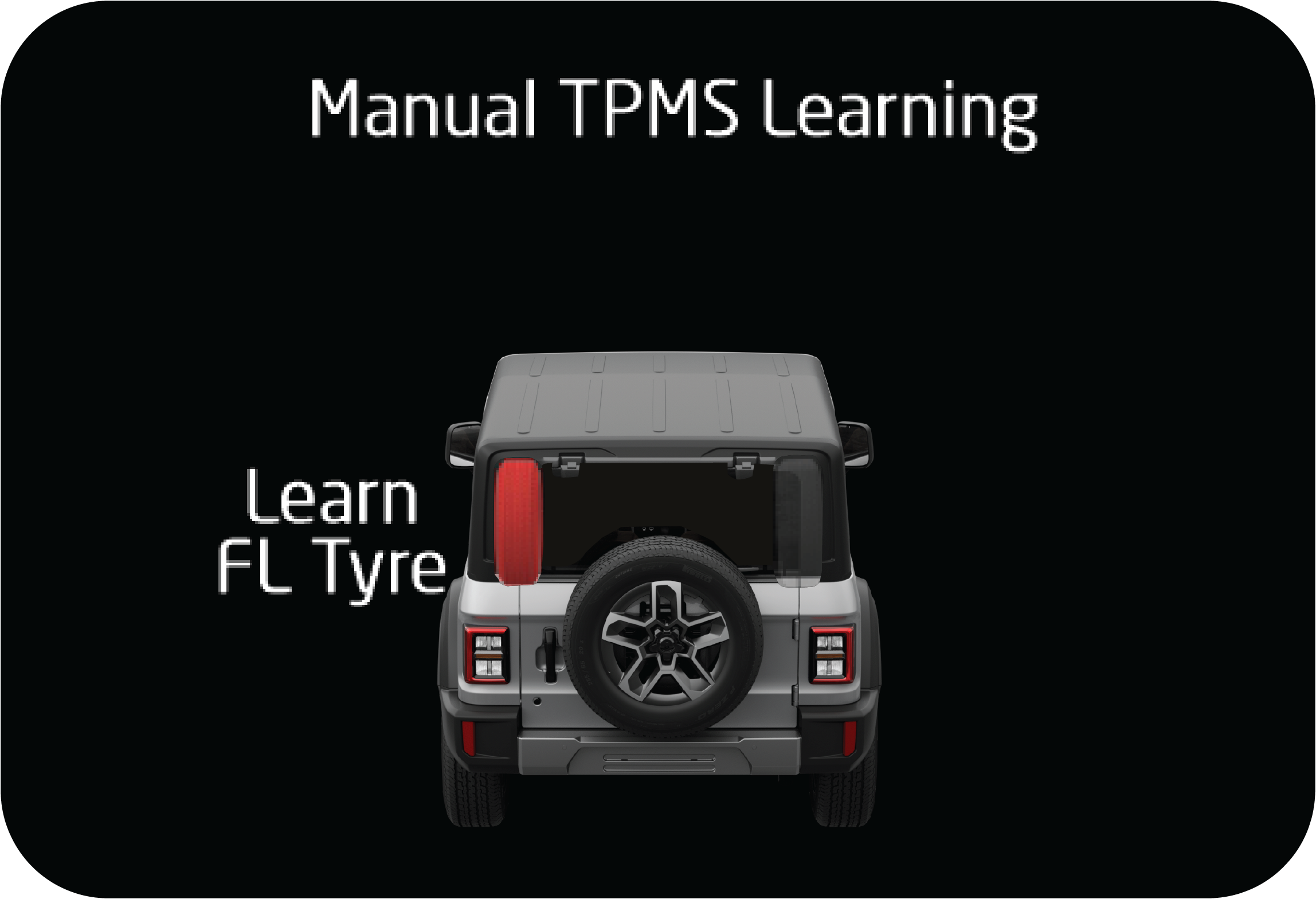 |
Starting from Front Left Tyre: Start leaking the air from the front left for 30 to 40 seconds and stop for 5 seconds. Repeat until the tyre gets learnt.
|
If the front left tyre is learned, 1 siren chirp sound is heard and the FL tyre shows learned in the cluster.
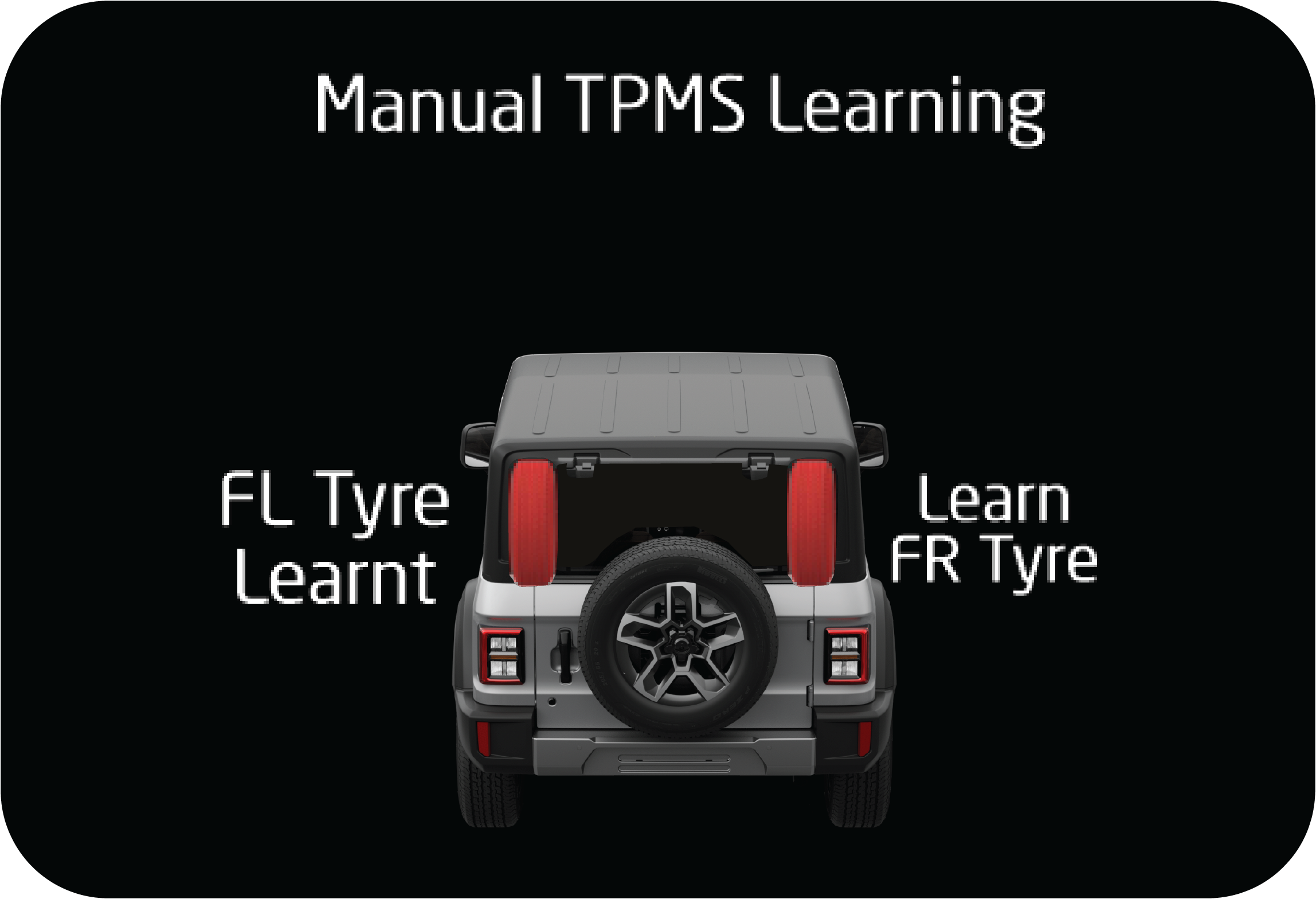 |
Learning the Front Right Tyre: Start leaking the air from the front right for 30 to 40 seconds and stop for 5 seconds. Repeat until the tyre gets learnt.
|
If the front right tyre is learned, 1 siren chirp sound is heard and the FR tyre shows learned in the cluster.
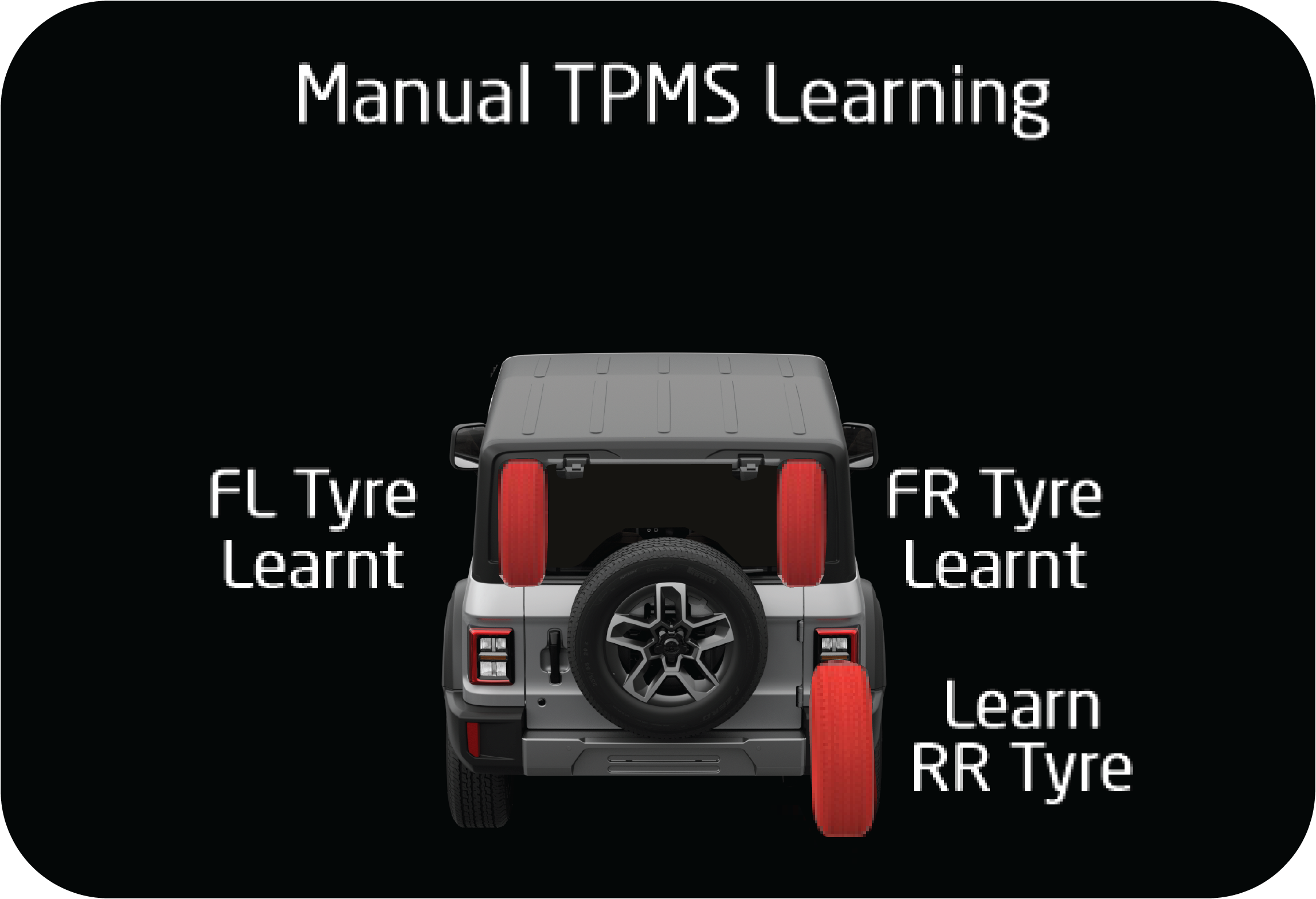 |
Learning the Rear Right Tyre: Start leaking the air from the rear right for 30 to 40 seconds and stop for 5 seconds. Repeat until the tyre gets learnt.
|
If the rear right tyre is learned, 1 siren chirp sound is heard and the RR tyre shows learned in the cluster.
Learning the Rear Left Tyre: Start leaking the air from the rear left tyre for 30 to 40 seconds and stop for 5 seconds. Repeat until the tyre gets learnt.
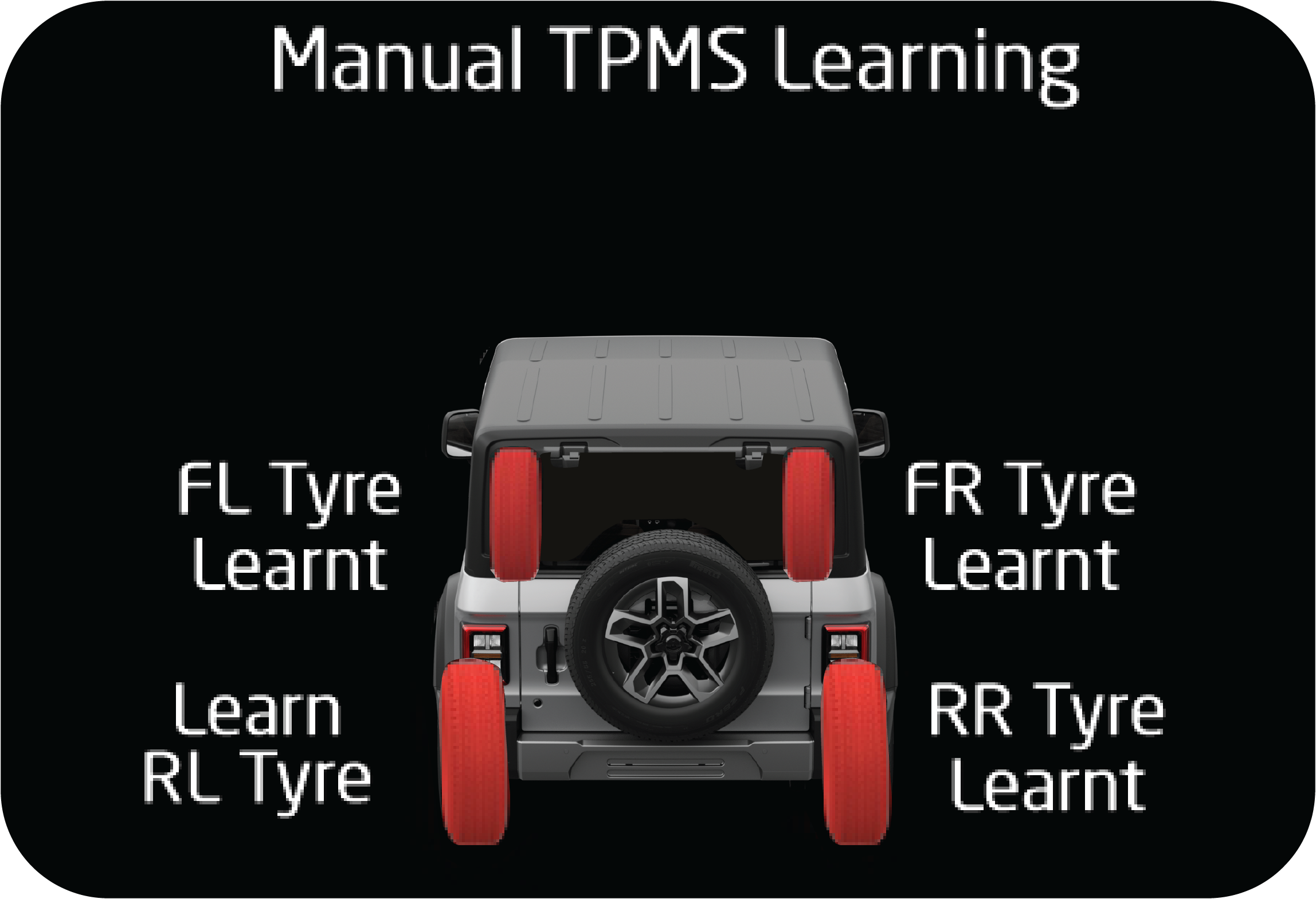 |
If the rear left tyre is learned, 1 siren chirp sound is heard and the RL tyre shows learned in the cluster.
|
Completing the Learning with Spare Tyre: Start leaking the air from the spare tyre for 30 to 40 seconds and stop for 5 seconds. Repeat until the tyre gets learnt.
 |
If the spare tyre is also learned, then 1 siren chirp is heard and ALL tyres show learned at respective tyre positions and
‘All tyres Learned successfully’ in the cluster.
|
 |
If learning is not successful at any point of time; or at any point of time during the learning process if the learning takes
more than 90 seconds of time for each tyre position then the system shall exit the learning mode and show the ‘TIRETRONICS
PROGRAM FAILURE screen.
|
Limitations
| • | The Tiretronics monitors only tyre pressure and temperature. It does not monitor conditions such as tyre wear. |
| • | The Tiretronics will not be able to detect an instant tyre burst and inform the driver in advance. |
| • | There may be the possibility of getting all the tyre location indicators on the Tiretronics display blinking along with the Tiretronics telltale, on passing environment area prone to heavy power lines and RF signal. It will come back to normal condition whenever interference gets cleared. |
Fault at spare position will be displayed after swapping or if the spare itself has a fault. If ‘spare tyre rectified’ is
acknowledged without rectifying the fault, the Tiretronics cannot detect it. It is the user’s responsibility to check the
spare tyre before starting the vehicle.
9.32.7 Tiretronics — Points to Remember
| • | It is recommended to fill the pressure to 32 psi at a digital gauge station only. |
| • | Every 15 days, inflate all the tyres up to 32 psi and inflation should be done at cold condition/ambient temperature. |
| • | Pressure deviation between the Tiretronics display and gauge will depend upon the following factors:
|
| • | Tiretronics measures the absolute pressure of the tyre, not relative pressure (gauge pressure). |
| • | Pressure deviation is defined for 0.5 psi (min) and 3 psi (max). |
| • | If the vehicle battery/fuse is disconnected and reconnected, it will update the pressure after the vehicle is driven or sensor is activated. |
| • | It is mandatory that manual learning should be performed if the vehicle tyres are rotated or any of the tyres sensors are replaced, else the system will give a false alert with respect to false location. |
| • | At a time, only one tyre can be swapped with the spare wheel and then follow the learning procedure. |
| • | If more than one tyre needs to be learned, learn all 5 tyres as per manual learning procedure. |
| • | Tiretronics is only a warning or indicating device. Pressure and temperature values displayed by the system is for indication prior to alert purposes only. The Tiretronics system should not be used as a measuring device to correlate or calibrate against other systems. |
| • | During winter or in cold conditions, there may be chances of getting a pressure alert with the corresponding tyre location indicator in the display, if the tyre pressure is near the thresholds level. i.e. between 28 psi to 24 psi. However, this alert will get cleared after driving a few kilometers depending upon the climatic condition. |
10 EMERGENCIES
10.1 Hazard Warning Lamp
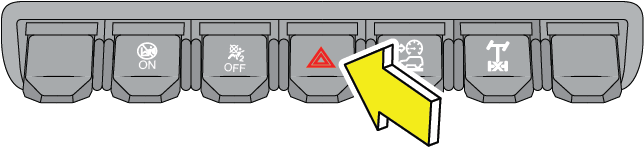
The hazard warning lamp switch is located below the AC controls on the instrument panel.
Use the hazard warning lamp when your vehicle is stationary or to warn other road users to be cautious while passing your
vehicle.
To turn the hazard warning lamp ON, press the switch in. All the turn signal lamps flash. To turn OFF, press the switch again.
Hazard lamps are also switched ON during the following conditions:
| • | Crash – Hazard would be turned on for 30 minutes. |
| • | Panic Braking – When the vehicle is running above 100 km/h and panic/sudden brakes are applied, hazard will turn on for 10 seconds. |
Pressing the hazard switch twice deactivates this feature.
10.2 Vehicle Does not Start - Checks
Before making these checks, make sure you have followed the correct starting procedure and that you have sufficient fuel.
If the engine is not cranking or is cranking too slowly/ intermittently
| 1. | Check that the battery terminals are tight and clean. |
| 2. | If the battery terminals are firmly fastened, Switch ON the interior lamps. |
| 3. | If the lamps do not illuminate, glow dim or go OFF when the starter is cranked, then it indicates a weak or discharged battery. Try jump starting. Follow ‘jump starting’ instructions given later in this chapter. |
| 4. | Check the fuses in the Engine Compartment Fuse Box and Central Fuse Box. |
If the engine cranks normally, but does not start
If the engine is cranking normally, but if the engine does not start even after repeated cranking, contact an Authorized Mahindra
Service Center.
To prevent damage to the starter, do not crank the engine for more than 15 seconds at a time. Wait 10 to 15 seconds before
trying again.
If the engine stalls while driving
| • | Reduce your speed gradually, keeping a straight line. Move cautiously off the road to a safe place. |
| • | Turn ON your hazard warning flashers and check for any malfunction lamps in the instrument cluster. |
| • | Turn the ignition OFF, wait for approximately 90 seconds and try starting the engine again. |
| • | . If the vehicle still does not start, contact an Authorized Mahindra Service Center. |
If the engine stalls while running, the power assist for the brakes will not work. Braking will be much harder than usual.
If the engine speed does not increase
| • | If the engine speed does not increase when the accelerator pedal is depressed, there may be a problem in the Engine Management System, electrical or electronic controls. |
| • | In case of certain faults, the engine may go to limp home mode, which is indicated by the check engine lamp. |
| • | Have your vehicle checked by an Authorized Mahindra Service Center as soon as possible. |
10.3 Engine Overheating
If the temperature gauge bar in the instrument cluster is all the way up to the H and/or the high engine coolant temperature
warning lamp is ON, your engine has overheated.
If the engine is getting overheated, the Engine Management System reduces engine power substantially and may even shut the
engine OFF; it is dangerous to continue driving when the engine has overheated. You need to first cool the engine down before
starting to drive again.
Follow the below instructions to cool the engine down.
| • | Progressively reduce the vehicle speed and bring the vehicle to a stop at the side of the road. |
| • | Turn ON the hazard warning flashers. |
| • | Keep the engine running at idle. |
| • | Engage the parking brake. |
| • | Switch off the air conditioner. |
| • | Wait till the engine coolant temperature drops sufficiently such that the needle in the temperature gauge is around halfway between C and H. |
Now switch the engine OFF and carefully open the bonnet/hood to visually inspect the engine cooling system parts. Be cautious
while doing an inspection as vehicle parts will still be too hot. Verify that the engine coolant level in the coolant recovery
tank is maintained between the 'Min' and 'Max' mark. Check for possible fluid leakages. Check for damages to heat exchangers
and connecting hoses. Also verify that the radiator shrouds, engine fan blades and the engine belt all are in good condition.
If any evidence of failure is observed, contact the nearest Authorized Mahindra Service Center for help. In case, no system
leakage/ failure is suspected, driving can be continued.
Either due to severe operating conditions or due to any system leakages or failures, the engine can get overheated. However
if the engine is getting overheated repeatedly, even in normal operating conditions, get the vehicle checked by an Authorized
Mahindra Service Center as soon as possible.
Refer to the 'High Engine Coolant Temperature' section under the 'Instrument Cluster Overview' chapter for details.
If the high engine coolant temperature warning is ignored, the engine shuts OFF abruptly to safeguard engine components from
overheating and consequent failure. Abrupt engine shut-off can lead to uncontrollable driving condition and accidents.
Stay clear of hot and rotating vehicle parts while visually inspecting the vehicle. The coolant inside the cooling system
is under high pressure and temperature. Never open the pressure cap of the degassing tank when the engine is hot. Not taking
precautions may lead to serious injury to your skin/eyes.
For optimum performance of the cooling system you must maintain the required coolant level and use only recommended engine
coolant.
10.4 Jump Starting
Jump start can be performed when the battery charge is low which can be confirmed by performing the following operations:
| 1. | Turn head lamp ON and check whether lights are dim. |
| 2. | Try to start the vehicle and check whether engine cranks slowly or not crank at all. |
| 3. | Open the bonnet and locate the battery. It may be necessary to remove the disabled vehicle’s battery cables from the battery terminals and clean both cables and terminals.
Use a stiff wire brush to remove all corrosion. Reconnect the cables to the battery terminals before jump starting the vehicle.
|
| 4. | The positive terminal will be marked with a plus sign (+) and will usually have a RED cable attached on it. |
| 5. | The negative terminal will be marked with a minus sign (-) and will usually have a BLACK cable attached to it. |
| 6. | A standalone booster battery can be used to start the engine when the vehicle battery is low. |
| 7. | Take jumper cables and unwind the red and black cables. |
| 8. | Wear safety gear and connect one end of red clamp of the jumper cable to the positive (+) terminal of the discharged battery and other end to the positive (+) terminal of the booster battery. |
| 9. | Similarly, connect one end of black clamp of the jumper cable to the negative (-) terminal of the booster battery and other end to the negative (-) terminal of the discharged battery. |
| 10. | Once the jump starting assembly is done, crank the engine for starting. |
| 11. | Once the vehicle gets started, carefully remove the jumper cables in the reverse order of attachment. |
| 12. | Disconnect the black clamp of the jumper cable from the negative (-) terminal of the discharged battery and the other end of the black clamp from the negative (-) terminal of the booster battery. |
| 13. | Similarly, disconnect the red clamp of the jumper cable from the positive (+) terminal of the booster battery and the other end of the red clamp from the positive (+) terminal of the discharged battery. |
| 14. | Close the bonnet. |
| 15. | Keep the vehicle's engine running and slightly accelerate the vehicle to charge the battery. |
If the problem persists on next starting cycle, please visit Authorized Mahindra Service Center.
 |
|
Make sure none of the cables are dangling into the engine compartment, where they could be exposed to moving parts.
| • | Remove the jumper cables once the vehicle starts. Do this in the reverse of the order in which they were attached, and don't let any of the cables or clamps touch each other (or dangle into the engine compartment). |
| • | Disconnect the black clamp of the jumper cable from the negative (-) terminal of the discharged battery. |
| • | Disconnect the other end of the black clamp from the negative (-) terminal of the booster battery. |
| • | Disconnect the red clamp of the jumper cable from the positive (+) terminal of the booster battery. |
| • | Disconnect the other end of the red clamp from the positive (+) terminal of the discharged battery. |
Replace any positive (+) red post protective covers if applicable (You have had to remove or open these in the beginning).
These covers help prevent accidental short circuiting of the battery.
| • | Keep the vehicle's engine running. Run the vehicle above idle (slightly revved up with your foot on the accelerator). This should give the battery enough charge to start the vehicle again. If it does not start, either your battery might be dead or faulty alternator. |
Improper jump starting procedures can result in battery explosion and acid burn hazard.
Loosely connected battery cables could damage the electronic control units.
To disconnect battery terminals, wait for at least 2 minutes to allow discharge of high voltage or it could lead to personal
injury.
While disconnecting, always disconnect the -VE terminal first and while connecting, always connect the -VE terminal last.
Do not connect battery terminals with opposite polarity, it will lead to alternator, Electronic control unit failures.
Towing a vehicle to start could be dangerous. The vehicle being towed could surge forward when the engine starts, causing
the two vehicles to collide, injuring the occupants.
Modern vehicles with electronic management systems should not be jump started without ‘protected’ jump starter leads.
10.5 Towing
10.5.1 Towing Equipment
Towing equipment are of two types.
| • | Flat-bed equipment - Your vehicle is loaded on the back of a truck. This is the safest and best way of towing. |
| • | Rear-lift equipment - The tow truck uses two pivoting arms that go under the tires (front or rear) and lift them off the ground. The other two tires remain on the ground. |
| • | Sling-type equipment - The tow truck uses metal cables with hooks on both ends. These hooks go around parts of the frame or suspension and lift the end of the vehicle off the ground. This is not a good method of towing as it may damage the vehicle's suspension and body. Avoid a tow with sling type equipment. |
Towing This Vehicle Behind Another Vehicle
|
Towing Option |
Variants (All) |
Towing Condition |
Wheels OFF the Ground |
Four - Wheel Drive Models |
|---|---|---|---|---|
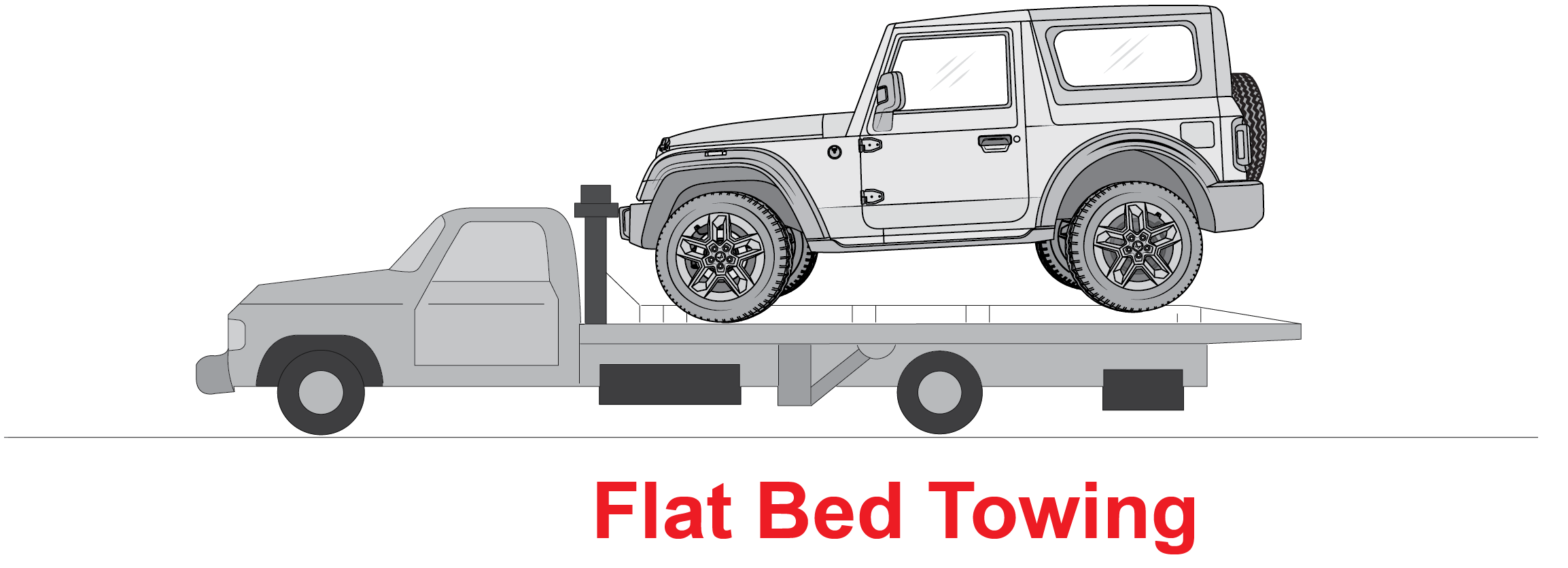 |
ü |
On Trailer |
ALL |
OK |
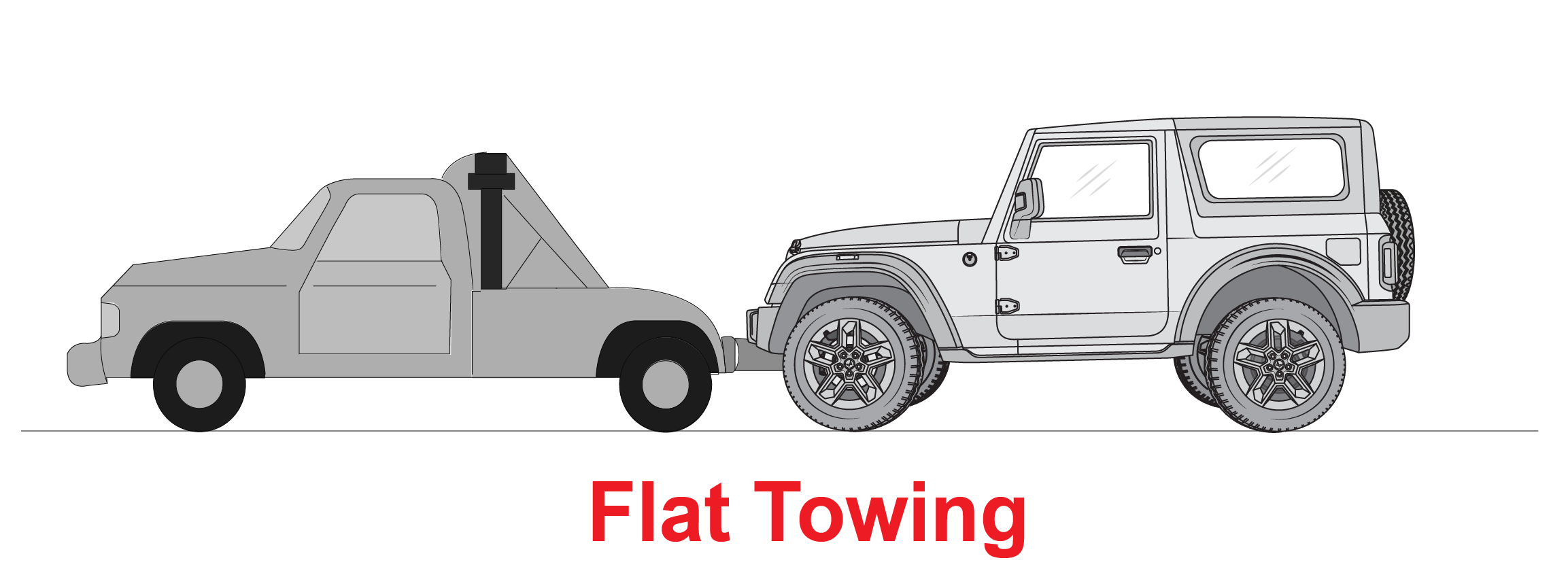 |
O |
Flat Tow |
NONE |
NOT ALLOWED |
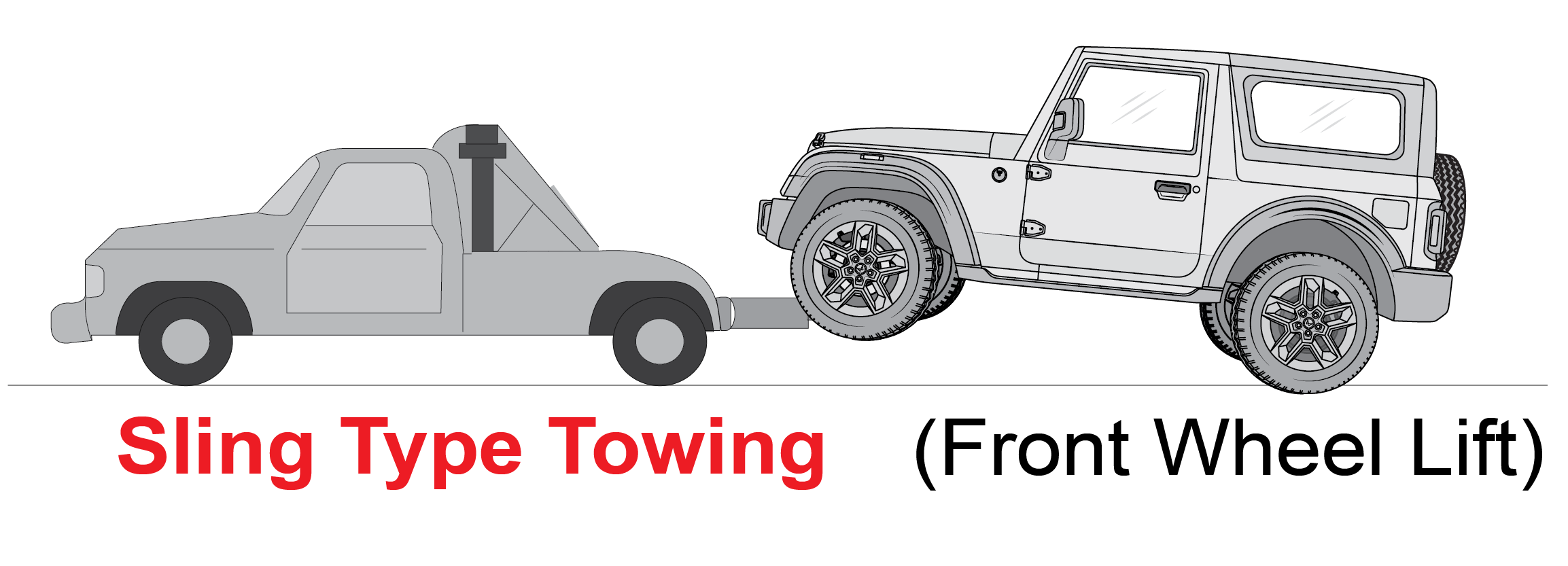 |
O |
Dolly Tow |
Front |
NOT ALLOWED |
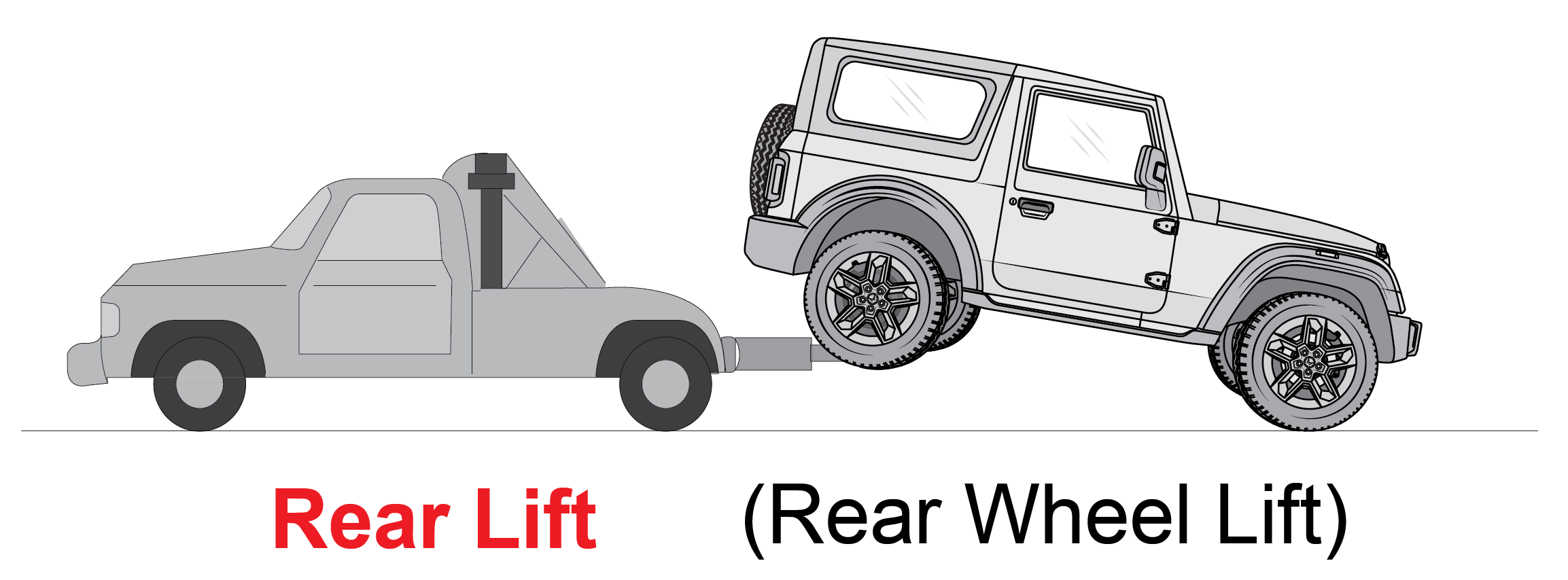 |
O |
REAR |
NOT ALLOWED |
|
When towing your vehicle, always follow applicable state and provincial laws. Contact state and provincial Highway Safety
offices for additional details.
10.5.2 Towing your Vehicle During Emergency
|
Front |
Rear |
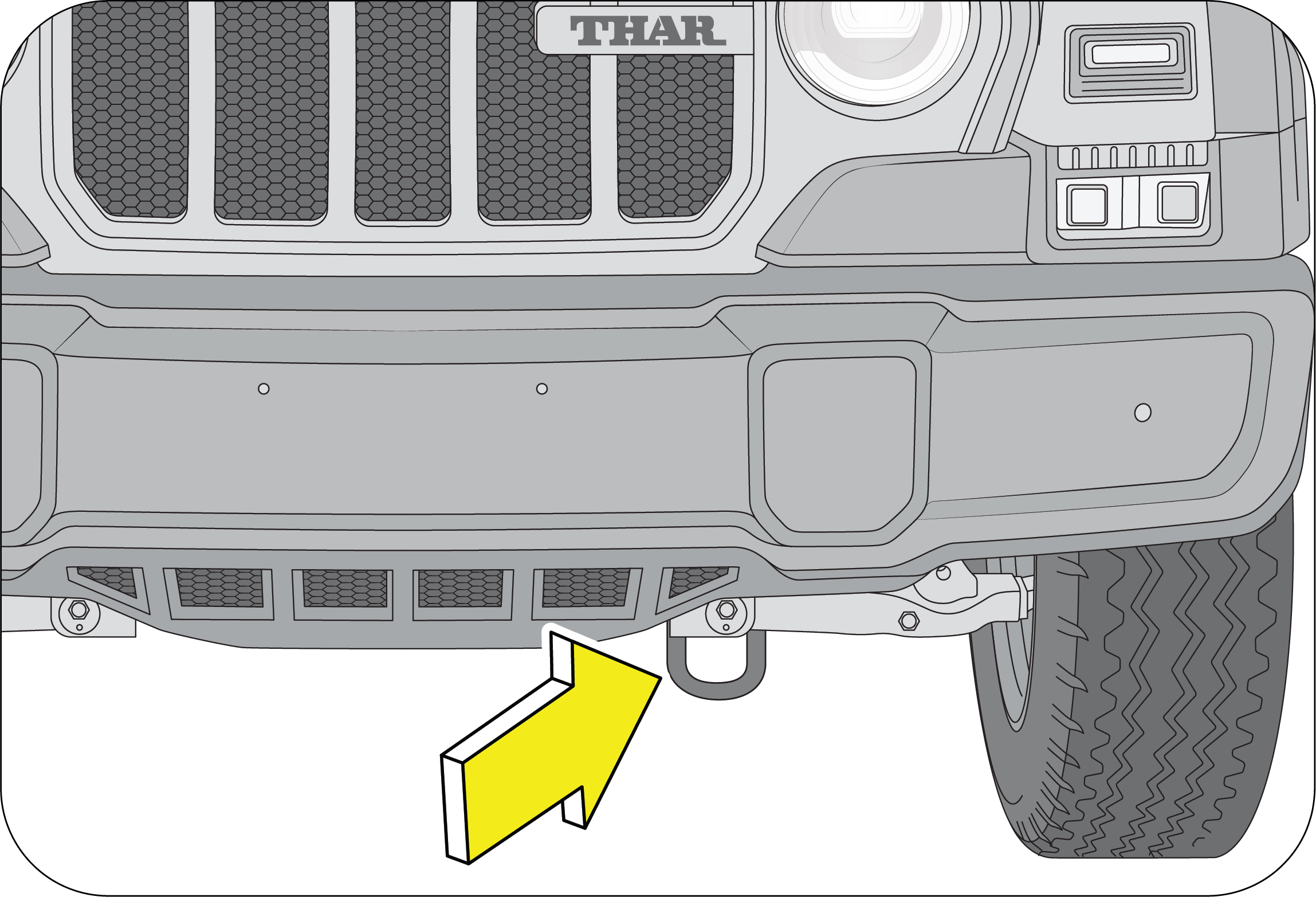 |
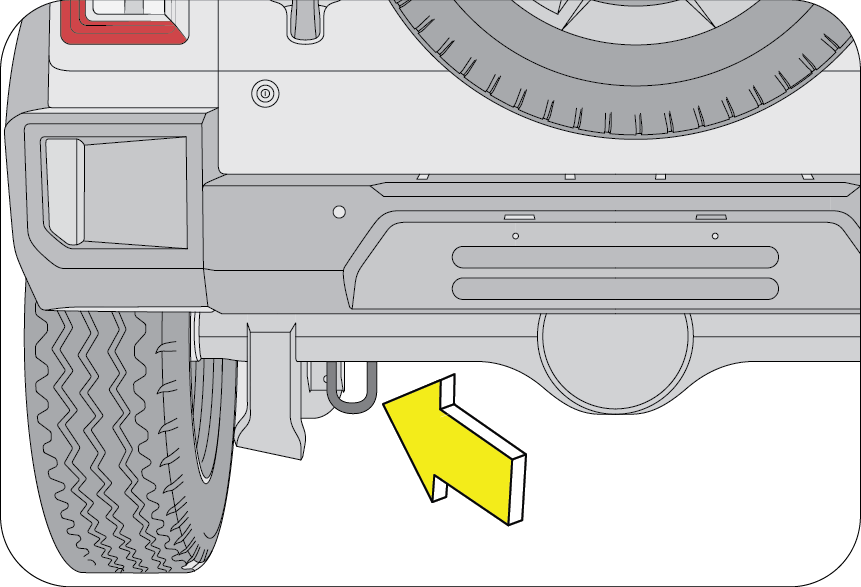 |
If your vehicle needs to be towed, call a professional towing service. If a towing service is unavailable in an emergency,
your vehicle may be temporarily towed by a cable or chain secured to the emergency welded towing hook into the front and rear.
Remove/Pry out the tow hook cover in the front and Rear bumper using a screwdriver. Fasten a cable or chain specifically intended
for use in towing vehicles to the towing hook.
Use only the towing hook provided, for towing in an emergency. Do not tow by the bumper or any other part which may be damaged.
Use only the cable or chain specifically intended for use in towing vehicles.
A driver must be in the vehicle being towed to steer and operate the brakes. Towing in this manner must be done only on hard-surfaced
roads for short distances and at low speeds. Also, the wheels, axles, drive train, steering and brakes must all be in good
working condition.
Avoid sudden starts or erratic driving maneuvers, which would place excessive stress on the towing hook and towing cable or
chain, resulting in breakage of the hook or the chain.
If the engine is not running, the power assist for the steering and brakes will not be functional, making it harder to steer
or brake than usual.
When lifting the rear wheels, take care to ensure adequate ground clearance for towing at the front end of the raised vehicle.
The bumper and/or underbody of the vehicle may be damaged during towing.
10.6 Flat Tyre
Reduce your speed gradually, keeping a straight line. Move cautiously off the road to a safe place well away from traffic.
Park on a level spot with firm ground. Stop the engine and switch ON your hazard warning flashers.
Firmly apply the parking brake. Have everyone come out of the vehicle on the side away from traffic.
After stopping, use the hazard warning triangle to alert the oncoming traffic of the stopped vehicle
Never stop your vehicle in a traffic lane to change a tyre. Keep driving until you reach a safe location.
The jack provided along with the vehicle is to be used only for changing a spare tyre. It is never to be used to perform any
other maintenance or repair on the vehicle.
Never place any part of your body under any portion of the vehicle when it is supported only by the jack. You could be crushed
by the vehicle if it falls off a jack. Keep bystander’s away from the vehicle.
Find level, solid ground that is clear of oncoming traffic. If you cannot find a safe place to stop, it is better to drive
on a flat tyre and damage the rim than it is to risk being hit by oncoming traffic.
After changing a flat tyre, never store the tyre or other equipment in the passenger compartment of the vehicle. This loose
equipment could strike an occupant in the event of a sudden stop or collision. Store all of these items in the proper place.
The following sections outline the procedure for changing a flat tyre:
10.6.1 Jack and Toolkit Location
|
The jack assembly is located behind the rear seat on the floor.
|
 |
|
Lift the floor mat provided in the luggage compartment.
|
 |
To open the Jack lid assembly (B), rotate the lid screw (A) anti-clockwise direction to remove the Jack lid assembly.
Remove the jack assembly.
Refix the jack assembly and close the Jack lid assembly and rotate the lid screw in clockwise direction to close.
|
Tool kit is located below the rear seat.
|
 |
The tool kit consists of,
|
Screw Driver
|
DEO Spanner 10 mm x 12 mm
|
|
Wheel Spanner
|
Wrench tool for Water drain in fuel
|
|
Jack Operating Lever
|
10.6.2 Spare Wheel Removal – Type 1 (If Equipped)
The spare wheel is mounted on the rear end of the vehicle. It is held in place by a securing nuts.
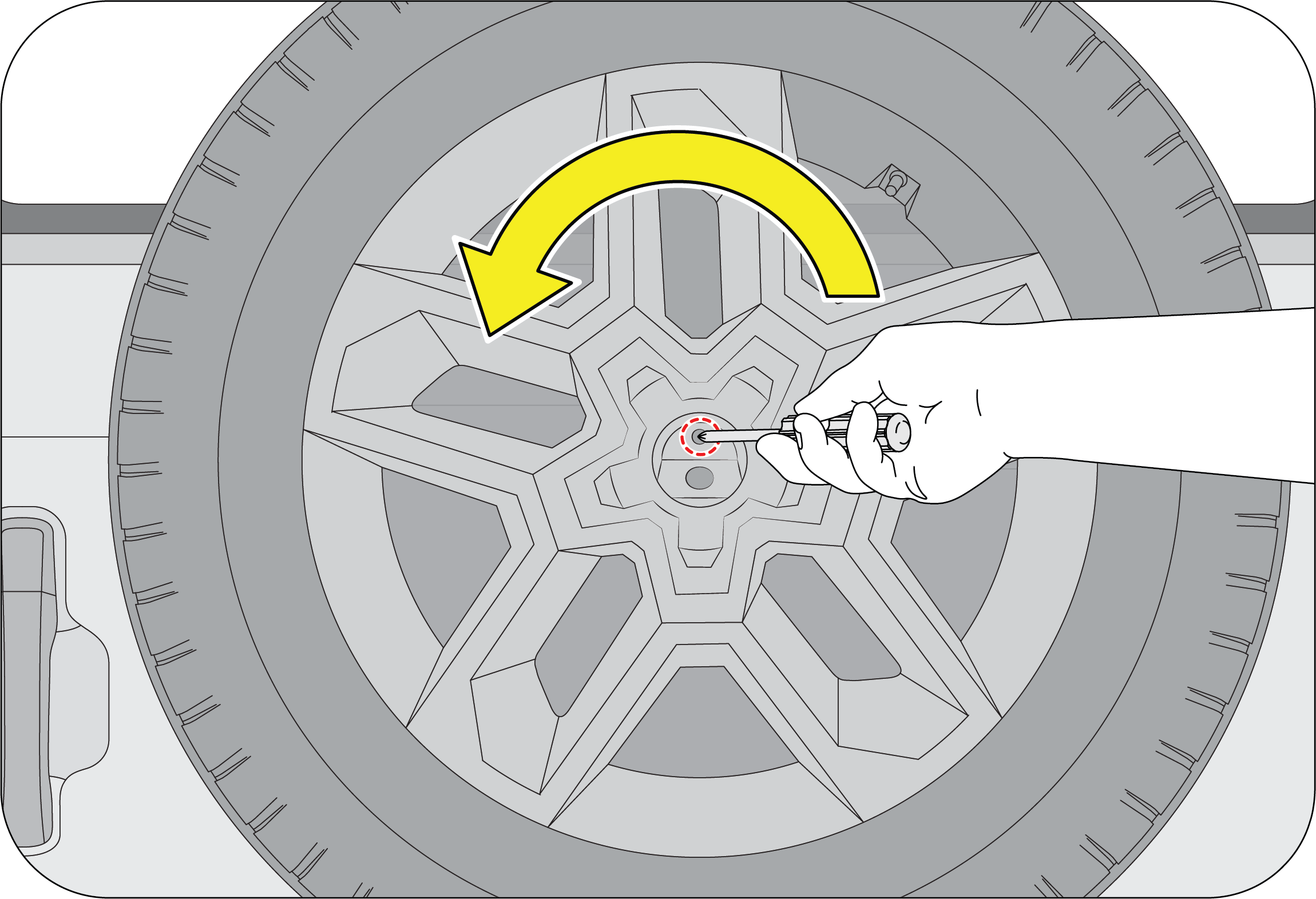 |
|
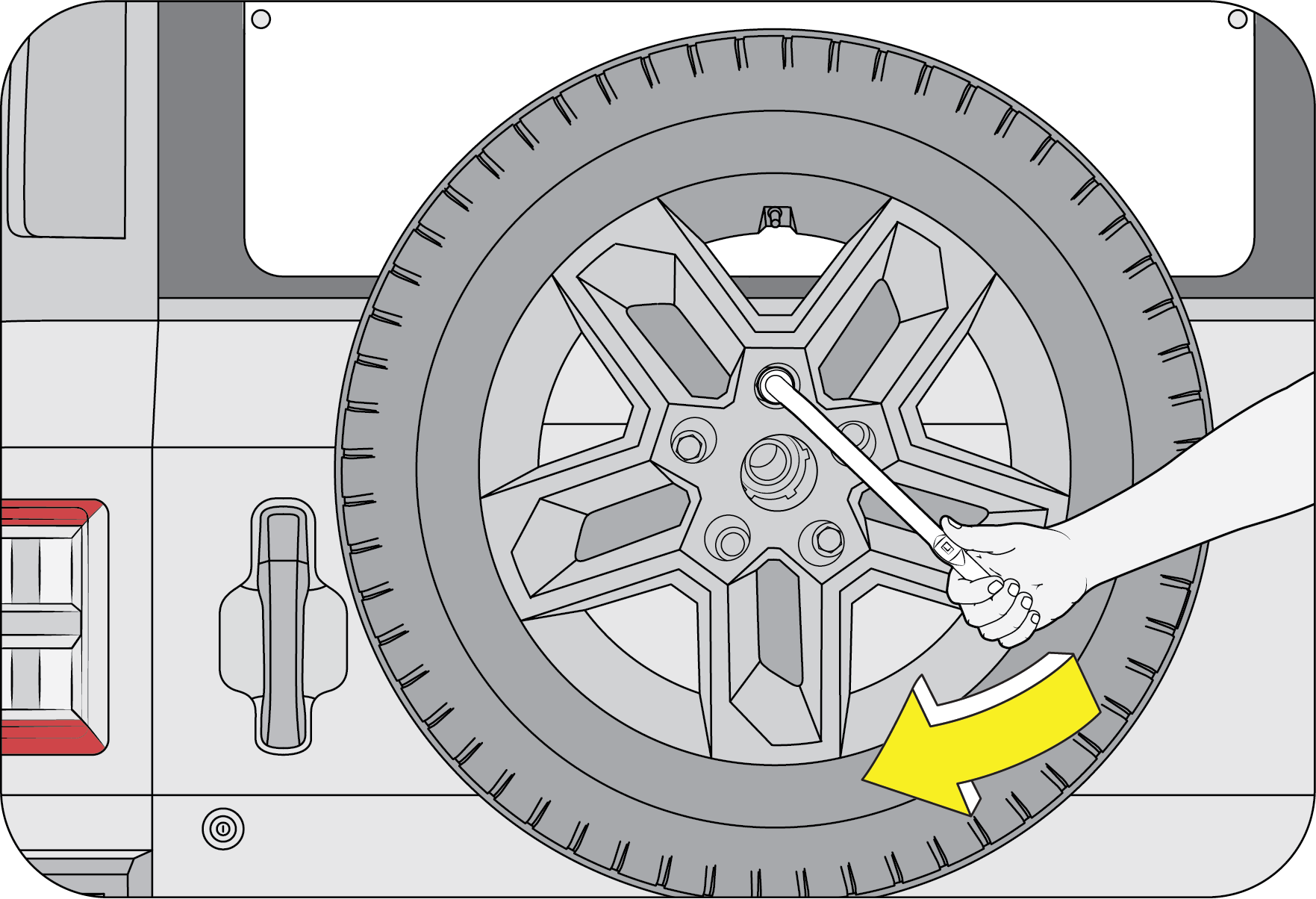 |
|
10.6.3 Spare Wheel Removal – Type 2 (If Equipped)
 |
1. Insert your hand at the top of the spare wheel bezel, hold the bezel firmly, and pull it outward to remove it.
|
 |
2. Remove the screws using a star screwdriver, then rotate the plastic lock nut in the counterclockwise direction to loosen
it.
|
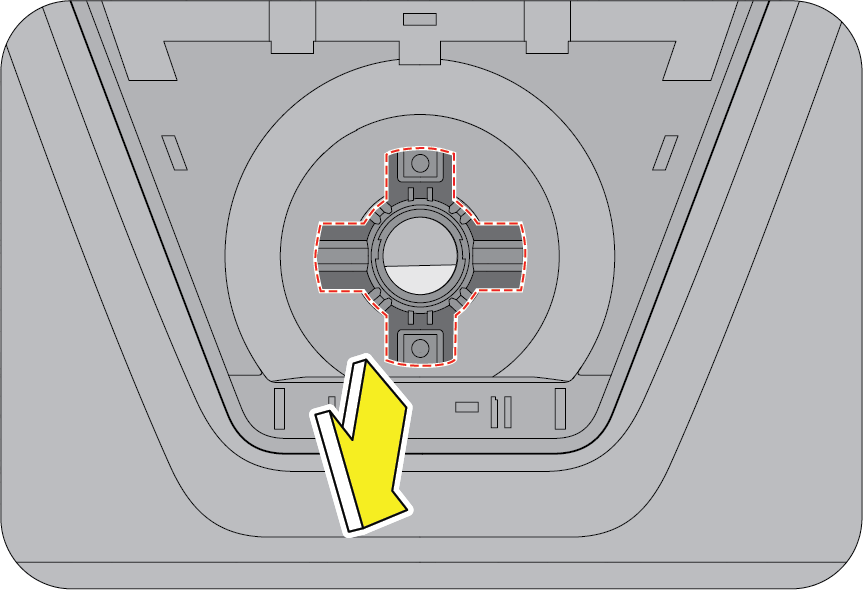 |
3. Remove the plastic lock nut from the metal tube.
|
 |
4. Hold the spare wheel cover at the marked locations and pull it outward to remove it from the metal tube slot.
|
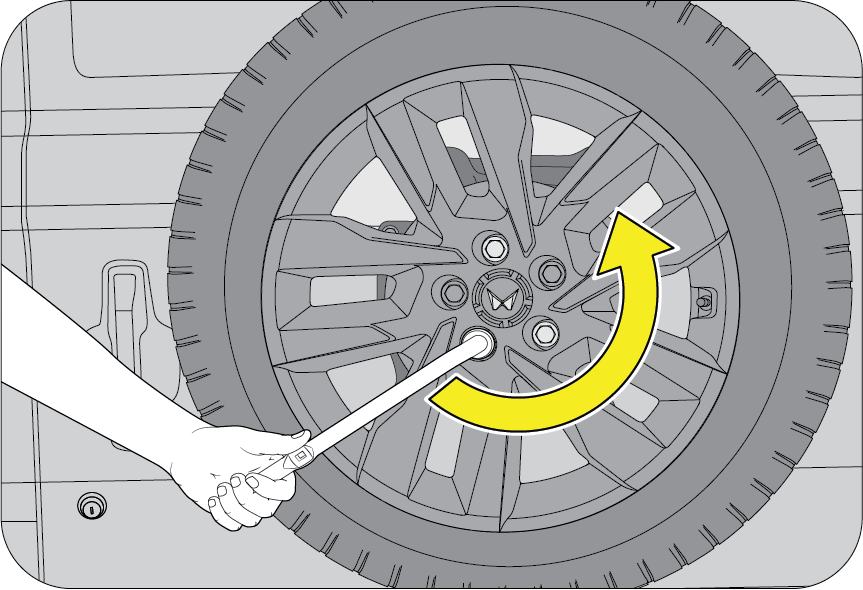 |
5. Using a wheel spanner, loosen and remove the securing nut by turning it counterclockwise.
6. Carefully support the spare wheel and lower it slowly to the ground
|
Follow the reverse procedure to assemble the spare wheel cover in the bezel.
Ensure don’t damage the rear camera during the removal and refitment of the spare wheel.
10.6.4 Wheel Nut Loosening
Always loosen the wheel nut before raising the vehicle.
|
Turn the wheel nut anti-clockwise to loosen as per the crisscross sequence shown.
|
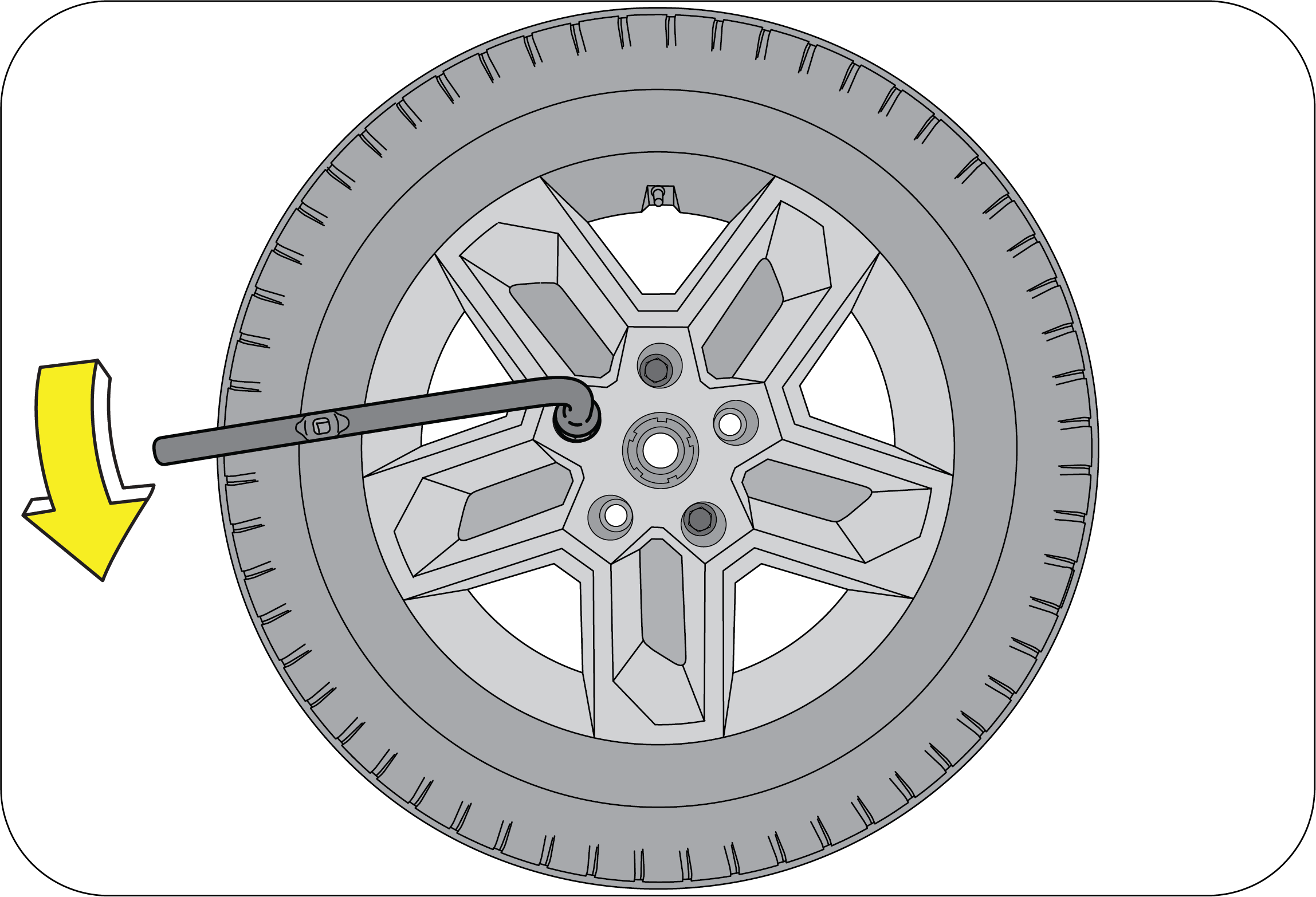 |
To get maximum leverage, fit the spanner to the nut so that the handle is on the left side. Grab the spanner near the end
of the handle and push down on the handle.
Be careful that the spanner does not slip off the nut. Do not remove the nut, but loosen them by one or two turns.
Do not apply force with your legs (or stand) on the wheel spanner while loosening/tightening the wheel nuts.
10.7 Jack Points
|
Front jack up point: On the chassis long member behind the front wheels.
|
 |
|
Rear jack up point: On either side of the rear axle.
|
 |
10.7.1 Jacking
Position the jack at the correct jacking point. Make sure the jack is positioned on a level and solid ground. Ensure that
no one is in the vehicle.
Block the wheel diagonally opposing the flat tyre to keep the vehicle from rolling when it is jacked up. While blocking the
wheel, place a wheel block in front of one of the front wheels or behind one of the rear wheels.
|
A: Flat Tyre
B: Chock Blocks
|
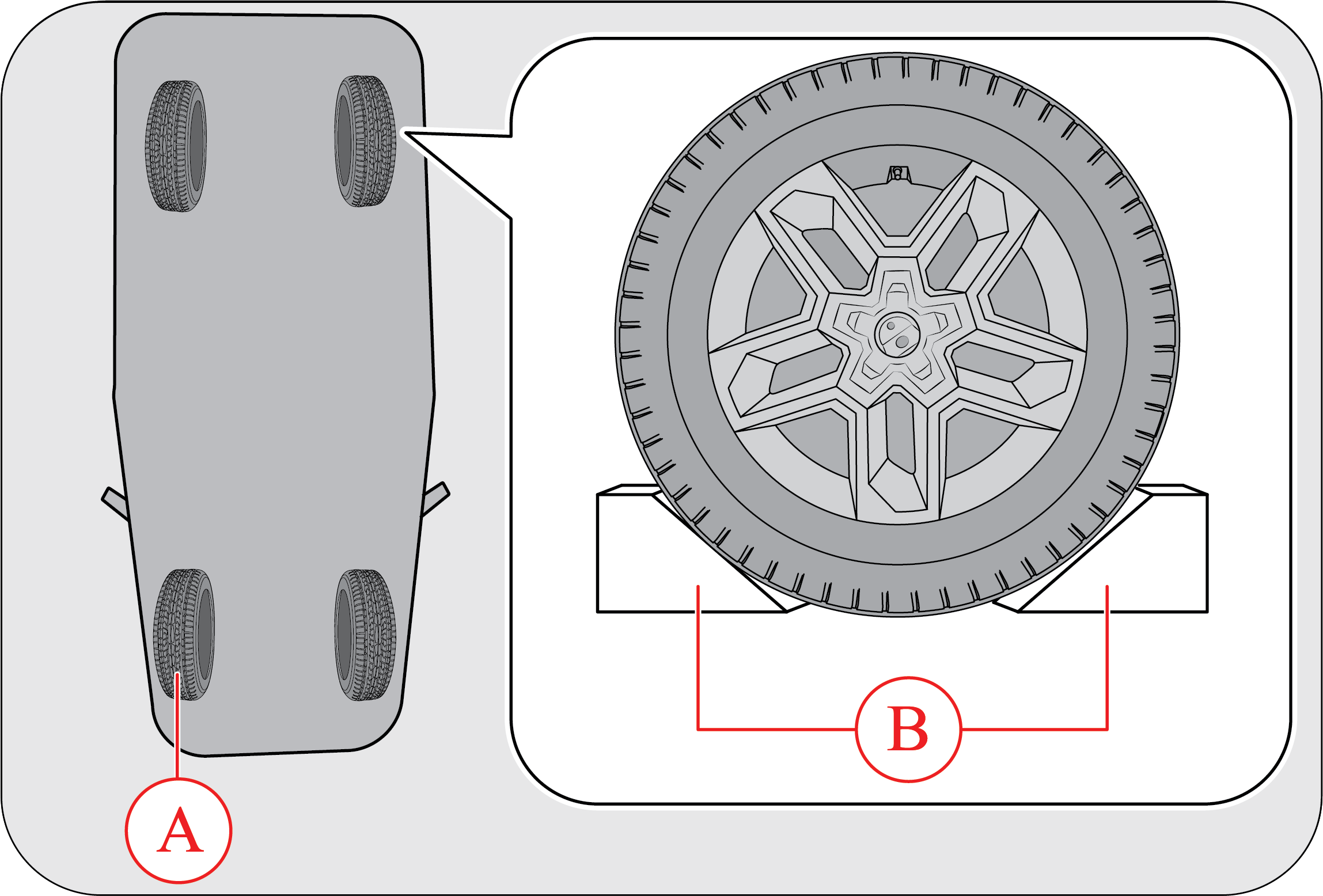 |
To raise the vehicle, insert the jack handle end along with the extension into the jack and turn it clockwise with the jack
handle. As the jack touches the vehicle and begins to lift, check that it is properly positioned. Raise it high enough so
that the spare tyre can be installed. Remember that you will need more ground clearance when putting the inflated spare tyre
than when removing the flat tyre.
Make sure to locate the jack properly in the jacking point. Raising the vehicle with an improperly positioned jack will damage
the underbody of the vehicle and may allow the vehicle to fall off the jack and cause personal injury.
| • | Use the jack only for lifting the vehicle during wheel changing. |
| • | Do not raise the jack with any person inside the vehicle. |
| • | When raising the vehicle, do not place any objects on top of or underneath the jack. |
| • | Raise the vehicle only high enough to remove and change the wheel. |
| • | Follow jacking instructions. |
| • | Do not start or run the engine while your vehicle is supported by the jack. |
Never get under the vehicle when the vehicle is supported by the jack alone.
Remove the wheel nuts. Remove the flat tyre straight off and then place it aside. Roll the spare wheel into position and align
the holes of the disc/drum with the nuts. Lift the wheel and hand tighten the top wheel nut. Wiggle the wheel and press it
back over the other nuts.
|
Re-install the wheel nut with the tapered end inward and tighten by hand. Press the wheel inward and tighten the wheel nuts
further.
|
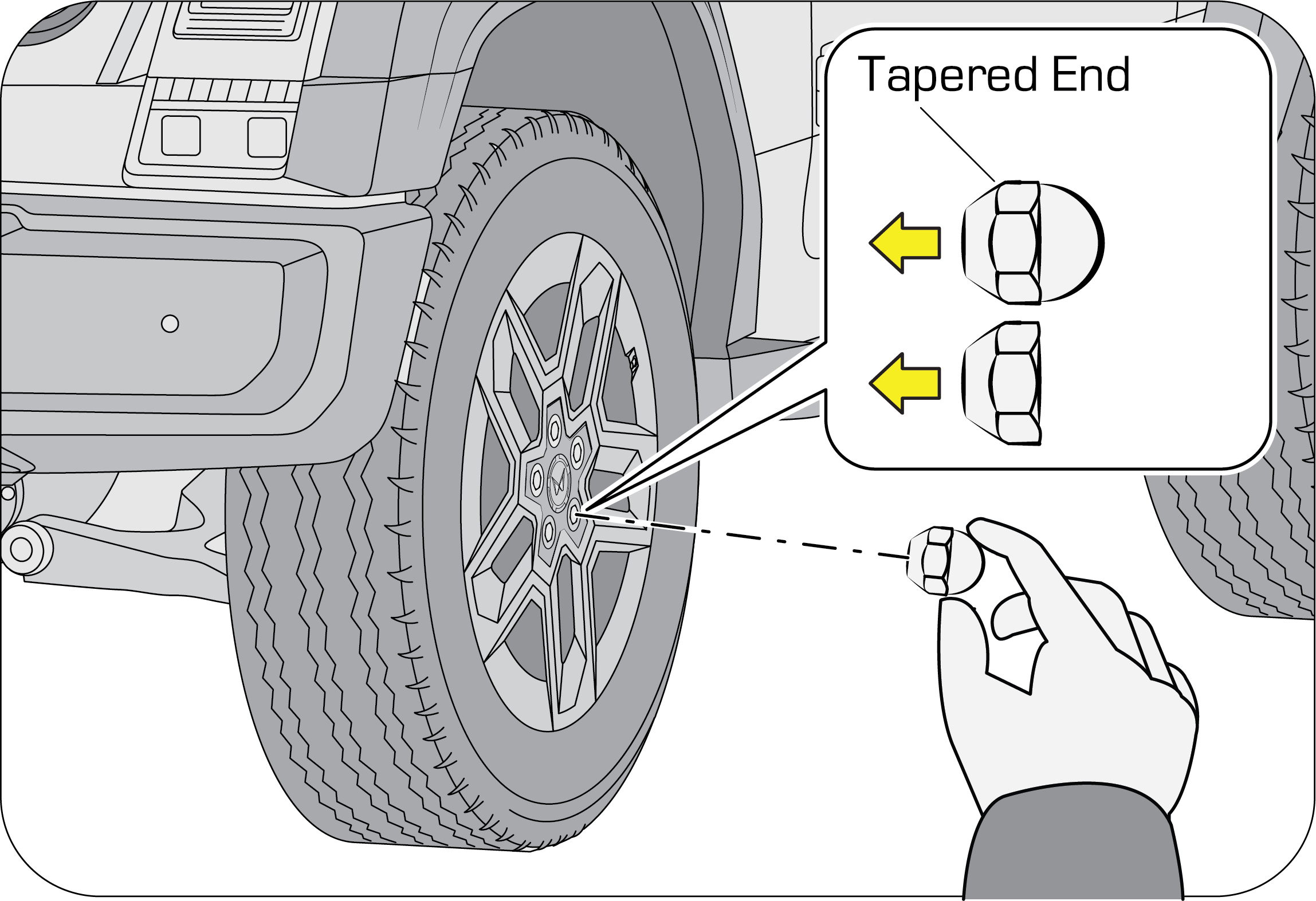 |
Before lowering the wheel hand tighten the nuts in diagonal sequence so that wheel is flush against the hub/drum.
Never use oil or grease on the bolts or nuts. Doing so may lead to over tightening of the nuts, wheel bolts spanner slip,
damage the nuts and also may cause personal injuries. Also, nuts may loosen and the wheels may fall off, which could cause
a serious accident. If there is oil or grease on any bolt or nut, clean before installing wheel nuts.
Lower the vehicle completely and tighten the diagonally opposite wheel nuts using the wheel nuts spanner. Turn the jack handle
extension anti-clockwise using the jack handle to lower the vehicle, making sure the handle remains firmly fitted onto the
jack handle extension. Make sure the wheel spanner is securely engaged over the nut.
|
Tighten each nut a little at a time in the diagonally opposite order as shown. Repeat the process until all the nuts are
tight.
|
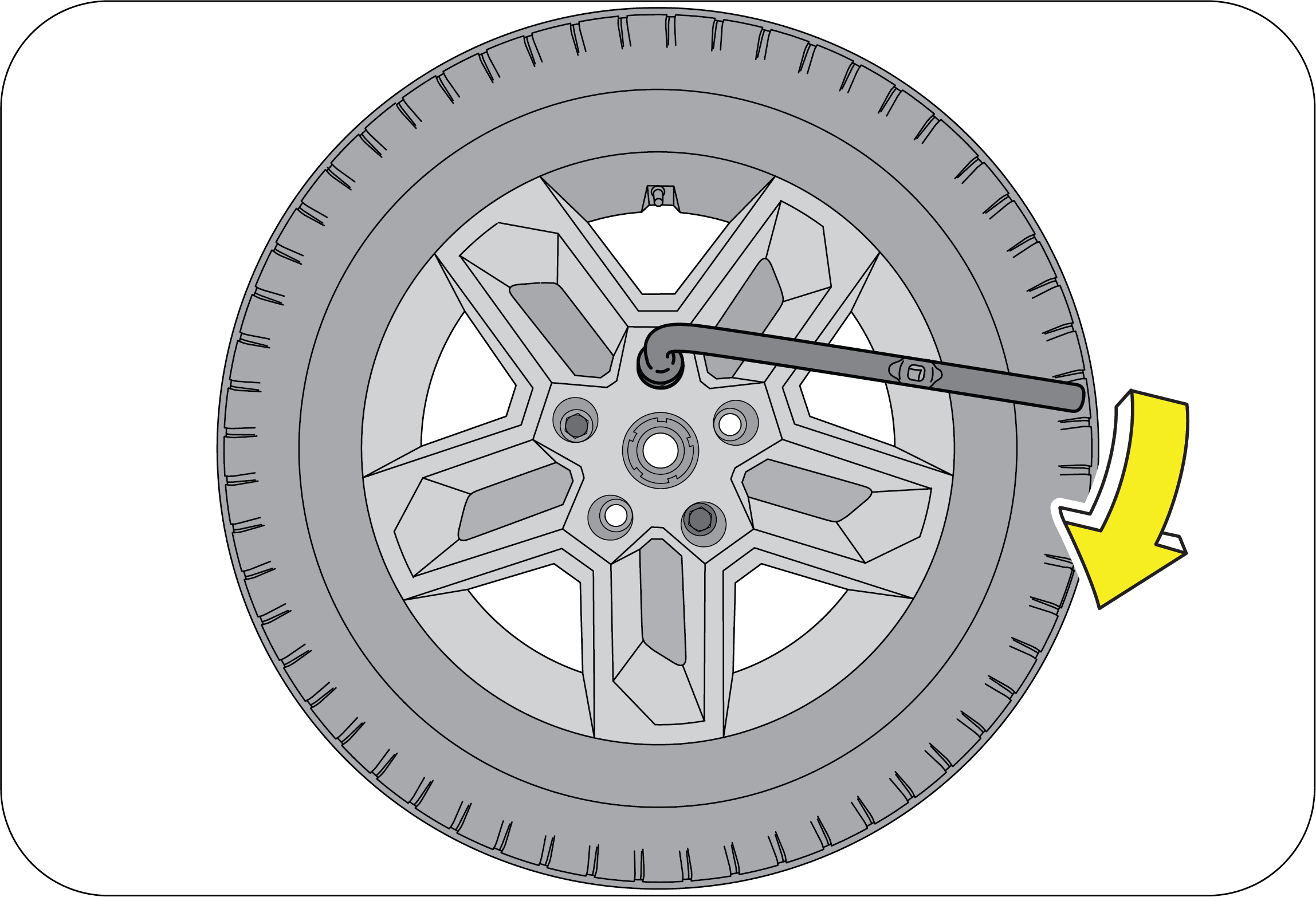 |
Do not use any other tools or any additional leverage other than your hands, such as a hammer, pipe or your foot.
Firmly tighten the wheel nuts as per the sequence shown in the illustration, two to three times.
Improperly or loosely tightened wheel nuts are dangerous. The wheel can wobble or come off. This can result in loss of vehicle
control and cause a serious accident. Always make sure all the wheel nuts are properly/securely tightened to the specified
torque.
When lowering the vehicle, make sure all portions of your body are clear off the vehicle as it is lowered to the ground. Have
the wheel nuts tightened with the torque spanner to 120 Nm, as soon as possible after changing wheels.
If you have rotated, repaired, changed your tyres or changed the wheel rims, re-torque the wheel nuts after driving about
1 000 km (Torque 120 Nm).
Put the wheel cap (If Equipped) into position aligning the nozzle on the wheel to the nozzle clearance on the wheel cover.
Tap it firmly on the sides with your hand to snap it into place.
Check the air pressure of the replaced tyre. If the pressure is lower than recommended, drive slowly to the nearest service
station and inflate to the correct pressure. If it is too high, adjust it until it is correct. Always reinstall the valve
cap after checking or adjusting tyre pressure. If the cap is not replaced, dirt and moisture could get into the valve core
and cause air leakage. If you lose a valve cap, buy another and install it as soon as possible.
Wheel balancing to be done after tyre puncture rework.
10.7.2 Restore the Tools, Jack and Flat Tyre Securely
Restore the tools and jack back to their respective locations. Mount the flat tyre to the back door bracket at the rear of
the vehicle. Firmly tighten the securing nuts. Double check to ensure the tyre is snug against the back door of the vehicle.
It is recommended to fix the flat tyre at the nearest tyre shop and swap the spare wheel back. The wheel balance and alignment
differ from wheel to wheel which may lead to difference in steering and braking.
10.8 Limp Home Mode
Limp home mode is an emergency situation declared by the EMS (Engine Management System) due to failure of one/more critical
sensors/actuators. In this mode, the EMS (Engine Management System) will revert back to basic minimum requirement (fuel quantity
/ injection timings) to aid the driver to bring the vehicle back to the nearest workshop. Needless to say the drivability
and fuel consumption will be greatly affected.
If vehicle acceleration worsens or if there is a drop in vehicle performance, there might be a malfunction in the engine management
system which triggers/activates the Limp Home Mode. This condition is accompanied by the check engine lamp illuminating in
the instrument cluster. In this mode, the vehicle speed is limited and the accelerator pedal may not function normally. It
is recommended you contact an Authorized Mahindra Service Center immediately for assistance.
11 MAINTENANCE
11.1 General Owners Information
Your vehicle has been designed for fewer maintenance requirements with longer service intervals to save both your time and
money. However, each regular maintenance, as well as day-to-day care is more important to ensure a smooth, trouble free, safe
and economical operation.
It is the owner's responsibility to make sure the specified maintenance, including general maintenance service is performed.
Note that both the new vehicle limited warranty and emission control system limited warranties specify that proper maintenance
and care must be performed. Refer Warranty Information & Maintenance Guide for complete warranty information.
Where to go for service?
Mahindra technicians are well trained specialists and are kept up to date with the latest service information through technical
bulletins, service tips and in service center training programs. They learn to work on Mahindra vehicles before they work
on your vehicle, rather than while they are working on it.
You can be confident that your Authorized Mahindra Service Center’s department does the best job to meet the maintenance requirements
on your vehicle reliably and economically.
Get the most from your vehicle with routine maintenance
Routine maintenance is the best way to help ensure you get the performance, dependability, long life and better resale value
you expect from your vehicle. This is exactly why we've put together this Maintenance Section. It outlines the services required
to properly maintain your vehicle and when they should be performed. The focus is on maintaining your vehicle while it's running
great, which goes a long way toward preventing major repairs and expenses later.
Here are a few suggestions to help you get started on routine maintenance:
| • | Familiarize yourself with your vehicle by going through your Owner's Manual. |
| • | Take a few minutes to review this Maintenance Section. |
| • | Make it a habit to use this manual to record scheduled maintenance in the Service Coupon Booklet. |
| • | Consult with your Authorized Mahindra Service Center for all your vehicle's needs. |
11.1.1 Suggestions for Obtaining Service for your Vehicle
Prepare for the Appointment: If you have warranty work to be done, be sure to have the right papers with you. All work to be performed may not be covered
by the warranty. Discuss additional charges with the service manager. Keep a maintenance log of your vehicle's service history.
Prepare a List: Make a written list of your vehicle's problems or the specific work you want done. If you've had an accident or work done
that is not on your maintenance log, let the service advisor know about it.
Be Reasonable with Requests: If you list a number of items and you must have your vehicle by the end of the day, discuss the situation with the service
advisor and list the items in order of priority.
11.1.2 Need Assistance?
It is recommended talking to an Authorized Mahindra Service Center, Service Manager first. Most matters can be resolved with
this process. If for some reason you are still not satisfied, talk to the general manager or owner of the Authorized Mahindra
Service Center.If an Authorized Mahindra Service Center is unable to resolve the concern, you may contact any Mahindra Customer Care executive.
They would need the following information:Owner's name and address, owner's telephone number (home and office), Authorized Mahindra Service Center name, Vehicle Identification
Number (VIN), vehicle delivery date and mileage.
11.1.3 Warranty Information
Read the Warranty Information given in the ‘Warranty Information & Maintenance Guide’ for the terms and provisions of Mahindra warranties applicable to this vehicle. Mahindra genuine parts, fluids, lubricants
and accessories are available at any Authorized Mahindra Service Center. They will help keep the vehicle operating at its
best.
11.1.4 Protect your Warranty
Routine maintenance is not only the best way to help keep your vehicle performing as intended, it's also the best way to protect
your warranty. Failure to perform scheduled maintenance specified in the Service Coupon Booklet will invalidate warranty coverage
on parts affected by the lack of maintenance. We can't stress enough how important it is to keep records of all maintenance.
Damage or failures due to neglect or lack of proper maintenance are not covered under warranty.
Keeping maintenance records is easy with the service coupon booklet.
It's important to document the maintenance of your vehicle. For your convenience to maintain records of service, the scheduled
maintenance coupons are provided in the service coupon booklet. Every time you bring your vehicle in for scheduled maintenance,
be sure to present this booklet and certify the work. Also record the date of service and mileage at the time of service.
This will make record keeping easy and, should your vehicle ever require warranty coverage, you will have all the documentation
to show you've properly maintained it.
11.1.5 Maintenance Interval
Mahindra establishes recommended maintenance intervals based upon engineering testing to determine the most appropriate mileage
to perform the various maintenance services. This protects your vehicle at the lowest overall cost to you. Mahindra recommends
that you do not deviate from the maintenance schedules presented in this Maintenance Schedule.
11.1.6 Oils, Fluids and Flushing
In many cases, fluid discoloration is a normal operating characteristic by itself, and does not necessarily indicate a concern
or that the fluid needs to be changed. However, discolored fluids that also show signs of overheating and/or foreign material
contamination should be inspected immediately by a qualified expert such as the factory trained technicians at your Authorized
Mahindra Service Center. Your vehicle's oils and fluids should be changed at the specified intervals or in conjunction with
a repair.
11.1.7 Chemicals and Additives
Non-Mahindra approved chemicals or additives are not required for factory recommended maintenance. In fact, Mahindra recommends
against the use of such additive products unless specifically recommended by Mahindra for a particular application.Your vehicle is very sophisticated and built with multiple complex performance systems. Every manufacturer develops these
systems using different specifications and performance features. That's why it's important to rely on your Authorized Mahindra
Service Center to properly diagnose and repair your vehicle.When planning your maintenance services, consider your Authorized Mahindra Service Center for all your vehicle's needs.
11.1.8 Get the most from your service and maintenance visits
Getting your vehicle serviced at an Authorized Mahindra Service Center adds great value to your vehicle in number of ways.
Hence, it is recommended to service your vehicle at an Authorized Mahindra Service Center only.
11.1.9 Vehicle Self Maintenance - General Precautions
| • | Refer to relevant sections of the manual before starting. |
| • | Set the parking brake. |
| • | Block the wheels to prevent the vehicle from moving unexpectedly. |
| • | Turn OFF the engine and remove the key. |
| • | Stay clear of hot vehicle parts. |
| • | Avoid repeated contact with fluids. |
| • | Do not let fuel, coolant and other fluids spill over electrical and hot vehicle parts. |
| • | Keep all open flames and other burning material like cigarettes away from the battery and all fuel related parts. |
Do not start/run the engine when any engine/peripheral parts are removed.
11.2 Opening/Closing the Hood
 |
The hood release lever is located in the driver side foot well area below the instrument panel.
|
To open the hood, follow the steps as shown below:
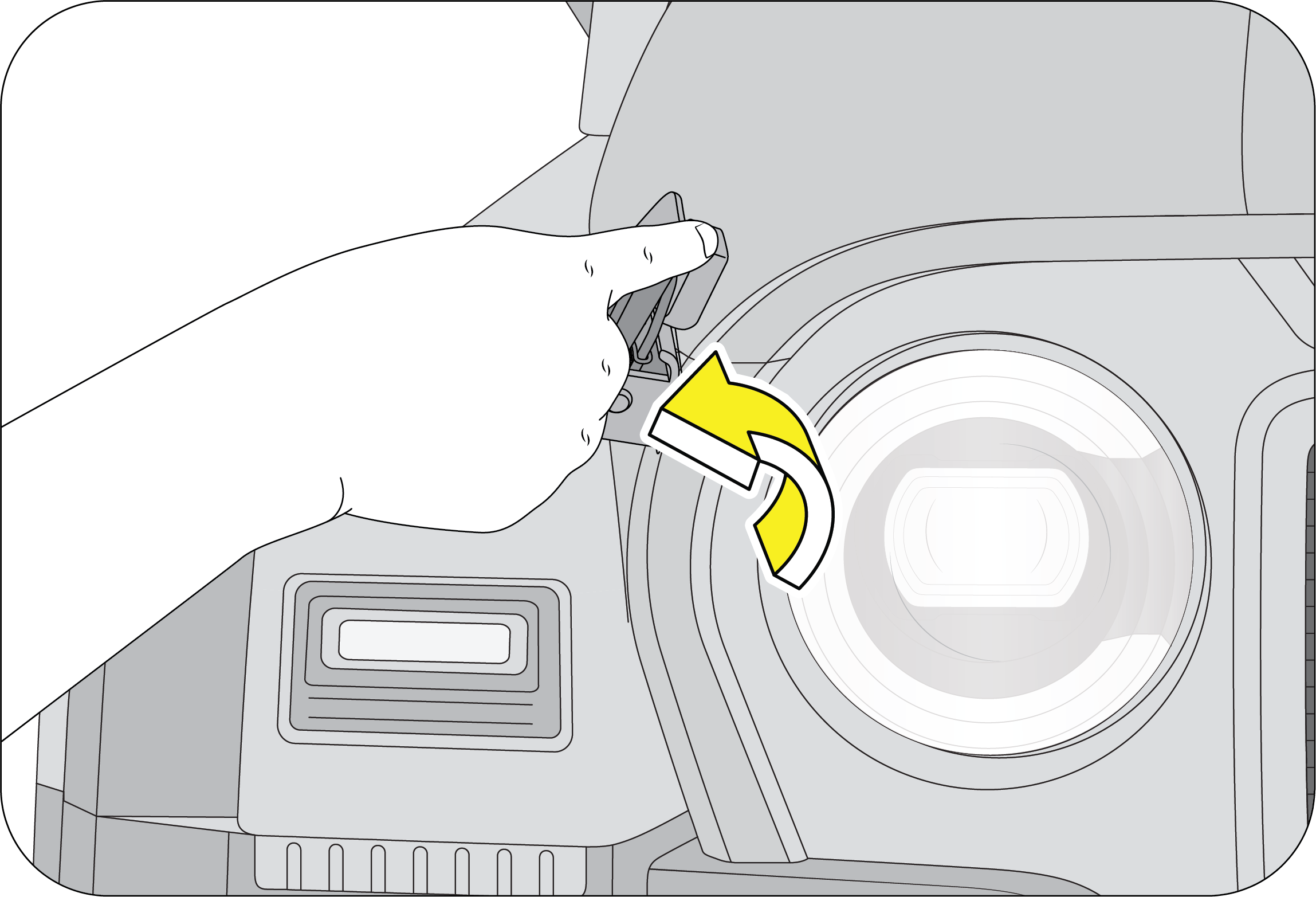 |
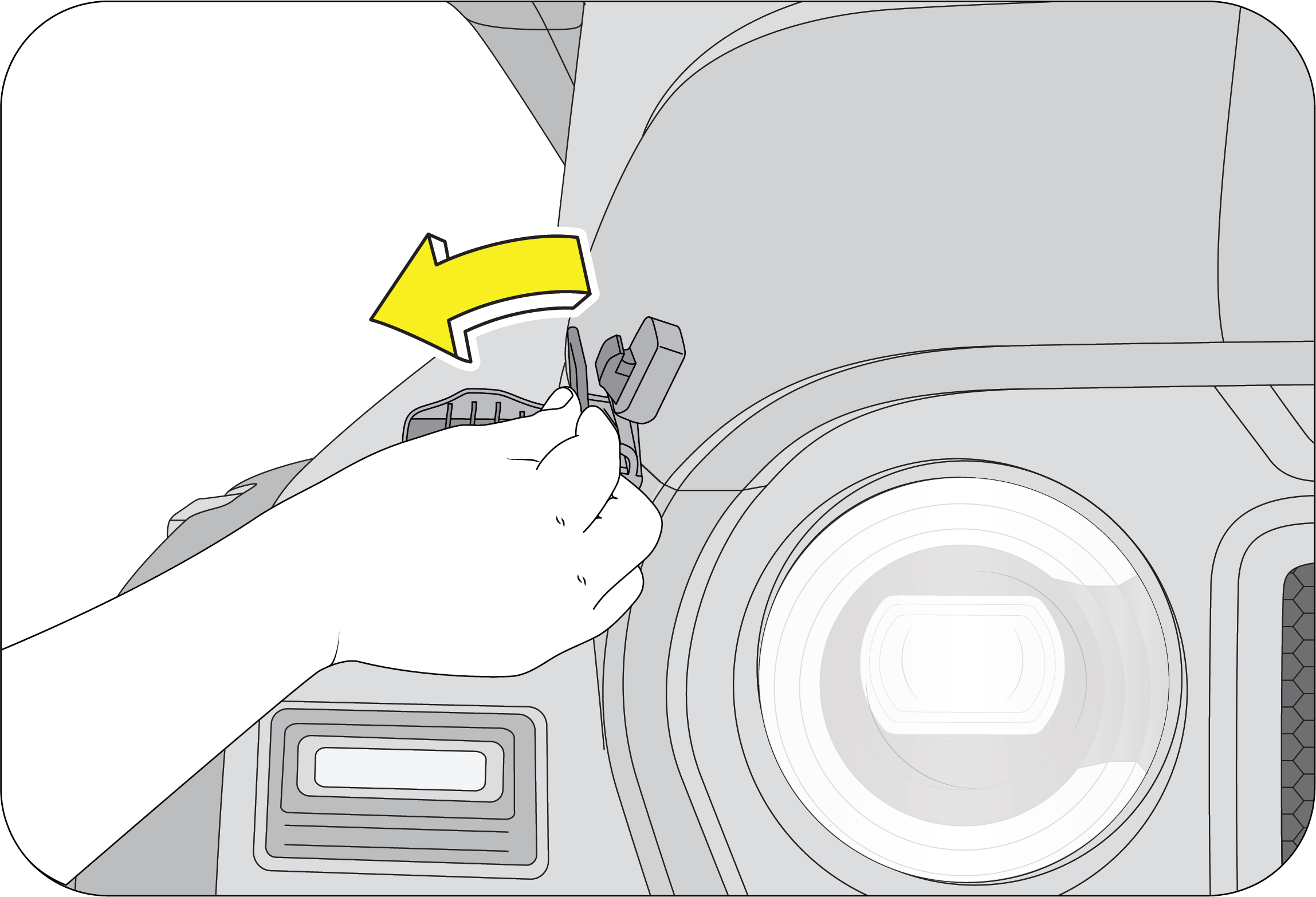 |
1. Pull the catcher locks from the hood mounting bracket to release the hood as shown in the image.
2. Lift the hood.
 |
3. Support the hood by the stay rod.
|
| • | Do not open the hood immediately after a drive, the engine compartment will be very hot. |
| • | Always double check to be sure that the hood is firmly latched before driving away. If it is not latched properly, the hood could open while the vehicle is being driven, causing a total loss of visibility, resulting in an accident. |
| • | Do not move the vehicle with the hood in the raised position, as vision is obstructed. |
Parking of Engine Hood on Windshield is not recommended and may damage Windshield frame, Glass and Hood.
Park the Engine Hood with Stay rod.
Follow the below steps to close the hood:
| 1. | Remove the stay rod from the hood panel and place it in the retaining clip. |
| 2. | Lower the hood slowly and allow it to fall by its own weight. |
| 3. | Firmly press the catcher locks in the hood mounting bracket. This ensures that locks the hood in its fully closed position. |
11.3 Identifying Components in the Engine Compartment
Diesel – 2.2 Liter
 |
|
A
|
Brake/Clutch Fluid Reservoir
|
|
B
|
Air Intake
|
|
C
|
Engine Oil Cap
|
|
D
|
Degassing Tank (Coolant Filling)
|
|
E
|
Dipstick
|
|
F
|
Windshield Washer Fluid Reservoir
|
|
G
|
Engine Compartment Fuse Box
|
|
H
|
Battery
|
Diesel 1.5 Liter
 |
|
A
|
Battery
|
|
B
|
Brake/Clutch Fluid Reservoir
|
|
C
|
Engine Compartment Fuse Box
|
|
D
|
Dipstick
|
|
E
|
Degassing Tank (Coolant Filling)
|
|
F
|
Engine Oil Cap
|
|
G
|
Windshield Washer Fluid Reservoir
|
|
H
|
Air Intake
|
Petrol
 |
|
A
|
Brake/Clutch Fluid Reservoir
|
|
B
|
Air Intake
|
|
C
|
Dipstick
|
|
D
|
Engine Oil Cap
|
|
E
|
Degassing Tank (Coolant Filling)
|
|
F
|
Windshield Washer Fluid Reservoir
|
|
G
|
Engine Compartment Fuse Box
|
|
H
|
Battery
|
11.4 General Maintenance
Exercise extreme caution when the hood is open and engine is ON.
Listed below are the general maintenance items that should be performed frequently. In addition to checking the items listed
below, if you notice any unusual noise, fluid leakages, smell or vibration, you should investigate the cause or take your
vehicle to your Authorized Mahindra Service Center immediately.
Make these checks only with adequate ventilation if you intend to run the engine.
In the Engine Compartment
| • | Front windshield washer fluid level |
| • | Engine coolant level |
| • | Battery condition |
| • | Brake/Clutch fluid level |
| • | Engine oil level |
| • | Fluid leaks |
| • | Hoses, joints and pipes for any abnormalities |
Inside the Vehicle
| • | Lights |
| • | Warning lamps |
| • | Windshield wipe and wash |
| • | Steering wheel |
| • | Seats |
| • | Seat belts |
| • | Accelerator pedal |
| • | Brake pedal |
| • | Brakes |
| • | Parking brake |
| • | Gear lever shift mechanism |
Outside the Vehicle
| • | Lamps |
| • | Fluid leaks |
| • | Doors and engine hood latches |
| • | Tyre inflation pressure |
| • | Tyre surface/thread and wheel nuts |
11.5 In the Engine Compartment
11.5.1 Fluid Leaks
Check the engine compartment and the underbody of the vehicle for any leaks. If you smell fuel vapor or notice any leak, get
the cause found and corrected immediately.
11.5.2 Engine Oil
Engine oil has the primary function of lubricating and cooling the inside of the engine. It plays a major role in maintaining
the engine in proper working order. Therefore, it is essential to check the engine oil regularly.
11.5.3 Engine Oil Consumption
It is normal for engines to consume some engine oil during operation.
Causes of consumption in a normal engine are as follows:
| • | Oil is used to lubricate pistons, piston rings and cylinders. Thin films of oil, left over when pistons move in cylinders, are sucked into the combustion chamber due to high negative pressure generated when the vehicle is decelerating. This oil gets burnt in the combustion chamber. |
| • | Oil is also used to lubricate the stems of intake valves. Some of this oil is sucked into the combustion chamber together with the intake air and is burnt there. |
| • | Engine oil consumption depends upon the viscosity and quality of the oil, and upon the conditions in which the vehicle is driven. Oil consumption will be more due to high speed driving and frequent acceleration and deceleration. A new engine may consume more oil since its pistons, piston rings and cylinder walls are not conditioned. |
11.5.4 Checking/Topping the Engine Oil
| • | Make sure the vehicle is on level ground. |
| • | Turn the engine OFF and wait a few minutes for the oil to settle down into the oil sump. |
| • | Apply the parking brake. |
| • | Open the hood. Protect yourself from engine heat. |
| • | Locate and carefully remove the engine oil level dipstick.
|


| • | Wipe the dipstick with a clean cloth. Insert the dipstick fully, then remove it again. |
| • | If the oil level is between ‘Min ’and ‘Max’ marks, the oil level is acceptable. DO NOT ADD OIL. |
| • | If the oil level is below the ‘Min’ mark, add enough oil through the oil filler neck to raise the level within the ‘Min’ and ‘Max’ marks. Wait for a few minutes after every top up for the oil to settle down before checking the level. |
|
Diesel 2.2 Liter / Petrol (Gasoline) |
Diesel 1.5 Liter |
 |
 |
| • | Oil levels above the ‘Max’ mark may cause engine damage/poor performance. |
| • | Put the dipstick and the oil filler cap back and ensure it is fully/properly seated. |
To avoid possible oil loss and injury due to hot blow-by gas, DO NOT operate the vehicle with the engine oil level dipstick and/or the engine oil filler cap removed.
Draining/Changing of engine oil should always be done by an Authorized Mahindra Service Center.
11.5.5 Checking/Topping Engine Coolant Level
| • | Park the vehicle on a flat-horizontal surface. Keep the parking brake fully engaged. Shut-off the engine. |
| • | Wait till the engine cools down and hence coolant temperature comes down to normal room temperature. |
 |
|
| • | In case the coolant level is below the ‘MIN’ marking, the coolant should be topped-up. |
| • | The coolant should be filled till the level rises above the ‘MIN’ but remain below the ‘MAX’ marking on the coolant recovery tank. |
| • | However if the Coolant Recovery Tank is found to be near empty, it is recommended that the system be checked at an Authorized Mahindra Service Center. |
Never open the pressure cap when the engine is hot. Hot coolant may splash resulting in serious personal injury or severe
burns by the erupting liquid.
Kindly refer the Warranty and Service Information Guide for Engine Coolant capacity and grade.
Top-up only with recommended Ready To Use (RTU) coolants for ensuring performance, anti-freezing and corrosion protection.
Do not add water directly. Mixing with other brand of coolants is not recommended and should be avoided.
Draining or changing of engine coolant should always be done by a Authorized Mahindra Service Center.
11.5.6 Checking/Topping Brake/Clutch Fluid
The brake system is supplied with brake fluid from the brake fluid reservoir located adjacent to the air filter.
 |
The brake fluid level will drop slowly as the brakes wear, and will rise when the brake components are replaced. Fluid levels
between the ‘MIN’ and ‘MAX’ lines are within the normal operating range; there is no need to add fluid. If the fluid levels
are below the ‘MIN’ mark, the performance of the systems could be compromised; the brake/clutch operation could be spongy
and gear change harder.
|
Top-up the recommended brake/clutch fluid till the ‘MAX’ mark or contact an Authorized Mahindra Service Center immediately.
Carefully clean the cap on the reservoir before you remove it and be sure no debris fall in the reservoir. Do not keep the
reservoir open for longer than necessary to add brake fluid.
Use only brake/clutch fluid that meets Mahindra specifications.
Kindly refer the Warranty and Service Information Guide for Brake/Clutch Fluid capacity and grade.
The light may flash momentarily during sharp cornering maneuvers, which change fluid level conditions. The vehicle should
have service performed, and the brake fluid level checked.
If brake / clutch failure is noticed, immediate repair is must
If the vehicle not moved for long time, Clutch plate and Brake Liners can tend to be sticking to the Flywheel/Disc/Drum, depending
on the Humidity and Temperature etc., As a good practice, if the vehicle parked for a longer time, We suggest for the following
actions once in 15 days.
| • | Release the parking brake |
| • | Start the engine |
| • | Move the vehicle back and forth |
This will also ensure that the engine is run, Battery remain charged. Also, avoid tyre developing flat spot.
11.5.7 Fuel Filter Water Draining (If Applicable)
 |
 |
The fuel filter needs to be drained when there is water entry in the fuel filter. Follow the below procedure to drain the
water:
| 1. | Park the vehicle on a level ground. |
| 2. | Apply Parking brake and block the wheels. |
| 3. | Switch the ignition OFF. |
| 4. | Turn the drain plug (Tool is available in the tool kit) anti-clockwise 3–4 rounds, but DO NOT remove the plug. |
| 5. | Wait till the water drains (few seconds). |
| 6. | Turn the drain plug clockwise to close and tighten the plug firmly. |
11.5.8 Windshield Washer Fluid Top-up
 |
Top up the windshield washer reservoir as and when required.
|
The fluid reservoir is located on the RHS of the engine bay behind the head lamp. The reservoir supplies washer fluid to both
front and rear (if equipped).
In very cold weather conditions, fill the reservoir with washer fluid premixed with anti-freeze.
If you operate your vehicle in temperatures below 4.5ºC, use washer fluid with anti-freeze protection. Failure to use washer
fluid with anti-freeze protection in cold weather could result in impaired windshield vision and increase the risk of injury
or accident.
11.5.9 Checking the Wiper Blades
Lift the wiper arm from its position. Expose the blade lip for inspection. Clean the wiper blade lips with water applied with
a soft sponge. If the wiper blade is not wiping the glass satisfactorily or is worn-out, cut, cracked or bulging get it replaced
at an Authorized Mahindra Service Center.
11.5.10 Changing the Wiper Blade
| 1. | Lift the arm and position the wiper blade at right angles to the wiper arm. |
| 2. | Press the retaining clip in the opposite direction, disengage the wiper blade and pull it off the arm.
To prevent damage to the windshield, don’t let the wiper arm slap down on to it.
|
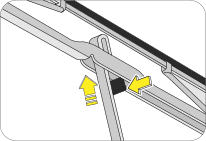
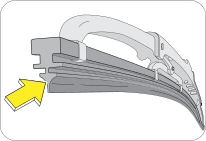
| 3. | Hold the end of the rubber and pull until the tabs are free of the metal support. |
| 4. | Carefully insert the new blade rubber. Then install the blade assembly in the reverse order of removal. |
11.6 Maintenance - Inside the Vehicle
Lights: Make sure the headlights, stop lights, tail lights, turn signal lights and other lights are all working. Check headlight
aim.
Warning Messages and Lamps: Check all warning lamps appearing in the instrument cluster and Infotainment. Refer to the relevant sections in this manual
for further details.
Seats: Check that all seat controls such as seat adjusters, seat back recliner, etc. operate smoothly and that all latches lock securely
in any position. Check that the head restraints move up and down smoothly and that the locks hold securely in any latched
position.
Seat Belts: Check that the seat belt system such as buckles, retractors and anchors operate properly and smoothly. Make sure the belt
webbing is not cut, frayed, worn or damaged.
Accelerator Pedal: Check the pedal for smooth operation, uneven pedal effort or stickiness. Check the foot well and remove obstructions if any.
Brake Pedal: Check the pedal for smooth operation and proper clearance. Check the foot well and remove obstructions, if any.
11.7 Maintenance - Outside the Vehicle
The following checks should be carried out from time to time, unless otherwise specified.
Lamps: Check and ensure proper functioning of all exterior lamps.
Fluid Leaks: Check the engine compartment and the underbody of the vehicle for any leaks. If you smell fuel vapor or notice any leak, get
the cause found and corrected immediately.
Doors and Engine Hood: Check all doors and latches including the tailgate for proper functioning. Make sure the engine hood secondary latch secures
the hood from opening when the primary latch is released.
Tyre Inflation Pressure: Check the tyre pressure with a pressure gauge every week.
11.8 Battery
Your vehicle is equipped with a Mahindra genuine battery. For longer, trouble-free operation, keep the top of the battery
clean and dry. Also, make certain the battery cables are always tightly fastened to the battery terminals.If you see any corrosion on the battery or terminals, remove the cables from the terminals and clean with a wire brush. To
prevent corrosion, apply petroleum jelly to the battery terminals. Tighten loose terminals and hold down clamp nuts only enough
to keep the battery firmly in place. Tightening excessively may damage the battery terminals.
11.8.1 For Best Battery Service
| • | Keep the battery securely mounted. |
| • | Keep the battery top clean and dry. |
| • | Keep the terminals and connections clean, tight and coated with petroleum jelly or terminal grease. |
| • | Rinse any spilled electrolyte from the battery immediately with a solution of water and baking soda. |
Do not disconnect battery terminals while the engine is running. This will adversely affect all electronic controllers.
While removing the battery, always disconnect the negative terminal first. And while installing the battery, ensure the negative
terminal is connected last.
It is recommended that the negative battery cable terminal be disconnected from the battery if you plan to store your vehicle
for an extended period of time. This will minimize the discharge of your battery during storage.
Battery fluid is a corrosive acid solution; do not allow battery acid to contact eyes, skin or clothing. Don't lean over battery
when attaching clamps or allow the clamps to touch each other. If acid splashes in the eyes or on the skin, flush contaminated
area immediately with large quantities of water.
A battery generates hydrogen gas which is flammable and explosive. Keep any flame or spark away from the vent holes.
Keep batteries out of reach of children. Battery posts, terminals and related accessories contain lead and lead components.
Wash hands after handling batteries.
If the battery has been disconnected or a new battery has been installed, the clock (If Equipped) and the preset radio (If
Equipped) stations must be reset once the battery is reconnected.
The replacement battery must meet the specification of the originally fitted battery.
11.8.2 Checking the Electrolyte Level
Check the electrolyte level and specific gravity at intervals of three months. Check all the six cells for proper electrolyte
levels. If the level is below the lower marker, add distilled water until the level reaches the upper marker.
Adding distilled water:
| • | Remove the vent plugs. |
| • | Add distilled water to all the cells that require the fluid and secure the plugs properly. |
11.9 Appearance Care and Protection
11.9.1 Washing the Exterior
| • | Wash your vehicle regularly with cool or lukewarm water and a neutral pH soap. |
| • | Never use strong household detergents or soap, such as dish washing or laundry liquid. These products can discolor and spot painted surfaces. |
| • | Never wash a vehicle that is ‘hot to the touch’ or during exposure to strong, direct sunlight. |
| • | Always use a clean sponge or car wash mitt with plenty of water for best results. |
| • | Dry the vehicle with a chamois or soft terry cloth towel in order to eliminate water spotting. |
| • | It is especially important to wash the vehicle regularly during the winter months, as dirt and road salt are difficult to remove and cause damage to the vehicle. |
| • | Immediately remove items such as gasoline, diesel fuel, bird droppings and insect deposits; they can cause damage to the vehicle's paint work and trim over time. |
11.9.2 Exterior Chrome
| • | Wash the vehicle first, using cool or lukewarm water and a neutral pH shampoo. |
| • | Use the custom bright metal cleaners, available at your Authorized Mahindra Service Center. Apply the product as you would wax to clean chrome parts; allow the cleaner to dry for a few minutes, and then wipe off the haze with a clean, dry rag. |
| • | Never use abrasive materials such as steel wool or plastic pads as they can leave scratches on the chrome surface. |
| • | After polishing the chrome parts, you can also apply a coating of Premium Liquid Wax, available at your Authorized Mahindra Service Center, or an equivalent quality product to help protect from environmental effects. |
11.9.3 Engine Compartment or Underbody Washing

Do not wash the engine or engine compartment or underbody with pressurized water.
11.9.4 Precautions while Washing Hard Top
Avoid directing high pressure water jet to the seal around the A-Pillar as highlighted in the image. This may damage the seal
allowing the water leakage.
The Seal is robust enough to seal the gap between the hardtop and body to avoid the water entry, yet soft enough to compress
against the Hardtop.
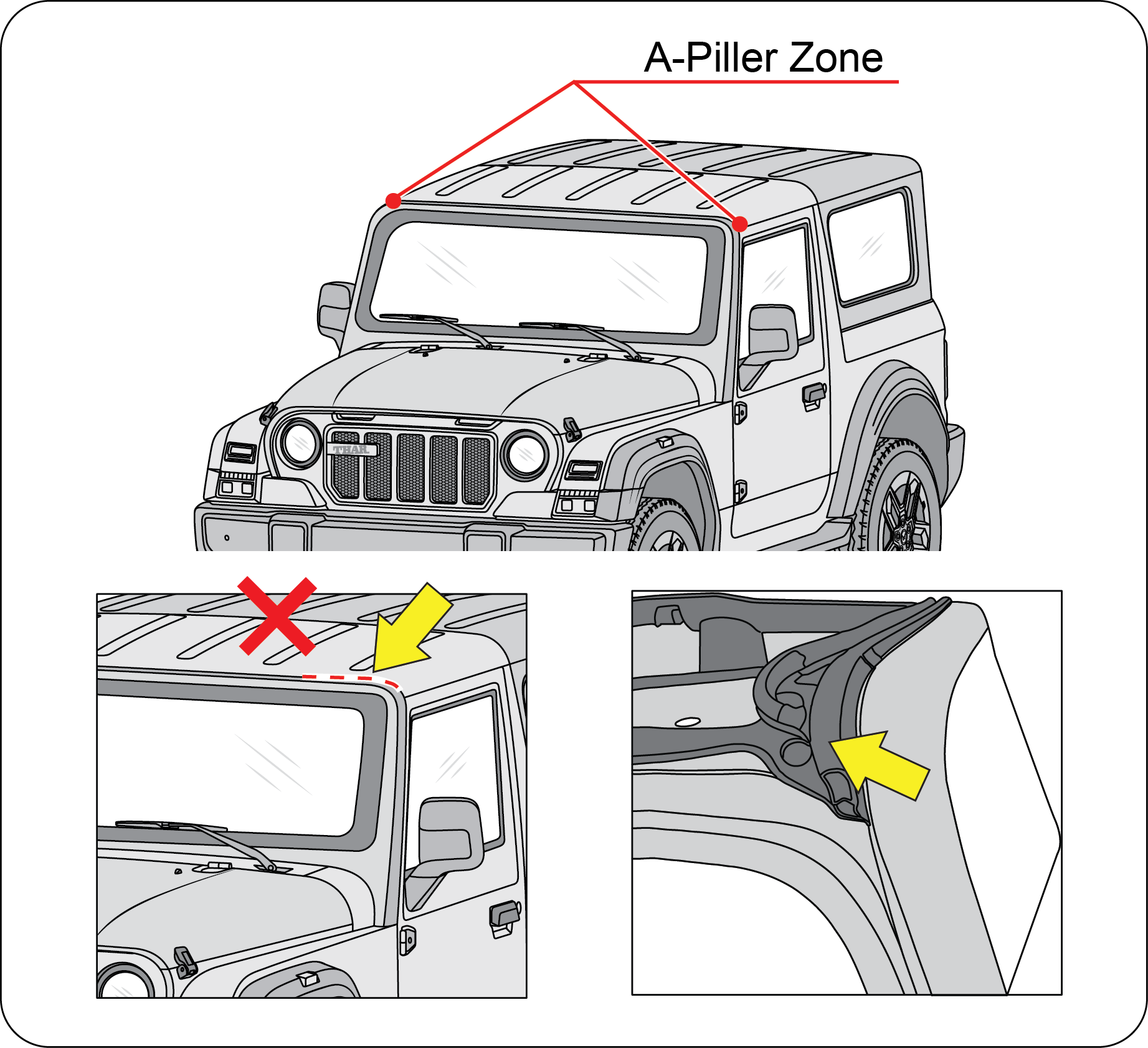 |
Avoid directing high pressure water jet the front bow seal, else it may result in compressing the seal and hence may lead
to leakage.
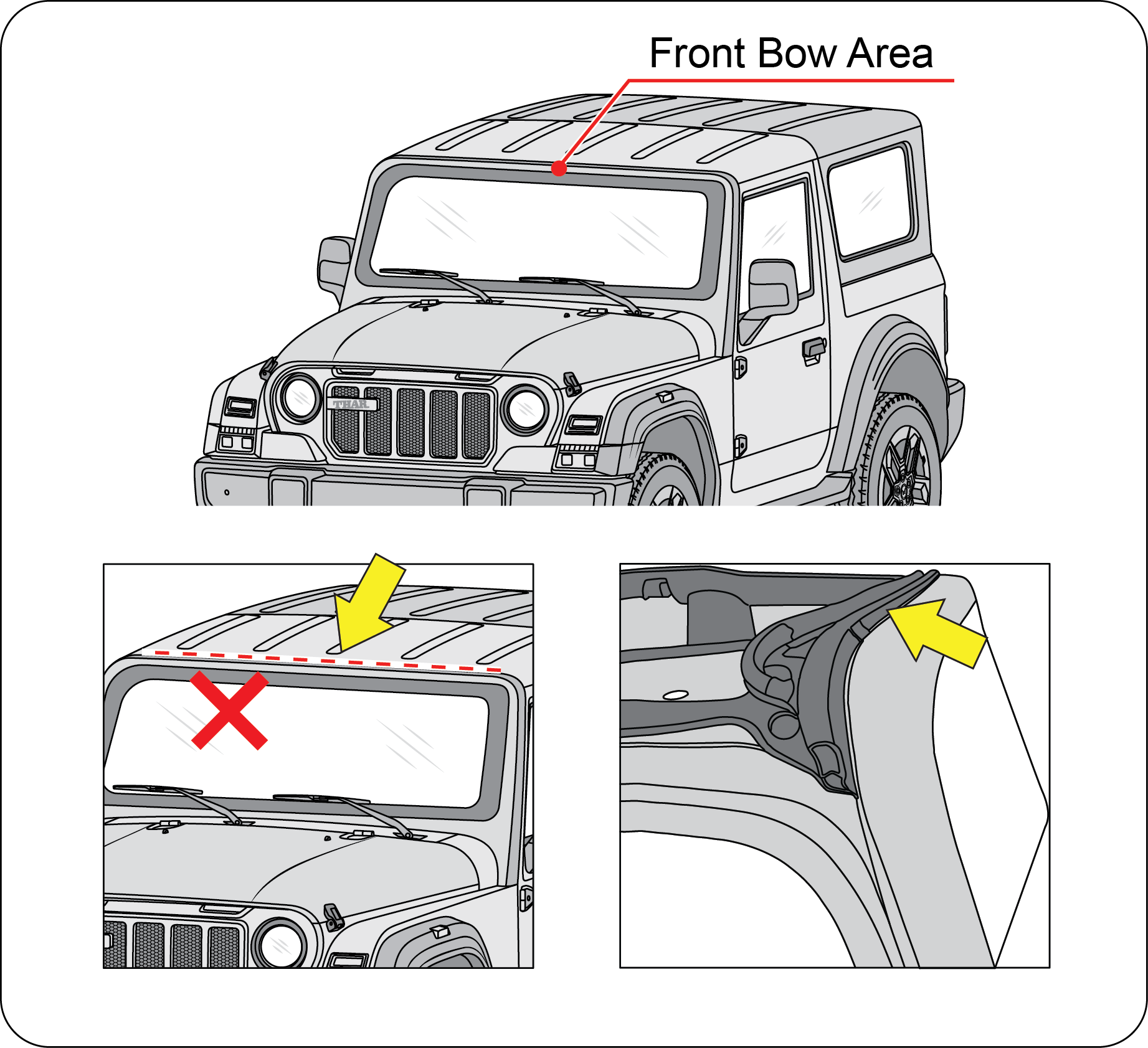 |
Avoid directing high pressure water jet on the joints, else it may lead to damage of joinery and allow seepage of water inside
the vehicle.
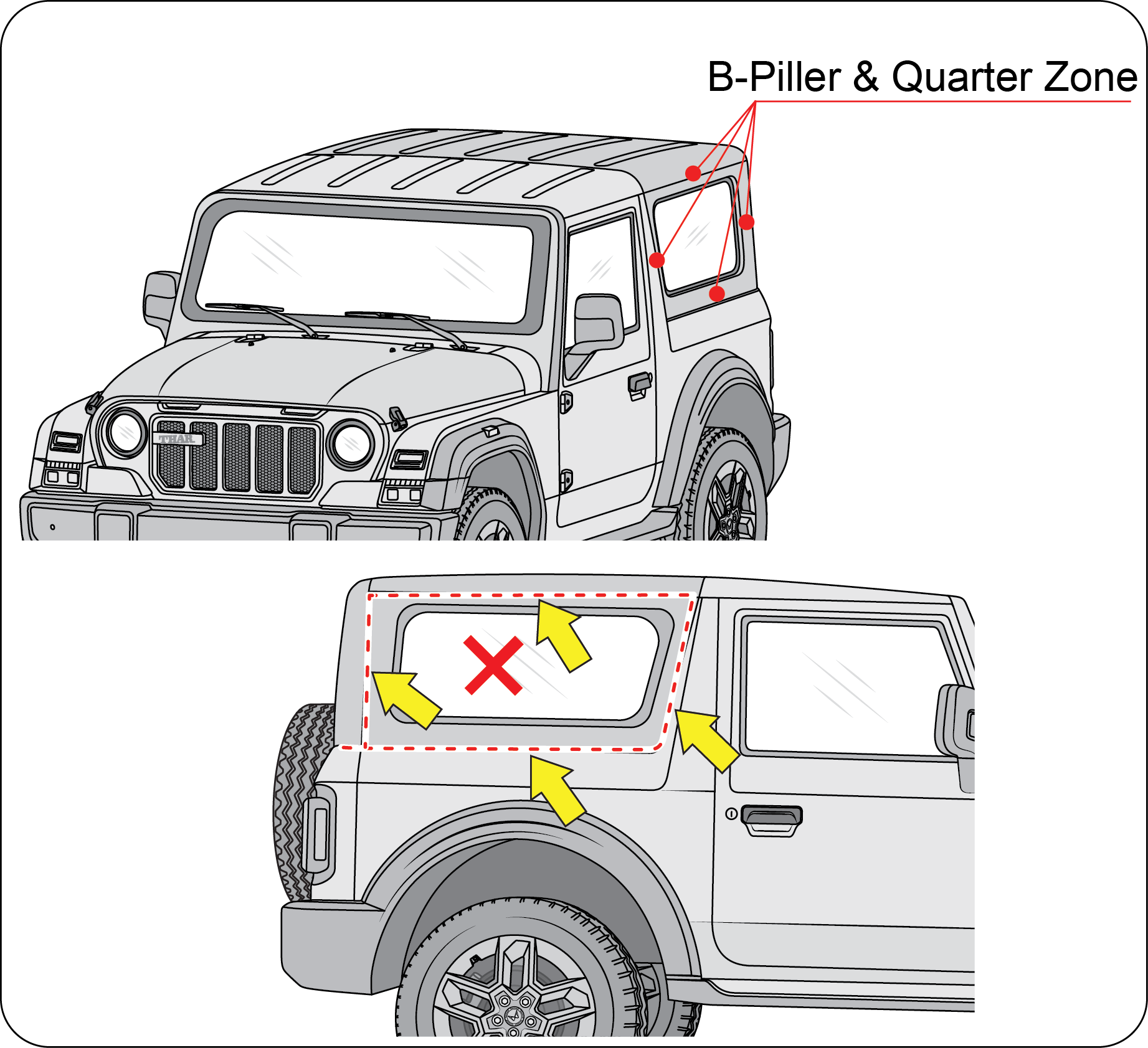 |
Avoid directing high pressure water jet above the side door, else it may lead to damage of joint / seal and allow seepage
of water inside the vehicle.
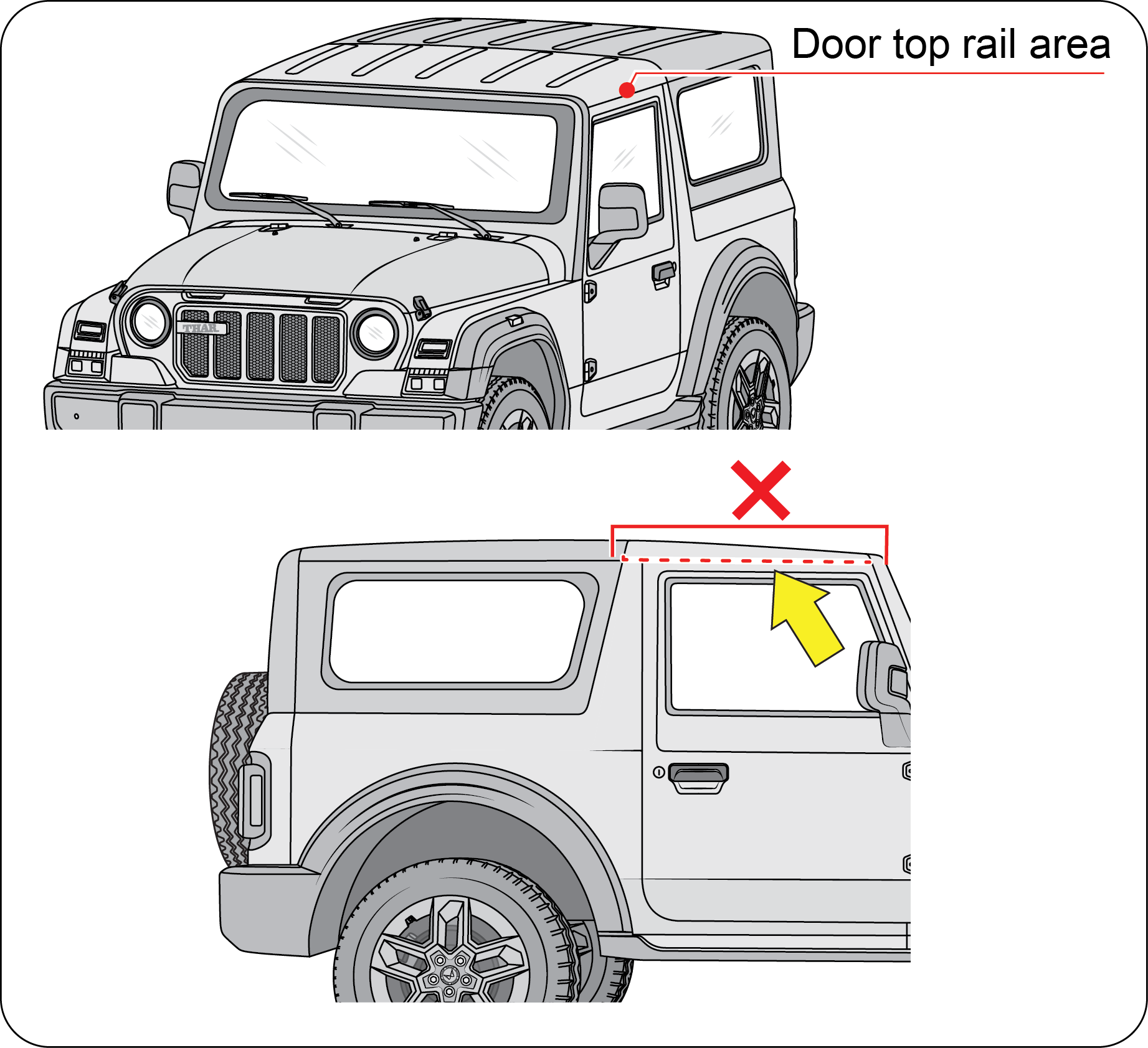 |
Avoid directing high pressure water jet on the D-pillar joinery, else it may lead to damage of joinery / seal and allow seepage
of water inside the vehicle.
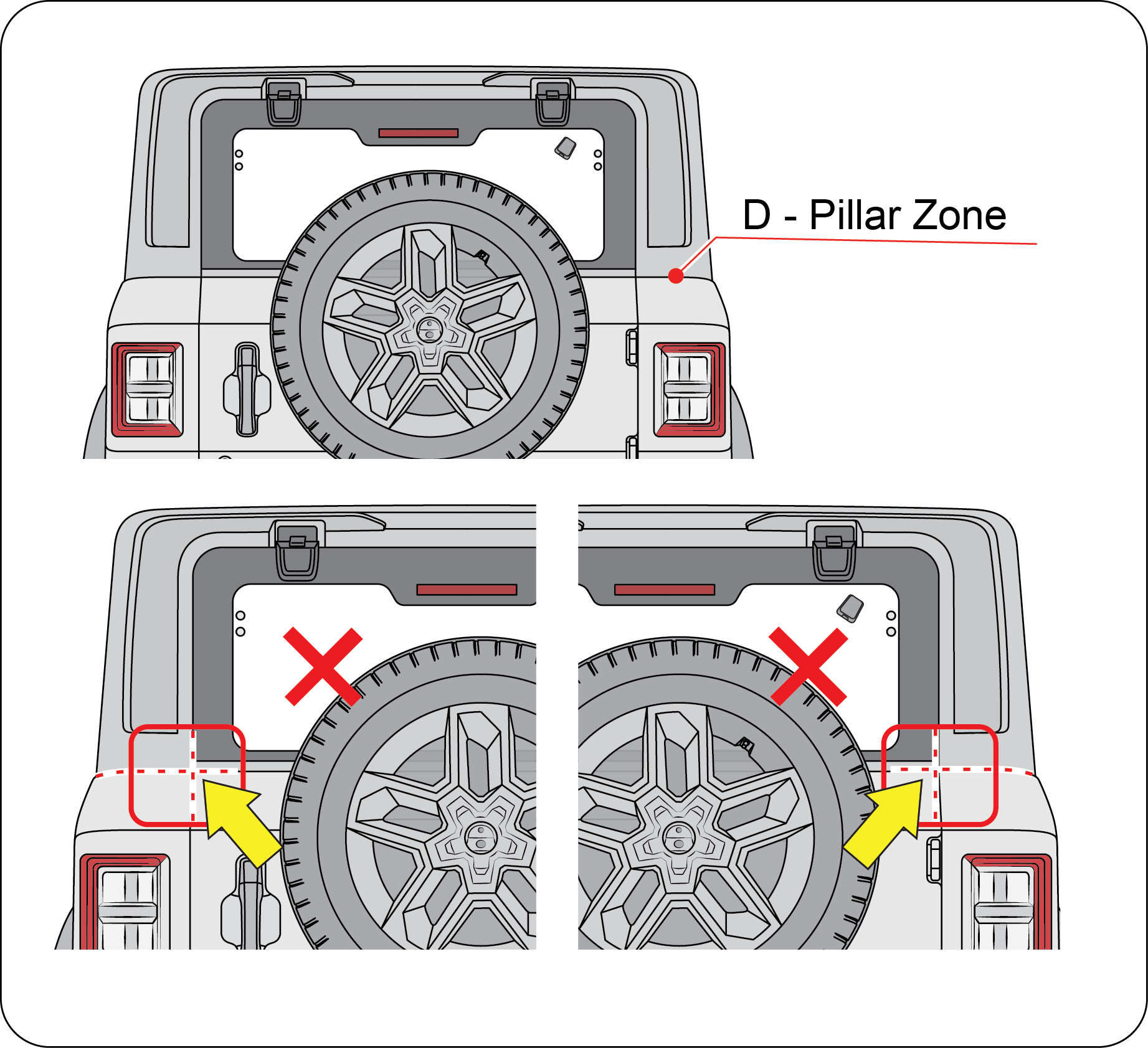 |
Avoid directing high pressure water jet on the tailgate to glass joinery, else it may lead to damage of joinery / seal and
allow seepage of water inside the vehicle.
Rear glass is backed with edge seal to avoid the water entry. However, the high-pressure jet may displace the lip causing
leakage.
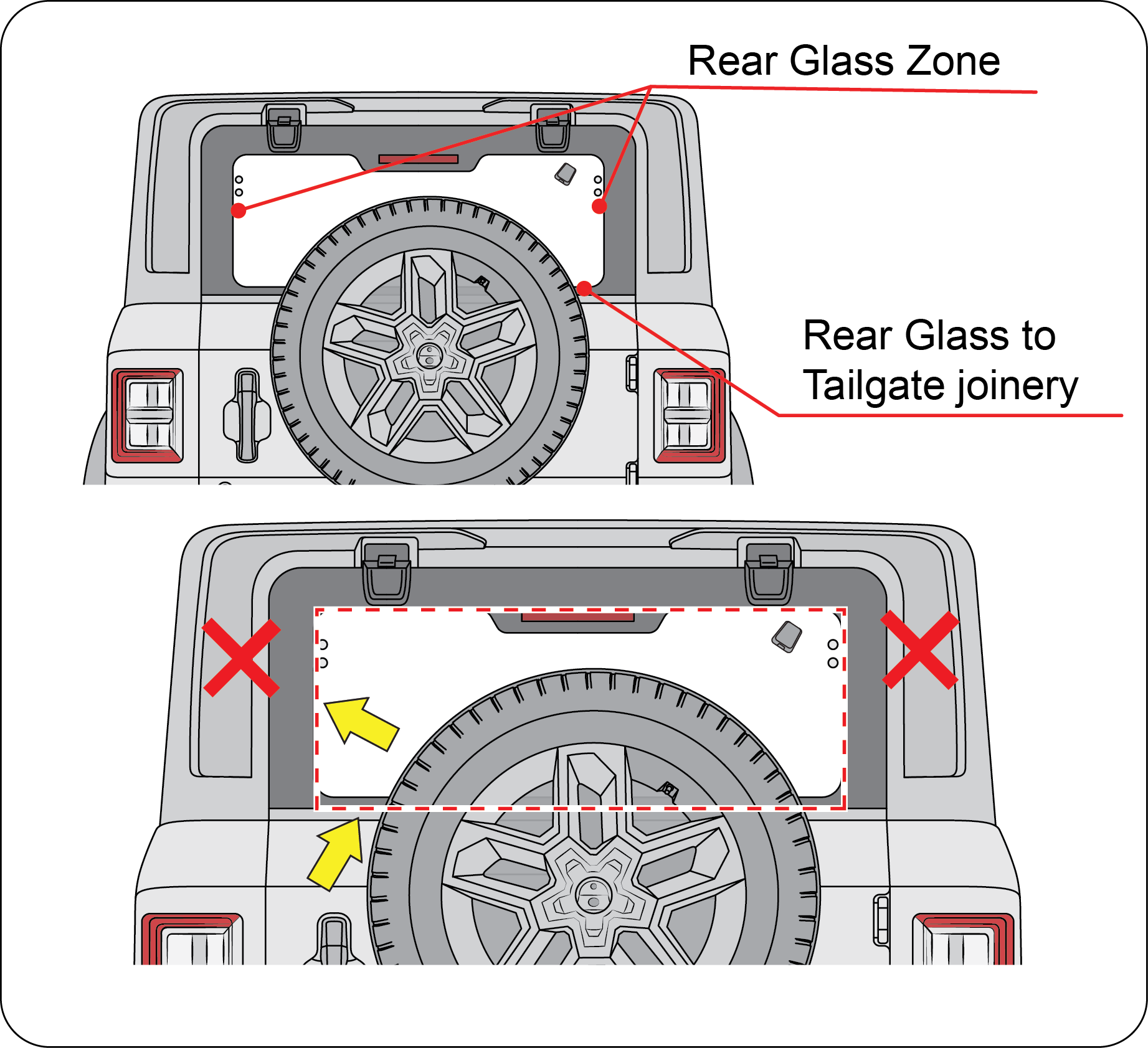 |
Avoid directing high pressure water jet on the front roof to rear roof joinery and rear roof to rear panel joinery, else it
may lead to damage of joints / seal and allow seepage of water inside the vehicle.
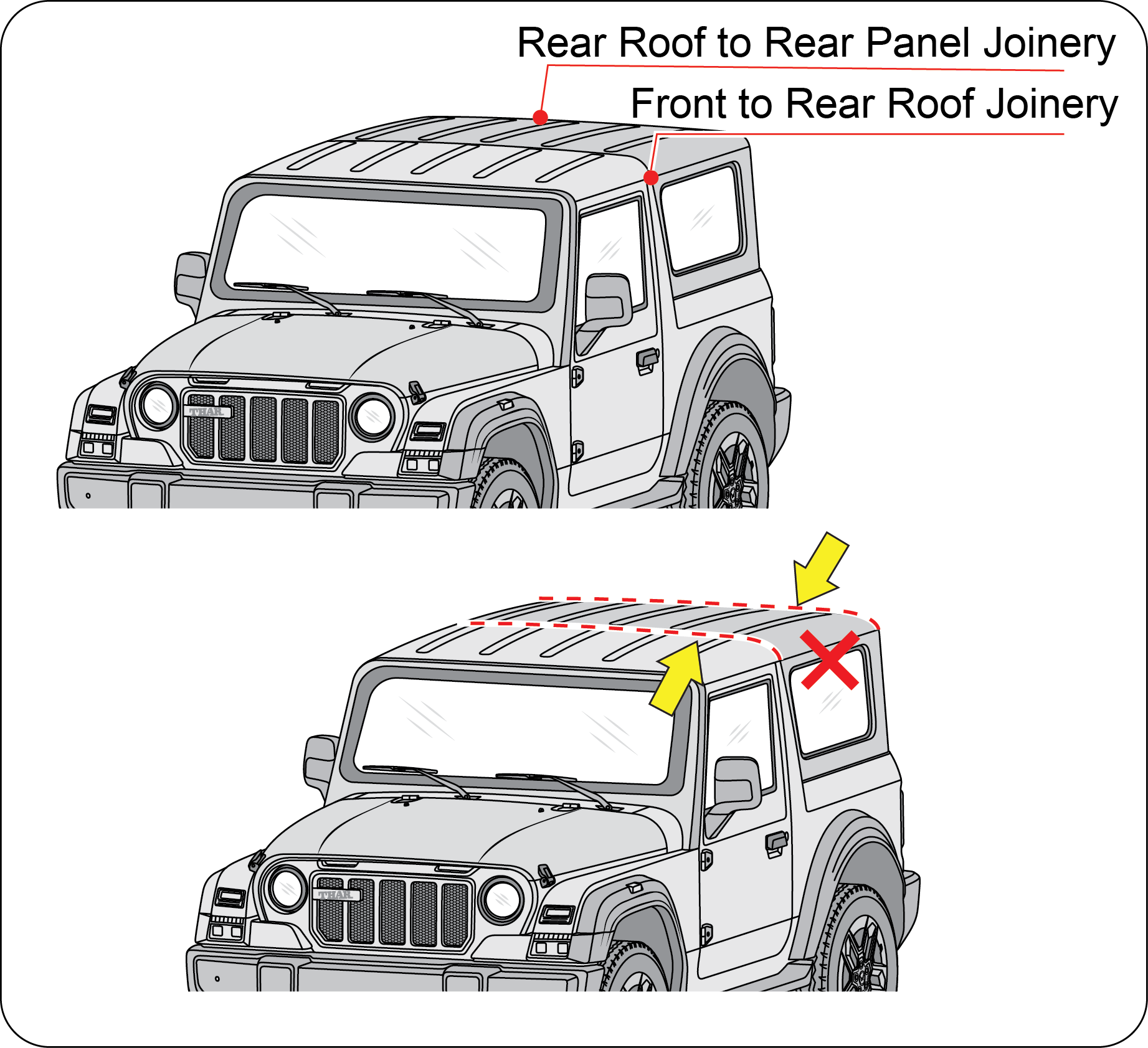 |
Do’s and Dont’s for Canopy Top Usage:
| • | Always use only the approved products to clean Hardtop plastics. |
| • | Always use soft water to clean Hardtop to avoid whitening marks. |
| • | Do not bleach or wash with concentrated cleaning materials which may damage the Hardtop. |
| • | Be careful while washing the Quarter Glass of the Hardtop, ensure to adhere to the following.
|
| • | After cleaning Hardtop, always ensure it is completely dry before operating. Otherwise it may allow water to drip in to the vehicle through the joints. |
| • | Removal and Refitment of Hardtop must be done with the help of a Trained Technician only, not recommended to be removed/refitted by the customer. |
| • | Do not store detached Hardtop in open/ sunlight/ rain etc. as it might damage the interiors. Care should be taken while storing
the detached Hardtop so that:
|
| • | Avoid Contact type Automatic car washes, as bristles / brushes can disturb sealing / sealants as well as damage the hardtop surface. |
| • | Do not use high pressure jet with narrow spray angle. Use the nozzle with wider spray angle for washing. |
 |
 |
Failure to adhere to these guidelines, may cause damage to mountings / seal / sealant / interiors or may result in water /
air leakage in to cabin, surface damage/stains on the hardtop.
11.9.5 General
| • | Do not wipe the painted surface with a dry cloth/ dirty cloth. |
| • | Ensure all cameras, radars, and sensors are free from obstruction before, during, and after vehicle washing. |
11.9.6 Waxing your vehicle
| • | Wax the high gloss painted surface of your vehicle once or twice a year. |
| • | We recommend that you only use an approved quality wax that does not contain abrasives. |
| • | For additional information and assistance, we recommend that you contact an Authorized Mahindra Service Center. |
| • | When washing and waxing, park your vehicle in a shaded area out of direct sunlight. |
| • | Avoid waxing unpainted or low-gloss black coloured parts, they discolour over time. |
11.9.7 Polishing
| • | Polishing should be performed only when the vehicle’s paint appears dull and adequate gloss cannot be restored using waxing materials. |
| • | If the polishing agent used does not contain preservative components, ensure the vehicle is waxed afterward to protect the paint surface. |
| • | Do not apply polishing agents or hard wax on unpainted parts or plastic components. |
11.9.8 Do’s and Dont’s
| • | Vehicle should be washed using a car shampoo that has a mild neutral (Zero) pH with a clean sponge or microfiber cloth to avoid scratching the vehicle’s surface. |
| • | Do not use detergent or hard shampoos when washing the vehicle, as they can damage the paint finish. Instead, only use a mild, neutral pH car shampoo |
| • | External contaminants such as bird droppings, adhesives, insects, and tree sap should be removed promptly and gently from the painted surface before pre-washing. Avoid applying excessive pressure to prevent damage to the paint. |
| • | Dry dust should not be wiped off, it may lead to permanent scratch marks, which are especially noticeable on matte colours compared to glossy colours. |
| • | If the vehicle is very dirty, pre-wash the vehicle with only water to remove excess dirt before proceeding with a full wash. |
| • | Avoid using automatic car washers with high-pressure brushes, as they can damage the vehicle's surface. It's advisable to use automatic car washers without high-pressure brushes for a gentler cleaning process. |
| • | Do not apply paint protectors such as wax polish, ceramic coating, or any other surface treatments on matte painted surfaces, as they can cause permanent damage to the paint film. |
| • | Avoid using paper towels, dirty, or rough cloths to clean or wipe the car, as they can cause scratches. It’s recommended to use only microfiber cloths or sponges for a safe and effective clean. |
| • | It's recommended not to apply anything to the painted surface, such as stickers, foils, magnetic labels, or masking tapes, as they can cause adhesive transfer, potentially leaving permanent stains. |
| • | It is advisable to protect vehicle from Greasy, Oily products which may leave stains on paint film, difficult to remove. |
| • | Recommended to visit an Authorized Mahindra workshops for any paint related repairs. |
11.9.9 Paint Chips
| • | Authorized Mahindra Service Centers have the exact touch-up paint to match your vehicle's color. |
| • | Take your vehicle to an Authorized Mahindra Service Center for paint touch-up or paint repairs. |
| • | Remove particles such as bird droppings, tree sap, insect deposits, tar spots, road salt and industrial fallout before repairing paint chips. |
| • | Always read the instructions before using the products. |
11.9.10 Aluminium Wheels And Wheel Covers (If Equipped)
Aluminum wheels and wheel covers are coated with a clear coat of paint finish. In order to maintain their shine:
| • | Clean weekly with wheel and tyre cleaner, which is available at your Authorized Mahindra Service Center. Heavy dirt and brake dust accumulation may require agitation with a sponge. Rinse thoroughly with a strong stream of water. |
| • | Never apply any cleaning chemicals to hot or warm wheel rims or covers. |
| • | Do not use hydrofluoric acid-based or high caustic-based wheel cleaners, steel wool, fuels or strong household detergents. |
11.9.11 Plastic (Non-painted) Exterior Parts
Use only approved products to clean plastic parts. These products are available with your Authorized Mahindra Service Center.
You can use these cleaners:
| • | For routine cleaning of plastic parts |
| • | For tar or grease spots |
| • | For plastic head lamp lenses |
11.9.12 Windows and Wiper Blades
The front windshield, side windows and the wiper blades should be cleaned regularly. If the wipers do not wipe properly, substances
on the vehicle's glass or the wiper blades may be the cause. These may include hot wax treatments used by commercial car washes,
water repellent coatings, tree sap, or other organic contamination; these contaminants may cause squeaking or chatter noise
from the blades, and streaking and smearing of the windshield.
To clean these items follow these tips:
| • | The windshield, rear windows and side windows may be cleaned with a non-abrasive cleaner such as Clear Spray Glass Cleaner, available at your Authorized Mahindra Service Center. |
| • | The wiper blades can be cleaned with alcohol or Premium Windshield Washer Concentrate, available at your Authorized Mahindra Service Center. This washer fluid contains a special solution in addition to alcohol which helps remove the hot wax deposited on the wiper blade and windshield. Be sure to replace wiper blades when they appear worn or do not function properly. |
| • | Do not use abrasives, as they may cause scratches. |
| • | Do not use fuel, kerosene, or paint thinner to clean any glass parts. |
If you cannot remove those streaks after cleaning with the glass cleaner or if the wipers chatter and move in a jerky motion,
clean the outer surface of the windshield and the wiper blades using a sponge or soft cloth with a neutral detergent or mild-abrasive
cleaning solution. After cleaning, rinse the windshield and wiper blades with clean water. The windshield is clean if beads
do not form when you rinse the windshield with water.
Do not use sharp objects, such as a razor blade, to remove decals, as it may cause damage to the glass or rear windshield
heater grid lines (If Equipped).
11.9.13 Instrument Panel/Interior Trim and Cluster Lens
Do not use chemical solvents or strong detergents when cleaning the steering wheel or instrument panel.
Clean the instrument panel, interior trim areas and cluster lens with a clean and damp white cotton cloth, then with a clean
and dry white cotton cloth; you may also use Dash and Vinyl Cleaner on the instrument panel and interior trim areas.
| • | Avoid cleaners or polishes that increase the gloss of the upper portion of the instrument panel. The dull finish in this area helps protect the driver from undesirable windshield reflection. |
| • | Do not use household or glass cleaners as these may damage the finish of the instrument panel, interior trim and cluster lens. |
If a staining liquid like coffee/juice has been spilled on the instrument panel or on the interior trim surfaces, clean as
follows:
| • | Wipe up spilled liquid using a clean white cotton cloth. |
| • | Apply Vinyl Cleaner to the wiped area and spread around evenly. |
| • | Apply cleaner to a clean white cotton cloth and press the cloth onto the soiled area and allow this to set in at room temperature for 30 minutes. |
| • | Remove the soaked cloth, and if it is not soiled badly, use this cloth to clean the area with a rubbing motion for 60 seconds. |
| • | Following this, wipe area dry with a clean white cotton cloth. |
11.9.14 Interior Maintenance
For fabric, carpets, cloth seats, safety belts and seats:
| • | Remove dust and loose dirt with a vacuum cleaner |
| • | Remove light stains and soil with carpet and upholstery cleaner. |
| • | If grease or tar is present on the material, spot-clean the area first with a stain remover. |
| • | Do not use household cleaning products or glass cleaners, which can stain and discolor the fabric and affect the flame retardant abilities of the seat materials. |
| • | Do not use cleaning solvents, bleach or dye on the vehicle's safety belts, as these actions may weaken the belt webbing. |
11.9.15 Leather Seats (If Applicable)
Your leather seating surfaces have a clear, protective coating over the leather.
| • | To clean, use a soft cloth with a leather and vinyl cleaner. Dry the area with a soft cloth. |
| • | To help maintain its resiliency and color, use the leather care kit, available from an Authorized Mahindra Service Center. |
| • | Do not use household cleaning products, alcohol solutions, solvents or cleaners intended for rubber, vinyl and plastics, or oil/petroleum-based leather conditioners. These products may cause premature wearing of the clear, protective coating. |
In some instances, a color or dye transfer can occur when wet clothing comes in contact with leather upholstery. If this occurs,
clean the leather immediately to avoid permanent staining.
11.10 Air Conditioning System Maintenance
Your vehicle's air-conditioning is a sealed system. Any major maintenance, such as recharging should be done by a qualified
technician. However, you can do a few things by yourself to make sure the air conditioning works efficiently.
Run the air-conditioning system at least once a week, even during the cold weather months. Run it for at least ten minutes
with the engine running at normal operating temperature. This circulates the lubricating oil contained in the refrigerant.
Whenever you get the air-conditioning system serviced, make sure the service facility uses a refrigerant recycling system.
This system captures the refrigerant for re-use. Releasing the refrigerant into the atmosphere may cause damage to the environment.
11.11 Vehicle Storage
If you are leaving your vehicle for more than 2 weeks you may want to take stopping to protect your battery. Disconnect the
negative cable from the battery. Anytime you store your vehicle, or keep it out of service (i.e. vacation) for two weeks or
more, run the air conditioning system at idle for about five minutes in the fresh air mode and high blower speed setting.
This will ensure adequate system lubrication to minimize the possibility of compressor damage when the system is started again.
It is recommended storing the vehicle in a covered, clean, dry, well leveled, ventilated and closed place.
11.12 Winter Care
11.12.1 Dealing With Ice
Make sure you have window ice scrapers and de-icers for the locks. When you're stuck, having a small shovel is useful to dig
out of the snow. keep a bag of sand in the trunk will give added traction in rear-wheel drive vehicles and can be used to
sprinkle on the snow and ice to gain better traction. And don't forget personal protection such as a warm coat, hat, gloves
and a blanket, in case you get stuck in a storm.
11.12.2 Keep Enough Fuel in the Tank
Never let the fuel level in the tank drop below the half-full mark. A sudden storm with unexpected heavy rains could leave
you stranded for hours. Having adequate fuel supply will allow you to idle the engine from time to time to keep warm.
Do not:
| • | Tap the ice on the window to crack it or chip it for a good place to start scraping. You could end up cracking more than the ice and end up with a cracked or shattered windshield / window. |
| • | Pour warm or hot water on the windshield to melt ice. This will crack your windshield. |
11.12.3 During Winter Storage
Start the engine occasionally, here are a few pointers to keep in mind:
| • | Run it in a well ventilated area. Carbon monoxide can build up quickly. |
| • | Run for a minimum of 20 minutes to allow the engine to come up to the normal operating temperature. This will allow the oil to circulate and will also open up the thermostat so that your radiator anti-freeze circulates as well. |
| • | Start up the air conditioner and/or heater and run both for 10 minutes or so. Again, circulating fluids is essential for good life of the system. |
11.12.4 Exterior
Wash and wax your car to provide an extra layer of protection to your paint.
11.12.5 Vinyl and Rubber
Use a good conditioner on all vinyl and rubber parts to prevent from drying out.
11.12.6 Interior
Clean the glass, shampoo the carpets, dig in between the seats to see what's there, clean the upholstery in all nooks and
corners.
11.12.7 Engine
Check all hoses and wires to make sure everything is in good condition and replace any that need to be. The last thing to
do is to make sure the internal components of the engine remain lubricated and don't corrode.
If the engine is being started after a very long period of non-use, warm up the engine at an idle speed for 2-3 minutes before
driving the vehicle.
11.13 Bulb Replacement
11.13.1 Head Lamp Bulb Replacement
The head lamp bulb can be replaced without removing the head lamp assembly from the vehicle. The head lamp assembly has been
removed here for illustration purpose only.
To replace the head lamp bulb:
Ensure ignition is switched OFF.
 |
Remove the bulb connector.
|
Remove rear dust cover from the head lamp.
 |
Press and slightly pull up the lock pin to unlock the bulb.
|
 |
Remove the bulb from the head lamp assembly.
|
Insert the new bulb (of the same wattage), and follow the reverse procedure to assemble the bulb in the headlight assembly.
Do not touch the new bulb with your fingers. Oil contamination will severely shorten bulb life. If the bulb comes in contact
with any oily surface, clean the bulb with rubbing alcohol.
To avoid burning yourself, do not replace the light bulbs when they are hot. Halogen bulbs have pressurized gas inside and
are to be handled with special care. Mishandling it may cause the bulb to burst or shatter. Hold the bulb with its metal/plastic
holder/base and do not touch the glass part with bare hands.
Using bulbs with units of higher output capacity/wattage is illegal and may damage your vehicle’s electrical system.
Replacement bulbs must meet the specification of originally fitted bulbs.
11.14 Bulb Specification
|
Lamp Bulb |
Wattage |
|---|---|
|
Head Lamp
|
12V H4 55/60W*/ LED*
|
|
Park Lamp
|
12V W5W
|
|
Front Turn Lamp
|
12V PY21W*/ LED*
|
|
Front Fog Lamp
|
12V H16-19W*/ LED*
|
|
Side Turn Signal Lamp
|
12V W5W
|
|
DRL/ Position Lamp
|
LED
|
|
Tail / Stop Lamp
|
LED
|
|
Rear Turn Lamp
|
12V WY16W
|
|
Front Position Lamp
|
12V W5W*/ LED*
|
|
Reverse Lamp
|
12V W16W
|
|
Registration Plate Lamp
|
LED
|
| * - If Equipped | |
11.15 Fuses and Relays
A fuse is the most common electric protection device. The fuse is placed in an electrical circuit, so that when current flow
exceeds the rating of the circuit/fuse, it blows off. The element in the fuse melts, opening the circuit and preventing other
components of the circuit from being damaged by the over current. The size of the metal fuse element determines the rating.
Once a fuse blows off, it must be replaced with a new one of the same rating.
Switch the ignition and all electrical equipment OFF before touching or attempting to change a fuse.
Replacement fuse must be with the same rating as the one you have removed.
You can identify a blown fuse by a break in the filament. All fuses except high current fuses are press fit.
Never touch fuses with bare hands. Always use the fuse puller to remove and refit the fuses.
Be careful while removing the relay, to avoid damage to relay terminal — do not shake or apply excessive force.
There are 3 fuse boxes in the vehicle:
| 1. | Instrument Panel Fuse Box |
| 2. | Engine Compartment Fuse Box |
| 3. | Battery Mounted Fuse Box |
11.15.1 Instrument Panel Fuse Box
| • | Pull the Fuse box cover below the switch bank, outward to access the instrument panel fuse box. |
Spare fuses are available in this fuse box location.
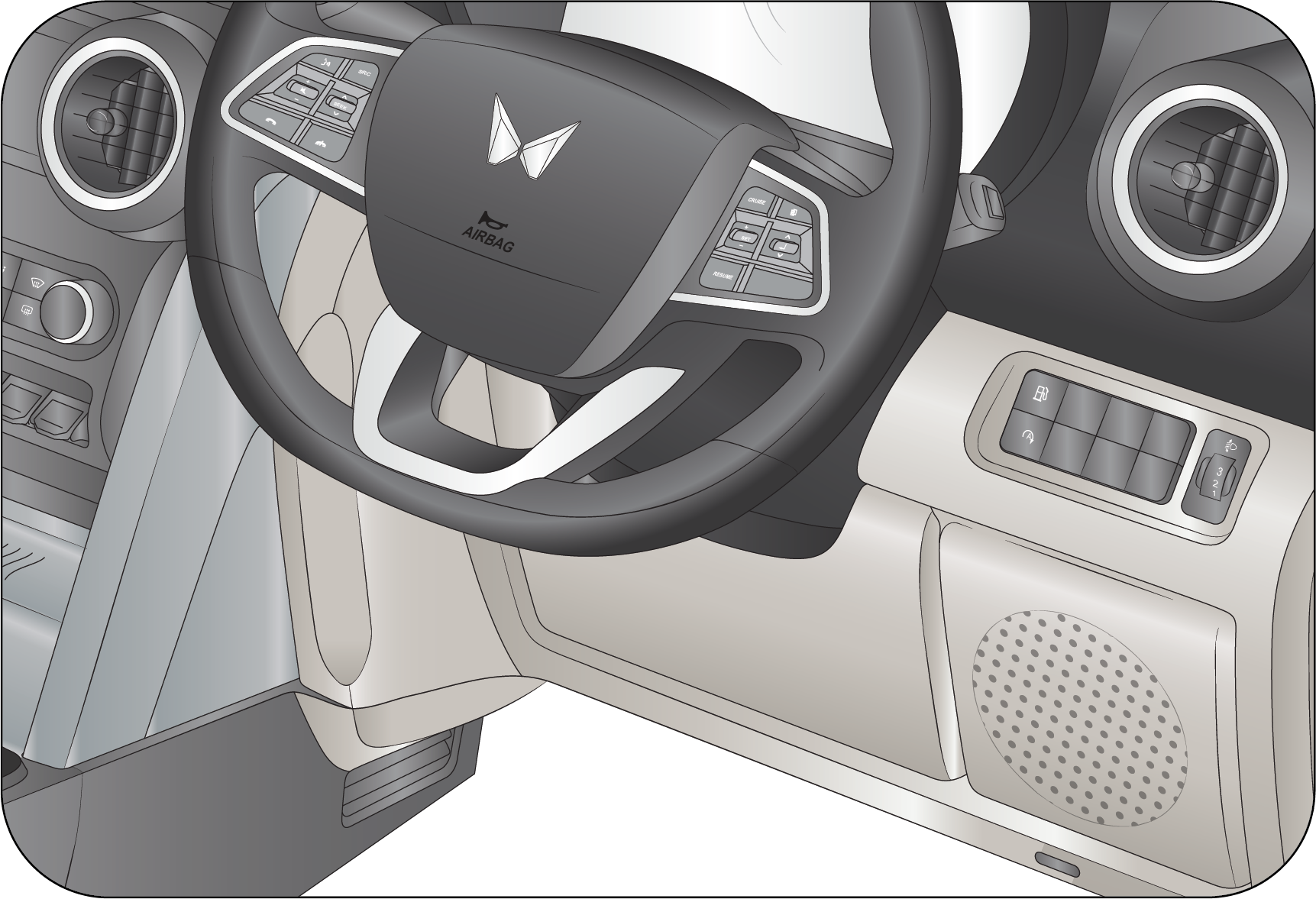 |
 |

|
Fuse No |
Fuse Rating |
Circuit |
|---|---|---|
|
F34
|
10A*
|
USB FAST CHARGER
|
|
F35
|
5A
|
ROOF LAMP
|
|
F36
|
30A*
|
ANTIPINCH MOTOR
|
|
F37
|
–
|
–
|
|
F38
|
5A
|
CRANK
|
|
F39
|
15A
|
INFO B+/AUDIO B+
|
|
F40
|
5A
|
DIAGNOSTIC
|
|
F41
|
25A
|
MBFM BATT-2
|
|
F42
|
5A*
|
WIRELESS CHARGER B+
|
|
F43
|
5A
|
ABS IGN/EPS
|
|
F44
|
5A
|
AIR BAG IGN
|
|
F45
|
5A*
|
INFO/DISPLAY/RVC/IGN
|
|
F46
|
10A
|
ORVM/RPAS/PKE ACC
|
|
F47
|
5A
|
IC/HVAC B+
|
|
F48
|
5A/20A*
|
IMMO B+/PKE B+
|
|
F49
|
25A
|
MBFM BATT-1
|
|
F50
|
10A
|
4WD ACTUATOR
|
|
F51
|
15A*
|
AT ECU B+
|
|
F52
|
10A
|
IC/HVAC/MBFM/CENTER FASCIA
|
|
F53
|
10A
|
INF ACC/RR USB
|
|
F54
|
10A
|
REV LAMP/TGS/E-MLD
|
|
F55
|
25A
|
MBFM BATT-4
|
|
F56
|
25A
|
MBFM BATT-5
|
|
F57
|
25A
|
MBFM BATT-3
|
|
F58
|
5A*
|
WIRELESS CHARGER IGN
|
|
F59
|
5A*
|
AT ECU IGN
|
|
F60
|
5A
|
EMS ECU IGN
|
|
F61
|
25A
|
POWER WINDOW
|
|
F62
|
5A*
|
IMMO IGN
|
|
F63
|
15A
|
POWER SOCKET
|
|
F64
|
5A*
|
MBFM ACC
|
|
F65
|
–
|
–
|
|
* - If Equipped
|
||
|
Relay No |
Circuit |
|---|---|
|
R1*
|
ACCESSORY START RELAY 40A
|
|
R2*
|
PKE IGNITION RELAY 40A
|
11.15.2 Engine Compartment Fuse Box
The engine compartment fuse box is located adjacent to the vehicle’s battery.
Follow the below steps to remove the fuse cover:
| • | To open the fuse box cover, press the lock and push the cover back and lift it. |
 |
 |
|
Fuse puller is available in the fuse box cover.
|
 |
For Diesel Engine (2.2 Liters)
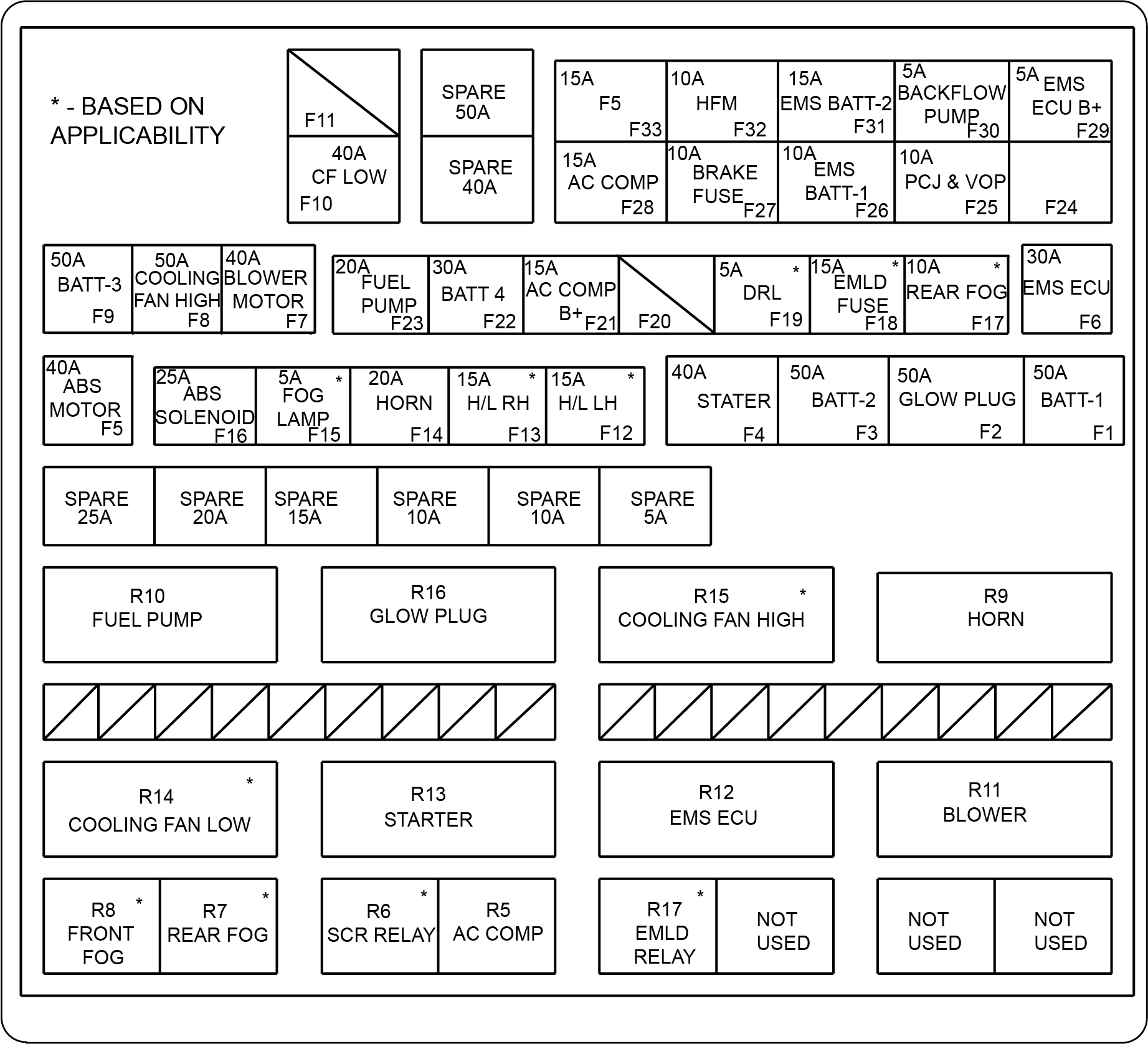 |
|
Fuse No |
Fuse Rating |
Circuit |
|---|---|---|
|
F1
|
50A
|
BATT-1
|
|
F2
|
50A
|
GLOW PLUG
|
|
F3
|
50A
|
BATT-2
|
|
F4
|
40A
|
STARTER
|
|
F5
|
40A
|
ABS MOTOR
|
|
F6
|
30A
|
EMS ECU
|
|
F7
|
40A
|
BLOWER MOTOR
|
|
F8
|
50A
|
COOLING FAN HIGH
|
|
F9
|
50A
|
BATT-3
|
|
F10
|
40A
|
CF LOW
|
|
F11
|
–
|
–
|
|
F12
|
15A
|
H/L LH*
|
|
F13
|
15A
|
H/L RH*
|
|
F14
|
20A
|
HORN
|
|
F15
|
5A
|
FOG LAMP*
|
|
F16
|
25A
|
ABS SOLENOID
|
|
F17
|
10A
|
REAR FOG*
|
|
F18
|
15A
|
EMLD FUSE*
|
|
F19
|
5A
|
DRL*
|
|
F20
|
–
|
–
|
|
F21
|
15A
|
AC COMP B+
|
|
F22
|
30A
|
BATT-4
|
|
F23
|
20A
|
FUEL PUMP
|
|
F24
|
–
|
–
|
|
F25
|
10A
|
PCJ&VOP
|
|
F26
|
10A
|
EMS BATT-1
|
|
F27
|
10A
|
BRAKE FUSE
|
|
F28
|
15A
|
AC COMP
|
|
F29
|
5A
|
EMS ECU B+
|
|
F30
|
5A
|
BACKFLOW PUMP
|
|
F31
|
15A
|
EMS BATT-2
|
|
F32
|
10A
|
HFM
|
|
F33
|
15A
|
F5
|
|
50A, 40A, 25A, 20A, 15A, 10A, 10A, 5A
|
SPARE
|
|
Relay No |
Circuit |
|---|---|
|
R5
|
AC COMP
|
|
R6
|
SCR RELAY*
|
|
R7
|
REAR FOG*
|
|
R8
|
FRONT FOG*
|
|
R9
|
HORN
|
|
R10
|
FUEL PUMP
|
|
R11
|
BLOWER
|
|
R12
|
EMS ECU
|
|
R13
|
STARTER
|
|
R14
|
COOLING FAN LOW*
|
|
R15
|
COOLING FAN HIGH*
|
|
R16
|
GLOW PLUG
|
|
R17
|
EMLD RELAY*
|
For Diesel Engine (1.5 Litres)

|
Fuse No |
Fuse Rating (A) |
Circuit |
|---|---|---|
|
F1
|
5
|
EMS ECU B+
|
|
F2
|
15
|
EMS BATT -2
|
|
F3
|
10
|
EMS BATT -1
|
|
F7
|
25
|
ABS Solenoid
|
|
F8
|
20
|
Horn
|
|
F10*
|
10
|
Rear Fog
|
|
F12
|
15
|
AC Compressor Relay Coil / SCR Relay Coil / AC Pressure Switch/ Fuel Pump Relay Coil / Glow Plug Relay Coil / Nox sensor
|
|
F13
|
15
|
Water Pump / Water in fuel sensor / Boost Temp Sensor Fuel Metering unit / EGR Cooler Bypass / SPCM
|
|
F14
|
40
|
Blower Motor
|
|
F18
|
40
|
ABS Motor
|
|
F20
|
30
|
EMS ECU
|
|
F21*
|
15
|
HEAD LAMP LH
|
|
F22*
|
15
|
HEAD LAMP RH
|
|
F23*
|
5
|
FOG LAMP
|
|
F25*
|
5
|
SCR
|
|
F30
|
15
|
AC Comp B+
|
|
F31
|
20
|
Fuel Pump
|
|
F33*
|
5
|
DRL
|
|
F37
|
40
|
Starter
|
|
F38
|
40
|
Glow Plug
|
|
F39
|
50
|
BATT - 1
|
|
F40
|
40
|
BATT - 3
|
|
F41
|
40
|
BATT - 2
|
|
F42
|
40
|
BATT - 4
|
|
F43
|
40
|
Cooling Fan Low
|
|
F44
|
10
|
HFM Fuse
|
|
F45
|
10
|
Brake Fuse
|
|
F46
|
10
|
PCJ & VOP
|
|
F48
|
5
|
Backflow Pump
|
|
F49*
|
125
|
EPS
|
|
F50
|
50
|
Cooling Fan High
|
|
F51
|
150
|
Alternator
|
|
F4 – F6, F9, F11, F15 – F17, F19, F24, F26 – F29, F34 – F36, F32, F47
|
NA
|
NA
|
|
Relay No |
Circuit |
|---|---|
|
R2
|
Fan High
|
|
R3
|
Glow Plug
|
|
R9*
|
Rear Fog
|
|
R10
|
Fuel Pump
|
|
R11*
|
Fog Lamp
|
|
R14
|
EMS ECU
|
|
R15
|
Starter
|
|
R16
|
Blower
|
|
R17
|
Fan Low
|
|
R24
|
AC Compressor
|
|
R25
|
SCR Relay
|
|
R27
|
Horn Relay
|
|
R1, R4, R5, R6, R7, R8, R12, R13, R18, R19, R20, R21, R22, R23 and R26
|
Spares
|
For Petrol Engine
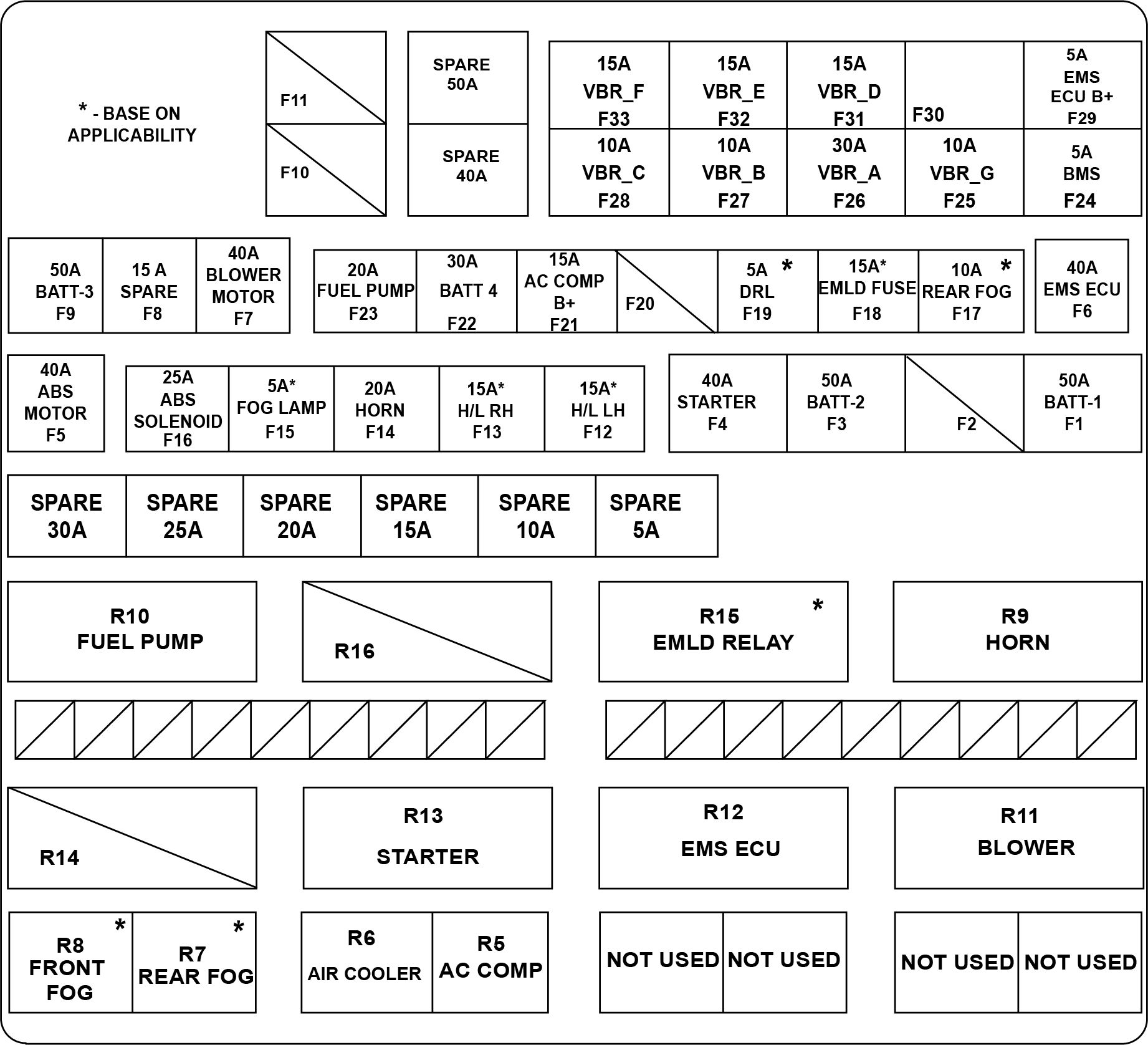 |
|
Fuse No |
Fuse Rating |
Circuit |
|---|---|---|
|
F1
|
50A
|
BATT-1
|
|
F2
|
–
|
–
|
|
F3
|
50A
|
BATT-2
|
|
F4
|
40A
|
STARTER
|
|
F5
|
40A
|
ABS MOTOR
|
|
F6 |
40A |
EMS ECU |
|
F7
|
40A
|
BLOWER MOTOR
|
|
F8
|
15A
|
SPARE
|
|
F9
|
50A
|
BATT-3
|
|
F10
|
–
|
–
|
|
F11
|
–
|
–
|
|
F12
|
15A
|
H/L LH*
|
|
F13
|
15A
|
H/L RH*
|
|
F14
|
20A
|
HORN
|
|
F15
|
5A
|
Fog Lamp*
|
|
F16
|
25A
|
ABS SOLENOID
|
|
F17
|
10A
|
REAR FOG*
|
|
F18
|
15A
|
EMLD FUSE*
|
|
F19
|
5A
|
DRL*
|
|
F20
|
–
|
—
|
|
F21
|
15A
|
AC COMP B+
|
|
F22
|
30A
|
BATT 4
|
|
F23
|
20A
|
FUEL PUMP
|
|
F24
|
5A
|
BMS
|
|
F25
|
10A
|
VBR_G (Brake switch)
|
|
F26
|
30A
|
VBR_A (EMS Main B +Ve)
|
|
F27
|
10A
|
VBR_B (VVT Intake , VVT Exhaust , Canister Purge valve, Electric Control Thermostat, Piston cooling, Variable oil pump)
|
|
F28
|
10A
|
VBR_C (AC Switch, AC H/L Switch, AC Mid Pressure switch, Variable Fuel Flow Pump ,Brake Lamp relay, AC Relay, Cooling Fan
Low & Hi Speed)
|
|
F29
|
5A
|
EMS ECU B+
|
|
F30
|
–
|
–
|
|
31
|
15A
|
VBR_D (Smart Coil (Ignition Coil))
|
|
32
|
15A
|
VBR_E (HFM, Lambda sensor)
|
|
33
|
15A
|
VBR_F (Turbo Recirculation valve, Auxiliary water pump, Intercooler Water pump, Intercooler Fan relay)
|
|
50A, 40A, 30A, 25A, 20A, 15A, 10A, 5A
|
SPARE
|
|
|
*- If Equipped
|
||
|
Relay No |
Circuit |
|---|---|
|
R5
|
AC COMP
|
|
R6
|
AIR COOLER
|
|
R7
|
REAR FOG*
|
|
R8
|
FRONT FOG*
|
|
R9
|
HORN
|
|
R10
|
FUEL PUMP
|
|
R11
|
BLOWER
|
|
R12
|
EMS ECU
|
|
R13
|
STARTER
|
|
R14
|
–
|
|
R15
|
EMLD RELAY*
|
|
R16
|
–
|
11.15.3 Battery Mounted Fuse Box
|
The battery mounted fuse box is connected to the positive terminal of the battery.
|
 |
Functionality of battery mounted fuse box is to provide short circuit protection to alternator and power supply to main engine
compartment fuse box.
Battery mounted fuse box consist of following fuses:
| • | Main charging fuse – 150A (Pink colour) |
| • | Bus bar fuse - 80A (White colour) |
11.16 Service Reminder Alert
Navigate to alert history page using the menu button in the driver side switch bank.
Service Reminder alert can be reset by following the below steps:
| • | Press and hold the OK button. |
| • | Turn OFF the ignition. Then turn it back ON while keeping the OK button pressed. Release the OK button after 10 seconds. |
Check and ensure that the service reminder alert is not displayed in Alert history.
Service Reminder alert starts to appear 200 km before scheduled service.
12 INFOTAINMENT
12.1 Home Screen
Home Screen is the main screen for the user to interact with the Infotainment System
Home Screen is displayed when user press the home icon or home button.
| • | Features which are available in infotainment screen is known as Tile. |
| • | For e. g., Radio, Media, Phone can be accessed through home screen tile. |
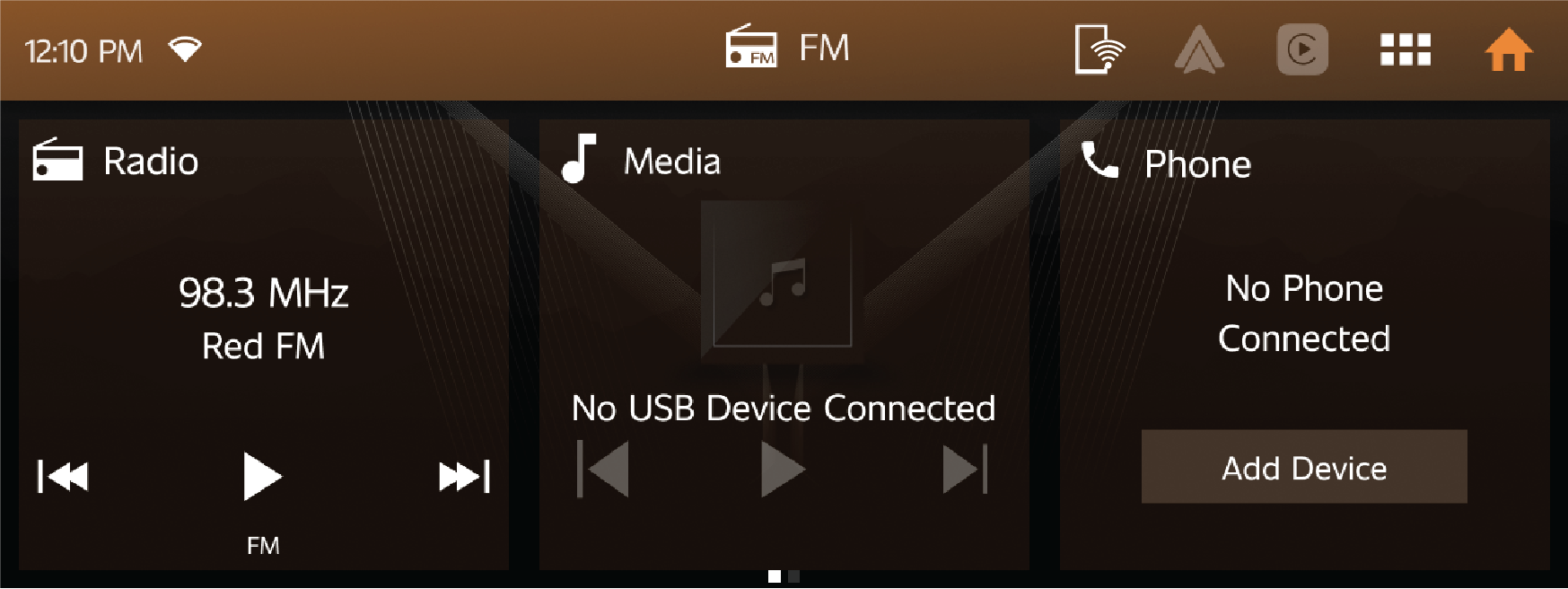
12.1.1 Radio Tile
| • | The Radio tile allows quick access to radio features and the Radio menu. |
| • | Touching the radio tile will open the full Radio screen, from the tile radio can be played and you can move between the radio channels. |
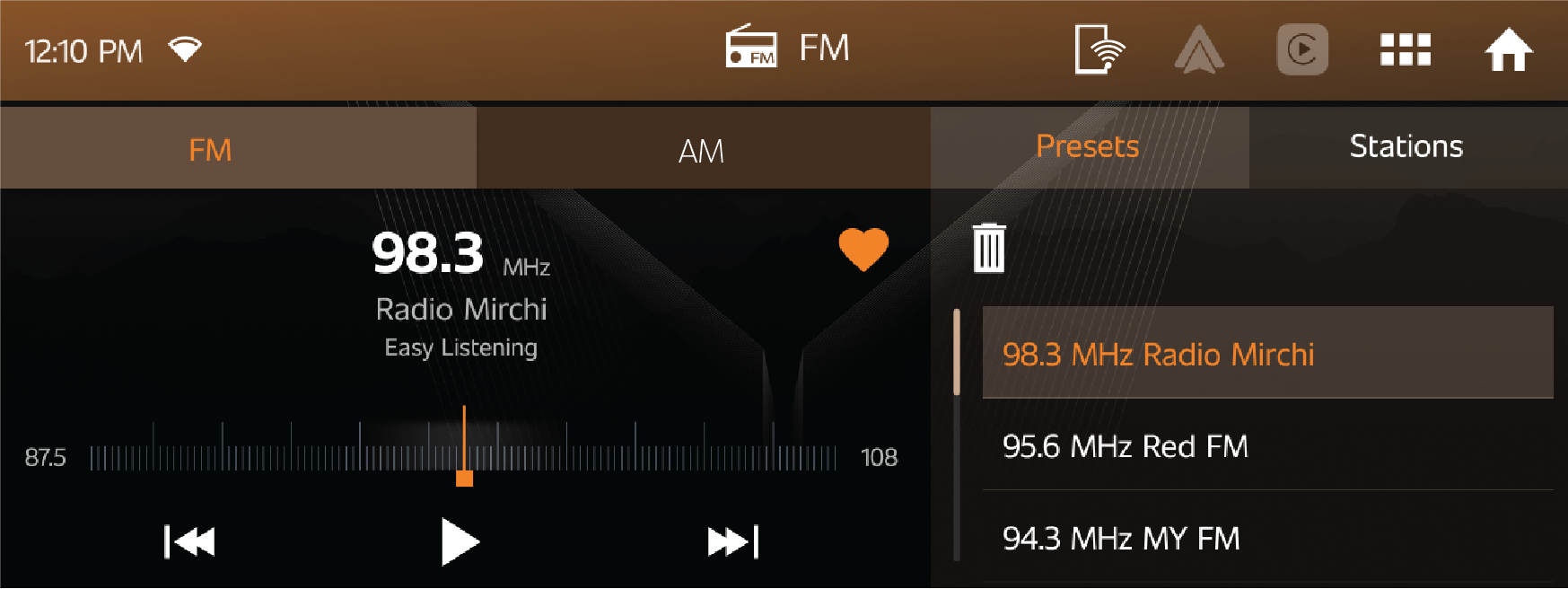
| • | When Radio is playing, station name & frequency will be shown in Radio Tile. |
Short cut icon in Radio
Shortcut icon in Radio tile is used for below functions.
| • | Change next/previous radio station. |
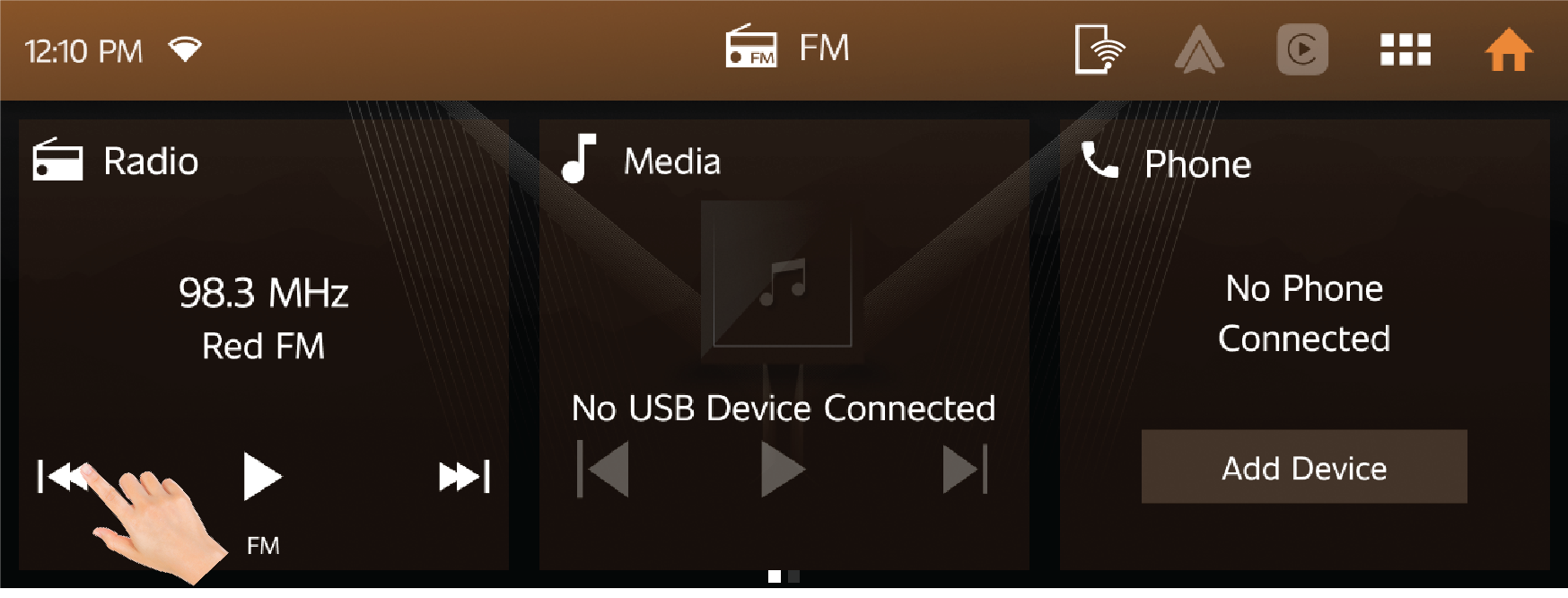
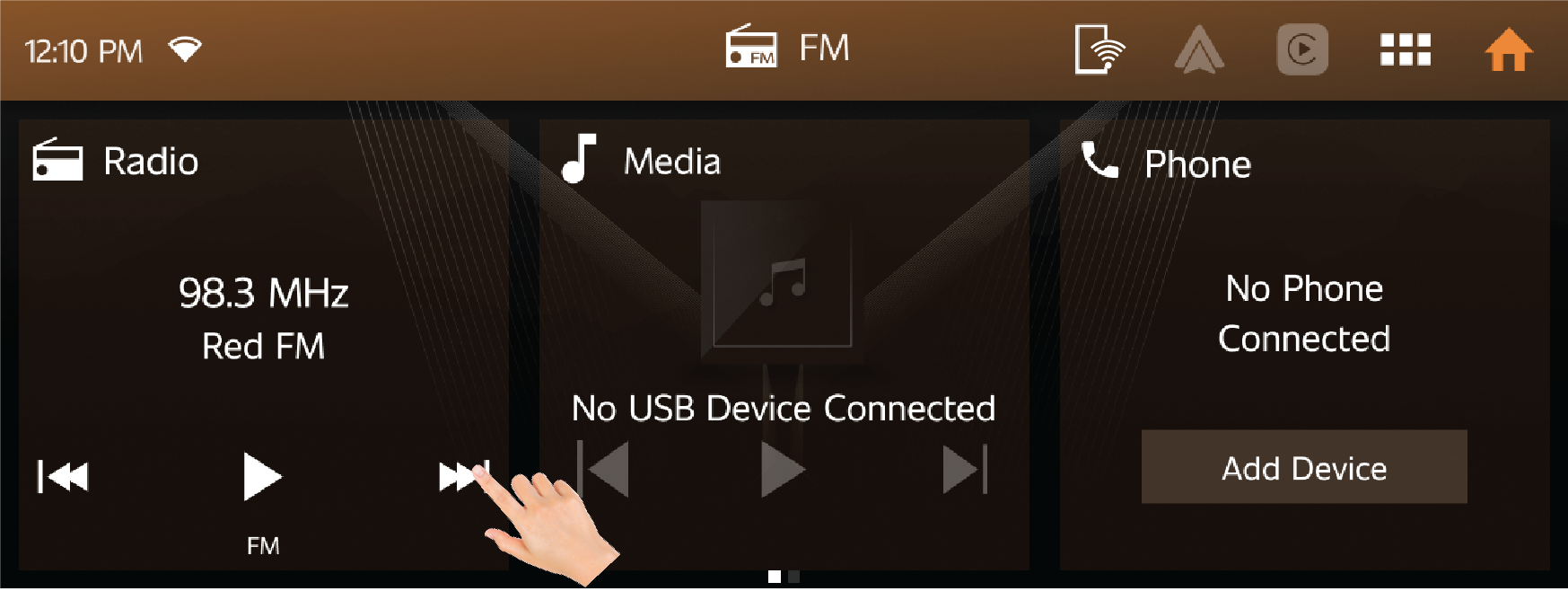
| • | Stop button is used to stop/play the music. |
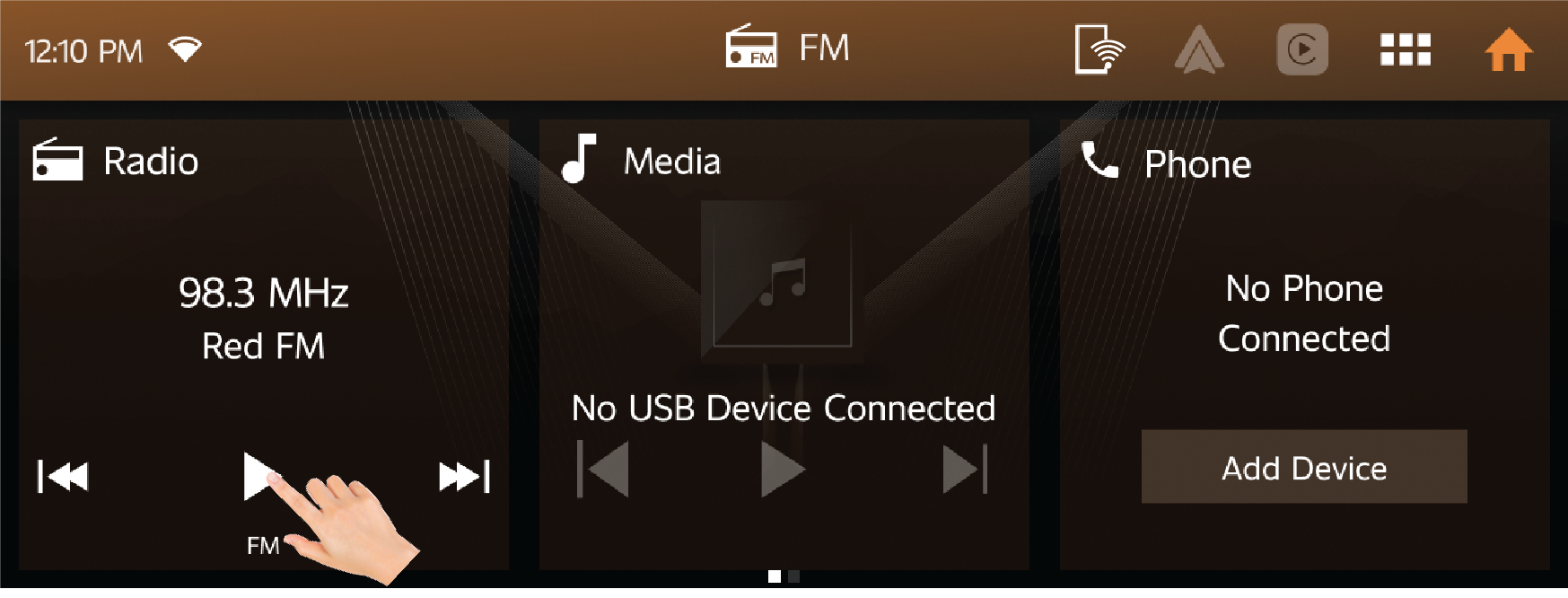
12.1.2 Media Tile
| • | Touch Media tile screen to open media player. |
| • | Current playing song name will be displayed in the Media tile. |
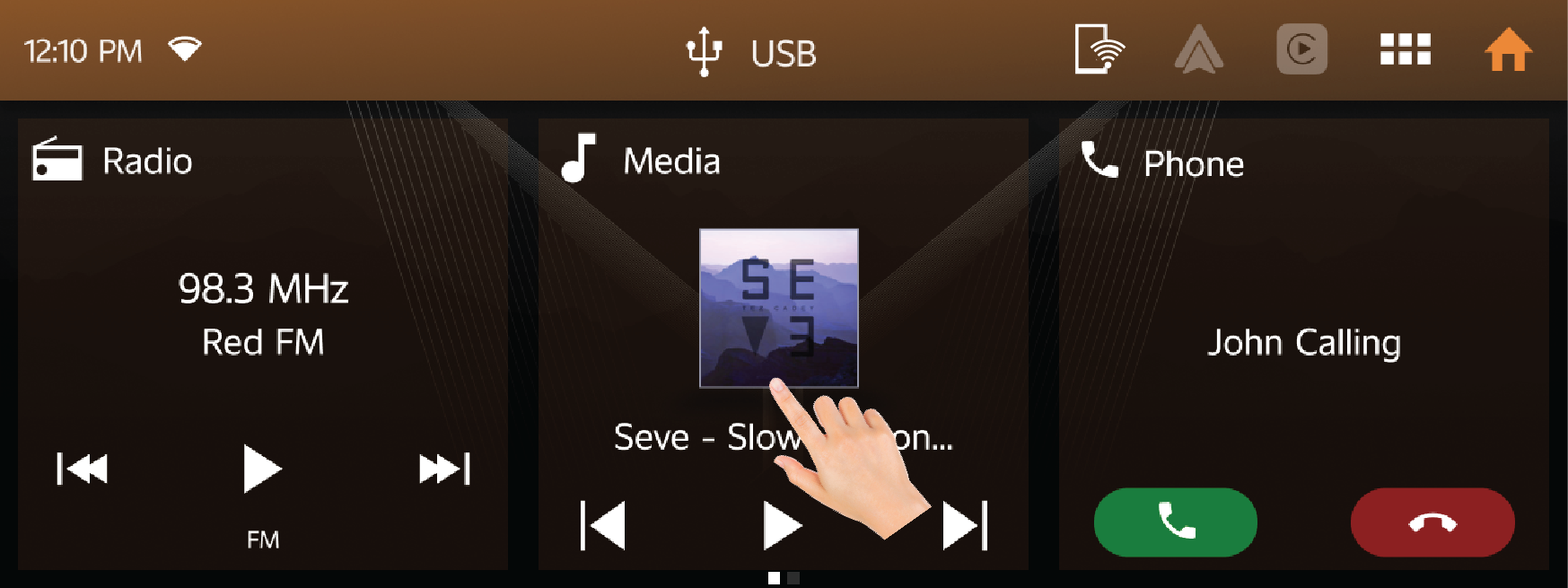
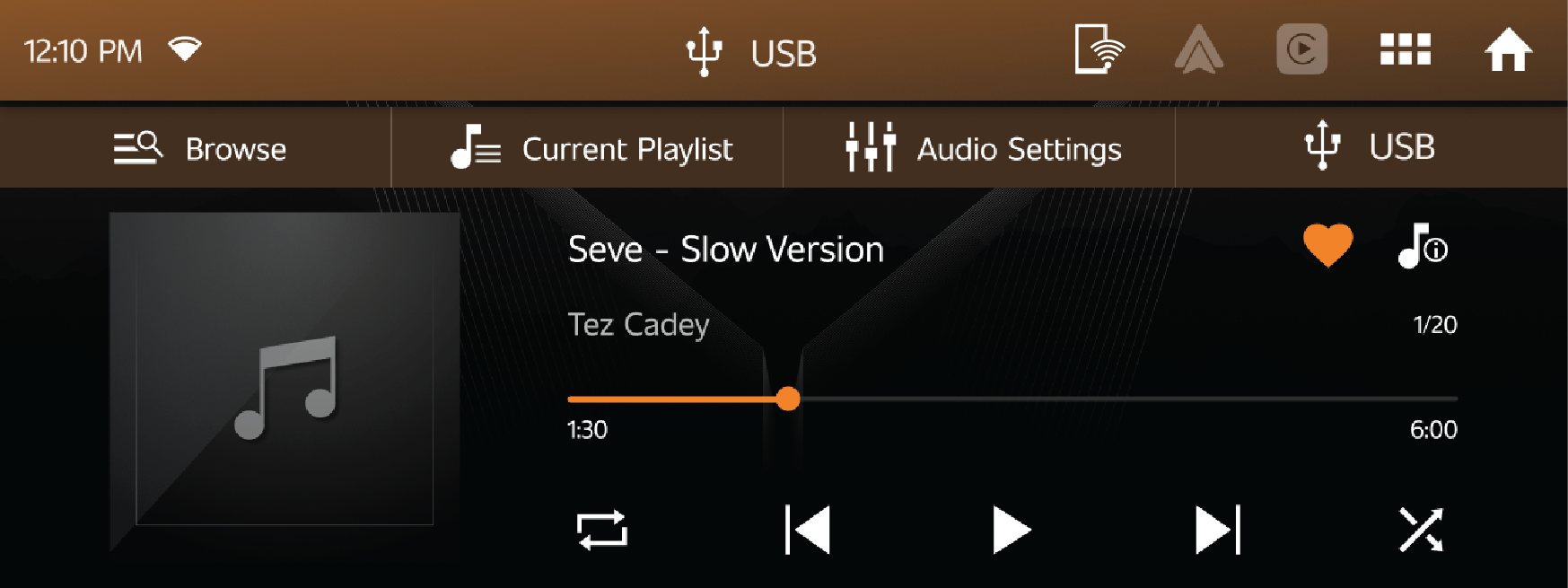
Shortcut icon in Media Tile
| • | Shortcut icon in media is used to change previous or next song, and pause/play media playback. |
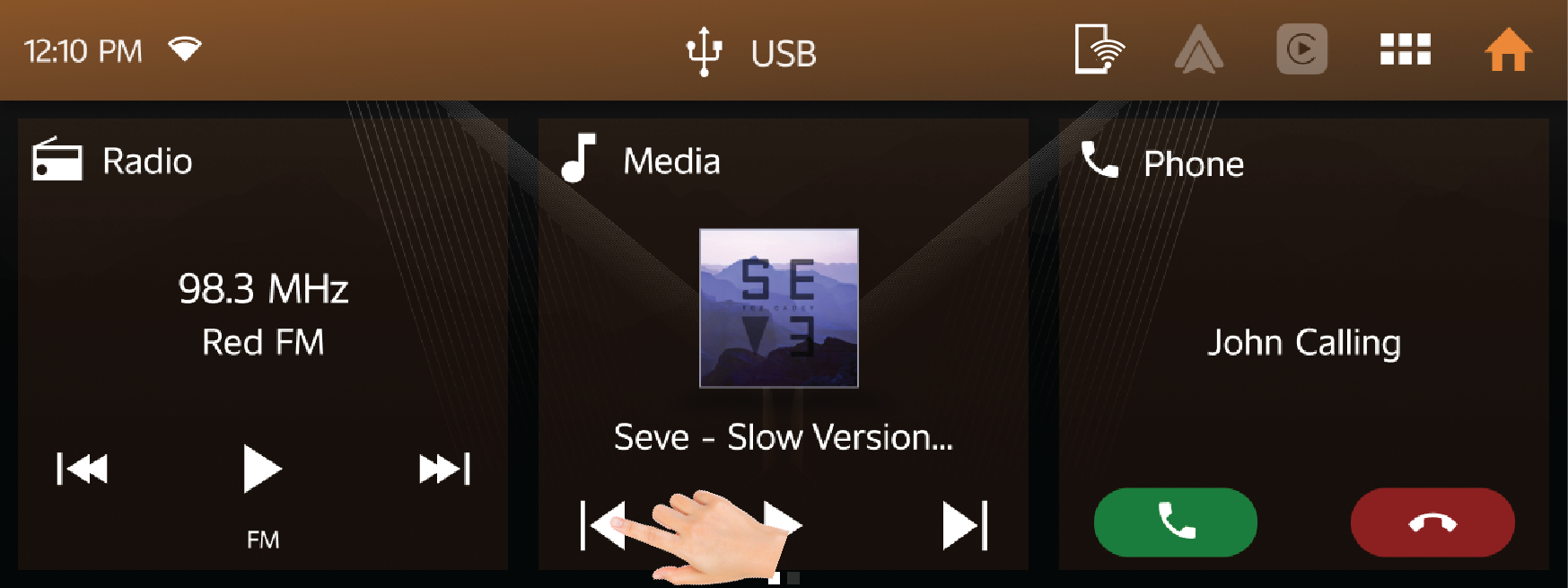
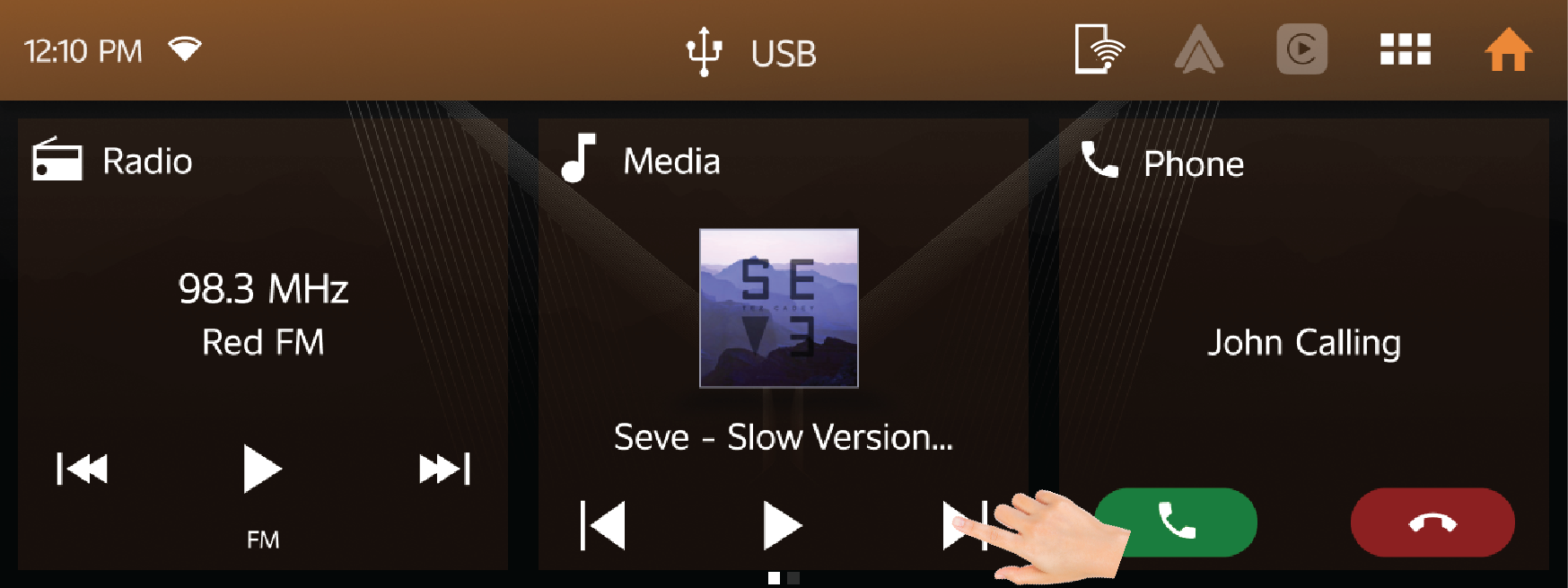
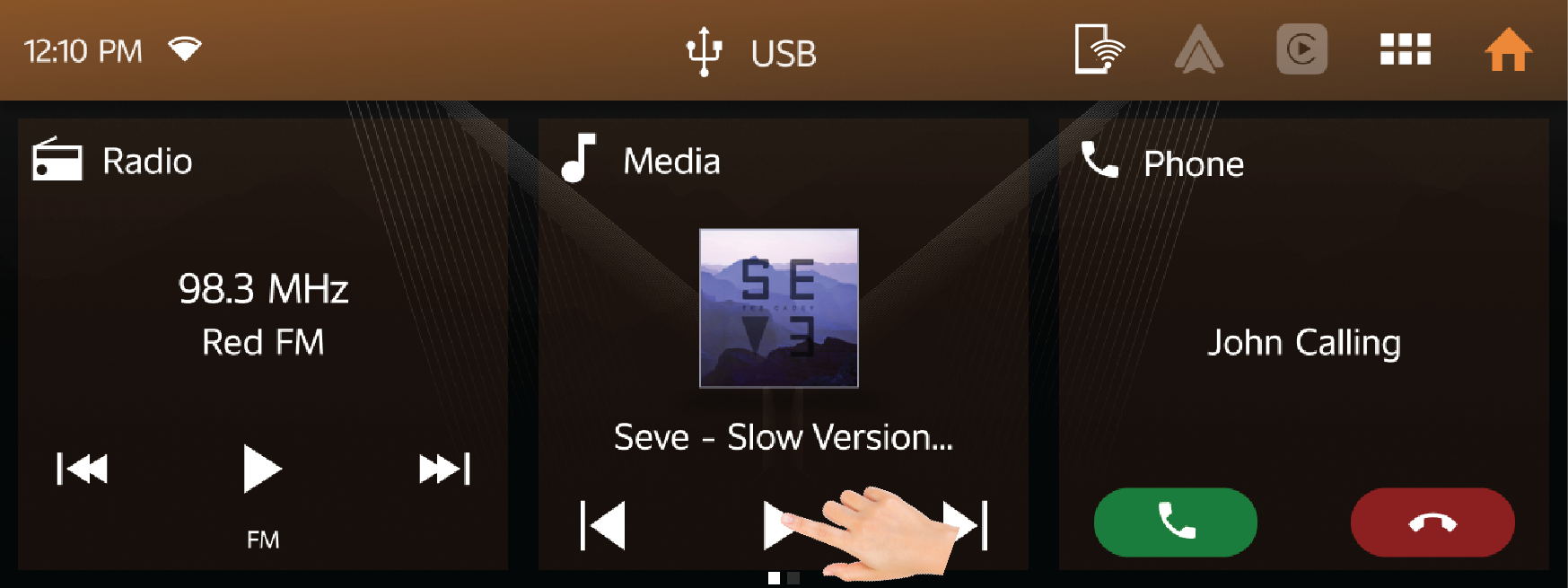
12.1.3 Phone Tile
| • | The phone tile shows the details of the phone that is currently connected with vehicle through Bluetooth. |
| • | If no mobile is currently paired, it will give a quick option to go to the pairing screen in the settings menu. |
| • | When phone is connected to the infotainment system via Bluetooth, the phone name will display in vehicle infotainment. |
| • | Tapping on the phone tile, will open Phone Application. |
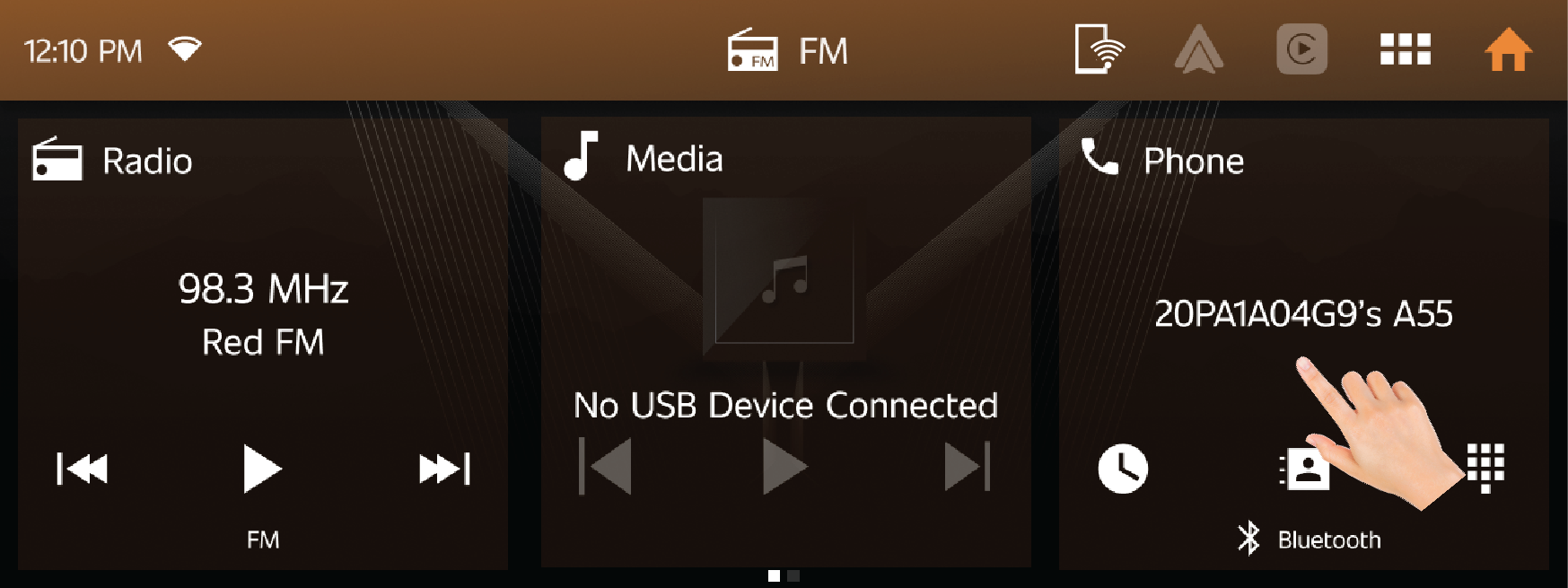
Shortcut icon in Phone:
| • | Shortcut icon is enabled only when Bluetooth device is paired with Infotainment system. |
Recent Phone - Phone icon will take the user to Recent Phone call list of the connected device.
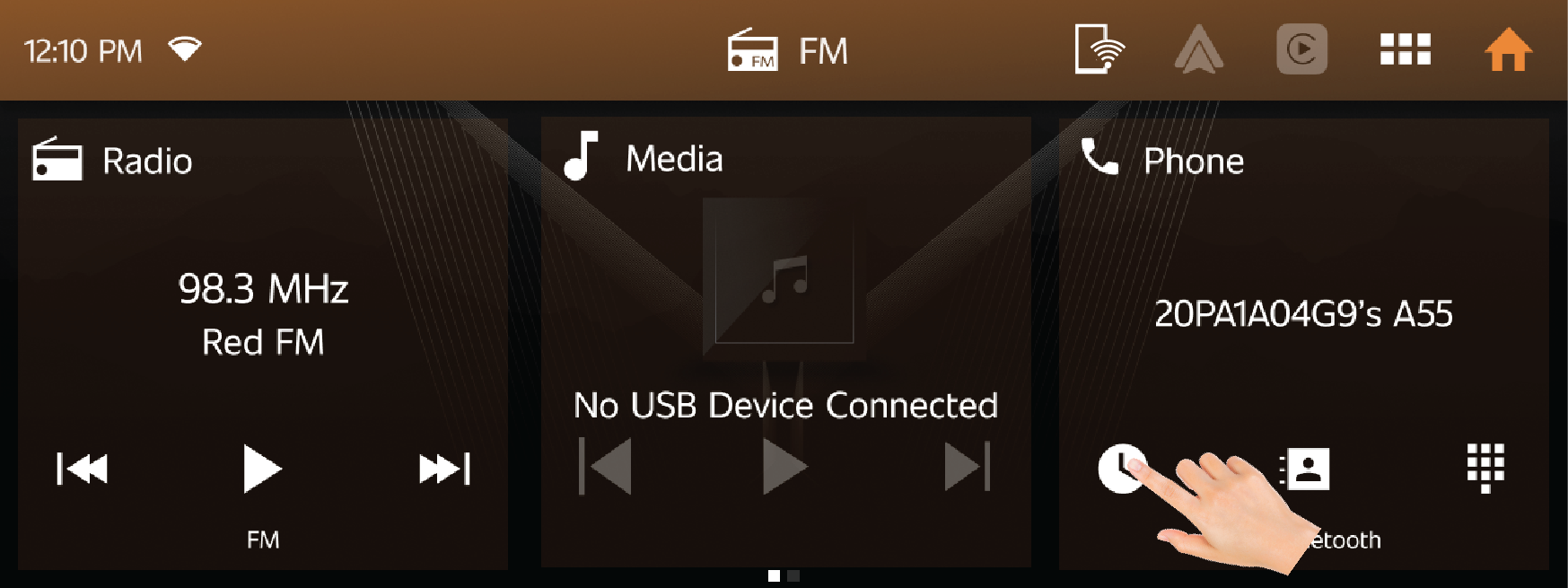
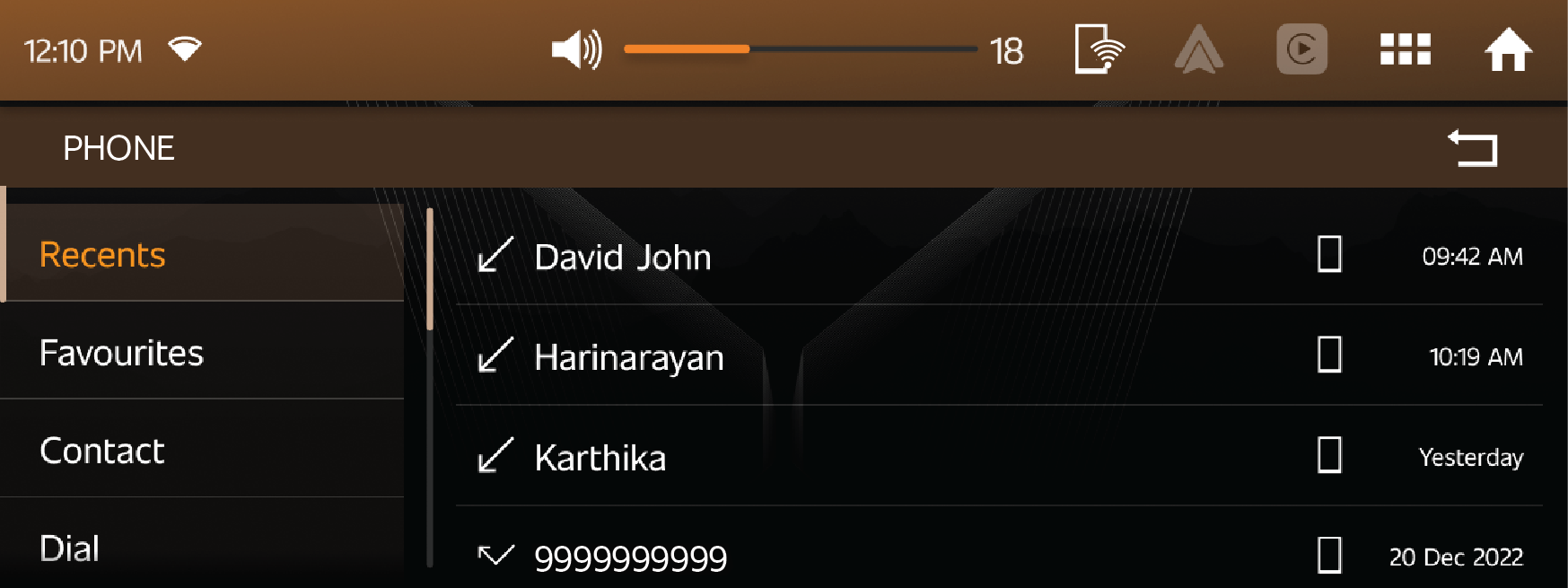
Contacts - Contact icon will take the user to contact list of the connected mobile through infotainment.
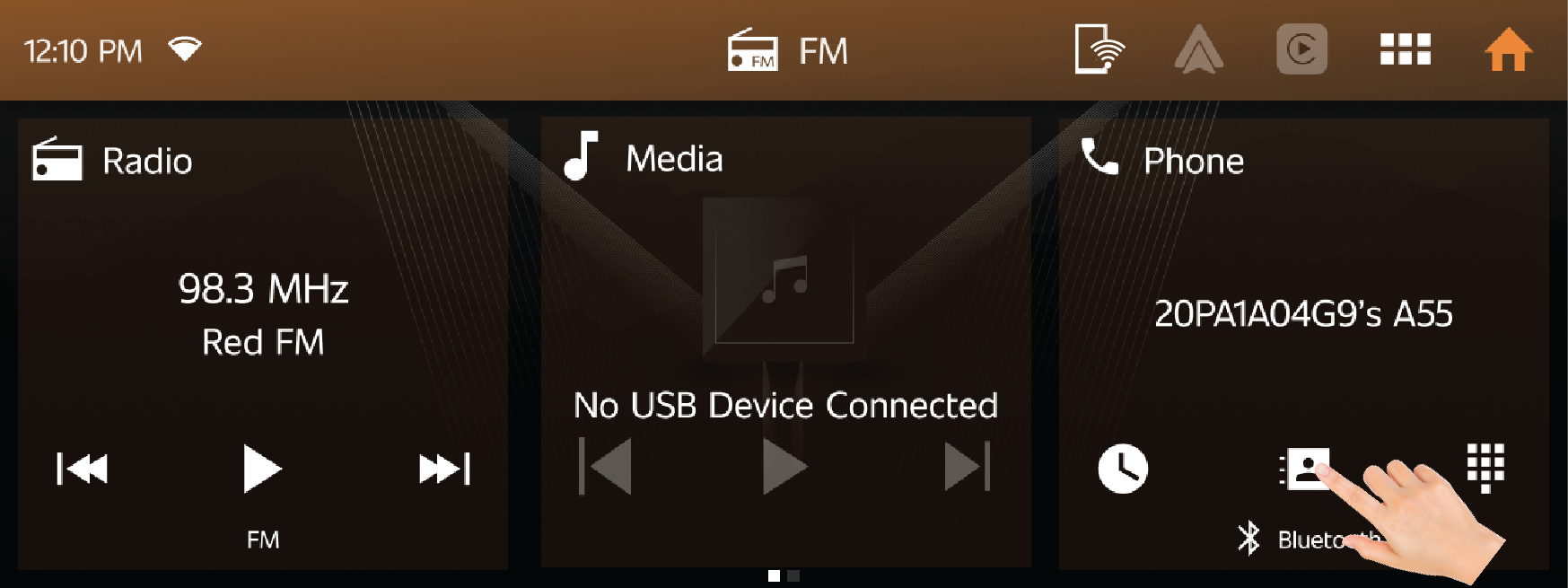
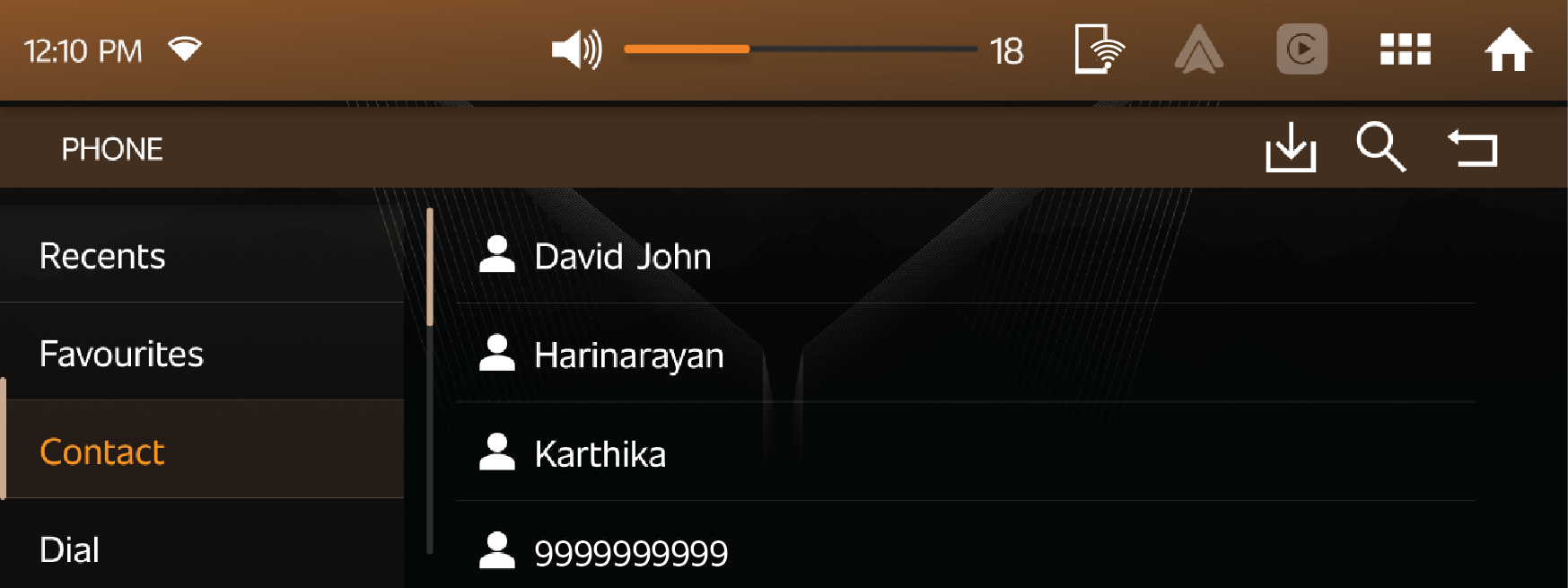
Dial - Dial icon will take the user to Dial pad of the connected mobile through infotainment.
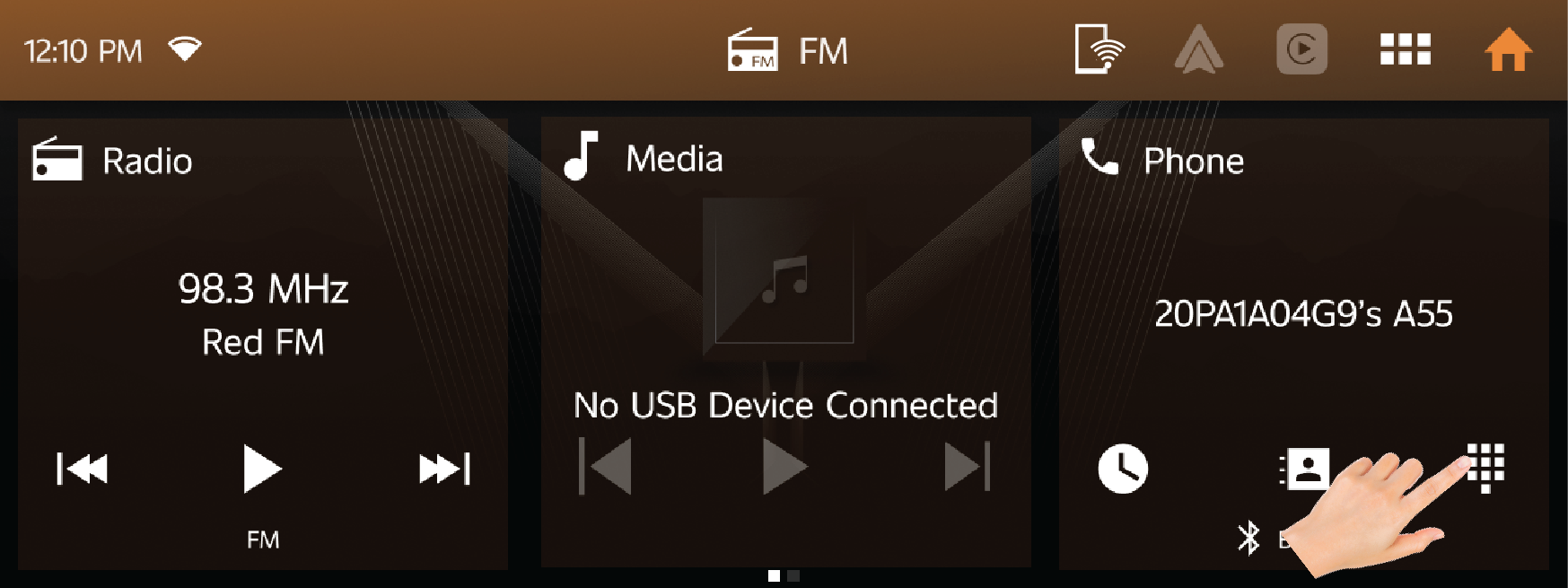
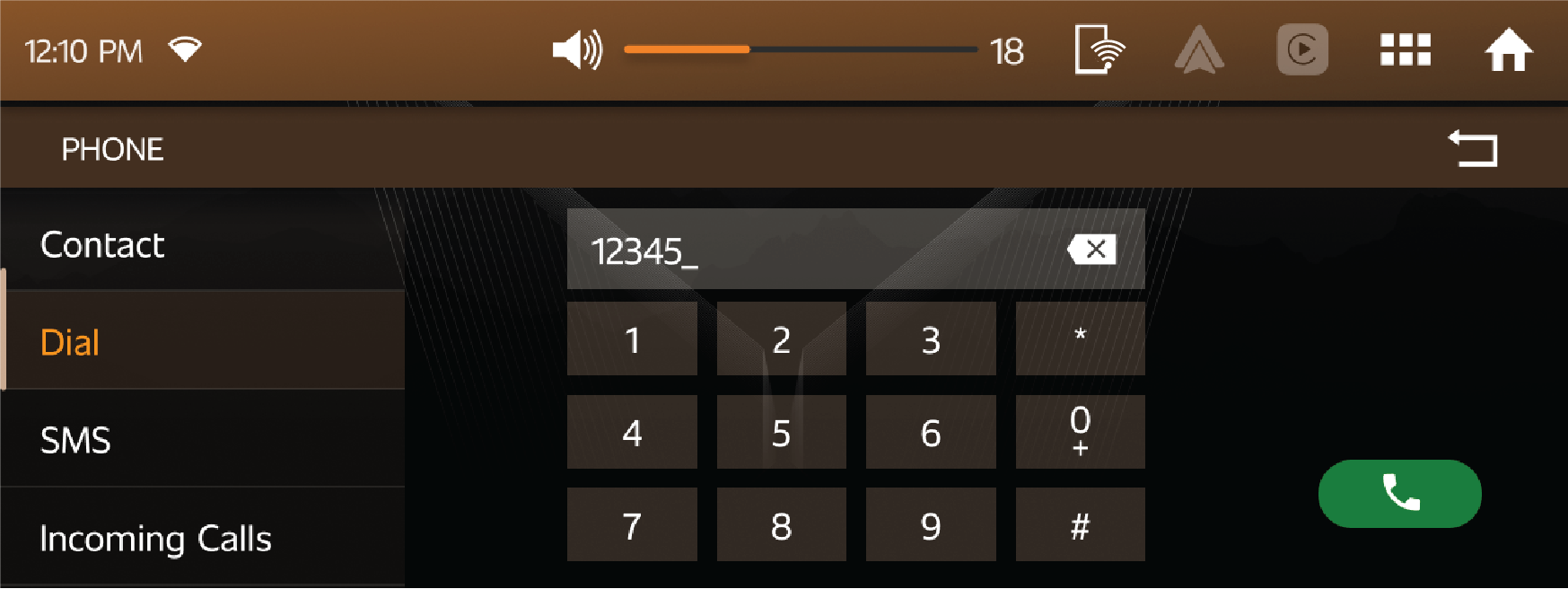
12.1.4 ASD Tile
| • | Adventure stats displays various information regarding vehicle dynamics like Engine Power and Torque, Digital speed, Tachometer, Compass, and Altimeter. |
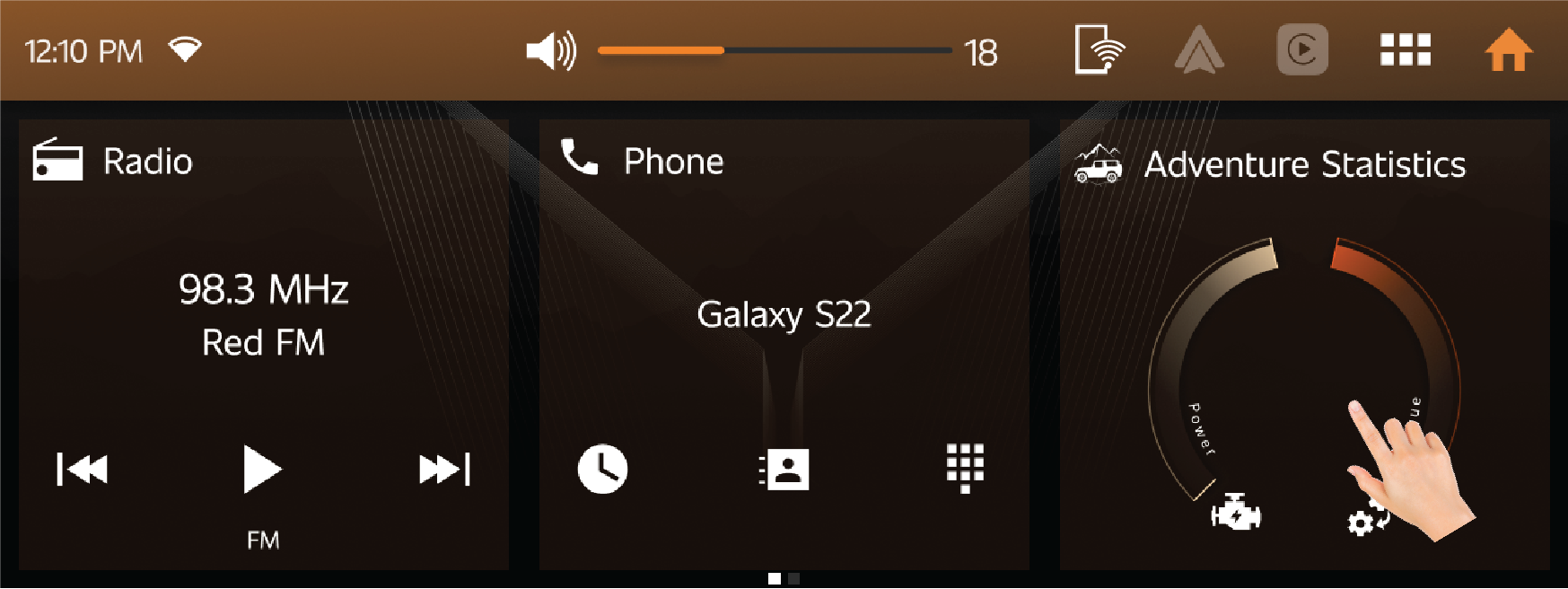
| • | It has 4 subdivisions namely, On Road, Off Road, Racing and Custom. |
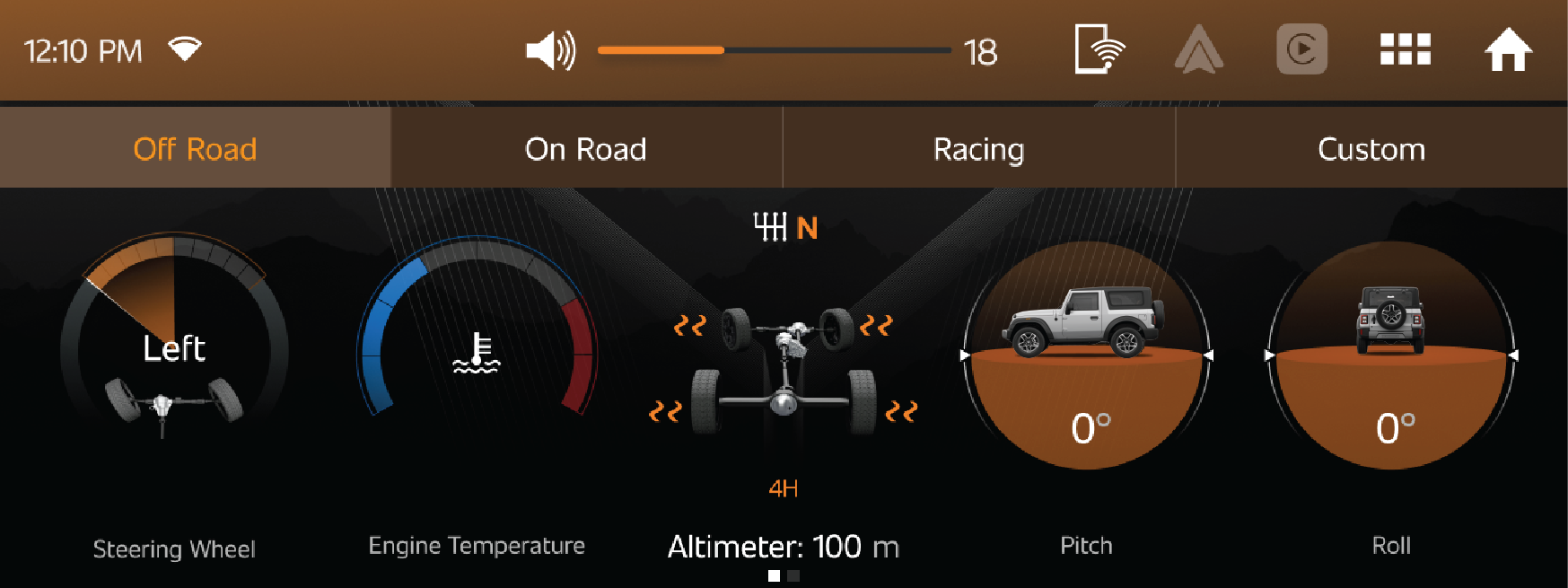
12.2 App Drawer
| • | Menu page contains all the essential apps and settings. |
The following apps are available in the Infotainment System menu page.
|
|
||||||
|
|
||||||
|
|
||||||
|
|
||||||
|
|
||||||
|
|
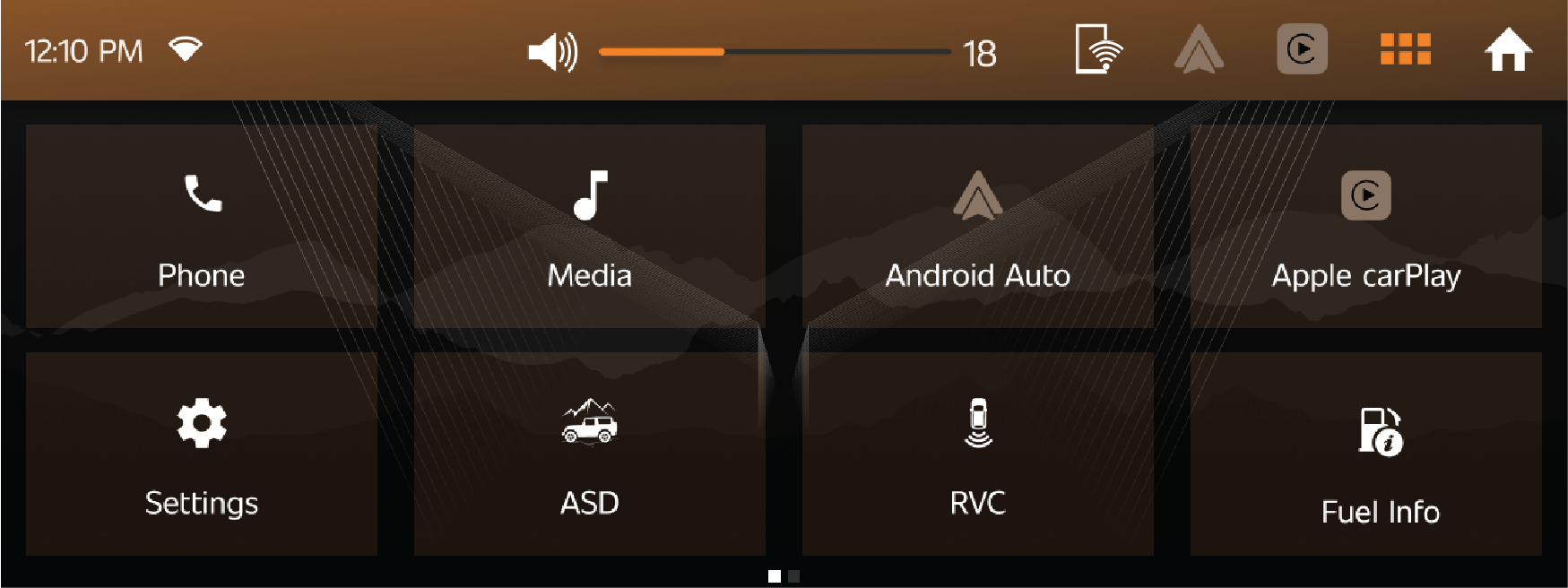
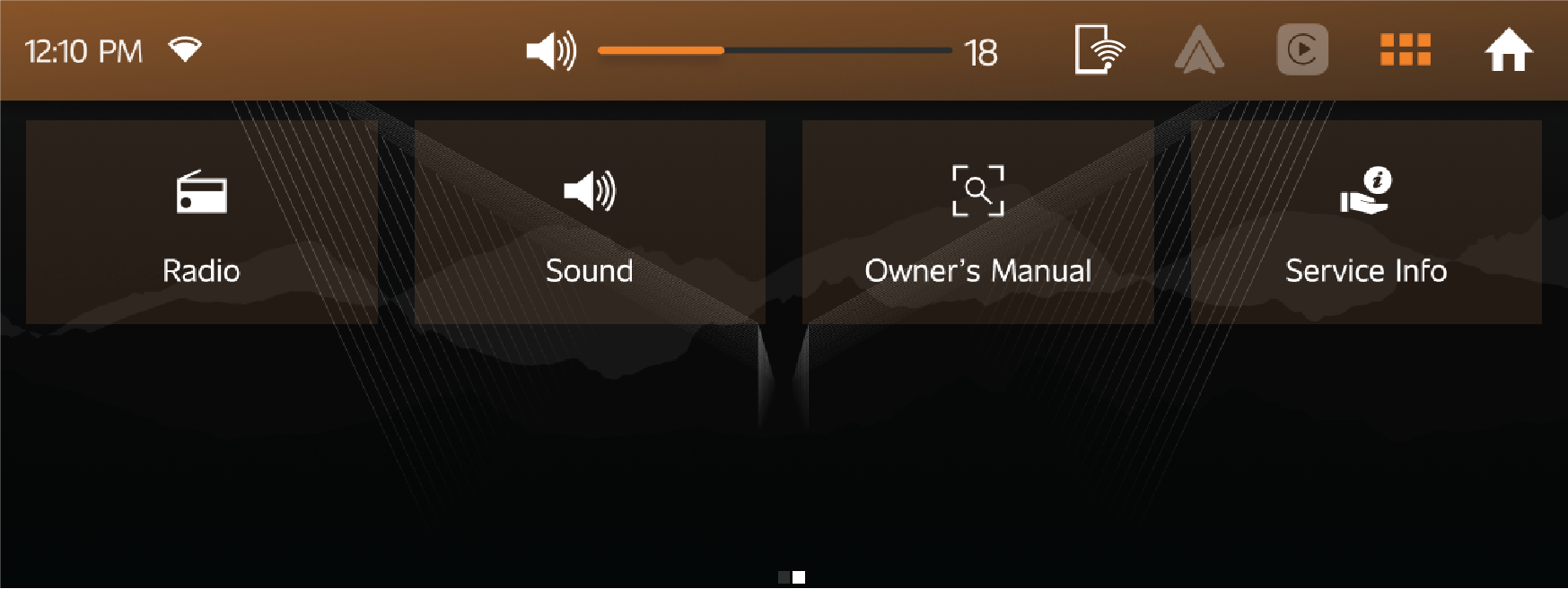
12.2.1 Phone
| • | The Phone app shows details of the phone that is currently connected with vehicle through Bluetooth. |
| • | Using the Phone menu user can access recent calls, favourite contacts, contacts, Dial and SMS. |
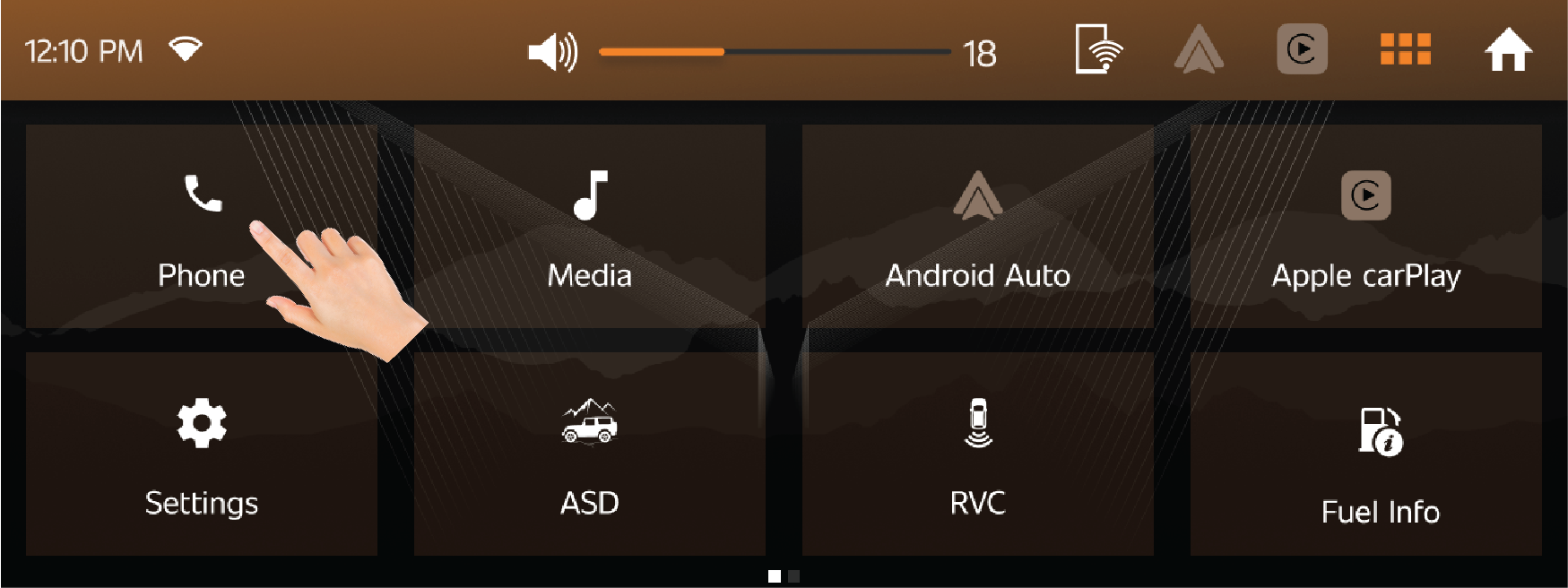
Recent call list:
| • | Recent screen will show recent call list of connected devices. |
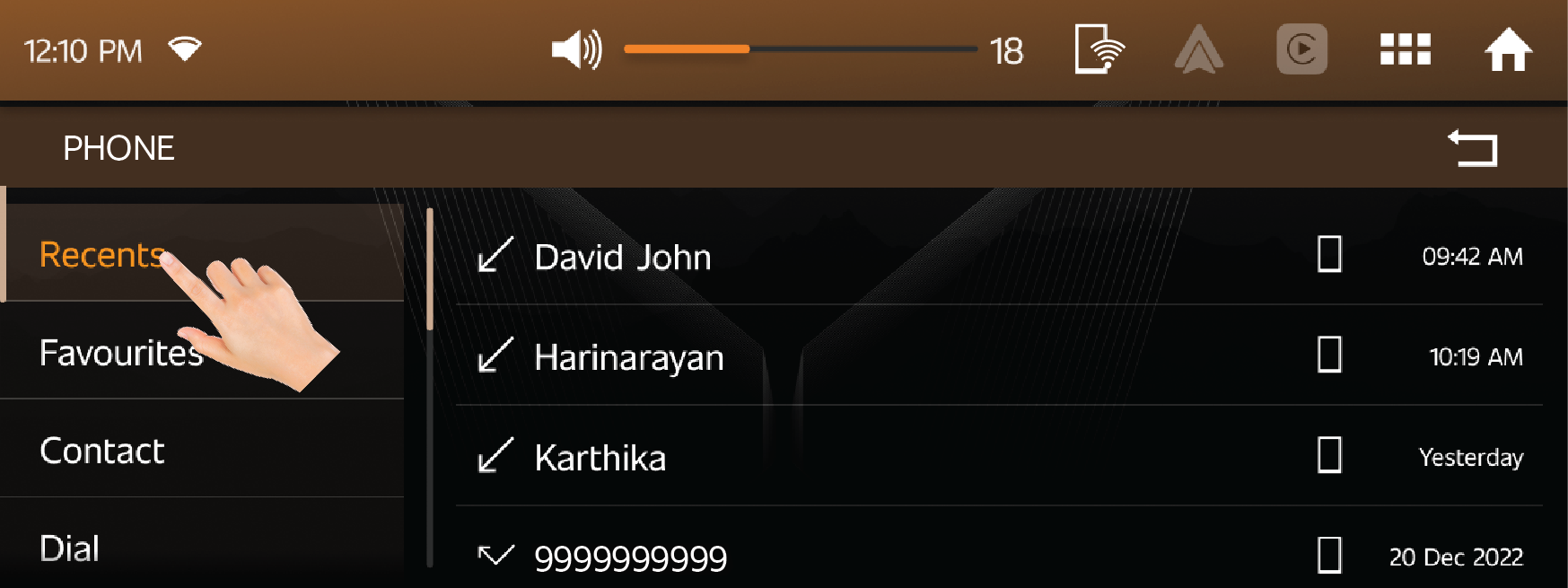
Contact Details:
| • | Contact list of connected devices can be easily accessed by using this option. |
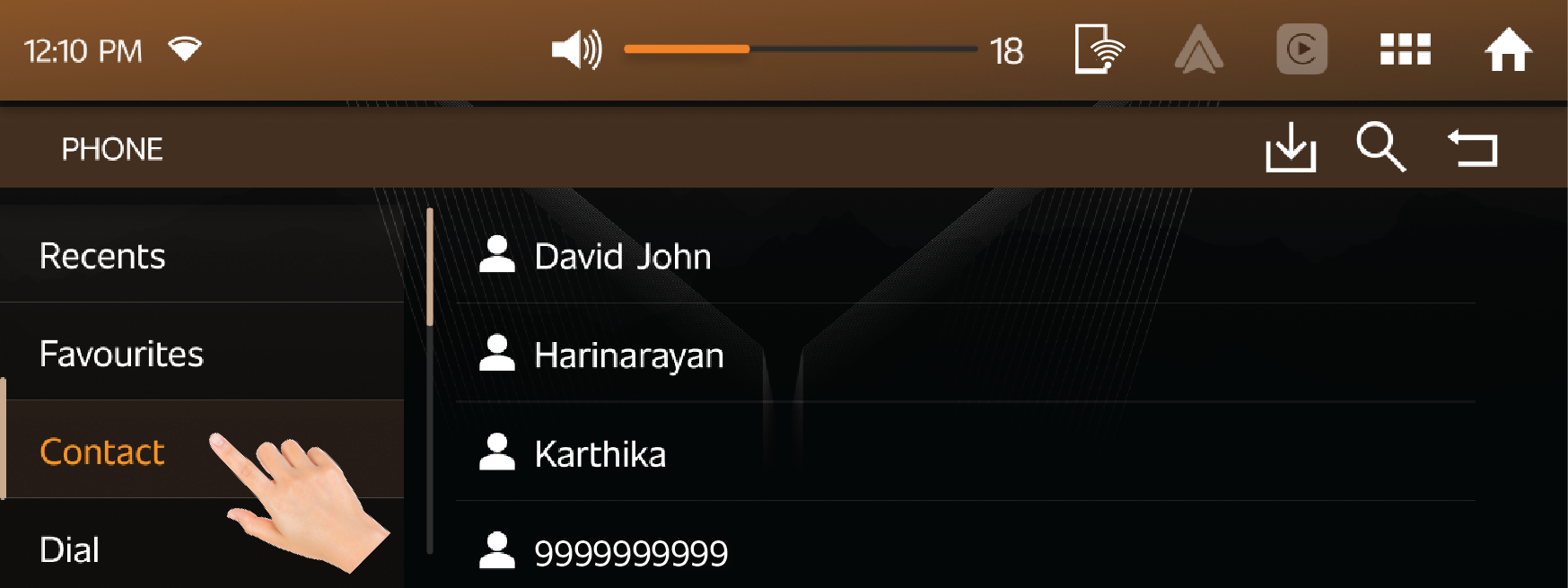
Dial:
| • | Using dial pad, we can enter new mobile number to contact a person or can find the person by tying mobile number. |
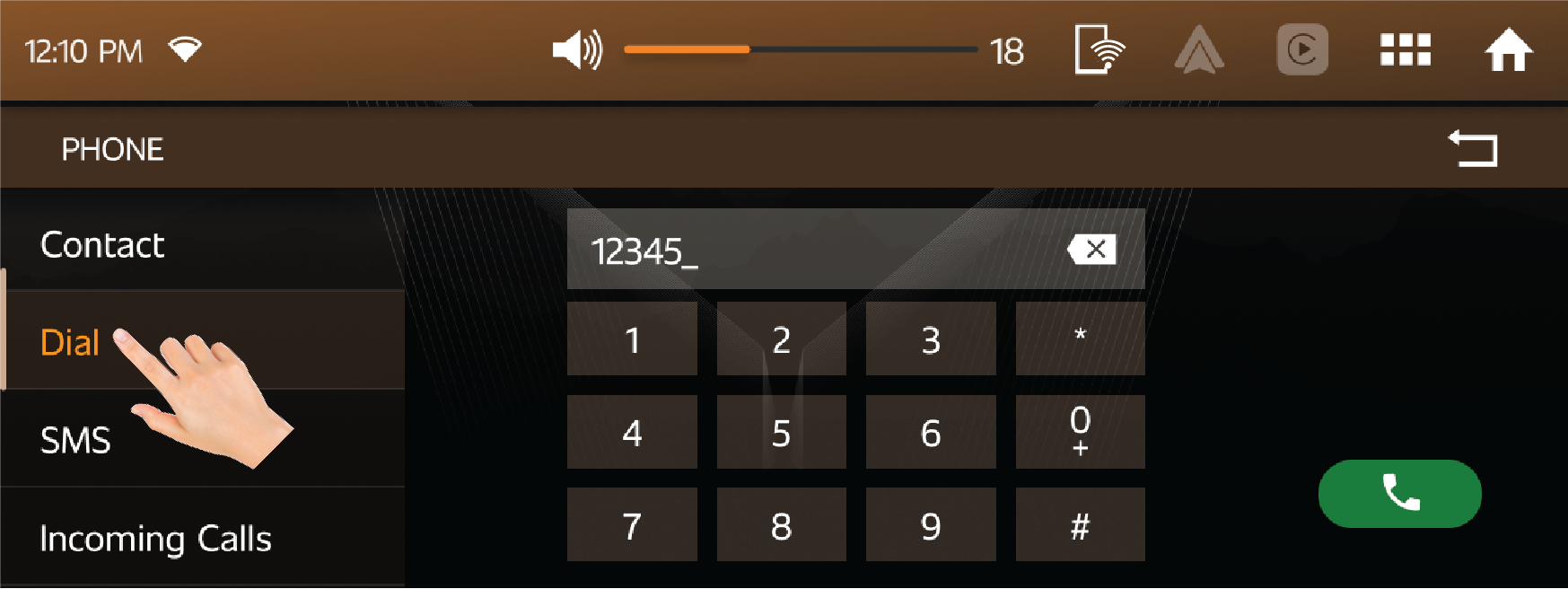
SMS:
| • | While driving or other reasons user can send a SMS to desired person directly from vehicle infotainment |
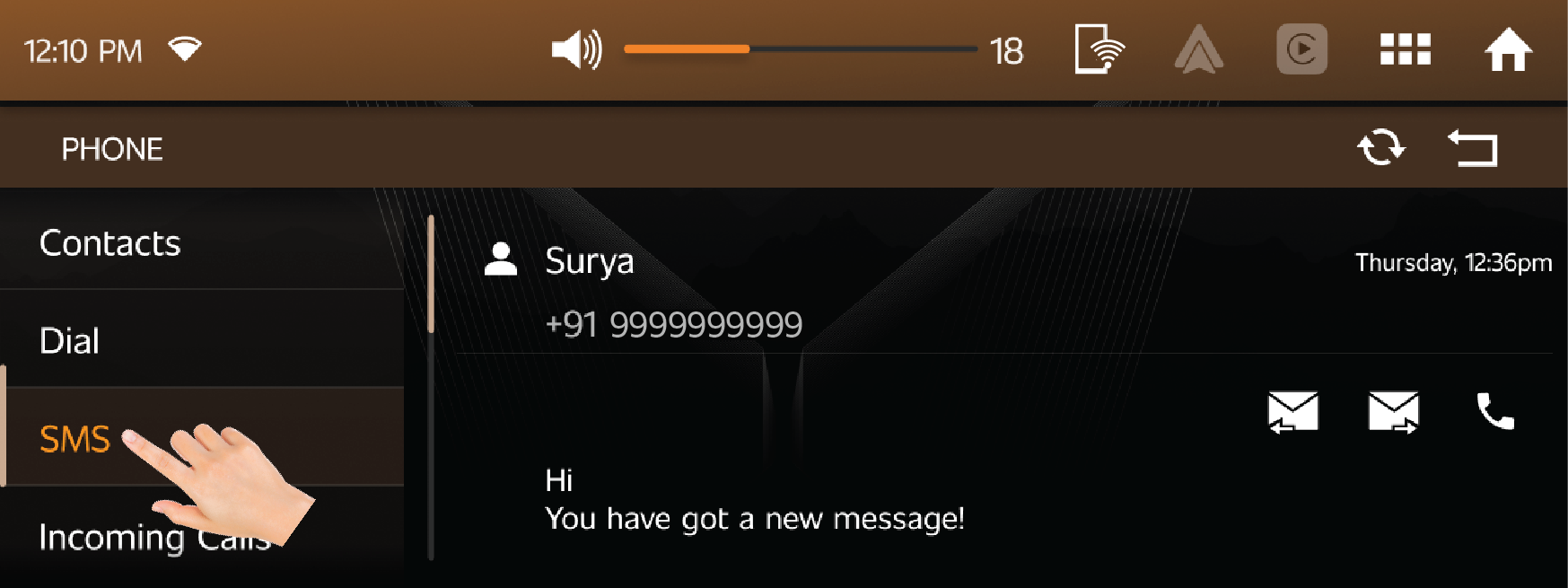
12.2.2 Media
| • | The Media app takes user to the Infotainment’s media player. |
| • | User can select audio input source, audio settings, browse song list and playlists. |
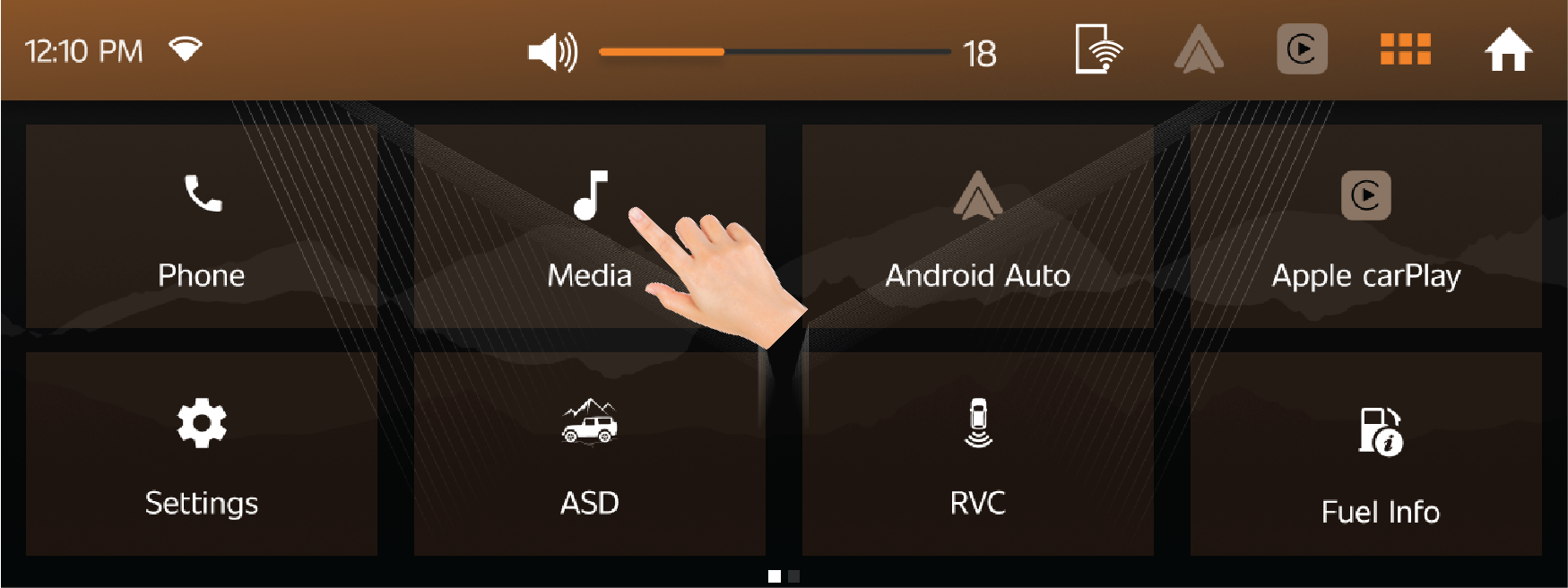
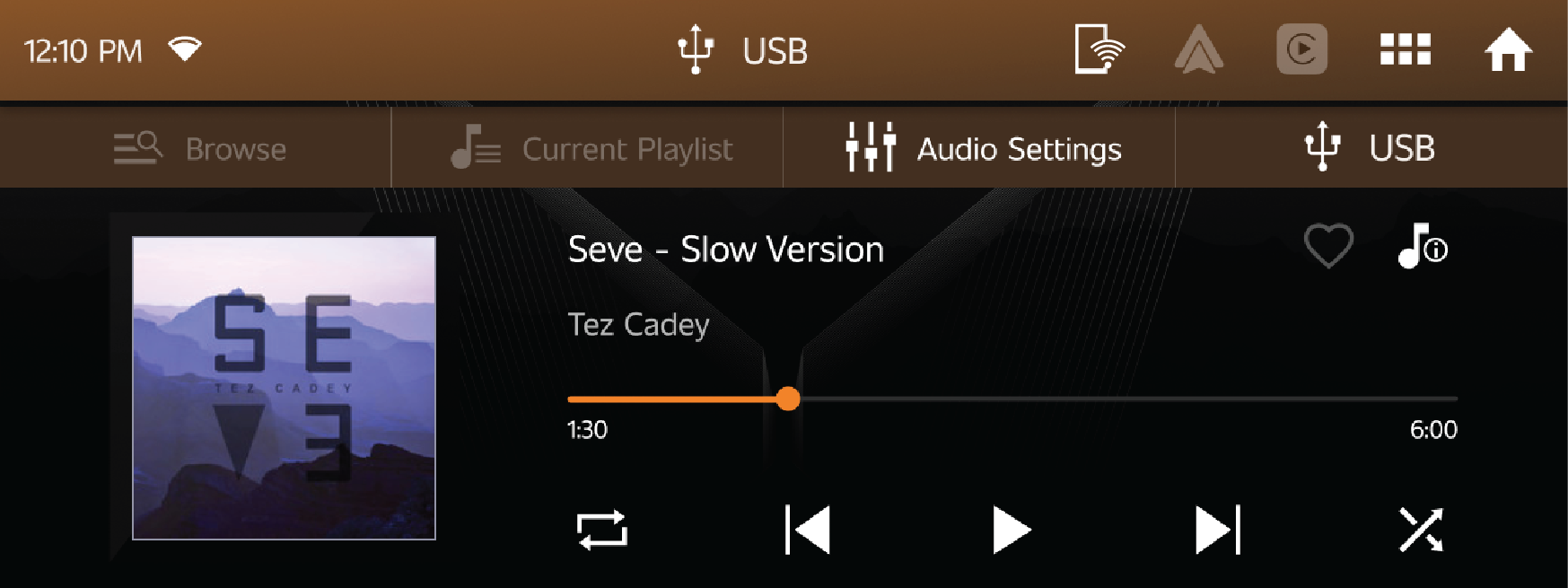
Click on the browse option to browse available audio files.
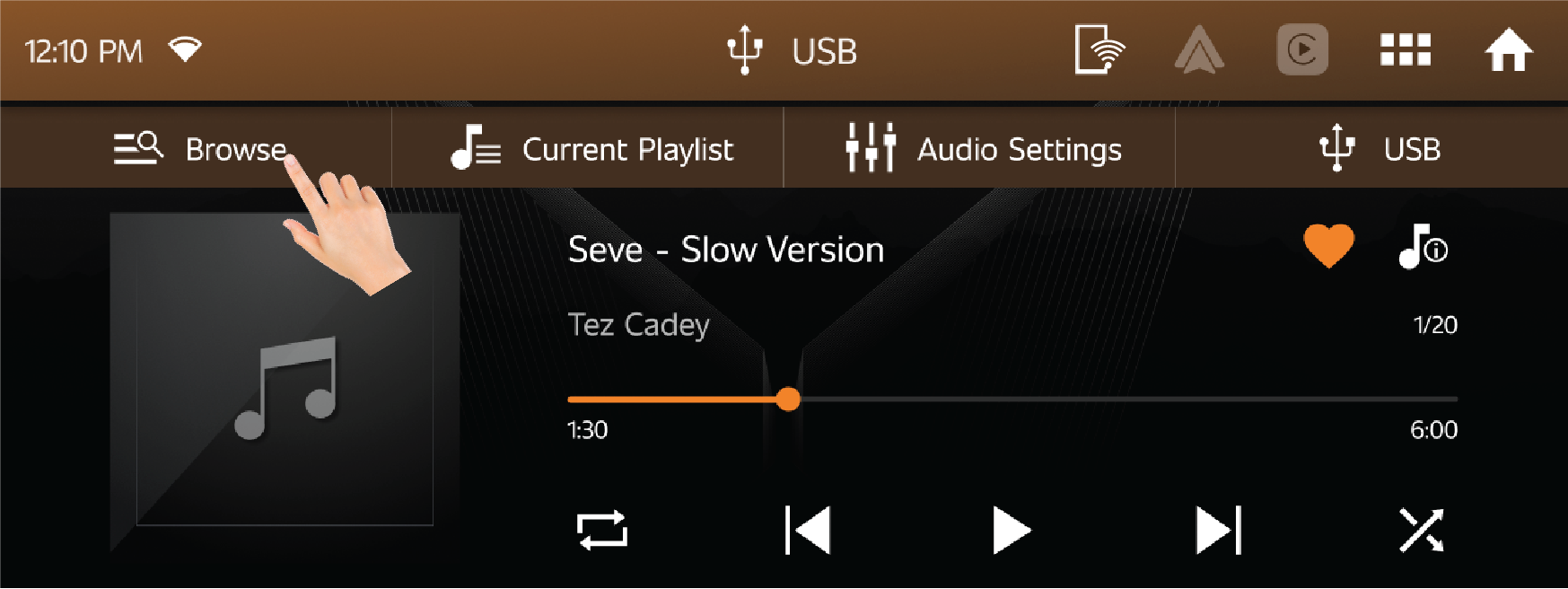
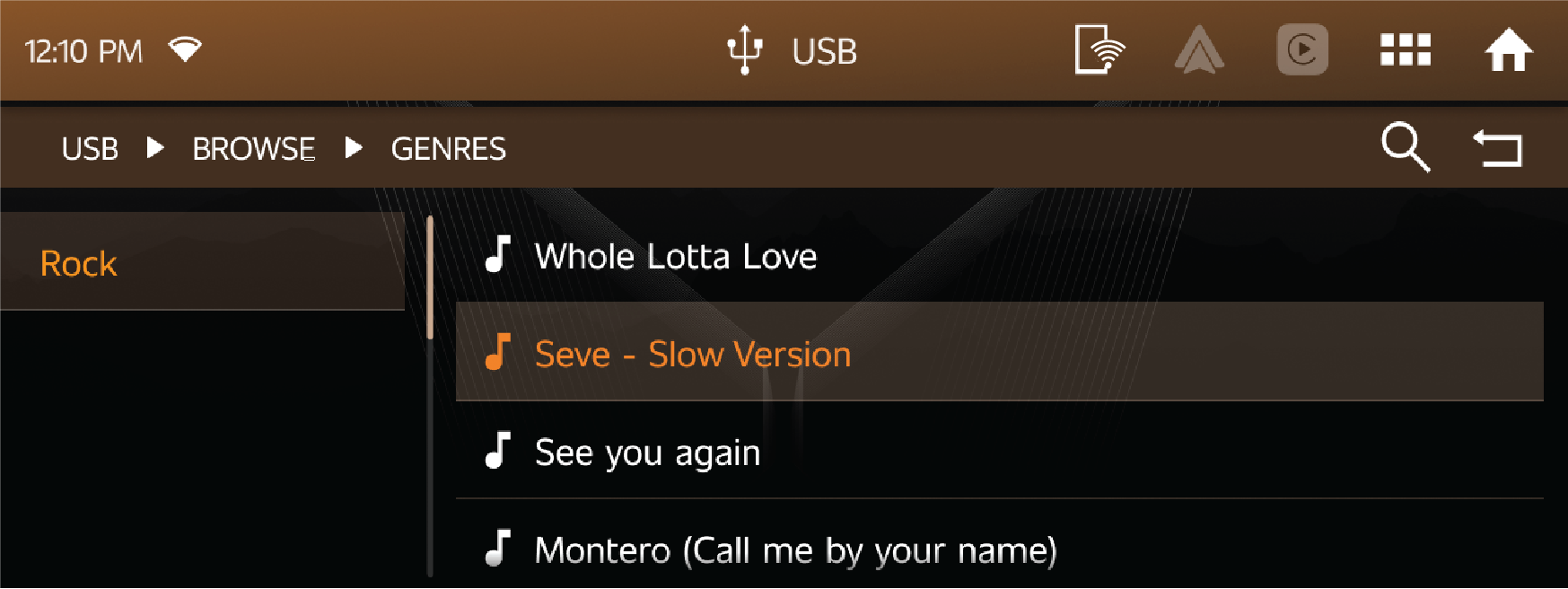
Click on the source option to shift between various audio sources like USB, Android Auto, Apple CarPlay, and Bluetooth.
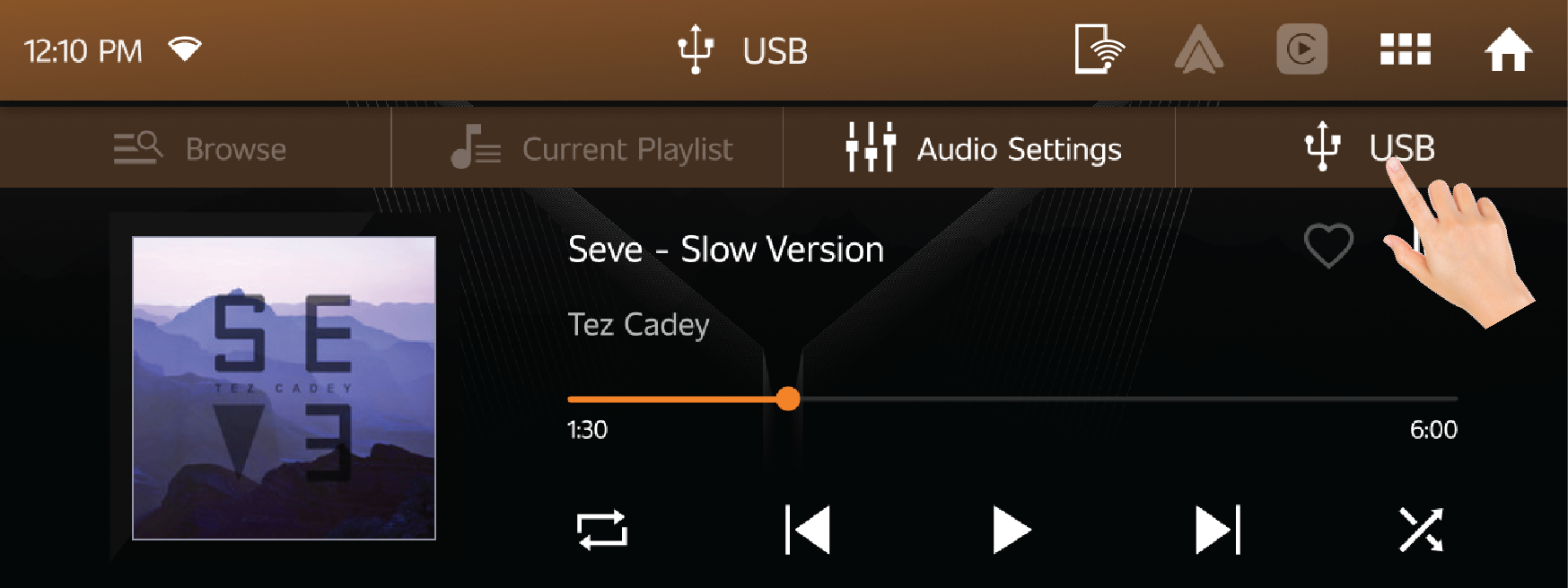
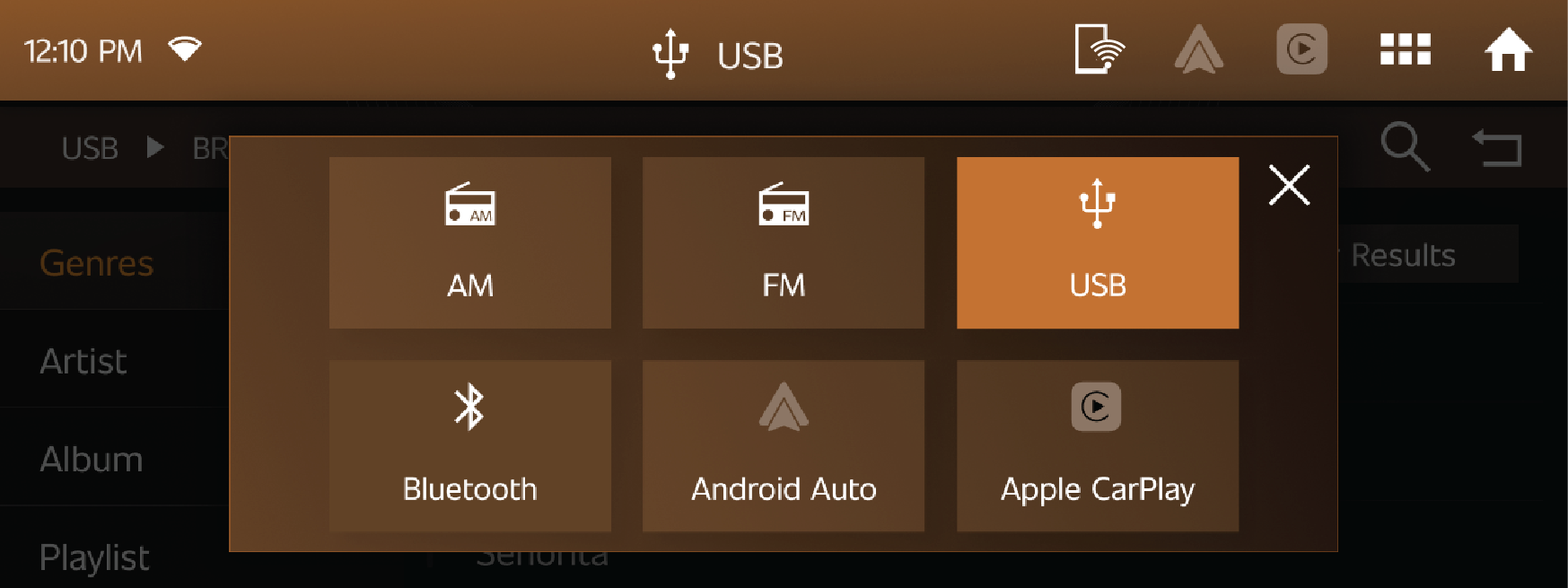
12.2.3 Android Auto
Android Auto brings out the best of in-car infotainment technology by linking the user’s Android™ device with the Mahindra
infotainment system.
| • | Android Auto focuses on safety & it allows the user to access, and control select applications of Android phone, using various inputs on the vehicle such as touch, steering wheel controls and voice. |
| • | Android apps can control Music, Navigation and Phone call and it enhances the Thar driving experience by stay focused on the road with simple, intuitive interfaces, integrated steering wheel controls and Voice recognition. |
| • | To experience Android Auto, the user must download and install Android Auto app from Google Play Store. |
| • | Android auto is supported at ‘type A’ USB port. |
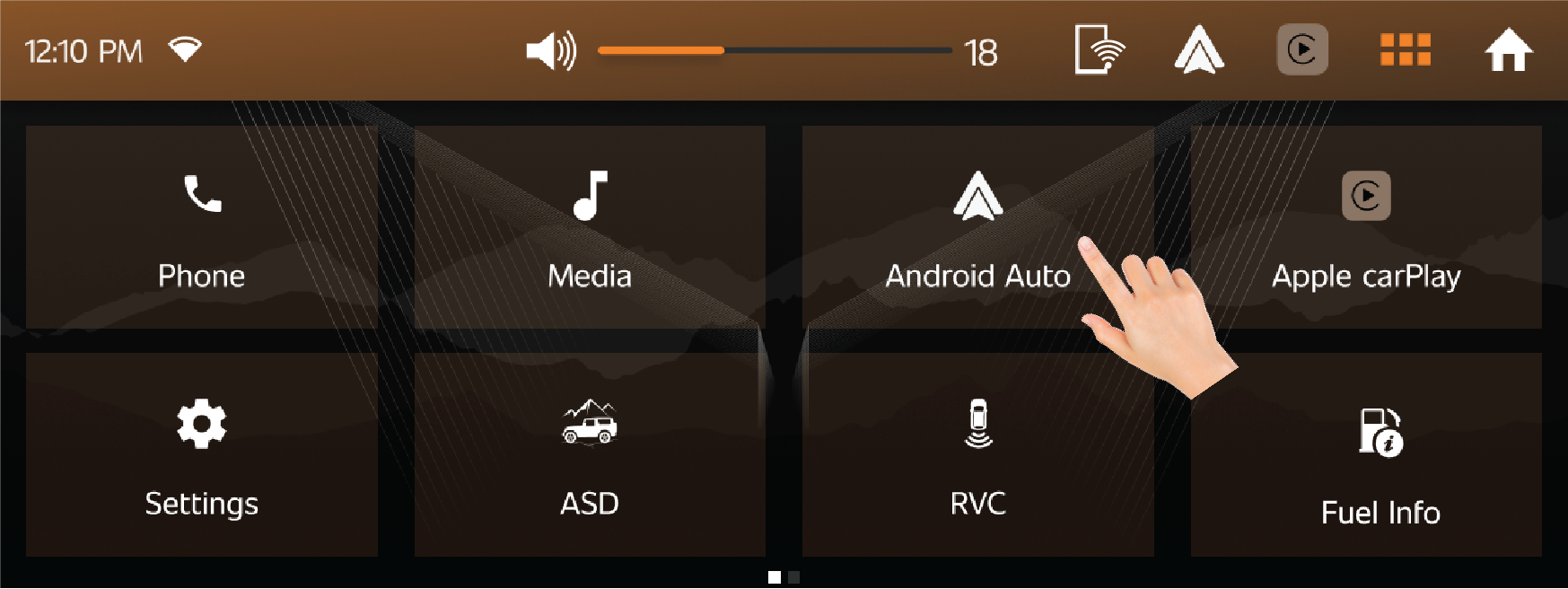
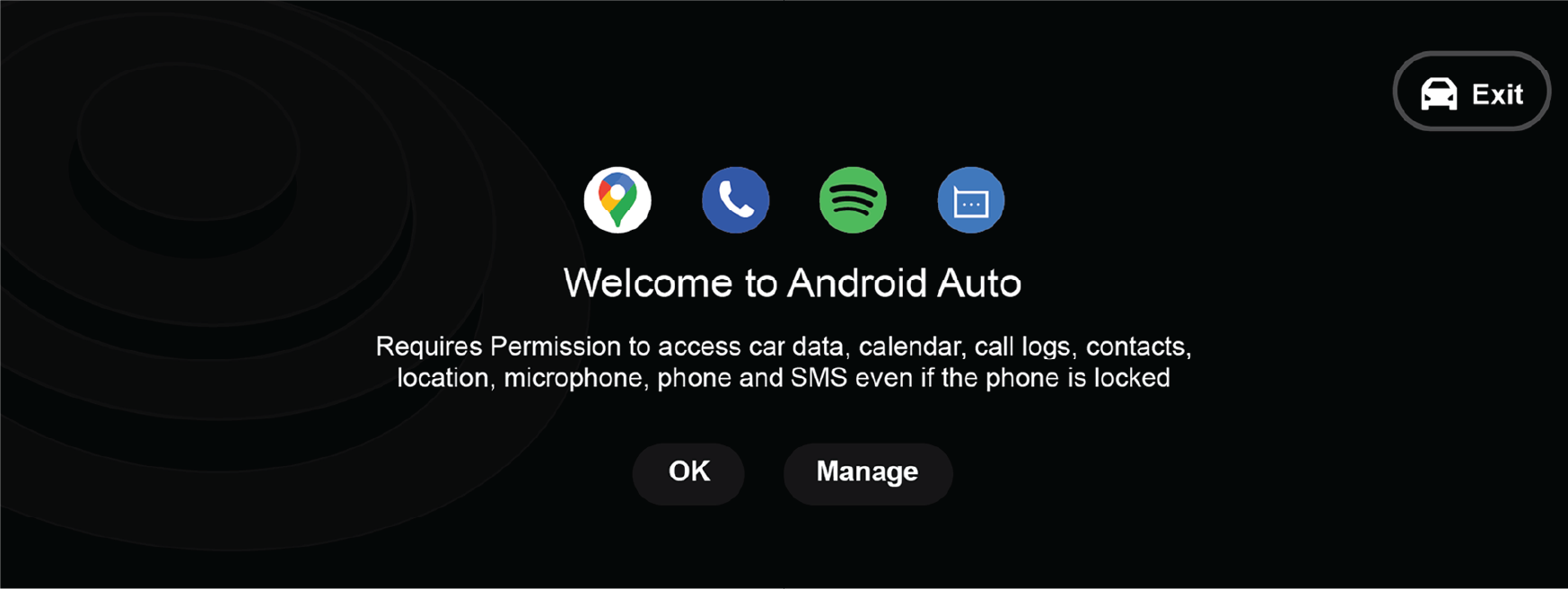
Features of Android Auto:
| • | User can be able to find in-build apps in infotainment screen. |
| • | By using the apps, user can make call to their contacts by using phone books. |
| • | Navigation system can be accessed to find the desired location. |
| • | Music can be played by using in build mobile app. |
| • | In build Google voice assistance in infotainment screen. |
| • | Using Mahindra icon, user can be able to switch from Android Auto to vehicle home screen. |
12.2.4 Apple CarPlay
| • | Apple CarPlay seamlessly integrates iPhone with Mahindra's infotainment, prioritizing safety by projecting key functions onto the vehicle system. |
| • | Users can control applications like Music, Navigation, Phone calls, and Google search via touch, steering wheel controls, or voice, enhancing Thar’s driving experience with intuitive interfaces and speech recognition, ensuring safer interaction while driving. |
| • | Your Thar supports wired Apple CarPlay. |
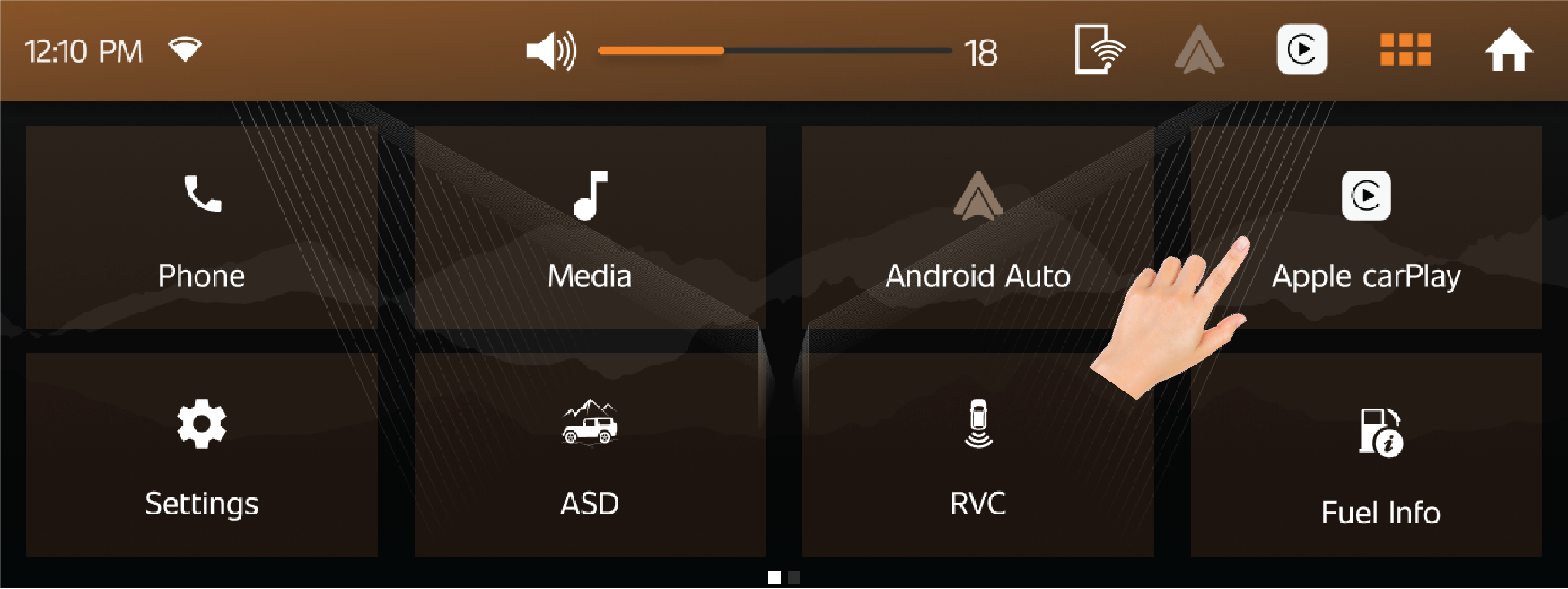
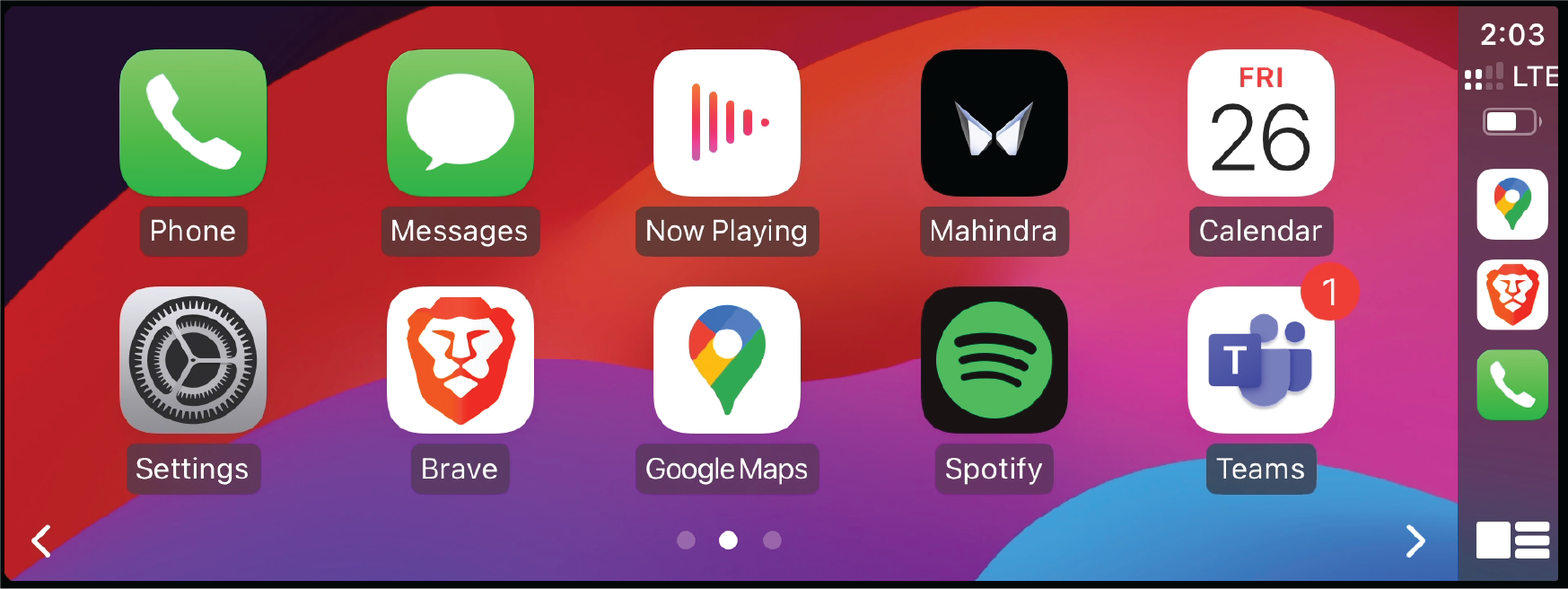
Connecting to Apple CarPlay:
| • | Connect the phone using your charging cable to the vehicle file transfer socket (Type A USB port) and press Apple CarPlay. |
Features:
| • | User can find some in-build apps in Apple CarPlay. Using the apps, user can do the following things, |
| • | Make call to their contacts by using phone books. |
| • | Access Navigation system to find the desired location. |
| • | Play Music by using in-build mobile app. |
| • | Use Siri voice assistance. |
12.2.5 ASD
| • | Adventure stats displays various information regarding vehicle dynamics like Engine Power and Torque, Digital speed, Tachometer, Compass, and Altimeter. |
| • | It has 4 subdivisions namely, On Road, Off Road, Racing and Custom. |
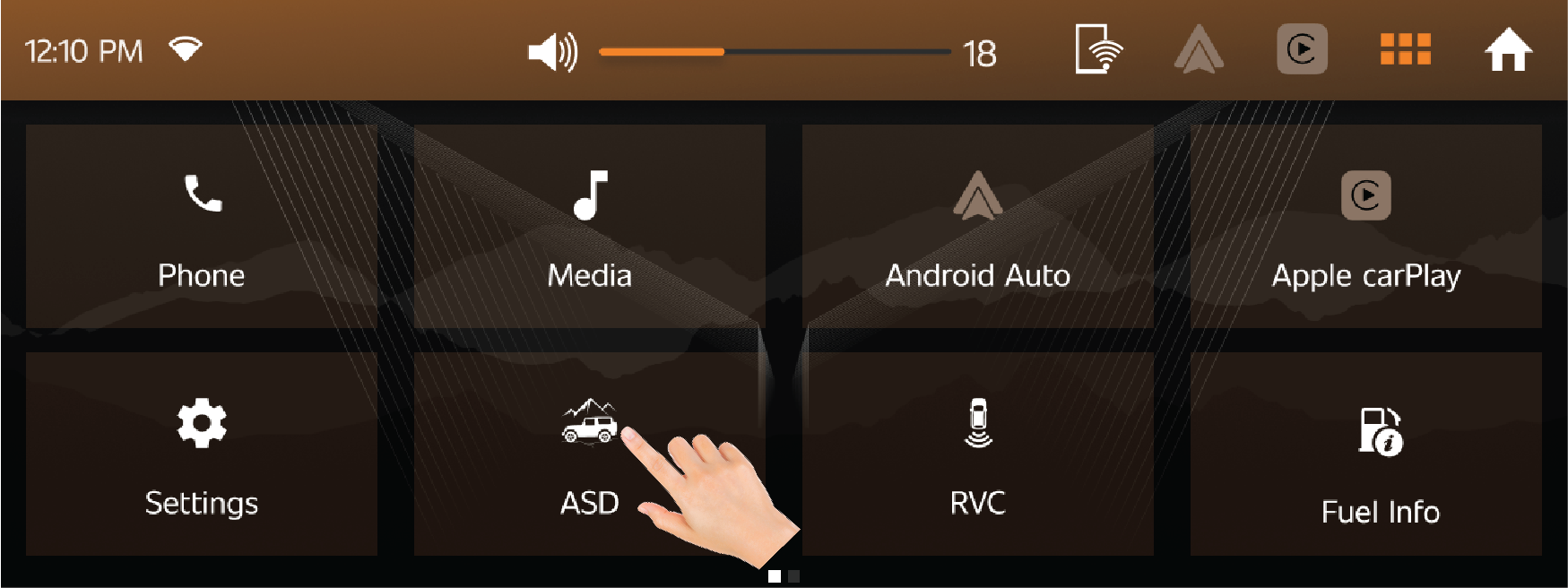
Off Road
| • | It contains Roll and Pitch, 4WD and Compass. |
| • | Roll & Pitch Angle graphical representation will show the front-to-back axis and side-to-side axis. |
| • | 4WD provides the pictorial representation of vehicle wheel position and its turning radius. |
| • | Compass & Altimeter will help in the geographical direction and height at which the vehicle is at from sea level. |
| • | Oxygen level range will be displayed in place of altimeter, for 5 secs, if altimeter threshold is reached. |
Altimeter value may not be accurate due to geographical locations.
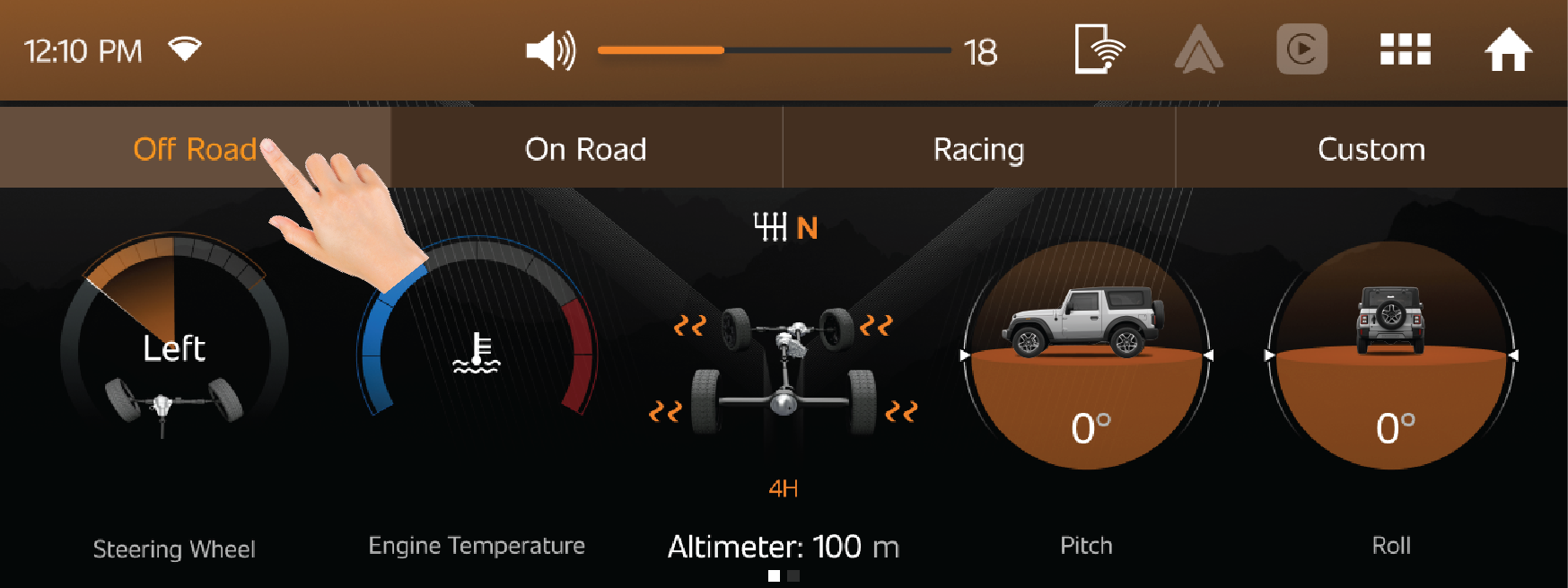
On Road
| • | It contains Engine performance, Trip and weather, Digital Speedometer, Compass and G-Force meter. |
| • | Engine performance displays live data of vehicle power, torque and engine temperature. |
| • | Trip and Weather Info shows the Trip history and Current Temperature and Pressure. |
| • | Tachometer & Digital Speed(km/h) provide live Rpm and speed, gear position details from the cluster screen. |
| • | G-Force Meter measures the magnitude and direction of acceleration of the Thar. |
| • | Compass & Altimeter will help in the geographical direction and height at which the vehicle is at from sea level. |
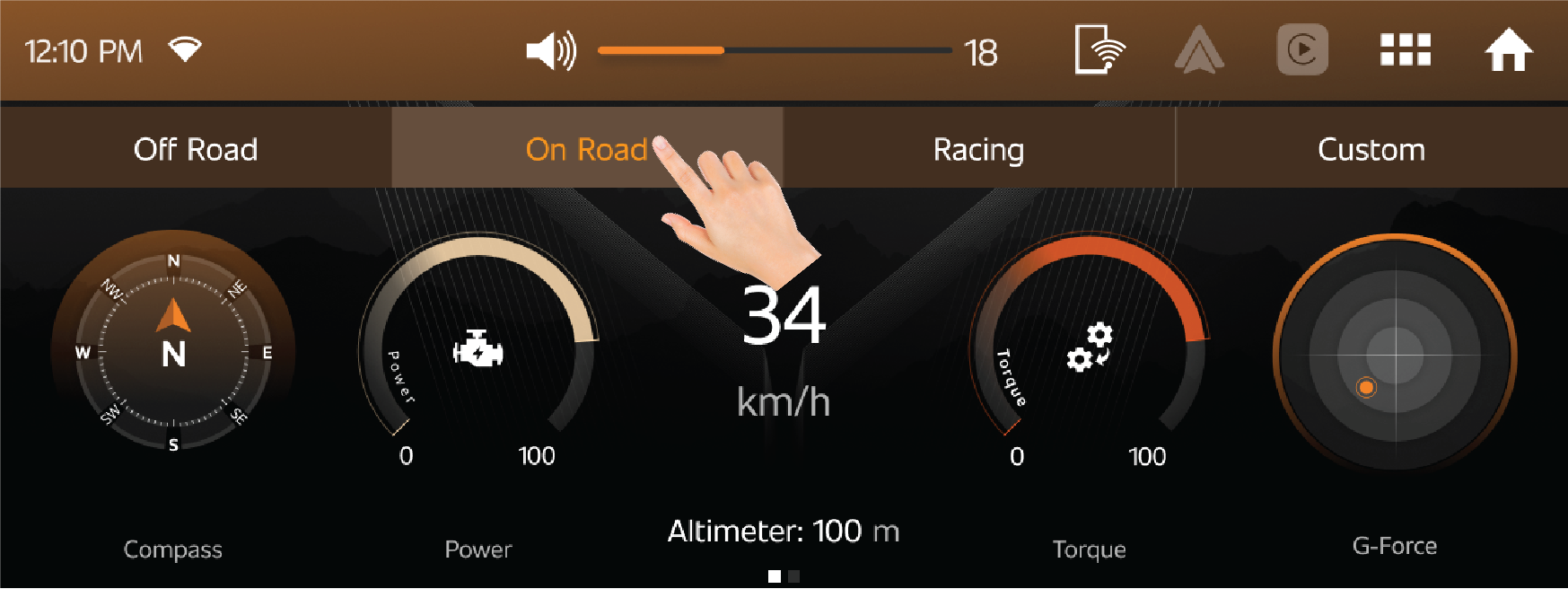
Racing
| • | It contains Lap timer and previous lap details. |
| • | User can access Lap Info menu for creating Time Laps of various journeys. |
| • | User can actively measure their driving timings using this feature |
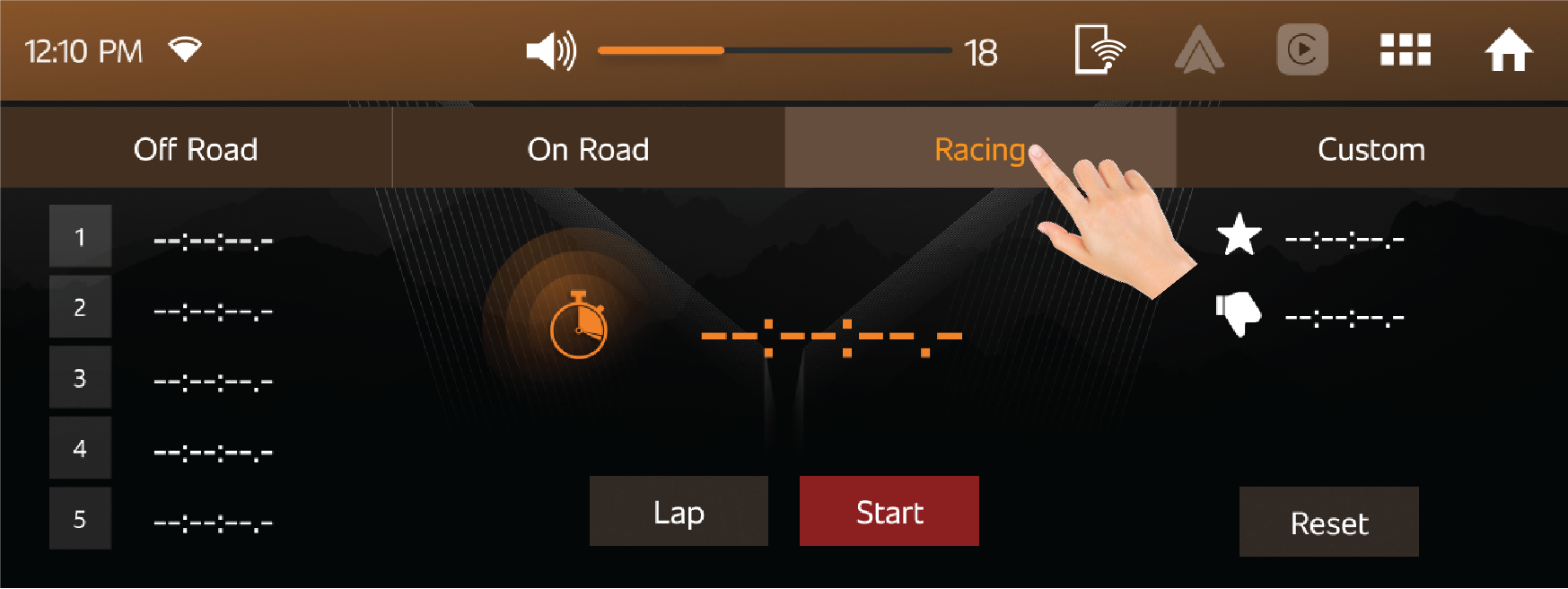
Custom
| • | In Custom option user can view a customized Adventure tap screen with various combinations of stats screens |
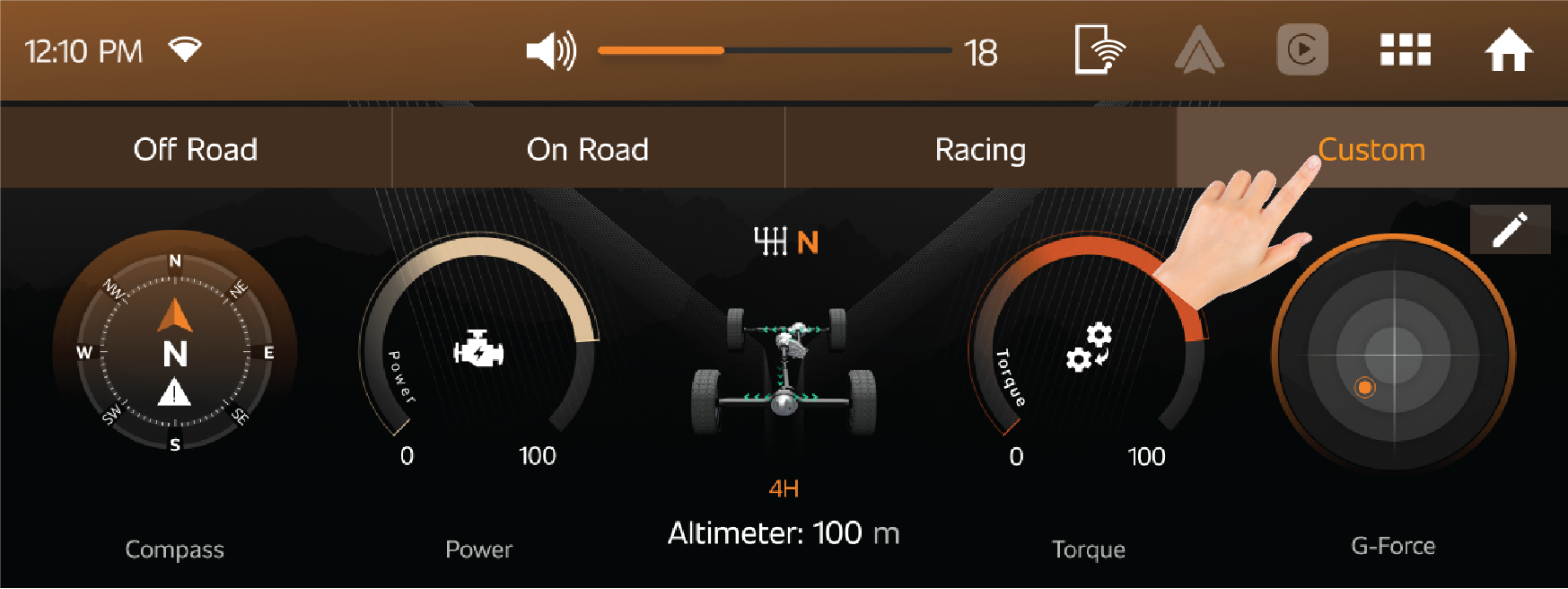
12.2.6 Rear View Camera (RVC)
| • | On clicking the RVC will open up the Rear view camera feed in Infotainment display. |
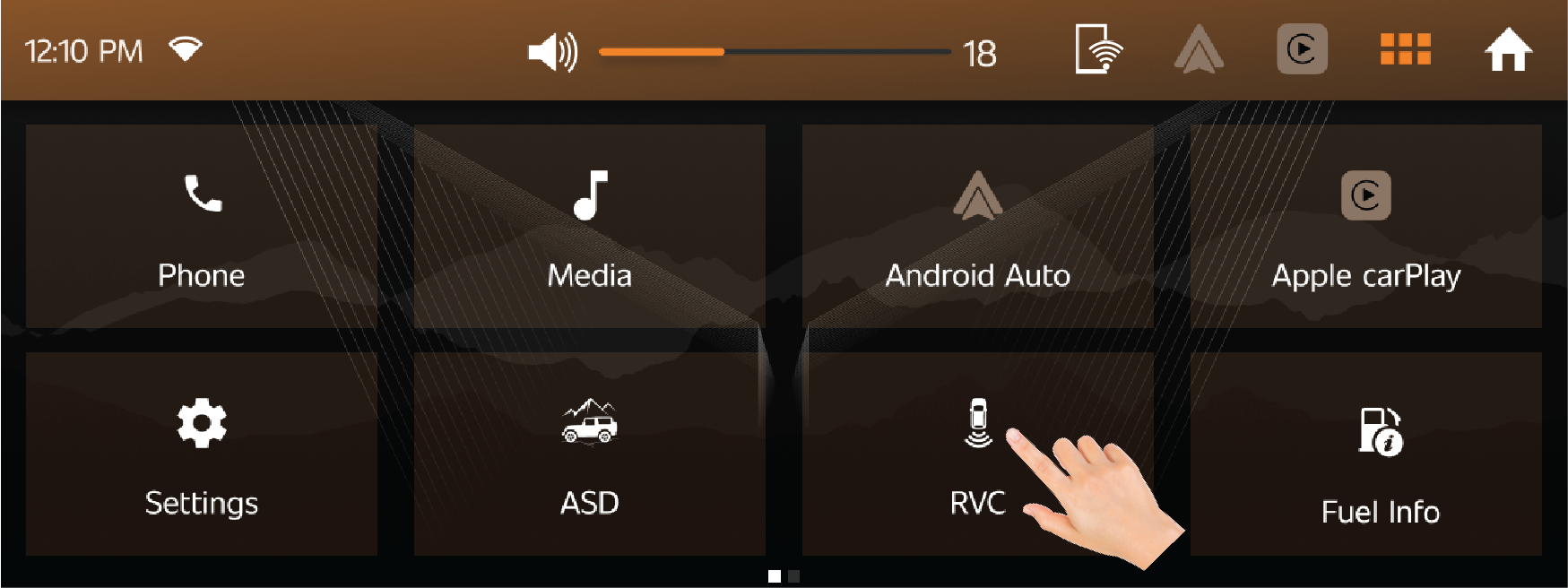
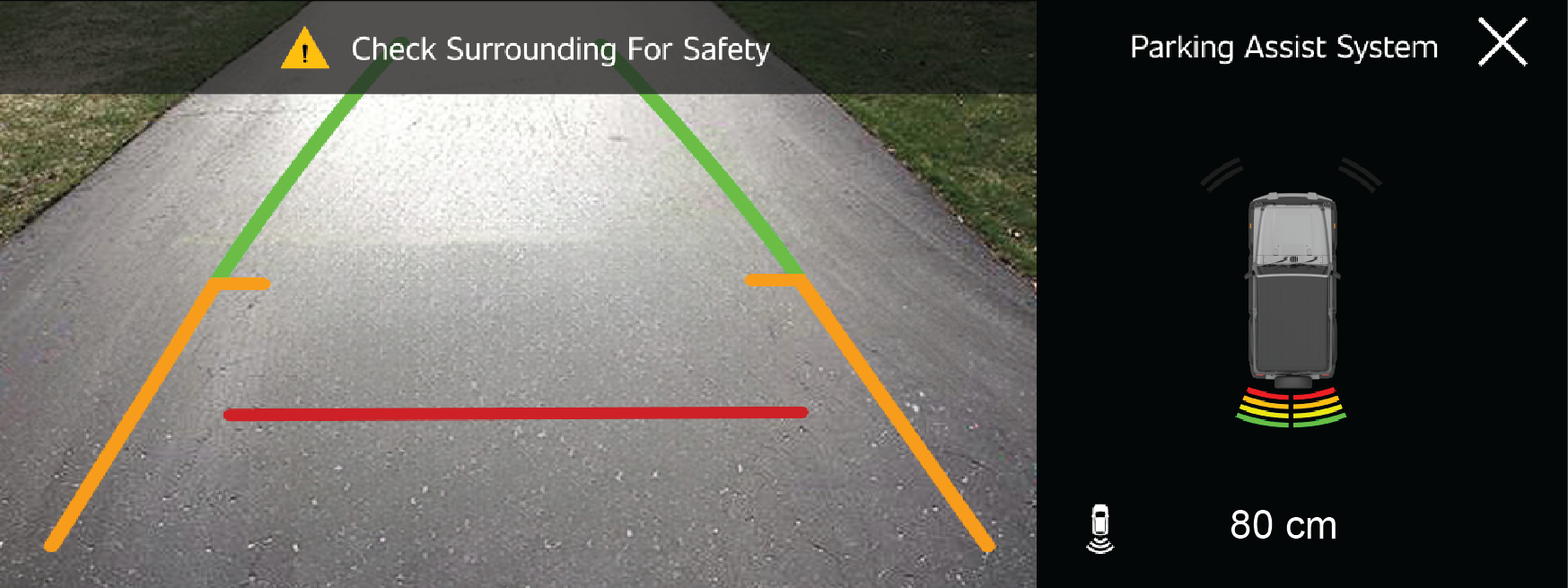
Refer ‘Parking Assist System’ chapter for more details.
12.2.7 Radio
| • | Radio app directly takes to media player with FM and AM options. |
| • | User can set favourite FM channels by using favourite option. |
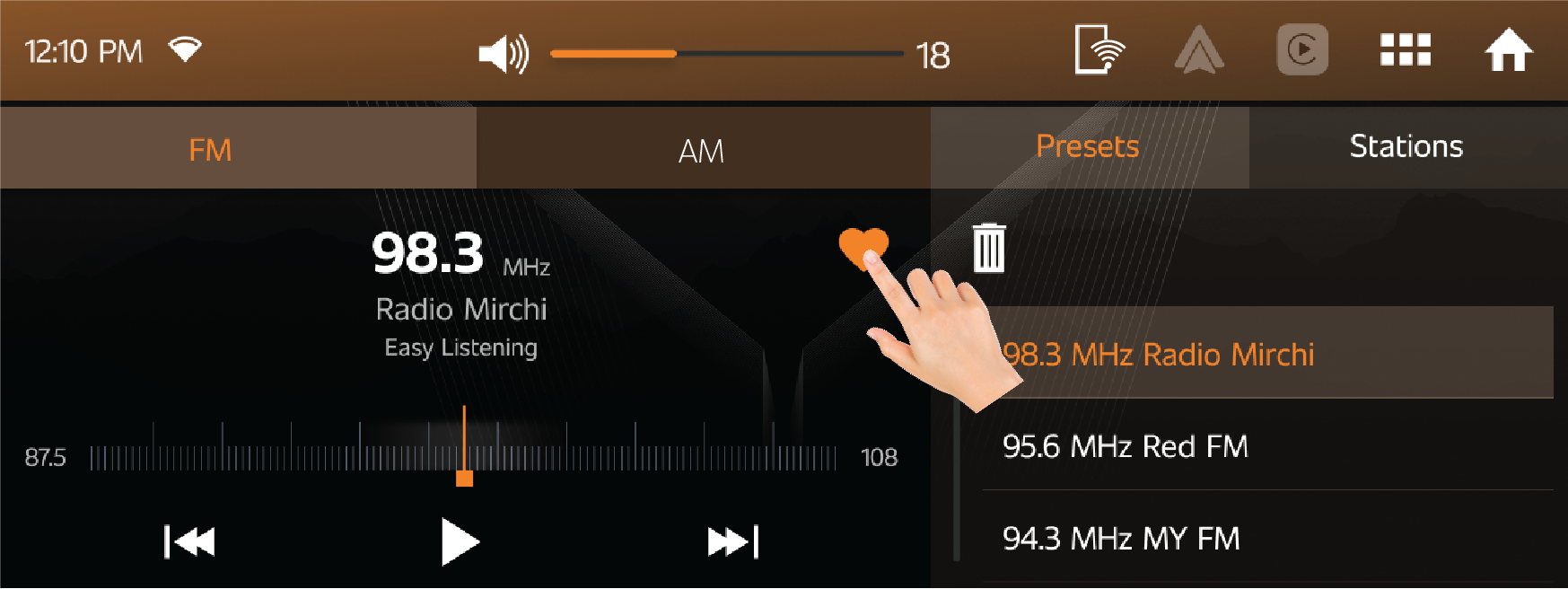
12.2.8 Owner’s Manual
| • | By using Owner’s Manual option, user can see Thar Owner's manual & Infotainment manual. |
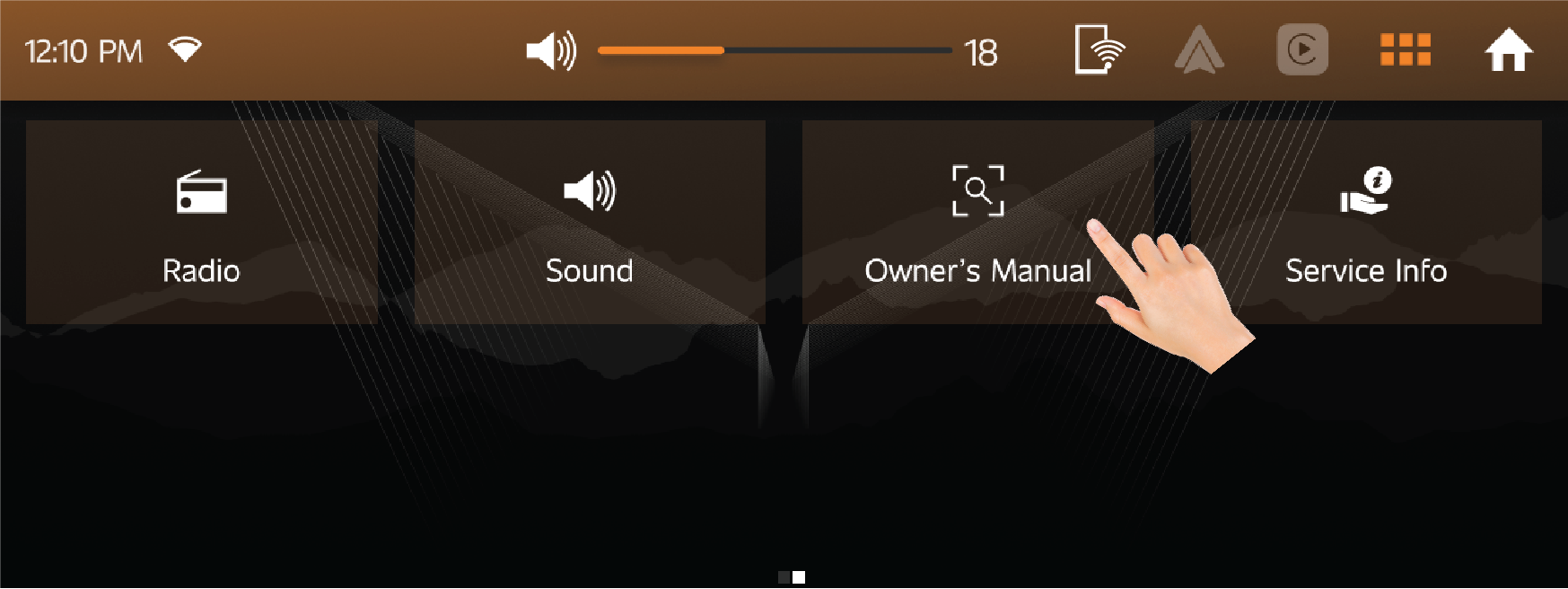
12.3 Fuel Info
| • | Fuel info shows average fuel economy and distance to empty based on fuel level. |
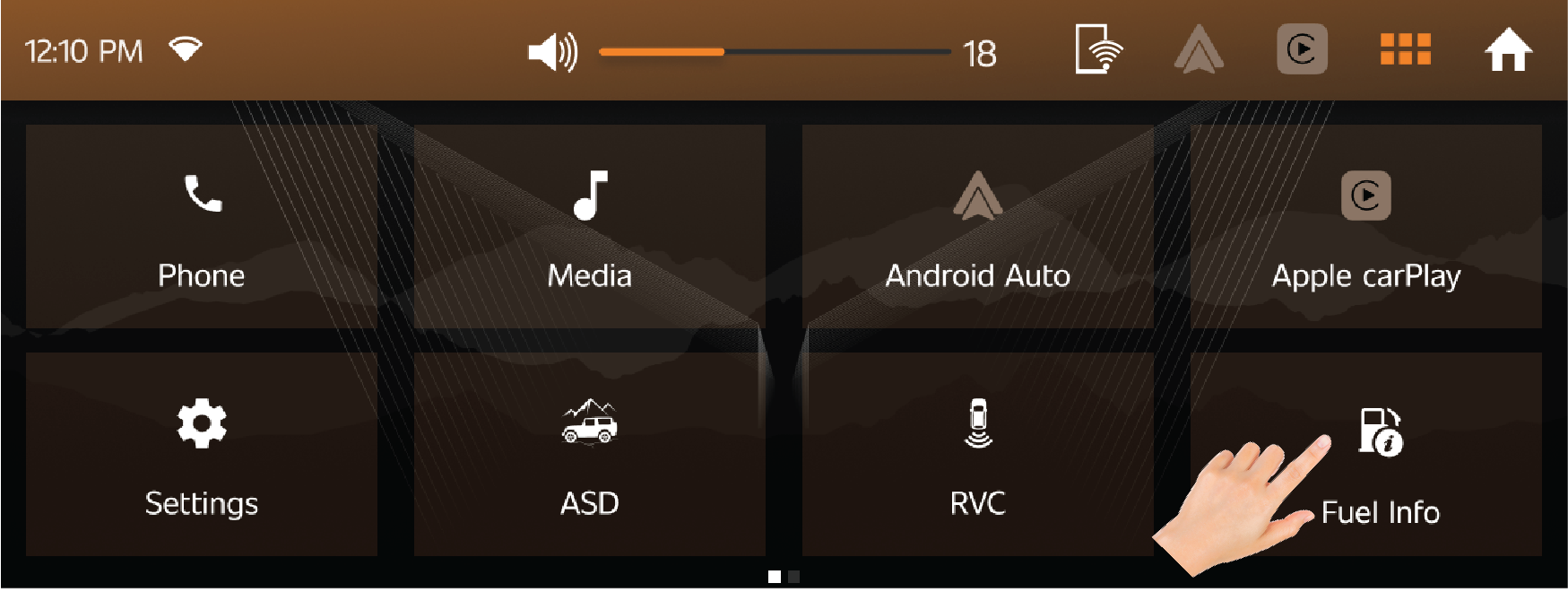
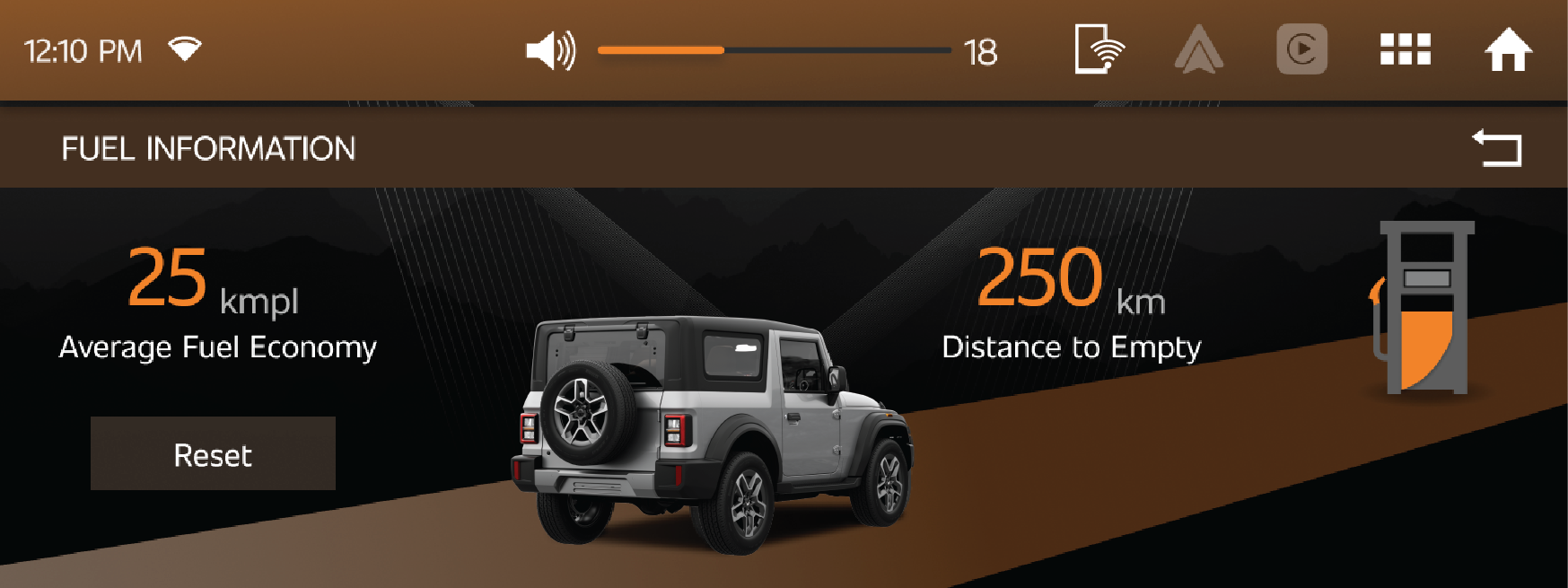
12.4 Settings
| • | Various infotainment seatings can be found under this menu. |
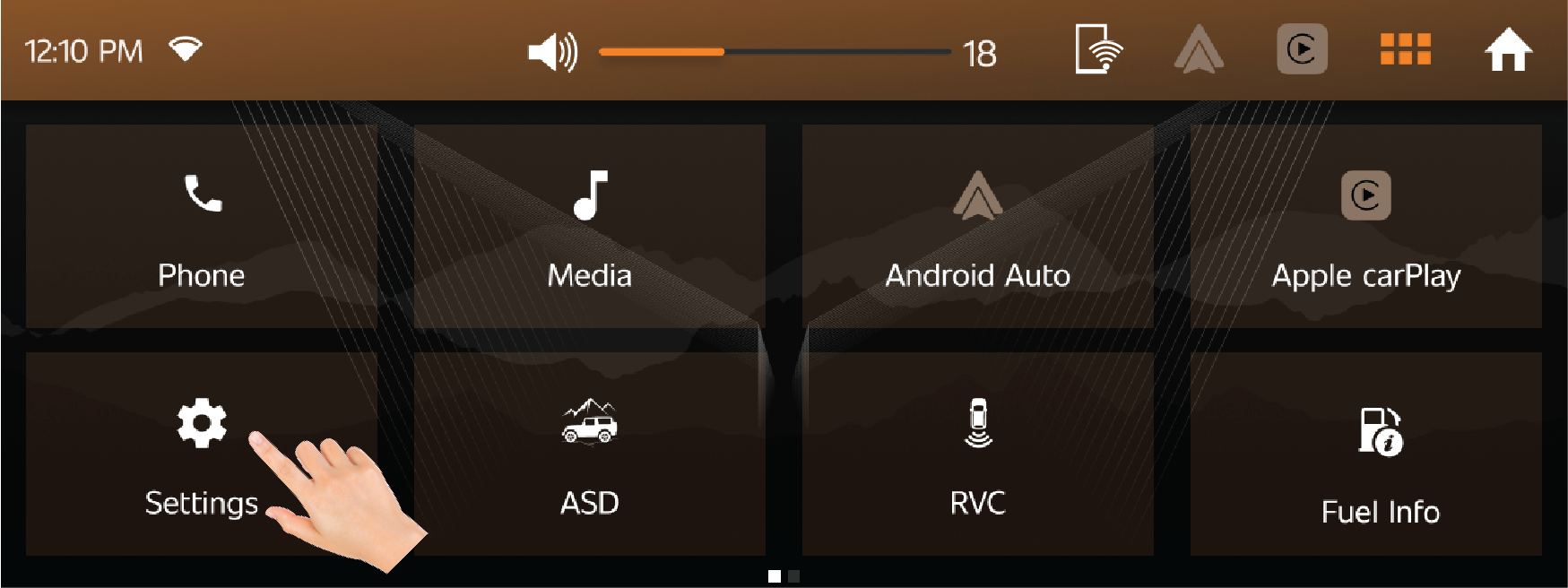
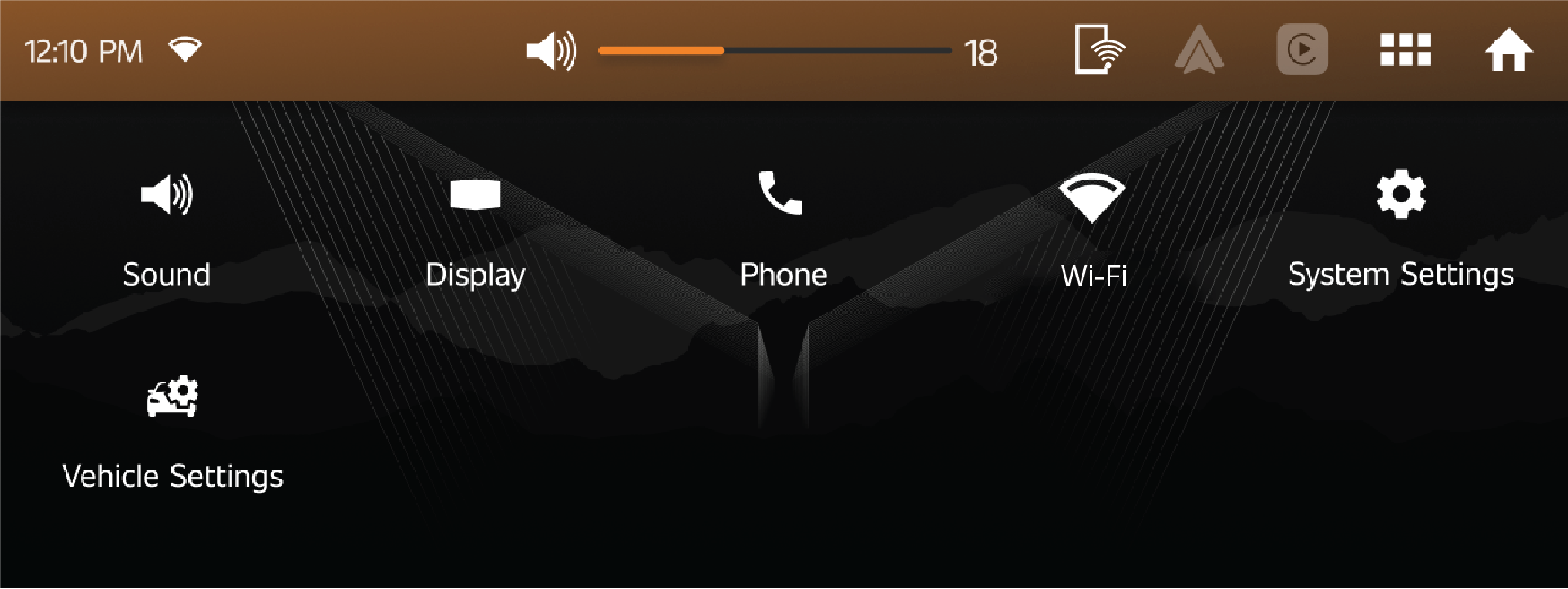
12.4.1 Sound Setting
| • | Vehicles’ audio functions and settings can be controlled and altered using these settings. |
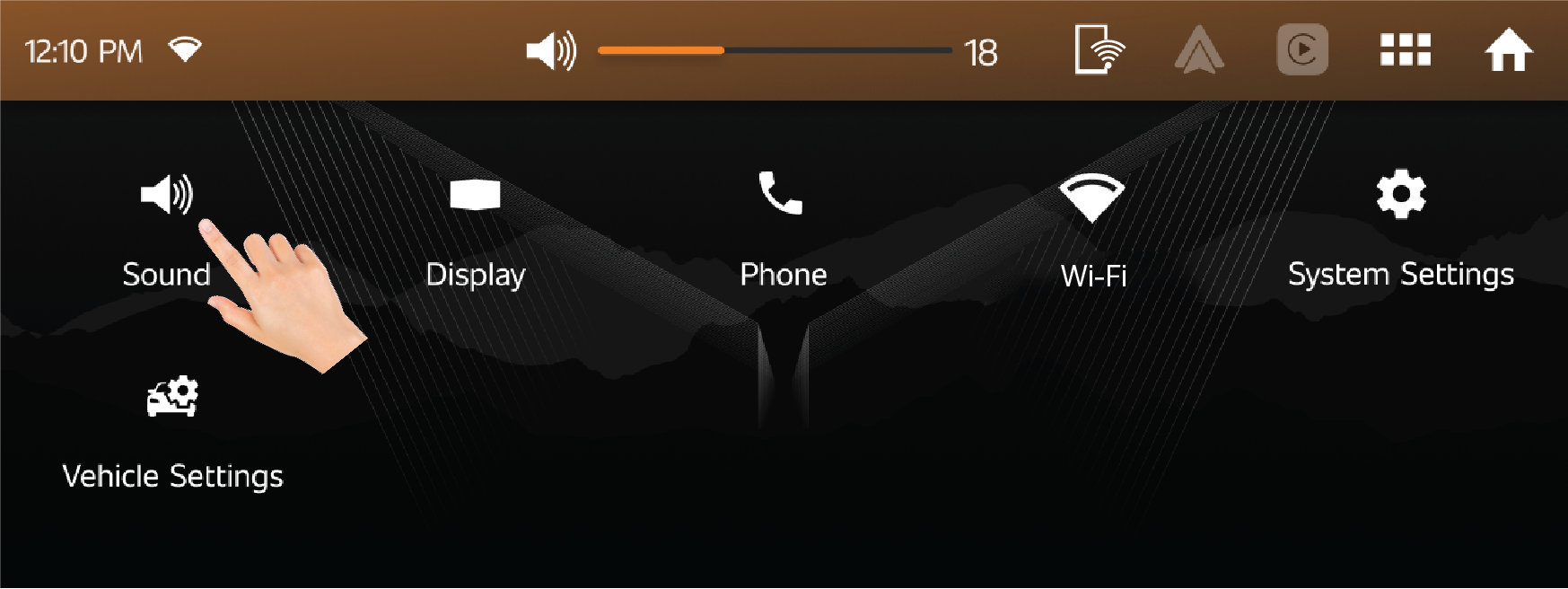
Equalizer
| • | Equalizer can be used to adjust audio frequency settings according to user preferences. Additionally, custom settings can also be adjusted here. |
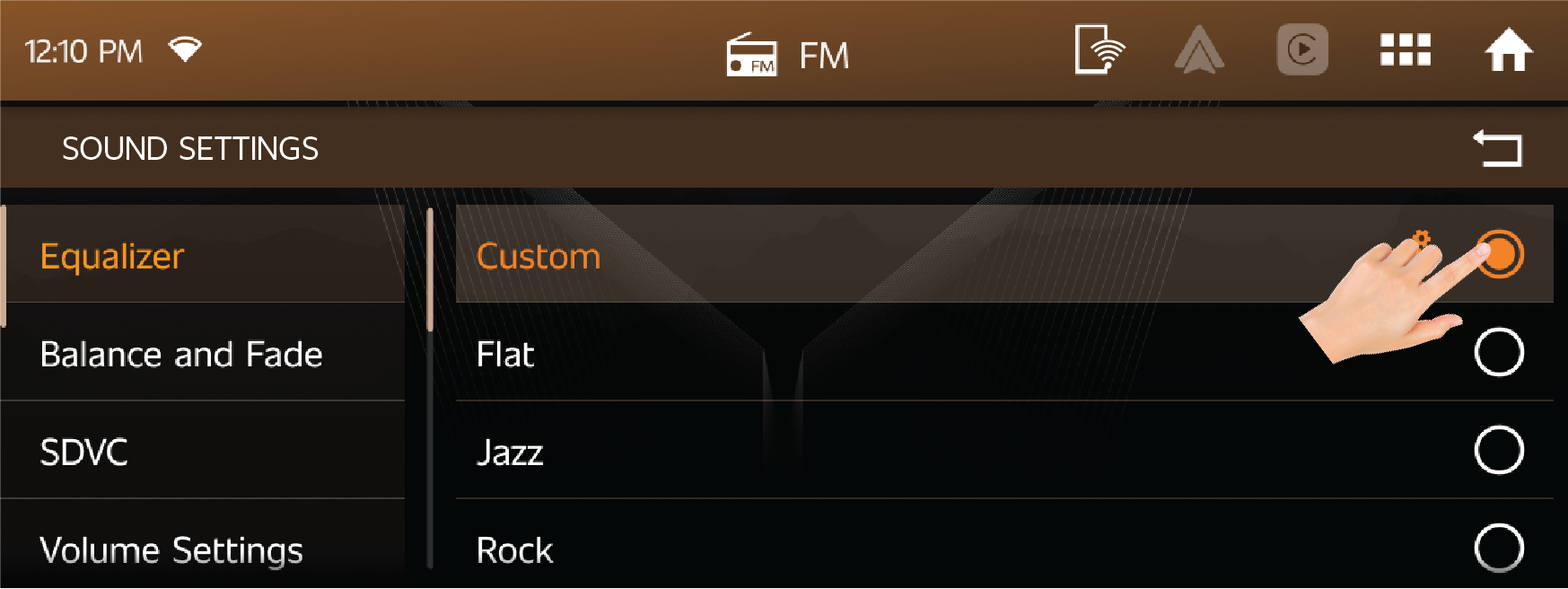
Balance
| • | Balance can be used to adjust the sound balance according to their preferences. |
| • | Centre button: It is given to auto centre out the sound balance. |
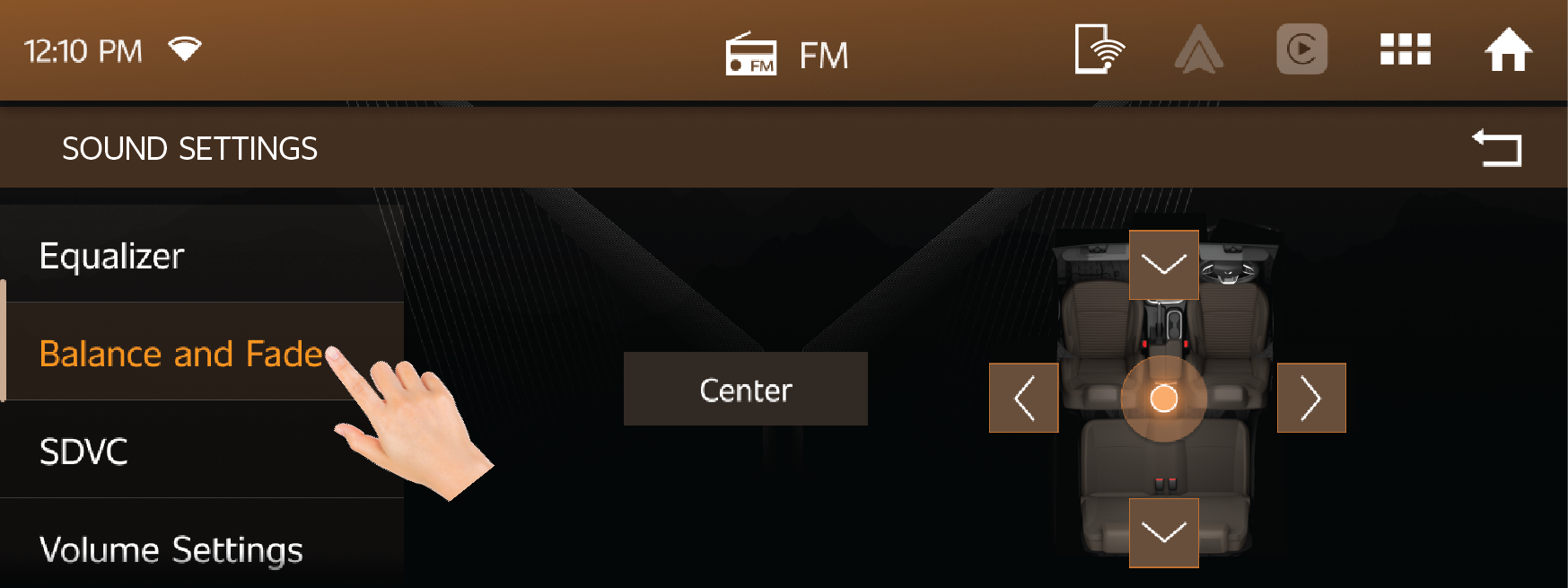
SDVC
| • | SDVC known as Speed Dependent volume control will adjust the loudness and quality of the music according to speed of the vehicle by removing the road noise. |
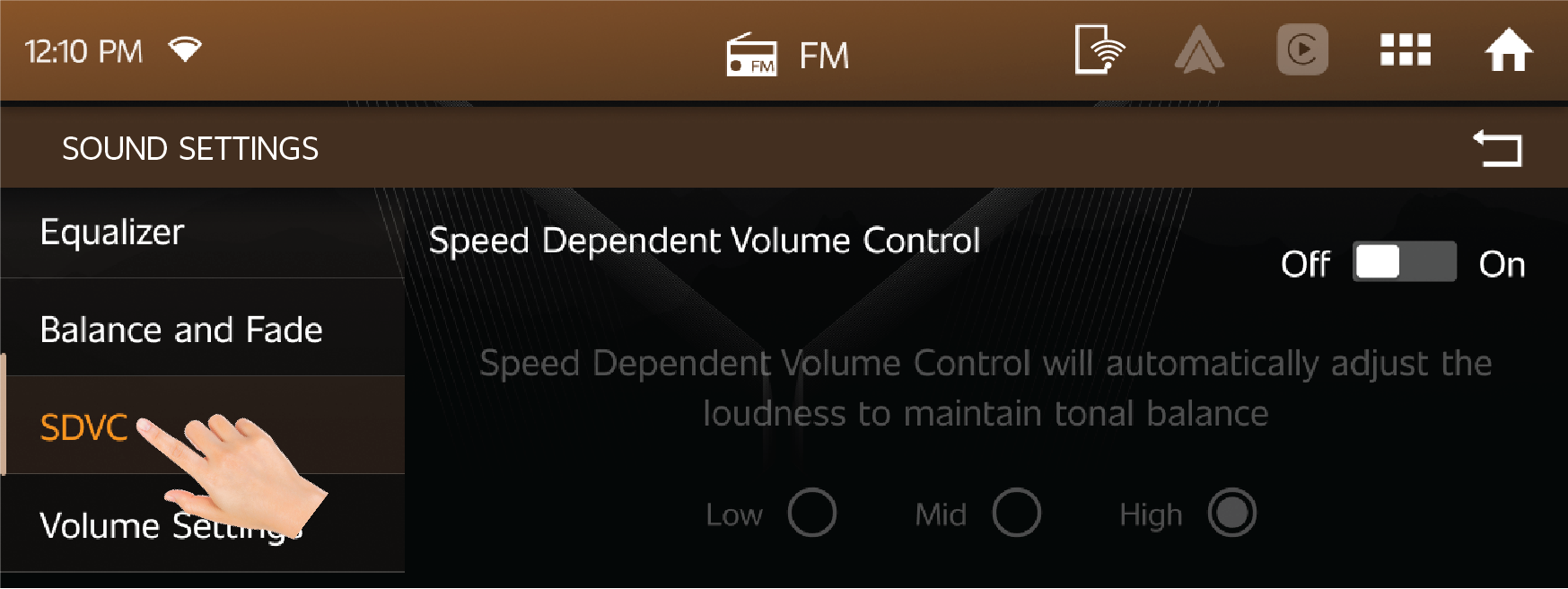
Volume Setting:
| • | User can increase or decrease the volume for the Voice recognition (Alexa & Google Assistance), Notification, Phones, Media |
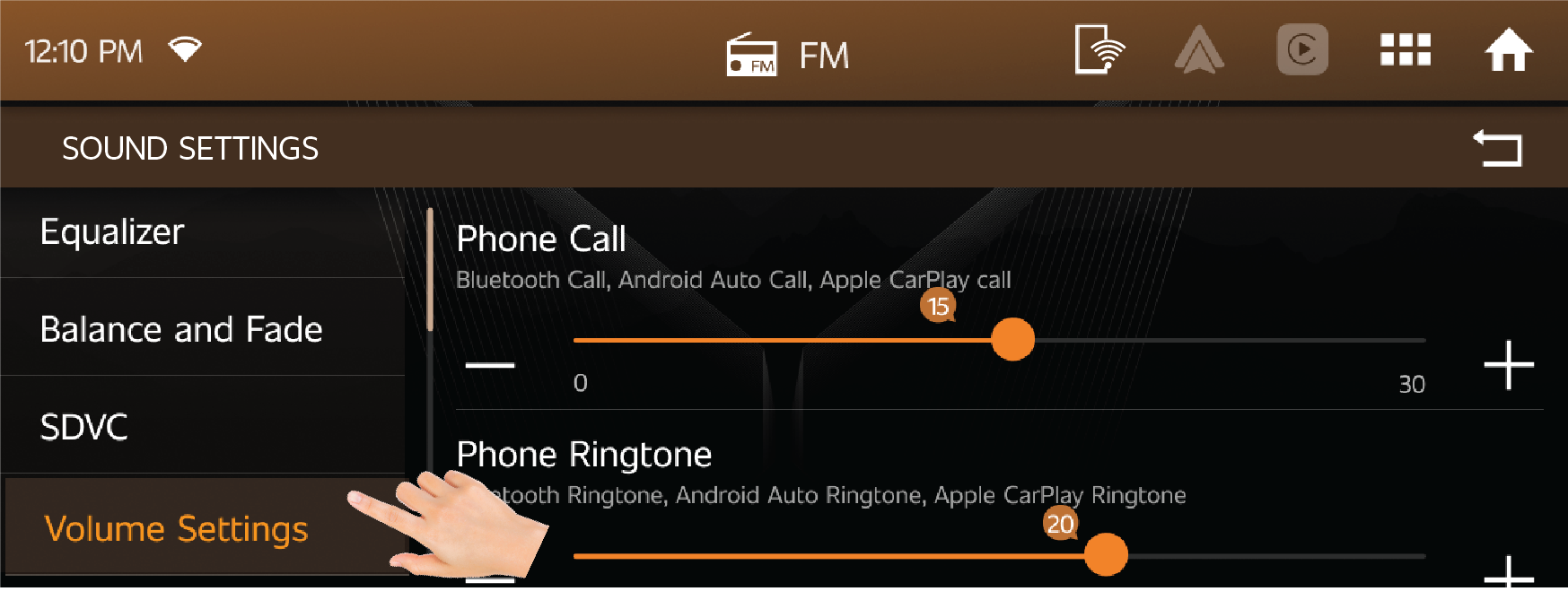
Touch Sound
| • | Enabling the Touch Sound will give the Touch sound, whenever user clicks in the infotainment system. |
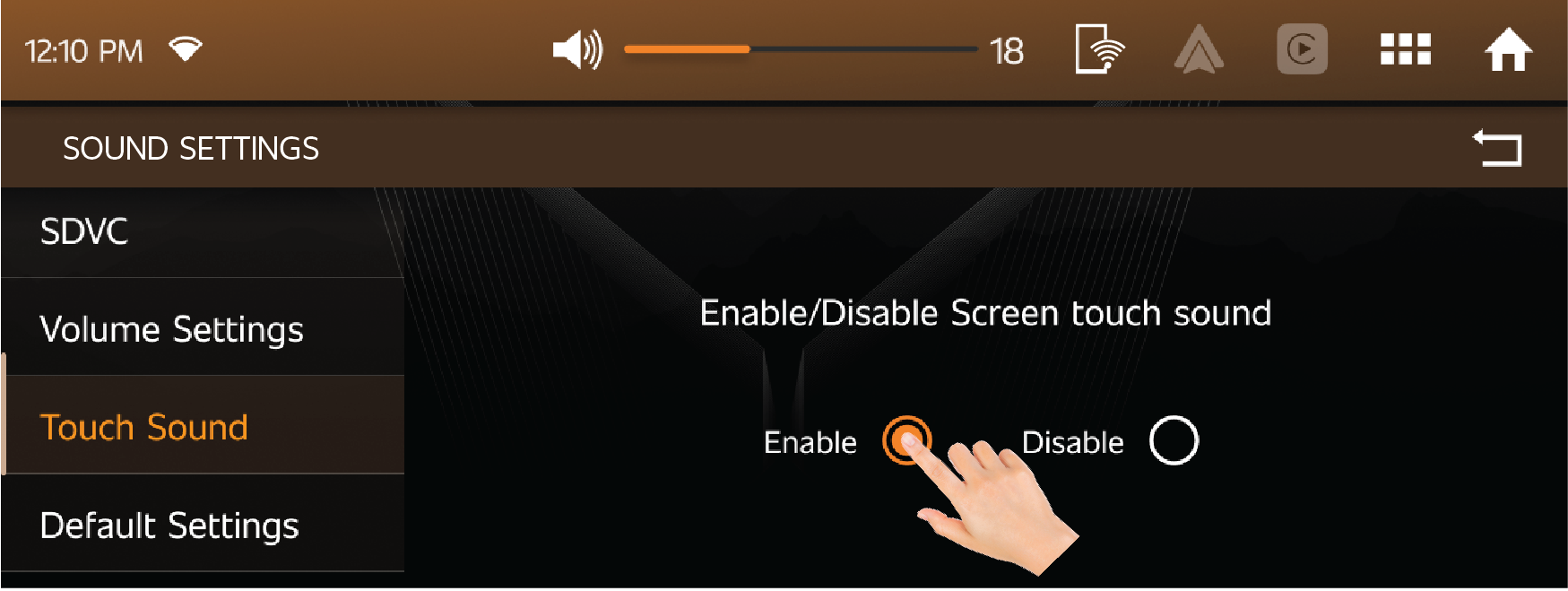
Default Settings
| • | By enabling the below settings, the settings will be restored to the default settings. |
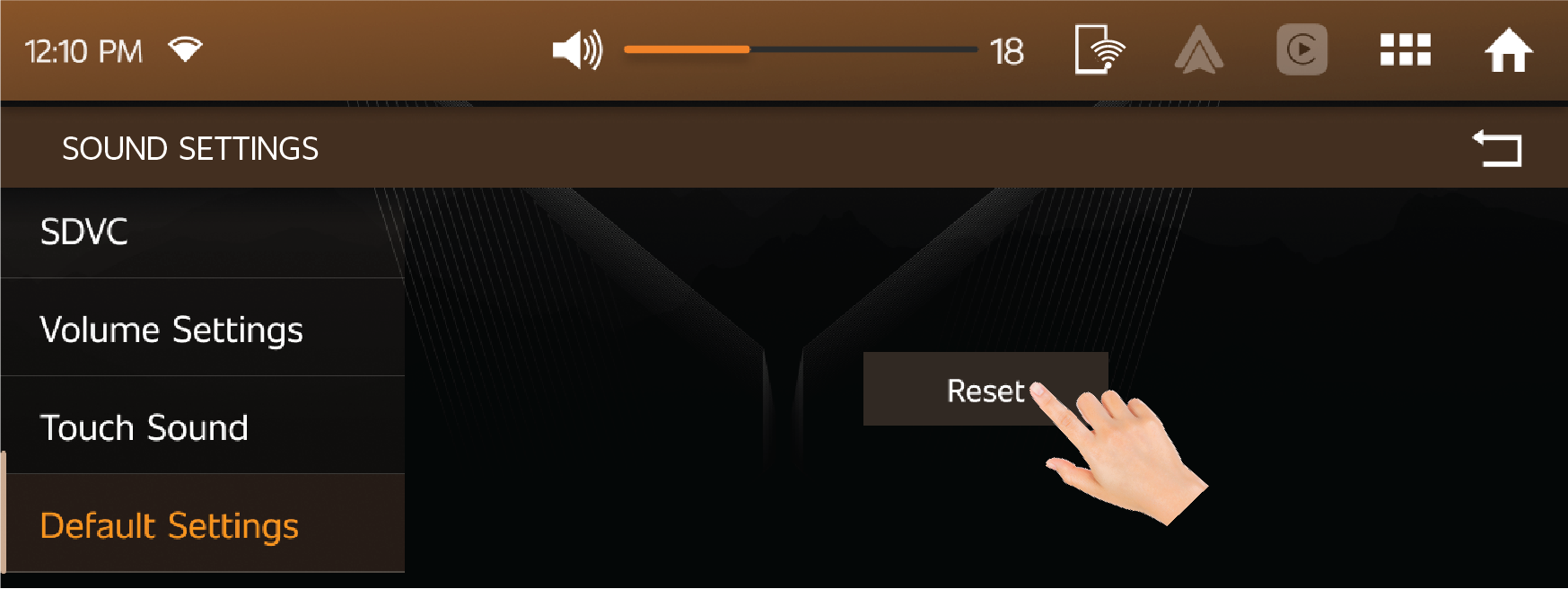
12.4.2 Display Setting
Brightness
| • | User can increase or decrease the brightness of Infotainment and Instrument Cluster using this option. |
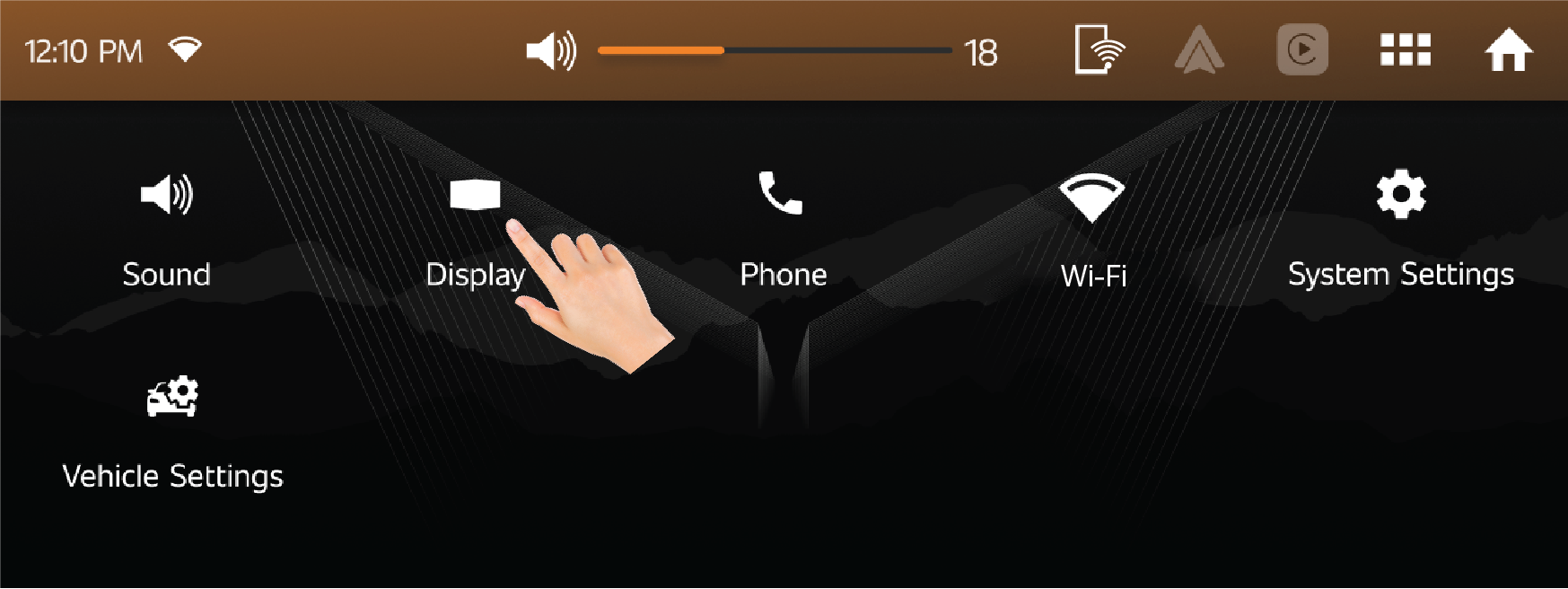
| • | Brightness of display can be adjusted individually for headlamp ON and OFF conditions. |
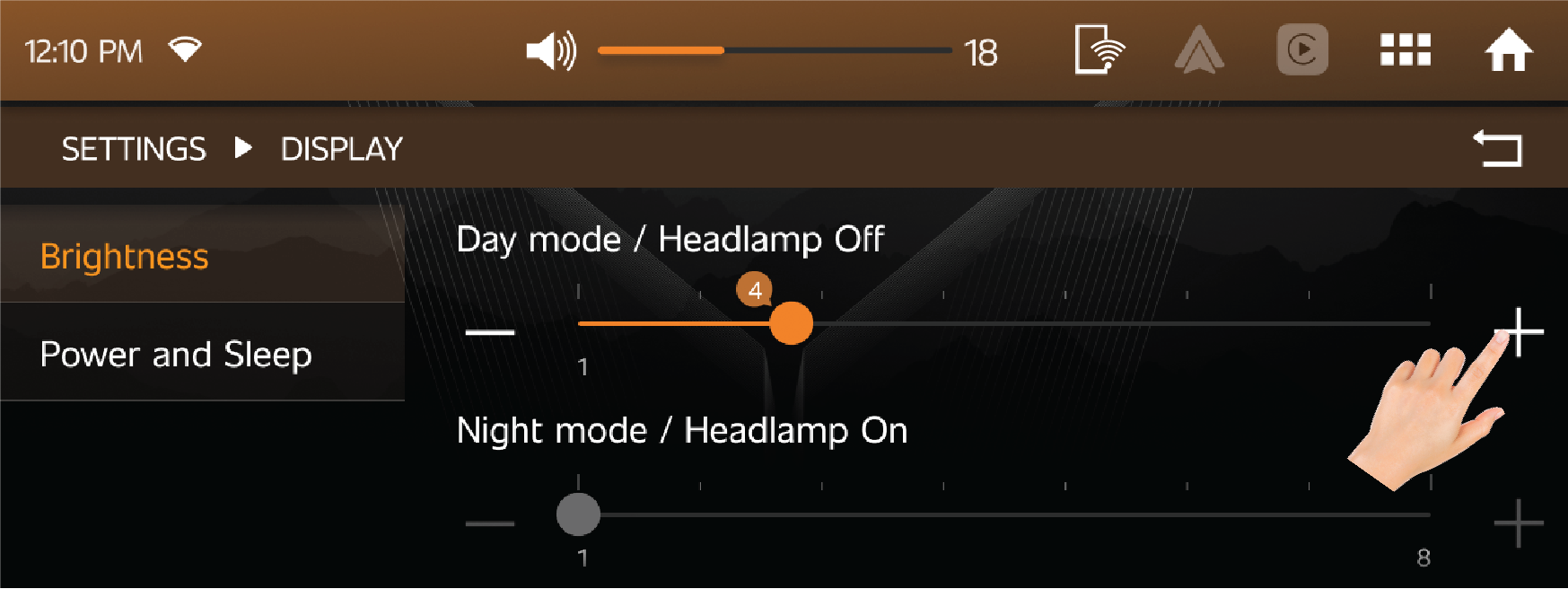
Power and Sleep
| • | User OFF: If this is enabled, then the Blank screen or Analog Clock or Digital Clock will be displayed in Infotainment screen whenever Infotainment system gets OFF as per user selection. |
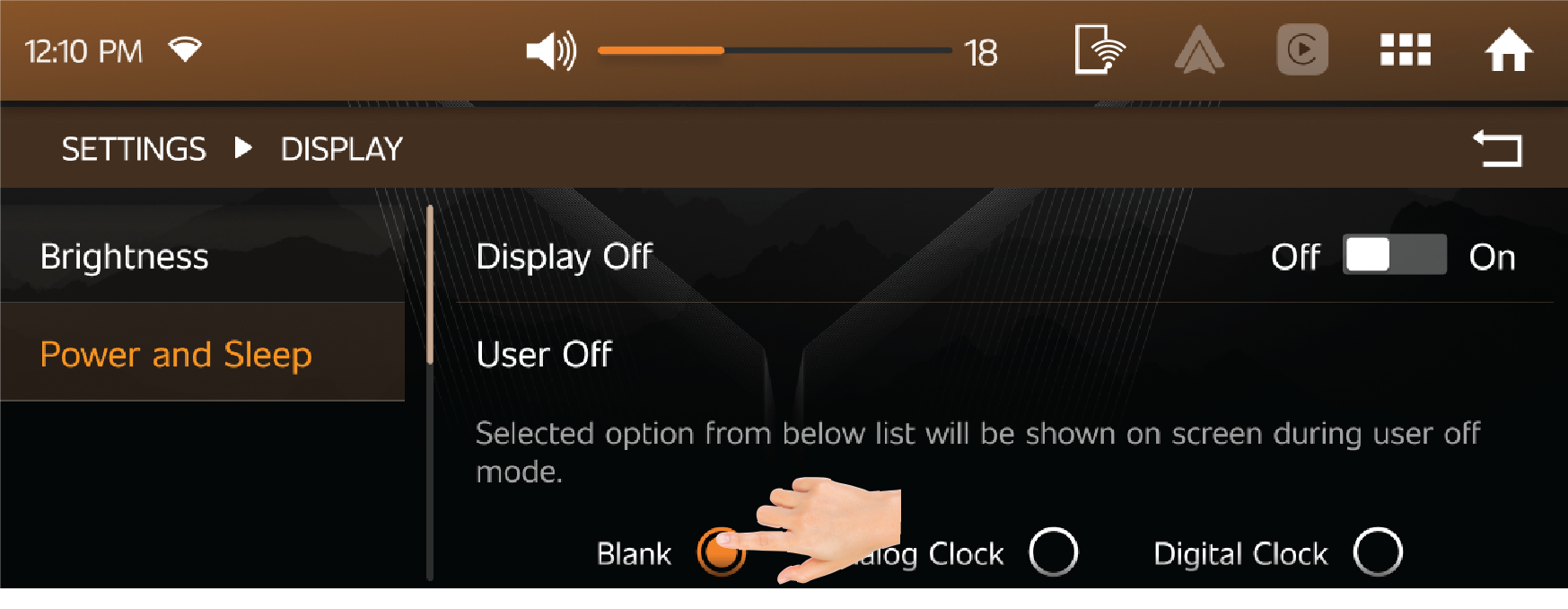
| • | Display OFF: If this option is enabled display will be switched off whenever display is inactive. |
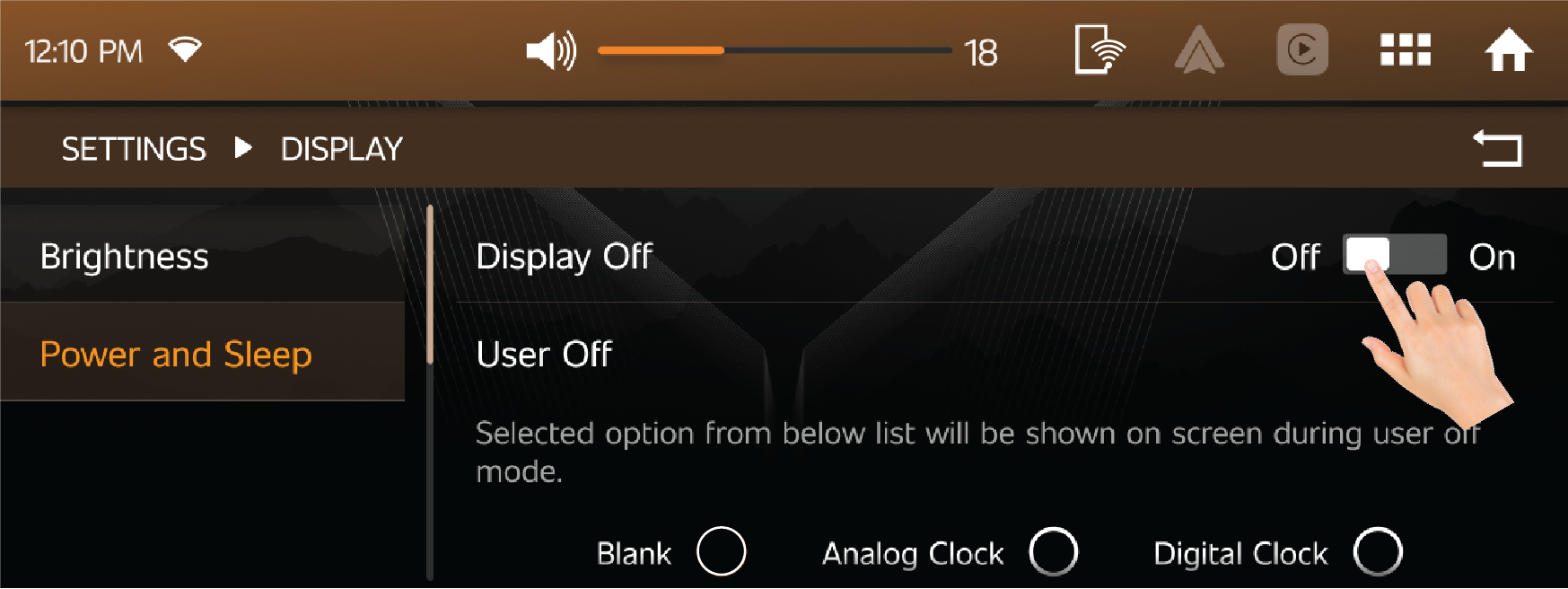
12.4.3 Phone Setting
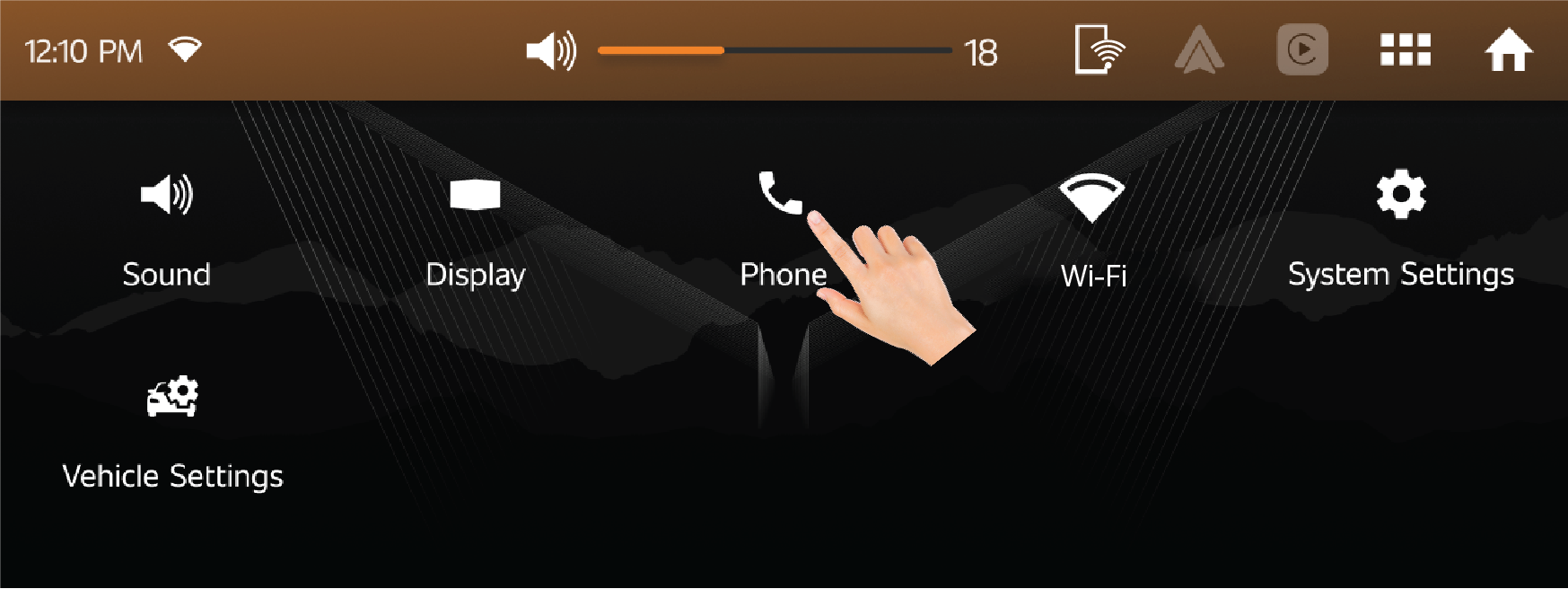
Bluetooth Setting
| • | User can enable or disable Bluetooth connection according to need. |
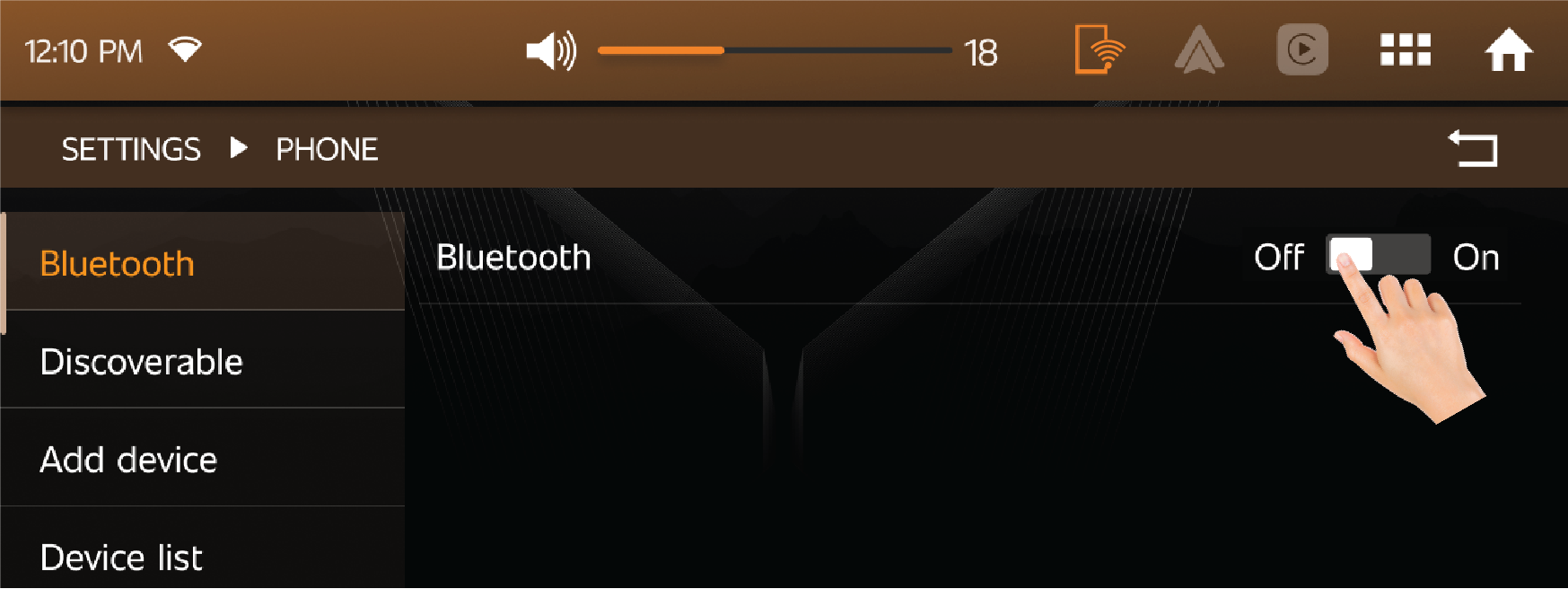
Bluetooth Discoverability
| • | When BT Discoverability option is pressed, vehicle's Bluetooth device will be shown to nearby devices for 90 seconds. |
| • | Once any mobile device is connected, Bluetooth functionalities are available. |
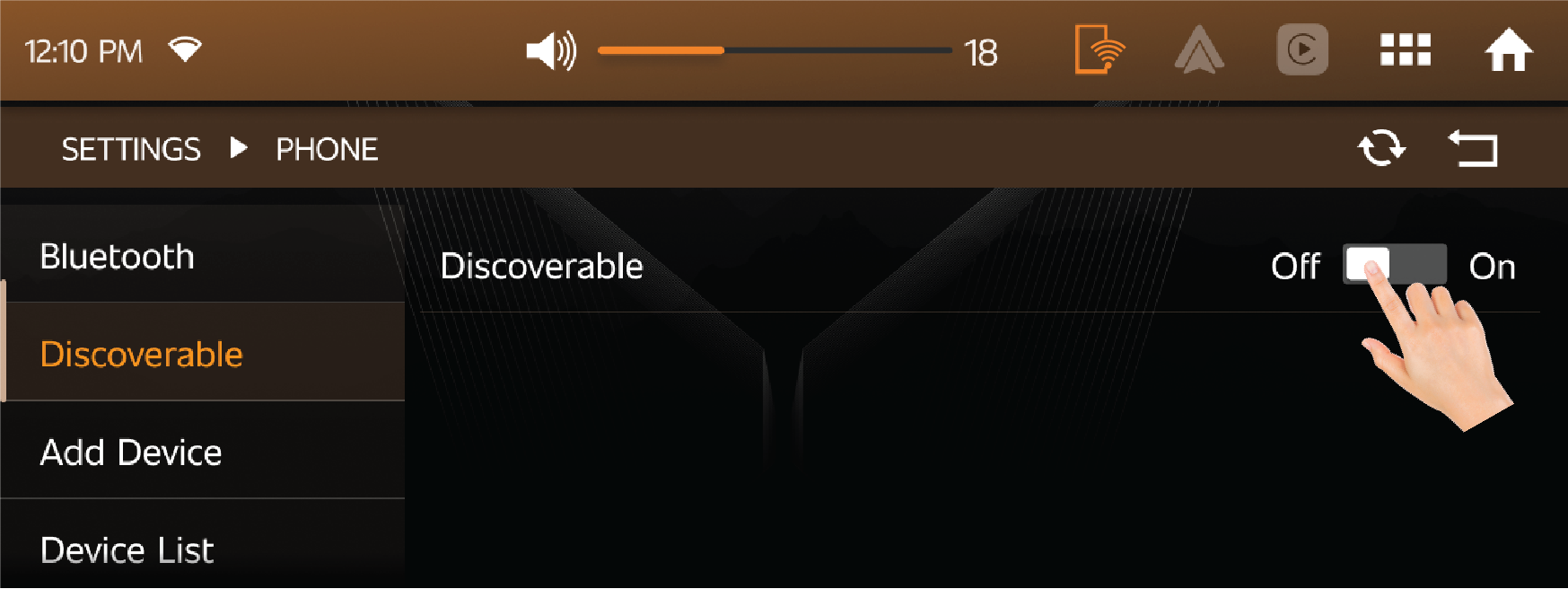
Add Devices
| • | By using this option, user can find the nearby devices. |
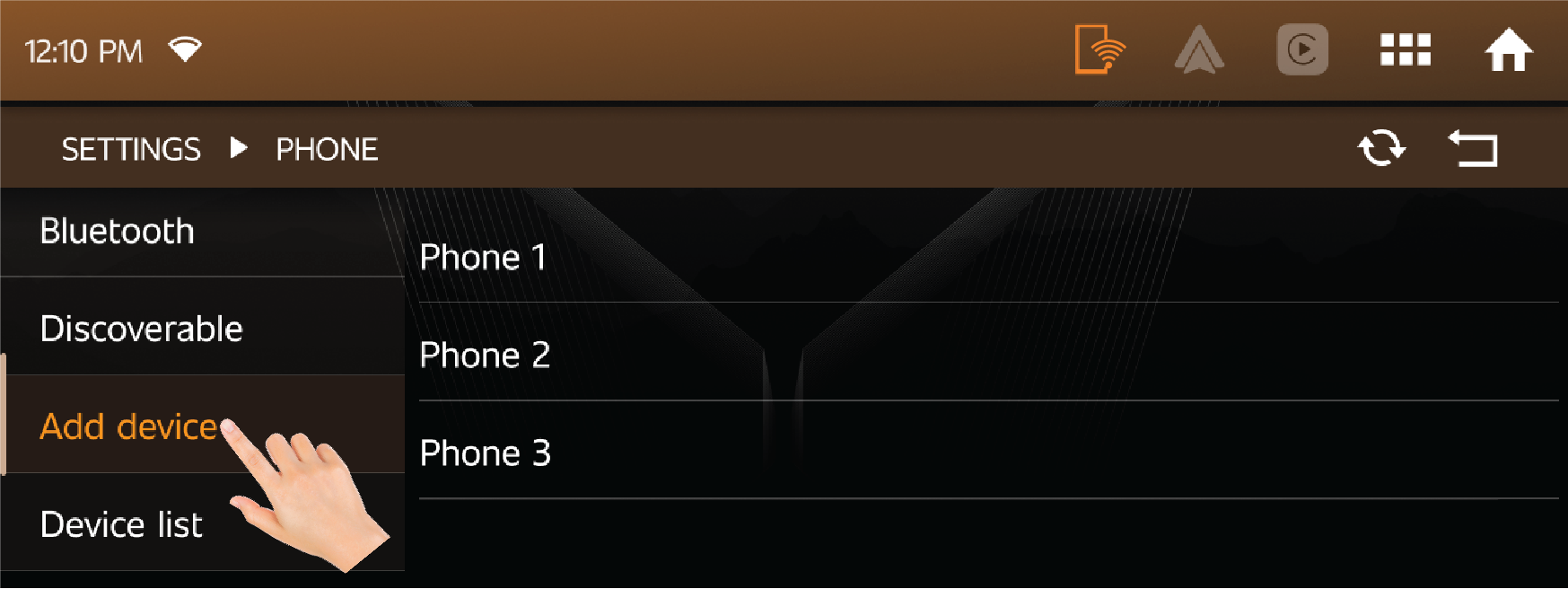
Bluetooth Device List
| • | User can view the list of devices, already connected to vehicle infotainment. |
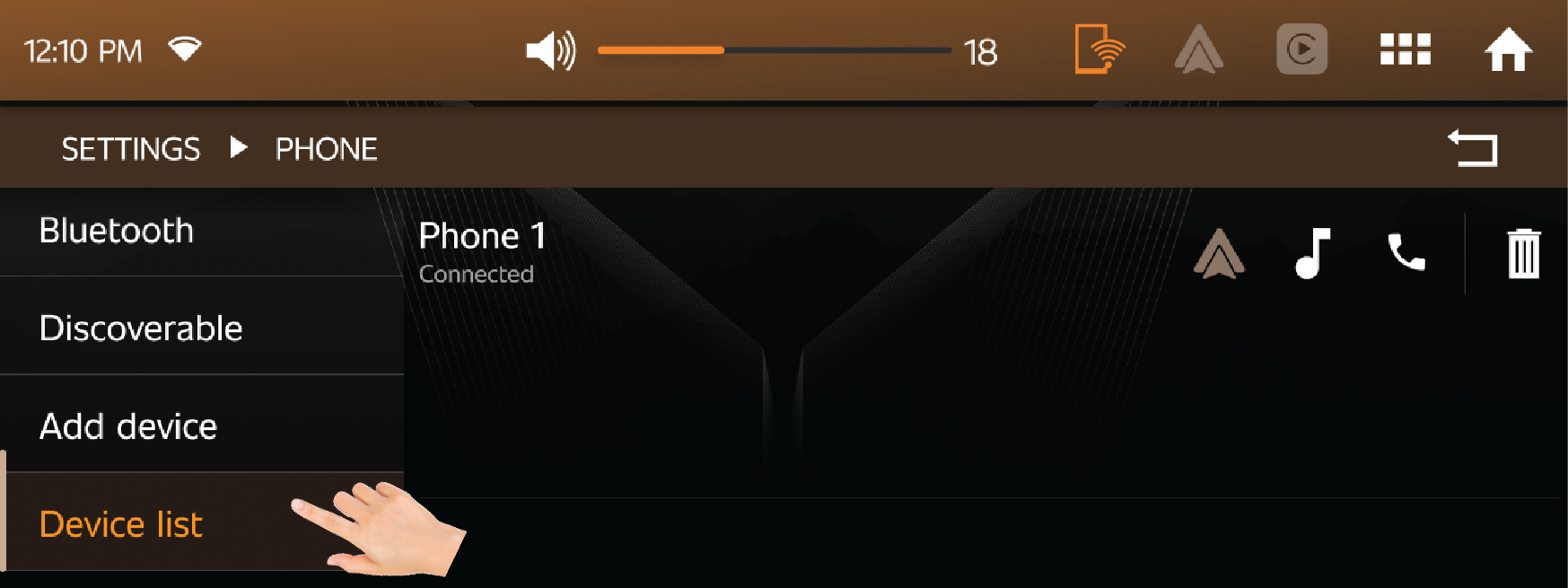
SMS Settings:
SMS Alerts:
| • | User can ON or OFF SMS alerts coming from their connected mobile device. |
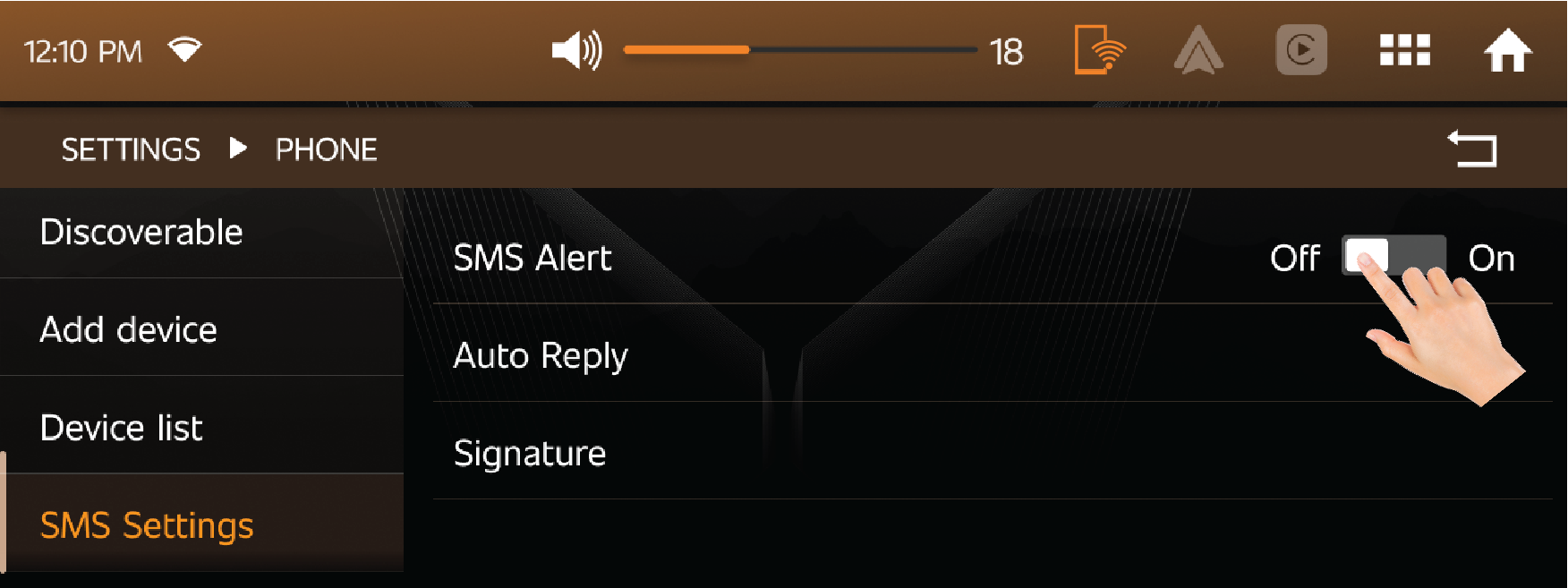
12.4.4 Wi-Fi Setting
| • | User can connect the Android auto with vehicle wirelessly through Wi-Fi. |
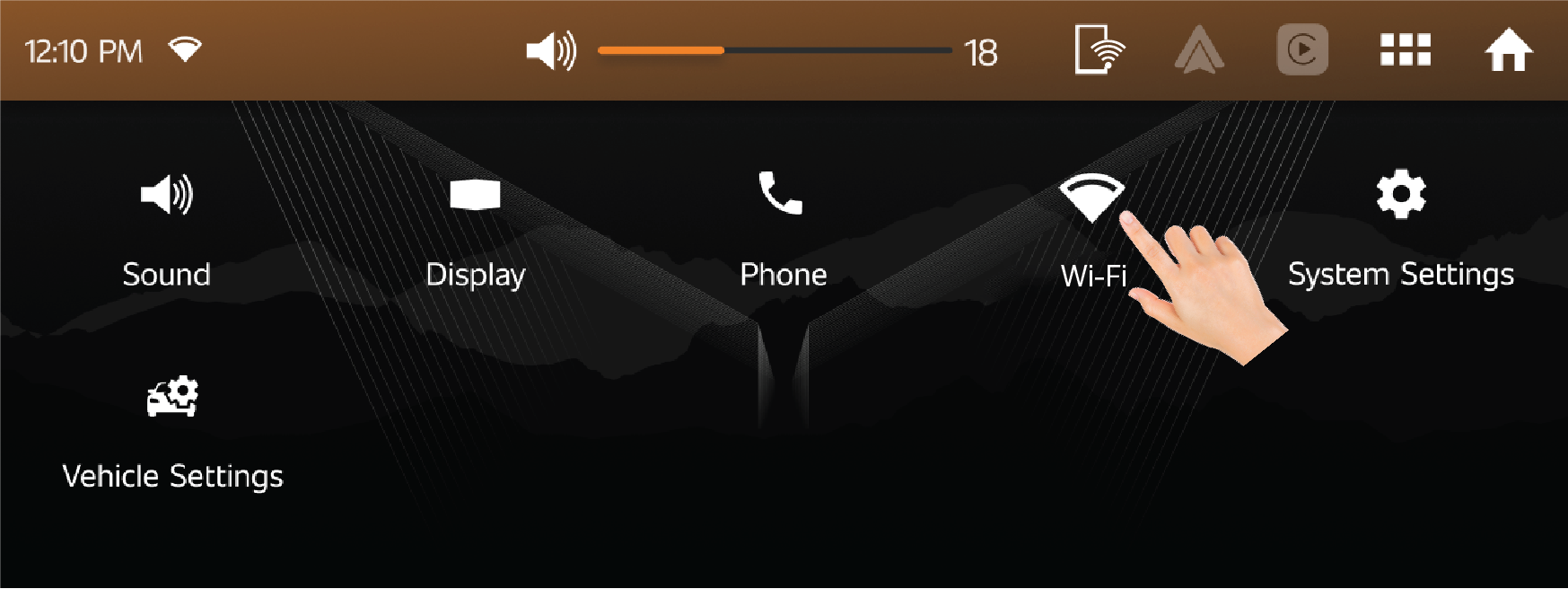
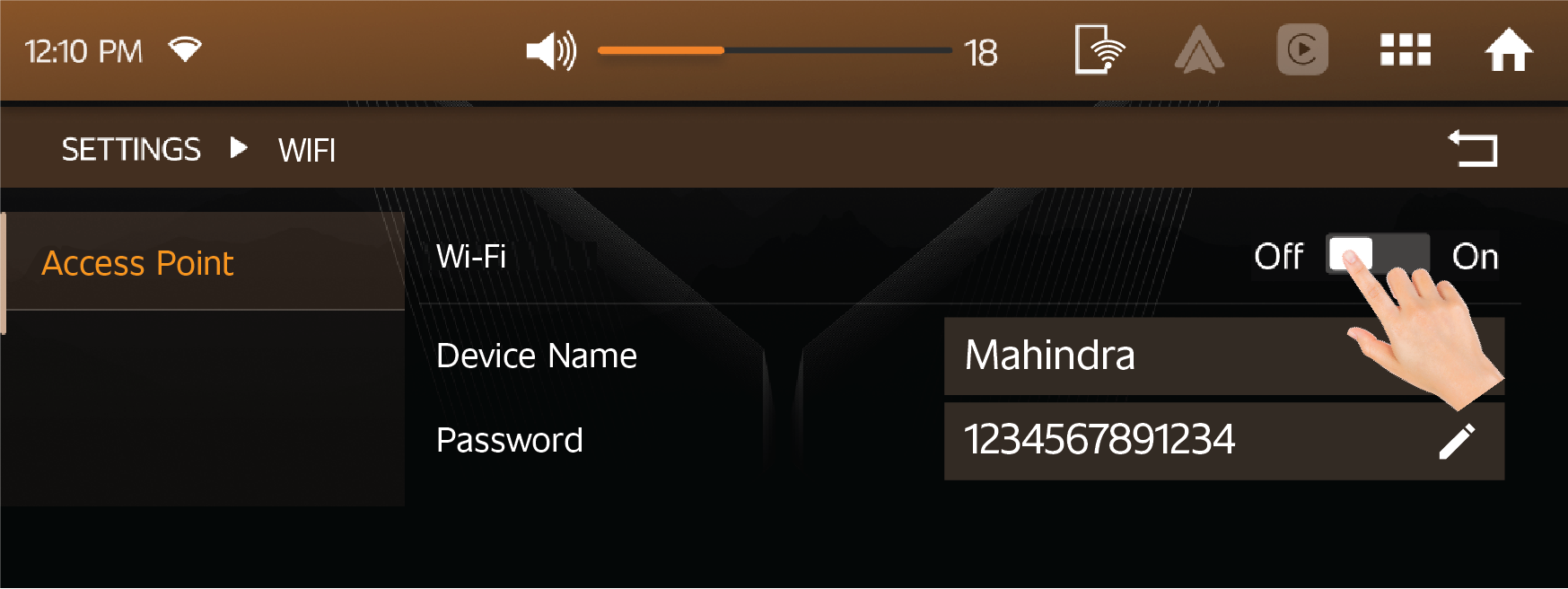
12.4.5 System Setting
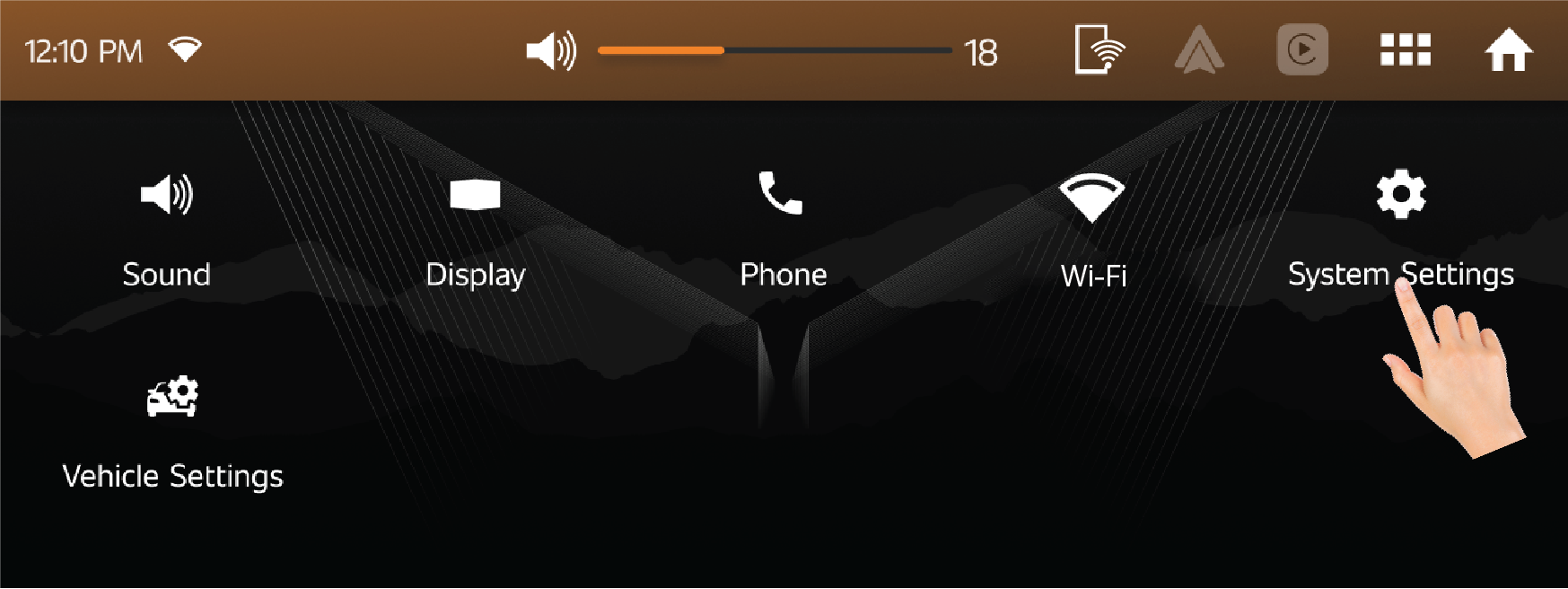
Date & Time
Sync to GPS:
| • | Date and Time can be synced with GPS, it can be manually enabled or disabled by user. |
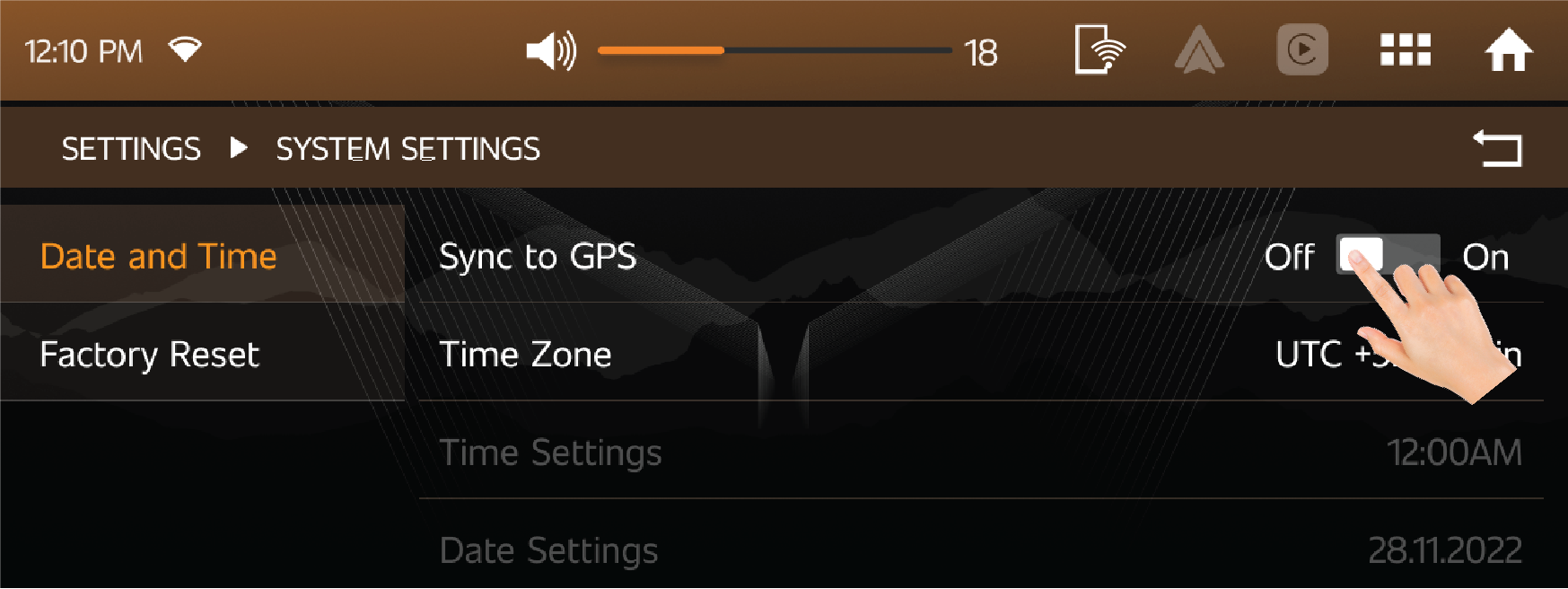
Time Zone
| • | By using this option user can manually select different time zones. |
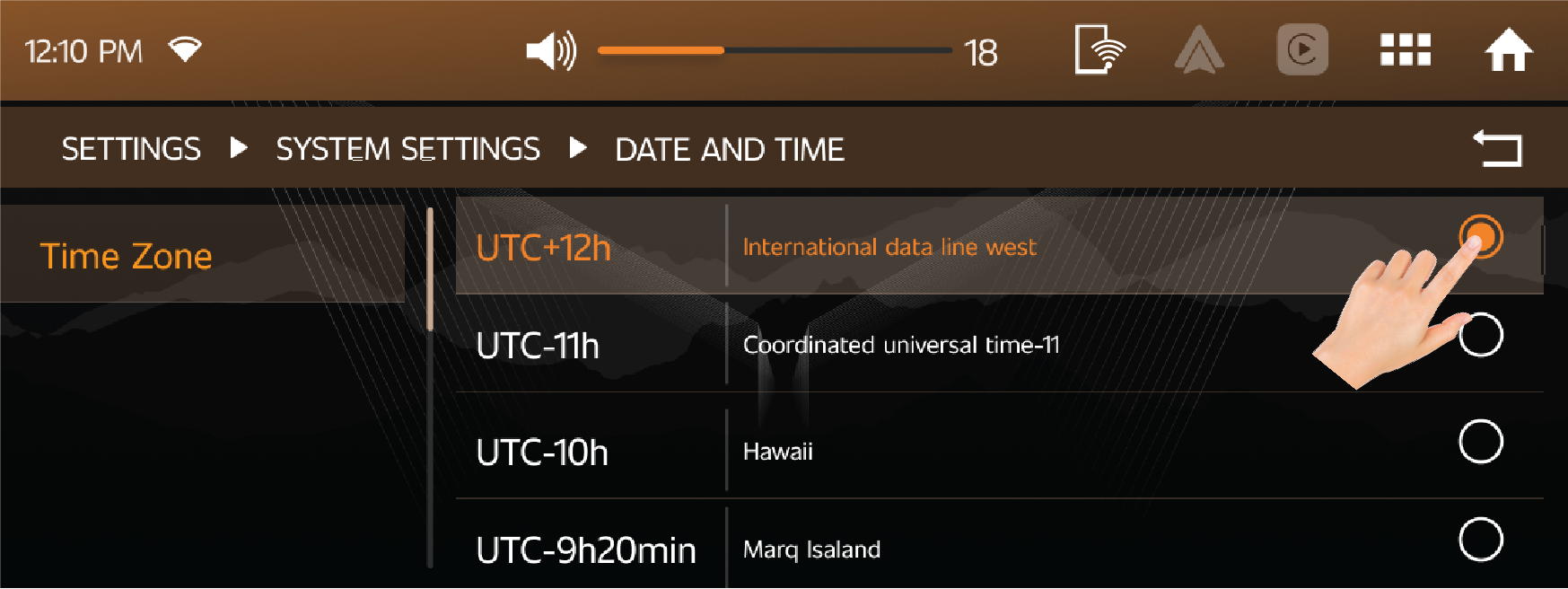
Time Setting
| • | User can set and fix the Time format either in 12 Hour or 24 Hour. |
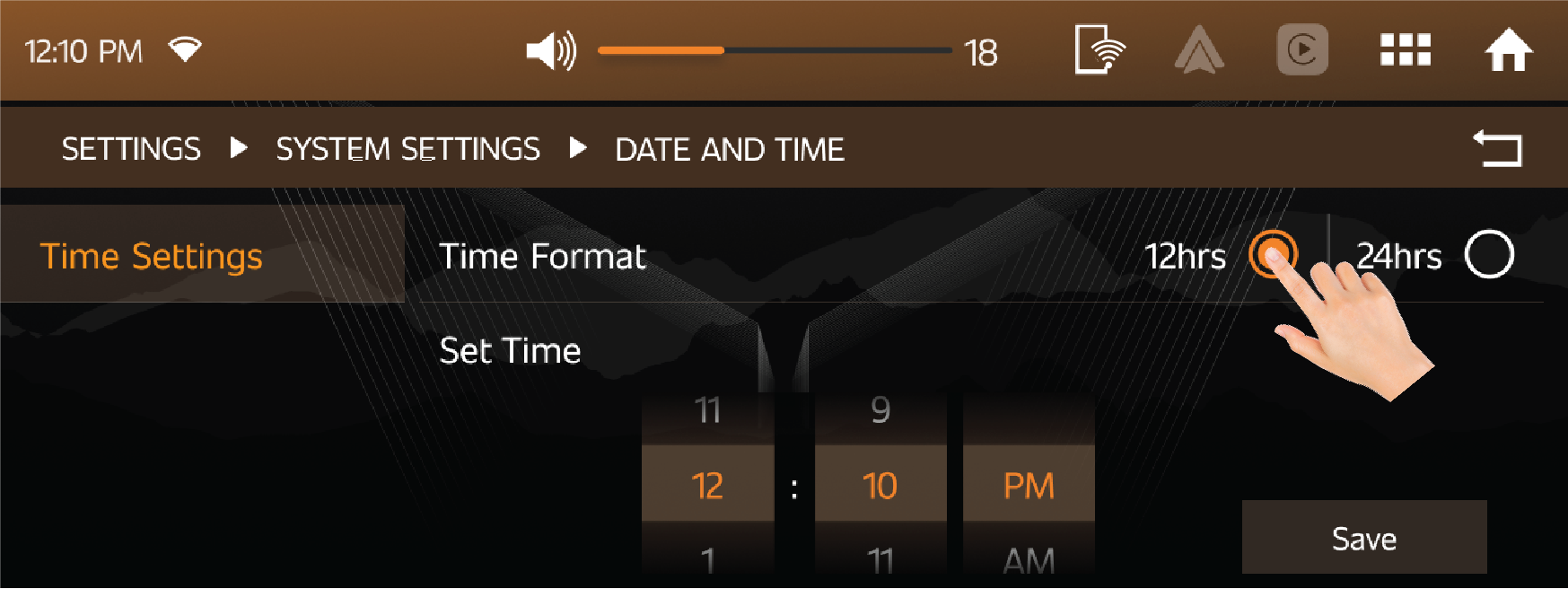
Date Setting
| • | User can set and fix the Date format either in DD/MM/YY or MM/DD/YY format. |
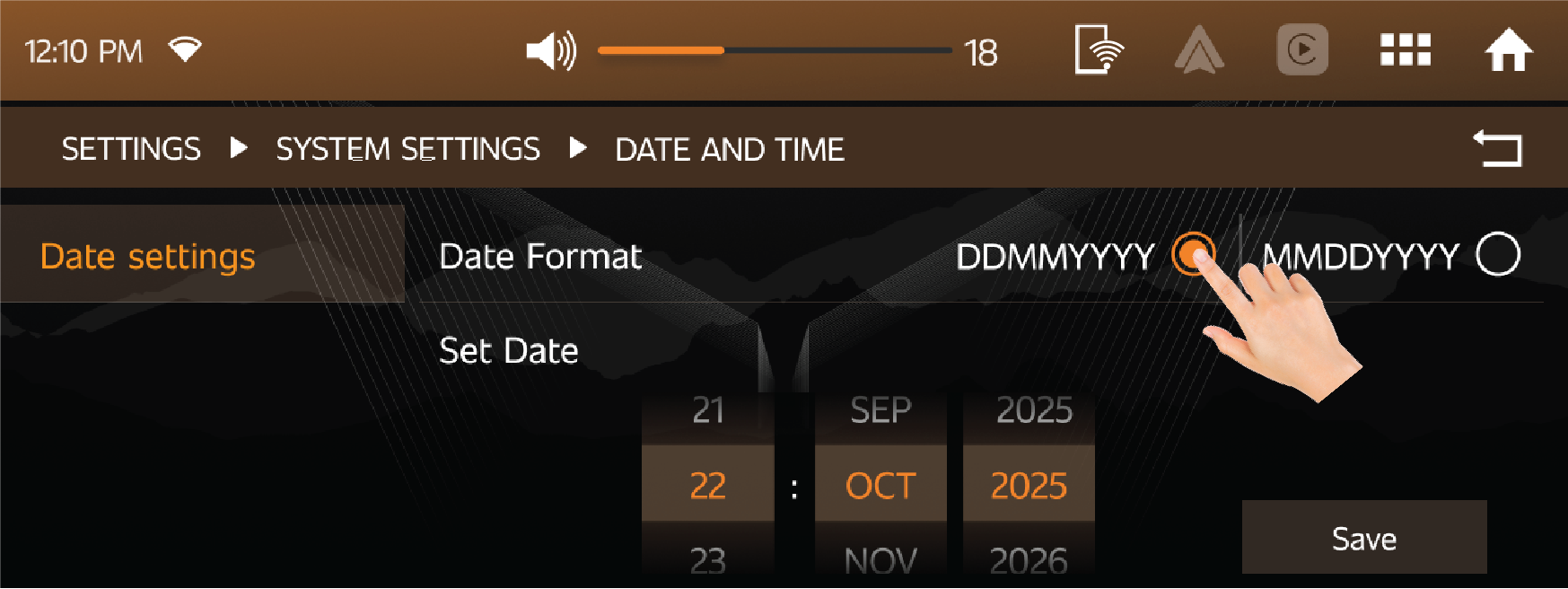
Factory Reset
| • | If user selects 'Reset', All infotainment settings will be restored to default factory settings. |
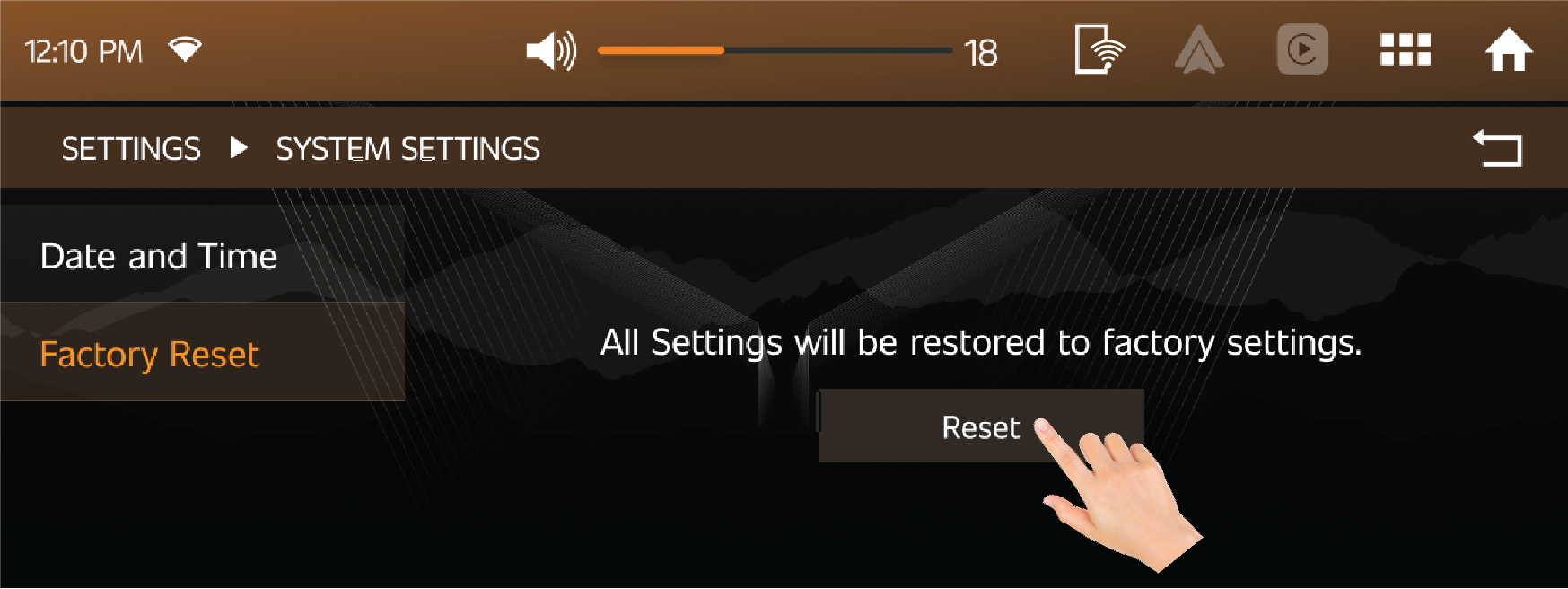
12.4.6 Vehicle Setting
The reflection rate of the inside rearview mirror can be automatically adjusted by the light intensity from a vehicle behind
you by pressing the auto dimming IRVM ON/OFF option on Infotainment screen.
Access
Using this setting, features such as wireless charging can be enabled or disabled.
Lights & Illumination
Light features such as the Daytime Running Lamp can be enabled or disabled using this setting.